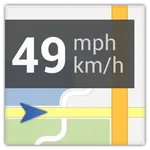
With this app, you can view your current speed as an overlay while using other applications and customize its appearance and position. Includes automatic detection of active apps and Bluetooth connections for flexibility.
AppRecs review analysis
AppRecs rating 3.7. Trustworthiness 61 out of 100. Review manipulation risk 32 out of 100. Based on a review sample analyzed.
★★★☆☆
3.7
AppRecs Rating
Ratings breakdown
5 star
56%
4 star
8%
3 star
2%
2 star
2%
1 star
31%
What to know
✓
Good user ratings
64% positive sampled reviews
⚠
High negative review ratio
33% of sampled ratings are 1–2 stars
About Maps Speedometer
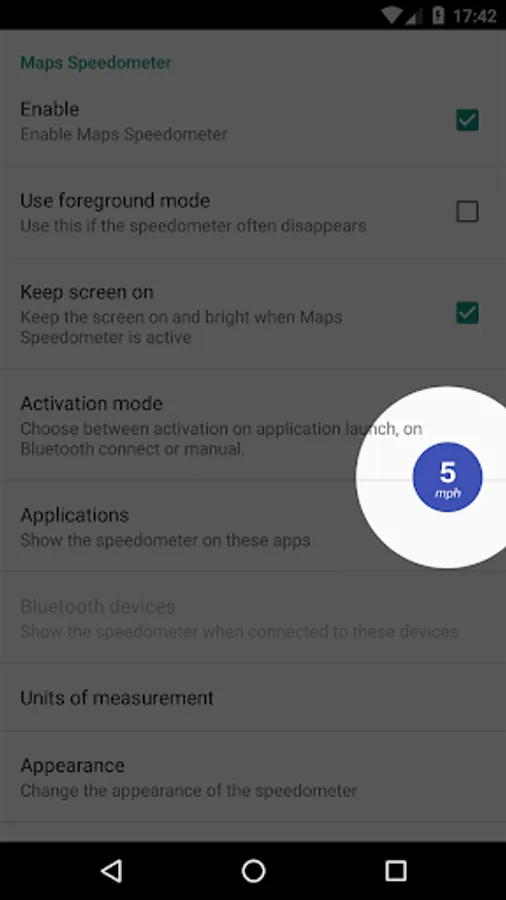
Maps Speedometer shows your current speed in any app. It automatically detects when an app of your choice is active and shows an elegant overlay with a speedometer. It is also possible to show the speedometer when you connect to an other Bluetooth device.
FEATURES:
- No advertisements!
- No internet access necessary, no backdoors sharing your private information;
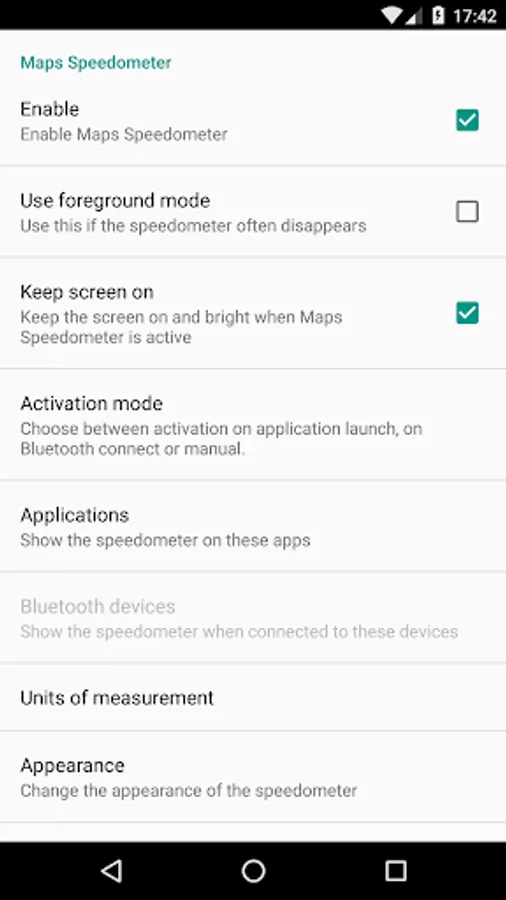
- It automatically shows and hides if a chosen app is active or not;
- It automatically shows and hides, depending whether a Bluetooth connection is active;
- Choose between miles, kilometers per hour or knots (mph, km/h or kn);
- Hide it for 10 seconds by touching the overlay;
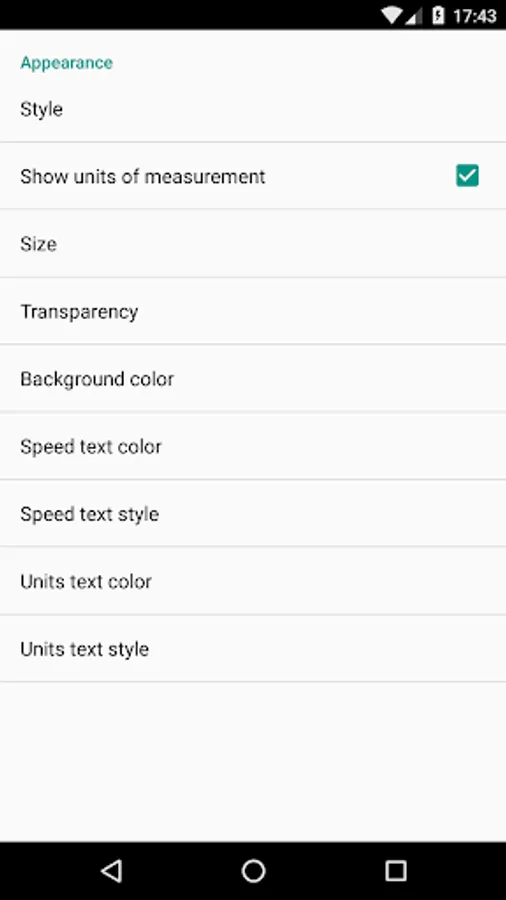
- Adjustable transparency;
- Adjustable size;
- Adjustable position, just drag it anywhere you like;
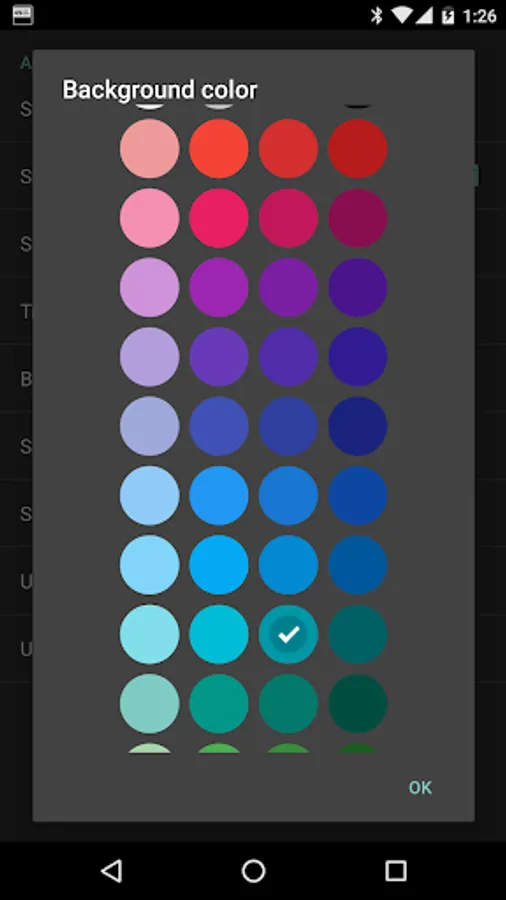
- Adjustable colors and styles;
- Can be used with any app installed on your device
ANDROID AUTO SUPPORT:
At the moment it is not possible to show an overlay over the Maps app in Android Auto. Android Auto currently only supports audio or messaging apps (within some strictly defined boundaries).
We hope that Android Auto will become more open to allow apps like Maps Speedometer and Maps Speed Limits to show an overlay on Android Auto, but at this moment there doesn't seem to be any incentive at Google to do so.
CONTACT US:
Please contact us if this application does not work properly on your device.
We will try to fix the problem for the next release.
This app uses Accessibility services. This app will only use Accessibility services to detect the current active app, so it can show the overlay with the apps chosen by you in the configuration.
YOU MIGHT ALSO LIKE:
Maps Speed Limits, an app to display the speed limits based on where you are.
Download: https://play.google.com/store/apps/details?id=com.amphebia.mapsspeedlimits
FEATURES:
- No advertisements!
- No internet access necessary, no backdoors sharing your private information;
- It automatically shows and hides if a chosen app is active or not;
- It automatically shows and hides, depending whether a Bluetooth connection is active;
- Choose between miles, kilometers per hour or knots (mph, km/h or kn);
- Hide it for 10 seconds by touching the overlay;
- Adjustable transparency;
- Adjustable size;
- Adjustable position, just drag it anywhere you like;
- Adjustable colors and styles;
- Can be used with any app installed on your device
ANDROID AUTO SUPPORT:
At the moment it is not possible to show an overlay over the Maps app in Android Auto. Android Auto currently only supports audio or messaging apps (within some strictly defined boundaries).
We hope that Android Auto will become more open to allow apps like Maps Speedometer and Maps Speed Limits to show an overlay on Android Auto, but at this moment there doesn't seem to be any incentive at Google to do so.
CONTACT US:
Please contact us if this application does not work properly on your device.
We will try to fix the problem for the next release.
This app uses Accessibility services. This app will only use Accessibility services to detect the current active app, so it can show the overlay with the apps chosen by you in the configuration.
YOU MIGHT ALSO LIKE:
Maps Speed Limits, an app to display the speed limits based on where you are.
Download: https://play.google.com/store/apps/details?id=com.amphebia.mapsspeedlimits
Maps Speedometer Screenshots
Tap to Rate:
Reviews for Maps Speedometer
colin murr
7/22/2024
Does not work on pixel 8 pro through android auto, cannot get refund when only used for 1 journey, all permissions etc enabled but useless.
Anthony or Tony Daly
4/9/2024
Glitchy