
Compass Vault Hide Photo Video
Anavil Soft
4.3 ★
1K ratings
100,000+
downloads
Free
In this security app, you can hide photos, videos, and files behind a password-protected compass interface. Includes disguised icon, intruder selfies, and emergency lock features.
AppRecs review analysis
AppRecs rating 4.4. Trustworthiness 71 out of 100. Review manipulation risk 40 out of 100. Based on a review sample analyzed.
★★★★☆
4.4
AppRecs Rating
Ratings breakdown
5 star
69%
4 star
8%
3 star
15%
2 star
0%
1 star
8%
What to know
✓
Authentic reviews
Natural distribution, no red flags
⚠
Questionable review patterns
40% review manipulation risk - some review patterns appear unusual
⚠
Review quality concerns
78% of sampled 5-star reviews are very short
About Compass Vault Hide Photo Video
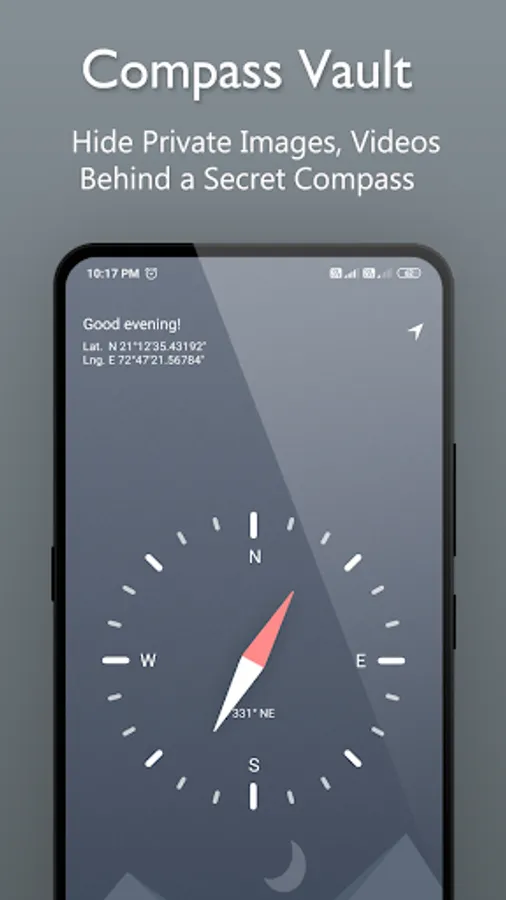
Compass Vault use to hide pictures, hide photos, hide videos,audios,files by hiding them in a password protected behind function look like a compass.
Best Gallery Vault on Play Store
---------------Compass Vault App Lock Features--------------
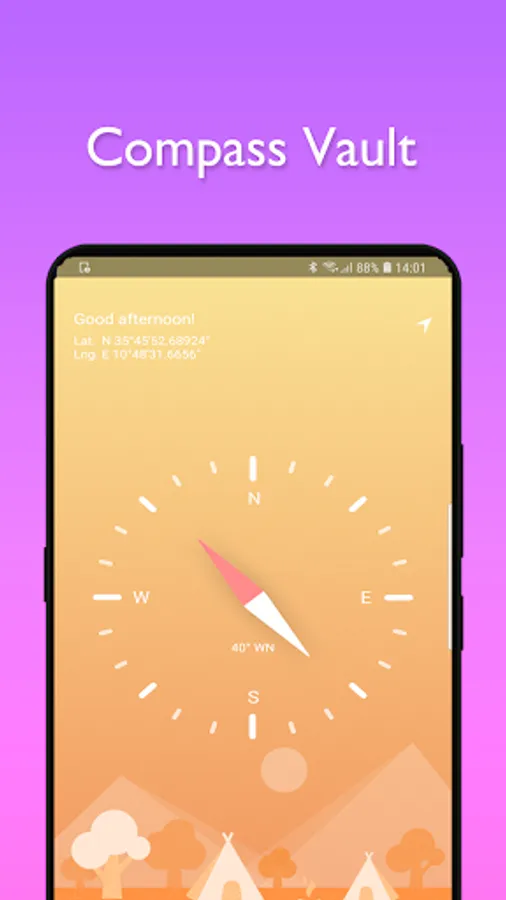
🌟Compass Fake Icon
- Disguise photo & video Vault as Compass.
- On the Screen is a Compass app to hide your secrete photo vault.
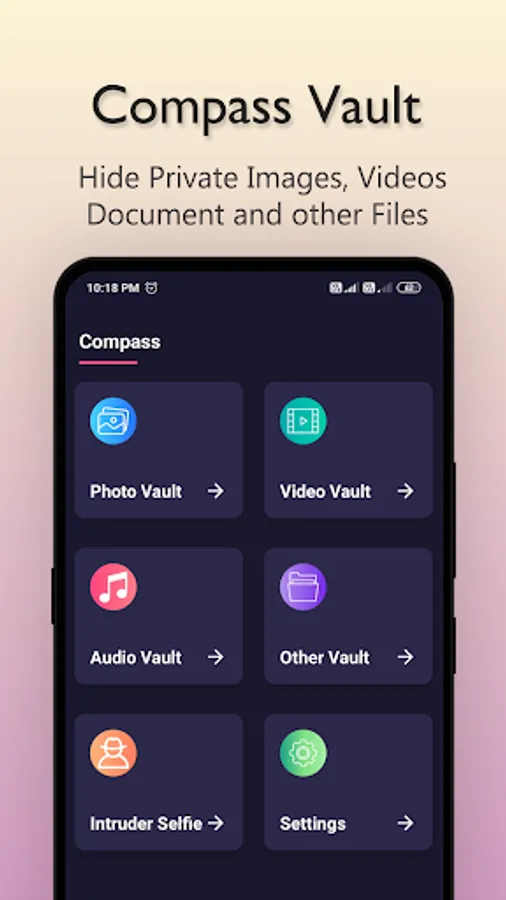
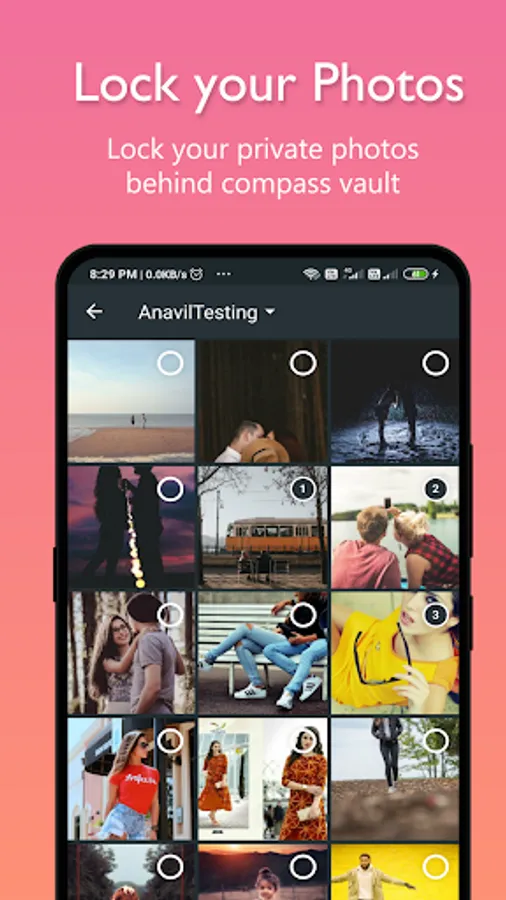
🌟Hide Photo & Video
- Hide your pictures & Video easily from a gallery, album or photos.
- Fast and intuitive photo viewer.
- Unlimited Photo & Video can be locked
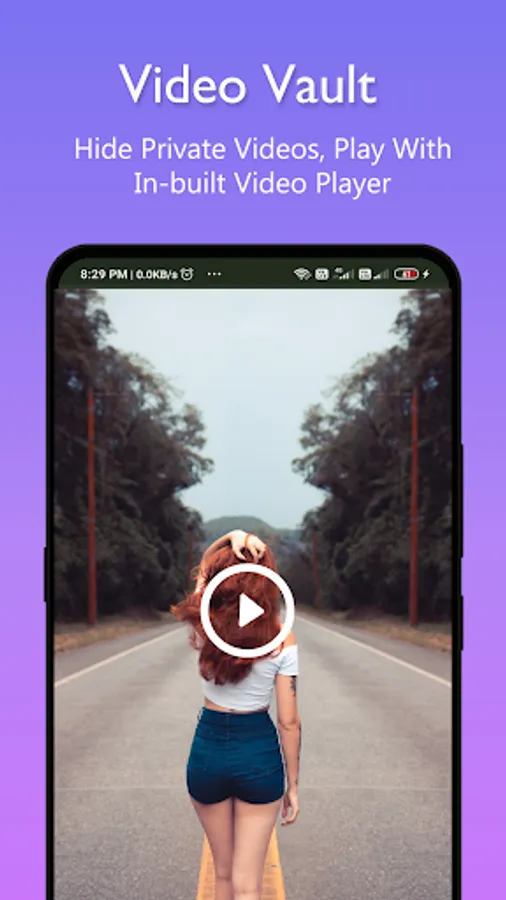
- Watch Video in Vault
- Keep snoopers away from private videos.
- Support multiple formats picture: jpg, png, gif and more.
Compass Vault gallery lock
🌟Hide File Vault
- Keep your personal File in safe space.
- Hide your .doc,.pdf,.txt .. any format files.
- Unlimited Files can be locked.
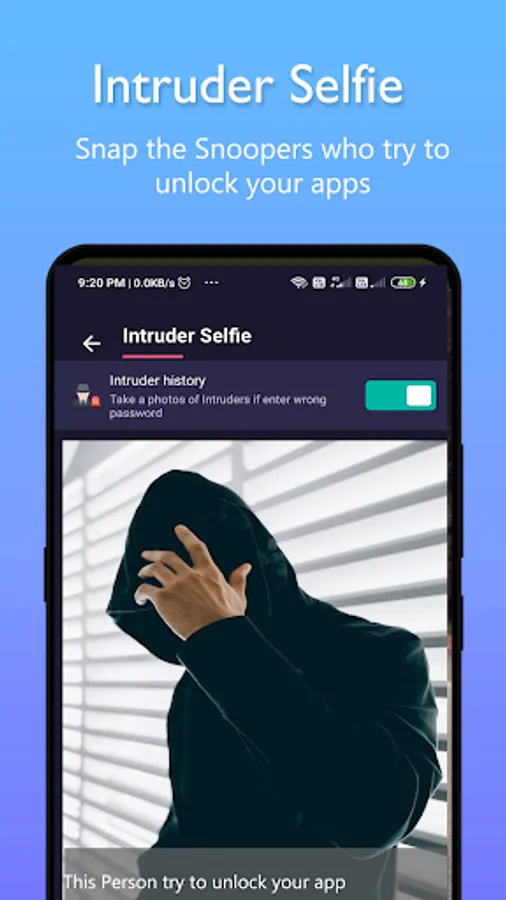
🌟Intruder Selfie & Alert
- Compass Vault capture selfie secretly when the password is entered incorrectly (if your device has a front camera).
- Snap anyone who try to break into your privacy.
-------------Compass Vault Other Function----------
Face Down Lock
- Face Down Phone will help you to perform chosen action in emergency situations when someone came suddenly. for example, close Compass vault app, open a website or open another app immediately.
Uninstall Protection
- App support "Compass Vault AppLock" to prevent Compass vault from being uninstalled by kids or strangers.
Hide Icon
- You can hide icon from app list and open by dialing *#*#333555#*#* number.
No Storage Limitation
- Using "Compass Vault " you don't face any storage limitation for your hidden files if your phone memory has enough storage space.
This app uses the Device Administrator permission.
Disclosure:
To prevent Compass Vault being uninstalled, Compass Vault need Device Administrator Permission and it never use any other Device Administrator permission except uninstall prevention.
-----FAQ--------
Q) How to use Compass Vault - Applock?
A: Step 1: Launch Compass App ,Long Press on Compass it redirect to vault.
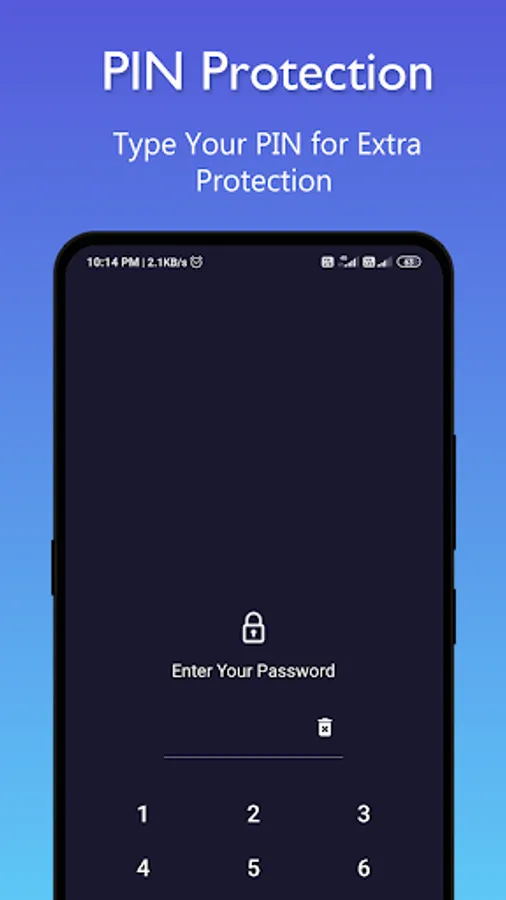
Step 2: Set your pin and press “??” to confirm your password.
Step 3: enter confirm your pin
Step 4: Setup Security question
Step 5: Ok. Now Login on Gallery Vault with enter pin
Q). My hidden files are stored online?
A. No, your hidden files are stored inside phone locally.
Q). Can I recover hidden files from old phone if my new phone or phone stolen or broken?
A. No, currently we do not support online backup of your hidden files so that you can not recover any of files from the old phone.
Q). How do I change app lock password?
A. Open your Compass vault AppLock first and select app lock then go to setting click on Change password option.
Q). After hide icon, How i will open Compass Vault?.
A. Open the hidden Gallery Vault by the four methods below:
1. Gallery
Open your Gallery and select a picture. Click the share button. Find "Open Compass Vault" and click it.
2. Dial pad
Enter *#*#333555#*#* in your dial pad.
Q) I am not able to open my app after hiding my app. What should I do now?
A. Go to you phone security app(setting)-->app-->permission-->enable autostart of Compass vault.
Q) What if I lost my phone?
A: Please be sure that your hidden files are stored only on your device and not online.
IMPORTANT: Do not uninstall this app before unhiding your personal files otherwise it will be lost forever. Activate Uninstall Protection to prevent this app from being uninstalled by others especially kids.
------------------------------------------------------------
If you find our app useful, please rate us 5 stars. 💗💗💗
Best Gallery Vault on Play Store
---------------Compass Vault App Lock Features--------------
🌟Compass Fake Icon
- Disguise photo & video Vault as Compass.
- On the Screen is a Compass app to hide your secrete photo vault.
🌟Hide Photo & Video
- Hide your pictures & Video easily from a gallery, album or photos.
- Fast and intuitive photo viewer.
- Unlimited Photo & Video can be locked
- Watch Video in Vault
- Keep snoopers away from private videos.
- Support multiple formats picture: jpg, png, gif and more.
Compass Vault gallery lock
🌟Hide File Vault
- Keep your personal File in safe space.
- Hide your .doc,.pdf,.txt .. any format files.
- Unlimited Files can be locked.
🌟Intruder Selfie & Alert
- Compass Vault capture selfie secretly when the password is entered incorrectly (if your device has a front camera).
- Snap anyone who try to break into your privacy.
-------------Compass Vault Other Function----------
Face Down Lock
- Face Down Phone will help you to perform chosen action in emergency situations when someone came suddenly. for example, close Compass vault app, open a website or open another app immediately.
Uninstall Protection
- App support "Compass Vault AppLock" to prevent Compass vault from being uninstalled by kids or strangers.
Hide Icon
- You can hide icon from app list and open by dialing *#*#333555#*#* number.
No Storage Limitation
- Using "Compass Vault " you don't face any storage limitation for your hidden files if your phone memory has enough storage space.
This app uses the Device Administrator permission.
Disclosure:
To prevent Compass Vault being uninstalled, Compass Vault need Device Administrator Permission and it never use any other Device Administrator permission except uninstall prevention.
-----FAQ--------
Q) How to use Compass Vault - Applock?
A: Step 1: Launch Compass App ,Long Press on Compass it redirect to vault.
Step 2: Set your pin and press “??” to confirm your password.
Step 3: enter confirm your pin
Step 4: Setup Security question
Step 5: Ok. Now Login on Gallery Vault with enter pin
Q). My hidden files are stored online?
A. No, your hidden files are stored inside phone locally.
Q). Can I recover hidden files from old phone if my new phone or phone stolen or broken?
A. No, currently we do not support online backup of your hidden files so that you can not recover any of files from the old phone.
Q). How do I change app lock password?
A. Open your Compass vault AppLock first and select app lock then go to setting click on Change password option.
Q). After hide icon, How i will open Compass Vault?.
A. Open the hidden Gallery Vault by the four methods below:
1. Gallery
Open your Gallery and select a picture. Click the share button. Find "Open Compass Vault" and click it.
2. Dial pad
Enter *#*#333555#*#* in your dial pad.
Q) I am not able to open my app after hiding my app. What should I do now?
A. Go to you phone security app(setting)-->app-->permission-->enable autostart of Compass vault.
Q) What if I lost my phone?
A: Please be sure that your hidden files are stored only on your device and not online.
IMPORTANT: Do not uninstall this app before unhiding your personal files otherwise it will be lost forever. Activate Uninstall Protection to prevent this app from being uninstalled by others especially kids.
------------------------------------------------------------
If you find our app useful, please rate us 5 stars. 💗💗💗
Compass Vault Hide Photo Video Screenshots
Tap to Rate:
Reviews for Compass Vault Hide Photo Video
Genet Miruts
12/21/2025
good
Ayan Idrishi
10/28/2025
nice👍👏