Screenshot No Ads
Wise Shark Software
3.0 ★
44 ratings
1,000+
downloads
$3.99
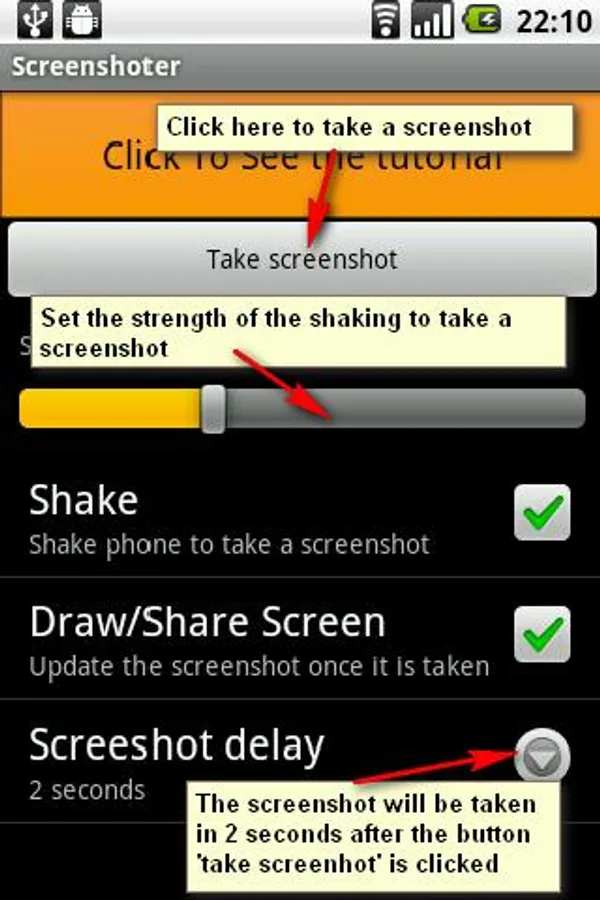
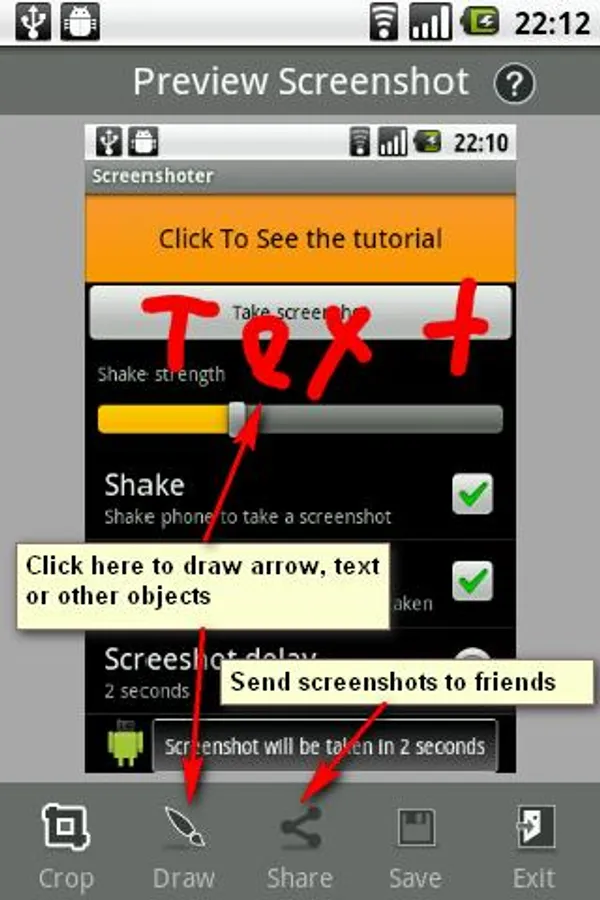
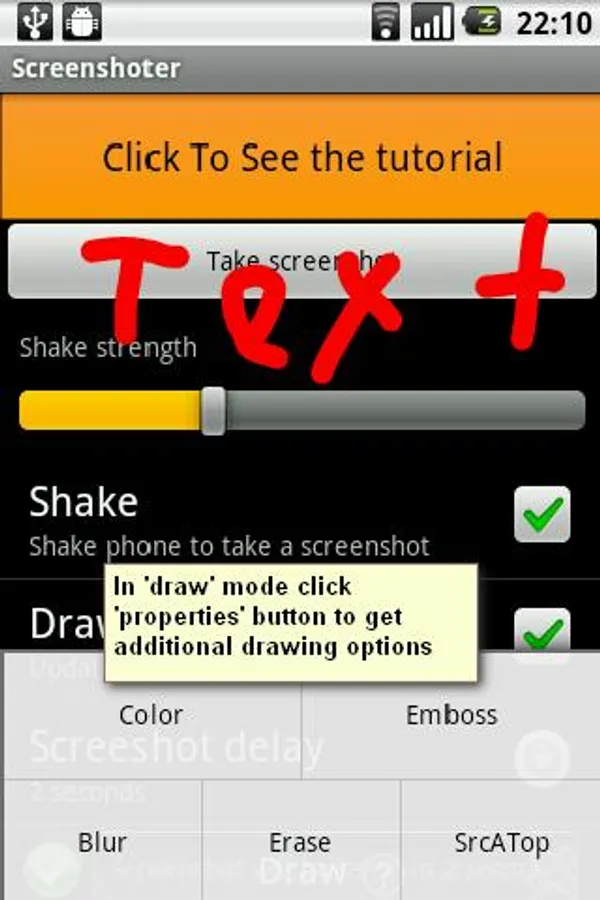
In this screenshot app, you can create screenshots with a shake gesture and edit them using crop and pencil tools. Includes sharing options, a widget for delayed captures, and support for non-rooted devices.
AppRecs review analysis
AppRecs rating 3.0. Trustworthiness 0 out of 100. Review manipulation risk 0 out of 100. Based on a review sample analyzed.
★★★☆☆
3.0
AppRecs Rating
Ratings breakdown
5 star
50%
4 star
0%
3 star
0%
2 star
0%
1 star
50%
About Screenshot No Ads
The application which allows you to create a snapshots (screenshots) of your android screens.
- allows you to make screenshots by just one shake
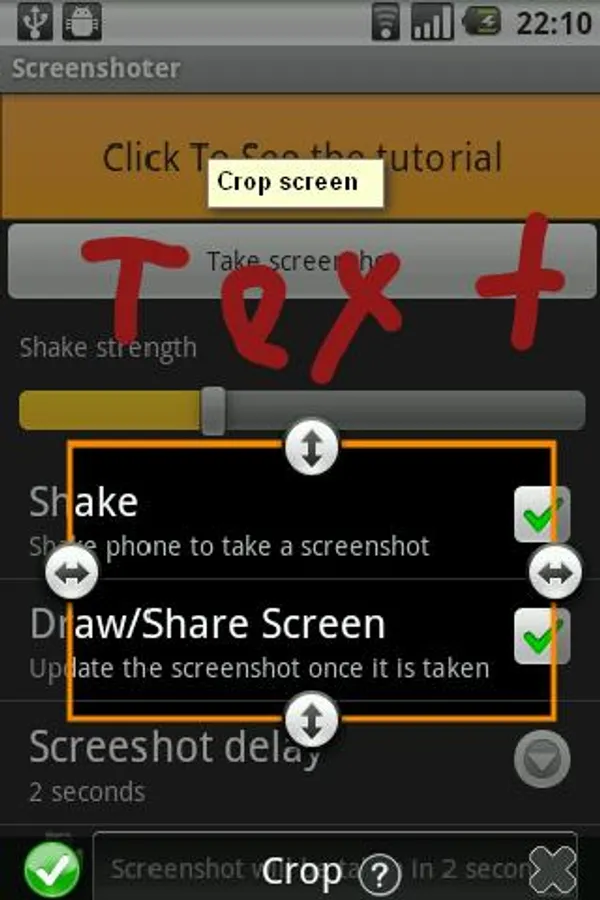
- edit screenshot with Crop and Pencil tool (new!)
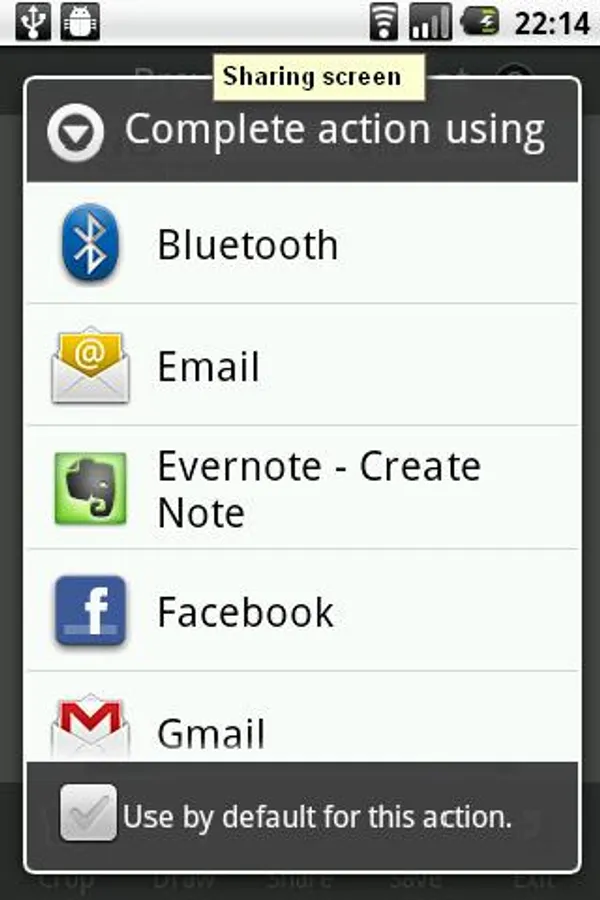
- sharing (facebook, google+, evernote and more!)
- amazing widget that allows you to make delayed snapshots with just one click on your home screen
FOR MOST OF THE PHONES NO ROOTING IS REQUIRED.
IN CASE YOU SEE THE MESSAGE SAYING THAT IT IS NOT POSSIBLE TO TAKE A SCREENSHOT PLEASE PERFORM THE FOLLOWING OPERATIONS:
1. Android Phone: Go to Settings->Applications->Development and make sure that the USB debugging on your Android phone is set to ON.
2. Make sure that you have drivers installed for your phone.
NOTE: If you have not please download them here: http://junefabrics.com/android/download.php
3. Android Phone: Connect you phone to PC with USB cable.
4. PC: Download the https://www.dropbox.com/s/bmobnme27og4kmz/install.zip?dl=0 package.
5. PC: Unzip it.
6. PC: Start install.bat file
That's it! Now you can take screenshots!
Please review the tutorial video below for more information.
The following features are coming in next version:
- set of snapshots
and more
Buy now for this small price and get all the new features for free. The price will be increased after next update.
Please write us a message if your phone is not supported with your phone model. We will try to figure it out and notify you about that.
- allows you to make screenshots by just one shake
- edit screenshot with Crop and Pencil tool (new!)
- sharing (facebook, google+, evernote and more!)
- amazing widget that allows you to make delayed snapshots with just one click on your home screen
FOR MOST OF THE PHONES NO ROOTING IS REQUIRED.
IN CASE YOU SEE THE MESSAGE SAYING THAT IT IS NOT POSSIBLE TO TAKE A SCREENSHOT PLEASE PERFORM THE FOLLOWING OPERATIONS:
1. Android Phone: Go to Settings->Applications->Development and make sure that the USB debugging on your Android phone is set to ON.
2. Make sure that you have drivers installed for your phone.
NOTE: If you have not please download them here: http://junefabrics.com/android/download.php
3. Android Phone: Connect you phone to PC with USB cable.
4. PC: Download the https://www.dropbox.com/s/bmobnme27og4kmz/install.zip?dl=0 package.
5. PC: Unzip it.
6. PC: Start install.bat file
That's it! Now you can take screenshots!
Please review the tutorial video below for more information.
The following features are coming in next version:
- set of snapshots
and more
Buy now for this small price and get all the new features for free. The price will be increased after next update.
Please write us a message if your phone is not supported with your phone model. We will try to figure it out and notify you about that.
Screenshot No Ads Screenshots
Tap to Rate: