Add Watermark Lite
AndroidVilla
4.0 ★
store rating
1,000,000+
downloads
Free
AppRecs review analysis
AppRecs rating 3.3. Trustworthiness 75 out of 100. Review manipulation risk 29 out of 100. Based on a review sample analyzed.
★★★☆☆
3.3
AppRecs Rating
Ratings breakdown
5 star
64%
4 star
12%
3 star
6%
2 star
1%
1 star
17%
What to know
✓
Low review manipulation risk
29% review manipulation risk
✓
Credible reviews
75% trustworthiness score from analyzed reviews
⚠
Review quality concerns
38% of sampled 5-star reviews are very short
About Add Watermark Lite
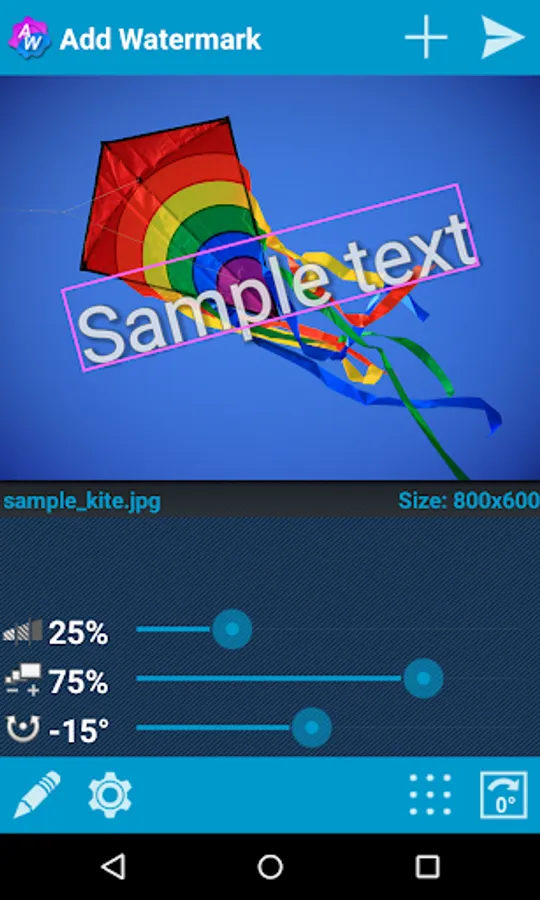
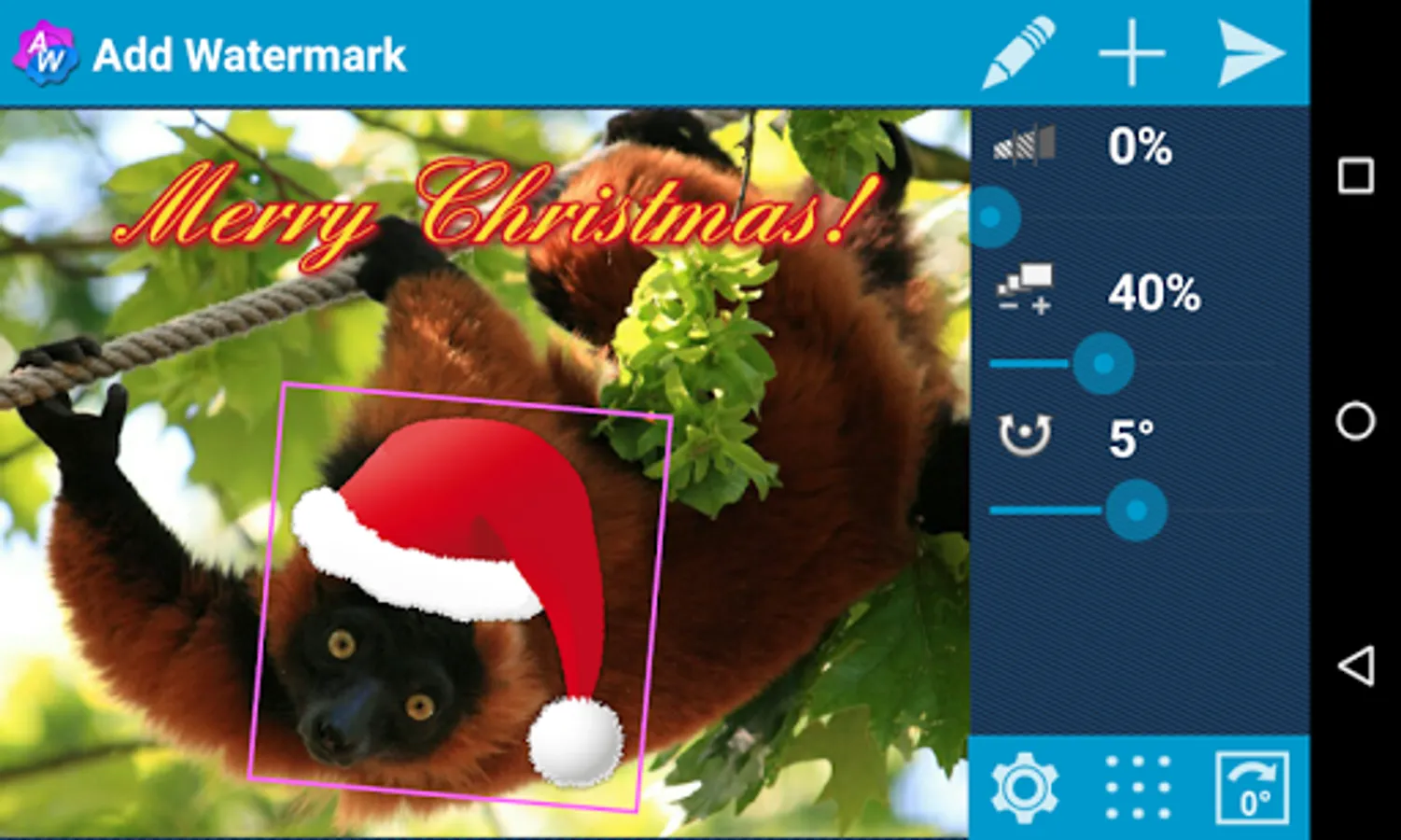
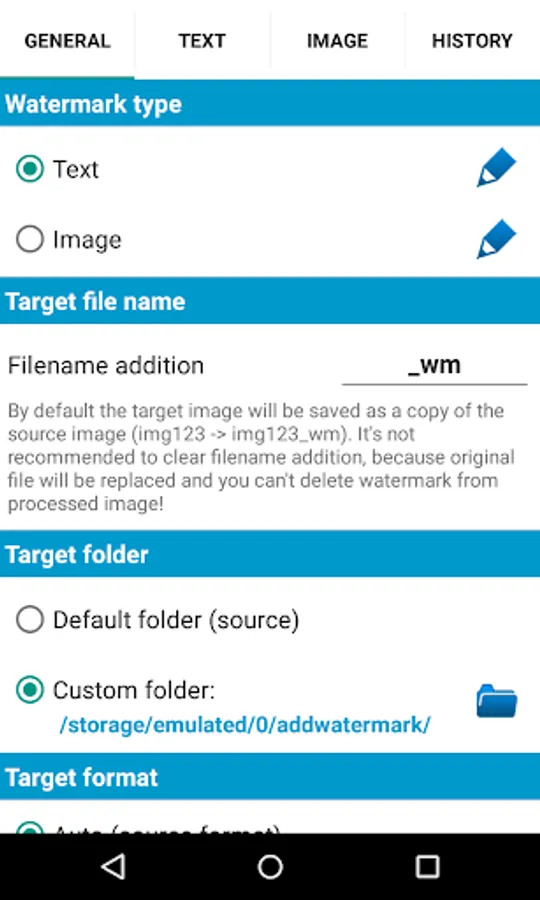
Add watermarks to your pictures. Put your property text or a logo image into your picture, adjust its size, transparency, rotation, alignment, then save and share it. Lots of settings and features, automatic processing and batch mode - that's why many professional photographers and bloggers use Add Watermark in their daily routine.
FOR SUPPORT AND HELP please contact me via email or website (see below)!
Primary features of the Full version:
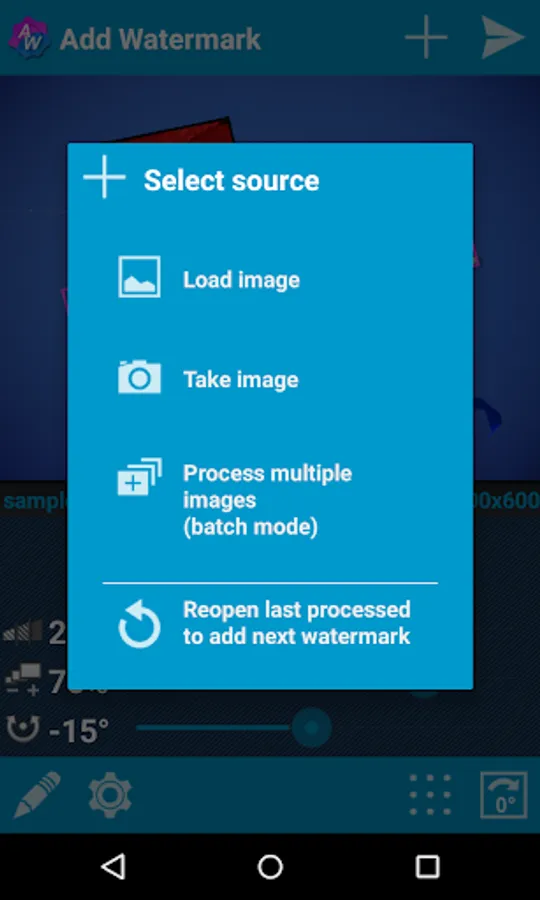
• Batch mode for processing multiple images at once
• Auto processing through sharing images from other apps
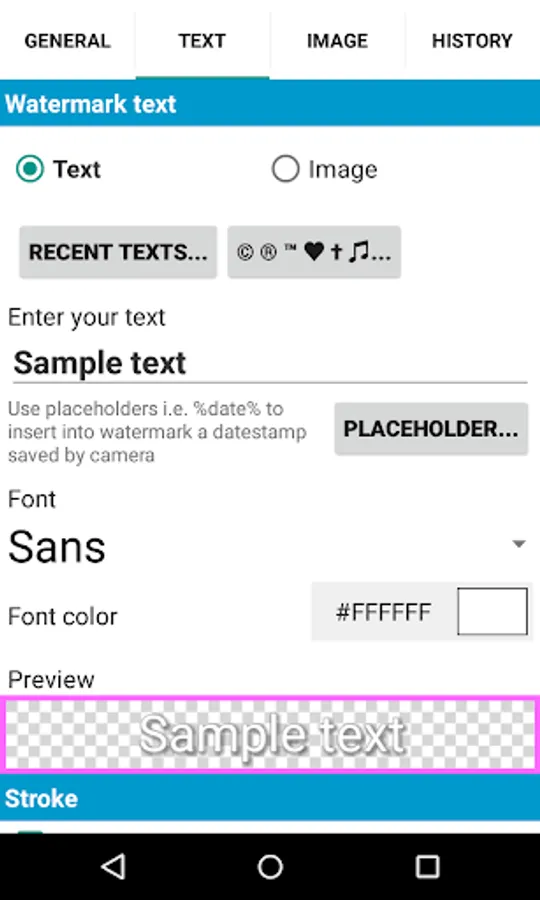
• Fonts, color and other effects in text mode
• 72 built-in fonts, upto 20 custom fonts can be imported
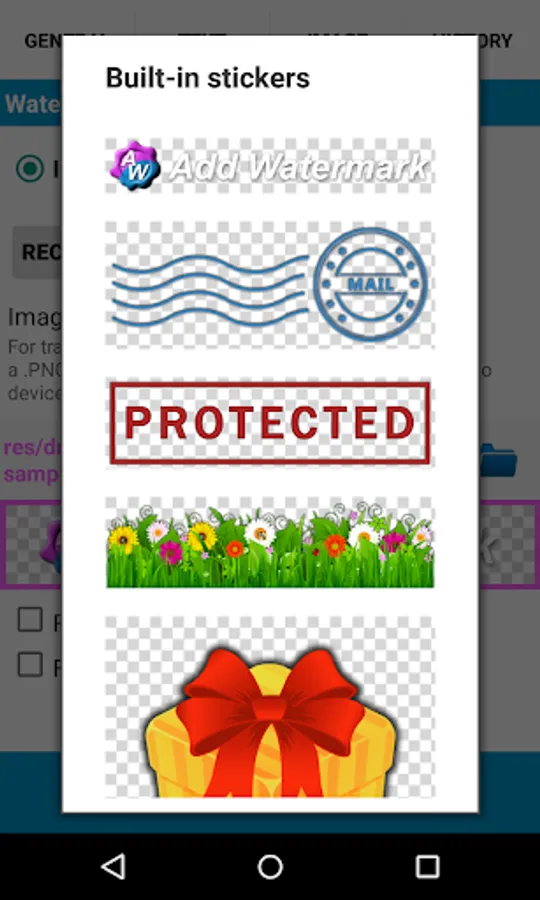
• Built-in sticker collection
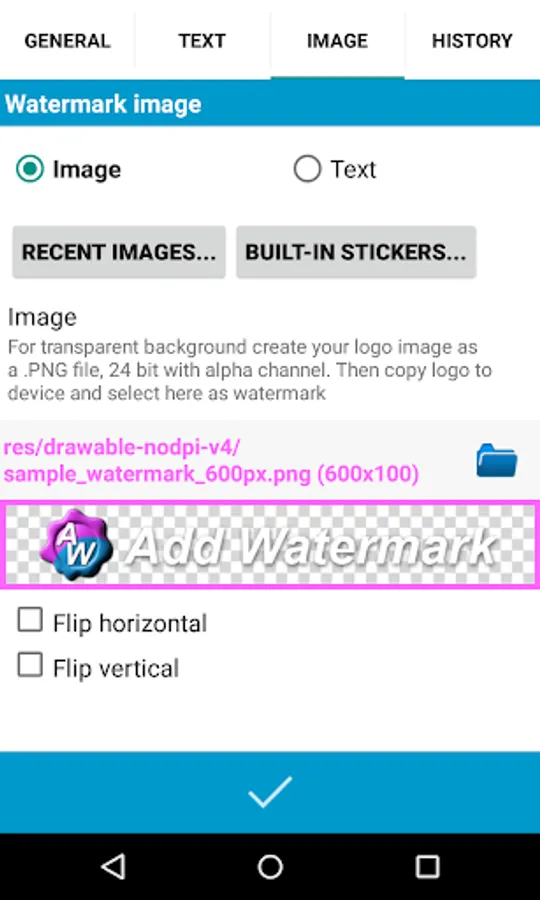
• Support of transparent .png images as watermark
• Quick sharing to Instagram, Facebook, Flickr etc.
• Backup of settings on device or in the cloud
• Easy selecting of recently used watermarks
• Adding of timestamp, filename, GPS tags and other properties as text watermark
• Full support of EXIF and XMP metadata
• Support of 360° panoramas
• Saving format .jpg or .png
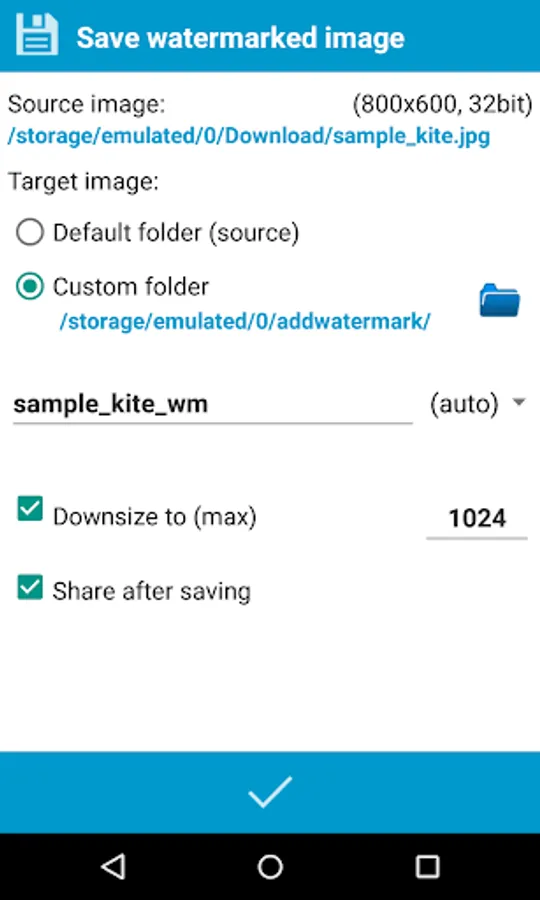
• Rename and resize by saving
Limitations of the Free version:
• User defined image-watermarks are disabled
• Saving only as .jpg, downsized to 1024 px on the long side
• No auto mode while sharing images from other apps, no batch mode
Useful tips:
• Don't delete original images after watermarking, because you can't remove watermarks from processed images.
• To add watermark automatically with predefined settings, select photos in Gallery, then "Share" them to "Add Watermark".
• Import up to 20 custom fonts in the settings for text-watermark.
• To place a date stamp on photo insert placeholder %date% in watermark text in "Settings".
Many thanks to:
Ben (for Samia) for translation in Portuguese!
MarcyArtistic for translation in Dutch!
Renek for translation in Czech!
Muchamad Mahrus for translation in Indonesian!
TomoS for translation in Polish!
ene49 (CepTeam) for turkish translation
Milly Zecchinato for translation in Italian!
Tristan Lyonnet for translation in French!
Martin Lehmann Madsen for translation in Norwegian!
Magichannel for translation in Chinese!
Martin Sotelano for translation in Spanish!
Feel free to contact me: androidvilla@gmail.com
Or visit my blog: http://androidvilla.wordpress.com
FOR SUPPORT AND HELP please contact me via email or website (see below)!
Primary features of the Full version:
• Batch mode for processing multiple images at once
• Auto processing through sharing images from other apps
• Fonts, color and other effects in text mode
• 72 built-in fonts, upto 20 custom fonts can be imported
• Built-in sticker collection
• Support of transparent .png images as watermark
• Quick sharing to Instagram, Facebook, Flickr etc.
• Backup of settings on device or in the cloud
• Easy selecting of recently used watermarks
• Adding of timestamp, filename, GPS tags and other properties as text watermark
• Full support of EXIF and XMP metadata
• Support of 360° panoramas
• Saving format .jpg or .png
• Rename and resize by saving
Limitations of the Free version:
• User defined image-watermarks are disabled
• Saving only as .jpg, downsized to 1024 px on the long side
• No auto mode while sharing images from other apps, no batch mode
Useful tips:
• Don't delete original images after watermarking, because you can't remove watermarks from processed images.
• To add watermark automatically with predefined settings, select photos in Gallery, then "Share" them to "Add Watermark".
• Import up to 20 custom fonts in the settings for text-watermark.
• To place a date stamp on photo insert placeholder %date% in watermark text in "Settings".
Many thanks to:
Ben (for Samia) for translation in Portuguese!
MarcyArtistic for translation in Dutch!
Renek for translation in Czech!
Muchamad Mahrus for translation in Indonesian!
TomoS for translation in Polish!
ene49 (CepTeam) for turkish translation
Milly Zecchinato for translation in Italian!
Tristan Lyonnet for translation in French!
Martin Lehmann Madsen for translation in Norwegian!
Magichannel for translation in Chinese!
Martin Sotelano for translation in Spanish!
Feel free to contact me: androidvilla@gmail.com
Or visit my blog: http://androidvilla.wordpress.com