AndrOpen Office
Akikazu Yoshikawa
3.9 ★
55K ratings
5,000,000+
downloads
Free
+ in-app
AppRecs review analysis
AppRecs rating 3.8. Trustworthiness 83 out of 100. Review manipulation risk 23 out of 100. Based on a review sample analyzed.
★★★☆☆
3.8
AppRecs Rating
Ratings breakdown
5 star
54%
4 star
18%
3 star
6%
2 star
4%
1 star
18%
What to know
✓
Low review manipulation risk
23% review manipulation risk
✓
Credible reviews
83% trustworthiness score from analyzed reviews
⚠
Pricing complaints
Many low ratings mention paywalls or pricing
About AndrOpen Office
Celebrating 7 Million Downloads!!!
AndrOpen Office is the world's first porting of OpenOffice for Android and it's a powerful and complete office suite for OpenOffice / LibreOffice documents.
You can view, edit, import, and export PDF, Word, Excel & PowerPoint documents using full features of the OpenOffice in the PC version.
AndrOpen Office has 5 components:
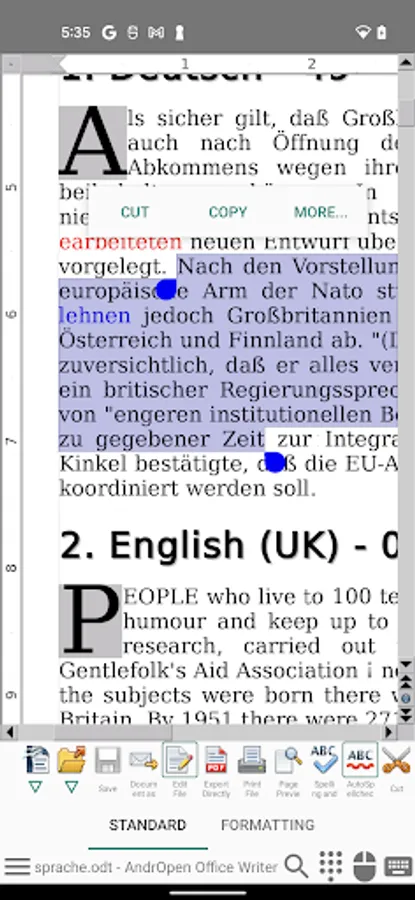
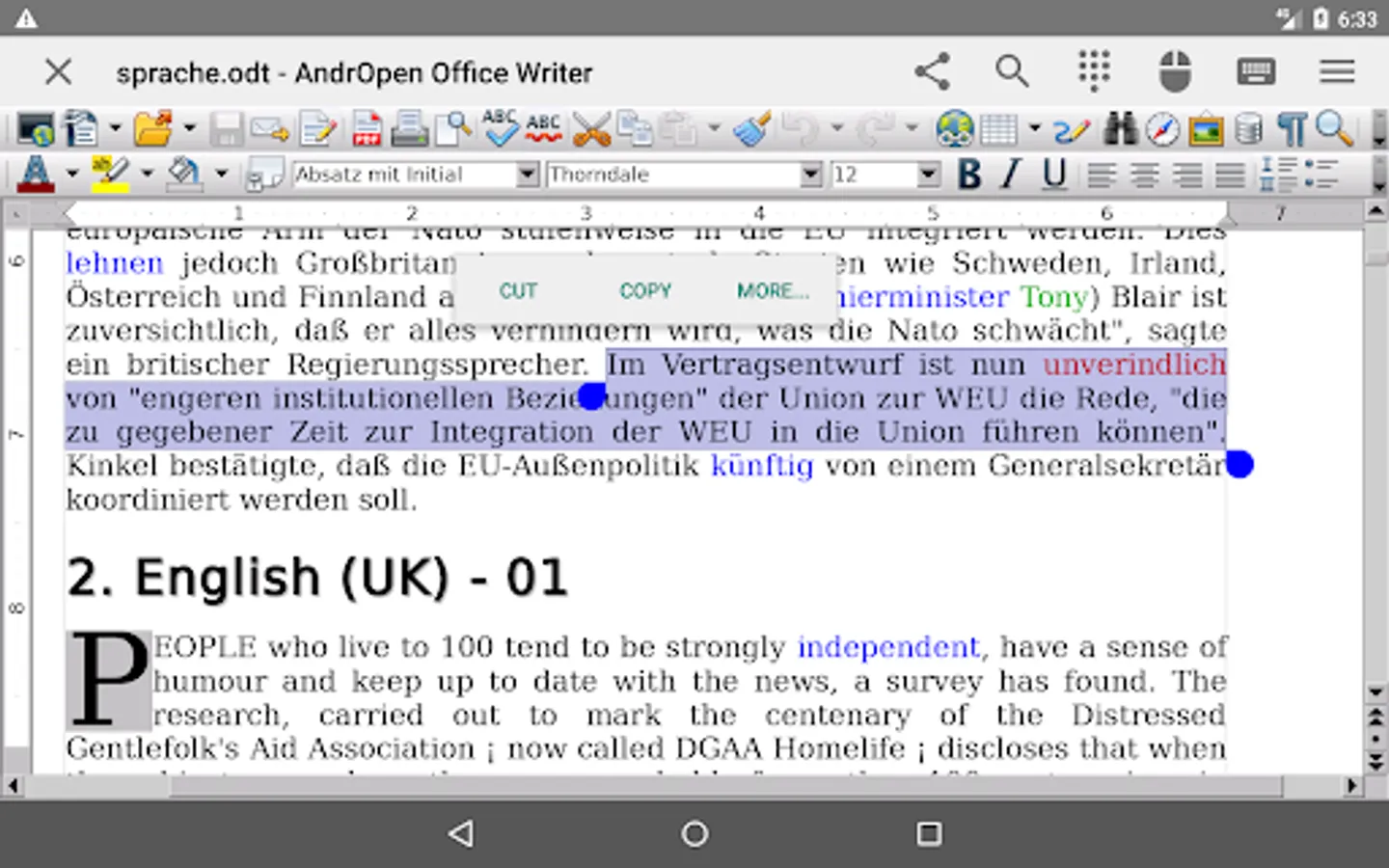
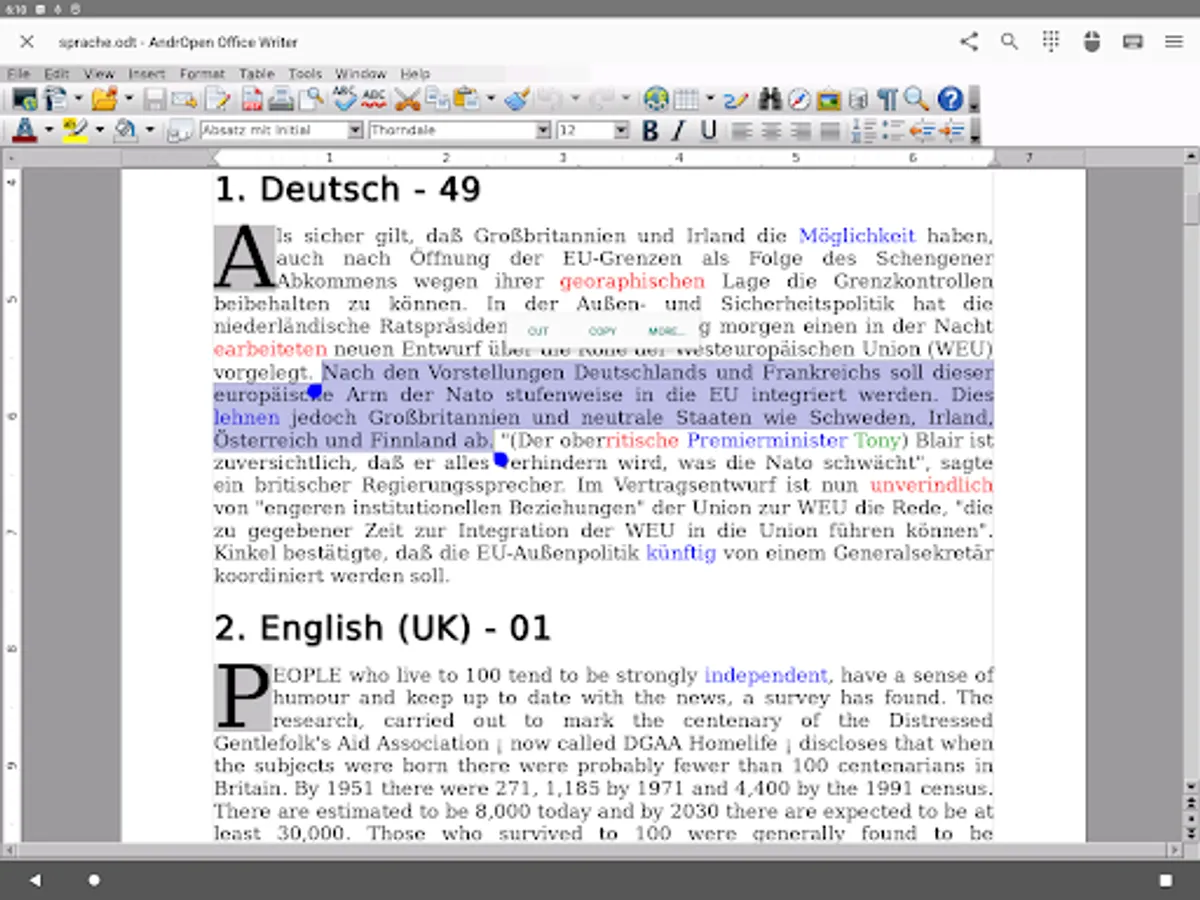
Writer a word processor you can use for anything from writing a quick letter to producing an entire book.
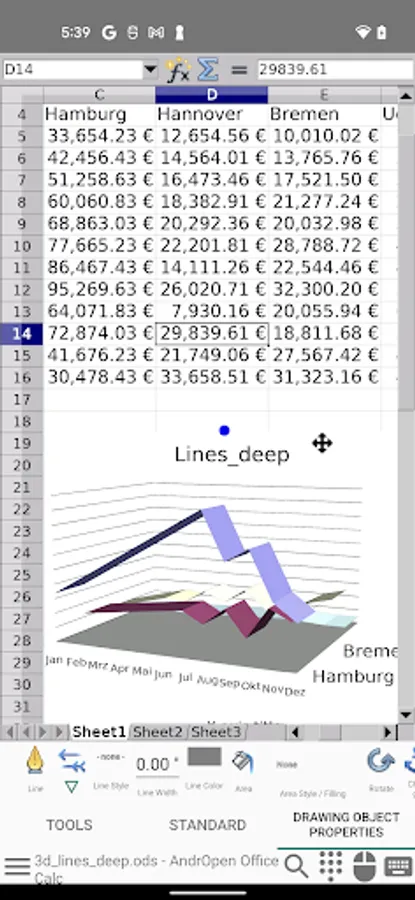
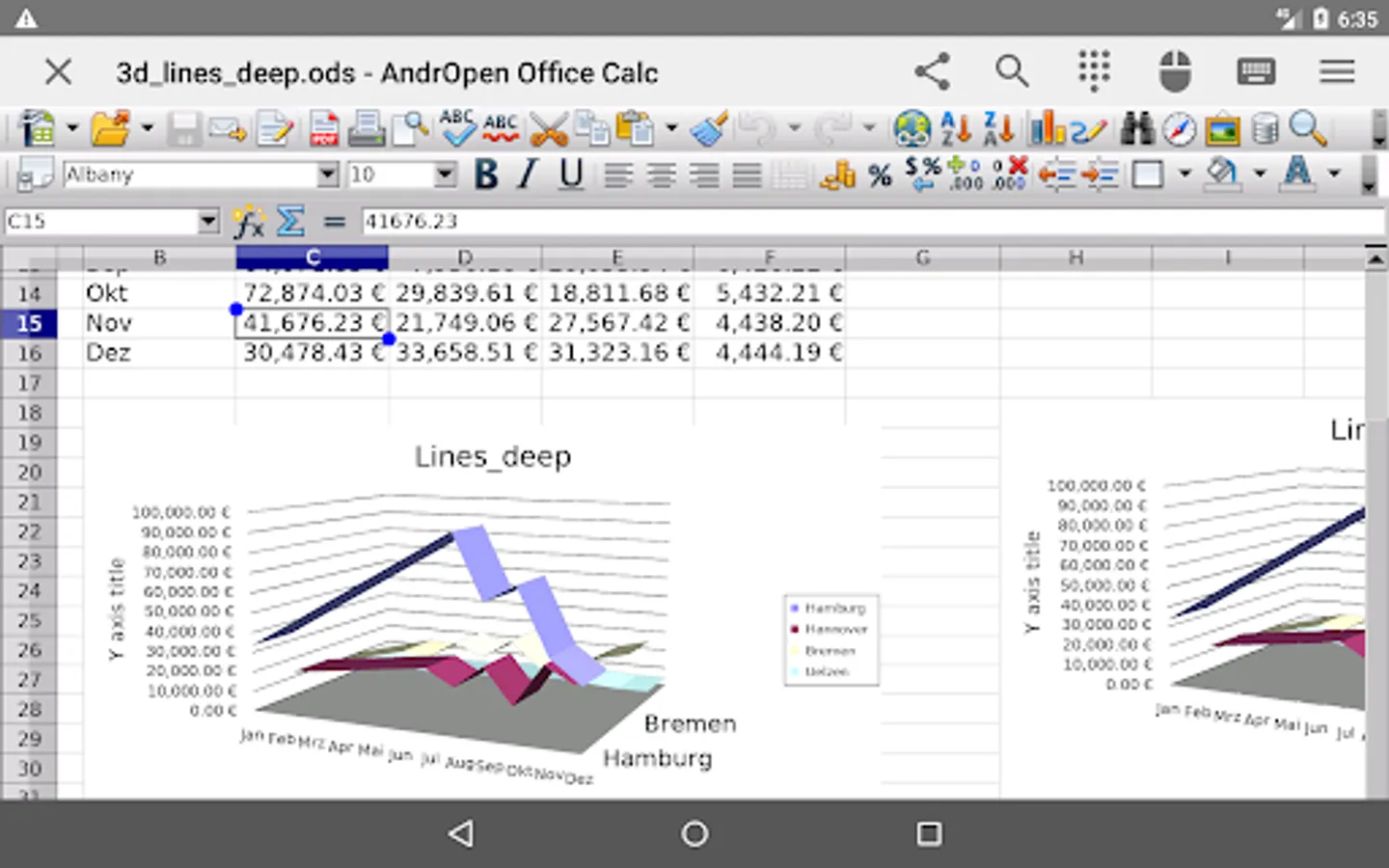
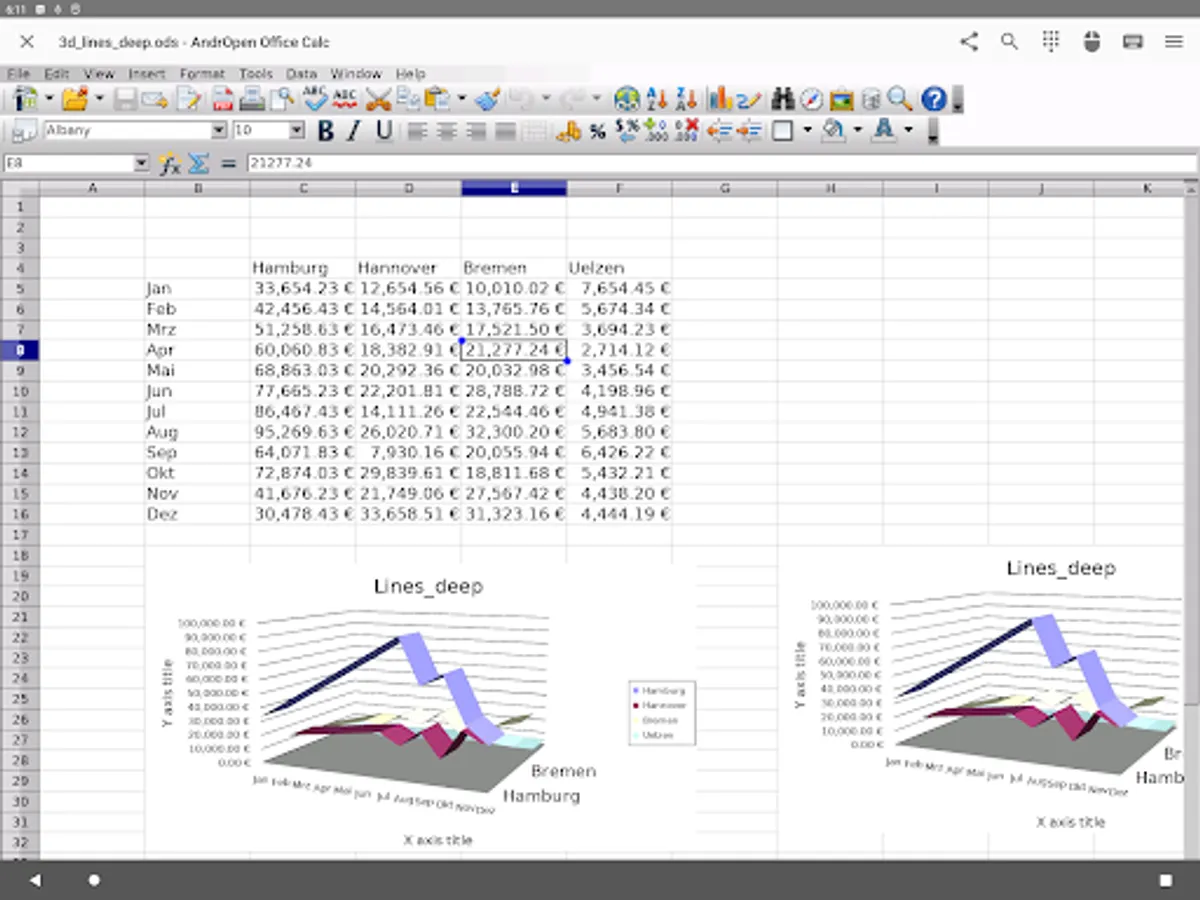
Calc a powerful spreadsheet with all the tools you need to calculate, analyze, and present your data in numerical reports or graphics.
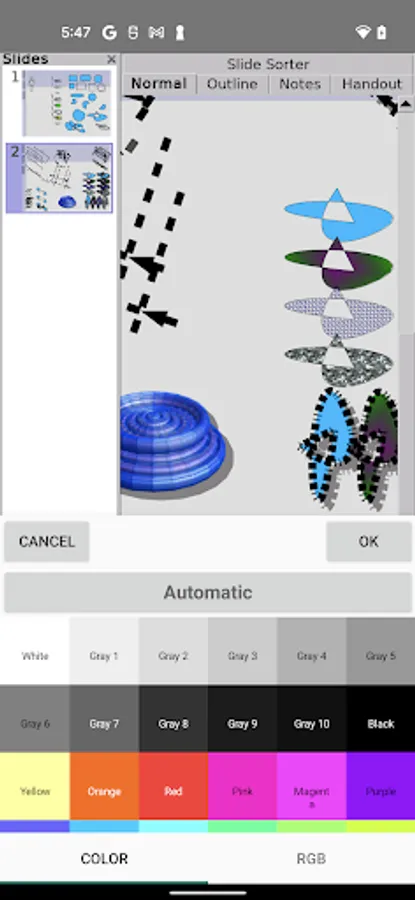
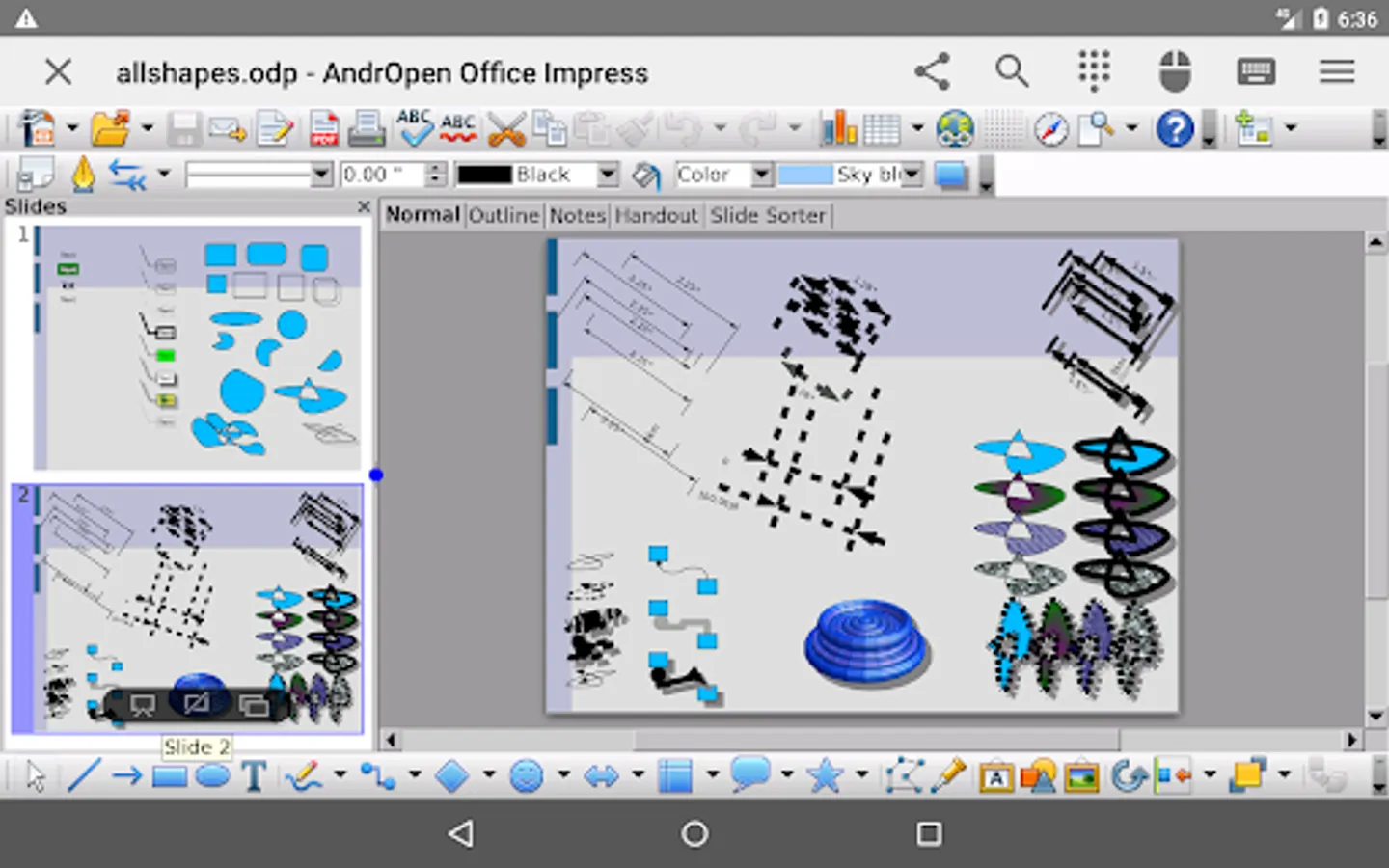
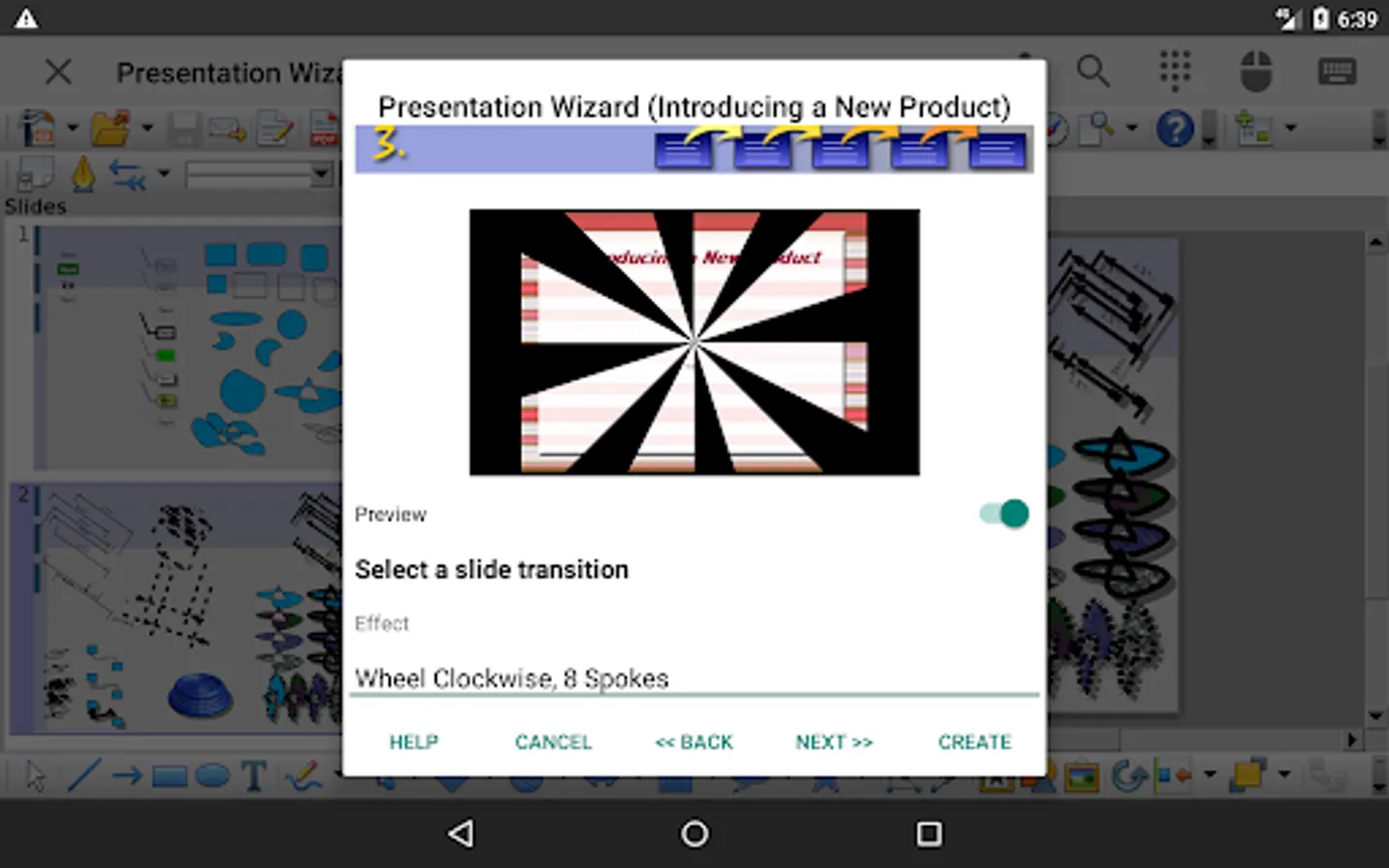
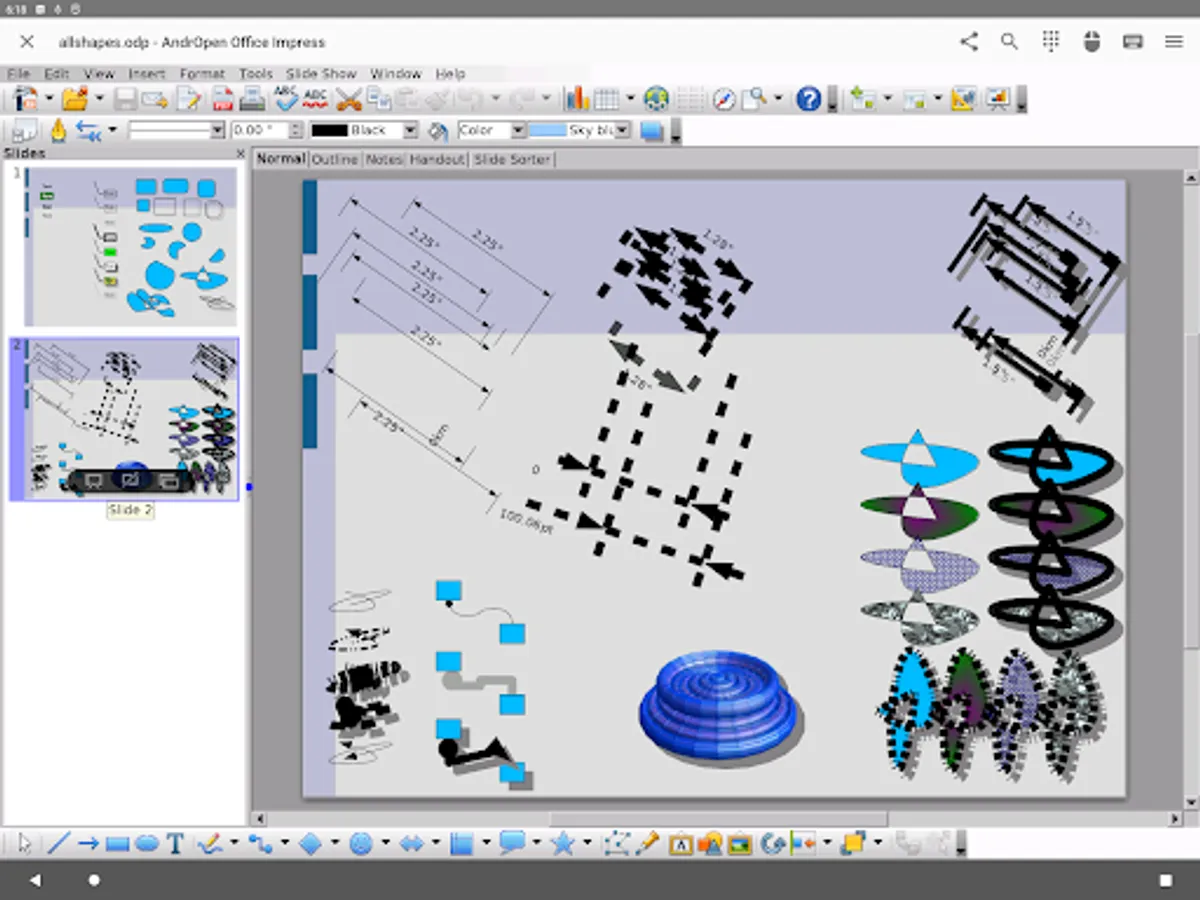
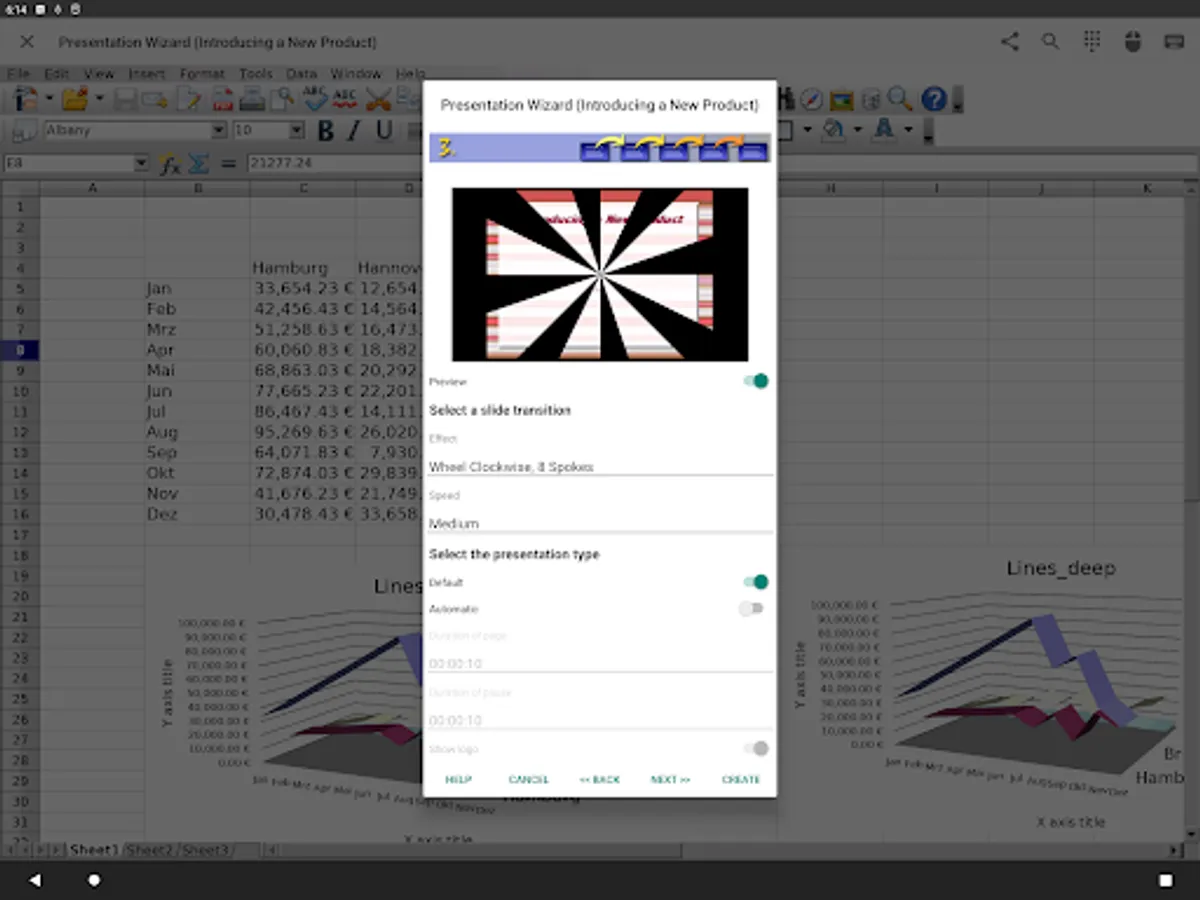
Impress the fastest, most powerful way to create effective multimedia presentations.
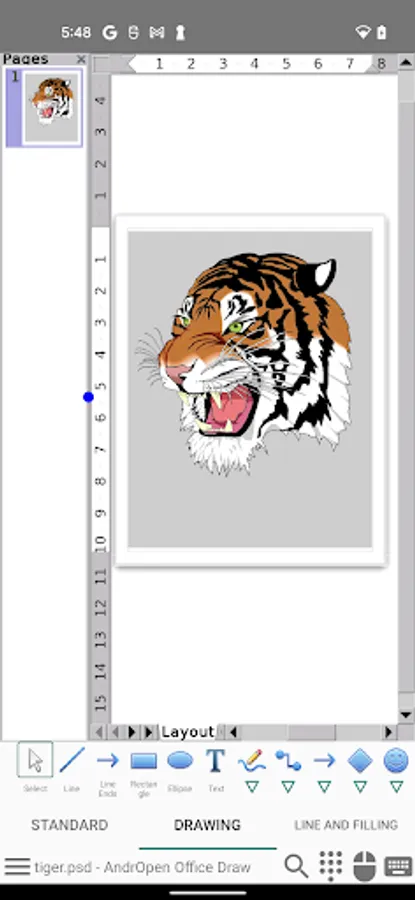
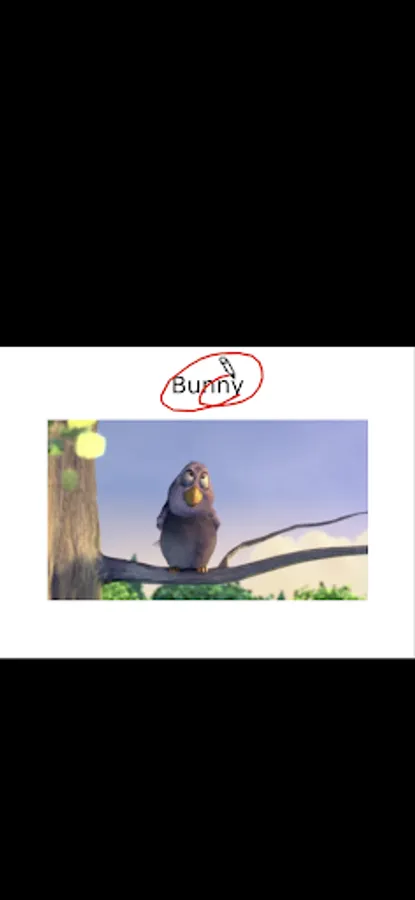
Draw lets you produce everything from simple diagrams to dynamic 3D illustrations.
Math lets you create mathematical equations with a graphic user interface or by directly typing your formulas into the equation editor.
* AndrOpen Office is a forked project from the Apache OpenOffice project.
AndrOpen Office is not affiliated with the Apache OpenOffice and LibreOffice projects.
Supported File Formats
You can import and export the following formats:
- Microsoft Word (DOC / DOT / RTF)
- Microsoft Word 2007 (DOCX / DOTX / DOCM)
- Microsoft Excel (XLS / XLT)
- Microsoft Excel 2007 (XLSX / XLTX / XLSM)
- Microsoft PowerPoint (PPT / POT)
- Microsoft PowerPoint 2007 (PPTX / POTX / PPTM)
- OpenDocument (ODT / ODS / ODP / ODG / ODF)
- Portable Document Format (PDF)
- OpenOffice.org1.0 / StarOffice6.0 (SXW / SXC / SXD / SXI / SXG / SXM)
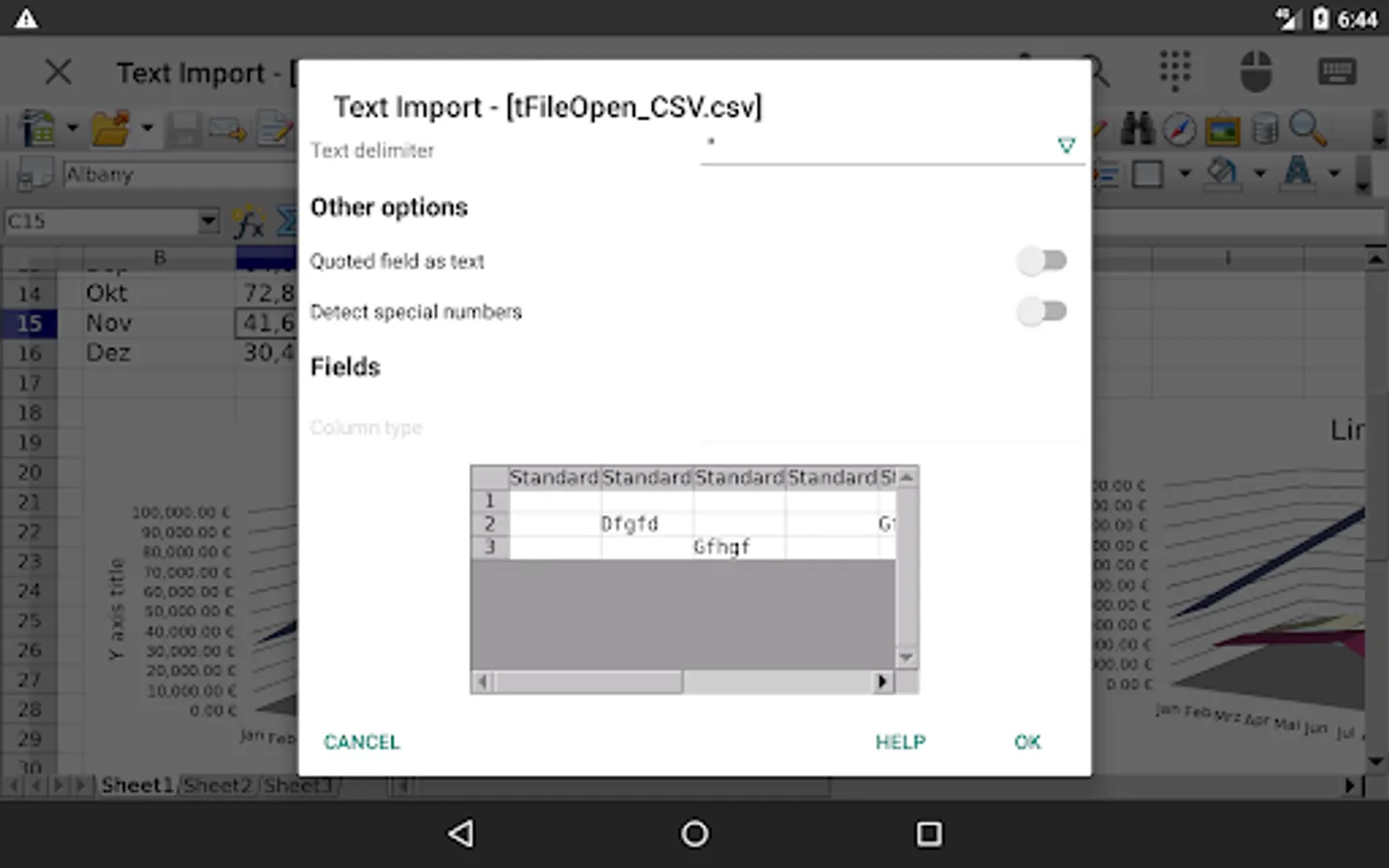
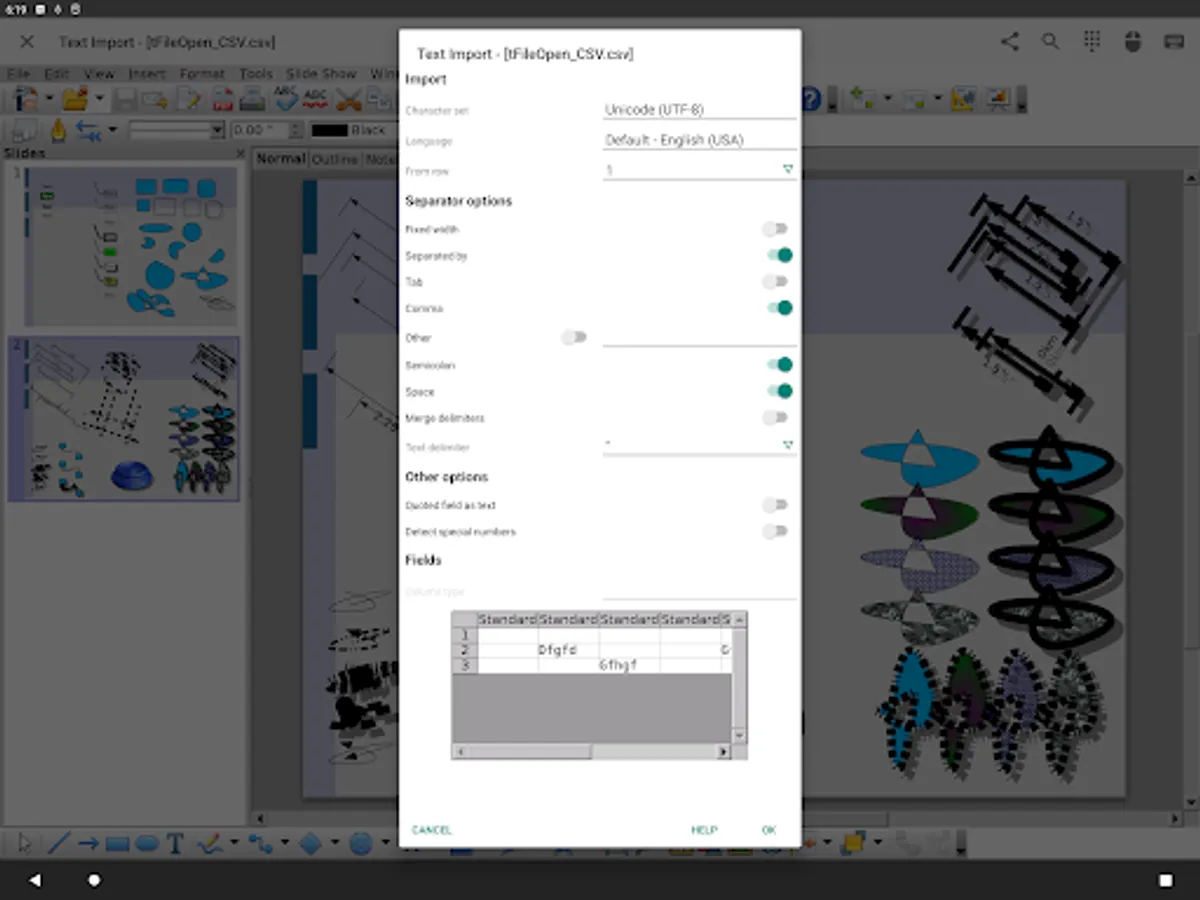
- Text (TXT / CSV)
- Adobe Photoshop (PSD)
- Scalable Vector Graphics (SVG)
- Windows Metafile (EMF / WMF)
- Tagged Image File Format (TIFF)
- Data Interchange Format (DIF)
- SYLK (SLK)
- Portable Anymap Format (PBM / PGM / PPM)
- OS/2 Metafile (MET)
- Sun Raster Image (RAS)
- Mac Pict (PCT)
- X PixMap (XPM)
- StarView Metafile (SVM)
You can import the following formats:
- WordPerfect Document (WPD)
- AutoCAD (DXF)
- T602 Document (602)
- Computer Graphics Metafile (CGM)
- Truevision Targa (TGA)
- X Bitmap (XBM)
- Zsoft Paintbrush (PCX)
- Kodak Photo CD (PCD)
You can export the following formats:
- HyperText Markup Language (HTML)
- PlaceWare (PWP)
- Macromedia Flash (SWF)
- JPG / GIF / PNG / BMP
Features
- View / edit / insert / export docs
- Export / Import PDF
- High fidelity
- Formatting paragraphs
- Support for embedded object
- Save docs to extensive file formats
- Support for password
- Internationalization
- Localization
- Support for macro
- Support for Google Drive / Dropbox / OneDrive / Box / NAS / WebDAV (Paid version only)
- Support for spell checker, hyphenator, thesaurus
- Support for printing
Motion Event Assigns
The device's motion events (mouse, pen, finger, trackball) are assigned to mouse events of the PC version.
And some gestures are assigned to application actions.
- Swipe = Scroll
- Pinch In / Out = Zoom In / Out
- Long Tap = Click Right Button
And you can general mouse operations by virtual mouse pad.
Supported Languages
French / German / English (US) / Italian / Spanish / English (British) / Russian / Polish / Dutch / Japanese / Indonesian / Portuguese (Brazilian) / Turkish / Czech / Swedish / Portuguese (European) / Finnish / Hungarian / Chinese (Traditional) / Catalan / Greek / Romanian / Danish / Arabic / Slovak / Norwegian / Bulgarian / Serbian / Vietnamese / Thai / Slovenian / Korean / Chinese (Simplified) / Hebrew / Hindi / Bengali / Persian / Basque / Gaelico / Galician / Central Khmer / Lithuanian / Tamil
Links
Twitter
https://twitter.com/andropenoffice
Bug reports
Please report bugs at following the e-mail address;
support@andropenoffice.com
About Apache OpenOffice
"Apache OpenOffice" is a trademark of the Apache Software Foundation.
(http://openoffice.apache.org/)
Special Thanks
This product includes many open source codes.
Thanks to Open Source!!!
AndrOpen Office is the world's first porting of OpenOffice for Android and it's a powerful and complete office suite for OpenOffice / LibreOffice documents.
You can view, edit, import, and export PDF, Word, Excel & PowerPoint documents using full features of the OpenOffice in the PC version.
AndrOpen Office has 5 components:
Writer a word processor you can use for anything from writing a quick letter to producing an entire book.
Calc a powerful spreadsheet with all the tools you need to calculate, analyze, and present your data in numerical reports or graphics.
Impress the fastest, most powerful way to create effective multimedia presentations.
Draw lets you produce everything from simple diagrams to dynamic 3D illustrations.
Math lets you create mathematical equations with a graphic user interface or by directly typing your formulas into the equation editor.
* AndrOpen Office is a forked project from the Apache OpenOffice project.
AndrOpen Office is not affiliated with the Apache OpenOffice and LibreOffice projects.
Supported File Formats
You can import and export the following formats:
- Microsoft Word (DOC / DOT / RTF)
- Microsoft Word 2007 (DOCX / DOTX / DOCM)
- Microsoft Excel (XLS / XLT)
- Microsoft Excel 2007 (XLSX / XLTX / XLSM)
- Microsoft PowerPoint (PPT / POT)
- Microsoft PowerPoint 2007 (PPTX / POTX / PPTM)
- OpenDocument (ODT / ODS / ODP / ODG / ODF)
- Portable Document Format (PDF)
- OpenOffice.org1.0 / StarOffice6.0 (SXW / SXC / SXD / SXI / SXG / SXM)
- Text (TXT / CSV)
- Adobe Photoshop (PSD)
- Scalable Vector Graphics (SVG)
- Windows Metafile (EMF / WMF)
- Tagged Image File Format (TIFF)
- Data Interchange Format (DIF)
- SYLK (SLK)
- Portable Anymap Format (PBM / PGM / PPM)
- OS/2 Metafile (MET)
- Sun Raster Image (RAS)
- Mac Pict (PCT)
- X PixMap (XPM)
- StarView Metafile (SVM)
You can import the following formats:
- WordPerfect Document (WPD)
- AutoCAD (DXF)
- T602 Document (602)
- Computer Graphics Metafile (CGM)
- Truevision Targa (TGA)
- X Bitmap (XBM)
- Zsoft Paintbrush (PCX)
- Kodak Photo CD (PCD)
You can export the following formats:
- HyperText Markup Language (HTML)
- PlaceWare (PWP)
- Macromedia Flash (SWF)
- JPG / GIF / PNG / BMP
Features
- View / edit / insert / export docs
- Export / Import PDF
- High fidelity
- Formatting paragraphs
- Support for embedded object
- Save docs to extensive file formats
- Support for password
- Internationalization
- Localization
- Support for macro
- Support for Google Drive / Dropbox / OneDrive / Box / NAS / WebDAV (Paid version only)
- Support for spell checker, hyphenator, thesaurus
- Support for printing
Motion Event Assigns
The device's motion events (mouse, pen, finger, trackball) are assigned to mouse events of the PC version.
And some gestures are assigned to application actions.
- Swipe = Scroll
- Pinch In / Out = Zoom In / Out
- Long Tap = Click Right Button
And you can general mouse operations by virtual mouse pad.
Supported Languages
French / German / English (US) / Italian / Spanish / English (British) / Russian / Polish / Dutch / Japanese / Indonesian / Portuguese (Brazilian) / Turkish / Czech / Swedish / Portuguese (European) / Finnish / Hungarian / Chinese (Traditional) / Catalan / Greek / Romanian / Danish / Arabic / Slovak / Norwegian / Bulgarian / Serbian / Vietnamese / Thai / Slovenian / Korean / Chinese (Simplified) / Hebrew / Hindi / Bengali / Persian / Basque / Gaelico / Galician / Central Khmer / Lithuanian / Tamil
Links
https://twitter.com/andropenoffice
Bug reports
Please report bugs at following the e-mail address;
support@andropenoffice.com
About Apache OpenOffice
"Apache OpenOffice" is a trademark of the Apache Software Foundation.
(http://openoffice.apache.org/)
Special Thanks
This product includes many open source codes.
Thanks to Open Source!!!
AndrOpen Office Screenshots
Tap to Rate:
Reviews for AndrOpen Office
Henok Negesu
12/30/2025
This android app is very important and i like it very much...i can save my documt..please use it
Julian Miles
12/29/2025
downloads file, asks what format I want, then says it can't be opened!