Edge Music Player
Little Angel
4.0 ★
512 ratings
100,000+
downloads
Free
+ in-app
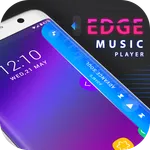
In this music player app, you can control and manage your playlists with quick swipe gestures. Includes support for adding music to notifications, theme customization, and playlist management.
AppRecs review analysis
AppRecs rating 3.8. Trustworthiness 78 out of 100. Review manipulation risk 33 out of 100. Based on a review sample analyzed.
★★★☆☆
3.8
AppRecs Rating
Ratings breakdown
5 star
62%
4 star
15%
3 star
3%
2 star
0%
1 star
21%
What to know
✓
Credible reviews
78% trustworthiness score from analyzed reviews
✓
Good user ratings
77% positive sampled reviews
⚠
Ad complaints
Many low ratings mention excessive ads
About Edge Music Player
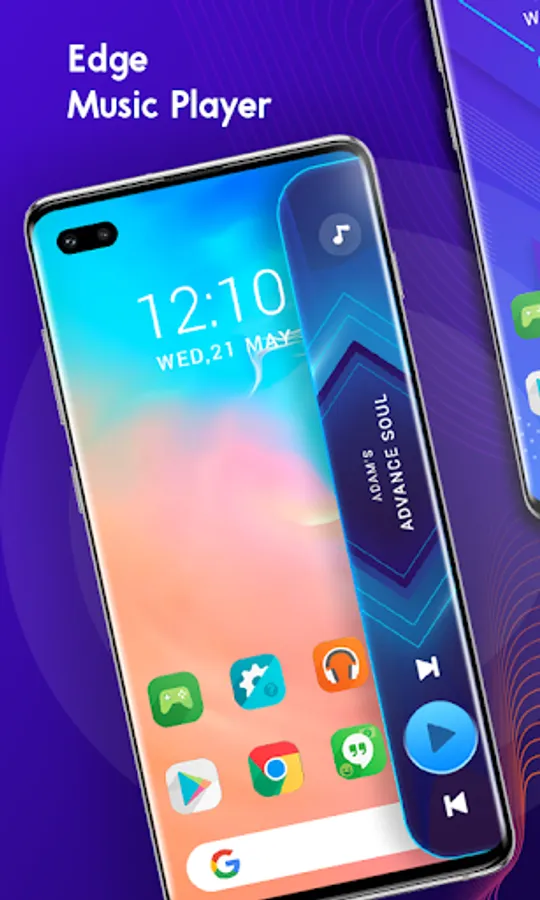
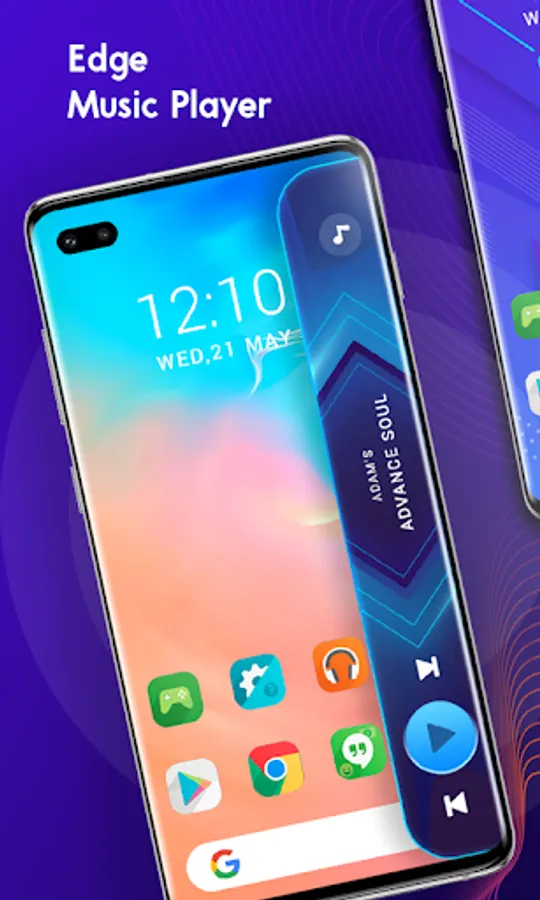
Edge music player is one gateway for all of the music streaming apps. No need to open the application to listen to songs, a single swipe on the screen will start the edge music player.
You can listen to your local songs any time any where without opening the app.
Also manage any music app to change track & open that apps using our edge service.
How to use Edge Music Player:
- Enable EDGE service at main page.
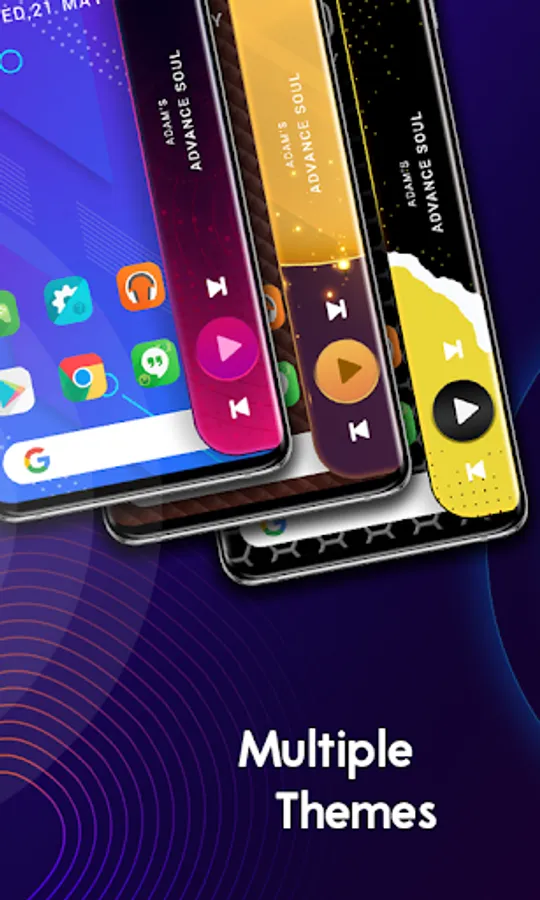
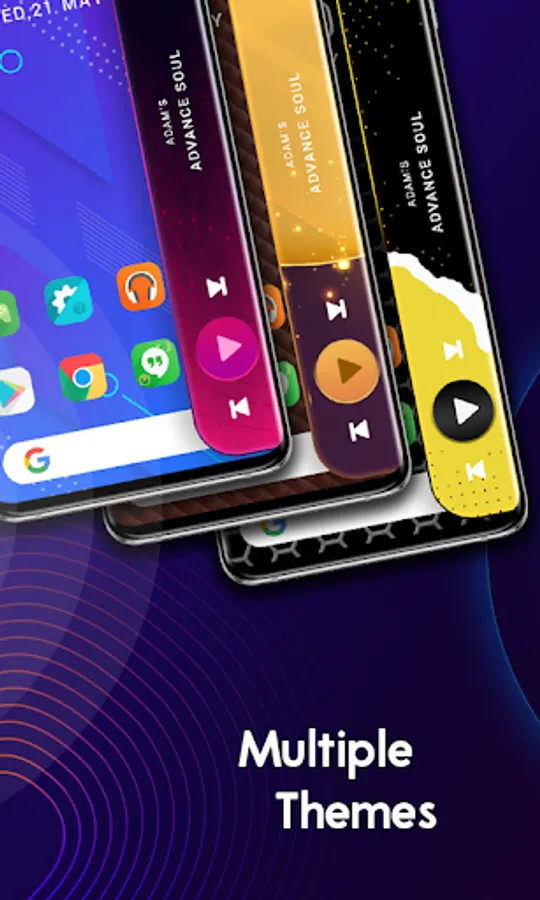
- You can change excellent edge theme using our theme collection.
- After start service swipe on screen to show our edge screen.
- Click any where to close edge screen.
App Features:
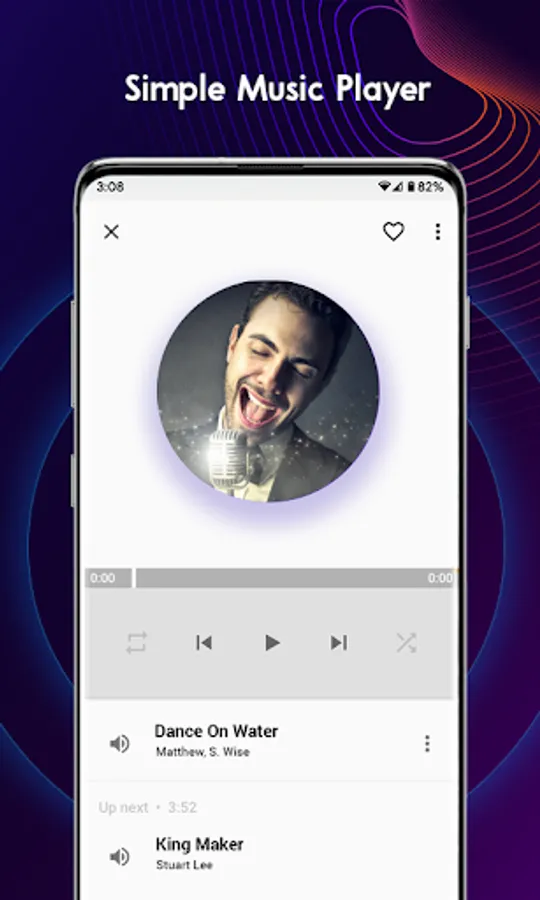
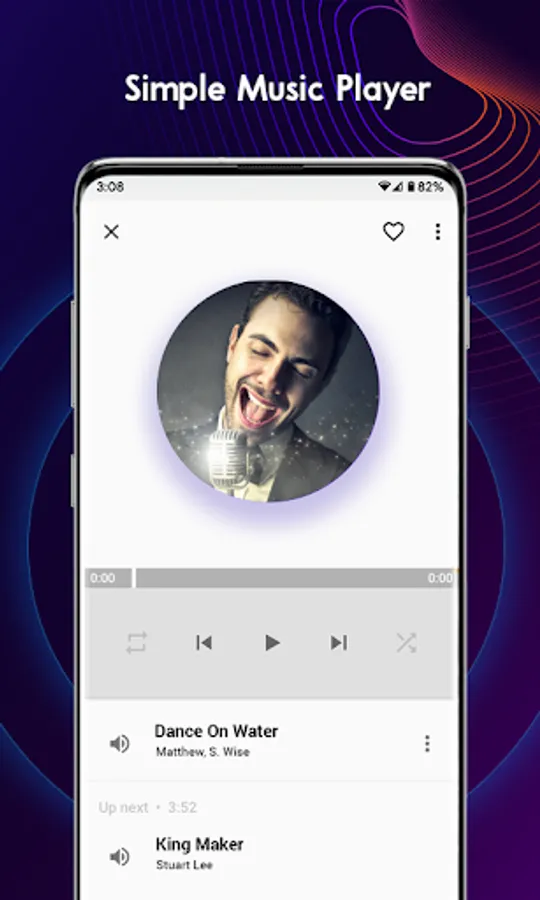
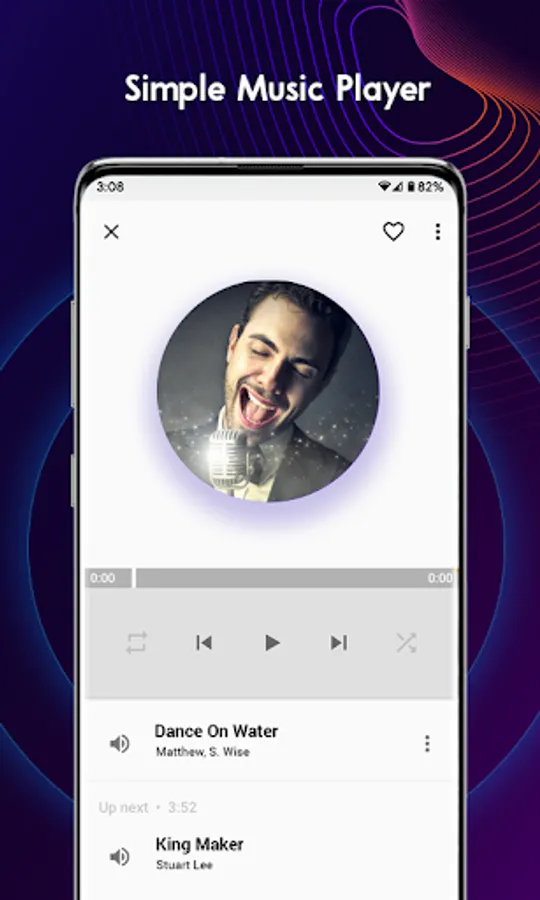
- Nice and simple Music player with brilliant look.
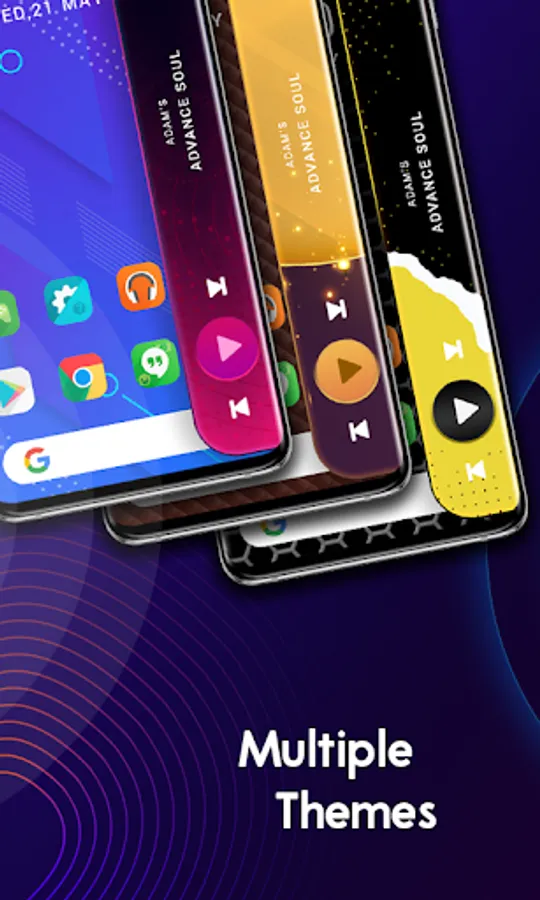
- We also provide multiple edge themes which matches with look of your phone.
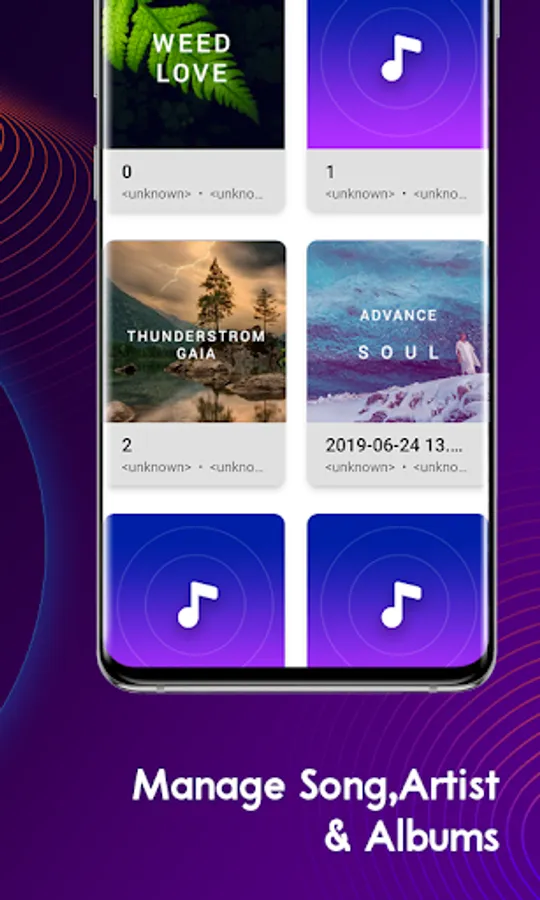
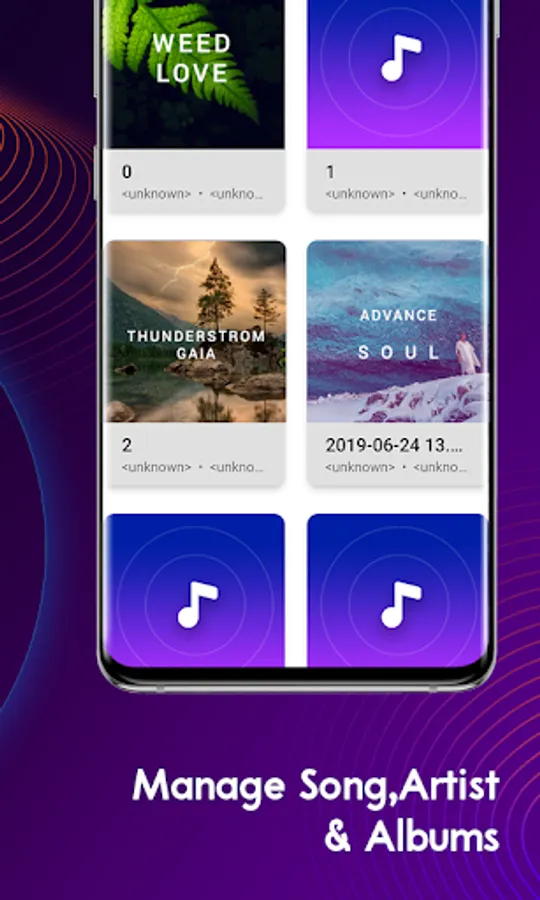
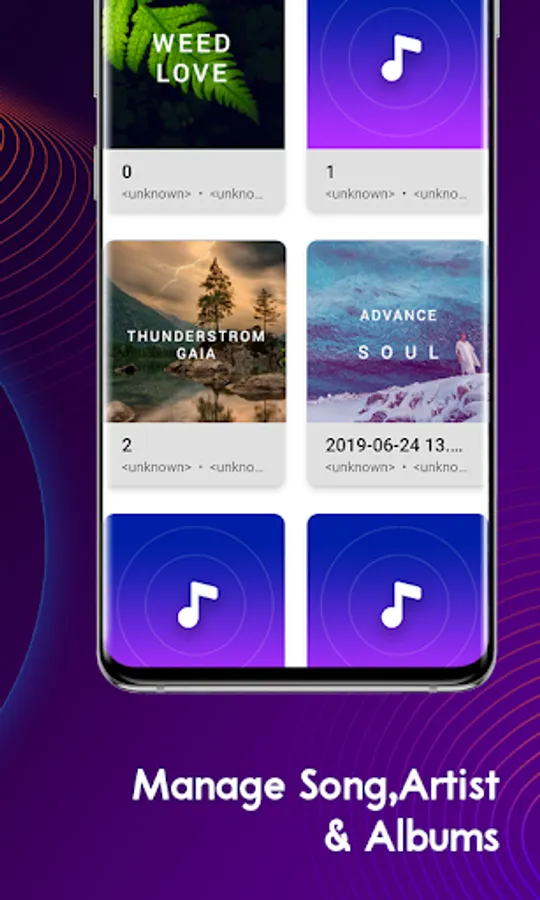
- Edge Music player divided into three sources so you can easily find your song with album-wise, artist-wise and song-wise.
- Shuffle inside all collection of the songs(Artist & albums).
- Share music, delete music form device & set as ringtone using our app.
- Manage categories order & remember last open tab.
- Manage classic notification & colored notification from setting page.
- Also album cover from lock screen with multiple options.
Permission:
- Accessibility Services :
We use this permission to allow user to add currently playing music player in side notification panel, so that it can be managed and control like play/pause, next song etc., with ease.
We do not take any user data or personal information. This permission is only used for the specific function of the app.
You can listen to your local songs any time any where without opening the app.
Also manage any music app to change track & open that apps using our edge service.
How to use Edge Music Player:
- Enable EDGE service at main page.
- You can change excellent edge theme using our theme collection.
- After start service swipe on screen to show our edge screen.
- Click any where to close edge screen.
App Features:
- Nice and simple Music player with brilliant look.
- We also provide multiple edge themes which matches with look of your phone.
- Edge Music player divided into three sources so you can easily find your song with album-wise, artist-wise and song-wise.
- Shuffle inside all collection of the songs(Artist & albums).
- Share music, delete music form device & set as ringtone using our app.
- Manage categories order & remember last open tab.
- Manage classic notification & colored notification from setting page.
- Also album cover from lock screen with multiple options.
Permission:
- Accessibility Services :
We use this permission to allow user to add currently playing music player in side notification panel, so that it can be managed and control like play/pause, next song etc., with ease.
We do not take any user data or personal information. This permission is only used for the specific function of the app.