Notification Manager: Notisave
Quantum4u
3.8 ★
4K ratings
100,000+
downloads
Free
+ in-app
In this notification management app, you can block unwanted notifications and view saved messages. Includes notification filtering, history logging, and app grouping features.
AppRecs review analysis
AppRecs rating 3.4. Trustworthiness 80 out of 100. Review manipulation risk 34 out of 100. Based on a review sample analyzed.
★★★☆☆
3.4
AppRecs Rating
Ratings breakdown
5 star
58%
4 star
6%
3 star
10%
2 star
6%
1 star
20%
What to know
✓
Credible reviews
80% trustworthiness score from analyzed reviews
✓
Good user ratings
64% positive sampled reviews
⚠
Ad complaints
Many low ratings mention excessive ads
About Notification Manager: Notisave
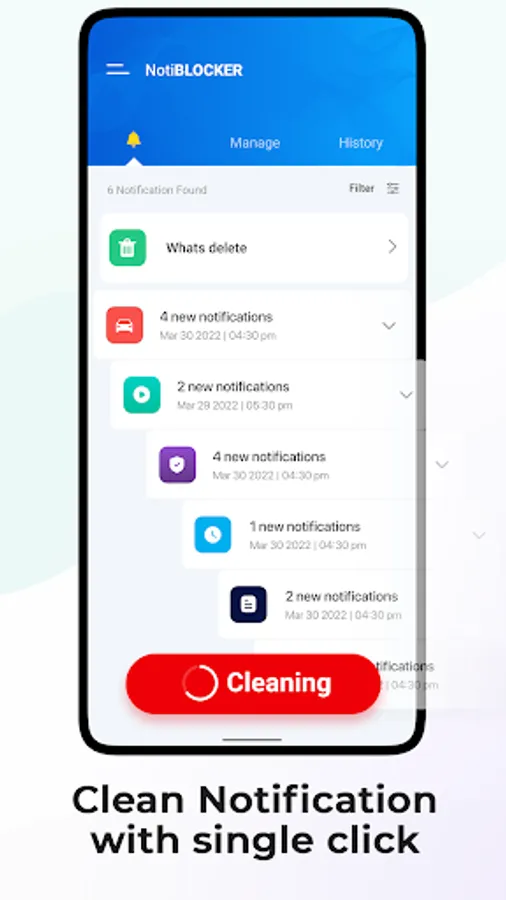
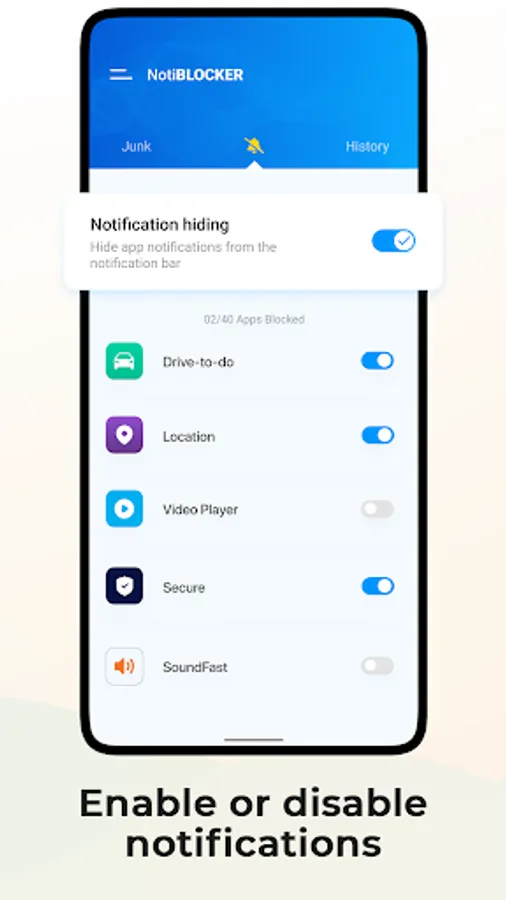
Notification Manager: Notisave is a smart Notification manager, Notification saver, Notification Blocker app that lets you filter junk notifications and block app notifications. Notifications from blocked apps are saved directly within the NotiSaver app. This stops unwanted junk notifications from appearing in your notification bar. Hence, your noti-bar (notification bar) stays clean & clutter-free. You will only see notifications from apps that you find useful on the notification bar.
Reasons why NotiSave: Notification Manager is useful:
Block Notifications
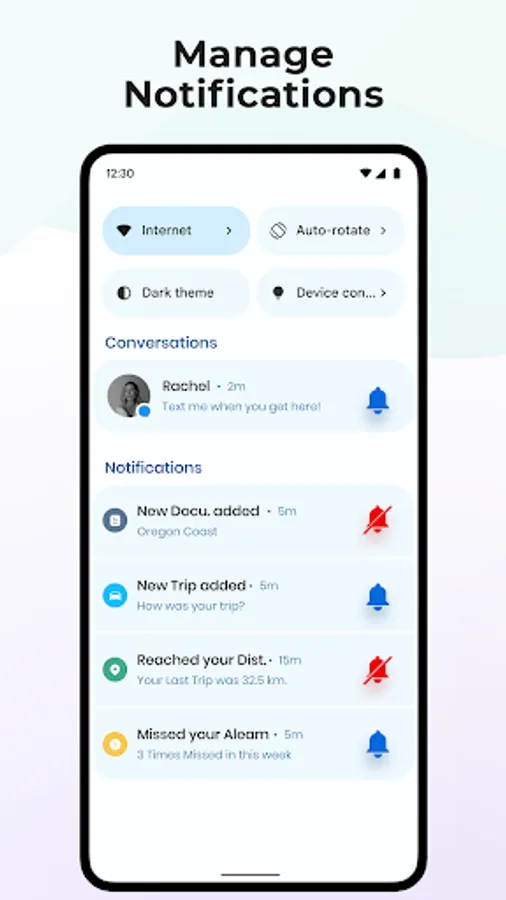
NotiSave: Notification Blocker & notification manager lets you block all the unwanted or junk notifications. All the unwanted notifications or junk notifications are saved within the Notisaver app which keeps your notification bar clean. Users can simply select the apps from the Notisave: junk notification blocker app that sends too many annoying junk notifications. You will only see notifications from apps you use in the notification bar.
Delete Junk Notifications or Unwanted Notifications
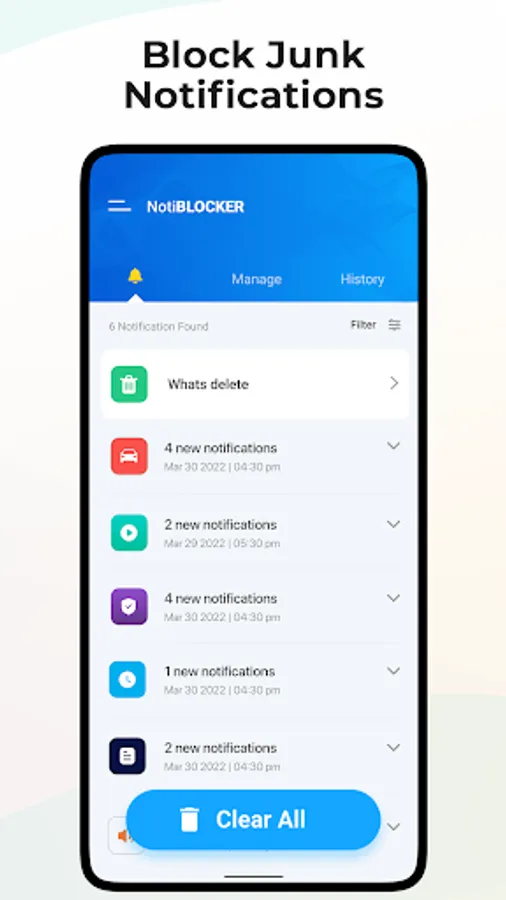
The NotiSaver: Notification Blocker lets you delete all the junk notifications with a simple swipe gesture from the Notisaver app. You can view the notifications on yearly, monthly, yesterday and today basis.
Notification History
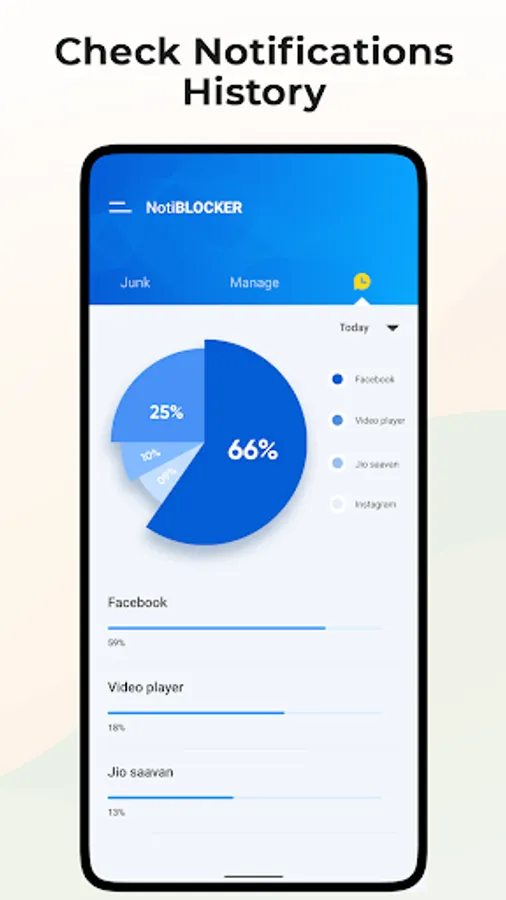
The NotiSave: Notification Blocker lets you view the notification history log.
NOTE: The notification history of the apps will not be visible before a few of the notifications are saved in Notisave: notification manager or junk notification blocker app.
Edit and Create App Groups
The NotiSave: Notification Blocker lets you edit and create app groups based on app categories like Social Media, Emails and Shopping. With the help of this notification cleaner app, you can easily filter out apps and manage notifications.
Whats Delete
The NotiSave: Notification Blocker & manager has an additional feature- Whats Delete, that lets you view all the deleted messages and media.
Caller ID or Call Info
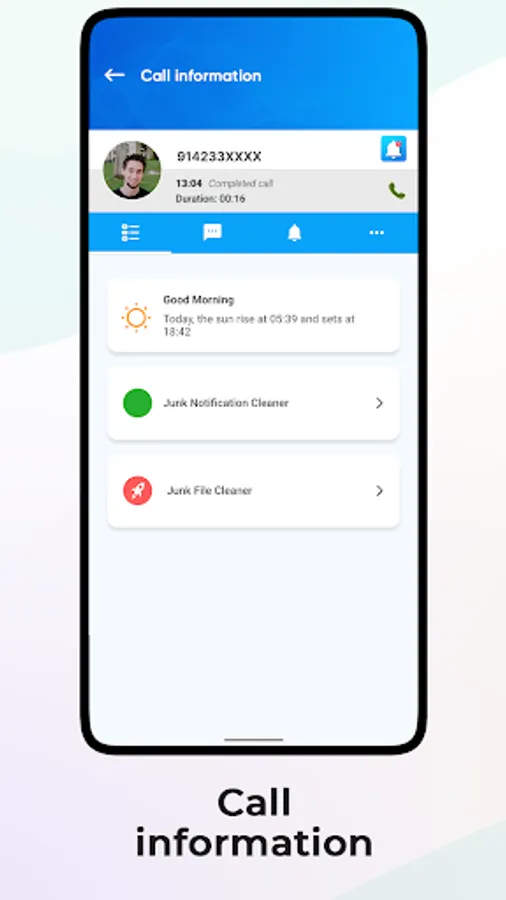
The NotiSave: Notification Blocker (notification cleaner) has an additional feature, Caller ID. This feature allows you to view all the calls information such as missed call, completed call, no answer, unknown caller after the calls.
Get NotiSave: Notification Manager
With NotiSave:Notification manager, you will get
👉🏻 ad-free junk notification blocker (notification saver) app experience.
👉🏻 an unlimited access to all the Pro features of notification saver or junk notification blocker app.
We are always open to suggestions and queries for our junk notification cleaner app. If you have any issues related to the Notification Manager: NotiSave, you can shoot us an email at feedback@quantum4u.in
Privacy policy: https://quantum4u.in/privacy-policy
Terms & conditions: https://quantum4u.in/terms
EULA: https://quantum4u.in/eula
Reasons why NotiSave: Notification Manager is useful:
Block Notifications
NotiSave: Notification Blocker & notification manager lets you block all the unwanted or junk notifications. All the unwanted notifications or junk notifications are saved within the Notisaver app which keeps your notification bar clean. Users can simply select the apps from the Notisave: junk notification blocker app that sends too many annoying junk notifications. You will only see notifications from apps you use in the notification bar.
Delete Junk Notifications or Unwanted Notifications
The NotiSaver: Notification Blocker lets you delete all the junk notifications with a simple swipe gesture from the Notisaver app. You can view the notifications on yearly, monthly, yesterday and today basis.
Notification History
The NotiSave: Notification Blocker lets you view the notification history log.
NOTE: The notification history of the apps will not be visible before a few of the notifications are saved in Notisave: notification manager or junk notification blocker app.
Edit and Create App Groups
The NotiSave: Notification Blocker lets you edit and create app groups based on app categories like Social Media, Emails and Shopping. With the help of this notification cleaner app, you can easily filter out apps and manage notifications.
Whats Delete
The NotiSave: Notification Blocker & manager has an additional feature- Whats Delete, that lets you view all the deleted messages and media.
Caller ID or Call Info
The NotiSave: Notification Blocker (notification cleaner) has an additional feature, Caller ID. This feature allows you to view all the calls information such as missed call, completed call, no answer, unknown caller after the calls.
Get NotiSave: Notification Manager
With NotiSave:Notification manager, you will get
👉🏻 ad-free junk notification blocker (notification saver) app experience.
👉🏻 an unlimited access to all the Pro features of notification saver or junk notification blocker app.
We are always open to suggestions and queries for our junk notification cleaner app. If you have any issues related to the Notification Manager: NotiSave, you can shoot us an email at feedback@quantum4u.in
Privacy policy: https://quantum4u.in/privacy-policy
Terms & conditions: https://quantum4u.in/terms
EULA: https://quantum4u.in/eula