With this GPS tracking app, you can view device locations, manage trackers, and set geo-zones. Includes device management, location tracking, account settings, and support access.
AppRecs review analysis
AppRecs rating 3.8. Trustworthiness 68 out of 100. Review manipulation risk 50 out of 100. Based on a review sample analyzed.
★★★☆☆
3.8
AppRecs Rating
Ratings breakdown
5 star
52%
4 star
17%
3 star
10%
2 star
3%
1 star
17%
What to know
✓
Authentic reviews
Natural distribution, no red flags
⚠
Questionable review patterns
50% review manipulation risk - some review patterns appear unusual
About Mobile Dispatcher
"Mobile dispatcher" is a mobile version of the LiveGPSTracks.com GPS tracking platform.
With the application you will be able to:
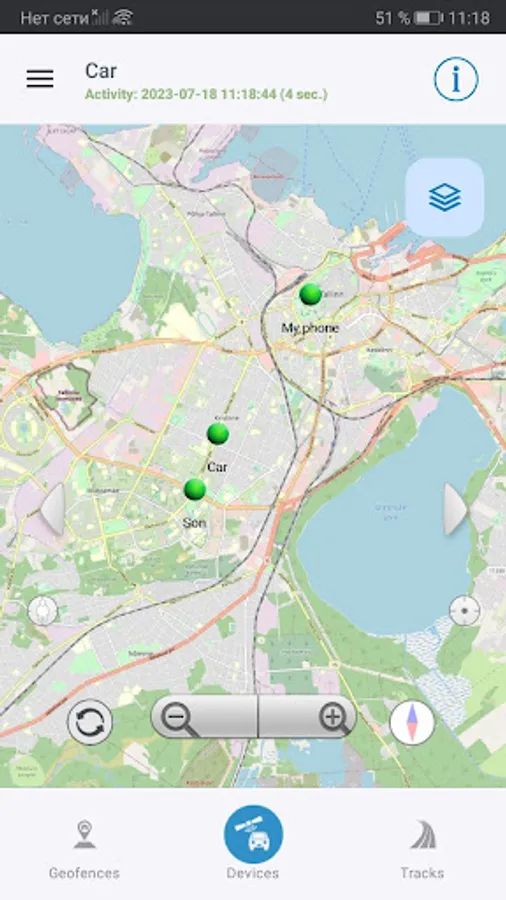
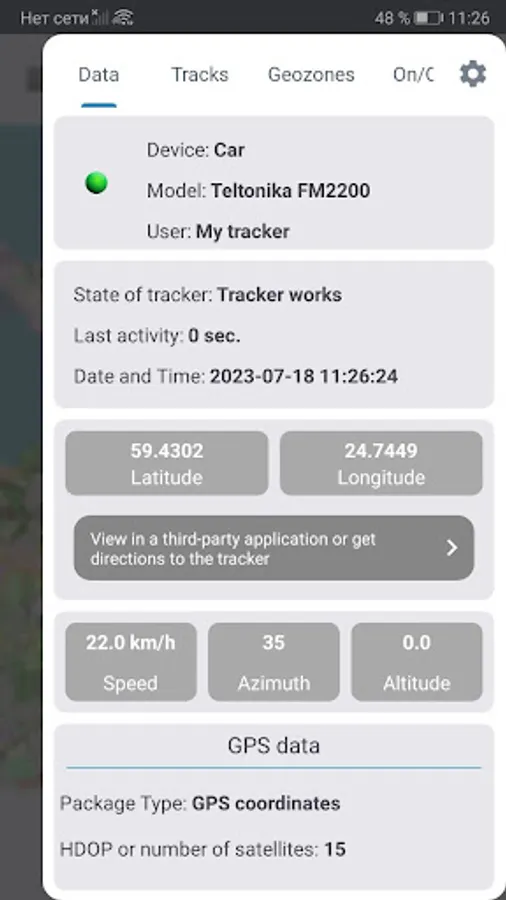
- See the location of your devices (GPS trackers)
- Use as an application for your company
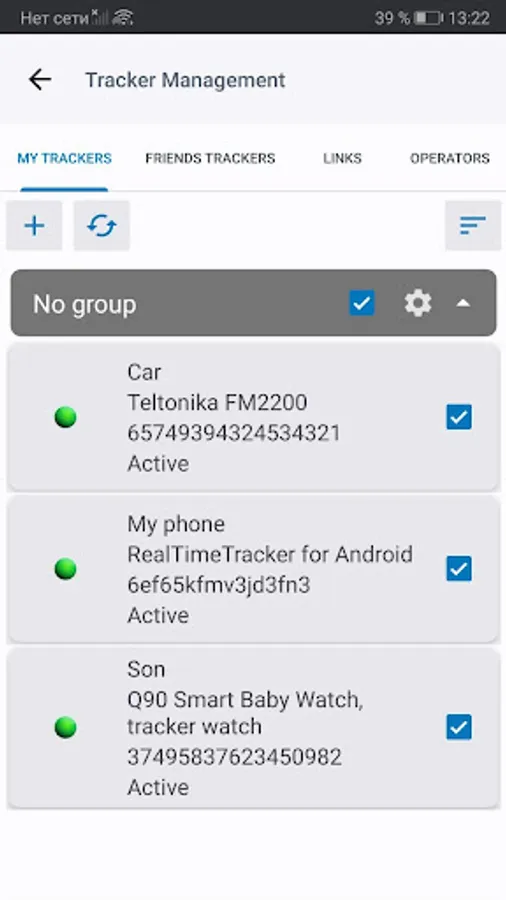
- Manage your trackers (add, change, delete, send SMS commands)
- Set geo-zones on your trackers
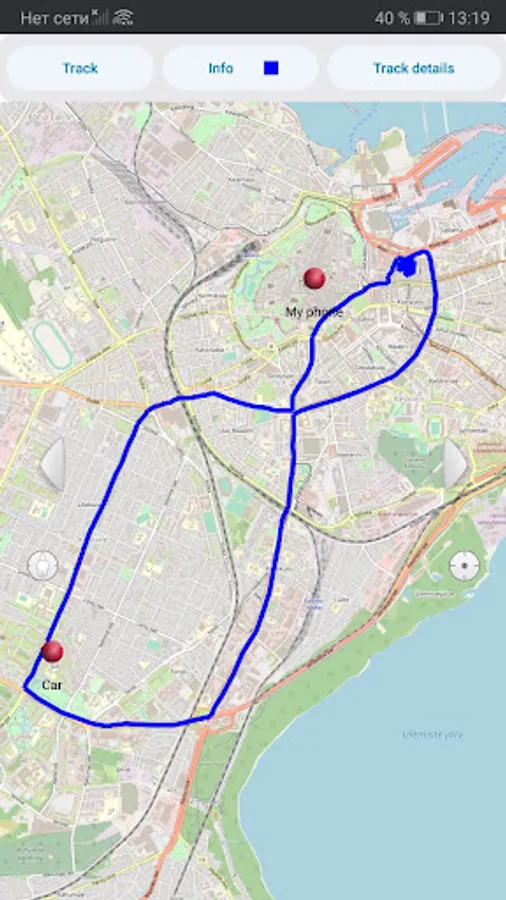
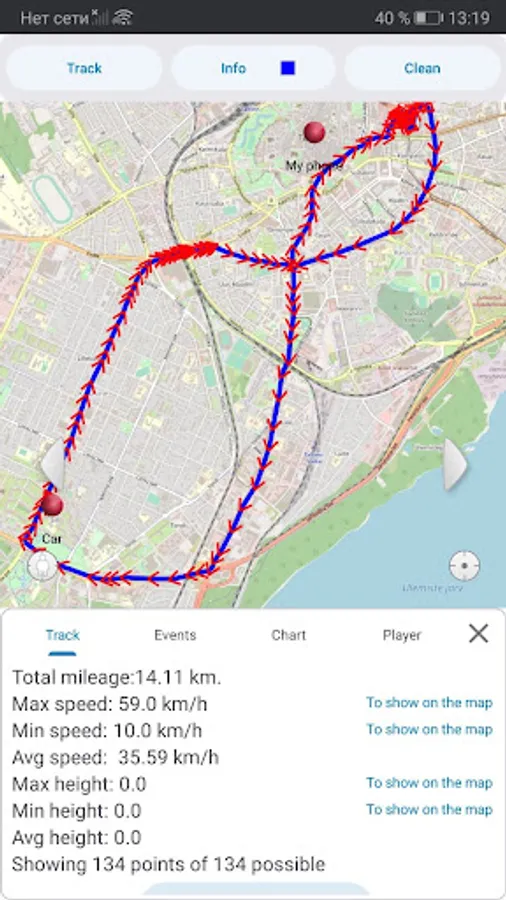
- View movement tracks of your devices
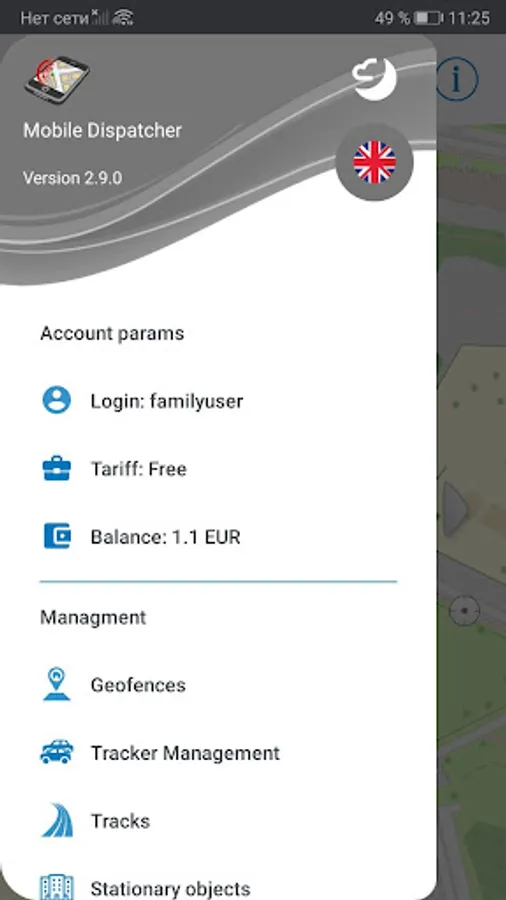
- Manage some features of your account
- Create an account on the GPS tracking platform LiveGPSTracks.com
"Mobile Dispatcher" allows you to see the location of only devices added to your account (GPS trackers) with the conscious consent of the owner of the device (GPS tracker) and cannot be used as a spy or secret tracking solution! You are not allowed to use the GPS tracking platform LiveGPSTracks.com for illegal activities.
"Mobile Dispatcher" is not a GPS tracker and is not able to collect and transmit data about the location of the smartphone where it is installed.
At the moment, the application does not completely replace the platfom website in terms of its capabilities, and in order to gain access to some features, you need to use the website.
What you need to be able to use the "Mobile Dispatcher" application:
* Register or enter data (login / password) from your account in the application
* If your account already has connected trackers (for example, through the platform website), then you will immediately see them on the map
* Connect a new GPS tracker to the platform via "Manage trackers"
* Watch all your GPS trackers from your smartphone.
If you do not have a special device, you can turn your smartphone into a full-fledged GPS tracker. Just download our Android app - Real Time GPS Tracker (https://play.google.com/store/apps/details?id=com.app.realtimetracker) and connect it as a device to your account.
If you didn’t manage to set up something, didn’t understand something, or it seemed to you that something stopped working, our technical support team is always ready to answer your questions. Email us at support@livegpstracks.com.
In order for the "Mobile Dispatcher" application to perform all of its declared functions, it needs some permissions.
You can find out what these permissions are for by reading our privacy policy:
https://livegpstracks.com/docs/privacy-policy.html
With the application you will be able to:
- See the location of your devices (GPS trackers)
- Use as an application for your company
- Manage your trackers (add, change, delete, send SMS commands)
- Set geo-zones on your trackers
- View movement tracks of your devices
- Manage some features of your account
- Create an account on the GPS tracking platform LiveGPSTracks.com
"Mobile Dispatcher" allows you to see the location of only devices added to your account (GPS trackers) with the conscious consent of the owner of the device (GPS tracker) and cannot be used as a spy or secret tracking solution! You are not allowed to use the GPS tracking platform LiveGPSTracks.com for illegal activities.
"Mobile Dispatcher" is not a GPS tracker and is not able to collect and transmit data about the location of the smartphone where it is installed.
At the moment, the application does not completely replace the platfom website in terms of its capabilities, and in order to gain access to some features, you need to use the website.
What you need to be able to use the "Mobile Dispatcher" application:
* Register or enter data (login / password) from your account in the application
* If your account already has connected trackers (for example, through the platform website), then you will immediately see them on the map
* Connect a new GPS tracker to the platform via "Manage trackers"
* Watch all your GPS trackers from your smartphone.
If you do not have a special device, you can turn your smartphone into a full-fledged GPS tracker. Just download our Android app - Real Time GPS Tracker (https://play.google.com/store/apps/details?id=com.app.realtimetracker) and connect it as a device to your account.
If you didn’t manage to set up something, didn’t understand something, or it seemed to you that something stopped working, our technical support team is always ready to answer your questions. Email us at support@livegpstracks.com.
In order for the "Mobile Dispatcher" application to perform all of its declared functions, it needs some permissions.
You can find out what these permissions are for by reading our privacy policy:
https://livegpstracks.com/docs/privacy-policy.html
Mobile Dispatcher Screenshots
Tap to Rate:
Reviews for Mobile Dispatcher
Melissa Mahaley
9/2/2024
Idk. Wth this is
Paul 777
7/28/2024
very useful but gpx export is invalid. tmes need T instead of space, and pdop closing tag is missing slash. would also be great to support the bing maps OS map layer for UK.