Desktop FullScreen Web Browser
SparklingApps
3.0 ★
4K ratings
1,000,000+
downloads
Free
With this app, you can view websites in full-screen mode, switch between desktop and mobile versions, and manage multiple tabs easily. Includes bookmark management, incognito browsing, and secure browsing features.
AppRecs review analysis
AppRecs rating 3.0. Trustworthiness 82 out of 100. Review manipulation risk 29 out of 100. Based on a review sample analyzed.
★★★☆☆
3.0
AppRecs Rating
Ratings breakdown
5 star
42%
4 star
5%
3 star
7%
2 star
6%
1 star
40%
What to know
✓
Low review manipulation risk
29% review manipulation risk
⚠
Ad complaints
Many low ratings mention excessive ads
⚠
High negative review ratio
46% of sampled ratings are 1–2 stars
About Desktop FullScreen Web Browser
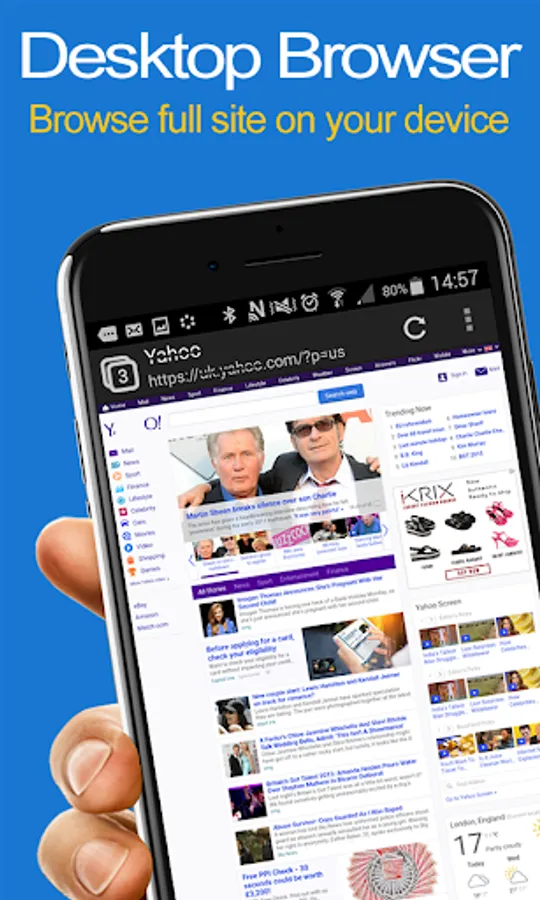
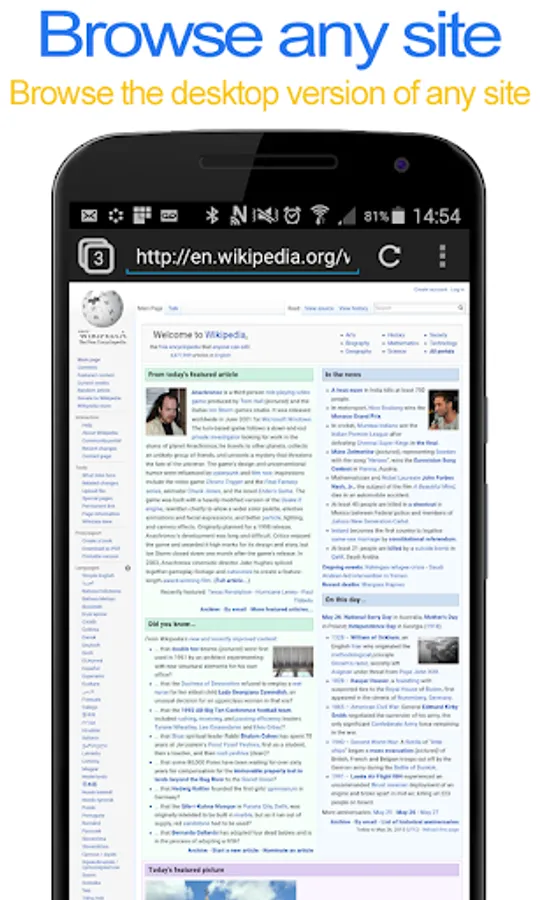
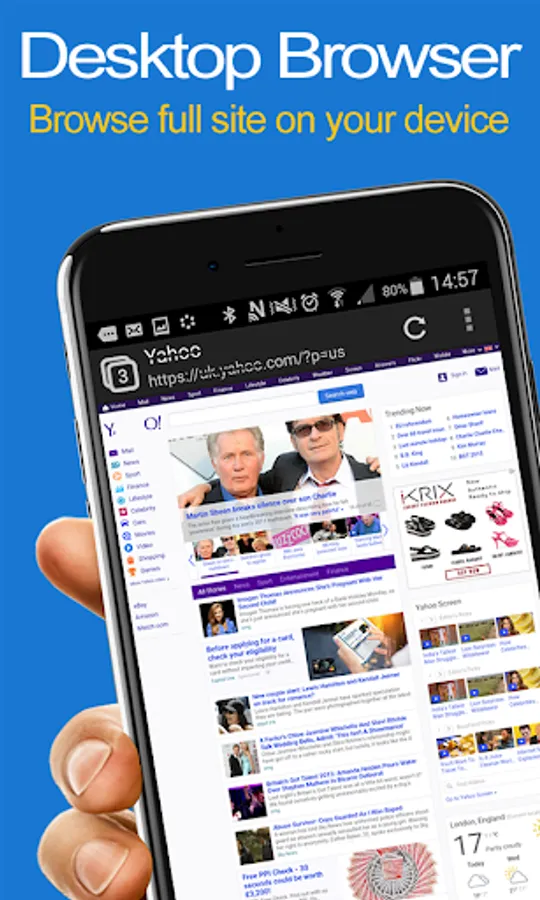
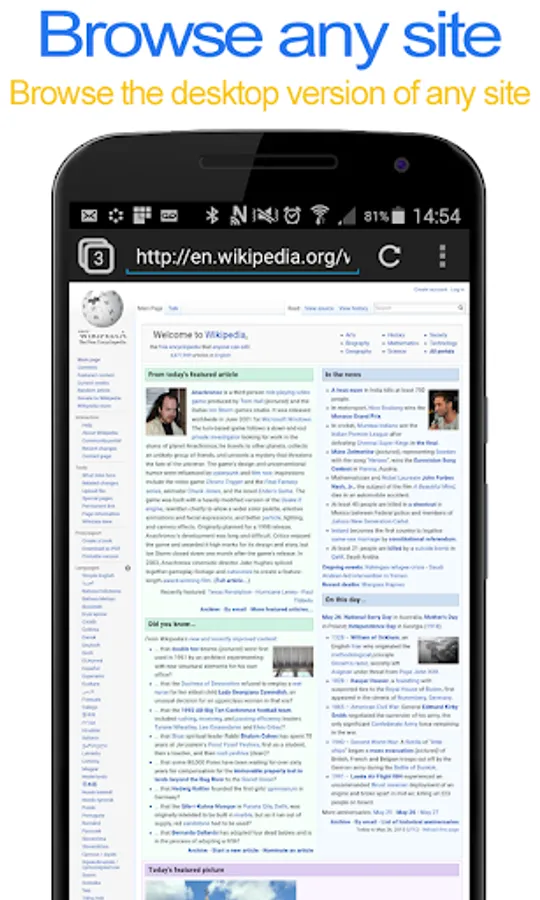
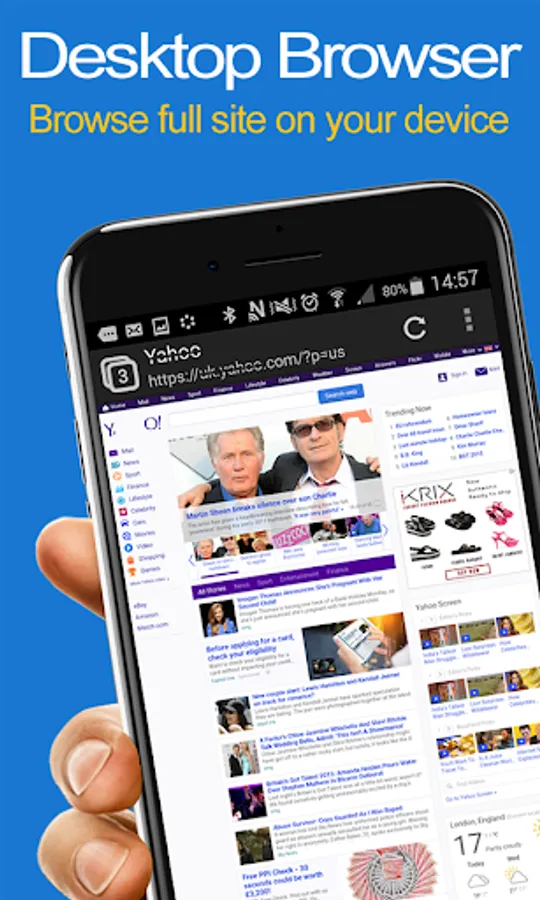
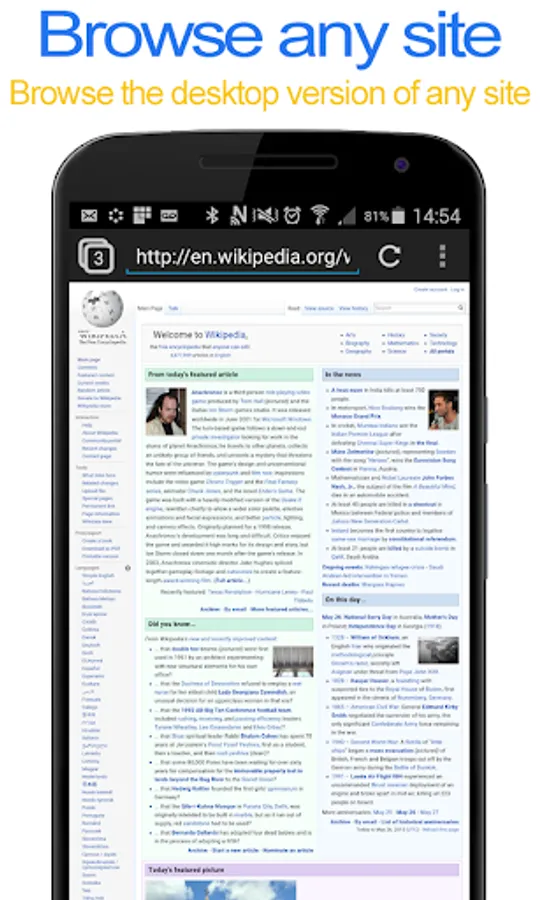
Desktop FullScreen Web Browser Allows You To View Any Webpage With Full Desktop Functionality On Your Phone Or Tablet Device.
+ 100% Free - No Ads!
+ Easily switch between the desktop & mobile version of the site (Settings > Browser Settings)
+ All Standard Browser Features
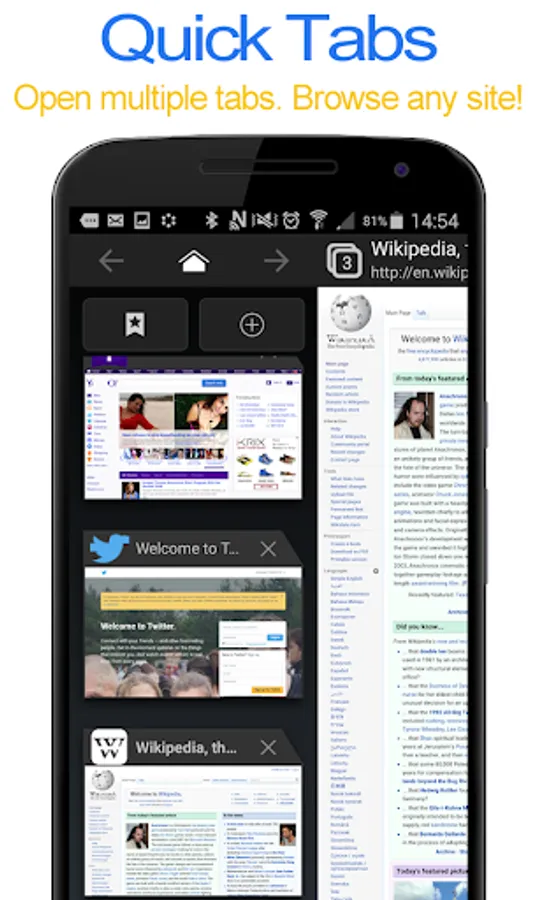
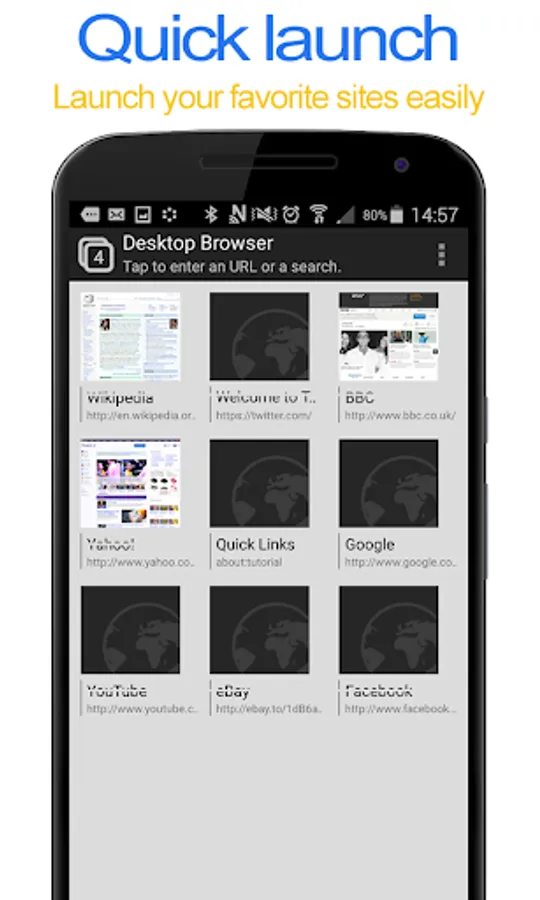
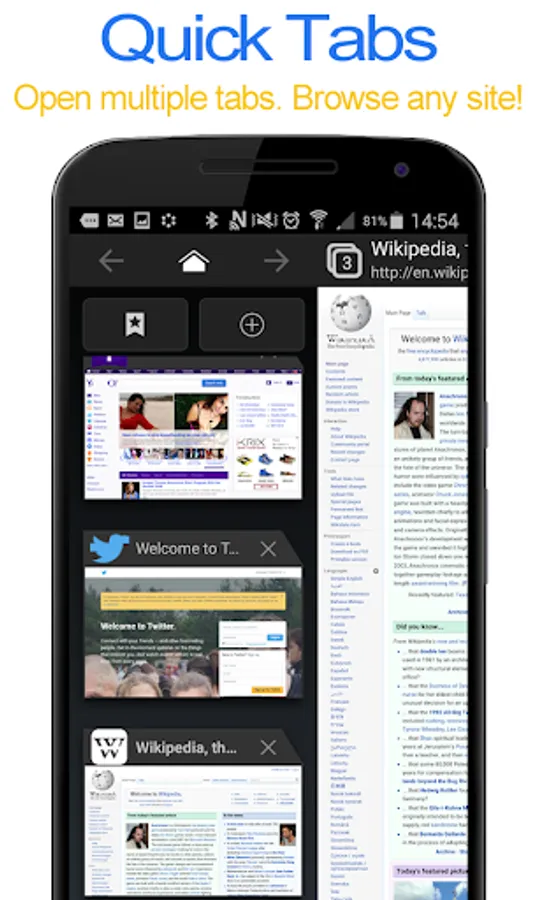
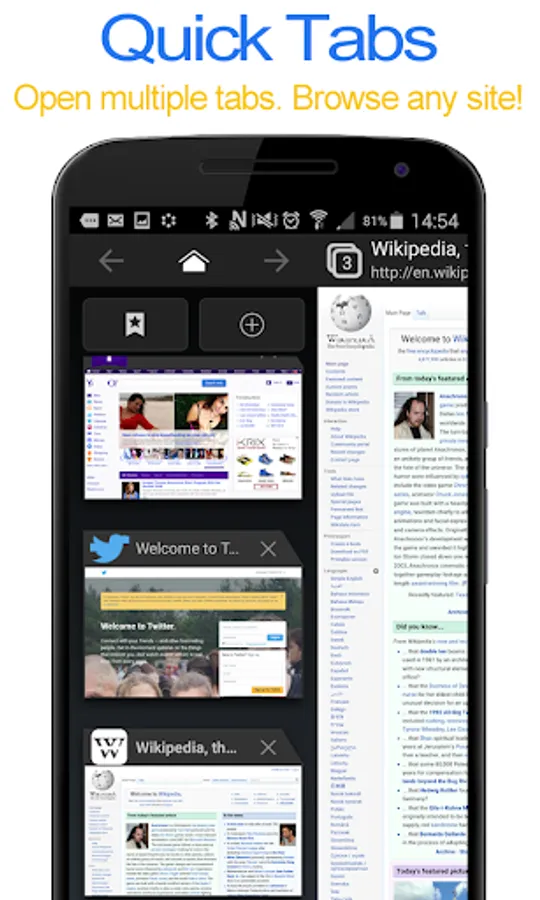
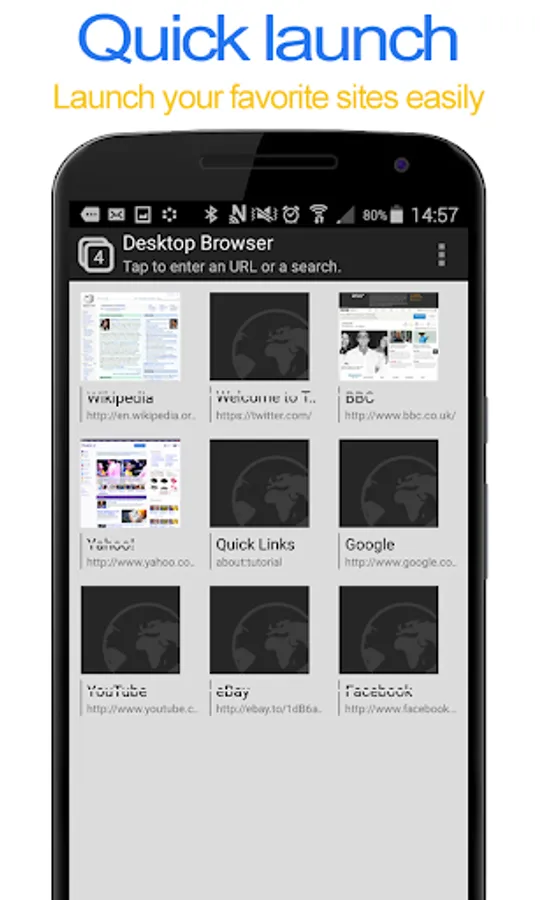
+ Multi Tabs Supported For Quick Browsing
+ Ultra Secure Browsing
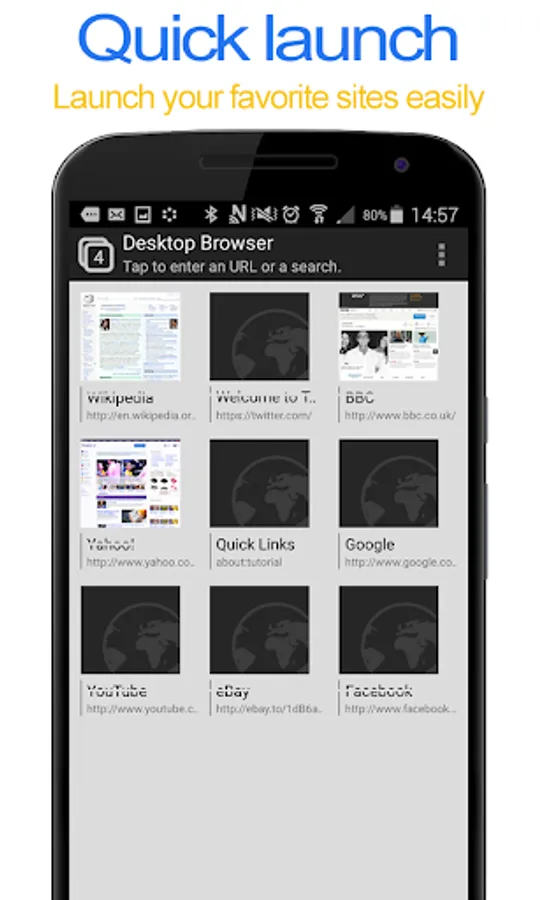
+ Save & Load Bookmarks
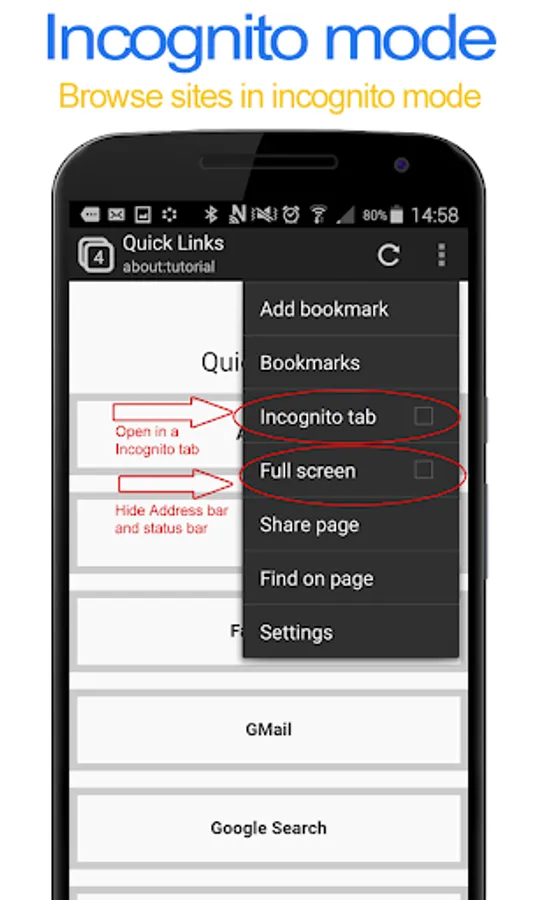
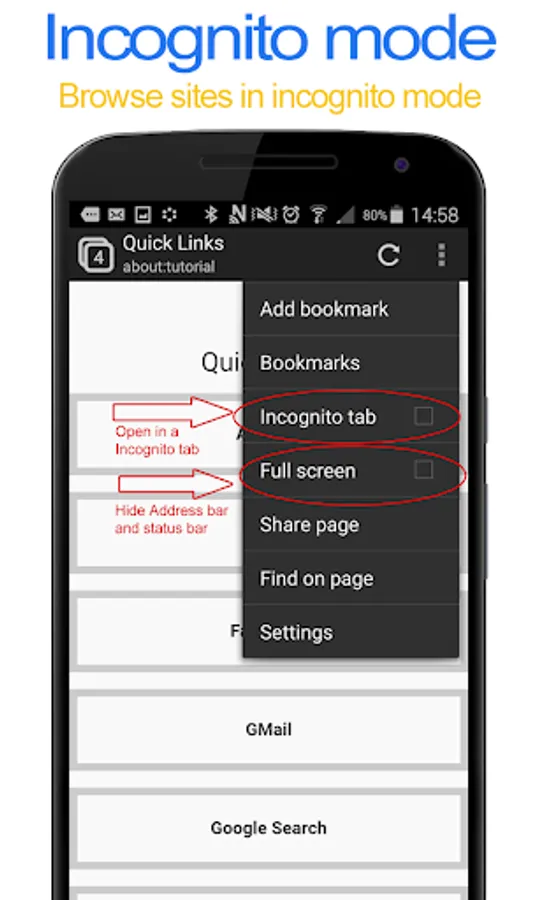
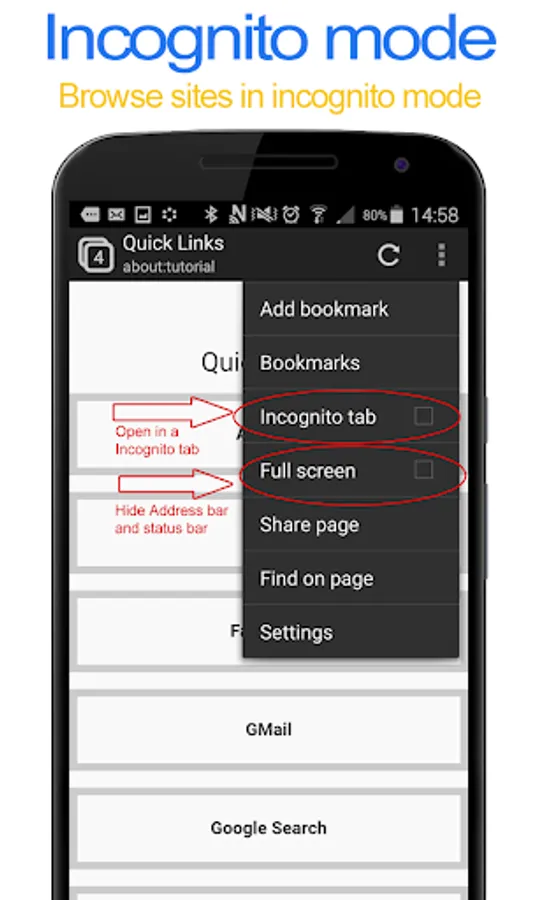
+ Opt For Full Screen To hide Address And Status Bar
+ Browse Websites In Incognito Tabs
+ 100% Free - No Ads!
+ Easily switch between the desktop & mobile version of the site (Settings > Browser Settings)
+ All Standard Browser Features
+ Multi Tabs Supported For Quick Browsing
+ Ultra Secure Browsing
+ Save & Load Bookmarks
+ Opt For Full Screen To hide Address And Status Bar
+ Browse Websites In Incognito Tabs