Screenshot Expert: Markup Tool
Appculus – Audit, Inspection, Checklists & Utility
4.4 ★
212 ratings
5,000+
downloads
Free
+ in-app
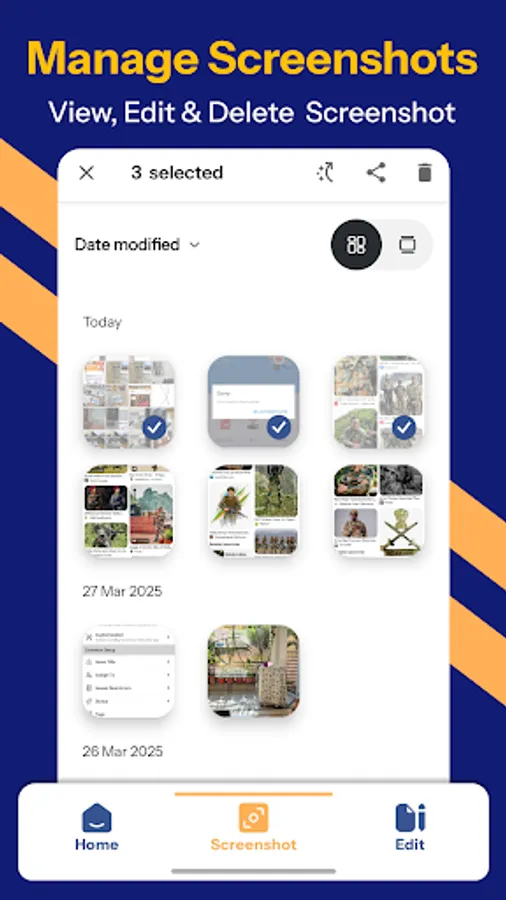
In this screenshot and photo markup app, you can capture, annotate, and edit screenshots using a variety of tools. Includes options for scrolling captures, merging images, and applying blurring or highlighting effects.
AppRecs review analysis
AppRecs rating 4.4. Trustworthiness 79 out of 100. Review manipulation risk 25 out of 100. Based on a review sample analyzed.
★★★★☆
4.4
AppRecs Rating
Ratings breakdown
5 star
78%
4 star
4%
3 star
4%
2 star
4%
1 star
9%
What to know
✓
Low review manipulation risk
25% review manipulation risk
✓
Credible reviews
79% trustworthiness score from analyzed reviews
✓
High user satisfaction
82% of sampled ratings are 4+ stars (4.4★ average)
About Screenshot Expert: Markup Tool
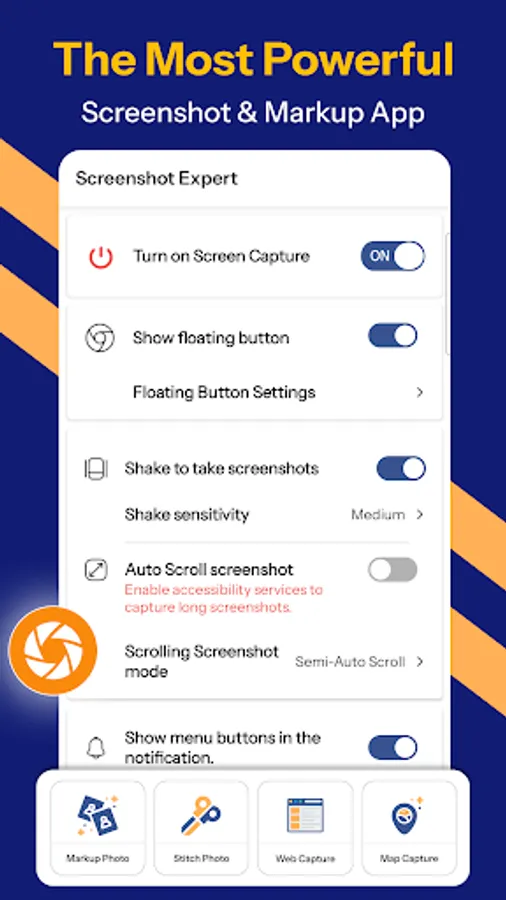
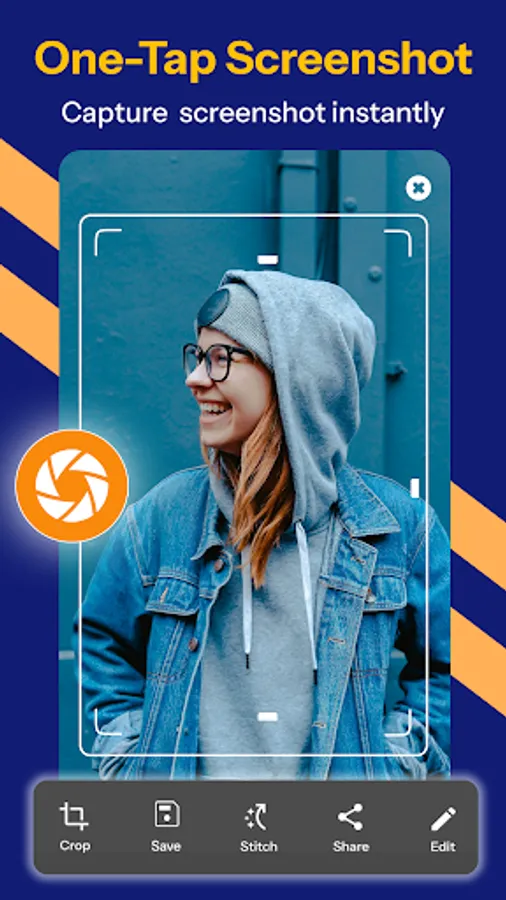
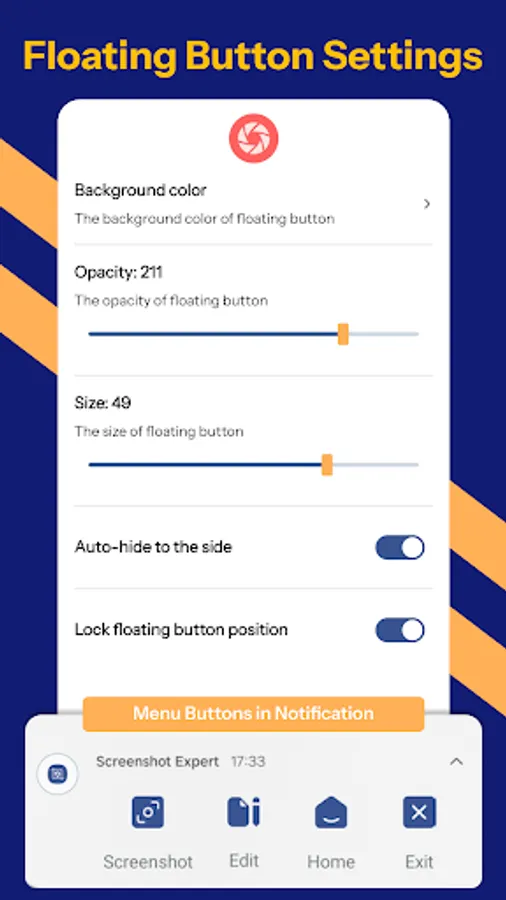
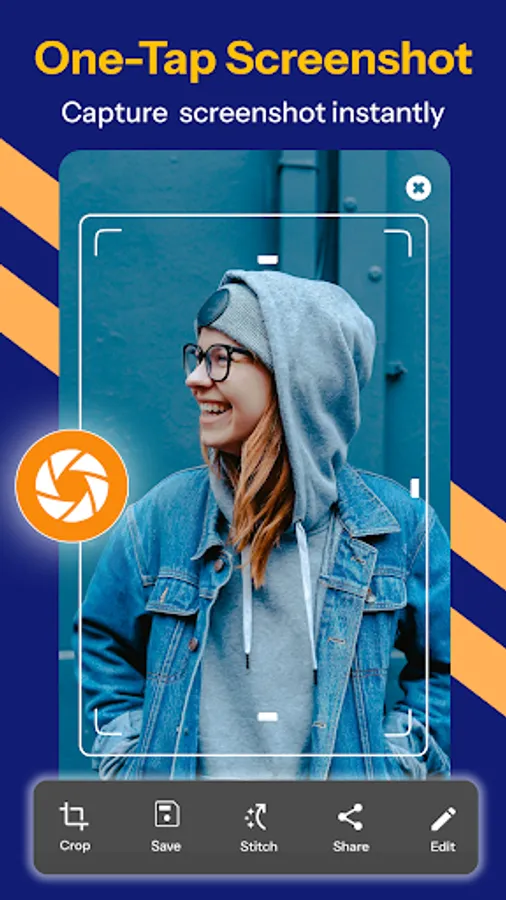
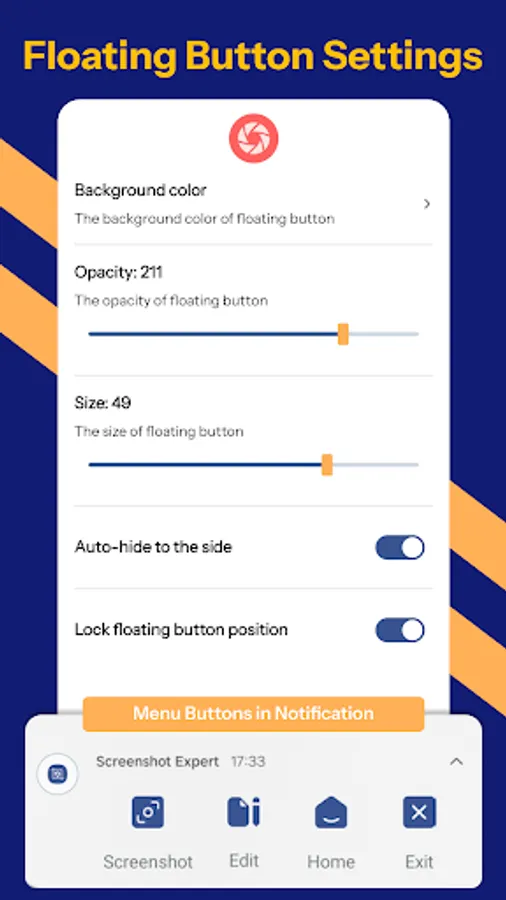
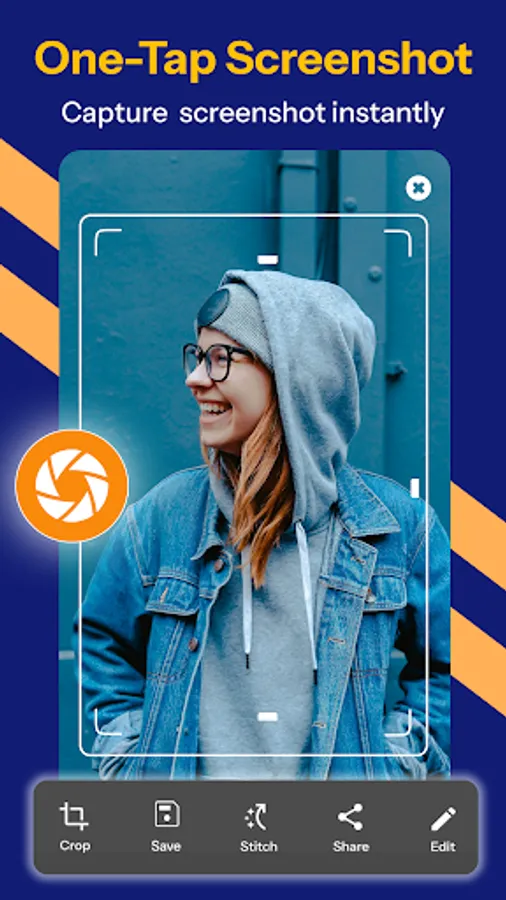
Screenshot Expert is a free, easy-to-use, and feature-packed screen capture, screenshot, and photo editing app for Android. Capture high-quality screen snaps instantly with a floating button, screen grab, one-touch screenshot, snap capture, or by shaking your device.
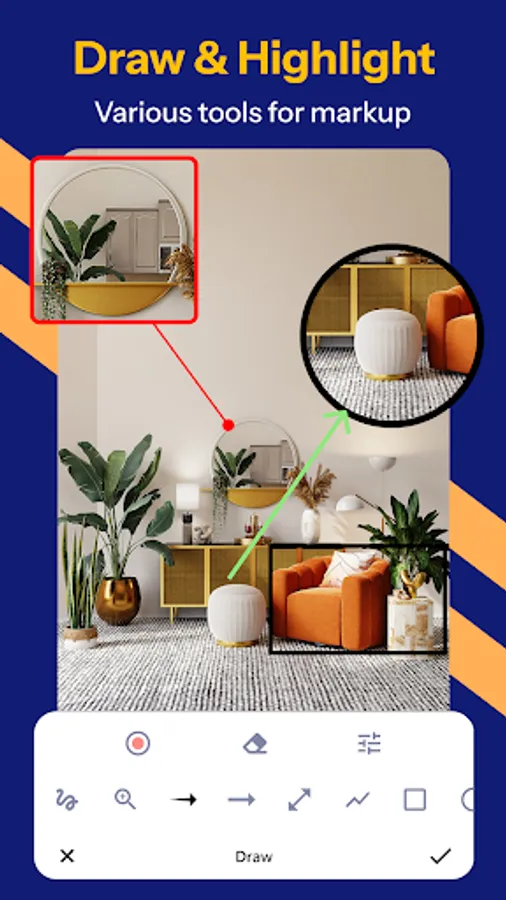
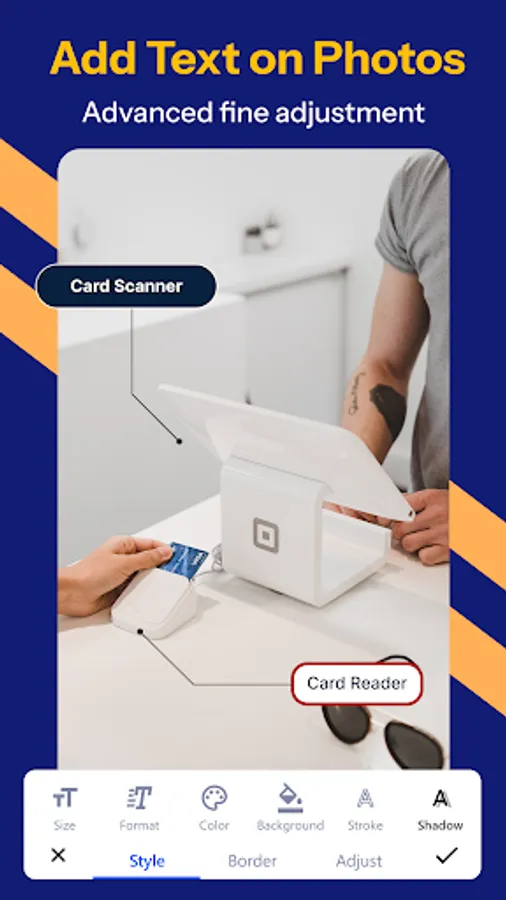
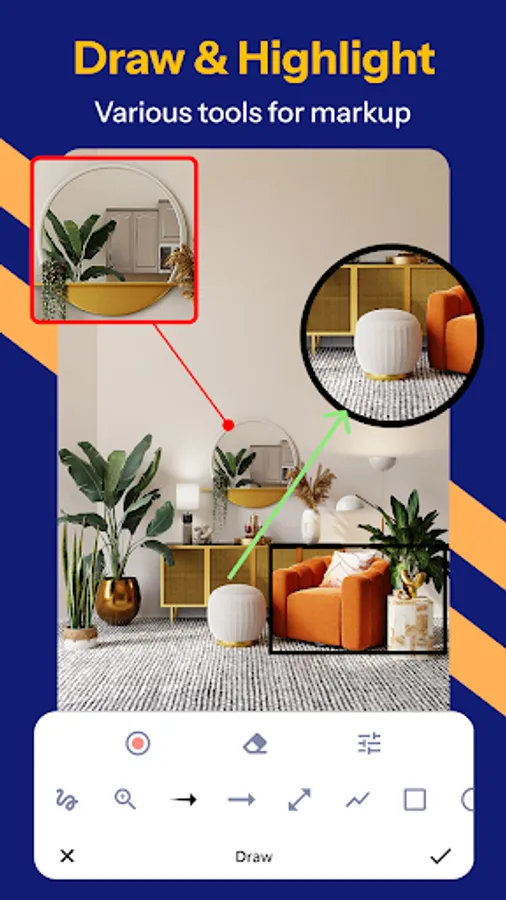
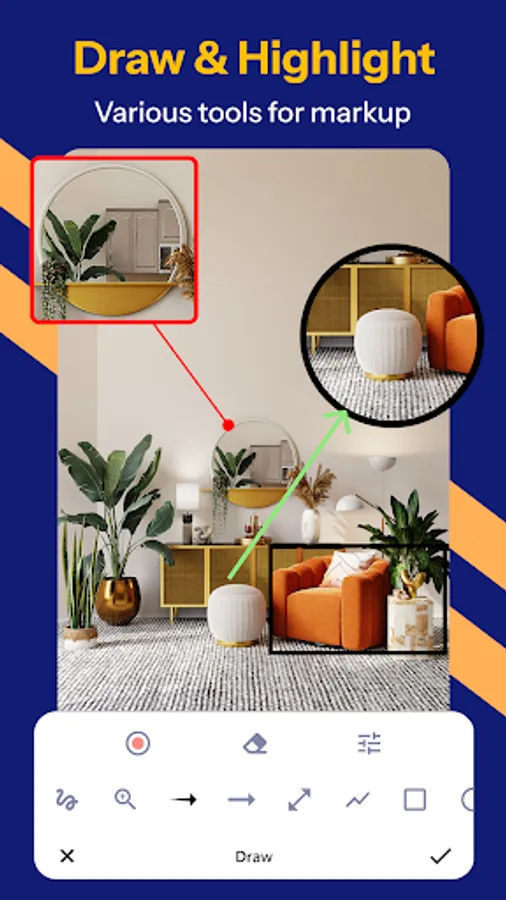
Enhance your screenshots with powerful markup and annotation tools, highlight key details, blur sensitive content, doodle on screenshots, add text, and draw arrows, rectangles, circles, and more. With auto-trimming, scrolling screenshot capture, merge screenshots, and full-page scroll capture, Screenshot Expert is the most advanced screenshot assistant you'll ever need!
✅ Quick Screenshot Mode – Take screenshots super quick with a double tap! Enjoy screenshot quick capture that’s instantly saved and ready to share.
Key Features – Capture, Edit & Share with Ease!
✅ Multiple Screenshot Methods:
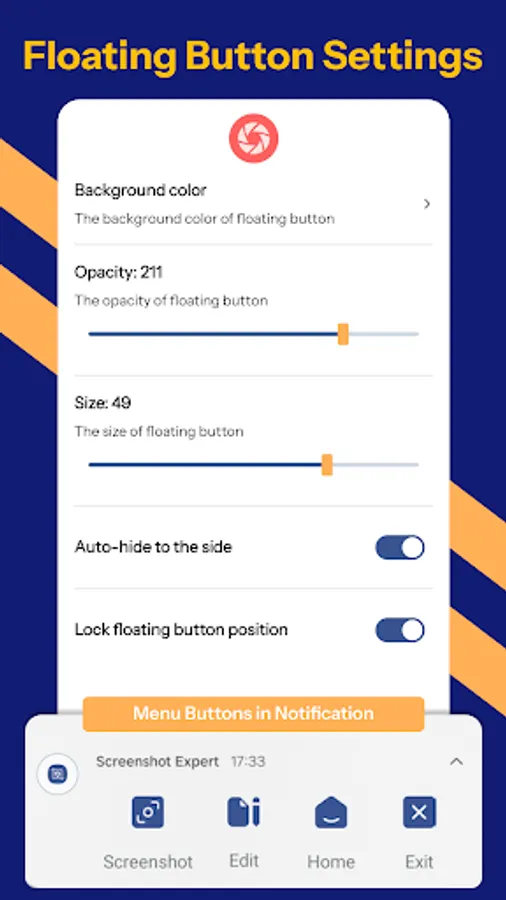
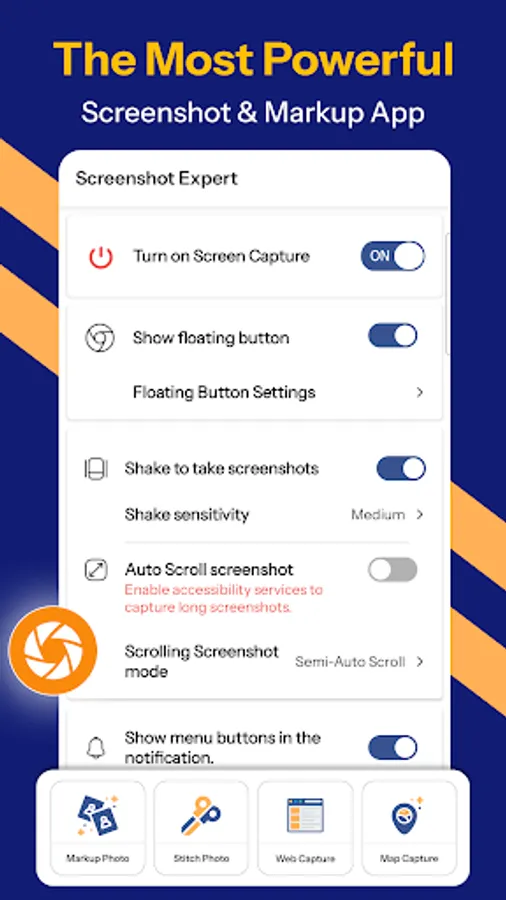
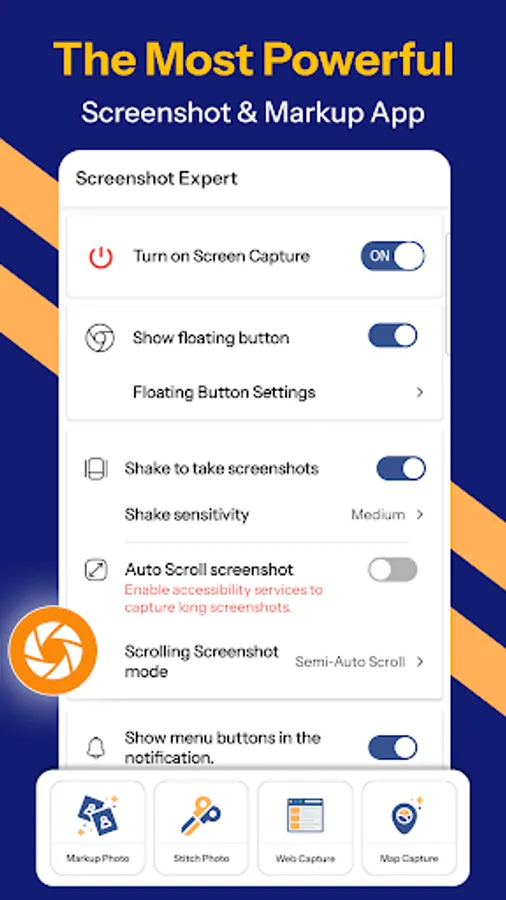
◆ Floating Button – One-tap screenshot capture anytime, anywhere.
◆ Shake to Capture – Instantly take screenshots by shaking your phone.
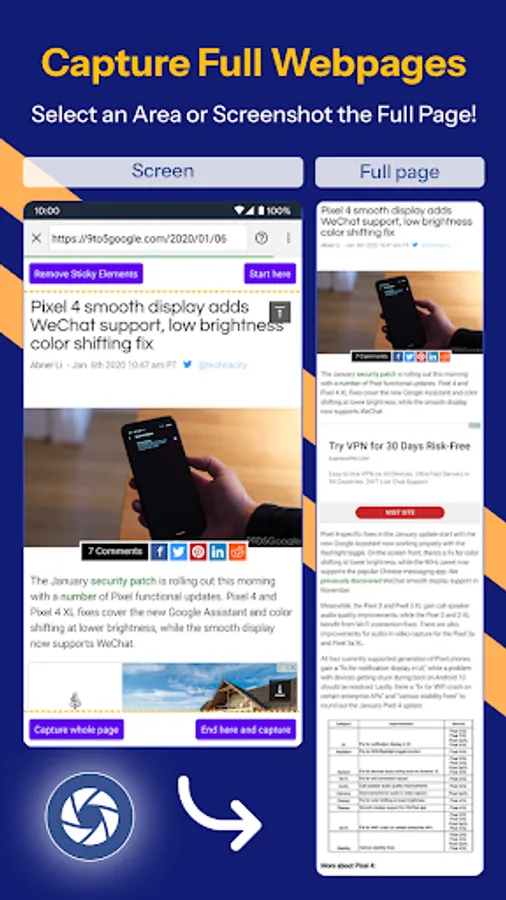
◆ Scrolling Screenshot – Capture full webpages, long chats, and documents in a single image.
◆ Full-Page Web Capture – Save entire web pages instantly by sharing the URL.
◆ Merge Screenshots Automatically – Align and combine overlapping screenshots seamlessly.
◆ Sketch & Draw on Screenshot – Use freehand drawing, arrows, and highlights.
◆ Fast, Lightweight & Secure – The best privacy-focused screenshot app with zero data collection.
✅ Smart Screenshot Editing & Markup Tool:
◆ Crop & Rotate – Resize images in various shapes (rectangle, circle, triangle, star, etc.).
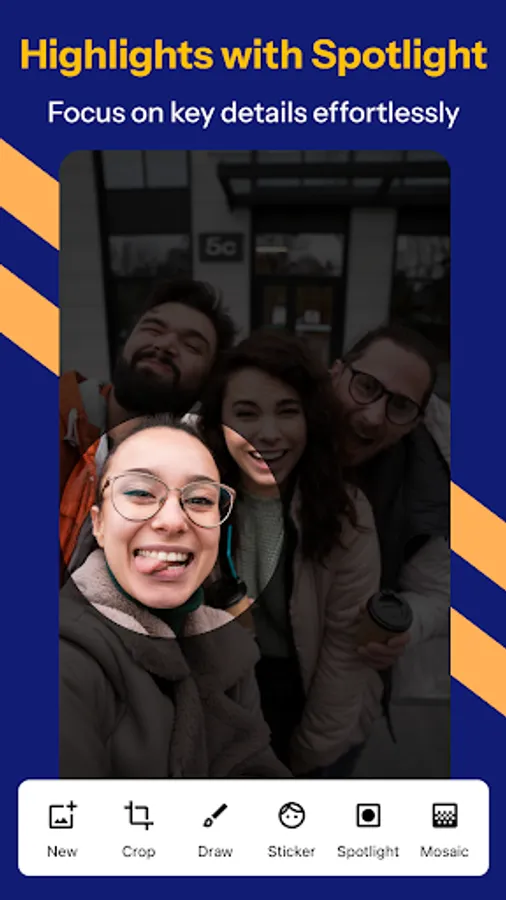
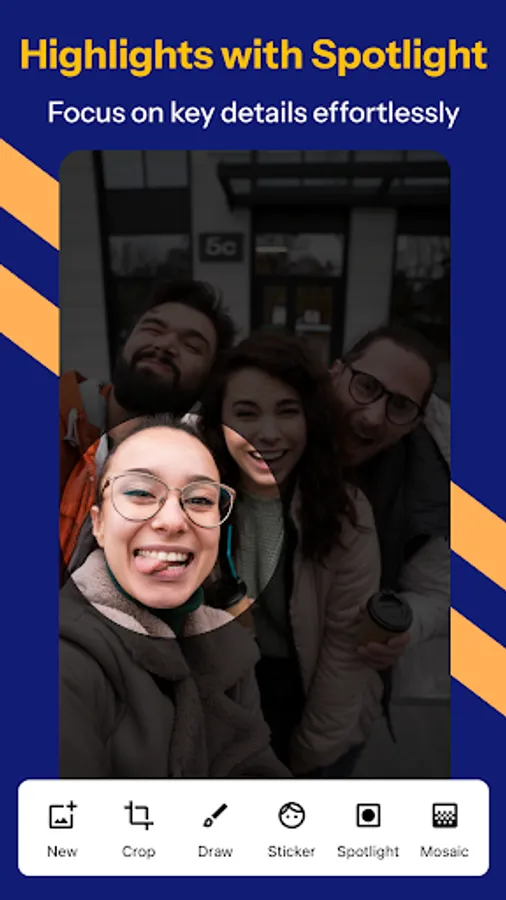
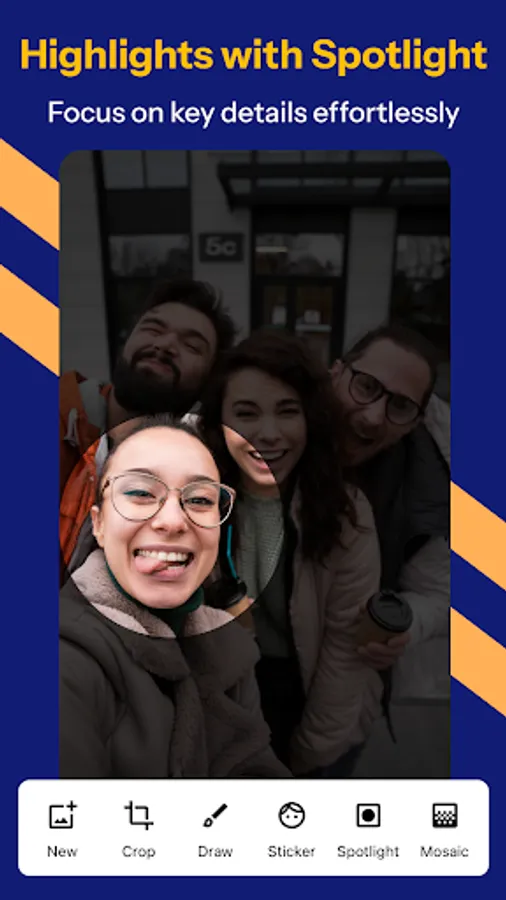
◆ Highlight & Spotlight – Draw attention to key details.
◆ Blur & Pixelate – Hide sensitive information before sharing.
◆ Magnify Tool – Zoom into specific areas for better clarity.
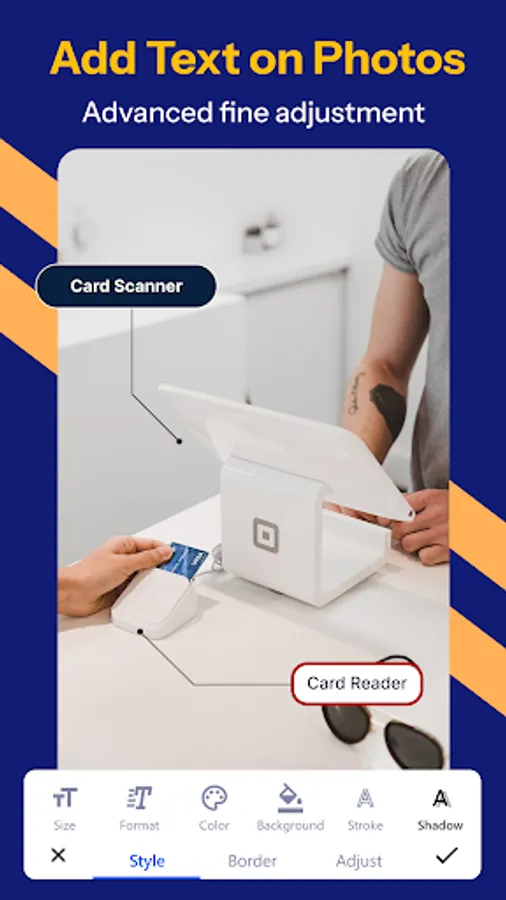
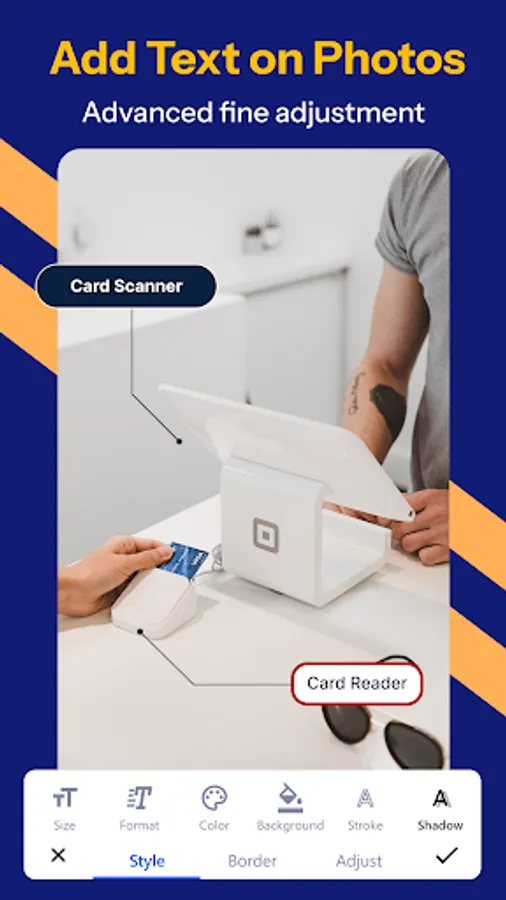
◆ Text & Stickers – Add captions, emojis, and stylish elements.
◆ Annotation Tools – Draw arrows, rectangles, circles, and freehand shapes.
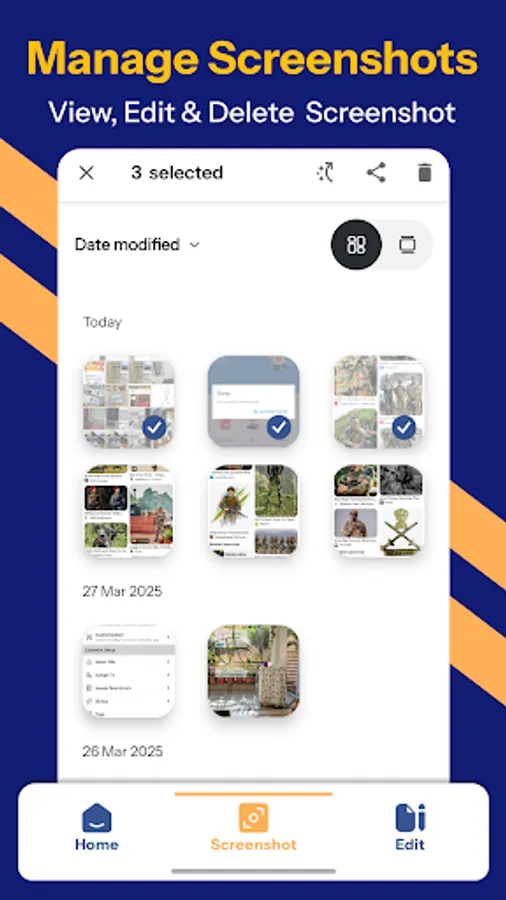
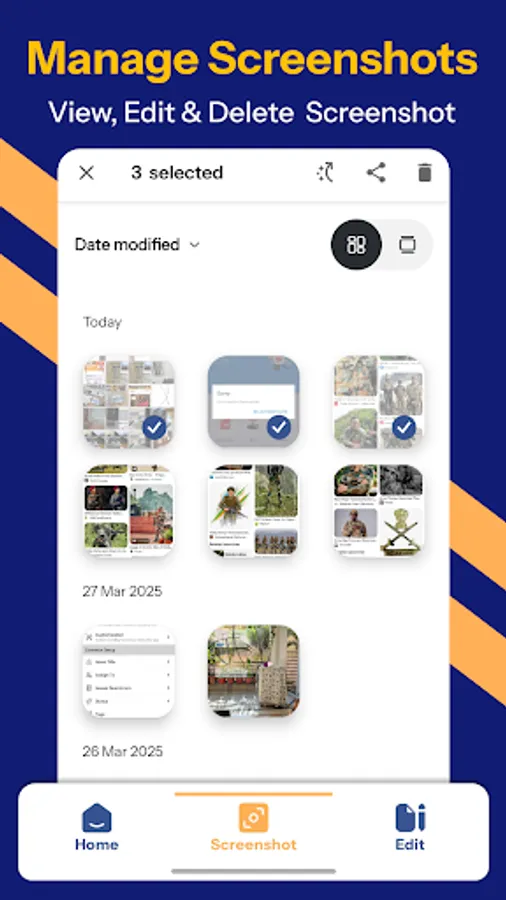
◆ Edit Any Image – Import and markup any photo from your gallery.
✅ Photo Stitching – Create Long Screenshots Instantly!
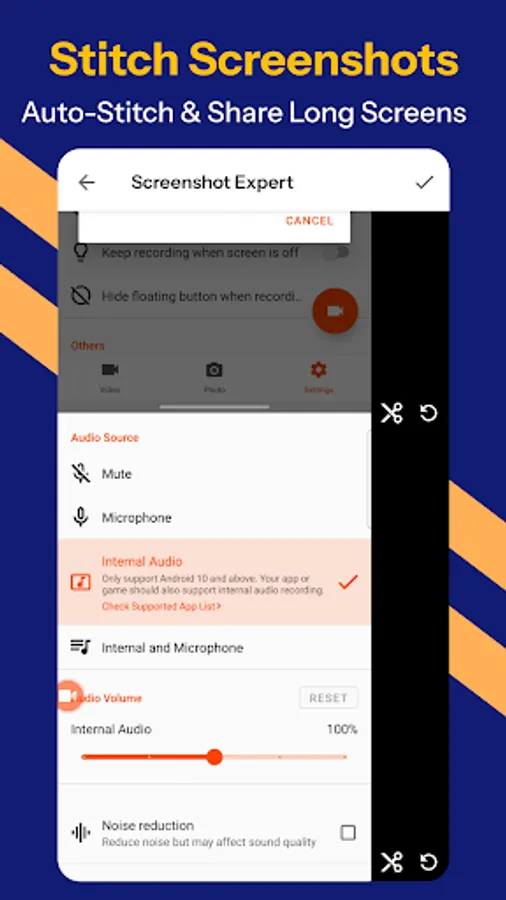
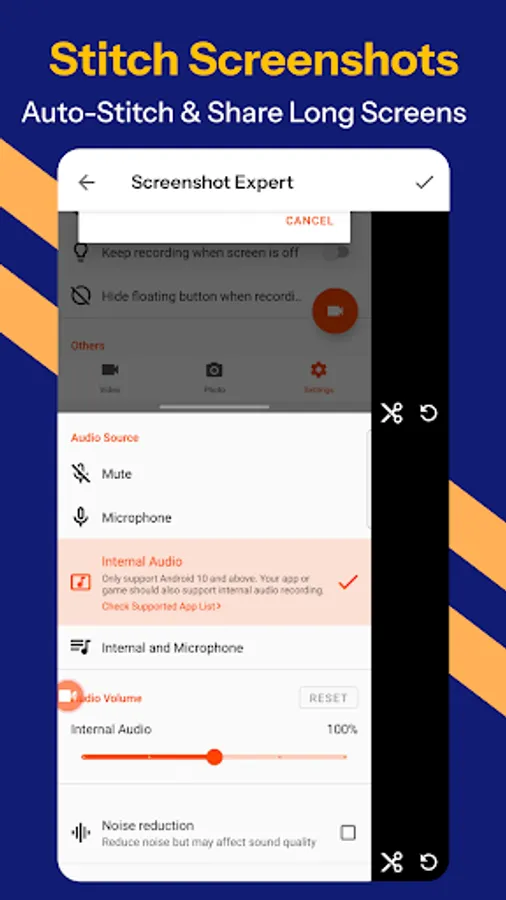
◆ Auto-Detect & Stitch – Merge multiple screenshots into a single long image.
◆ Vertical & Horizontal Stitching – Seamlessly combine images in both directions.
✅ Map Capture & Annotation – Highlight Locations with Ease!
◆ Capture full maps and annotate with text, markers, and highlights effortlessly.
✅ Fast, Lightweight & User-Friendly:
◆ No Root Required – Works on all Android devices without root access.
◆ Small App Size – Minimal storage usage for maximum performance.
◆ Multi-Language Support – Available in 50+ languages for global users.
✅ Accessibility Service – Long Screenshots Made Easy!
◆ Uses Android's Accessibility Service to enable long screenshot capture.
◆ 100% Private & Secure – We do not collect, share, or store any user data.
✅ Screenshot Expert – Smarter, Faster, Better!
Take screenshots like a pro with one-touch capture, floating button, and scrolling screenshot features. Enhance your images with powerful editing and markup tools—crop, doodle, add text, shapes, blur effects, and more. Whether you need a quick screenshot tool or advanced photo editing with annotations, Screenshot Expert has it all for effortless, high-quality screenshots!
⚠️ Important Notice:
◆ Screenshot Expert cannot capture secure content from banking apps, DRM-protected media, or password input screens due to security policies.
💬 Feedback & Support:
◆ We value your feedback! Contact us at support@appculus.com for any suggestions or issues.
📥 Download Screenshot Expert now to capture, edit, and enhance screenshots effortlessly! Get the ultimate screenshot tool with snap capture, scrolling screenshot, and pro-level markup! 🚀
Screenshot Expert: Markup Tool Screenshots
Tap to Rate:
Reviews for Screenshot Expert: Markup Tool
nageshwar rao adhikarala
12/17/2025
Consuming too much memory and 67 mb storage.
Olive Branch
11/10/2025
I like this app ability to edit images especially merging two photos together. Thank you. I have never recommend an app before but this I recommend it. Hope the developer can include video screen recording.