S-Clock (Smart Speaking Clock)
Android App Nest
3.9 ★
78 ratings
1,000+
downloads
Free
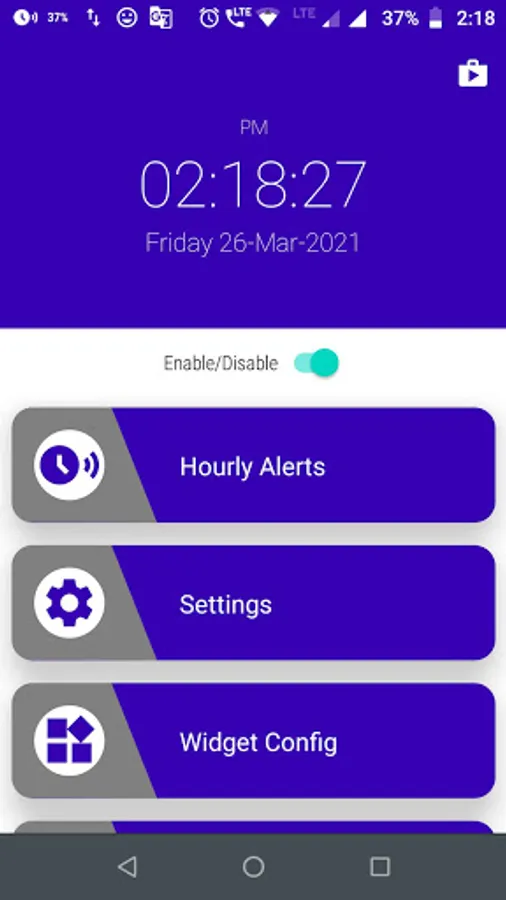
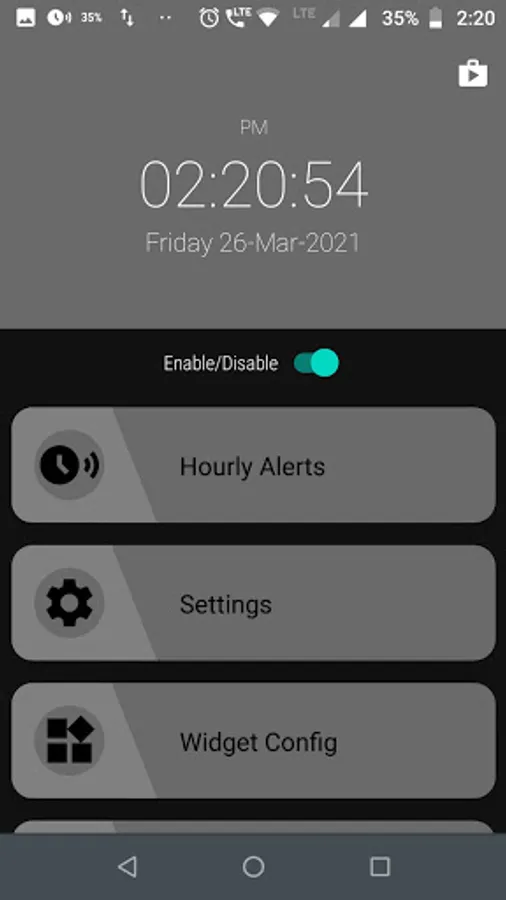
With this speaking clock app, you can listen to the time and date on the go and customize alerts for scheduling. Includes widget display, time interval alerts, and notification settings.
AppRecs review analysis
AppRecs rating 3.9. Trustworthiness 79 out of 100. Review manipulation risk 25 out of 100. Based on a review sample analyzed.
★★★☆☆
3.9
AppRecs Rating
Ratings breakdown
5 star
62%
4 star
8%
3 star
8%
2 star
8%
1 star
15%
What to know
✓
Low review manipulation risk
25% review manipulation risk
✓
Credible reviews
79% trustworthiness score from analyzed reviews
✓
Good user ratings
69% positive sampled reviews
About S-Clock (Smart Speaking Clock)
S-Clock(Smart Speaking Clock)
Why you should take out your phone to see time and date. When there is a S-Clock App to do this for you.
Identified user problem:
Most of the time we are busy in our daily activities and sometimes we forget our scheduled task or activity in some specific time. Because we don't have any idea about how much time passed out.
Solution:
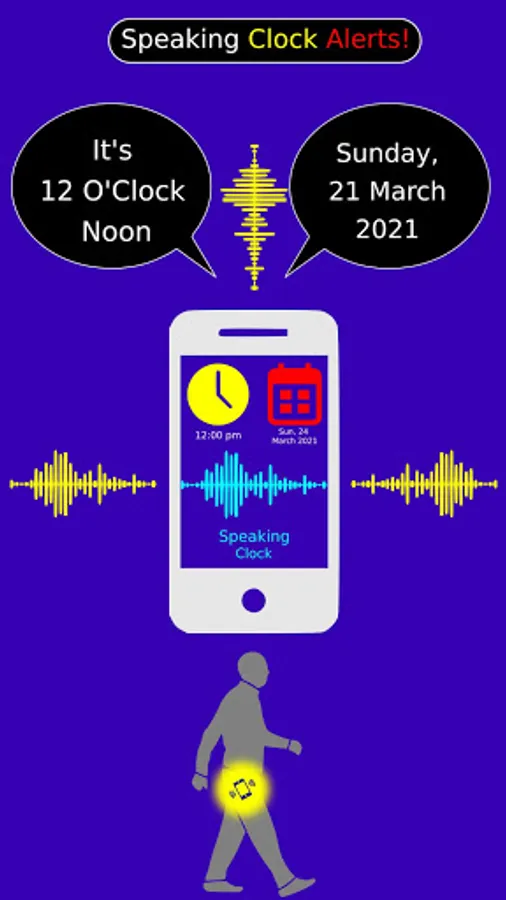
This S-Clock smart clock app which helps you to listen to time on the go. When we listen to speaking time we get some focus on our planned task or activity at a specific time that needs to be complete.
Wedgit:
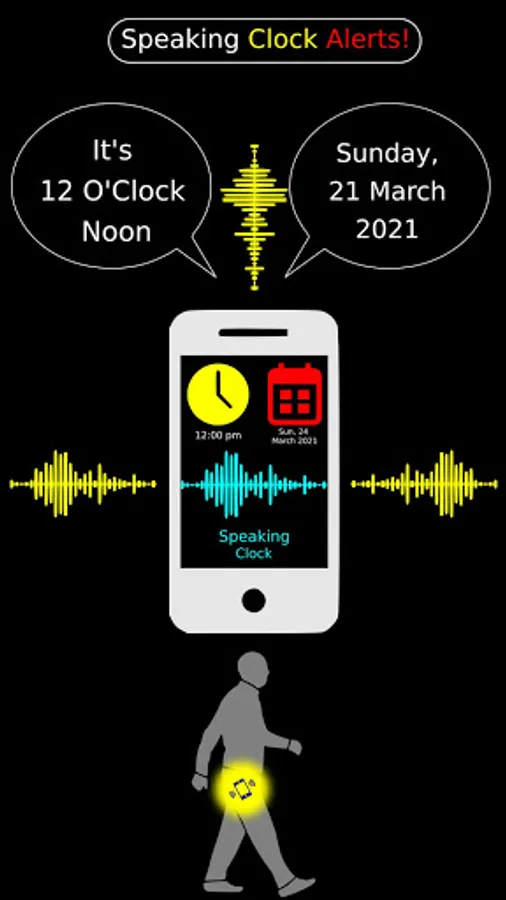
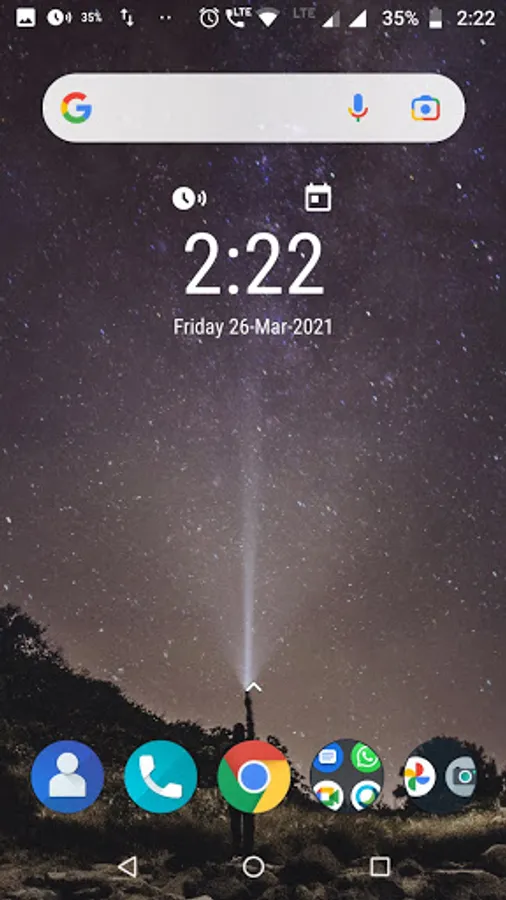
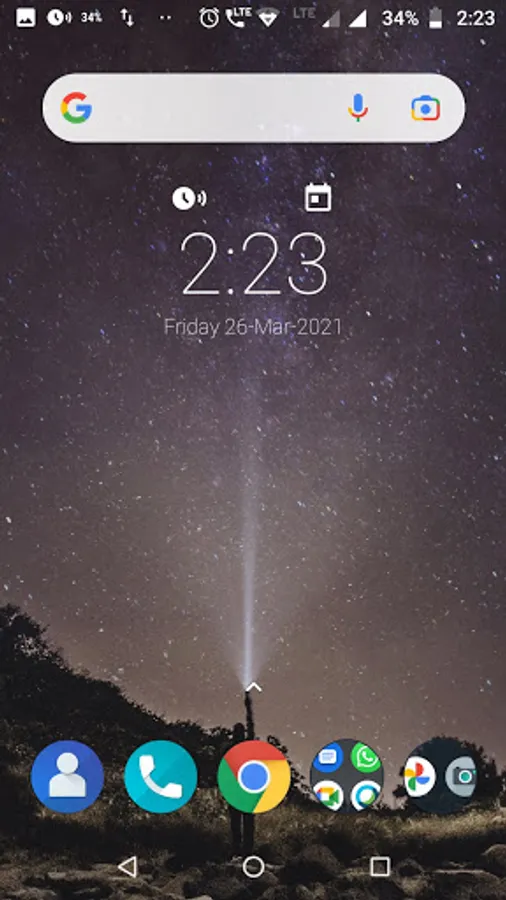
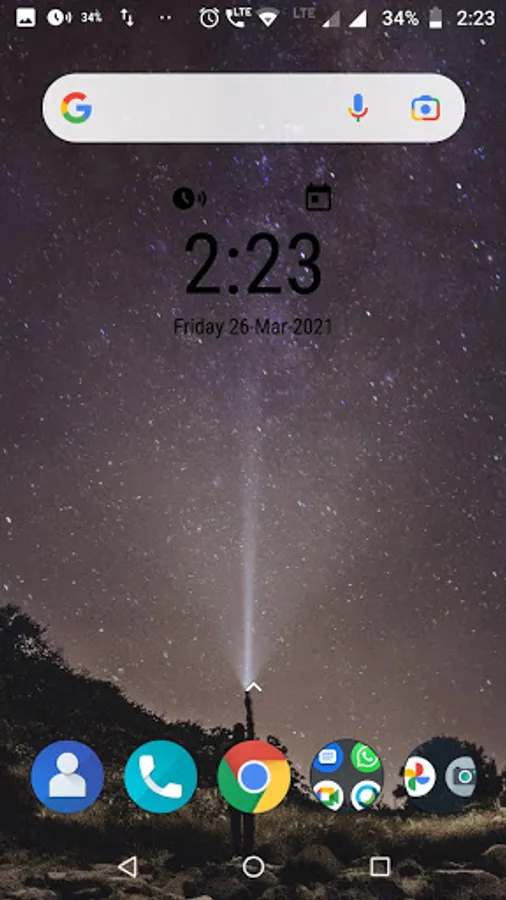
You can enable a dedicated date & time widget on your phone’s home screen and you can tap on clock & calendar to speak out.
Note***
It is still in an evolving phase. We keep on adding more new features in this app.
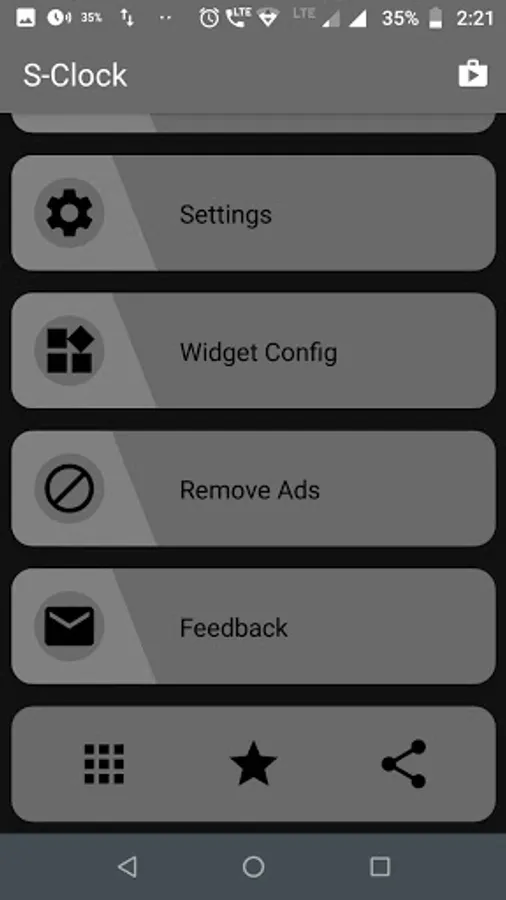
This app has following feature which help you
- App Widget - Display Date/Time
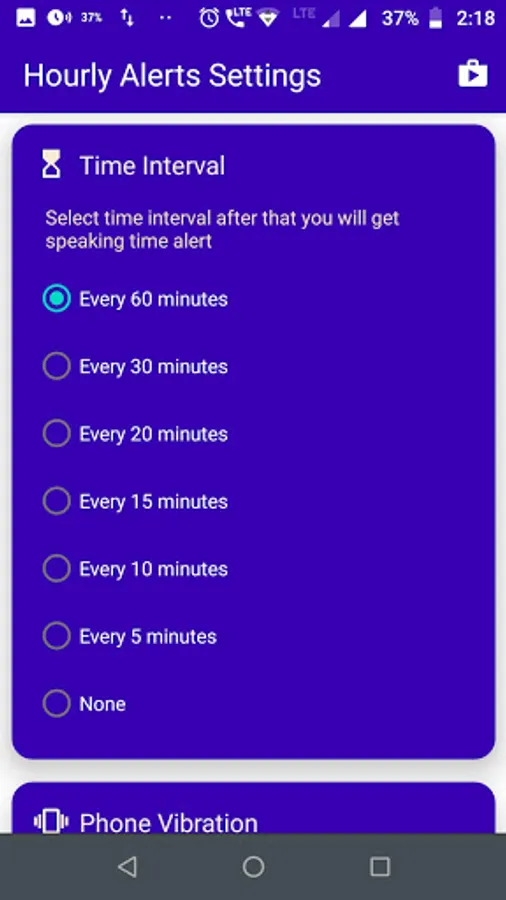
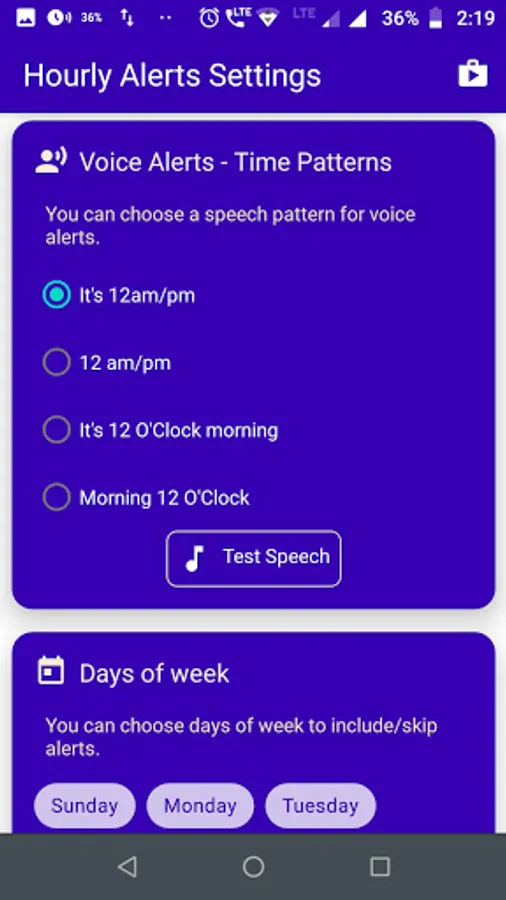
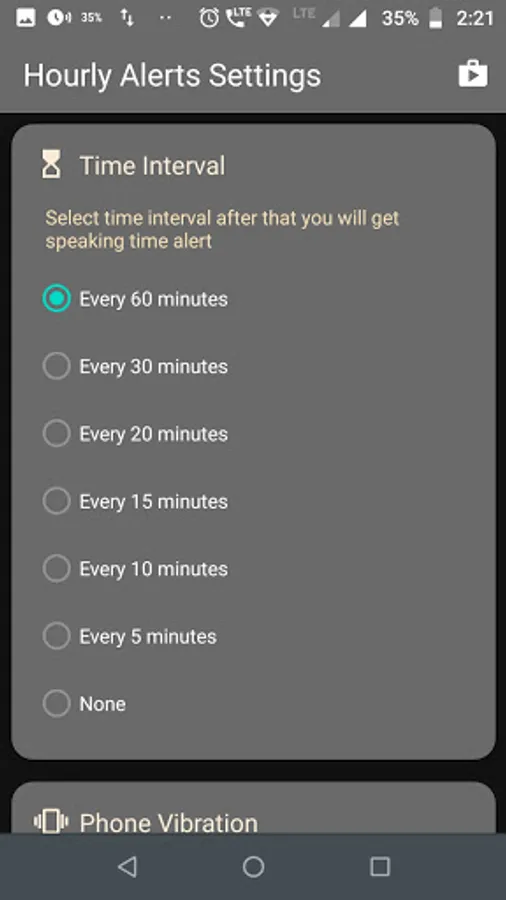
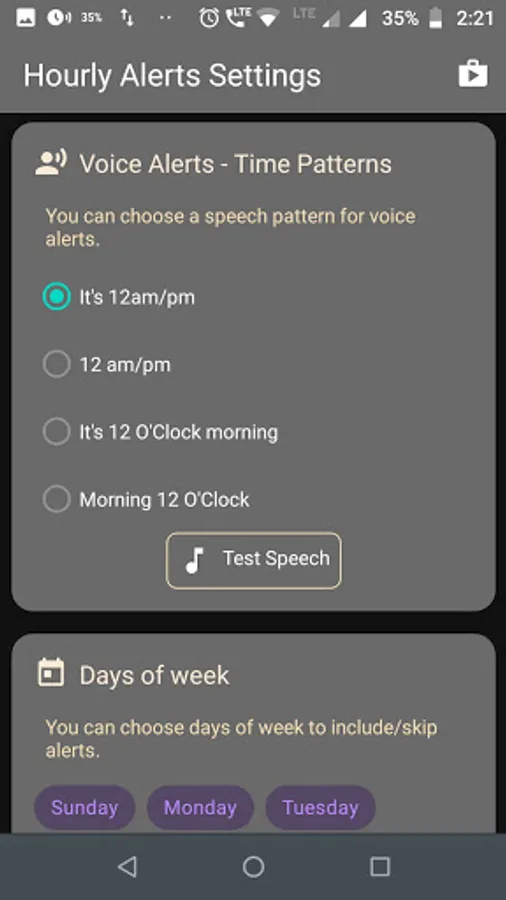
- Time Interval alerts (5min, 10min, 15min, 20min, 30min, 1Hour)
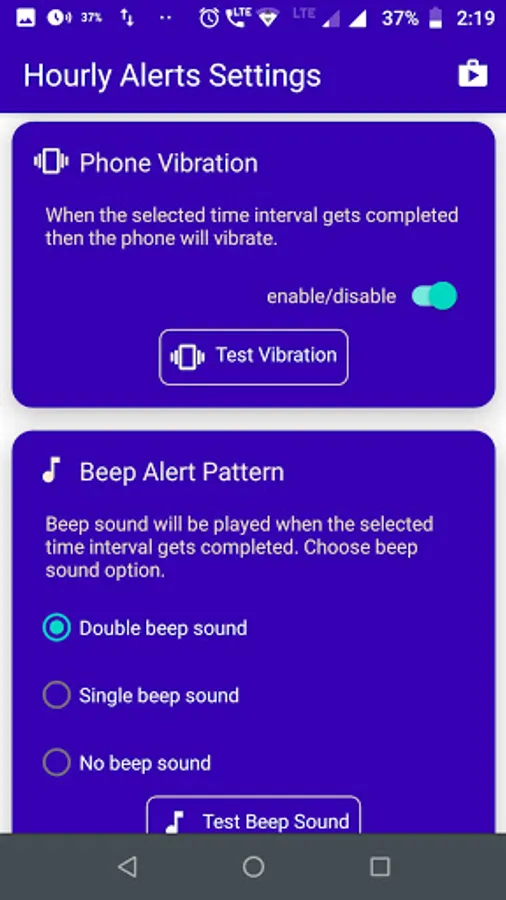
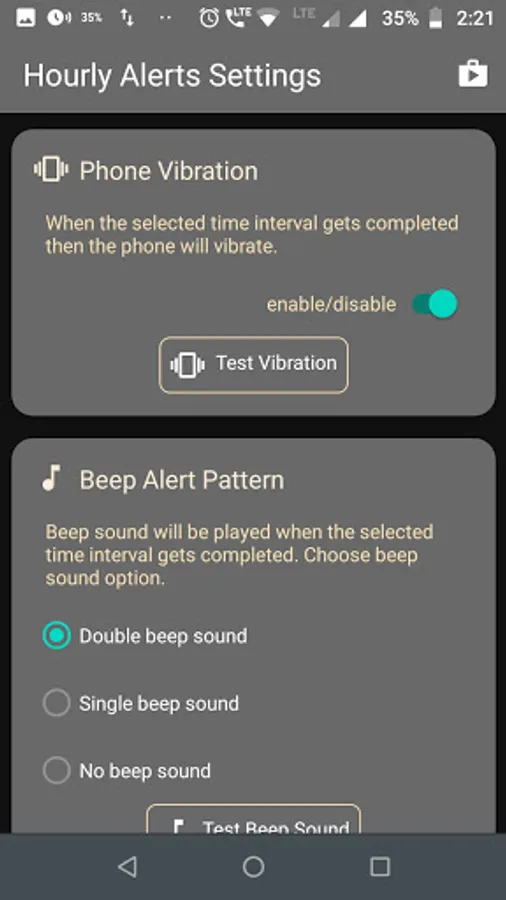
- Beep Sound Alert !
- Speaking Time Alert !
- Vibration Alert !
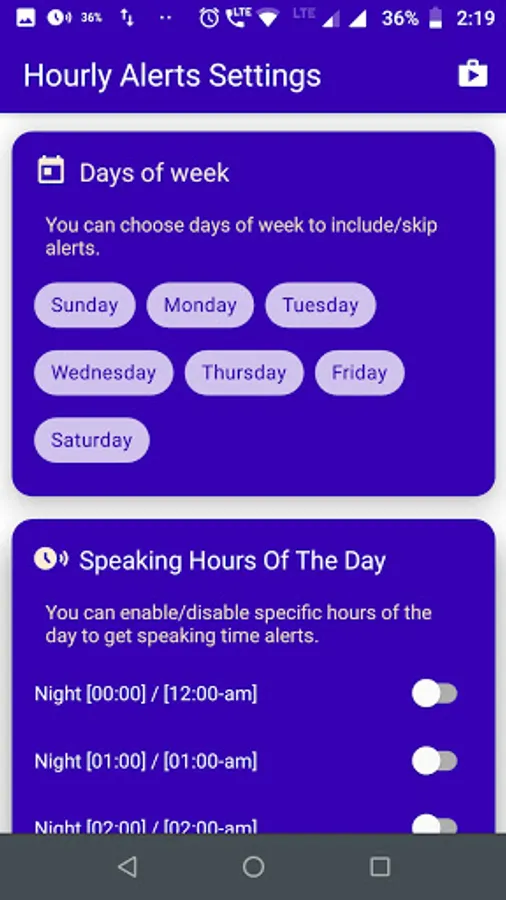
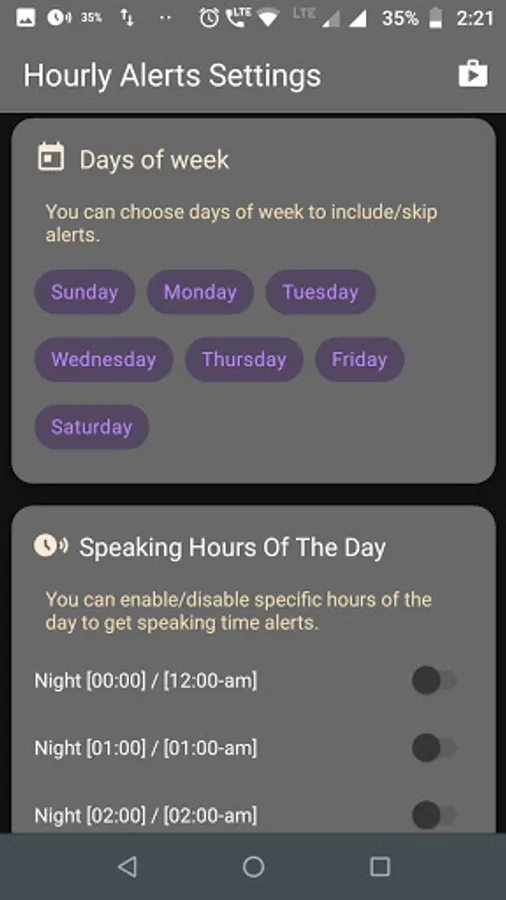
- You can skip any day of week for above alerts if you require.
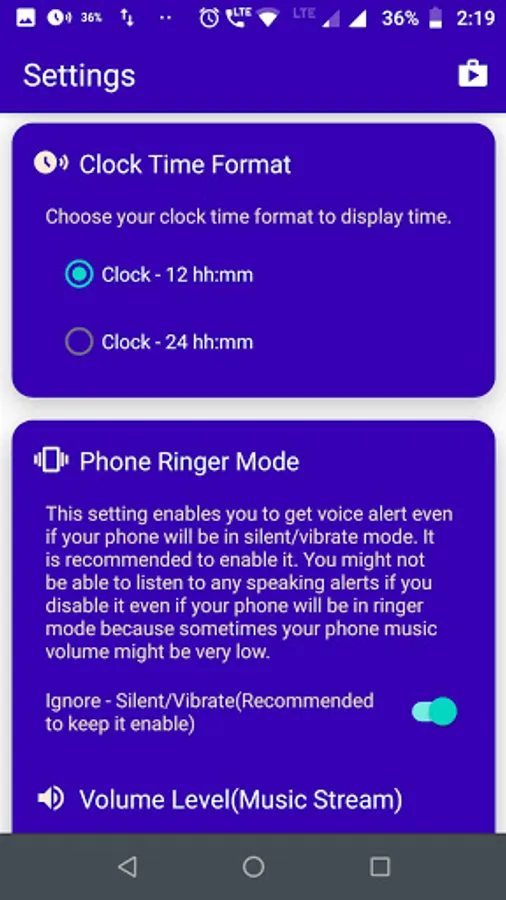
- Time Format 12h/24h
- Light / Dark App Theme
- Notification Alert !
Note-Below Android Version Oreo you can remove notification alert. Android
version Oero and above it must require to support it.
- All settings are free to config as enable/disable as per user preference.
I hope this app will help you in your daily life. Don't forget to share your feedback that will help us to improve this app features as users require.
Thanks!
Why you should take out your phone to see time and date. When there is a S-Clock App to do this for you.
Identified user problem:
Most of the time we are busy in our daily activities and sometimes we forget our scheduled task or activity in some specific time. Because we don't have any idea about how much time passed out.
Solution:
This S-Clock smart clock app which helps you to listen to time on the go. When we listen to speaking time we get some focus on our planned task or activity at a specific time that needs to be complete.
Wedgit:
You can enable a dedicated date & time widget on your phone’s home screen and you can tap on clock & calendar to speak out.
Note***
It is still in an evolving phase. We keep on adding more new features in this app.
This app has following feature which help you
- App Widget - Display Date/Time
- Time Interval alerts (5min, 10min, 15min, 20min, 30min, 1Hour)
- Beep Sound Alert !
- Speaking Time Alert !
- Vibration Alert !
- You can skip any day of week for above alerts if you require.
- Time Format 12h/24h
- Light / Dark App Theme
- Notification Alert !
Note-Below Android Version Oreo you can remove notification alert. Android
version Oero and above it must require to support it.
- All settings are free to config as enable/disable as per user preference.
I hope this app will help you in your daily life. Don't forget to share your feedback that will help us to improve this app features as users require.
Thanks!
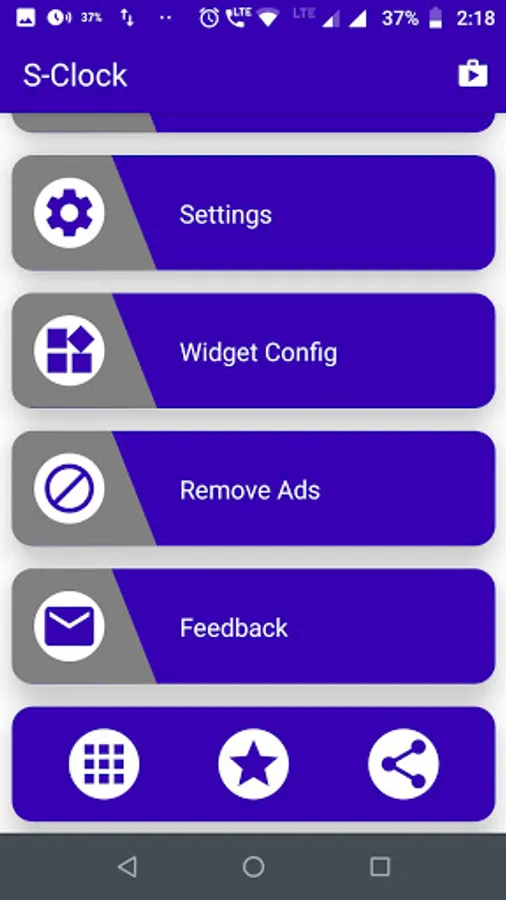
S-Clock (Smart Speaking Clock) Screenshots
Tap to Rate:
Reviews for S-Clock (Smart Speaking Clock)
Gangster Gangster
12/11/2025
సూపర్
A. K Sharma
5/27/2025
it's the best speaking clock available on Google. very highly recommended