
Simple POS Register
Money Tower
Free
rated 3.8 stars
50,000+
downloads
About Simple POS Register
Simple POS register is simple, powerful, and easy to use.
Home Screen
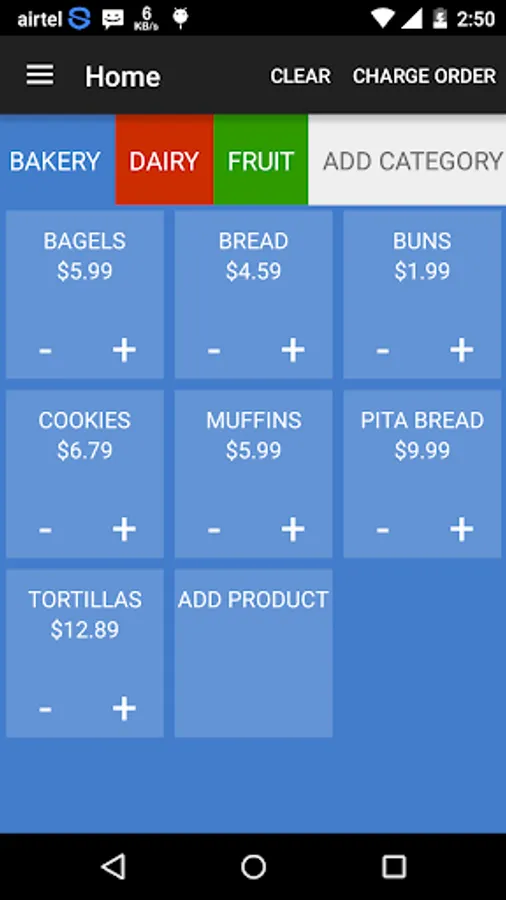
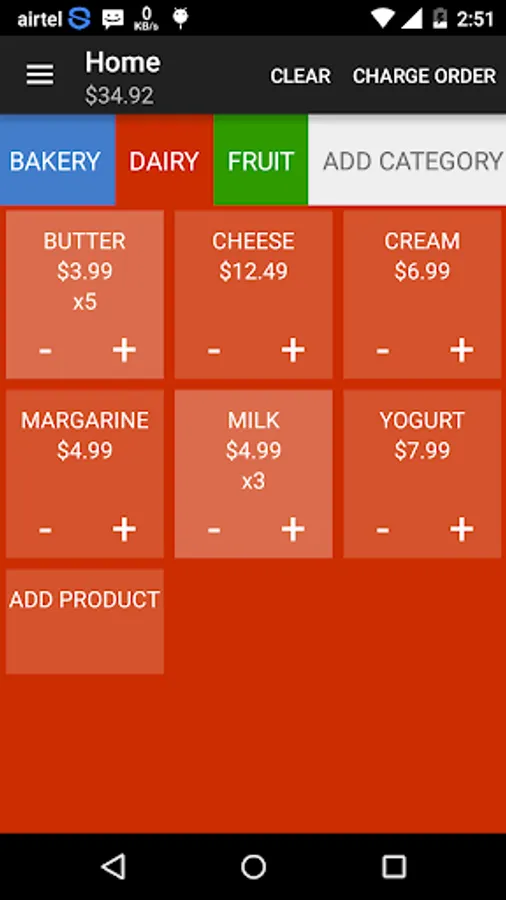
* Add unlimited number of categories.
* Set category button color and text color as you want.
* Add unlimited number of products under category.
* It shows number of products under category and you can add products in your invoice list.
* By clicking '+' to increase quantity of product.
* By clicking '-' to decrease quantity of product.
* By clicking 'CLEAR' button to reset all products quantity.
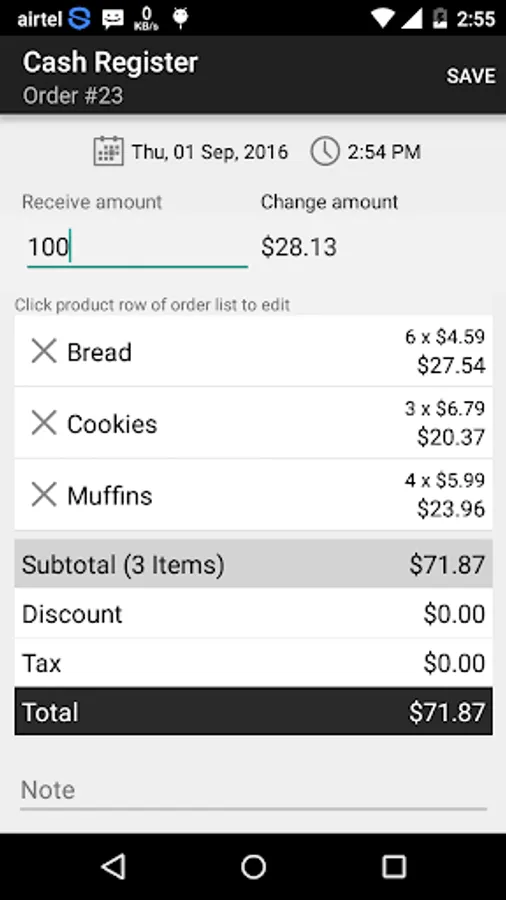
* Once you add products for invoice just click 'CHARGE ORDER' button to view your invoice and save here to track your sales.
* long tap on category to edit and delete.
* long tap on product to edit and delete.
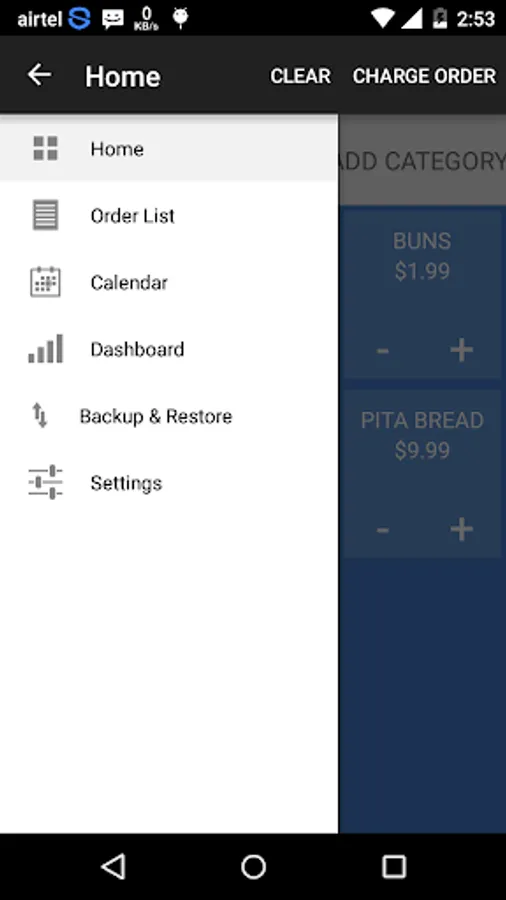
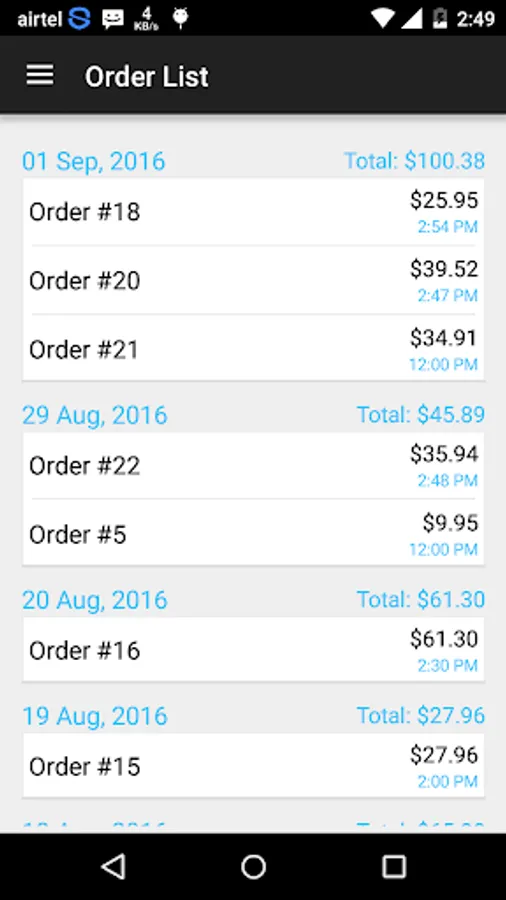
Order List
* it shows number of orders you make and grouped by date.
* By click order row to edit or delete.
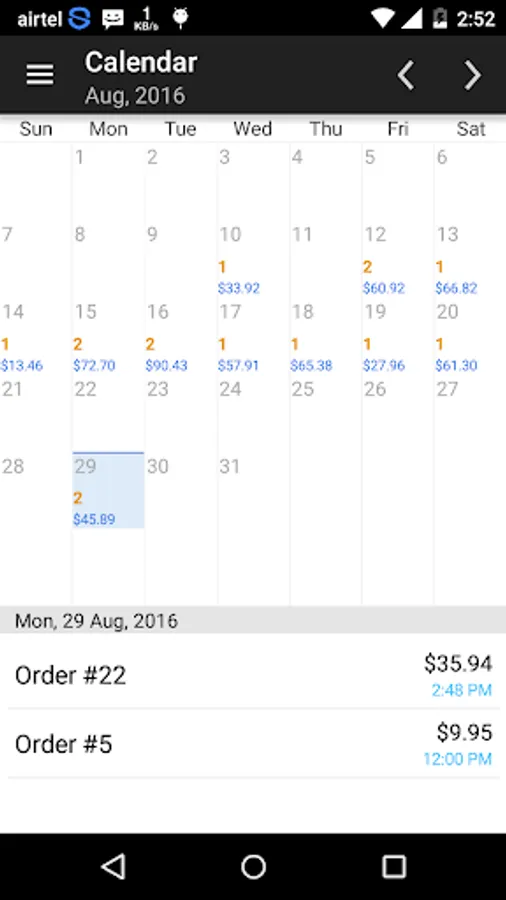
Calendar View
* It shows complete overview of number of orders and sales of specific date.
* Click date to view orders of that date easily.
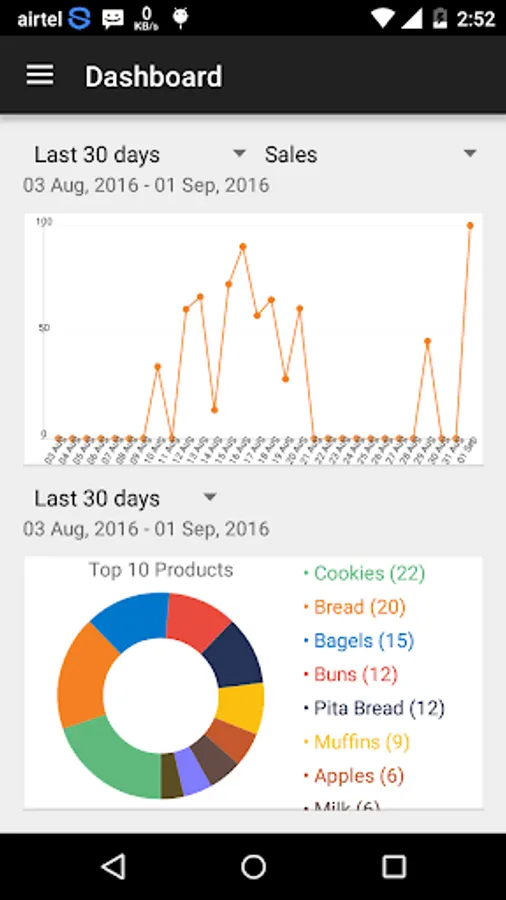
Dashboard View
* it shows line chart representation of number of orders and sales by last 30 days and last 12 months.
* Pie chart of top 10 selling products with name and quantity.
Others
* Backup/Restore your data to/from sdCard.
* Set passcode to protect your data.
* Set font size of category and product.
* Set number of products show in a row.
* Set prefix for your order(invoice).
* Set order(invoice) note.
* Set your own currency.
Home Screen
* Add unlimited number of categories.
* Set category button color and text color as you want.
* Add unlimited number of products under category.
* It shows number of products under category and you can add products in your invoice list.
* By clicking '+' to increase quantity of product.
* By clicking '-' to decrease quantity of product.
* By clicking 'CLEAR' button to reset all products quantity.
* Once you add products for invoice just click 'CHARGE ORDER' button to view your invoice and save here to track your sales.
* long tap on category to edit and delete.
* long tap on product to edit and delete.
Order List
* it shows number of orders you make and grouped by date.
* By click order row to edit or delete.
Calendar View
* It shows complete overview of number of orders and sales of specific date.
* Click date to view orders of that date easily.
Dashboard View
* it shows line chart representation of number of orders and sales by last 30 days and last 12 months.
* Pie chart of top 10 selling products with name and quantity.
Others
* Backup/Restore your data to/from sdCard.
* Set passcode to protect your data.
* Set font size of category and product.
* Set number of products show in a row.
* Set prefix for your order(invoice).
* Set order(invoice) note.
* Set your own currency.
Simple POS Register Screenshots
Reviews for Simple POS Register
Rajesh R K Lab
8/29/2022
Poor user interface. Crashed everytime on Using Charge order ( Sale)
AJEESH KARUNAGATH
8/16/2022
The app was working perfectly. But now it keeps on crashing while trying to charge the order.
Robert Foster
2/10/2022
Not working right
Olyvia Oljey
7/20/2021
When I try to charge the order it closes the app and doesn't add it to the list. Maybe fix that?
Areen kawaii
6/17/2021
Can't used app, when keyin, app force closed. Disappointed
Tap to Rate: