
CPU Information : View your De
ParallelAxiom
4.6 ★
477 ratings
100,000+
downloads
Free
In this app, you can view detailed information about your Android device's hardware and system components, including CPU, memory, storage, and sensors. Includes diagnostics for battery health, network speed, and camera features.
AppRecs review analysis
AppRecs rating 4.3. Trustworthiness 0 out of 100. Review manipulation risk 0 out of 100. Based on a review sample analyzed.
★★★★☆
4.3
AppRecs Rating
Ratings breakdown
5 star
86%
4 star
5%
3 star
2%
2 star
2%
1 star
5%
What to know
✓
High user satisfaction
86% of sampled ratings are 5 stars
✓
Authentic reviews
No red flags detected
About CPU Information : View your De
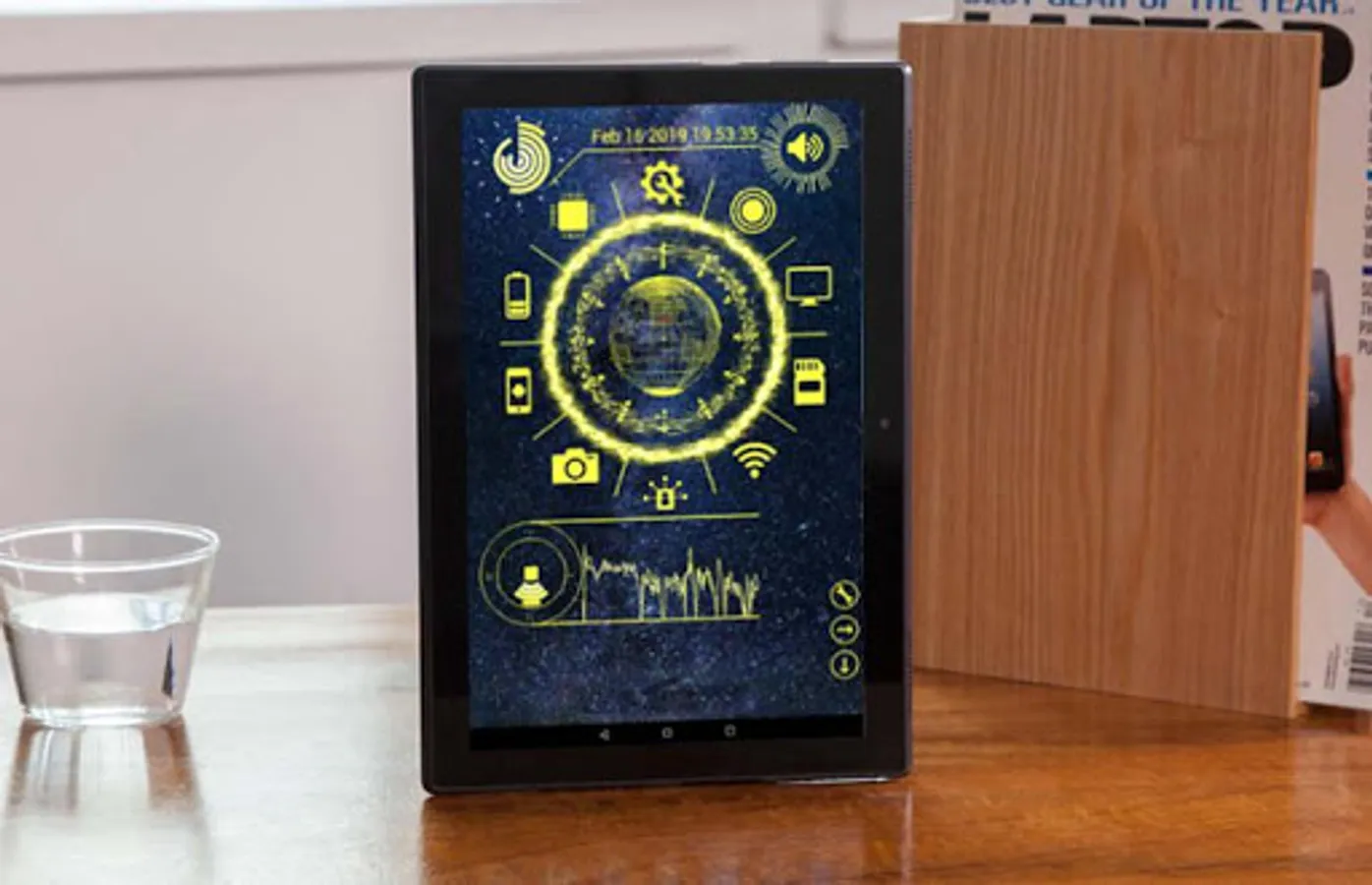
☀️CPU information / Device Info is a small, great, and easy-to-use utility app to get all the information of your Android device through a clean 3D based interface.☀️
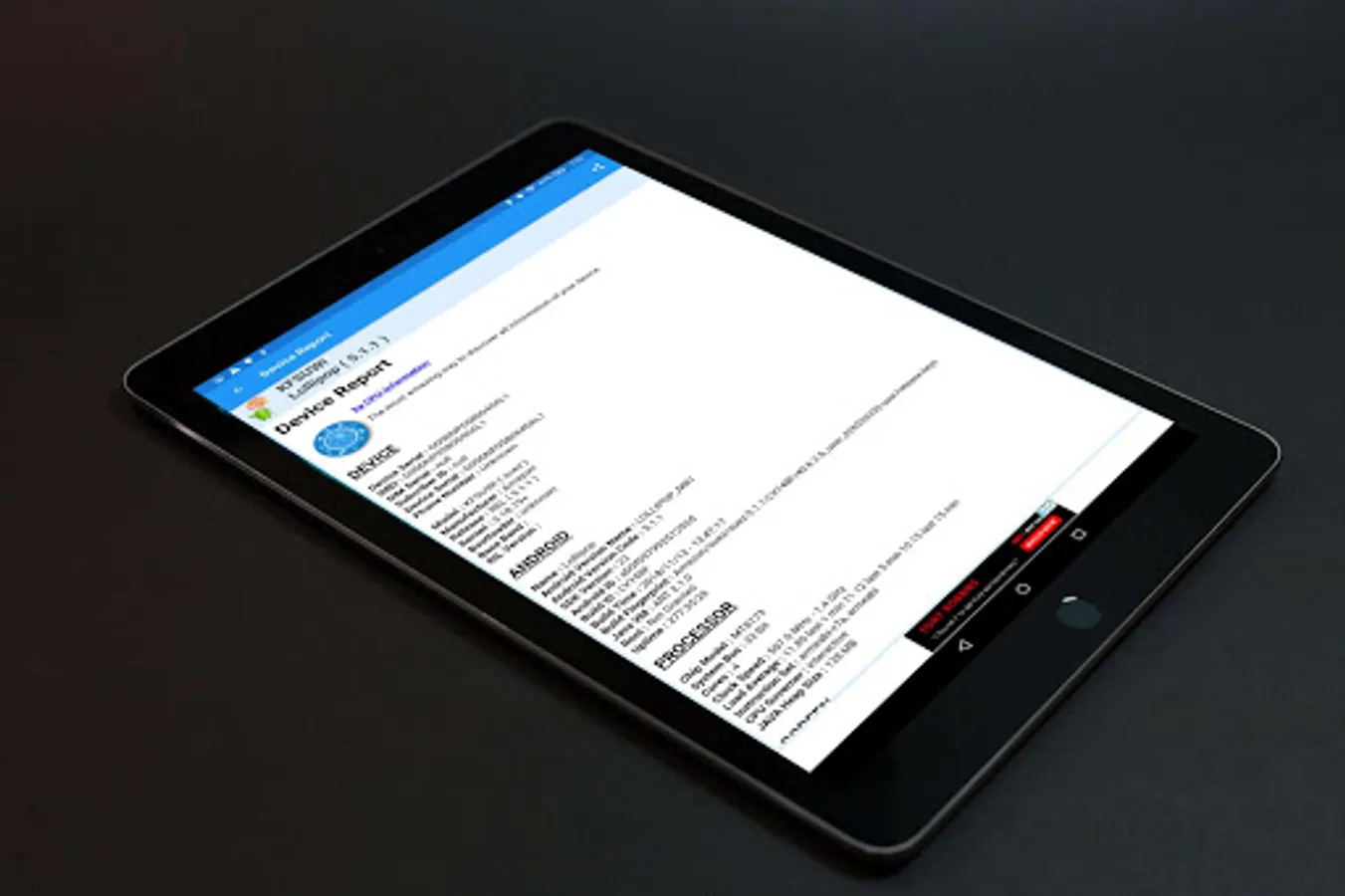
☀️CPU information / Device Info is a CPU and hardware information, diagnostic and analysis tool to get Android device info. CPU information displays detailed information on the CPU and hardware components of an Android device. Device info detects the central processing unit, RAM, motherboard chipset and other hardware features of your Android smartphone and presents the information in simple views.☀️
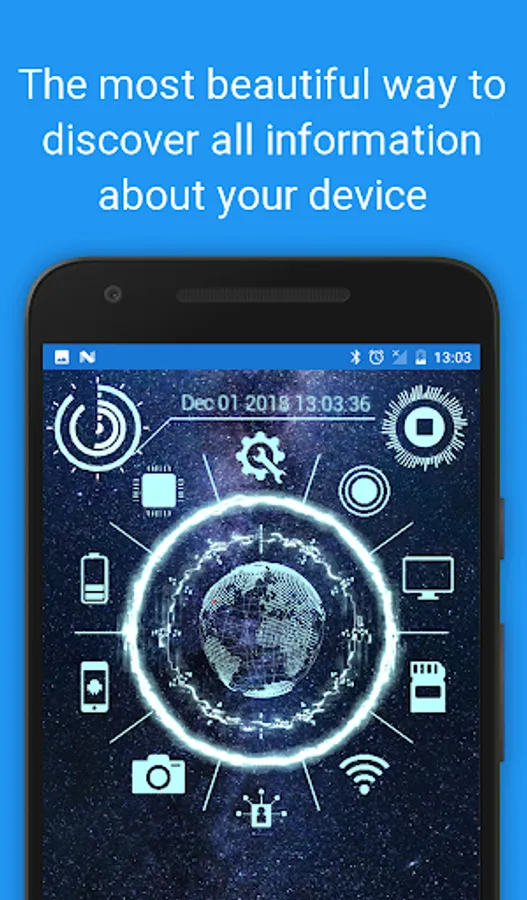
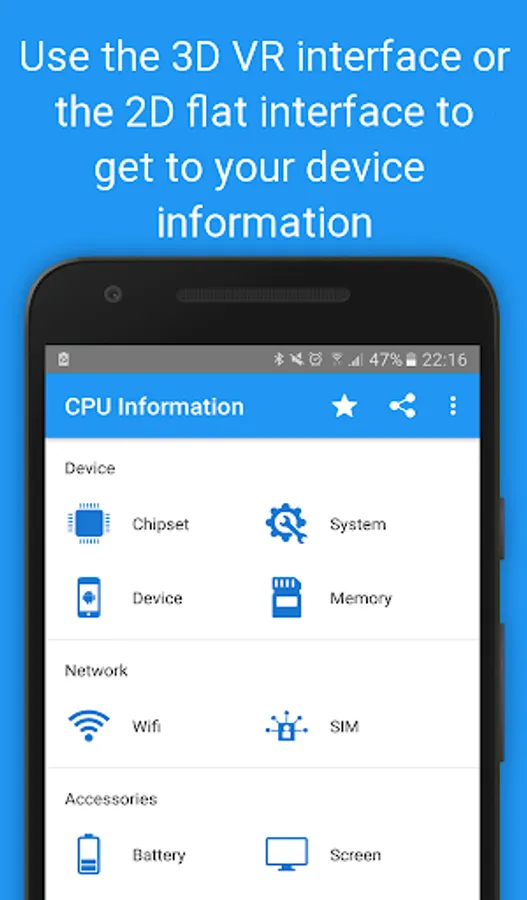
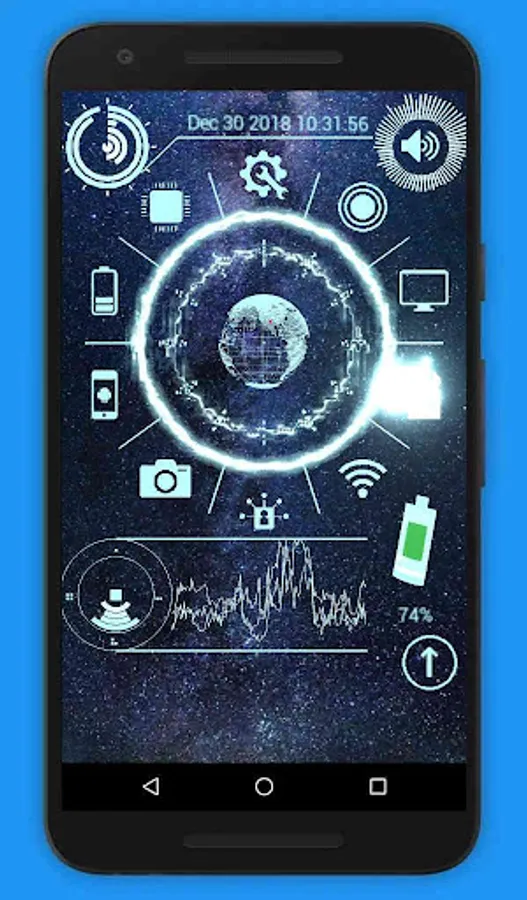
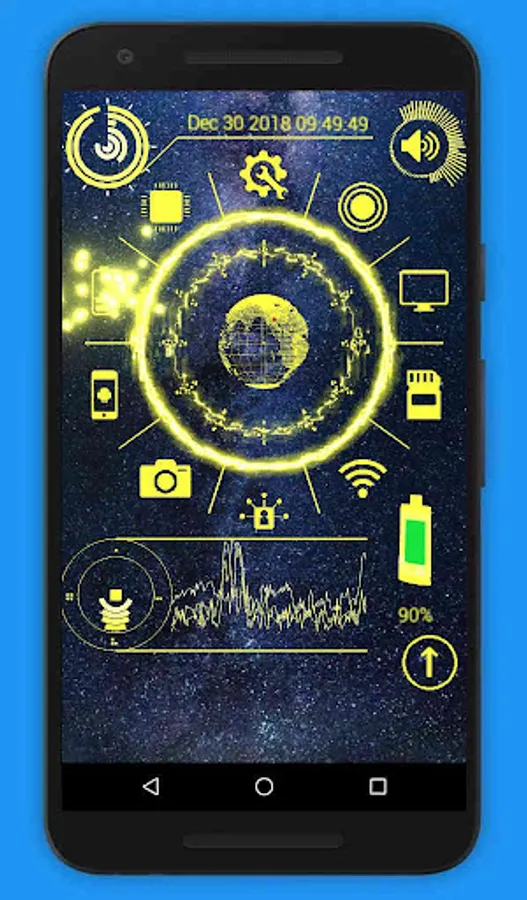
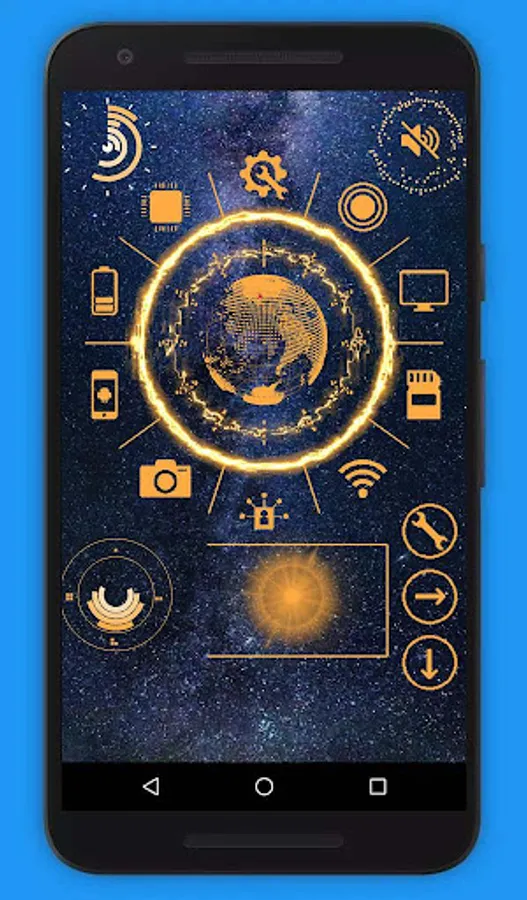
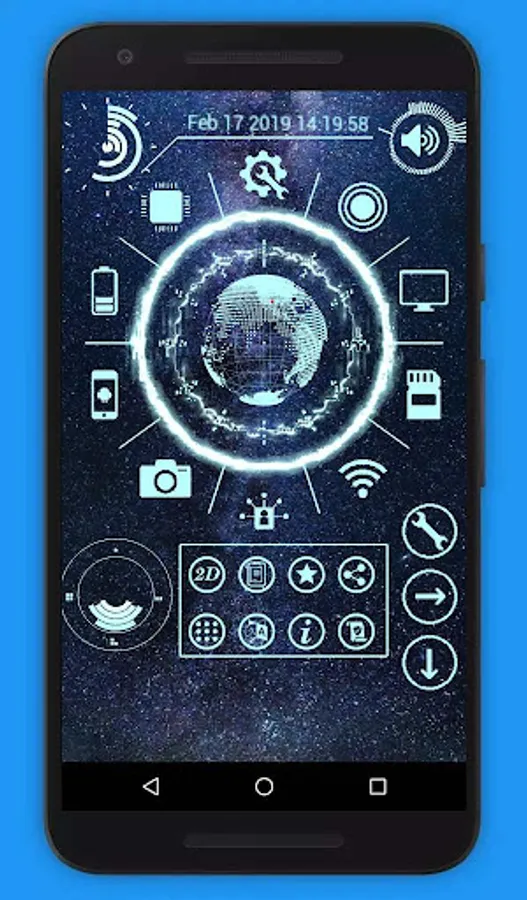
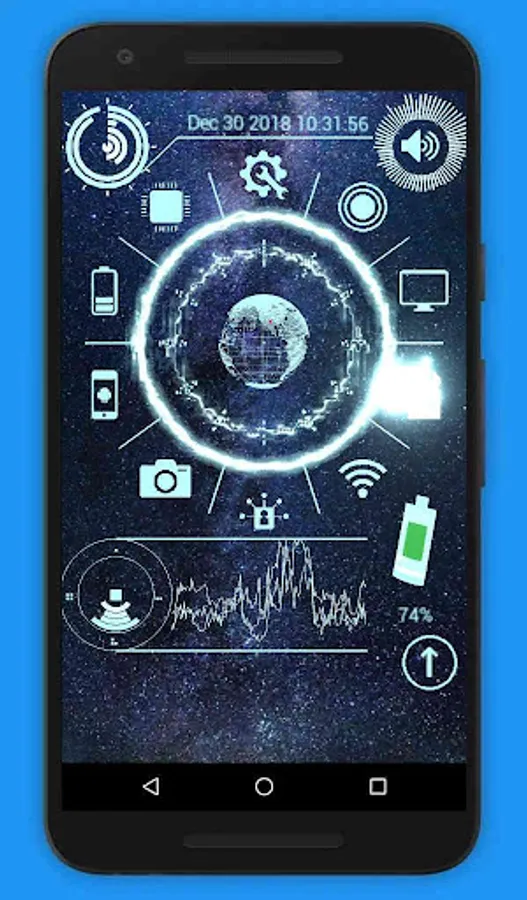
😺 Use the interactive 3D display to get a sense of Ia futuristic user interface. It will allow you to playfully discover your devices features and information. You can also switch back to the original 2D interface.
Device information are categorized into :
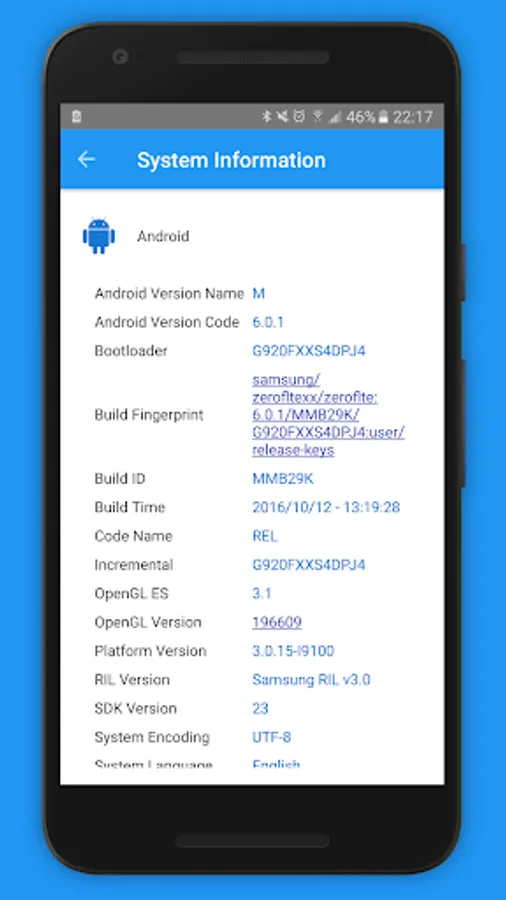
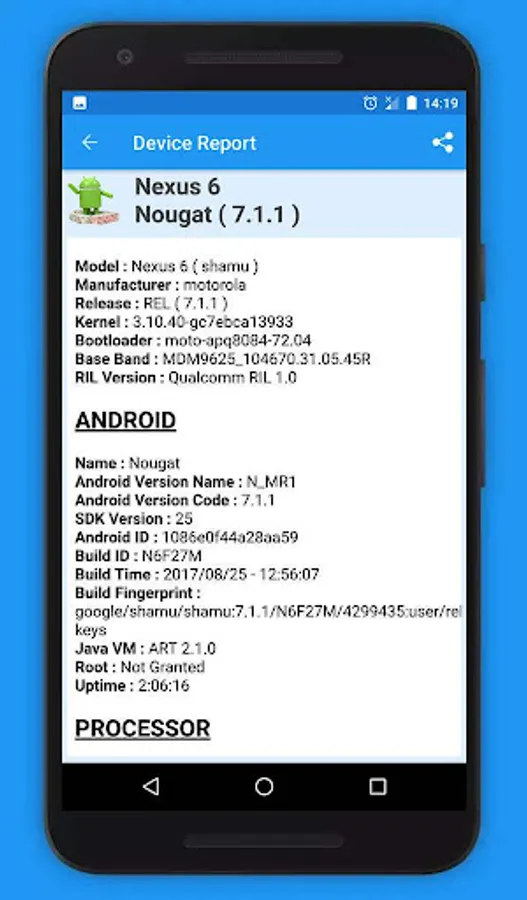
❤️ System Info : detailed information about your Android OS version, runtime, kernel and SDK.
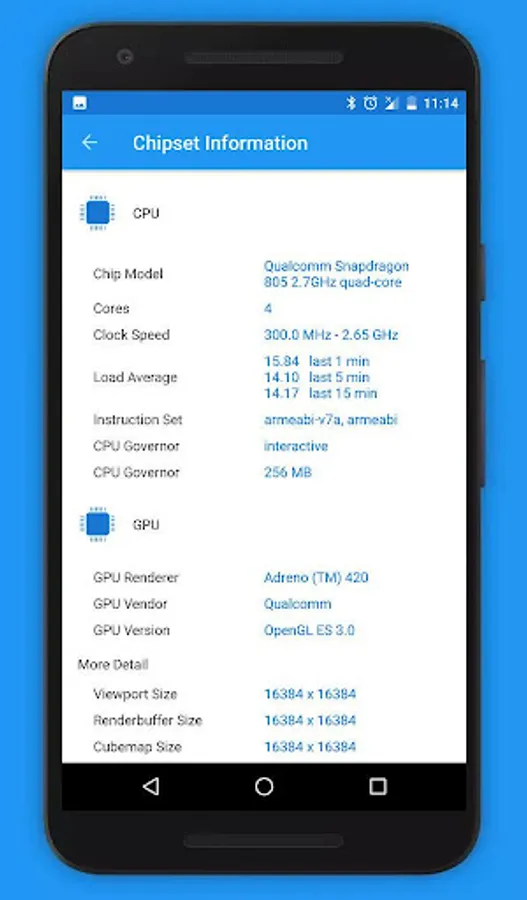
❤️ CPU Info : provides information about CPU architecture, CPU cores with real-time core clock measurements, CPU usage and other CPU Information
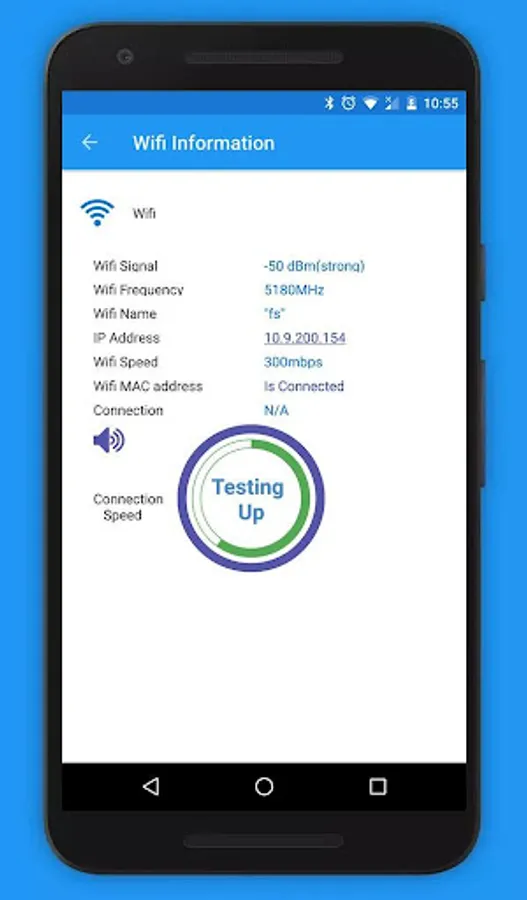
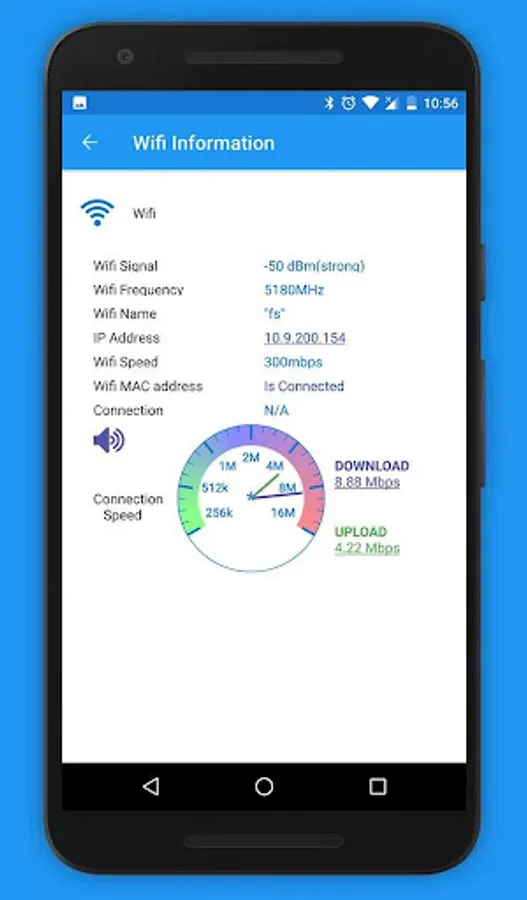
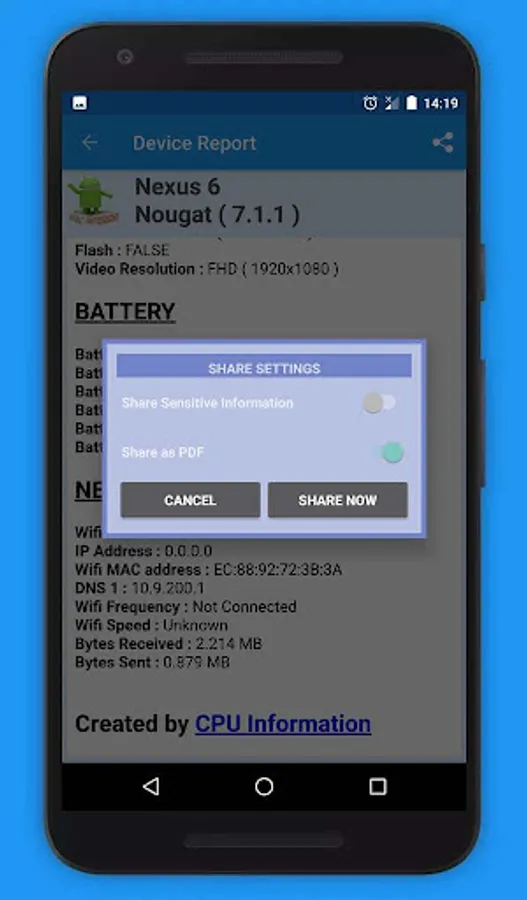
❤️ Wifi Info : Informs you about wifi strength network speed IP, and frequency. This view also measures your true connection speed..
❤️ Display Info : reports information about screen resolution, pixel density and aspect ratio.
❤️ Graphics Info : provides information about GPU and video driver.
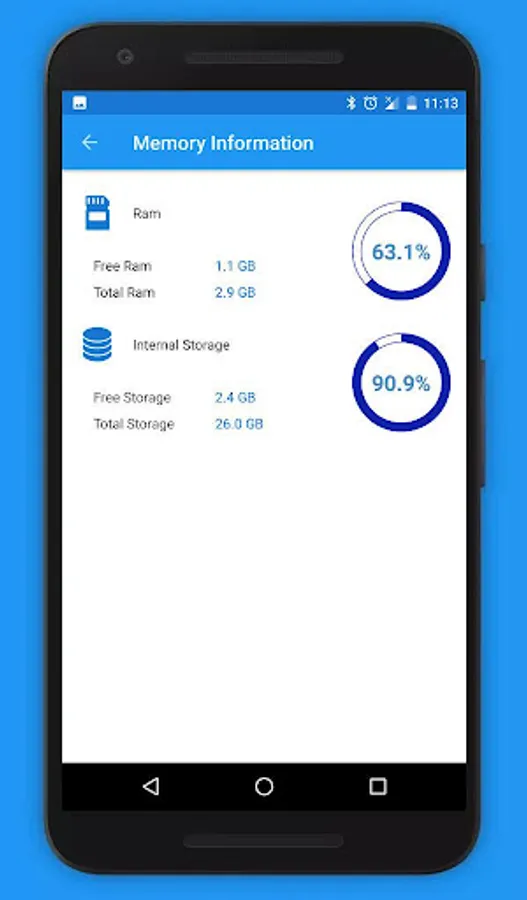
❤️ Memory Info : detailed analysis of RAM including RAM usage, buffers, cache and swap.
❤️ Camera Info : diagnostic tool for your camera hardware, reports information about picture resolution, lens, focal length and other camera features.
❤️ Storage Info : shows information about storage devices (HDDs, eMMCs, SD Cards).
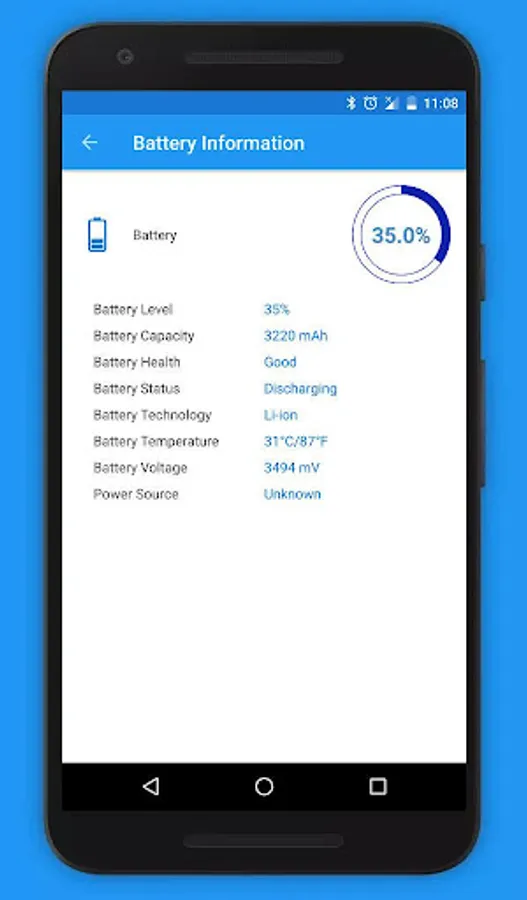
❤️ Battery Info : detailed diagnostic of your device health battery including charge capacity, output voltage and battery temperature.
❤️ Sensors Info : reports information about sensors like accelerometer and magnetometer including range, resolution and power usage.
To show you all of these information, CPU Hardware and System Info needs the following permissions :
⭐ INTERNET / ACCESS_NETWORK_STATE to show you network information
⭐ ACCESS_WIFI_STATE for details about your Wi-Fi connection if available
⭐ READ_PHONE_STATE to monitor phone activity and show you information like Device ID
⭐ CAMERA to list all your cameras and detect resolutions, CPU Information does not take photos or videos.
⭐ BODY_SENSORS to detect if a body sensor is implemented and add it to list of all other sensors available
⭐ RECORD_AUDIO to display the background audio in the Audio Ring Widget using the Androids Visualizer class.
CPU Information / Device info does not in any way retrieve or store any of your data. Access to your data is purely used to display the information to you.Your phone, your data your privacy, our guarantee.
There are plenty of apps on the market to display your device info however CPU Information is unique in the way the data is presented to you. Aside from the innovative dashboard which allows you to playfully discover your devices information the tool also comes with a boatload of additional information not found in other device info apps.
For example you can test your connection speed on the Wifi view, the memory view also displays external SD card utilization.
☀️CPU information / Device Info is a CPU and hardware information, diagnostic and analysis tool to get Android device info. CPU information displays detailed information on the CPU and hardware components of an Android device. Device info detects the central processing unit, RAM, motherboard chipset and other hardware features of your Android smartphone and presents the information in simple views.☀️
😺 Use the interactive 3D display to get a sense of Ia futuristic user interface. It will allow you to playfully discover your devices features and information. You can also switch back to the original 2D interface.
Device information are categorized into :
❤️ System Info : detailed information about your Android OS version, runtime, kernel and SDK.
❤️ CPU Info : provides information about CPU architecture, CPU cores with real-time core clock measurements, CPU usage and other CPU Information
❤️ Wifi Info : Informs you about wifi strength network speed IP, and frequency. This view also measures your true connection speed..
❤️ Display Info : reports information about screen resolution, pixel density and aspect ratio.
❤️ Graphics Info : provides information about GPU and video driver.
❤️ Memory Info : detailed analysis of RAM including RAM usage, buffers, cache and swap.
❤️ Camera Info : diagnostic tool for your camera hardware, reports information about picture resolution, lens, focal length and other camera features.
❤️ Storage Info : shows information about storage devices (HDDs, eMMCs, SD Cards).
❤️ Battery Info : detailed diagnostic of your device health battery including charge capacity, output voltage and battery temperature.
❤️ Sensors Info : reports information about sensors like accelerometer and magnetometer including range, resolution and power usage.
To show you all of these information, CPU Hardware and System Info needs the following permissions :
⭐ INTERNET / ACCESS_NETWORK_STATE to show you network information
⭐ ACCESS_WIFI_STATE for details about your Wi-Fi connection if available
⭐ READ_PHONE_STATE to monitor phone activity and show you information like Device ID
⭐ CAMERA to list all your cameras and detect resolutions, CPU Information does not take photos or videos.
⭐ BODY_SENSORS to detect if a body sensor is implemented and add it to list of all other sensors available
⭐ RECORD_AUDIO to display the background audio in the Audio Ring Widget using the Androids Visualizer class.
CPU Information / Device info does not in any way retrieve or store any of your data. Access to your data is purely used to display the information to you.Your phone, your data your privacy, our guarantee.
There are plenty of apps on the market to display your device info however CPU Information is unique in the way the data is presented to you. Aside from the innovative dashboard which allows you to playfully discover your devices information the tool also comes with a boatload of additional information not found in other device info apps.
For example you can test your connection speed on the Wifi view, the memory view also displays external SD card utilization.
CPU Information : View your De Screenshots



Tap to Rate: