AR Drawing - Sketch&Trace
Mars One Limited
4.7 ★
store rating
50,000+
downloads
Free
AppRecs review analysis
AppRecs rating 4.0. Trustworthiness 71 out of 100. Review manipulation risk 32 out of 100. Based on a review sample analyzed.
★★★★☆
4.0
AppRecs Rating
Ratings breakdown
5 star
86%
4 star
0%
3 star
14%
2 star
0%
1 star
0%
What to know
✓
Credible reviews
71% trustworthiness score from analyzed reviews
✓
High user satisfaction
86% of sampled ratings are 5 stars
⚠
Review quality concerns
56% of sampled 5-star reviews are very short
About AR Drawing - Sketch&Trace
🎨 Welcome to the AR Drawing Sketch app, where you can easily create stunning sketch artworks!
✏️ Unlock the full potential of AR Drawing with its rich features and trace drawing technology, using a variety of advanced tools and effects to unleash your creativity. Whether you're a professional artist or a beginner, AR Drawing Sketch offers a space for everyone to create freely.
✨ How to Use AR Drawing - Trace Drawing
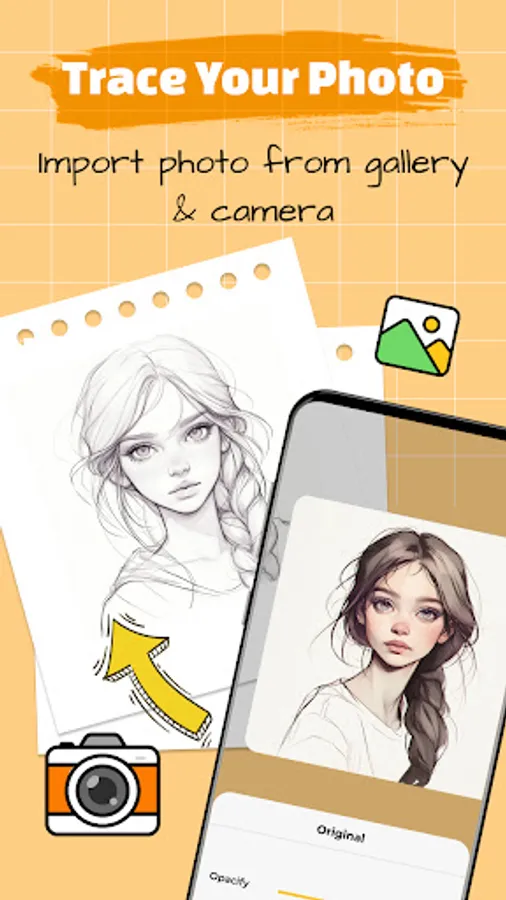
1. Capture a photo with the camera, import from the gallery, or choose an image from the asset library
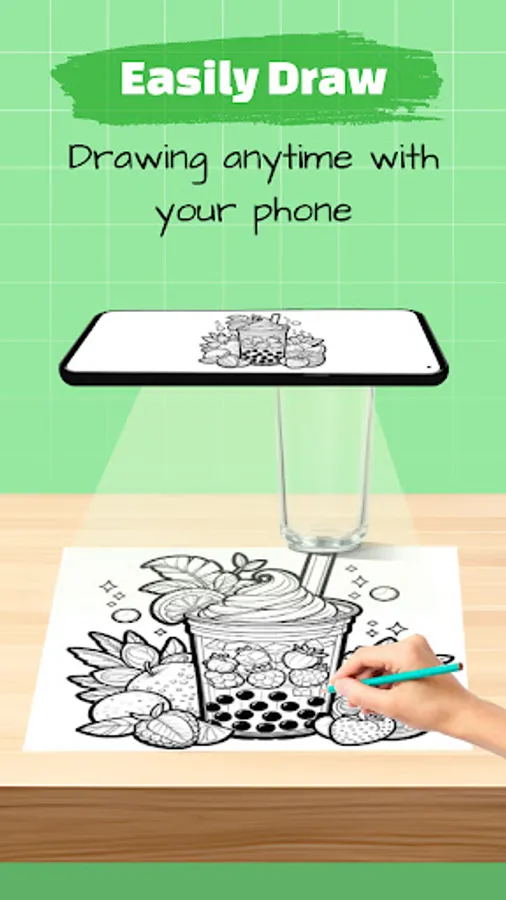
2. Secure your phone on a stable tripod or other fixed object
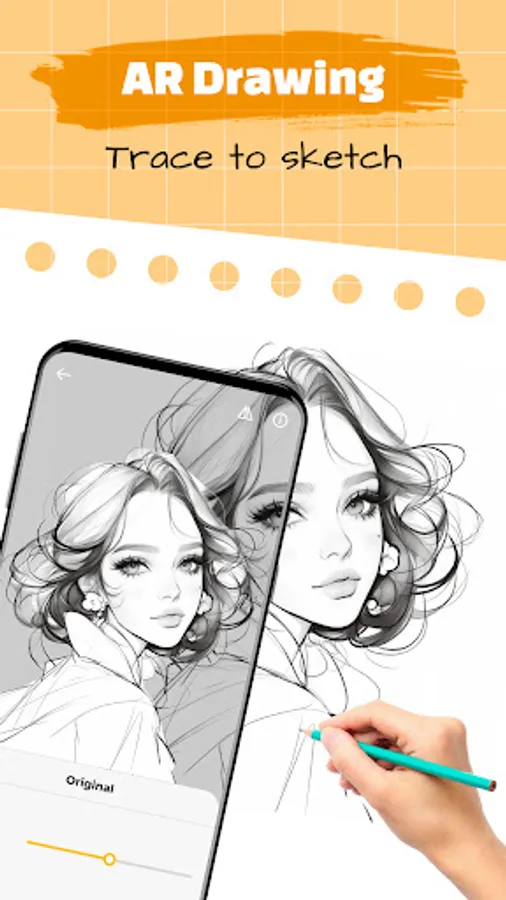
3. Use AR technology to easily create your own unique sketch
Main Features
📷 AR Drawing Sketch:
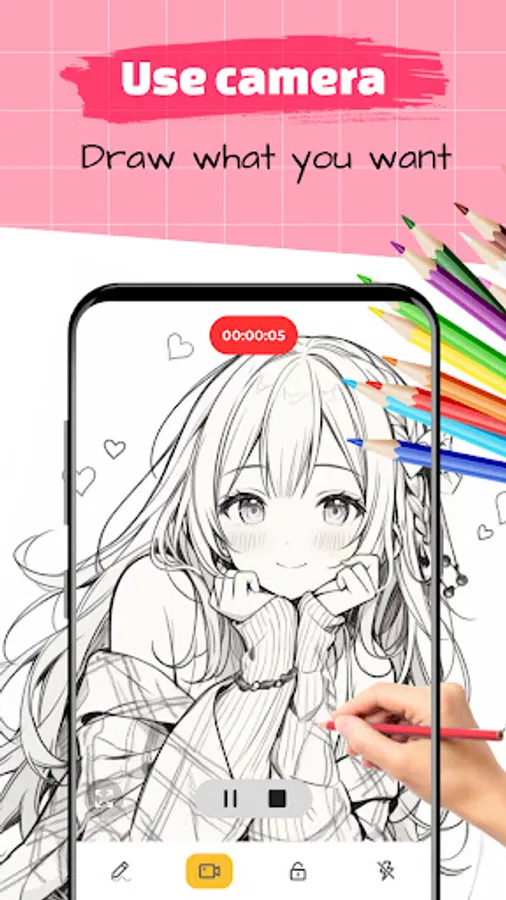
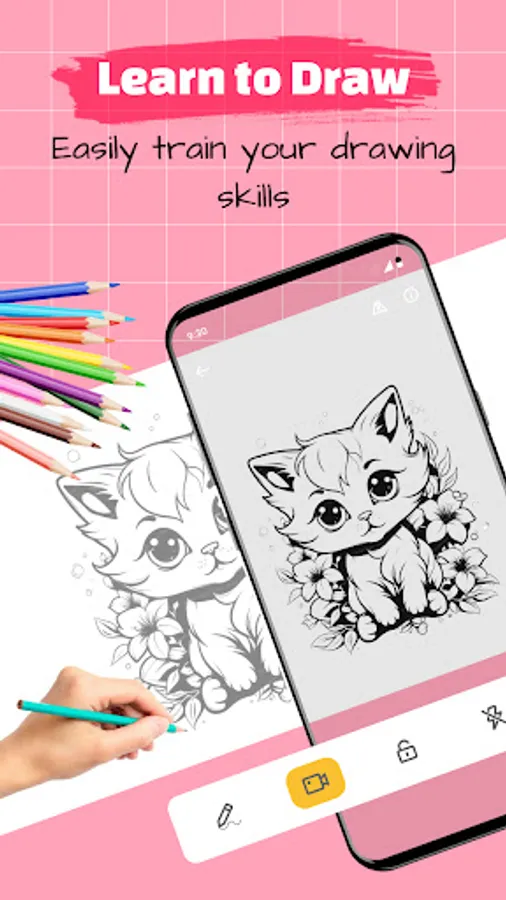
Utilize your device’s camera to blend real-world elements into your AR sketch, with adjustable opacity settings.
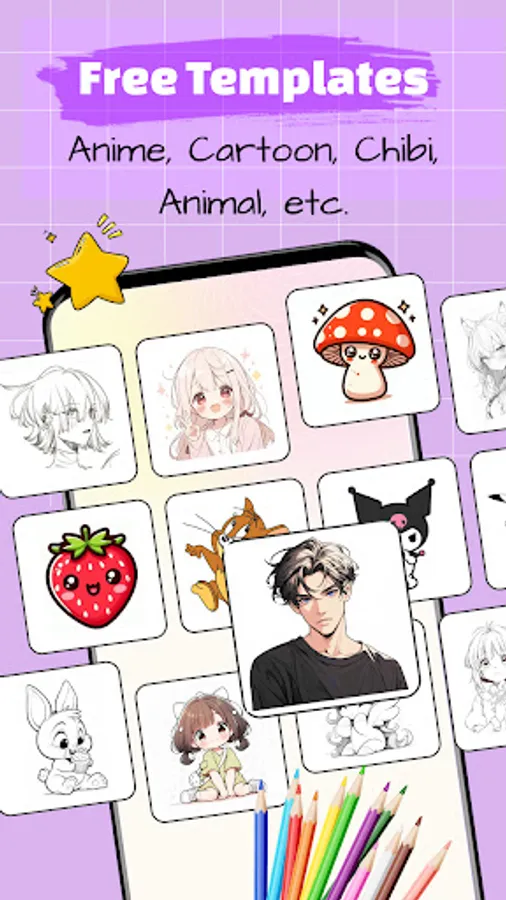
Explore various asset categories like cute, anime, chibi characters, animals, food, cartoons, and people, with support for over 10 different categories.
Advanced Features
Import photos from your camera, gallery, or browser.
Enhance your AR drawing experience with features like video recording, photo capture, opacity adjustment, flashlight control, and screen lock.
Track your artistic journey in the personal profile, gaining insights into your creative progress and achievements as you explore the world of augmented reality art.
If you have any questions or suggestions, feel free to contact us via email: fastproxyglobal@gmail.com. We highly value your feedback and strive to continuously improve the product to meet your needs and enhance your experience.
✏️ Unlock the full potential of AR Drawing with its rich features and trace drawing technology, using a variety of advanced tools and effects to unleash your creativity. Whether you're a professional artist or a beginner, AR Drawing Sketch offers a space for everyone to create freely.
✨ How to Use AR Drawing - Trace Drawing
1. Capture a photo with the camera, import from the gallery, or choose an image from the asset library
2. Secure your phone on a stable tripod or other fixed object
3. Use AR technology to easily create your own unique sketch
Main Features
📷 AR Drawing Sketch:
Utilize your device’s camera to blend real-world elements into your AR sketch, with adjustable opacity settings.
Explore various asset categories like cute, anime, chibi characters, animals, food, cartoons, and people, with support for over 10 different categories.
Advanced Features
Import photos from your camera, gallery, or browser.
Enhance your AR drawing experience with features like video recording, photo capture, opacity adjustment, flashlight control, and screen lock.
Track your artistic journey in the personal profile, gaining insights into your creative progress and achievements as you explore the world of augmented reality art.
If you have any questions or suggestions, feel free to contact us via email: fastproxyglobal@gmail.com. We highly value your feedback and strive to continuously improve the product to meet your needs and enhance your experience.