SuperVPN 2K23 : Secure VPN
AR Ltd
4.0 ★
store rating
10,000+
downloads
Free
AppRecs review analysis
AppRecs rating 4.0. Trustworthiness 0 out of 100. Review manipulation risk 0 out of 100. Based on a review sample analyzed.
★★★★☆
4.0
AppRecs Rating
Ratings breakdown
5 star
64%
4 star
9%
3 star
9%
2 star
0%
1 star
18%
What to know
✓
High user satisfaction
73% of sampled ratings are 4+ stars (4.0★ average)
✓
Authentic reviews
Natural distribution, no red flags
About SuperVPN 2K23 : Secure VPN
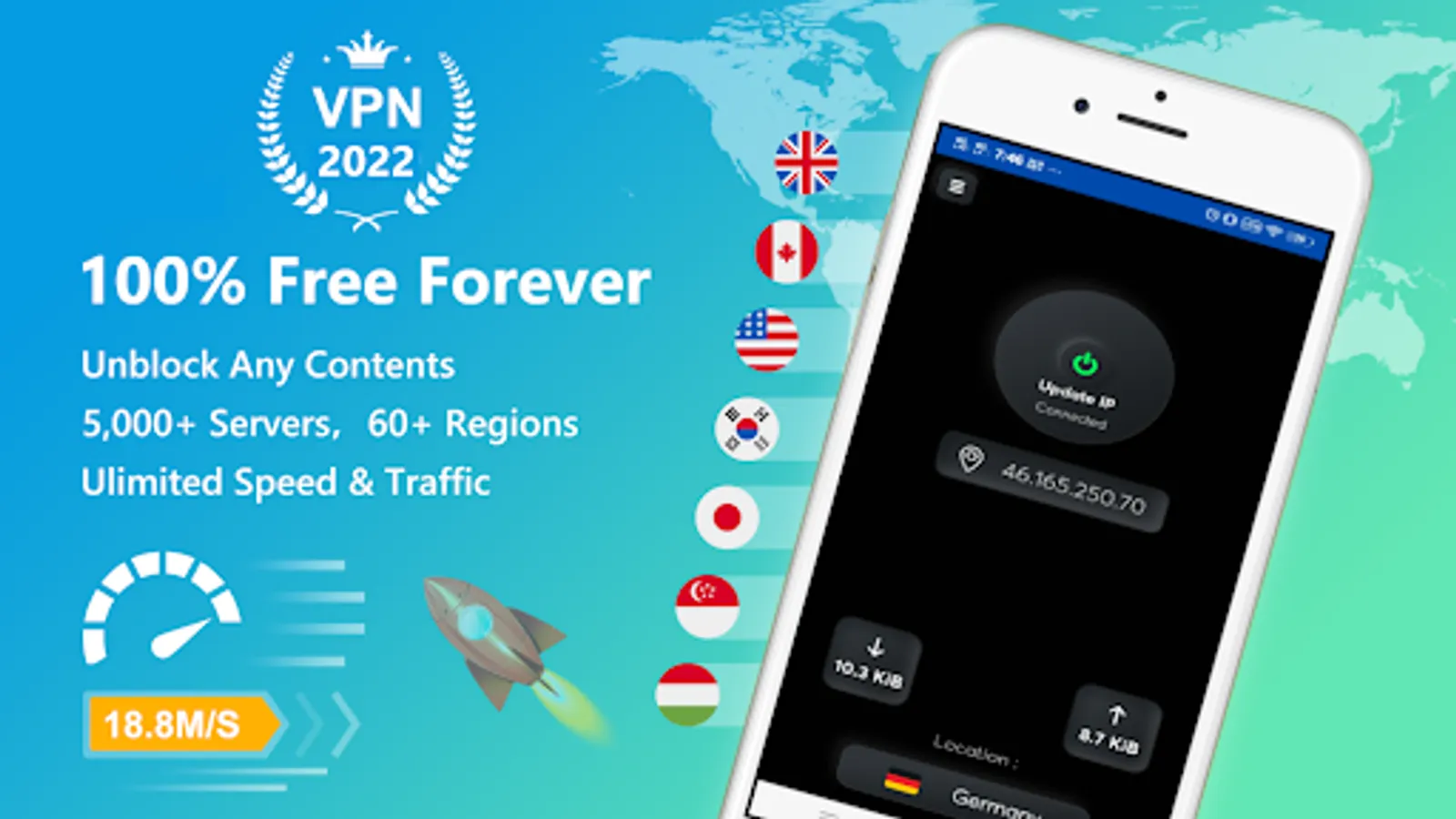
FastVPN and Security unblock Proxy is world best supervpn app its Super Secure VPN Unlimited Proxy Server for lifetime free access. Unlock any websites save your device Secure VPN is the most trusted security, privacy and access platform with top performance on speed, stability and security to unblock sites, unblock any apps or websites, access social networks, watch videos and movies, protect Wi-Fi hotspot security and protect privacy
FAQ QUESTION And ANSWERS :
1. How to use AR VPN?
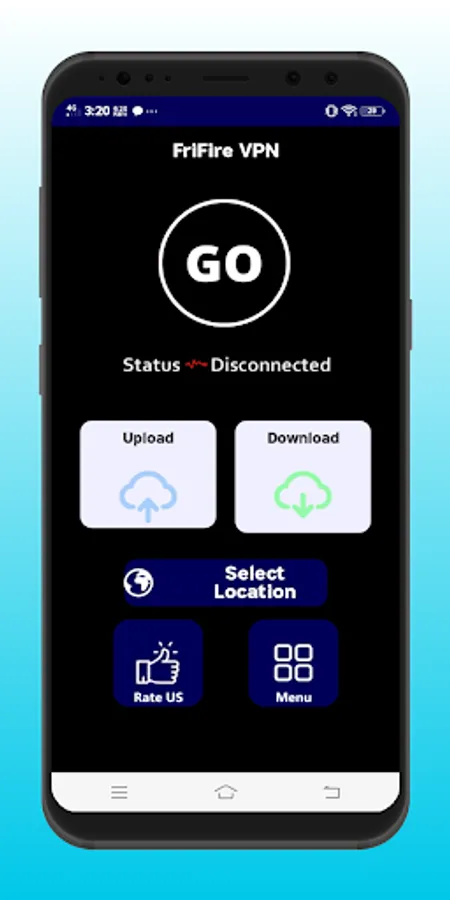
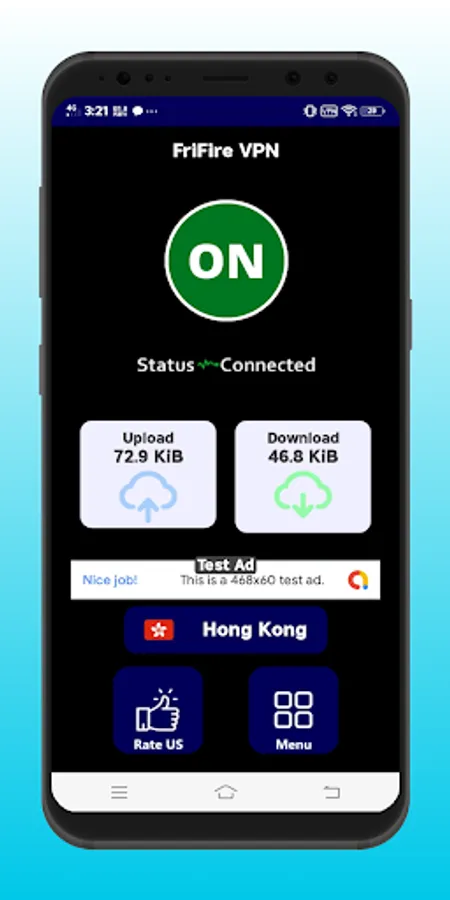
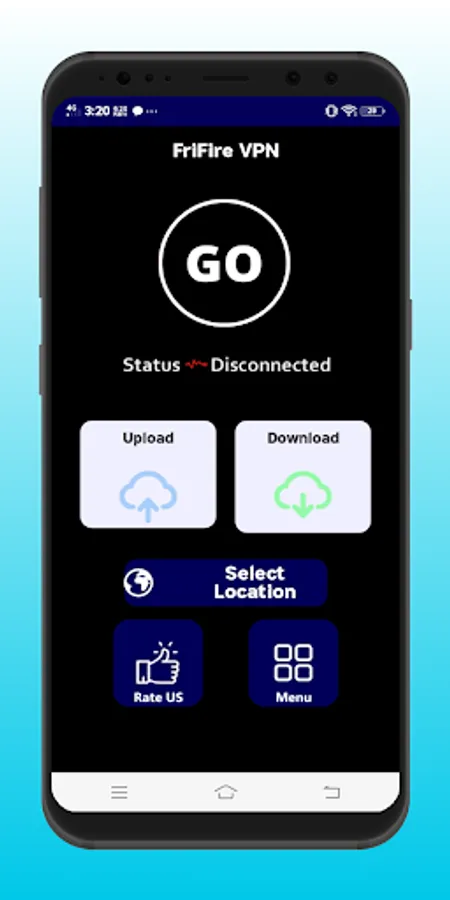
Click connect button in the main screen to use AR VPN. If Android system show a dialog to request a connection permission, click OK or Accept to continue.
2. How long can I use AR VPN for each connection?
As long as you can. We don/t set time or traffic limition on each connection
3. Why can't I use internet after connection established?
Fist of all, check your network connection. Then make sure you've disabled battery optimization for AR VPN in Android's battery setting (which means enable background activity for TrueVPN). If you enable Smart Proxy, you also need to make sure all the apps you need to proxy is checked in Smart Proxy
FAQ QUESTION And ANSWERS :
1. How to use AR VPN?
Click connect button in the main screen to use AR VPN. If Android system show a dialog to request a connection permission, click OK or Accept to continue.
2. How long can I use AR VPN for each connection?
As long as you can. We don/t set time or traffic limition on each connection
3. Why can't I use internet after connection established?
Fist of all, check your network connection. Then make sure you've disabled battery optimization for AR VPN in Android's battery setting (which means enable background activity for TrueVPN). If you enable Smart Proxy, you also need to make sure all the apps you need to proxy is checked in Smart Proxy