In this AI browser, you can navigate pages using 3D gestures, manage multiple spheres, and activate AI tools with a tap. Includes gesture navigation, AI assistance, and content organization features.
AppRecs review analysis
AppRecs rating 4.5. Trustworthiness 75 out of 100. Review manipulation risk 29 out of 100. Based on a review sample analyzed.
★★★★☆
4.5
AppRecs Rating
Ratings breakdown
5 star
90%
4 star
4%
3 star
0%
2 star
2%
1 star
4%
What to know
✓
Low review manipulation risk
29% review manipulation risk
✓
Credible reviews
75% trustworthiness score from analyzed reviews
✓
High user satisfaction
90% of sampled ratings are 5 stars
About ArcSphere: AI Browser
ArcSphere is an AI Navigator that helps you do more than just view pages.
With context-aware AI, 3D gesture navigation, and a mobile-first design, your phone becomes a thinking companion that understands and acts with you.
AI That Acts, Not Just Answers
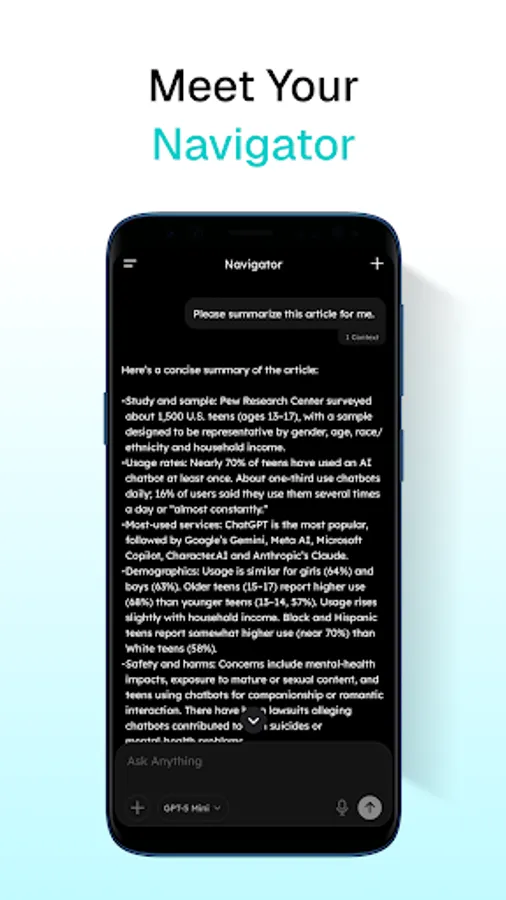
ArcSphere’s AI understands what you see and anticipates what you need next.
Summarize articles, write replies, compare pages, or extract key insights — all right on your screen.
Action Ring: Command With a Tap
Tap the page header to reveal the Action Ring — your personal AI menu glowing under your fingertip.
Access grammar checkers, translators, summarizers, or chat with AI using the current page as context.
Your command center, always one tap away.
One Input. Infinite Control.
A single input bar handles search, navigation, chat, and commands.
Enter URLs, search open tabs, talk to AI, or go hands-free with voice input.
Your digital world now moves as smoothly as thought.
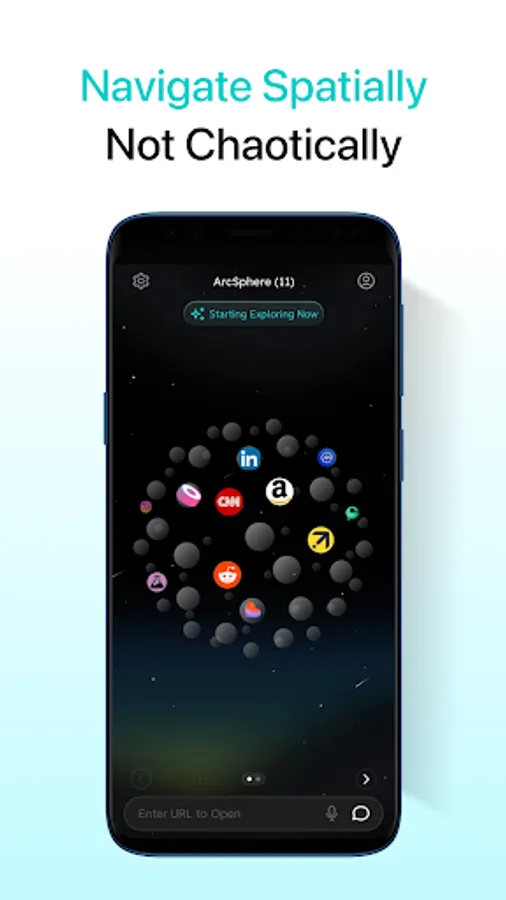
End Tab Chaos With Spatial Navigation
Say goodbye to messy tabs.
Glide across a 3D sphere with pinch and scroll gestures —
like spinning a living universe of pages where every tab has its place.
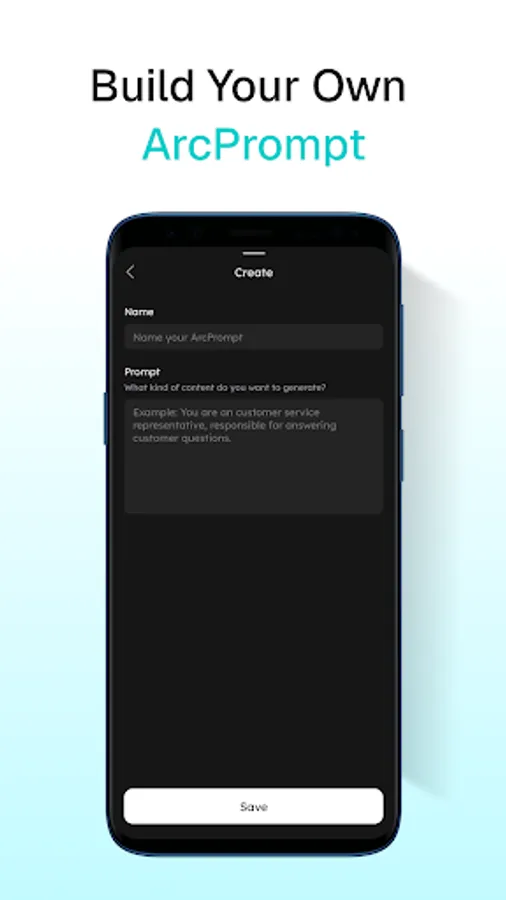
Build Your Own AI Tools With ArcPrompt
Want AI to work your way?
Create your own grammar fixer, translator, or idea generator once — then use it anywhere.
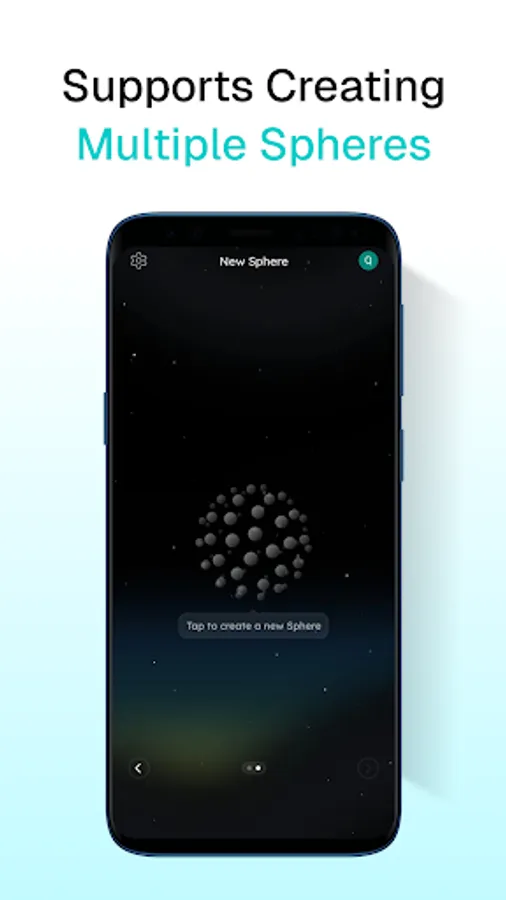
Organize Life With Multiple Spheres
Create focused spaces for work, study, shopping, or personal browsing.
Each Sphere keeps its tabs and chat history separate — like planets in orbit, organized and calm.
Mark Content, Build Knowledge
Highlight text on any page to save as a note.
Use your notes in AI chats to compare, discuss, or synthesize ideas —
turning scattered reading into structured understanding.
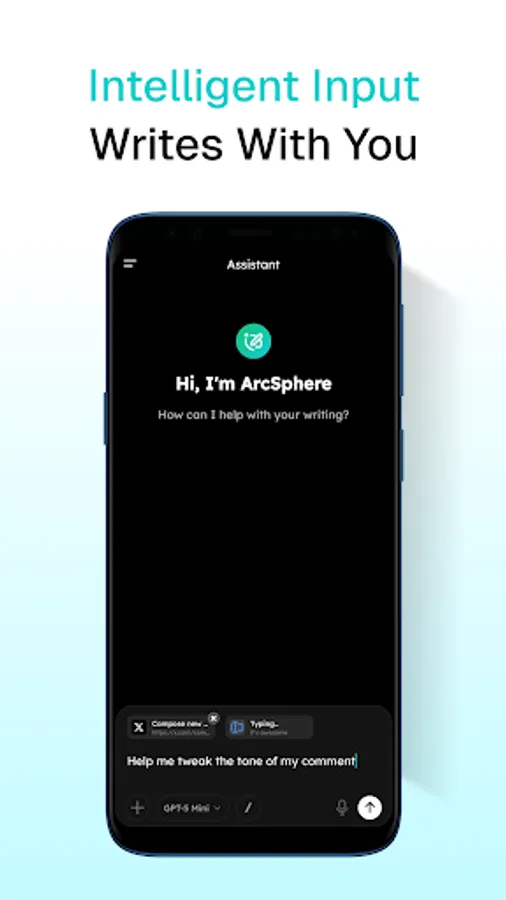
AI-Powered Form Filling
When you tap an input field, AI helps you draft, refine, and fill it naturally.
Write emails, comments, or forms — like talking to a helpful partner who types for you.
Why ArcSphere:
1. Navigate tabs spatially on a 3D sphere and flexible 8×8 grid
2. Access AI instantly with the Action Ring gesture
3. Create and reuse your own custom AI tools
4. Organize browsing into multiple Spheres
5. Chat with context from multiple tabs and saved notes
6. Fill web forms with AI-powered writing assistance
7. Skip passwords with decentralized identity
With context-aware AI, 3D gesture navigation, and a mobile-first design, your phone becomes a thinking companion that understands and acts with you.
AI That Acts, Not Just Answers
ArcSphere’s AI understands what you see and anticipates what you need next.
Summarize articles, write replies, compare pages, or extract key insights — all right on your screen.
Action Ring: Command With a Tap
Tap the page header to reveal the Action Ring — your personal AI menu glowing under your fingertip.
Access grammar checkers, translators, summarizers, or chat with AI using the current page as context.
Your command center, always one tap away.
One Input. Infinite Control.
A single input bar handles search, navigation, chat, and commands.
Enter URLs, search open tabs, talk to AI, or go hands-free with voice input.
Your digital world now moves as smoothly as thought.
End Tab Chaos With Spatial Navigation
Say goodbye to messy tabs.
Glide across a 3D sphere with pinch and scroll gestures —
like spinning a living universe of pages where every tab has its place.
Build Your Own AI Tools With ArcPrompt
Want AI to work your way?
Create your own grammar fixer, translator, or idea generator once — then use it anywhere.
Organize Life With Multiple Spheres
Create focused spaces for work, study, shopping, or personal browsing.
Each Sphere keeps its tabs and chat history separate — like planets in orbit, organized and calm.
Mark Content, Build Knowledge
Highlight text on any page to save as a note.
Use your notes in AI chats to compare, discuss, or synthesize ideas —
turning scattered reading into structured understanding.
AI-Powered Form Filling
When you tap an input field, AI helps you draft, refine, and fill it naturally.
Write emails, comments, or forms — like talking to a helpful partner who types for you.
Why ArcSphere:
1. Navigate tabs spatially on a 3D sphere and flexible 8×8 grid
2. Access AI instantly with the Action Ring gesture
3. Create and reuse your own custom AI tools
4. Organize browsing into multiple Spheres
5. Chat with context from multiple tabs and saved notes
6. Fill web forms with AI-powered writing assistance
7. Skip passwords with decentralized identity