
Archibus Mobile Client
Free
10,000+
downloads
About Archibus Mobile Client
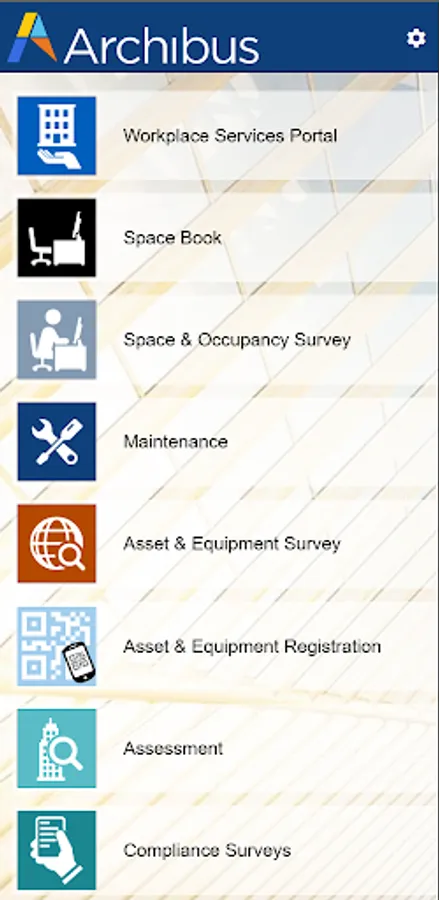
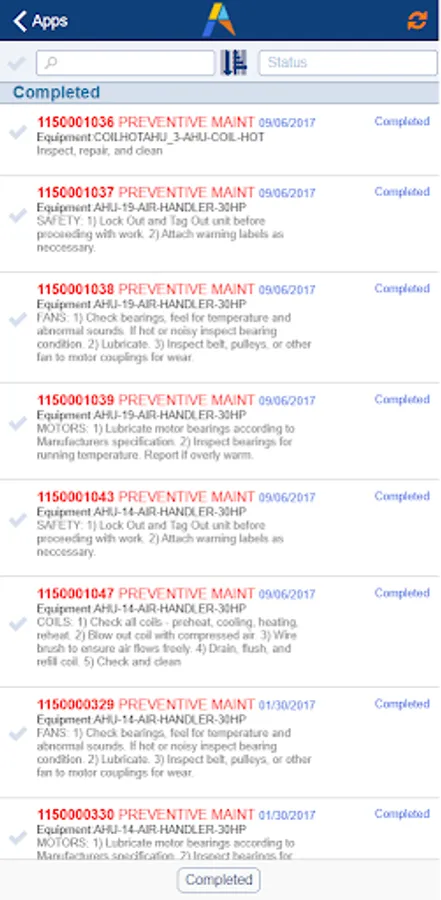
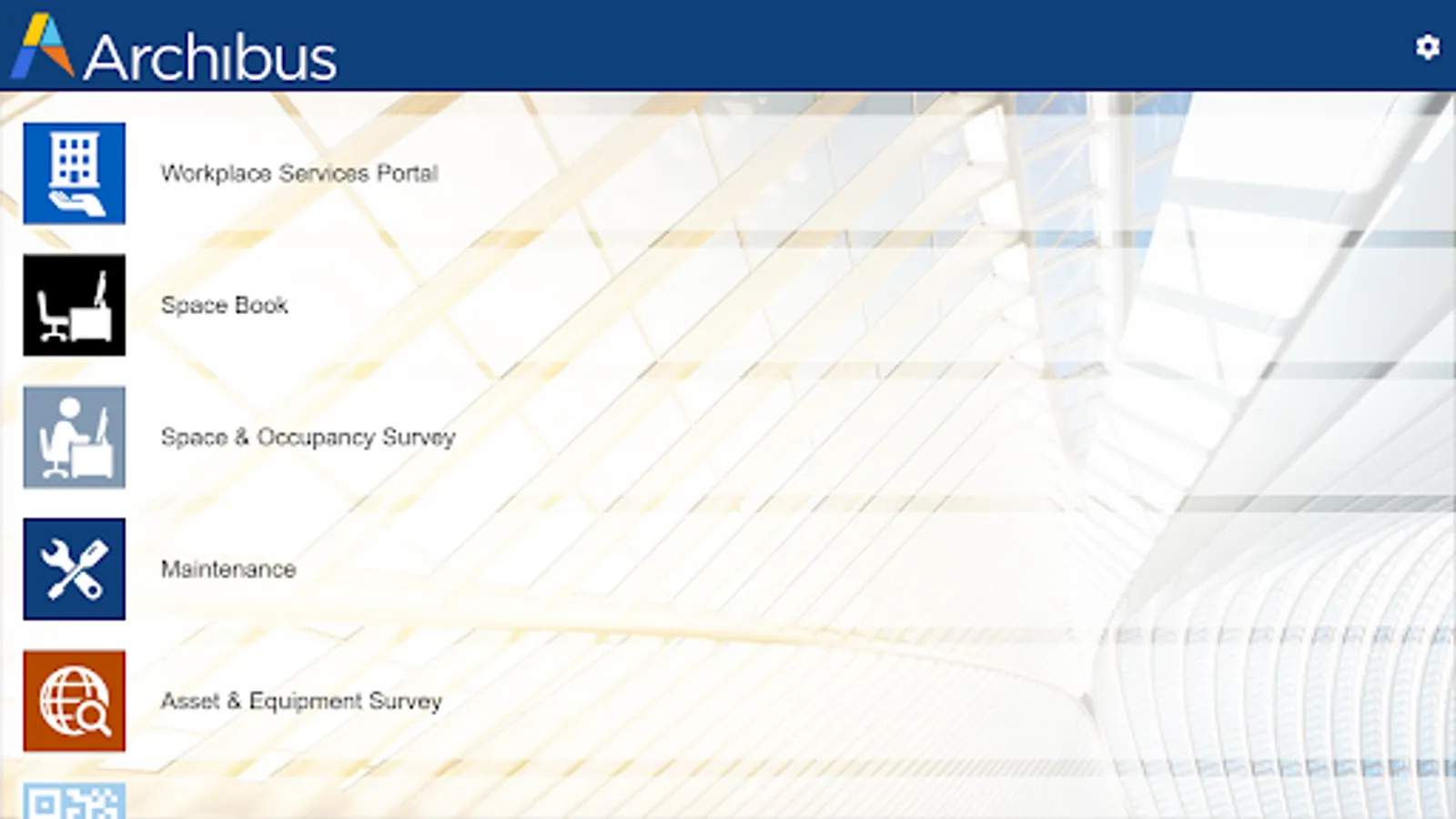
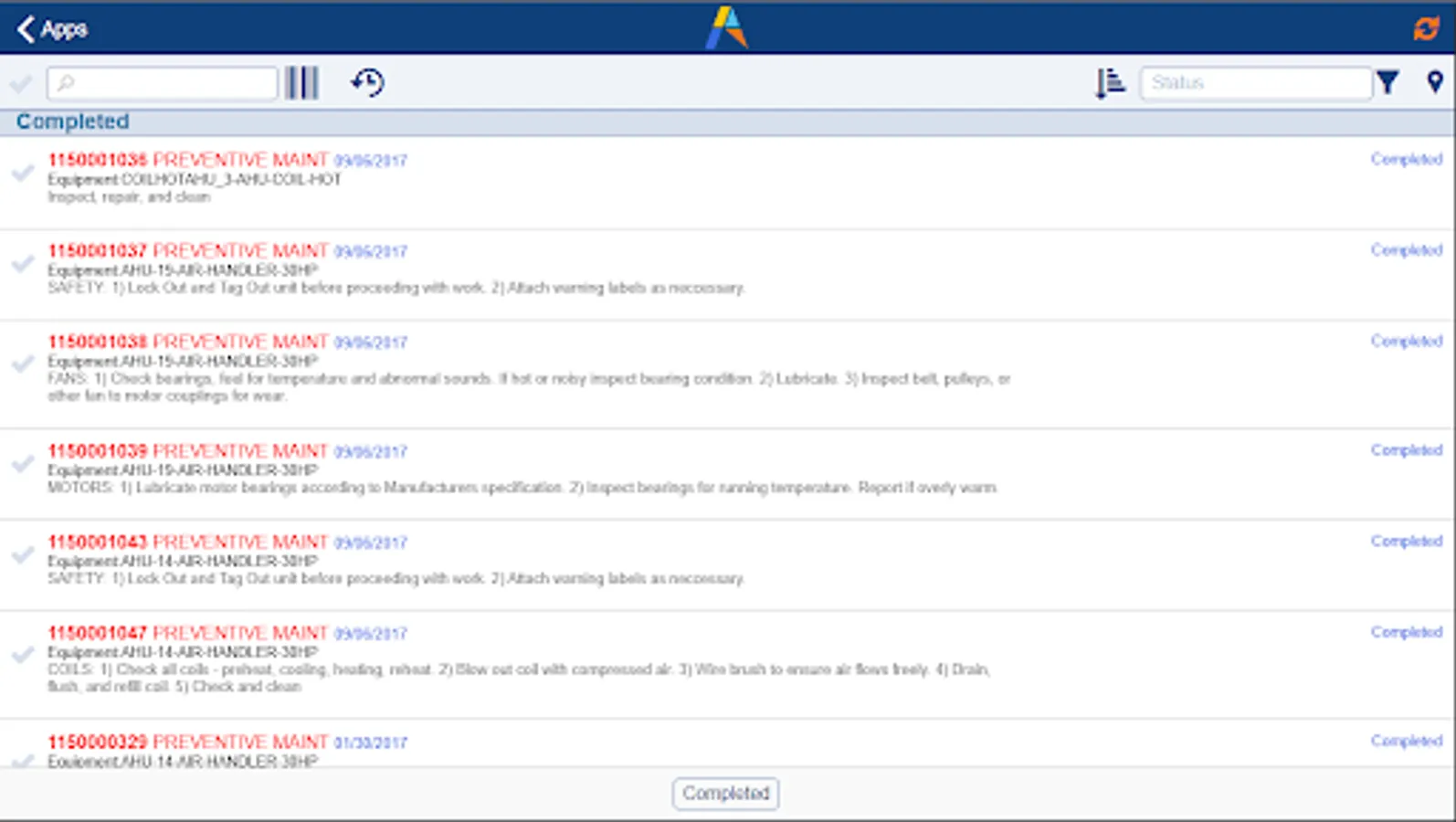
To be able to use the Archibus Mobile Client, install it on your Android device, then enter the URL your Archibus Administrator provided (e.g. "http:archibusserver:8080"). If your site does not use single sign on, enter your ARCHIBUS credentials. The Archibus Mobile Client will then automatically install and load the features that your Archibus Administrator has enabled for your account.
Archibus Mobile Client Screenshots
Reviews for Archibus Mobile Client
Sivaram Kamaraj
7/17/2025
loading time high,opening delay
Lander de vos (LanderDv)
2/15/2024
Very slow, lot of bugs, not user friendly at all....
Bob van Gool
10/9/2023
Very slow, loading time is almost 2 minutes, dispite having a proper internet connection. After loading "my work" the information is still not up to date, for that you have to synchronise after loading, which takes another minute to load... Every time you return to the main page "my work" (after opening a work order for example) it will load again, even though nothing has changed. This takes another minute, again... There are some smaller issues as well, but this is, by far the biggest problem.
Douglas Chapman
7/18/2023
Photo quality is blurred when uploading to mobile applications. App crashes regularly
Jason Keeley
9/13/2022
Didn't work for android. Deleted
Tap to Rate: