AR Draw Sketch: Trace & Draw
PlayStudioInc
3.8 ★
store rating
500,000+
downloads
Free
+ in-app
AppRecs review analysis
AppRecs rating 3.1. Trustworthiness 79 out of 100. Review manipulation risk 25 out of 100. Based on a review sample analyzed.
★★★☆☆
3.1
AppRecs Rating
Ratings breakdown
5 star
60%
4 star
0%
3 star
20%
2 star
0%
1 star
20%
What to know
✓
Low review manipulation risk
25% review manipulation risk
⚠
Ad complaints
Many low ratings mention excessive ads
⚠
Review quality concerns
57% of sampled 5-star reviews are very short
About AR Draw Sketch: Trace & Draw
🌈Are you a person who loves to draw and create artistic pictures?🌈
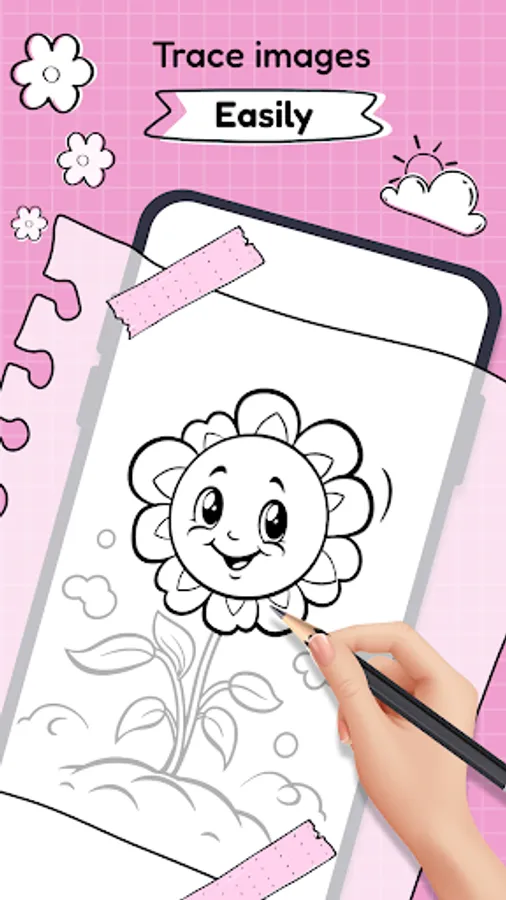
🔥 AR Drawing: Sketch & Paint is an application that allows you to unleash your creativity and draw sketches effortlessly.
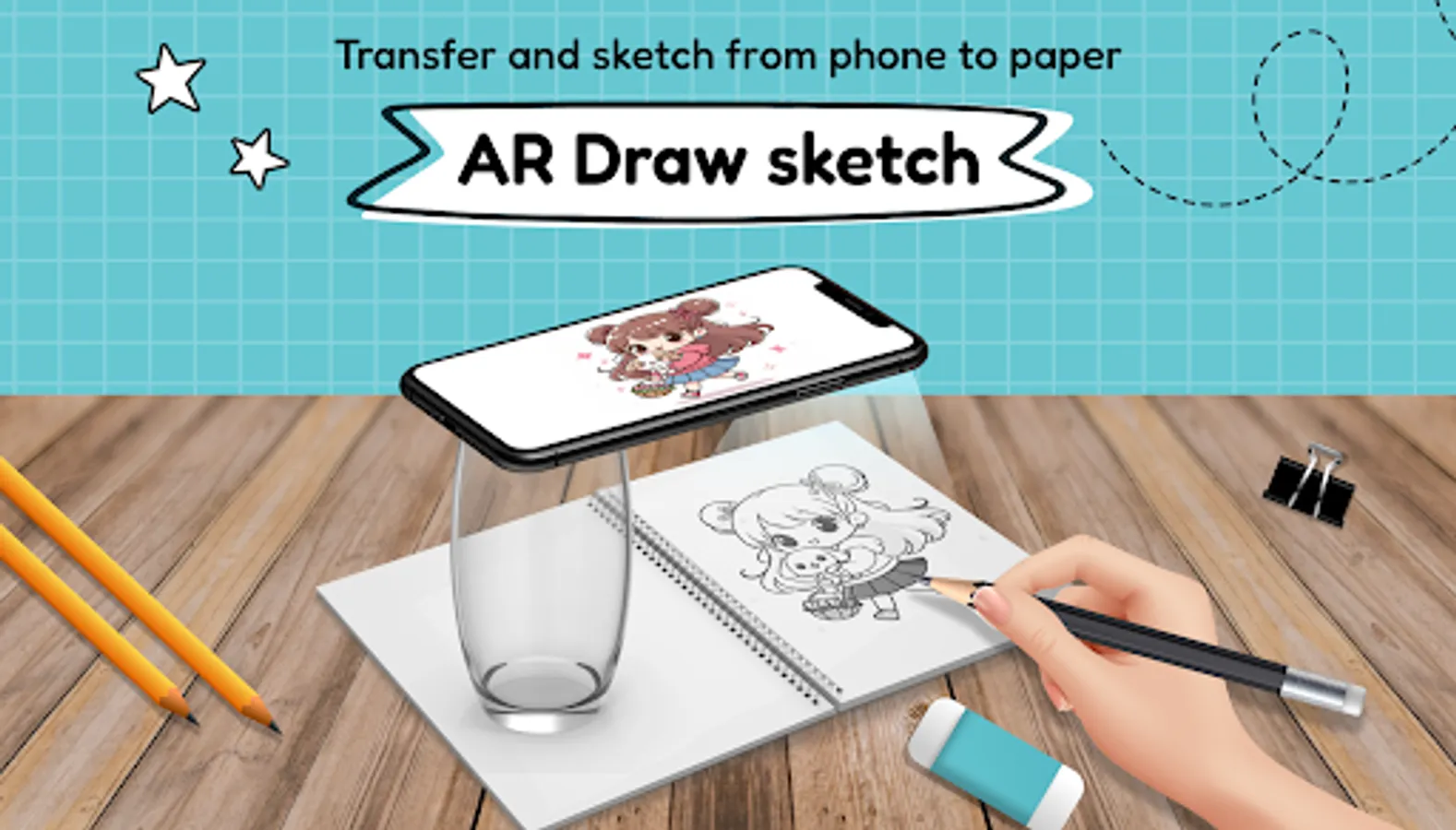
🎨 AR Draw - Sketch & Trace application is suitable for everyone whether you are a professional drawing person or you don't know how to draw yet. The augmented reality simulation application will help you confidently create beautiful paintings with your hands.
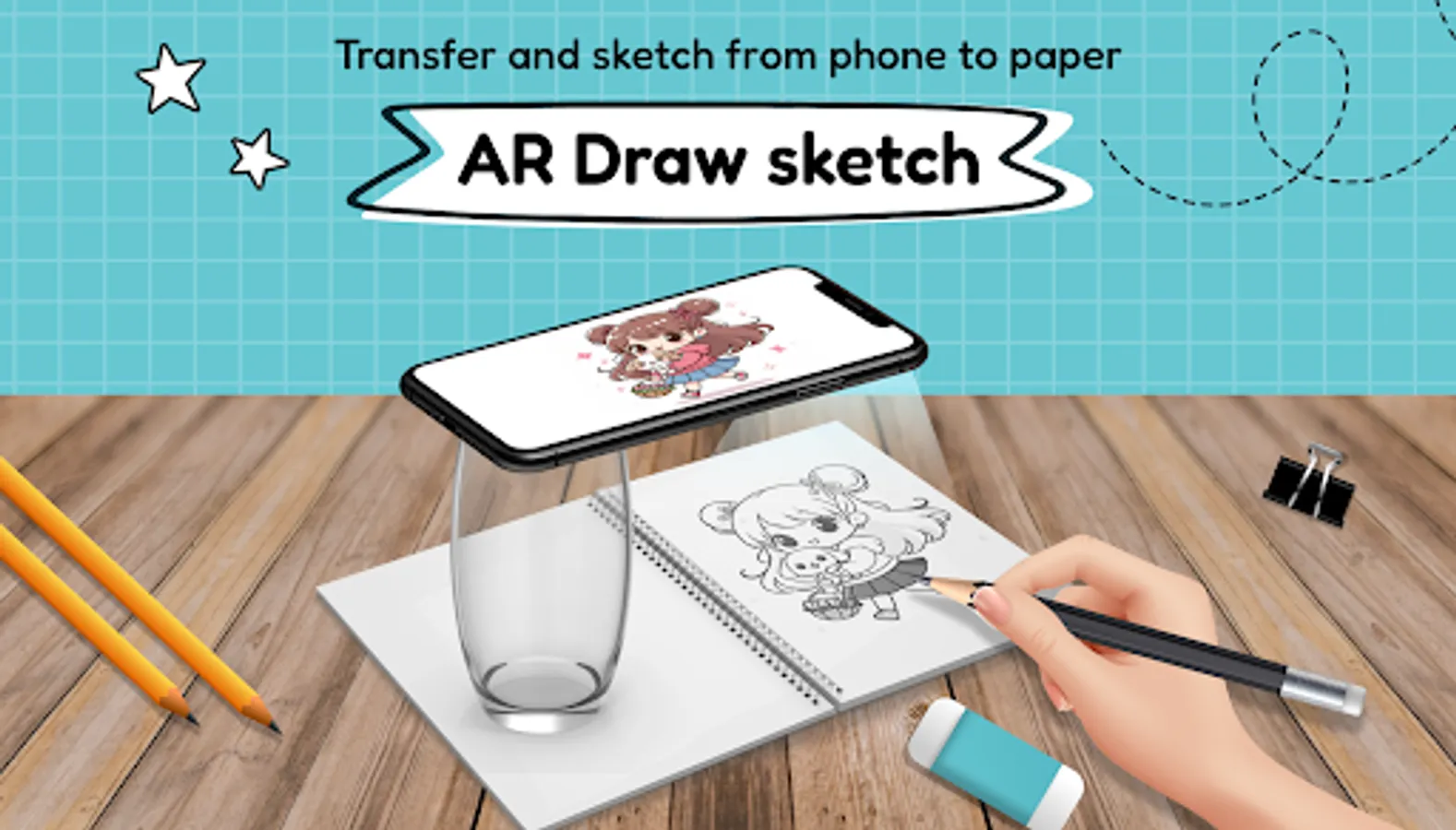
🖌️Using the AR Drawing: Draw & Sketch app makes drawing never been easier. With just a few steps of preparation and drawing, you can get the desired picture.
🎨FEATURE:🎨
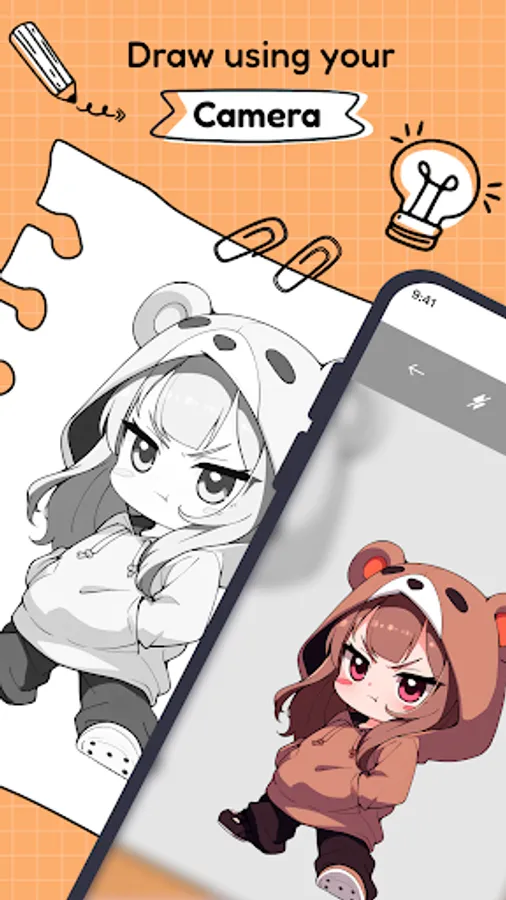
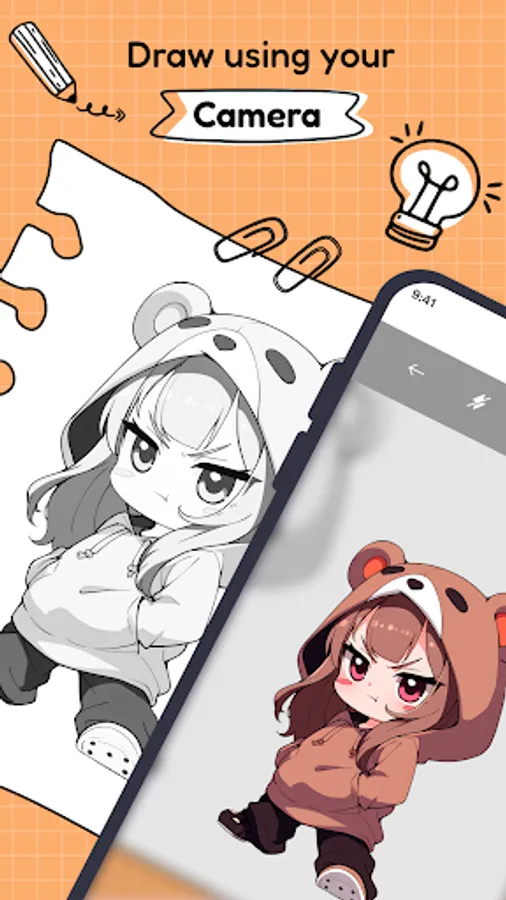
- Use your device camera that supports AR to draw easily
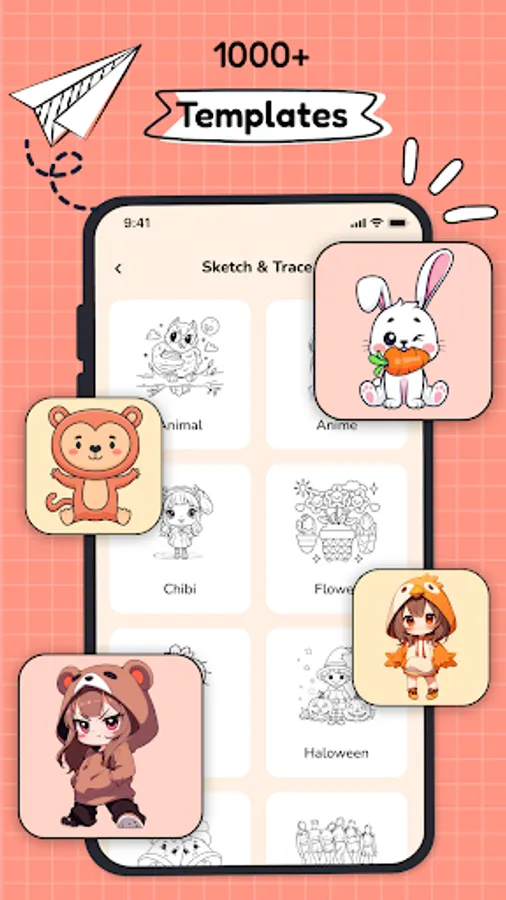
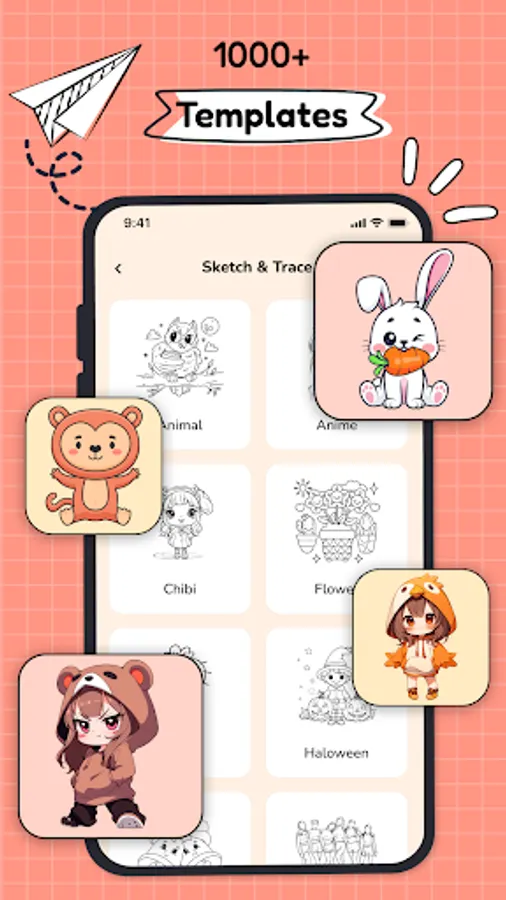
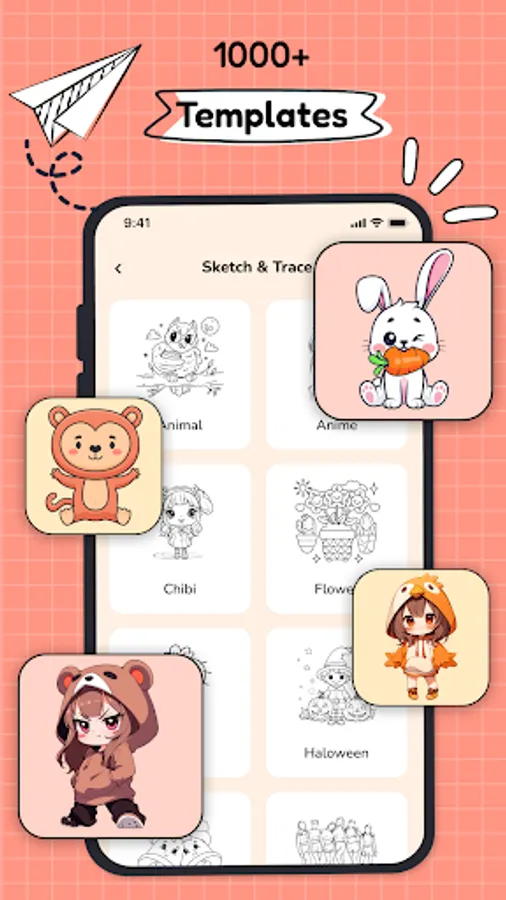
- Diverse sketch themes: Cartoons, animals, fruits, cars, vegetables, cute pictures, chibi, ...
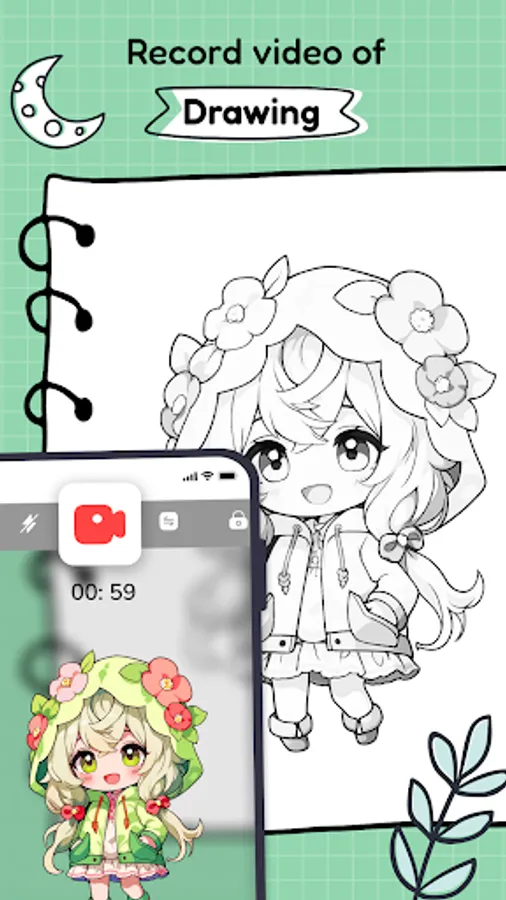
- Integrate video recording and photography as you make AR Drawing: Sketch & Paint
- Professional sketch drawing modes
- Customize the color of the sketch shown on the phone
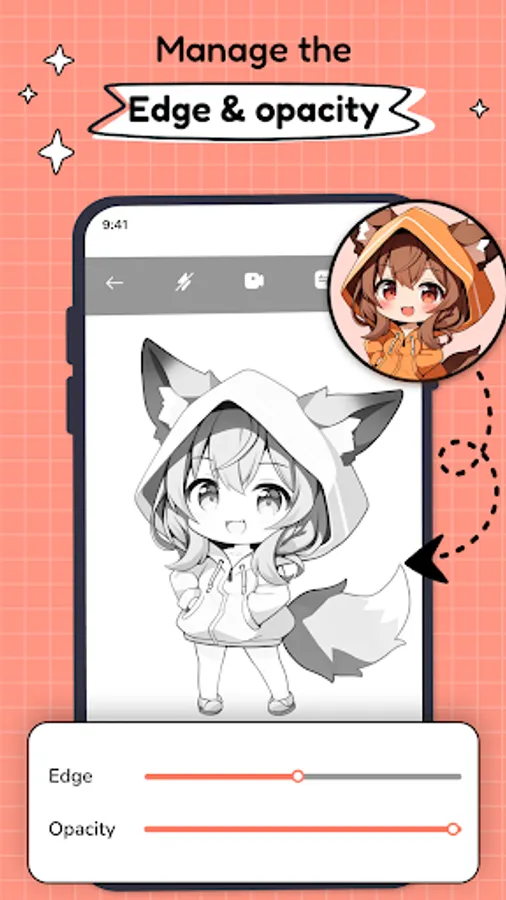
- Adjust the sharpness and thickness of the drawing line depending on your drawing needs
- Integrated flashlight helps the sketching process even in low light conditions
🎨HOW TO USE?🎨
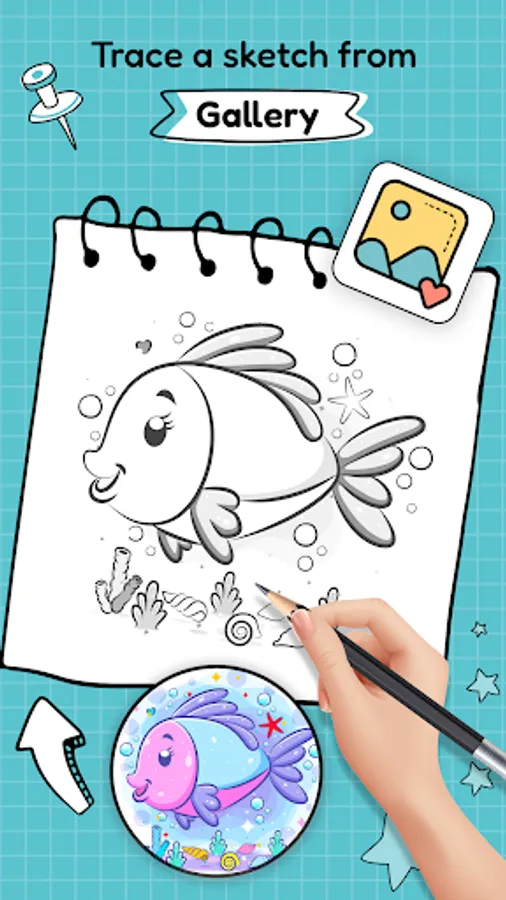
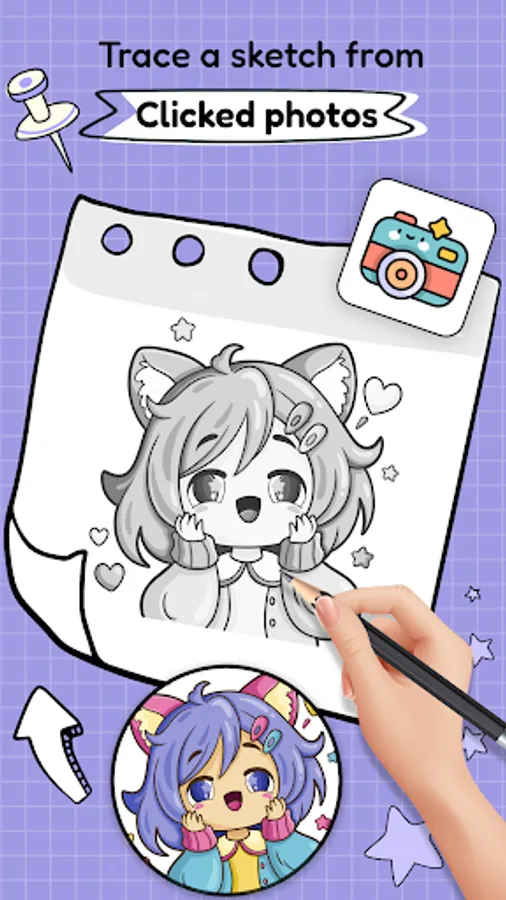
1️⃣ Choose a sketch template or take a photo to get the drawing
️2️⃣ Position your phone on a tripod or stable object to support AR Draw - Sketch & Trace
3️⃣ Select the mode to convert images to sketch drawings
4️⃣ Adjust the phone to fit the image on canvas or paper
5️⃣ Start being creative with the AR Draw Sketch: Trace & Paint app
🌈AR Draw Sketch is a great application that helps you draw and helps you unleash the creation of beautiful paintings. In addition to the available images, you can draw anything with AR Drawing: Sketch & Paint that you want. The application will help you unleash your creativity and discover new things from beautiful drawings.
🔥 AR Drawing: Sketch & Paint is an application that allows you to unleash your creativity and draw sketches effortlessly.
🎨 AR Draw - Sketch & Trace application is suitable for everyone whether you are a professional drawing person or you don't know how to draw yet. The augmented reality simulation application will help you confidently create beautiful paintings with your hands.
🖌️Using the AR Drawing: Draw & Sketch app makes drawing never been easier. With just a few steps of preparation and drawing, you can get the desired picture.
🎨FEATURE:🎨
- Use your device camera that supports AR to draw easily
- Diverse sketch themes: Cartoons, animals, fruits, cars, vegetables, cute pictures, chibi, ...
- Integrate video recording and photography as you make AR Drawing: Sketch & Paint
- Professional sketch drawing modes
- Customize the color of the sketch shown on the phone
- Adjust the sharpness and thickness of the drawing line depending on your drawing needs
- Integrated flashlight helps the sketching process even in low light conditions
🎨HOW TO USE?🎨
1️⃣ Choose a sketch template or take a photo to get the drawing
️2️⃣ Position your phone on a tripod or stable object to support AR Draw - Sketch & Trace
3️⃣ Select the mode to convert images to sketch drawings
4️⃣ Adjust the phone to fit the image on canvas or paper
5️⃣ Start being creative with the AR Draw Sketch: Trace & Paint app
🌈AR Draw Sketch is a great application that helps you draw and helps you unleash the creation of beautiful paintings. In addition to the available images, you can draw anything with AR Drawing: Sketch & Paint that you want. The application will help you unleash your creativity and discover new things from beautiful drawings.