Touch Lock - Disable Touch
ColdCherry
3.4 ★
store rating
100,000+
downloads
Free
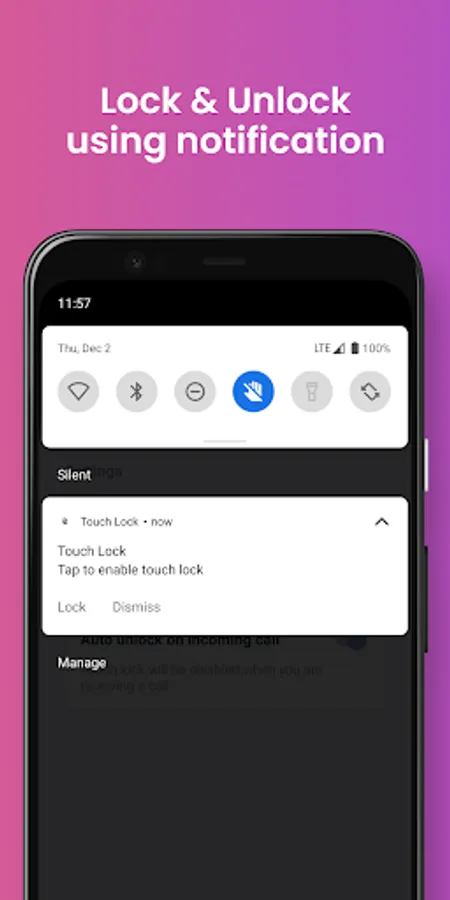
With this app, you can disable the touch lock to prevent unintended screen touches using notifications or quick settings tiles. Includes auto unlock during calls, dismissible control notifications, and a night theme.
AppRecs review analysis
AppRecs rating 2.7. Trustworthiness 80 out of 100. Review manipulation risk 29 out of 100. Based on a review sample analyzed.
★★☆☆☆
2.7
AppRecs Rating
Ratings breakdown
5 star
53%
4 star
6%
3 star
6%
2 star
2%
1 star
33%
What to know
⚠
Ad complaints
Many low ratings mention excessive ads
⚠
Review quality concerns
38% of sampled 5-star reviews are very short
⚠
High negative review ratio
35% of sampled ratings are 1–2 stars
About Touch Lock - Disable Touch
This app disables touch lock to prevent unintended touches.
Steps to use:
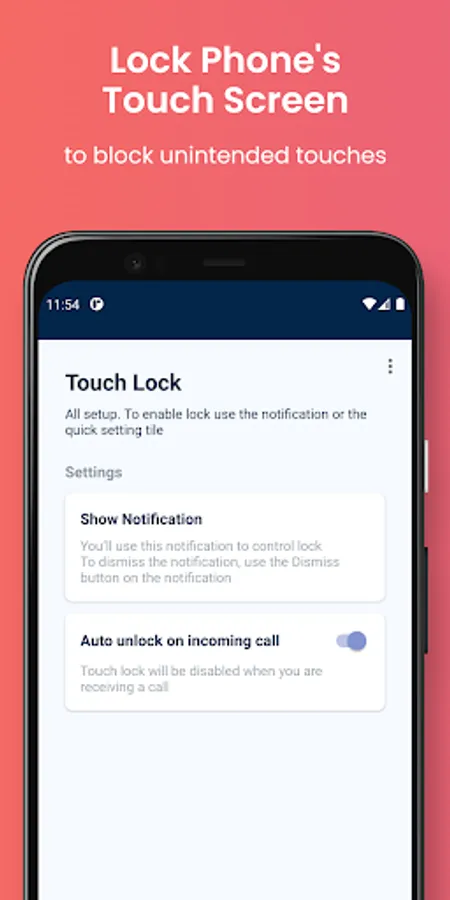
- Download and open the app.
- Grant the asked permissions
- Tap on "Show Notification" top to enable the control notification, then Click on the notification to open the lock
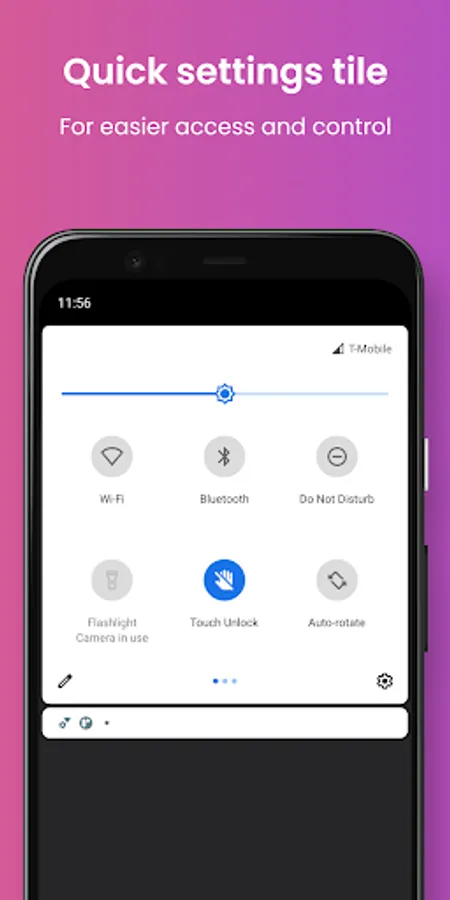
- Or use the Quick settings Tile for easier access. (android 7+)
In-app instructions are also available to help you get started.
Features
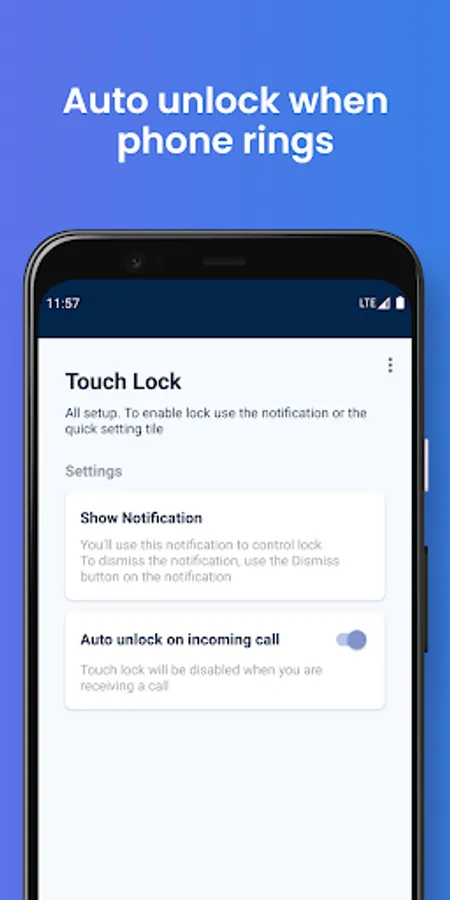
- Auto unlock when phone rings
- Quick settings tile.
- Dismissible control notification
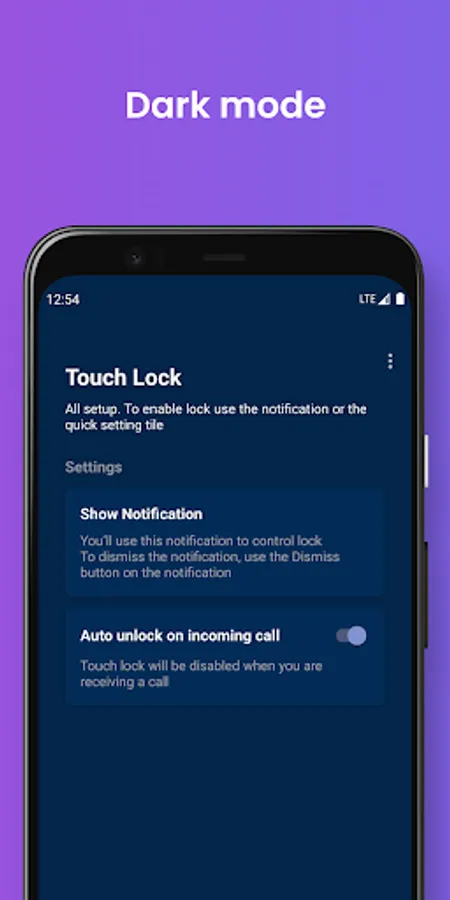
- Night theme
Note: This app don't lock navigation buttons and status bar at this time.
If you want to report bugs or have any feedback contact us at alirezarzna@gmail.com
If you found this app useful, don't forget to leave 5 start rating.
Steps to use:
- Download and open the app.
- Grant the asked permissions
- Tap on "Show Notification" top to enable the control notification, then Click on the notification to open the lock
- Or use the Quick settings Tile for easier access. (android 7+)
In-app instructions are also available to help you get started.
Features
- Auto unlock when phone rings
- Quick settings tile.
- Dismissible control notification
- Night theme
Note: This app don't lock navigation buttons and status bar at this time.
If you want to report bugs or have any feedback contact us at alirezarzna@gmail.com
If you found this app useful, don't forget to leave 5 start rating.