
MuPDF mini
Artifex Software LLC
4.1 ★
202 ratings
100,000+
downloads
Free
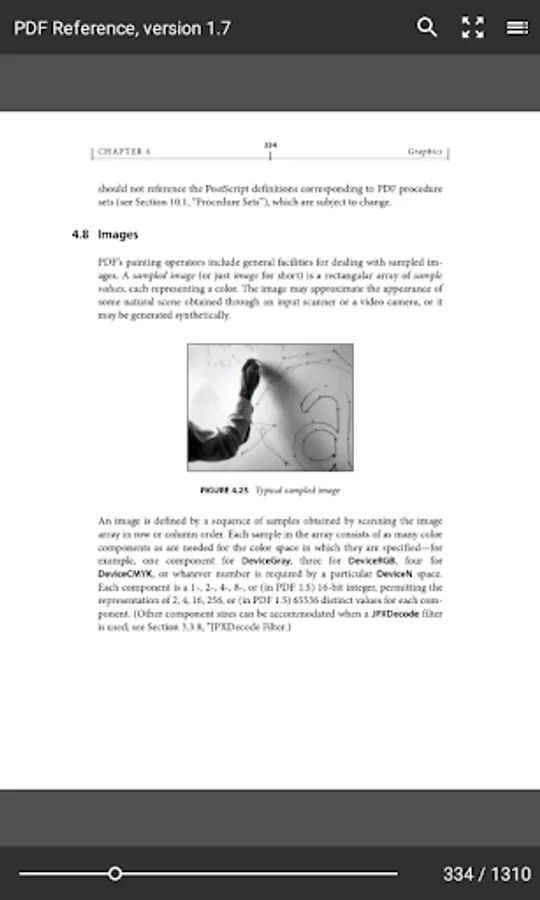
With this reading app, you can view PDF, XPS, CBZ, and EPUB documents using tap gestures to navigate pages and access tools. Includes a quick navigation scrubber, search, zoom, and table of contents features.
AppRecs review analysis
AppRecs rating 4.1. Trustworthiness 75 out of 100. Review manipulation risk 25 out of 100. Based on a review sample analyzed.
★★★★☆
4.1
AppRecs Rating
Ratings breakdown
5 star
56%
4 star
22%
3 star
6%
2 star
6%
1 star
11%
What to know
✓
Low review manipulation risk
25% review manipulation risk
✓
Credible reviews
75% trustworthiness score from analyzed reviews
✓
High user satisfaction
78% of sampled ratings are 4+ stars (4.1★ average)
About MuPDF mini
MuPDF mini is an app for reading PDF, XPS, CBZ, and unprotected EPUB documents.
This is a minimalist version of the MuPDF app, which focuses on reading only. It does not support editing annotations or filling out forms.
Tapping on the left and right side of the screen will flip to the previous and next pages. Tapping in the middle of the screen will bring up or hide the tool bars.
A long tap on the page will toggle highlighting hyperlinks. When the links are highlighted they are also active and tappable.
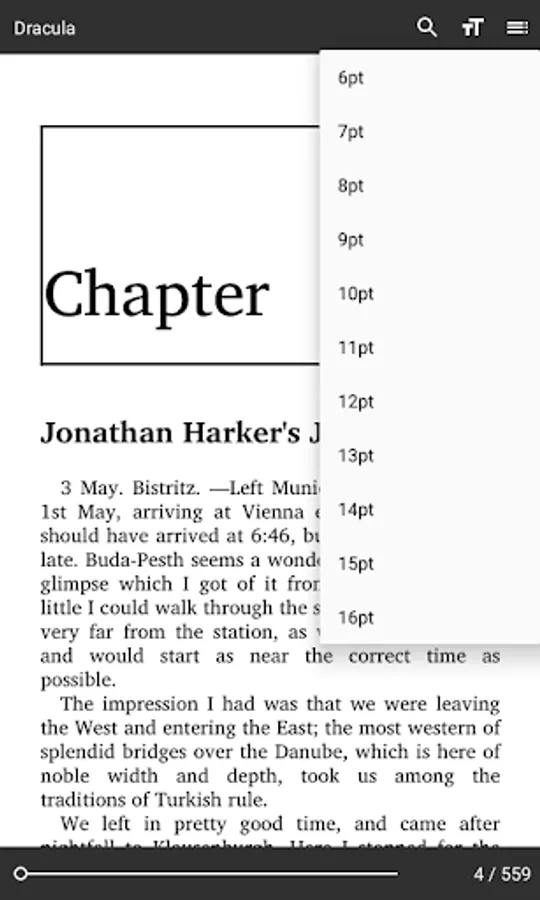
The toolbar also has a search button, a text size button (to set the text size in EPUB and FB2 documents), a zoom button (to toggle between fit page and fit width in PDF documents), and a table of contents button.
The scrubber at the bottom of the screen will let you quickly go to any place in the document.
With the "Overview" system button, you can go back to the file chooser and open multiple documents at once.
This is a minimalist version of the MuPDF app, which focuses on reading only. It does not support editing annotations or filling out forms.
Tapping on the left and right side of the screen will flip to the previous and next pages. Tapping in the middle of the screen will bring up or hide the tool bars.
A long tap on the page will toggle highlighting hyperlinks. When the links are highlighted they are also active and tappable.
The toolbar also has a search button, a text size button (to set the text size in EPUB and FB2 documents), a zoom button (to toggle between fit page and fit width in PDF documents), and a table of contents button.
The scrubber at the bottom of the screen will let you quickly go to any place in the document.
With the "Overview" system button, you can go back to the file chooser and open multiple documents at once.
MuPDF mini Screenshots
Tap to Rate:
Reviews for MuPDF mini
Aral YILMAZ
11/20/2025
Just works and requires little number of permissions.
rafael villar
7/20/2025
Simplemente es un visor de PDF.