Smart Labels
QR Smart Labels
4.8 ★
store rating
10,000+
downloads
Free
+ in-app
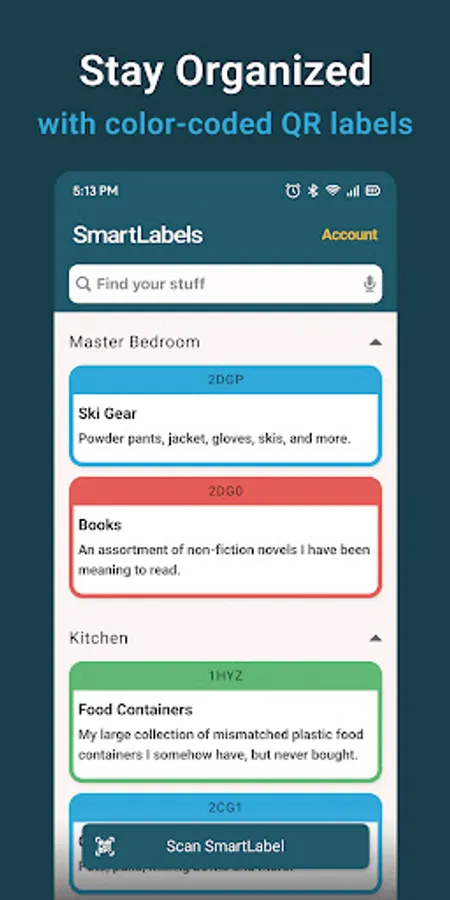
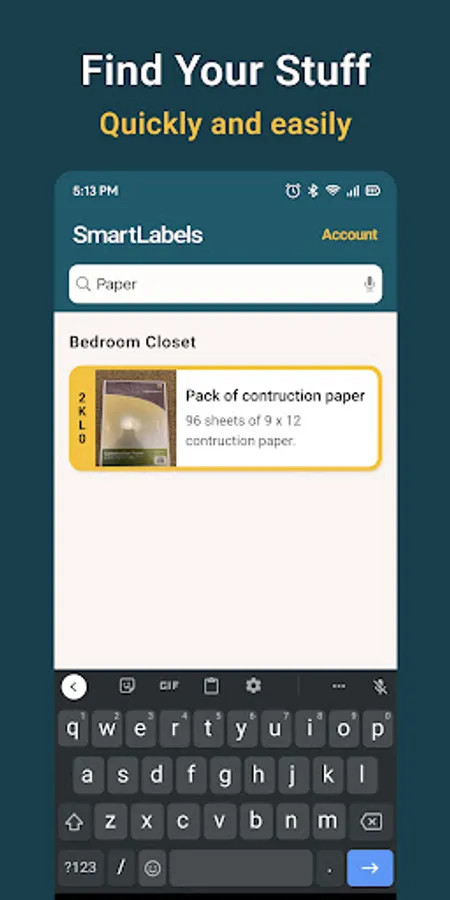
With this app, you can scan smart labels to organize and locate storage items efficiently. Includes barcode scanning, photo management, and search features.
AppRecs review analysis
AppRecs rating 4.6. Trustworthiness 77 out of 100. Review manipulation risk 22 out of 100. Based on a review sample analyzed.
★★★★☆
4.6
AppRecs Rating
Ratings breakdown
5 star
96%
4 star
0%
3 star
0%
2 star
0%
1 star
3%
What to know
✓
Low review manipulation risk
22% review manipulation risk
✓
Credible reviews
77% trustworthiness score from analyzed reviews
⚠
Pricing complaints
Many low ratings mention paywalls or pricing
About Smart Labels
This is the companion app for use with purchased Smart Labels.
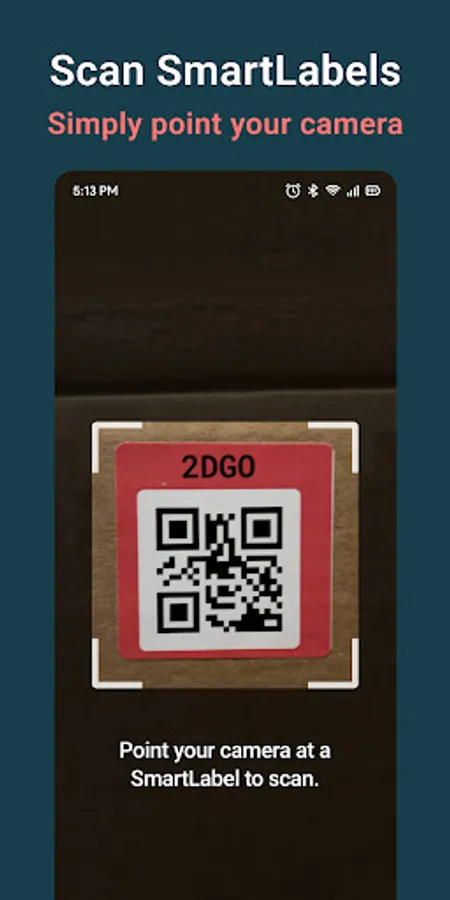
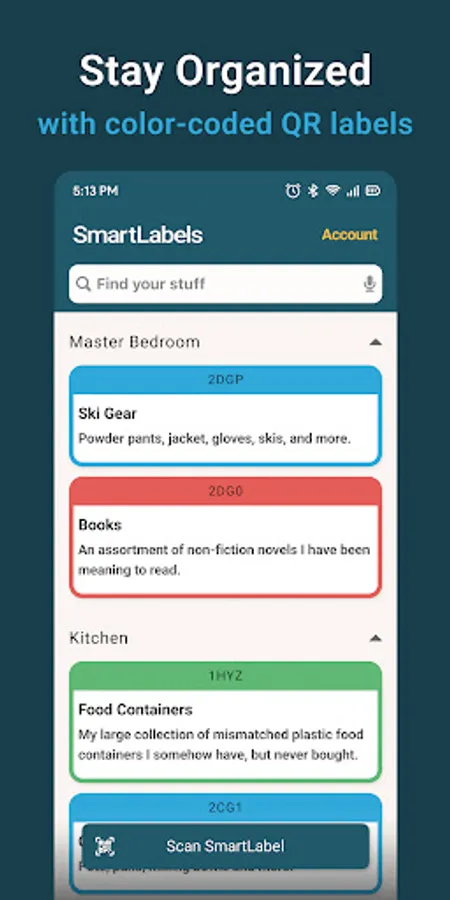
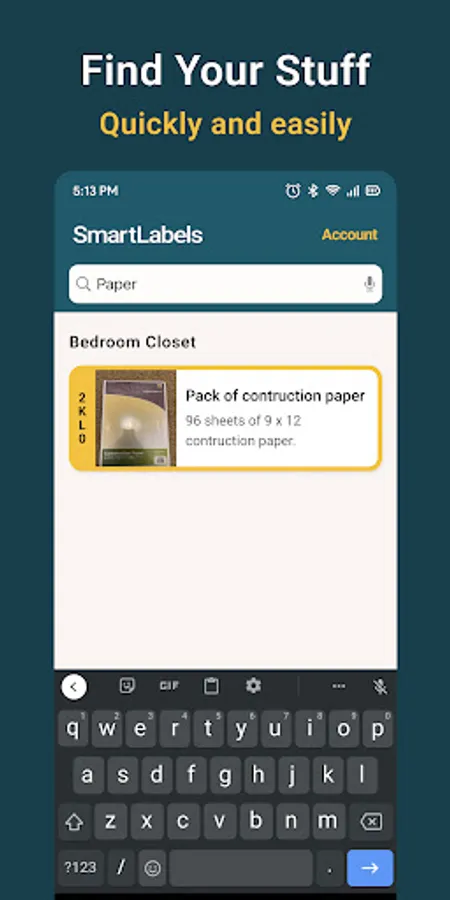
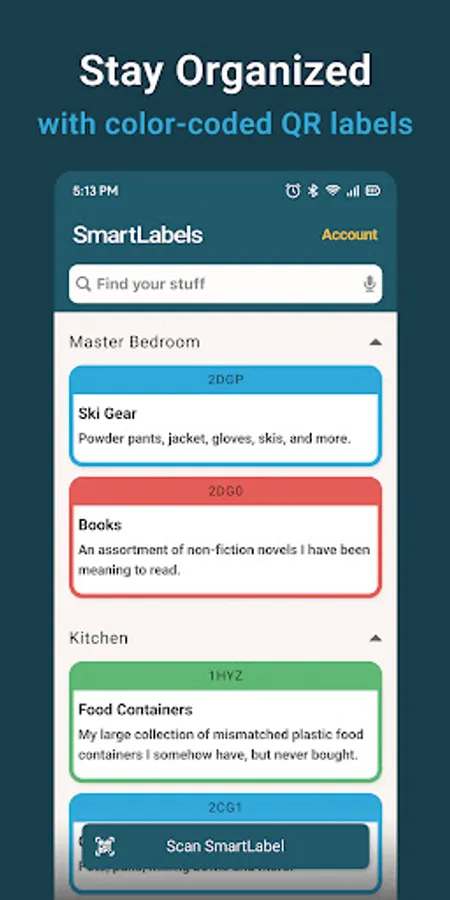
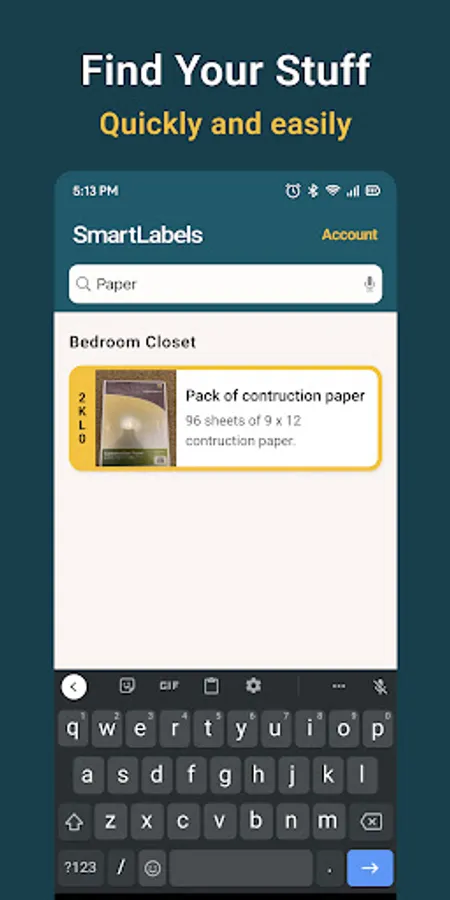
Easily organize your storage from your mobile phone. Smart Labels are QR codes that your phone can scan and manage. In the app, add photos, names, and descriptions of each item in your box. Later, when you want to find an item, search for it in the app to find its exact location, along with the label’s color and ID.
To get started:
1. Stick a Smart Label on your box
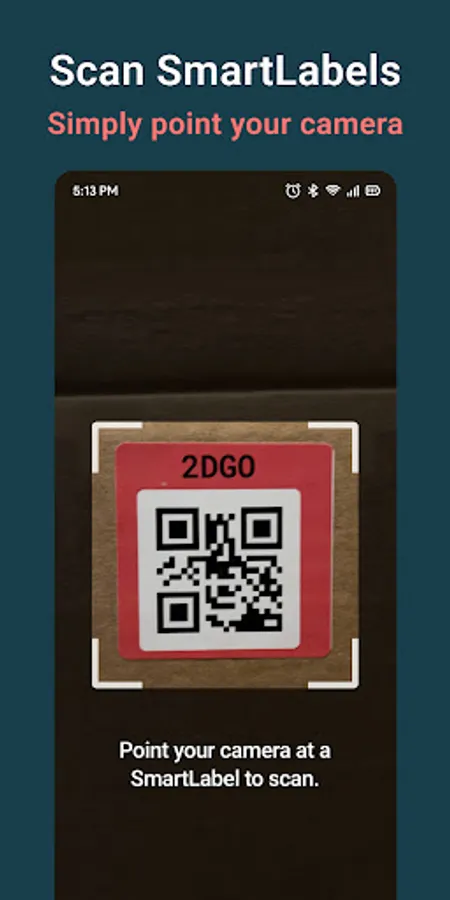
2. In-app, scan the QR code on the label
3. Add a name, location, description, and photo of your box
4. Add items to your box with photos and descriptions for each item
Easily organize your storage from your mobile phone. Smart Labels are QR codes that your phone can scan and manage. In the app, add photos, names, and descriptions of each item in your box. Later, when you want to find an item, search for it in the app to find its exact location, along with the label’s color and ID.
To get started:
1. Stick a Smart Label on your box
2. In-app, scan the QR code on the label
3. Add a name, location, description, and photo of your box
4. Add items to your box with photos and descriptions for each item