AR Drawing - SketchArt App
BG.Studio
4.1 ★
1K ratings
1,000,000+
downloads
Free
+ in-app
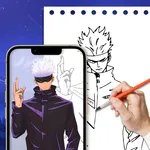
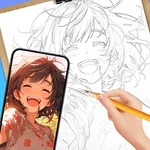
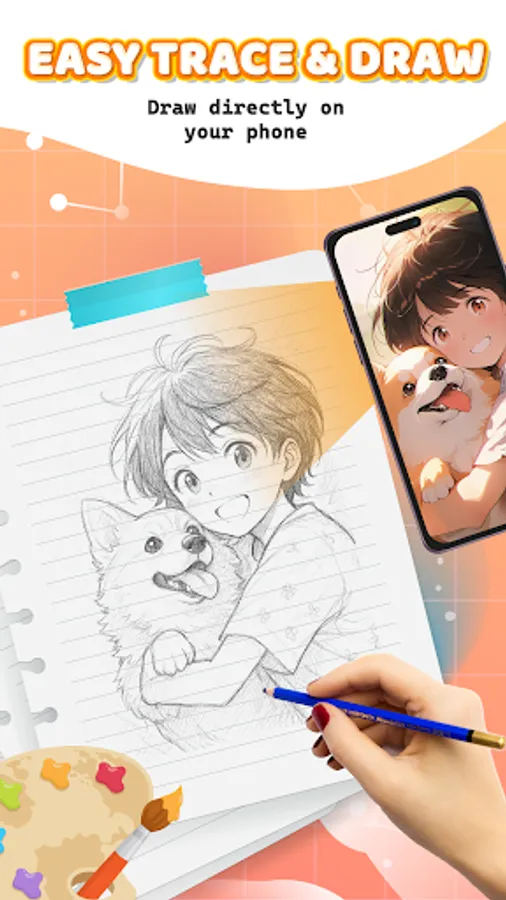
In this AR drawing app, you can create artwork by blending sketches with real-world scenes using AR technology. Includes tools for importing images, drawing in AR, and accessing tutorials for skill development.
AppRecs review analysis
AppRecs rating 3.6. Trustworthiness 79 out of 100. Review manipulation risk 26 out of 100. Based on a review sample analyzed.
★★★☆☆
3.6
AppRecs Rating
Ratings breakdown
5 star
68%
4 star
4%
3 star
4%
2 star
14%
1 star
9%
What to know
✓
Low review manipulation risk
26% review manipulation risk
✓
Credible reviews
79% trustworthiness score from analyzed reviews
⚠
Ad complaints
Many low ratings mention excessive ads
About AR Drawing - SketchArt App
🎨 Welcome to AR Drawing - SketchArt App! Unleash your creativity and watch your drawings come alive with stunning AR effects!
✏️ Discover powerful features that unlock your creativity through advanced tools and effects. Whether you’re a beginner or a seasoned artist, AR Drawing offers a space for everyone to express themselves freely — perfect for drawing beginners and pros alike.
✏️ Connect with our lively community — share your art, explore others’ creations, and get inspired. With SketchArt App, your imagination is the only limit.
✨ How to get started:
1. Select or import a photo from the Art Gallery 🖼️
2. Position your phone steadily on a tripod or solid surface 📱🛠️
3. Use AR technology to create stunning artwork right before your eyes! ✨🖌️
Key Features
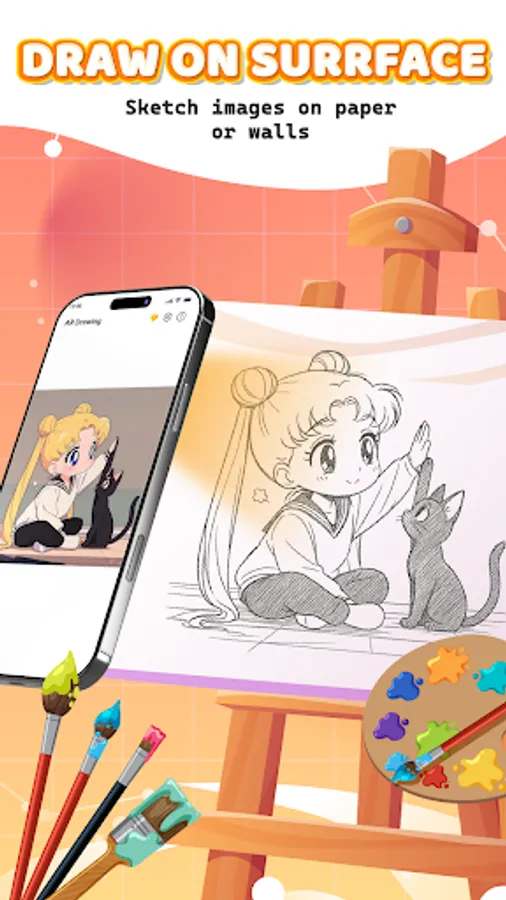
🌟Magic Sketch: Draw in AR📷
- Transform your sketches by blending them with the real world using your device’s camera and customizable opacity.
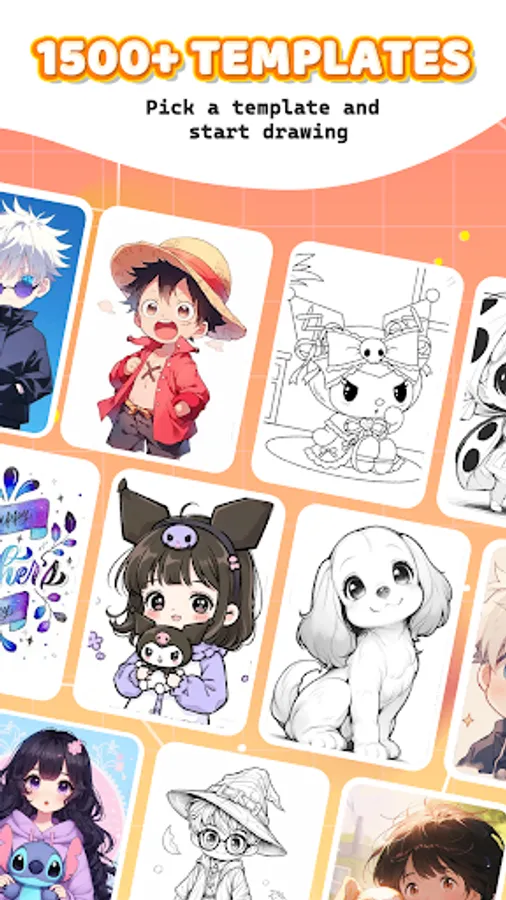
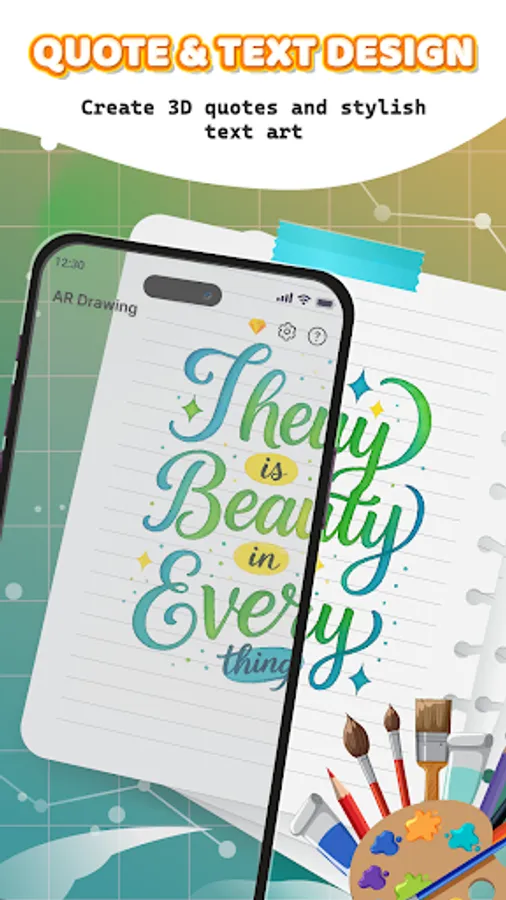
- Explore a diverse range of drawing categories—including Anime 🎭, Chibi 💫, people and body parts 👤, animals 🐾, food 🍕, text art ✒️, and popular themes like dog, cat, dinosaur, and rabbit drawings. Whether you’re a beginner learning step-by-step or an artist tracing from photos, there’s something here for everyone.
🧪Amazing Advanced Tools & Templates:
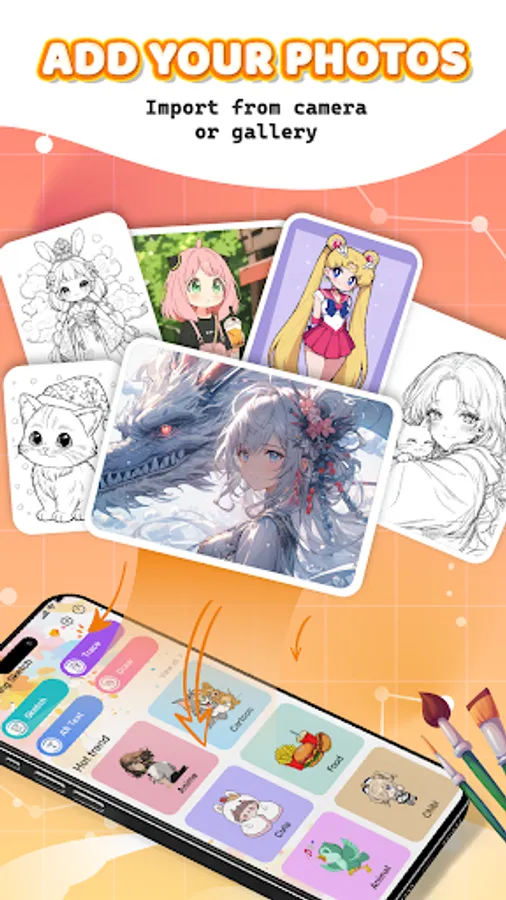
- Import images from your camera roll, gallery, or browser.
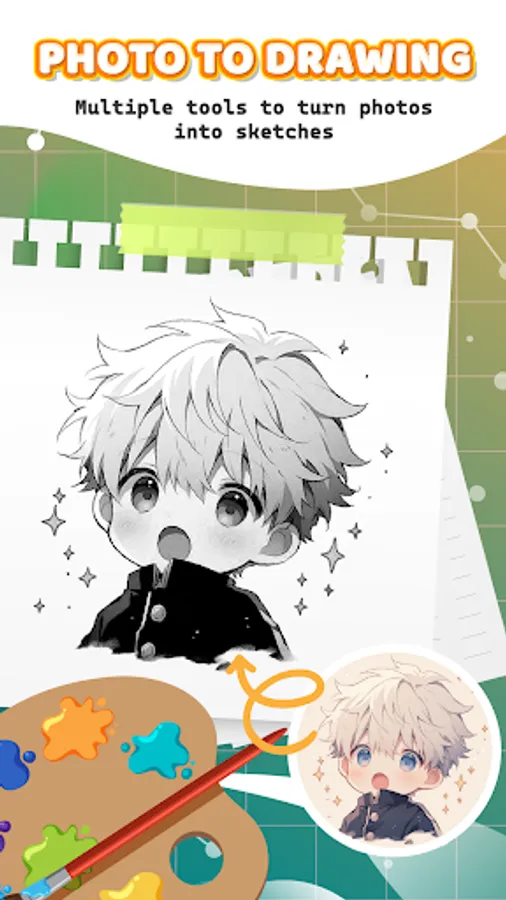
- Use features like pencil photo conversion ✏️, video recording 🎬, photo capture 📷, opacity control 🌫️, flashlight toggle 🔦, lock 🔒, and reset 🔄.
- Perfect for drawing over photos and practicing step-by-step drawing techniques.
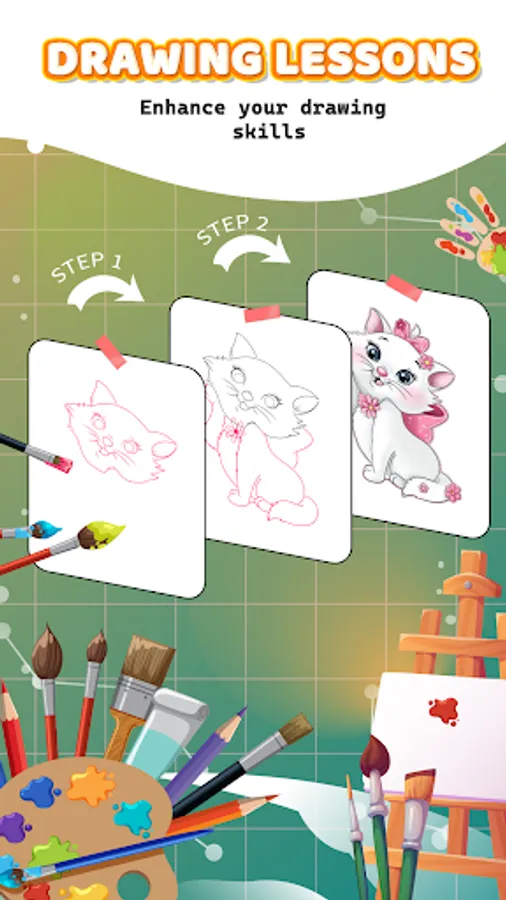
🏫 Step-by-Step Drawing Tutorials:
- Master your skills with our 7-day drawing course designed for all levels.
- Learn to draw progressively with lessons that challenge and expand your artistic abilities.
🏆My Sketchbook:
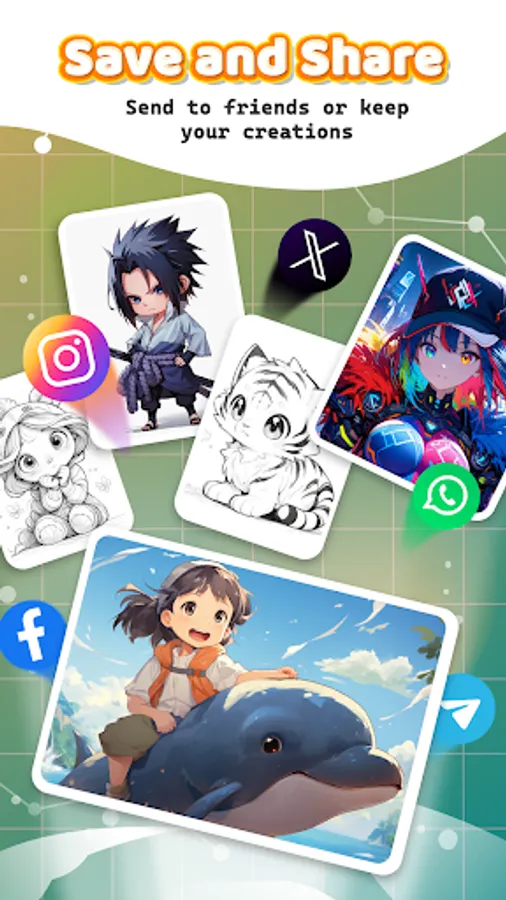
- Save your best work and share with friends 📤.
- Track your creative growth and achievements as you explore AR art with your personal profile.
Download AR Drawing - SketchArt App today and join an inspiring community that’s redefining art through augmented reality and AR camera drawing! 🚀🎨
✏️ Discover powerful features that unlock your creativity through advanced tools and effects. Whether you’re a beginner or a seasoned artist, AR Drawing offers a space for everyone to express themselves freely — perfect for drawing beginners and pros alike.
✏️ Connect with our lively community — share your art, explore others’ creations, and get inspired. With SketchArt App, your imagination is the only limit.
✨ How to get started:
1. Select or import a photo from the Art Gallery 🖼️
2. Position your phone steadily on a tripod or solid surface 📱🛠️
3. Use AR technology to create stunning artwork right before your eyes! ✨🖌️
Key Features
🌟Magic Sketch: Draw in AR📷
- Transform your sketches by blending them with the real world using your device’s camera and customizable opacity.
- Explore a diverse range of drawing categories—including Anime 🎭, Chibi 💫, people and body parts 👤, animals 🐾, food 🍕, text art ✒️, and popular themes like dog, cat, dinosaur, and rabbit drawings. Whether you’re a beginner learning step-by-step or an artist tracing from photos, there’s something here for everyone.
🧪Amazing Advanced Tools & Templates:
- Import images from your camera roll, gallery, or browser.
- Use features like pencil photo conversion ✏️, video recording 🎬, photo capture 📷, opacity control 🌫️, flashlight toggle 🔦, lock 🔒, and reset 🔄.
- Perfect for drawing over photos and practicing step-by-step drawing techniques.
🏫 Step-by-Step Drawing Tutorials:
- Master your skills with our 7-day drawing course designed for all levels.
- Learn to draw progressively with lessons that challenge and expand your artistic abilities.
🏆My Sketchbook:
- Save your best work and share with friends 📤.
- Track your creative growth and achievements as you explore AR art with your personal profile.
Download AR Drawing - SketchArt App today and join an inspiring community that’s redefining art through augmented reality and AR camera drawing! 🚀🎨
AR Drawing - SketchArt App Screenshots
Tap to Rate:
Reviews for AR Drawing - SketchArt App
angel sophia
12/29/2025
it's helpful
Yolo Molo
12/29/2025
trash bag scammers