
MP3 Cutter and Ringtone Maker
Atomic Infoapps
3.8 ★
894K ratings
100,000,000+
downloads
Free
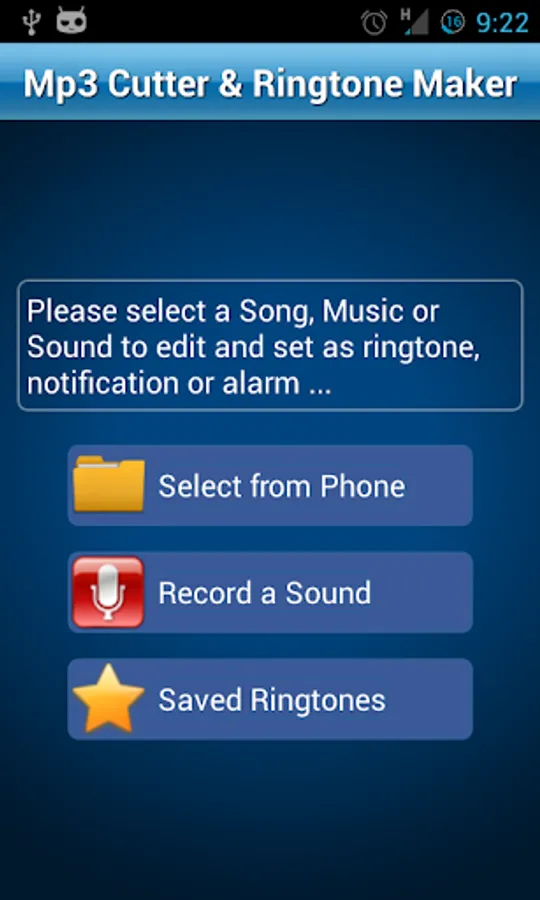
In this audio editing app, you can select, trim, and save audio clips as ringtones, alarms, or notifications. Includes a recording feature, waveform visualization, and options to set or assign created tones.
AppRecs review analysis
AppRecs rating 3.6. Trustworthiness 82 out of 100. Review manipulation risk 35 out of 100. Based on a review sample analyzed.
★★★☆☆
3.6
AppRecs Rating
Ratings breakdown
5 star
58%
4 star
10%
3 star
7%
2 star
4%
1 star
23%
What to know
✓
Credible reviews
82% trustworthiness score from analyzed reviews
✓
Good user ratings
67% positive sampled reviews
⚠
Ad complaints
Many low ratings mention excessive ads
About MP3 Cutter and Ringtone Maker
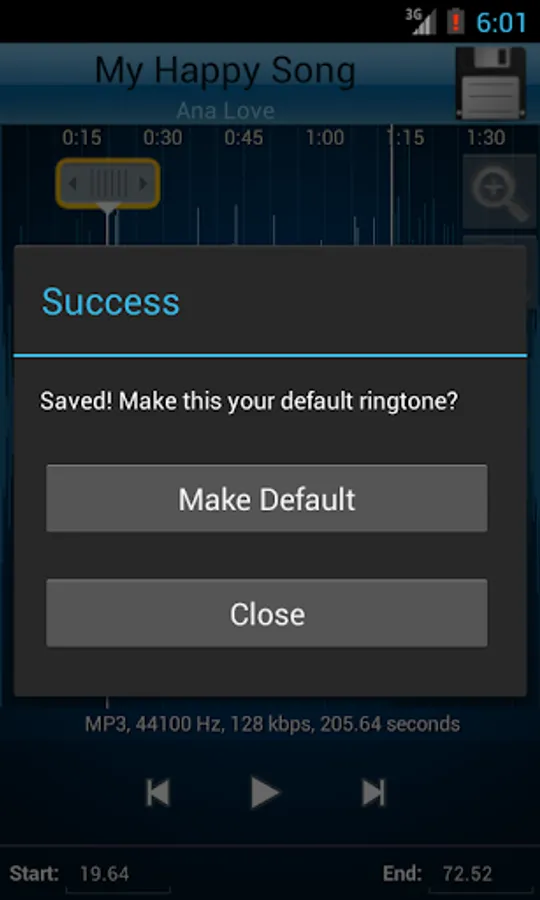
Cut the best part of your audio song and save it as your Ringtone/Alarm/Music File/Notification Tone. The cut results are stored in "/mnt/sdcard/media/audio".
Make your own MP3 ringtones fast and easy with this app. You can even record a live audio and this MP3 editor can edit and trim the best parts from it for free. Supports MP3, WAV, AAC, AMR and most other music formats. This app is also a music editor/alarm tone maker/ ringtone cutter and notification tone creator.
How to use Mp3 Cutter and Ringtone Maker:
1.Select mp3/music from your mobile or from Recordings.
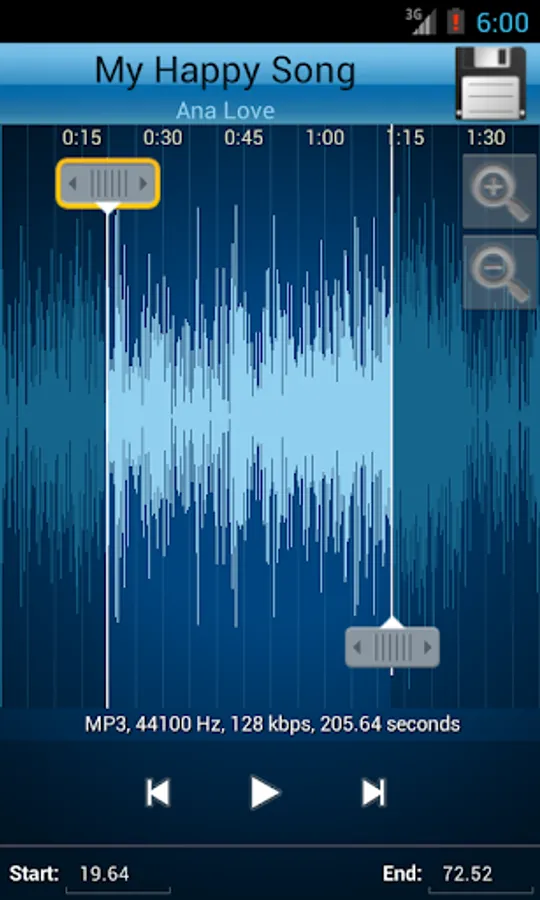
2.Select area to be chopped from your audio.
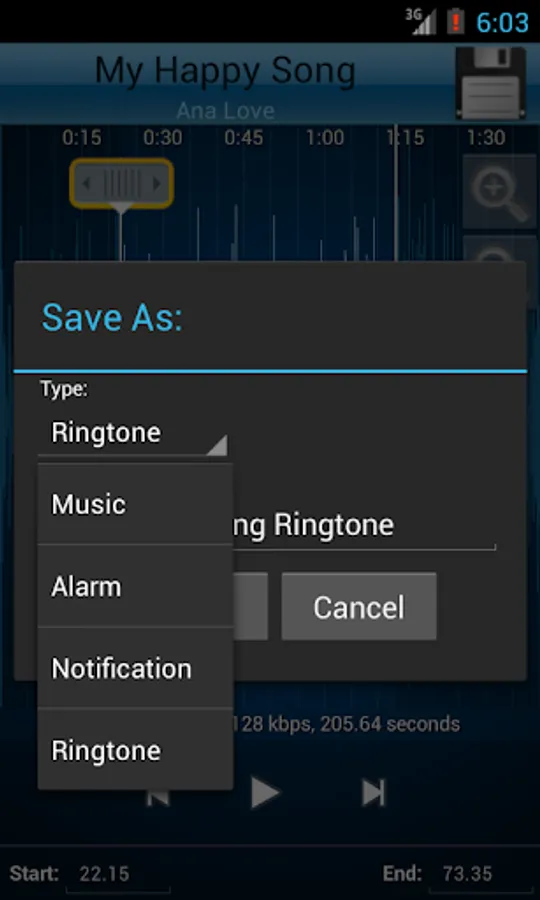
3.Save as Ringtone/Music/Alarm/Notification.
App Features:
♪ Record button at top left of app to record an audio/music for editing.
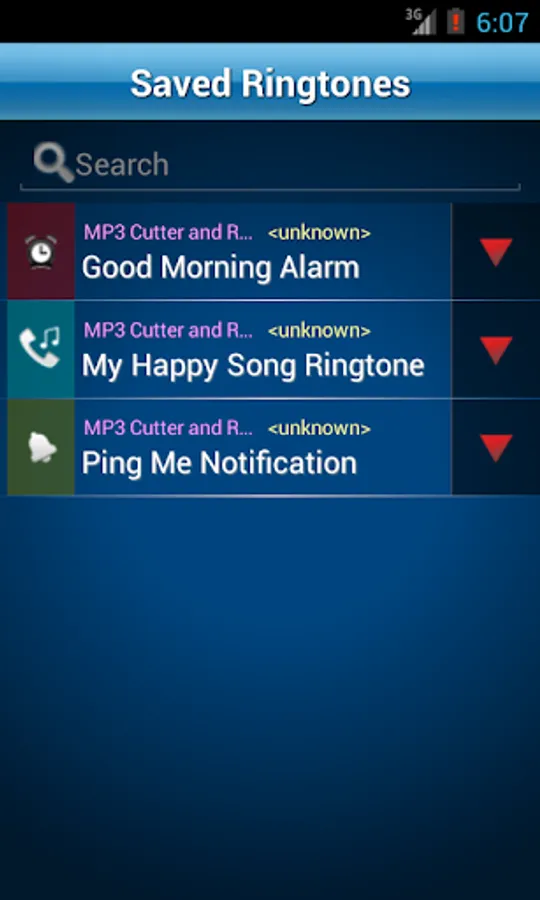
♪ An Inverted Red Triangle to Select and Edit Mp3/Music from your Mobile/SD.
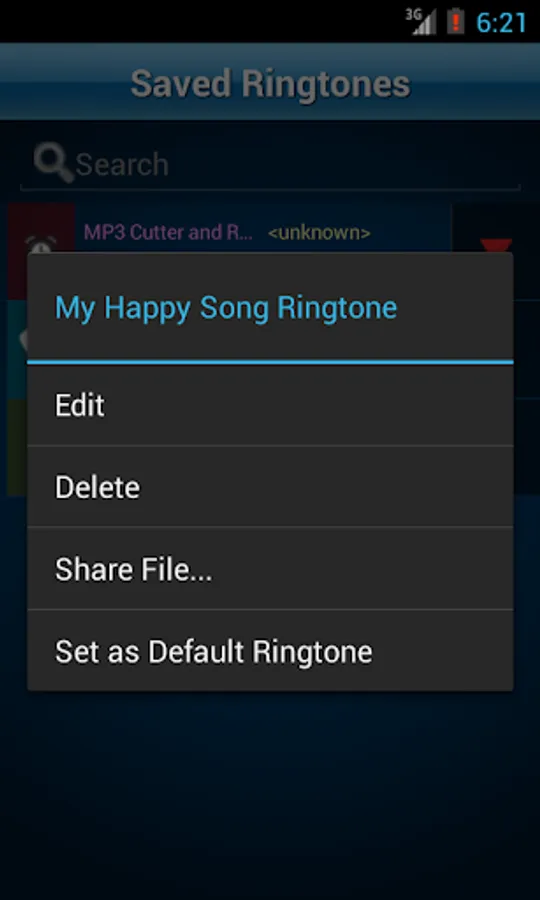
♪ Option to delete (with confirmation alert) the created Tone.
♪ View a scrollable waveform representation of the audio file at 4 zoom levels.
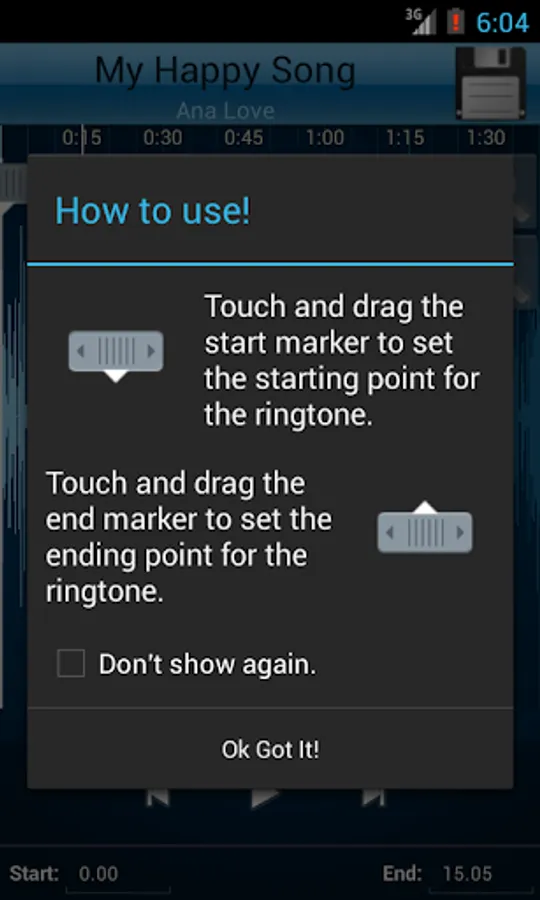
♪ Set start & end for the audio clip, using an optional touch interface.
♪ Tap anywhere on the wave & the built♪in Music player starts playing at that position.
♪ Option to Name the new cut clip while saving it.
♪ Set the new clip as default ringtone or assign to contacts, using this editor.
Use this audio cutter free of cost and make the best ringtone ever from your old songs.
Make your own MP3 ringtones fast and easy with this app. You can even record a live audio and this MP3 editor can edit and trim the best parts from it for free. Supports MP3, WAV, AAC, AMR and most other music formats. This app is also a music editor/alarm tone maker/ ringtone cutter and notification tone creator.
How to use Mp3 Cutter and Ringtone Maker:
1.Select mp3/music from your mobile or from Recordings.
2.Select area to be chopped from your audio.
3.Save as Ringtone/Music/Alarm/Notification.
App Features:
♪ Record button at top left of app to record an audio/music for editing.
♪ An Inverted Red Triangle to Select and Edit Mp3/Music from your Mobile/SD.
♪ Option to delete (with confirmation alert) the created Tone.
♪ View a scrollable waveform representation of the audio file at 4 zoom levels.
♪ Set start & end for the audio clip, using an optional touch interface.
♪ Tap anywhere on the wave & the built♪in Music player starts playing at that position.
♪ Option to Name the new cut clip while saving it.
♪ Set the new clip as default ringtone or assign to contacts, using this editor.
Use this audio cutter free of cost and make the best ringtone ever from your old songs.
MP3 Cutter and Ringtone Maker Screenshots
Tap to Rate:
Reviews for MP3 Cutter and Ringtone Maker
Nilesh Shinde
12/28/2025
best
sonia kanwal
12/27/2025
All time my favorite ❤️