
AppRecs review analysis
AppRecs rating . Trustworthiness 68 out of 100. Review manipulation risk 25 out of 100. Based on a review sample analyzed.
★
AppRecs Rating
Ratings breakdown
5 star
50%
4 star
0%
3 star
50%
2 star
0%
1 star
0%
What to know
✓
Low review manipulation risk
25% review manipulation risk
About Sia - Virtual Assistant
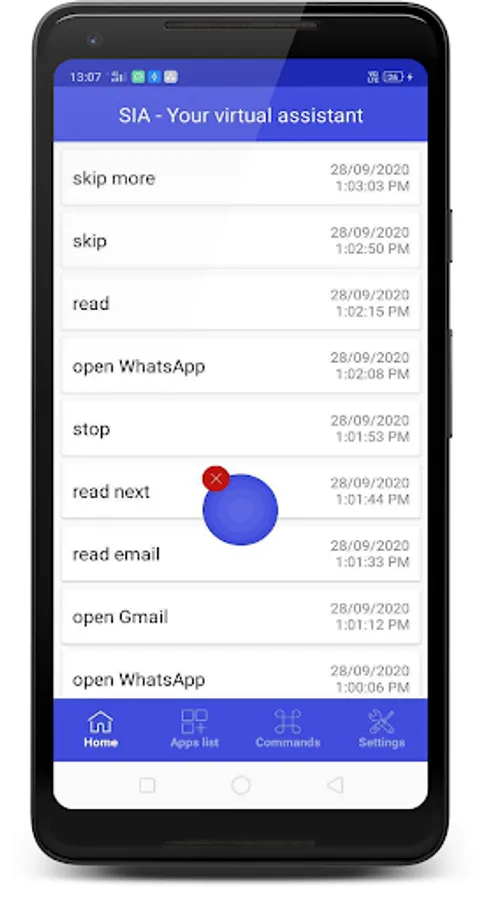
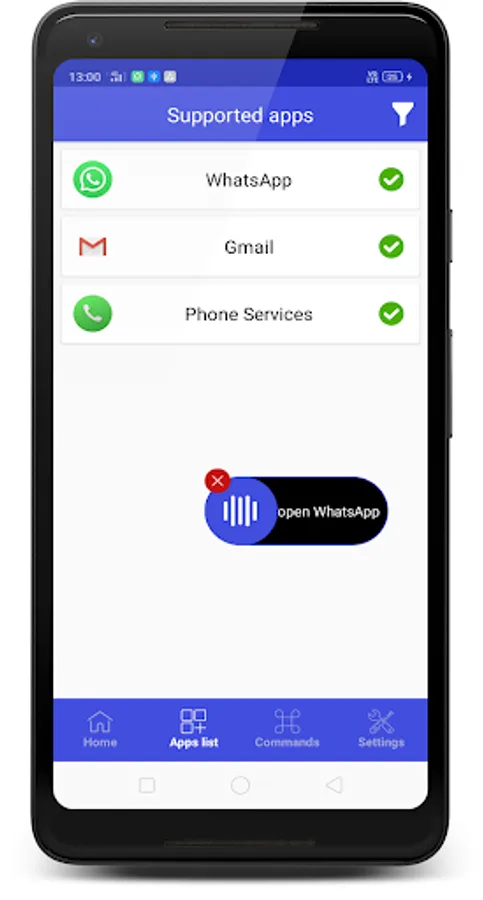
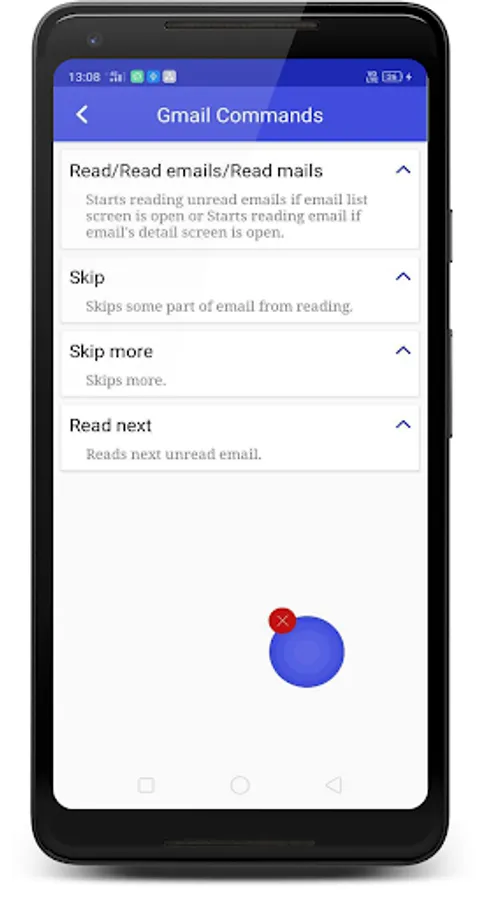
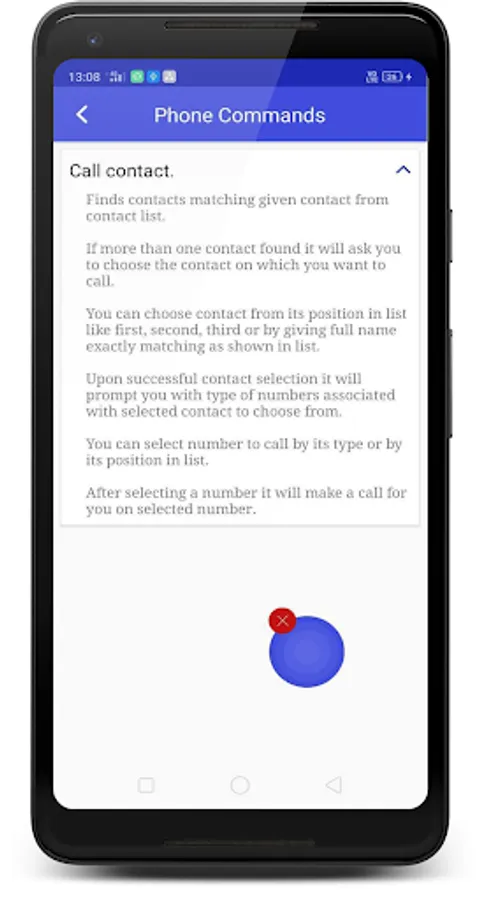
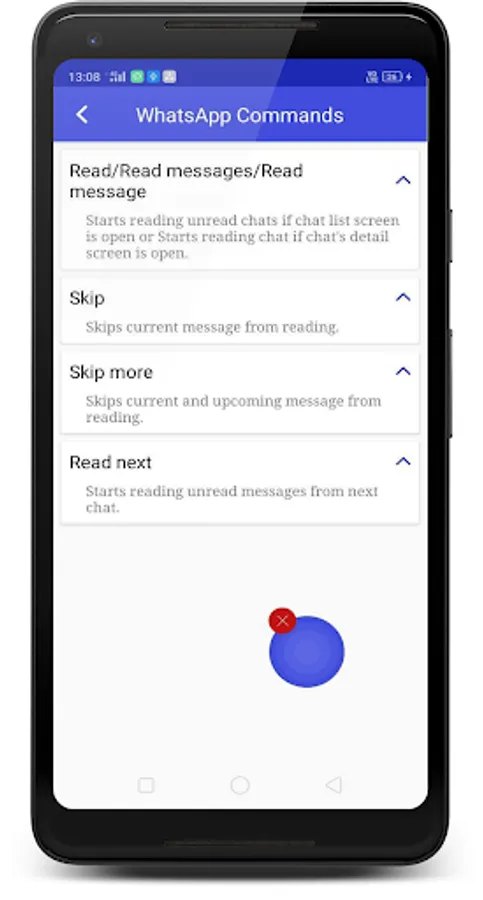
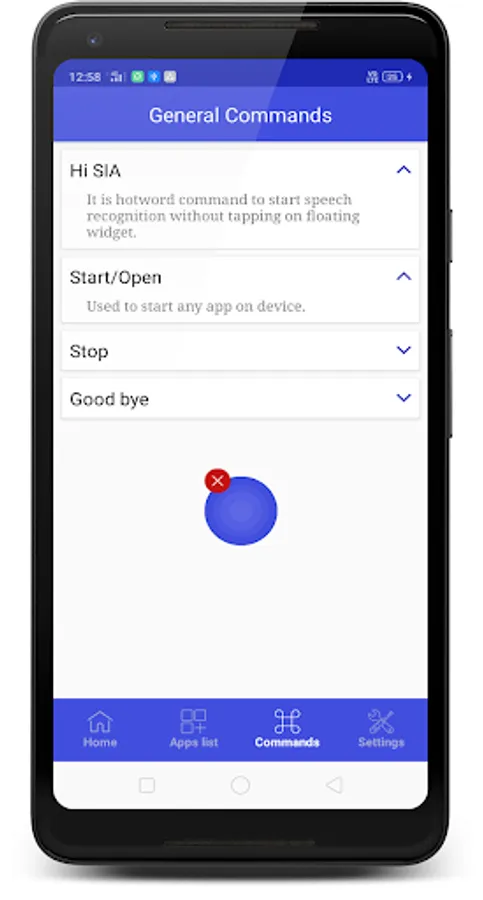
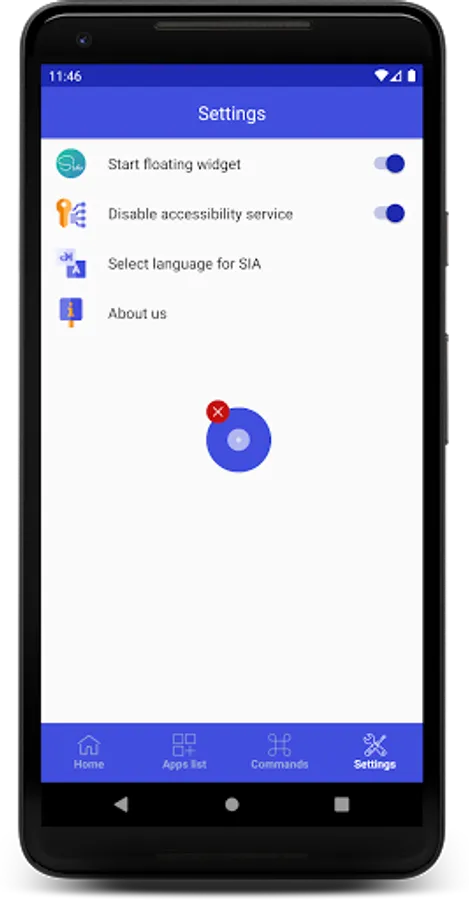
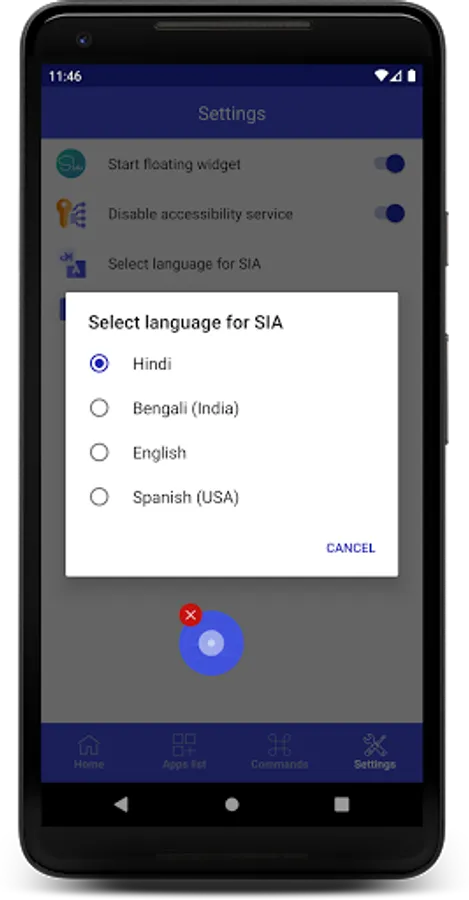
Sia is a Virtual Assistant for blind people specially developed by Atulsia Technologies. Sia currently supports WhatsApp, Gmail and Phone Call.
Just by giving voice command “Hi Sia”, Sia will work to read WhatsApp messages or read your emails or even make phone calls.
Permissions Notice
Accessibility Service: Because this app is an accessibility service, To allow
Sia - your virtual assistant app to read text from your favorite messaging applications and to automate sometime by observing screens, enable the Sia accessibility service by tapping the toggle switch in the upper right corner, then press OK on the next screen. Press the Back button twice to return to Sia. You may be warned about potential privacy risk. That is just a regular informative warning for any accessibility service. We promiss NEVER EVER collecting your personal information in this acceessibility service. Please read our privacy policy on Google Play Store for details.
To get started:
1. Open your device's Settings app.
2. Select Accessibility.
3. Select Downloaded apps, Select to Sia, Enable Use Sia, and Enable Sia Shortcut.
Just by giving voice command “Hi Sia”, Sia will work to read WhatsApp messages or read your emails or even make phone calls.
Permissions Notice
Accessibility Service: Because this app is an accessibility service, To allow
Sia - your virtual assistant app to read text from your favorite messaging applications and to automate sometime by observing screens, enable the Sia accessibility service by tapping the toggle switch in the upper right corner, then press OK on the next screen. Press the Back button twice to return to Sia. You may be warned about potential privacy risk. That is just a regular informative warning for any accessibility service. We promiss NEVER EVER collecting your personal information in this acceessibility service. Please read our privacy policy on Google Play Store for details.
To get started:
1. Open your device's Settings app.
2. Select Accessibility.
3. Select Downloaded apps, Select to Sia, Enable Use Sia, and Enable Sia Shortcut.
Sia - Virtual Assistant Screenshots
Tap to Rate:
Reviews for Sia - Virtual Assistant
jyoti negi
2/3/2022
I like this App for calling but it has many bugs
Kailash Gajara
10/1/2020
Sia works great for visually impaired people.