
Authenticator App Pro
SOLITUDE
Free
(in-app purchases)
rated 3.1 stars
500,000+
downloads
About Authenticator App Pro
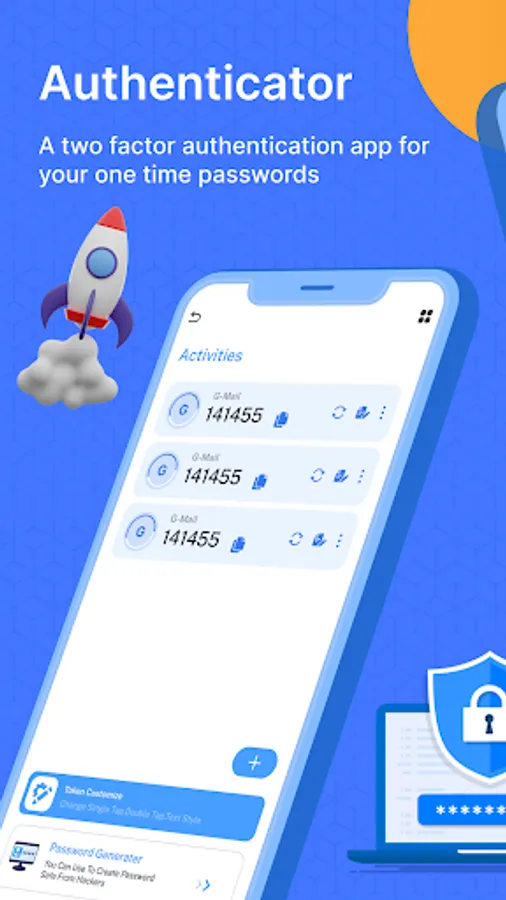
The Authenticator App Pro, a free two-factor authentication tool, generates push authentication and time-based one-time passwords (TOTP). Multi Factor Authenticator is maintaining the security of your online accounts on websites that use TOTP.
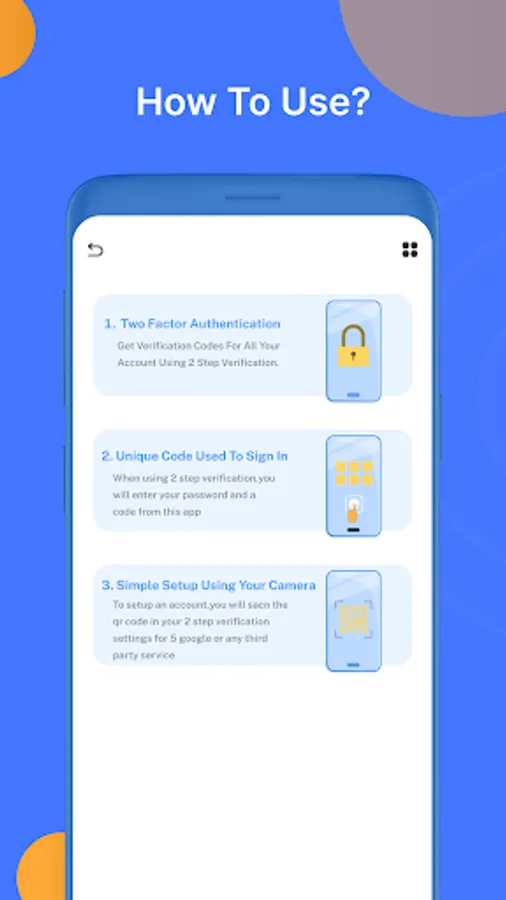
Since the created codes are one-time tokens, they increase the level of security for your online accounts. You may safeguard your account by simply scanning a QR code. Using 2FA Authenticator on websites that allow TOTP helps protect your online accounts. Your account will be configured to use Mobile Authenticator for TOTP authentication. To use the 2FA Authenticator, all you have to do is copy the code and paste it into your account. All done!
Your online accounts are more secure since the generated codes are one-time tokens. Scan a QR code to instantly protect your account. On websites that support TOTP, using Authenticator App Pro keeps your online accounts safe. You may also use password security to protect your one-time tokens.
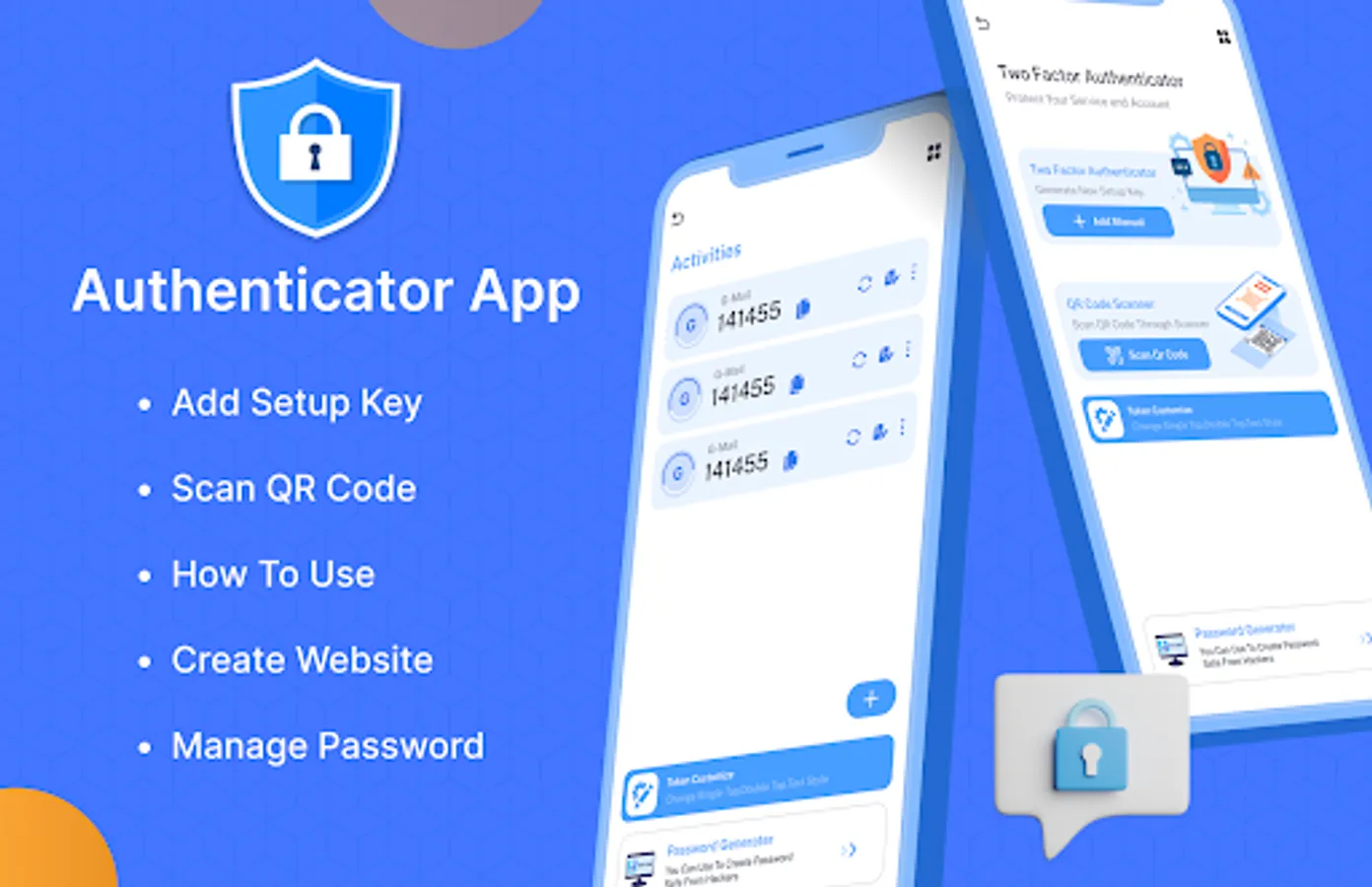
Features of the Pro Authenticator App: -
- Two-factor identification
- Create tokens for 30 and 60 seconds.
- Push and TOTP authentication
- Password Security
- MFA Authenticator
- Security for Screenshots
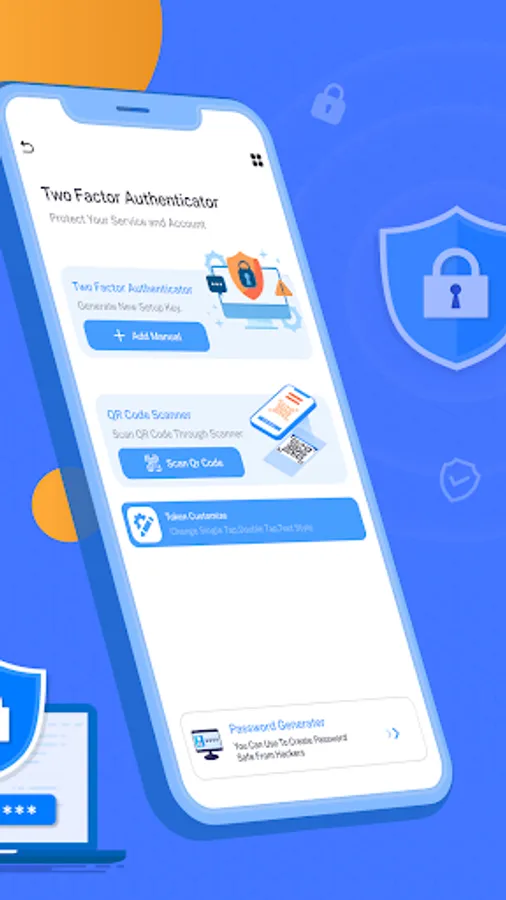
- Password Generator, Strong Password
- Accounts QR Code scanner
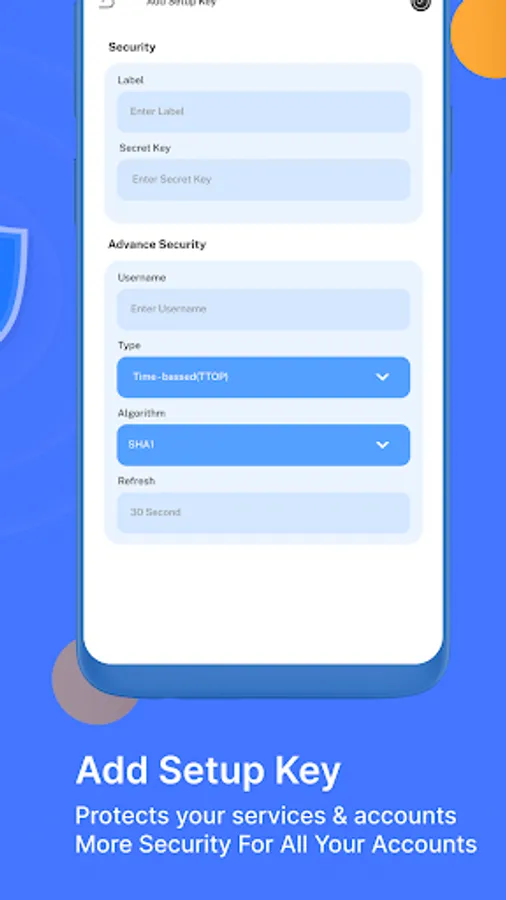
- The SHA1, SHA256, and SHA512 algorithms are also supported.
- The app creates new tokens every 30 seconds.
- You must copy the token at the time of registration in order to guarantee a successful login.
If you have any concerns or problems with our Authenticator App Pro, kindly get in touch with us.We would be happy to speak with you.
Since the created codes are one-time tokens, they increase the level of security for your online accounts. You may safeguard your account by simply scanning a QR code. Using 2FA Authenticator on websites that allow TOTP helps protect your online accounts. Your account will be configured to use Mobile Authenticator for TOTP authentication. To use the 2FA Authenticator, all you have to do is copy the code and paste it into your account. All done!
Your online accounts are more secure since the generated codes are one-time tokens. Scan a QR code to instantly protect your account. On websites that support TOTP, using Authenticator App Pro keeps your online accounts safe. You may also use password security to protect your one-time tokens.
Features of the Pro Authenticator App: -
- Two-factor identification
- Create tokens for 30 and 60 seconds.
- Push and TOTP authentication
- Password Security
- MFA Authenticator
- Security for Screenshots
- Password Generator, Strong Password
- Accounts QR Code scanner
- The SHA1, SHA256, and SHA512 algorithms are also supported.
- The app creates new tokens every 30 seconds.
- You must copy the token at the time of registration in order to guarantee a successful login.
If you have any concerns or problems with our Authenticator App Pro, kindly get in touch with us.We would be happy to speak with you.
Authenticator App Pro Screenshots


Reviews for Authenticator App Pro
Don Pablo
12/29/2025
Do not download. This app stole P3300 from me for 2 years.
Pradip
11/1/2025
best app
Nathan Snow
10/23/2025
It's alright for what it is, however with the ads it a bit much, might as well go with googles authenticator or another one that doesn't need ads or asks to pay for there premium.
Kush kumar
9/25/2025
good 😊 app
Vikash Kumar
9/25/2025
ok
Tap to Rate: