
Auto Clicker - Tap Automator
Netlinkd
4.8 ★
102 ratings
10,000+
downloads
Free
With this auto clicker app, you can automate screen taps, long presses, and swipe actions for various tasks. Includes customization options for each action and options to remove actions or disable overlays.
AppRecs review analysis
AppRecs rating 3.9. Trustworthiness 65 out of 100. Review manipulation risk 36 out of 100. Based on a review sample analyzed.
★★★☆☆
3.9
AppRecs Rating
Ratings breakdown
5 star
94%
4 star
0%
3 star
0%
2 star
6%
1 star
0%
What to know
✓
High user satisfaction
94% of sampled ratings are 5 stars
✓
Authentic reviews
No red flags detected
⚠
Review quality concerns
74% of sampled 5-star reviews are very short
About Auto Clicker - Tap Automator
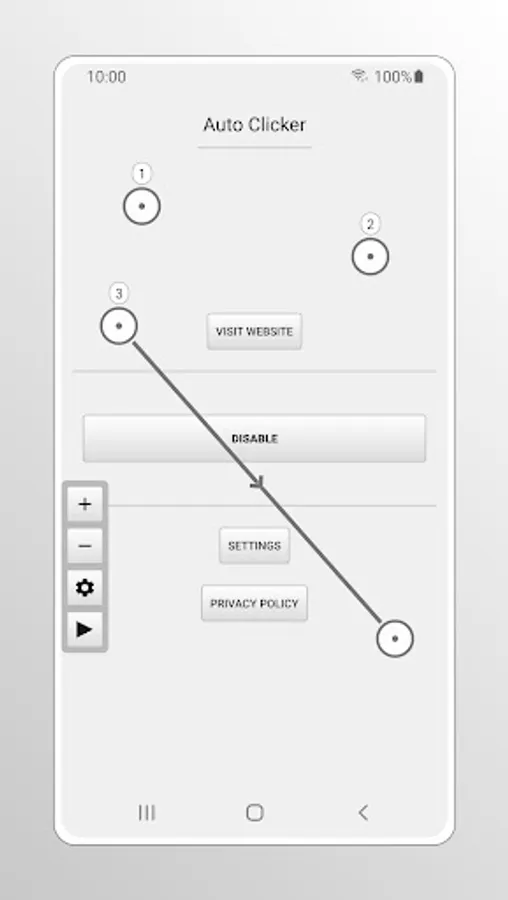
Auto Clicker is a tool that simulates clicks, long clicks and swipes. This tool is useful when you need to automate repetitive actions. This app was designed to be used very easily.
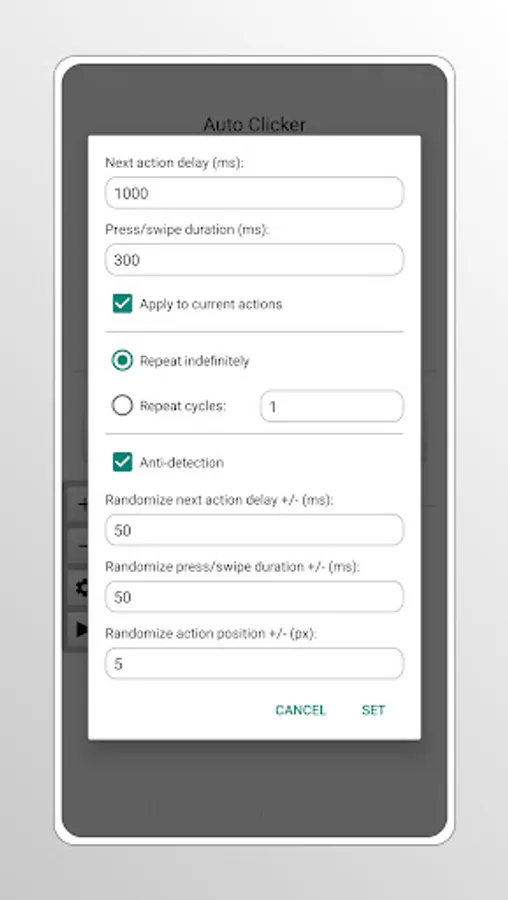
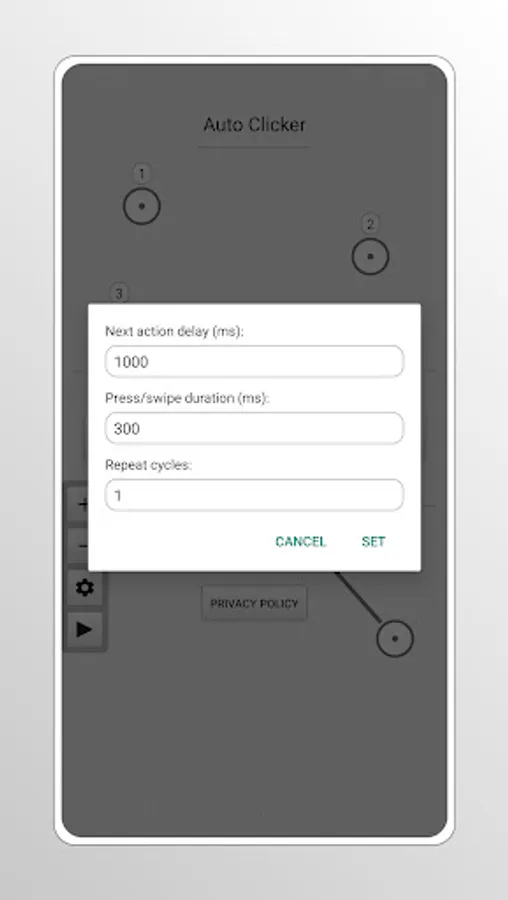
This app can set individual settings for each action (just tap on it), making it a powerful tool. To remove an action you can also long press on it. To remove the floating sidebar just open the app and tap on the Disable button.
Please note that when using multiple actions, the next action delay must be longer than the press/swipe duration, otherwise the current action will be canceled by the next one.
This tool can be particularly helpful for users with mobility impairments or repetitive strain injuries, as it allows for automated interactions with the device, reducing the need for physical taps and swipes.
Auto Clicker uses the AccessibilityService API to simulate clicks and swipes on the screen and does not require Root. All you need to do is turn on Auto Clicker from Accessibility settings on your device under Services/Apps. Auto Clicker does not collect any data through this service.
This app can set individual settings for each action (just tap on it), making it a powerful tool. To remove an action you can also long press on it. To remove the floating sidebar just open the app and tap on the Disable button.
Please note that when using multiple actions, the next action delay must be longer than the press/swipe duration, otherwise the current action will be canceled by the next one.
This tool can be particularly helpful for users with mobility impairments or repetitive strain injuries, as it allows for automated interactions with the device, reducing the need for physical taps and swipes.
Auto Clicker uses the AccessibilityService API to simulate clicks and swipes on the screen and does not require Root. All you need to do is turn on Auto Clicker from Accessibility settings on your device under Services/Apps. Auto Clicker does not collect any data through this service.
Auto Clicker - Tap Automator Screenshots
Tap to Rate:
Reviews for Auto Clicker - Tap Automator
Amanda Precious mary
10/27/2025
fast and secure
KITsoneYT18
10/21/2025
No addsssssss 𓃘𓃘𓃗