CL Service
Vizorg Apps
3.8 ★
store rating
50,000+
downloads
Free
AppRecs review analysis
AppRecs rating 3.5. Trustworthiness 82 out of 100. Review manipulation risk 31 out of 100. Based on a review sample analyzed.
★★★☆☆
3.5
AppRecs Rating
Ratings breakdown
5 star
63%
4 star
0%
3 star
12%
2 star
0%
1 star
25%
What to know
✓
Credible reviews
82% trustworthiness score from analyzed reviews
✓
Good user ratings
63% positive sampled reviews
✓
Authentic reviews
No red flags detected
About CL Service
Attention! This application is an add-on to the main Car Launcher PRO app and will only work with the paid version of Car Launcher PRO.
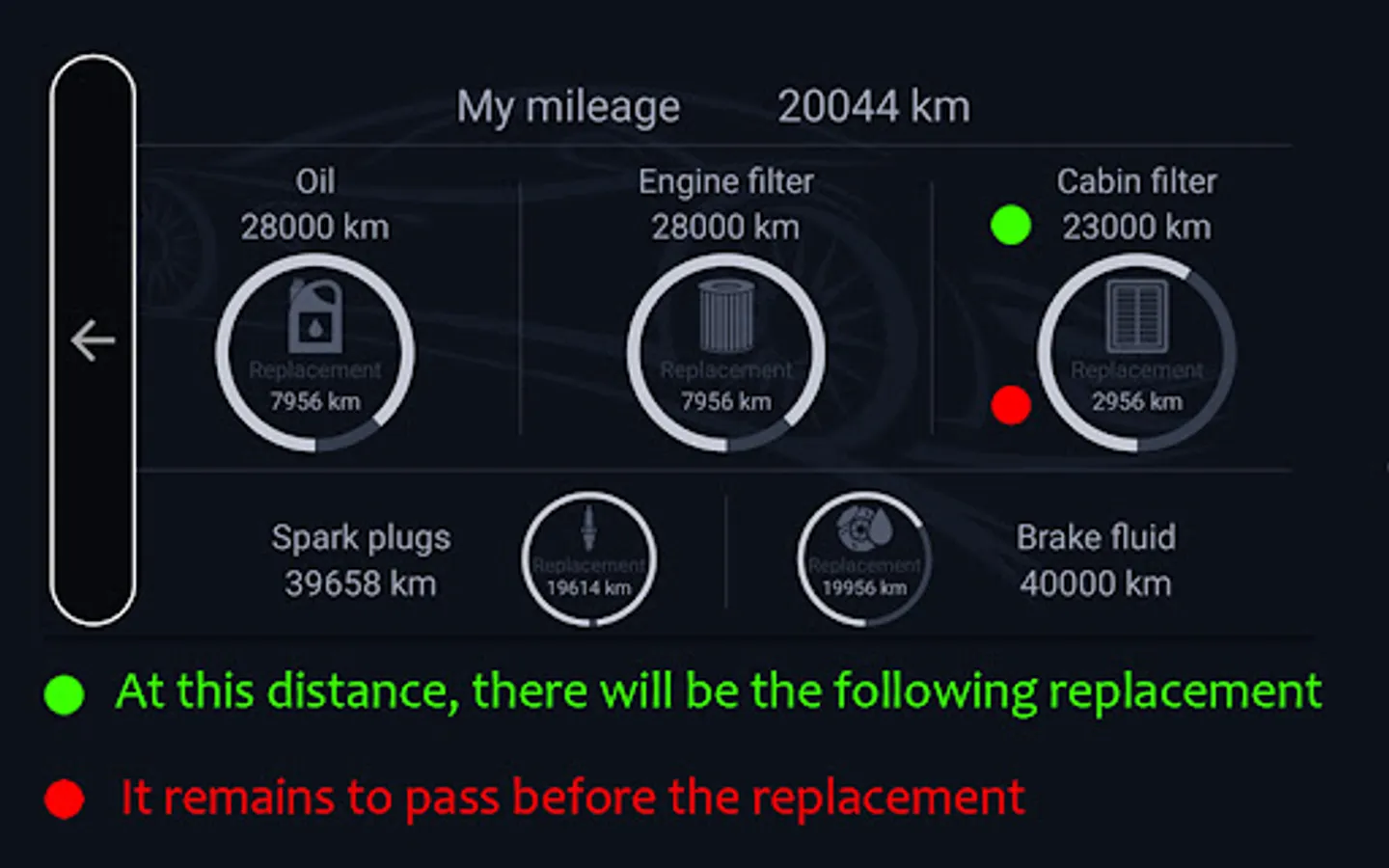
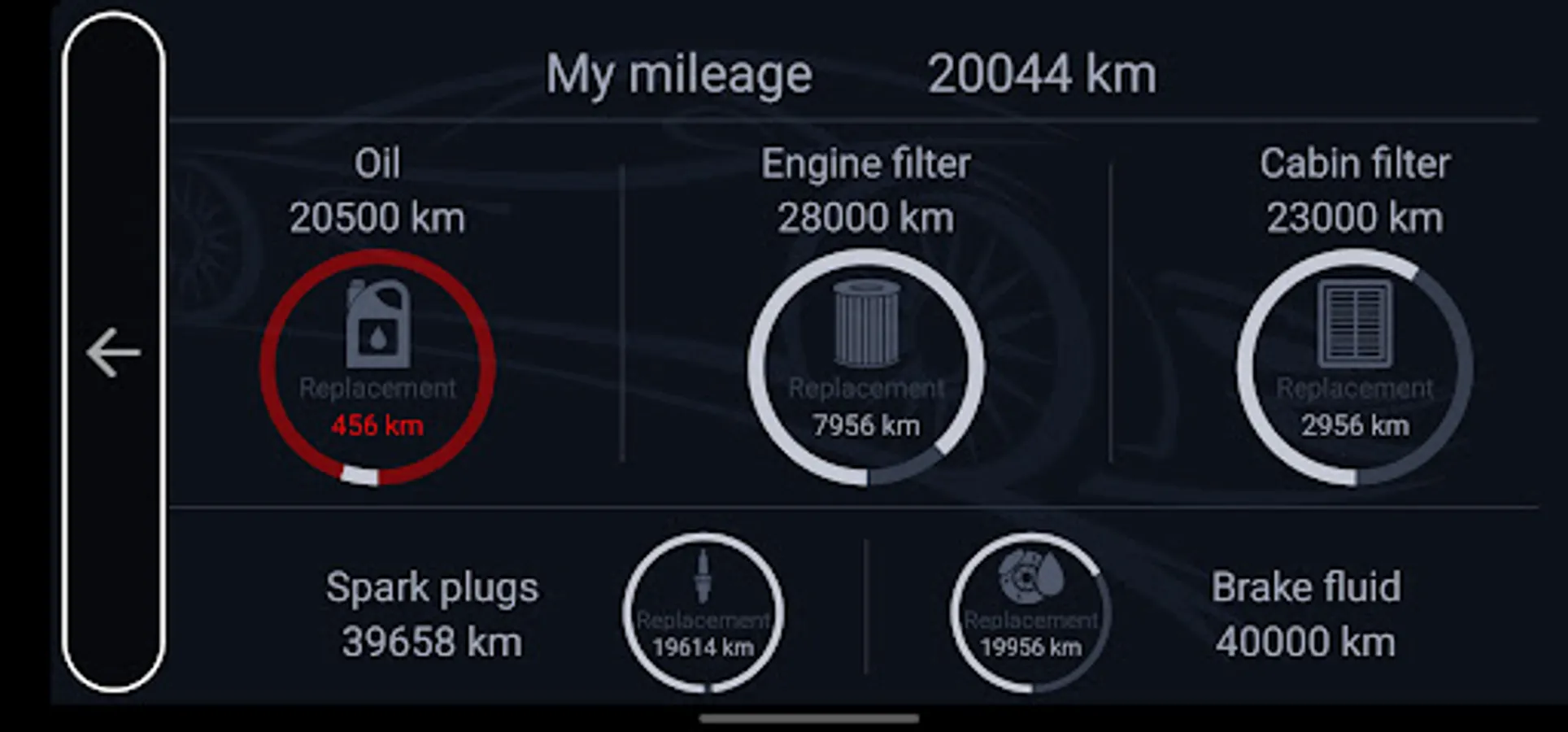
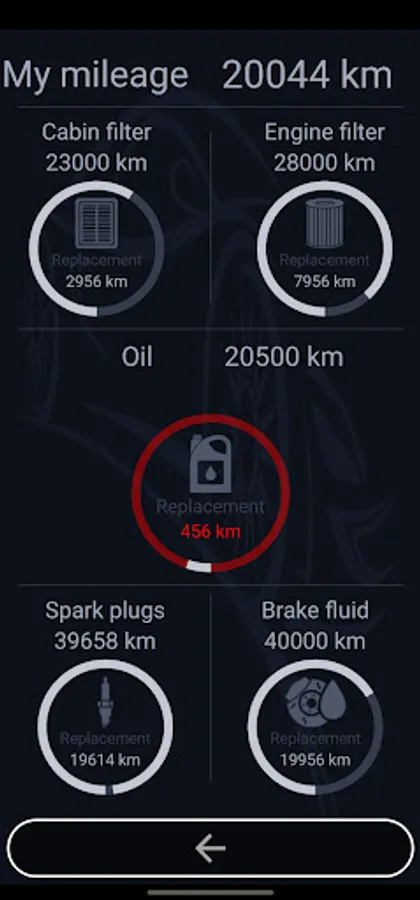
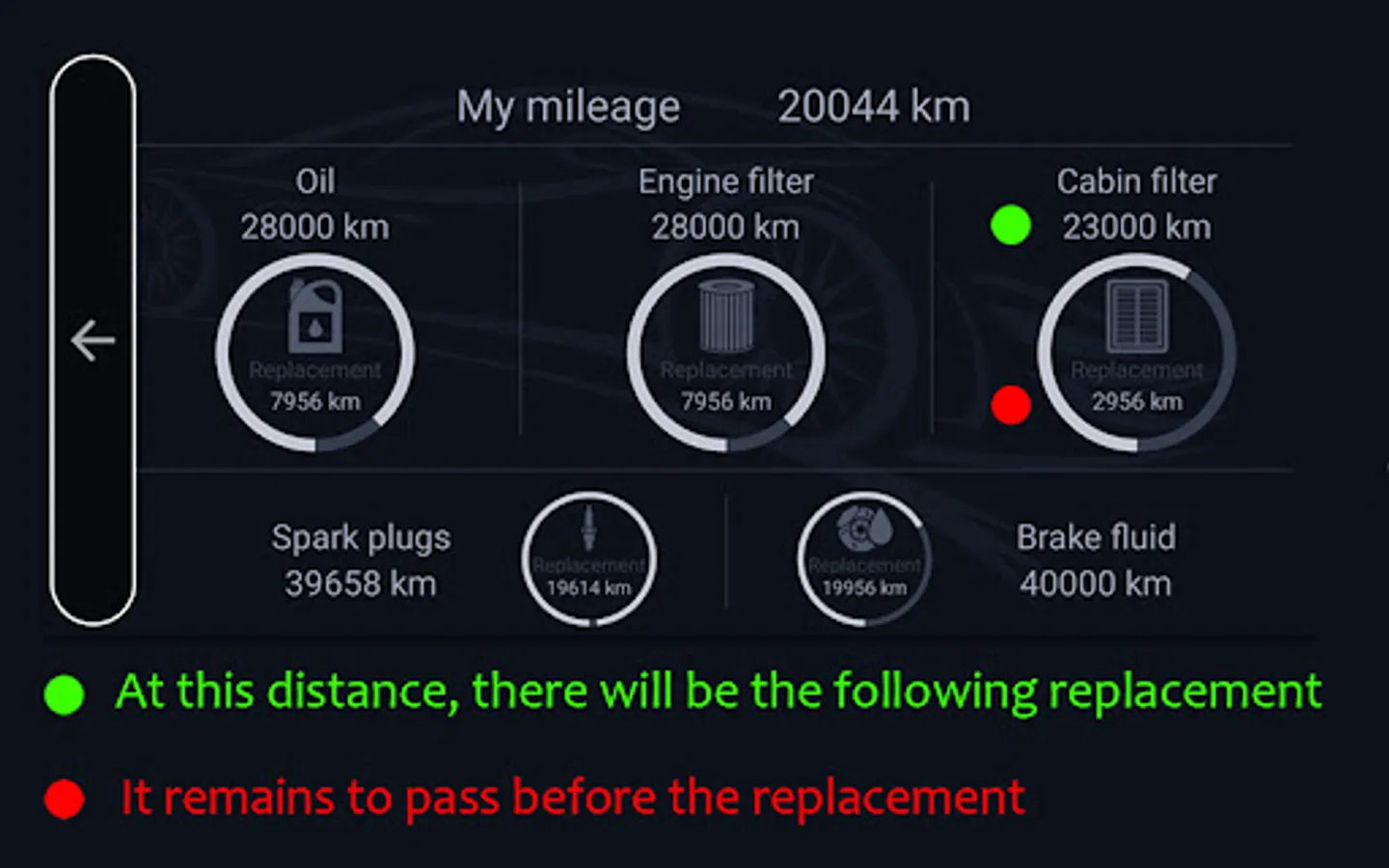
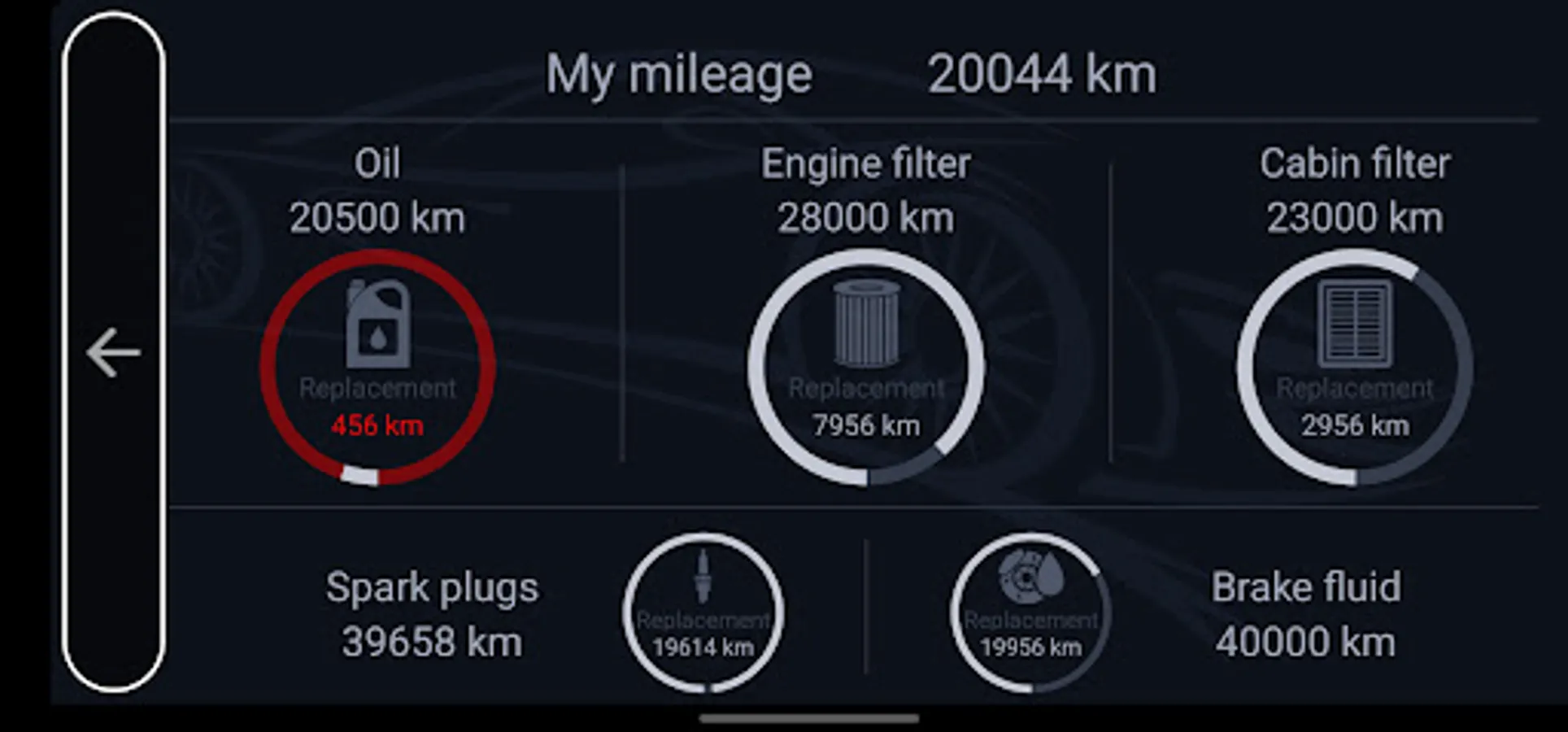
This application processes data received from Car Launcher PRO and displays information on the screen, calculating the remaining distance until your vehicle's next maintenance. When the limit reaches 1000 km before the replacement of a fluid or part in the vehicle, Car Launcher PRO will notify you in a dialog box.
How this program works:
1. Enter your mileage in the "My Mileage" parameter. The mileage should match the reading on your vehicle's dashboard.
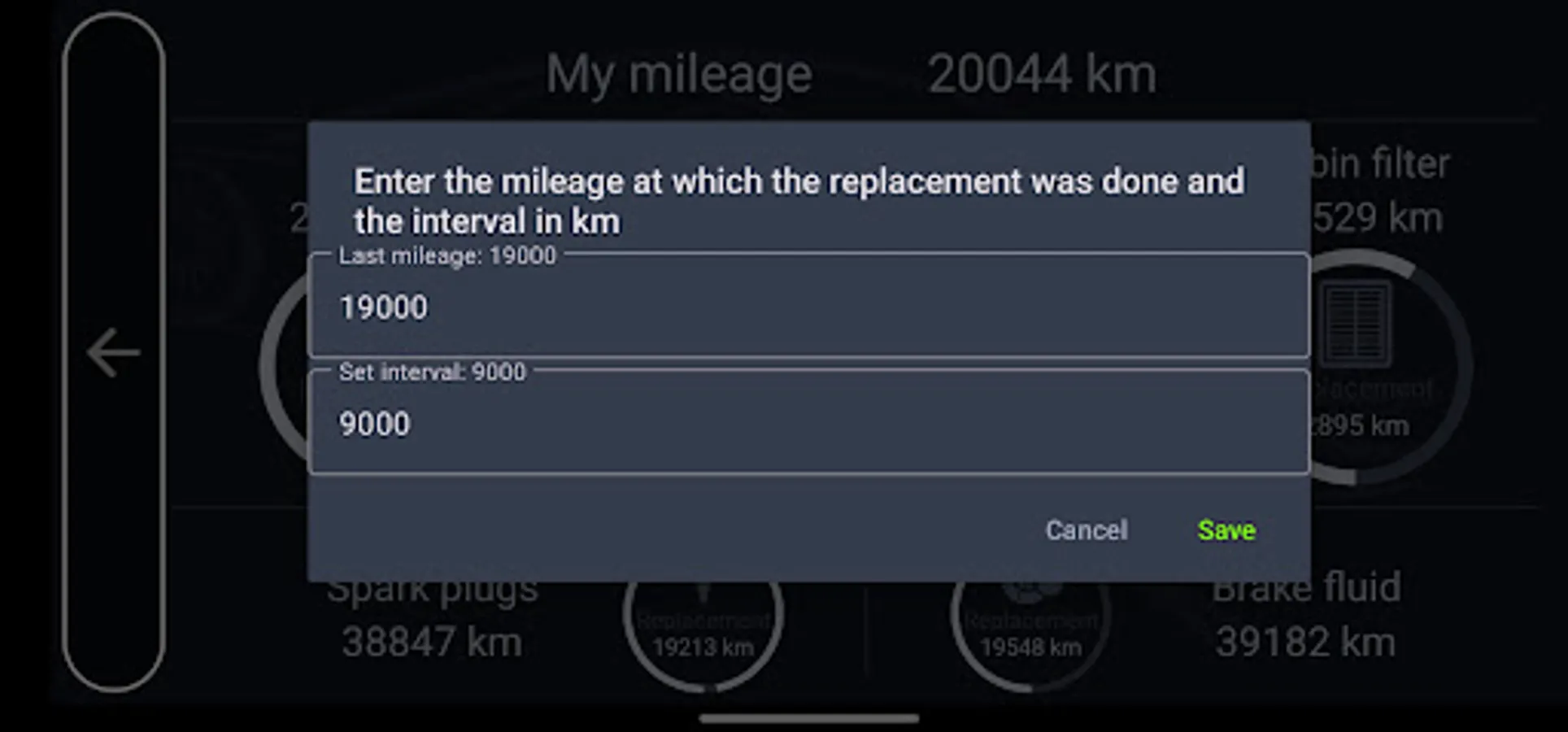
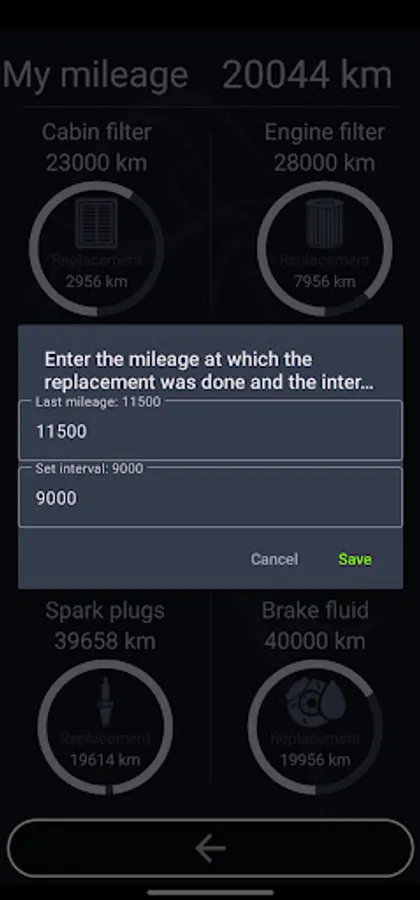
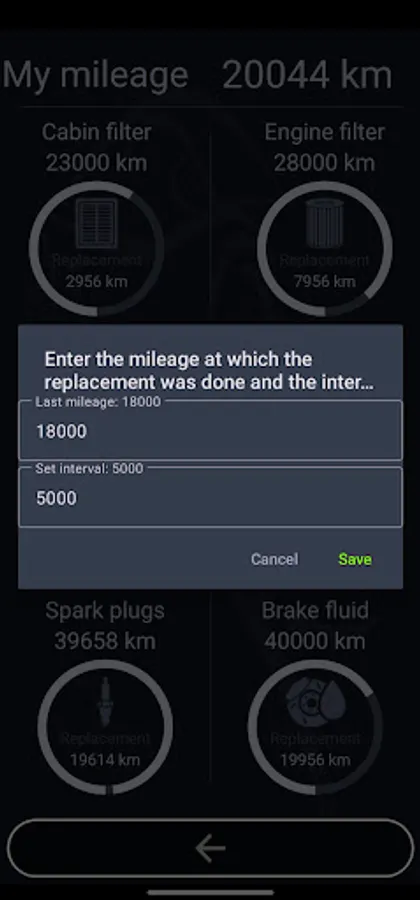
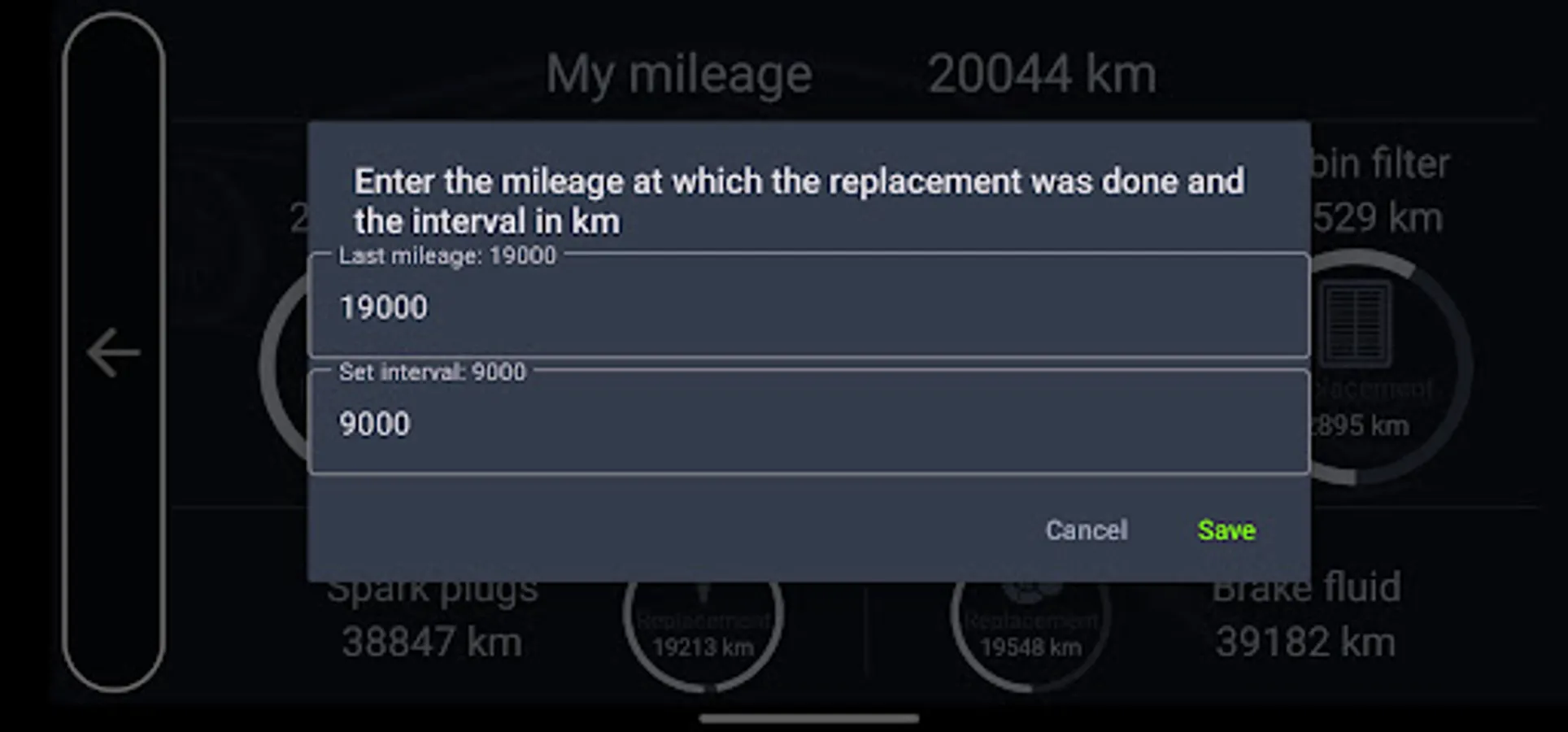
2. Enter the mileage at which the last fluid or part replacement was done.
3. Set the replacement limit for fluids or parts based on how often you change them.
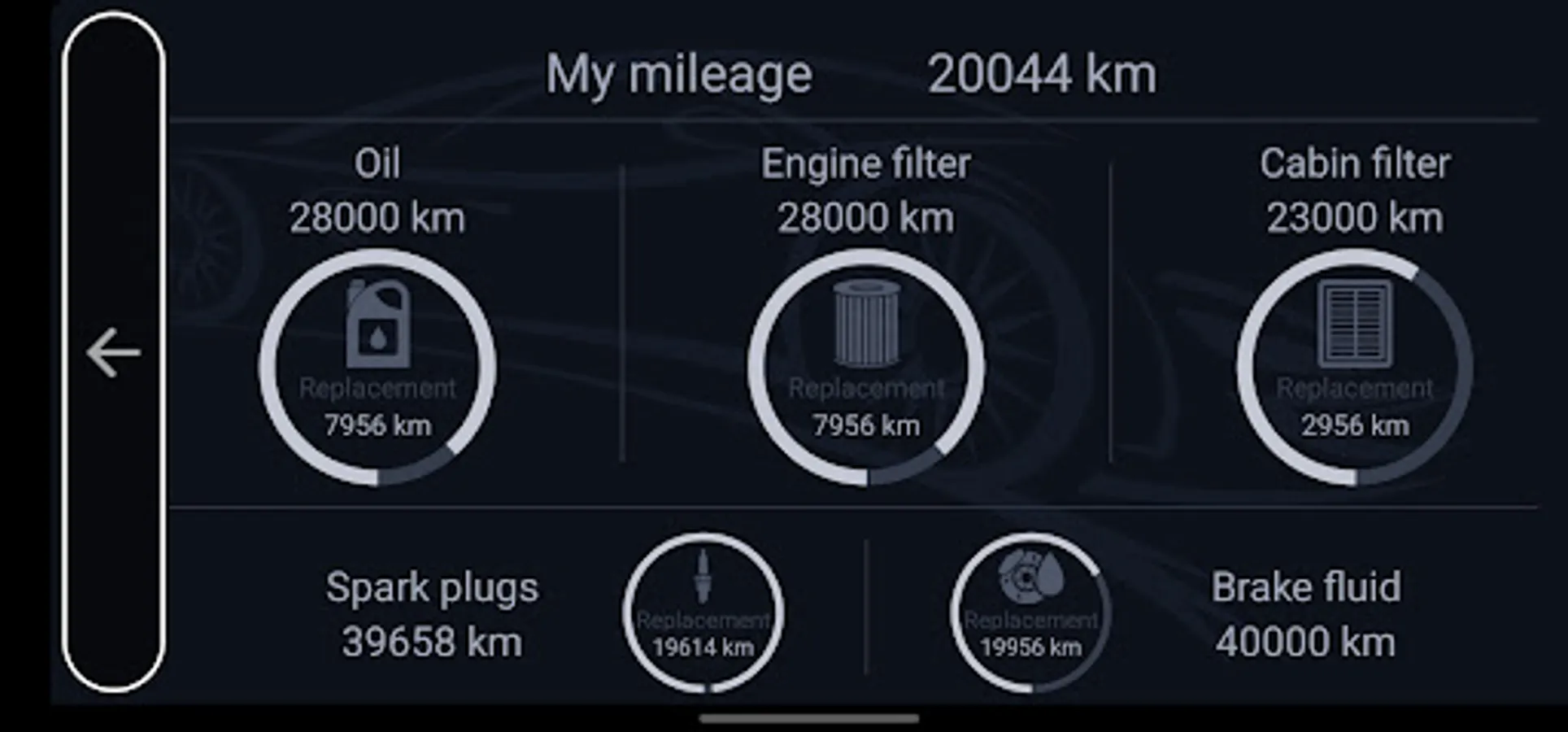
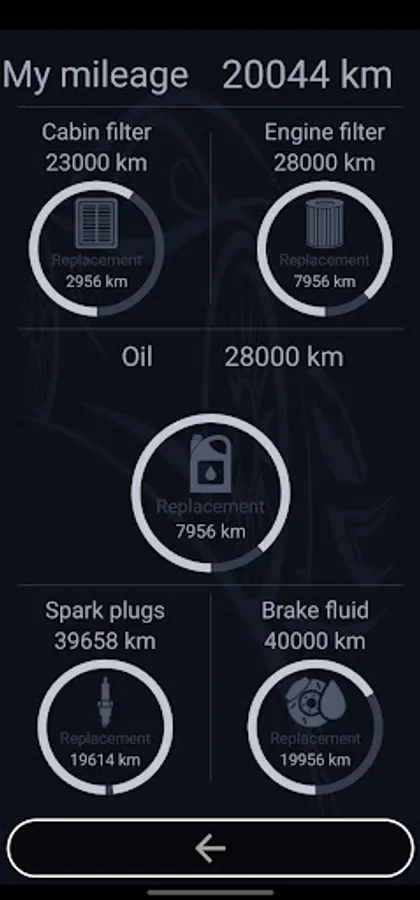
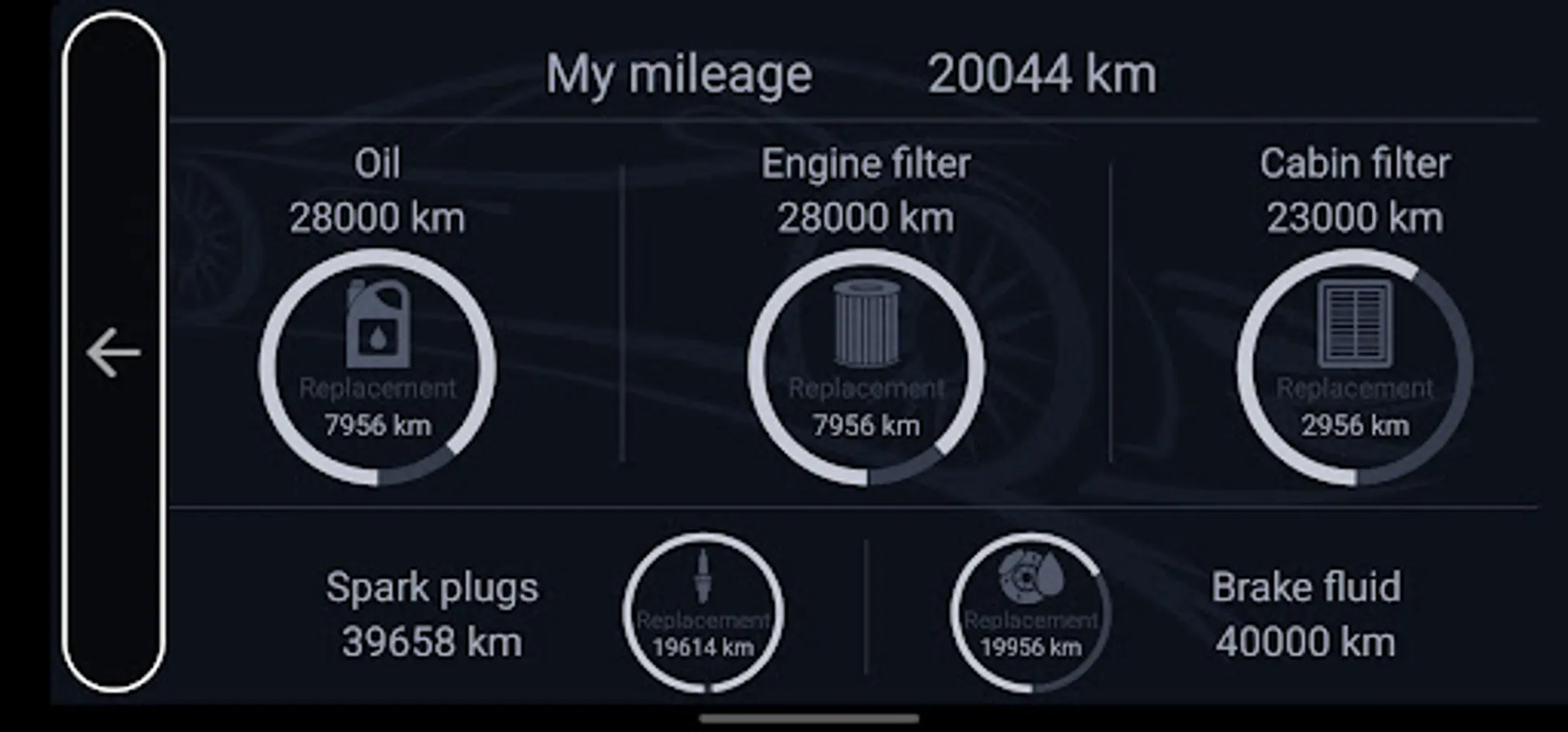
4. After entering the data, you will see the mileage at which the next replacement is due and the remaining distance until the replacement of the fluid or part.
Currently supported parts and fluids:
- Cabin filter
- Engine filter
- Engine oil
- Spark plugs
- Brake fluid
Dear users!
Please note that GPS data provides a more accurate display of your vehicle's mileage than the built-in speedometer. Therefore, the mileage data in the CL Service program and on the standard speedometer may slightly differ. We recommend periodically manually adjusting the mileage in the CL Service program. Please be aware that the data may differ from the actual mileage, especially in cases where GPS satellites are determined with some delay.
This application processes data received from Car Launcher PRO and displays information on the screen, calculating the remaining distance until your vehicle's next maintenance. When the limit reaches 1000 km before the replacement of a fluid or part in the vehicle, Car Launcher PRO will notify you in a dialog box.
How this program works:
1. Enter your mileage in the "My Mileage" parameter. The mileage should match the reading on your vehicle's dashboard.
2. Enter the mileage at which the last fluid or part replacement was done.
3. Set the replacement limit for fluids or parts based on how often you change them.
4. After entering the data, you will see the mileage at which the next replacement is due and the remaining distance until the replacement of the fluid or part.
Currently supported parts and fluids:
- Cabin filter
- Engine filter
- Engine oil
- Spark plugs
- Brake fluid
Dear users!
Please note that GPS data provides a more accurate display of your vehicle's mileage than the built-in speedometer. Therefore, the mileage data in the CL Service program and on the standard speedometer may slightly differ. We recommend periodically manually adjusting the mileage in the CL Service program. Please be aware that the data may differ from the actual mileage, especially in cases where GPS satellites are determined with some delay.