AppRecs review analysis
AppRecs rating . Trustworthiness 76 out of 100. Review manipulation risk 26 out of 100. Based on a review sample analyzed.
★
AppRecs Rating
Ratings breakdown
5 star
67%
4 star
0%
3 star
11%
2 star
11%
1 star
11%
What to know
✓
Low review manipulation risk
26% review manipulation risk
✓
Credible reviews
76% trustworthiness score from analyzed reviews
✓
Good user ratings
67% positive sampled reviews
About Cool PDF Reader
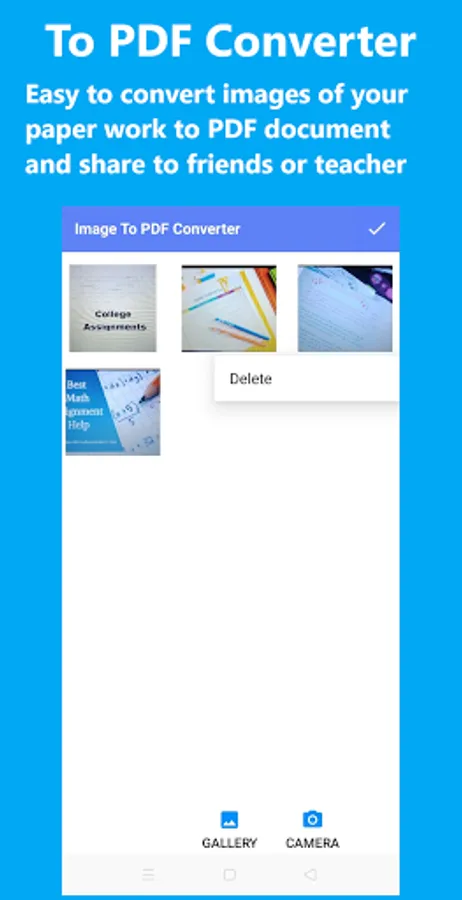
Cool PDF Reader is a fast and easy to use the best free pdf reader that helps you read PDF book, view and manage PDF files. You can capture your paper work as images, convert them to PDF and share it to friends, classmates, and teacher. Also, you can split, merge PDF files, extract pages, images, text from a PDF, and more.
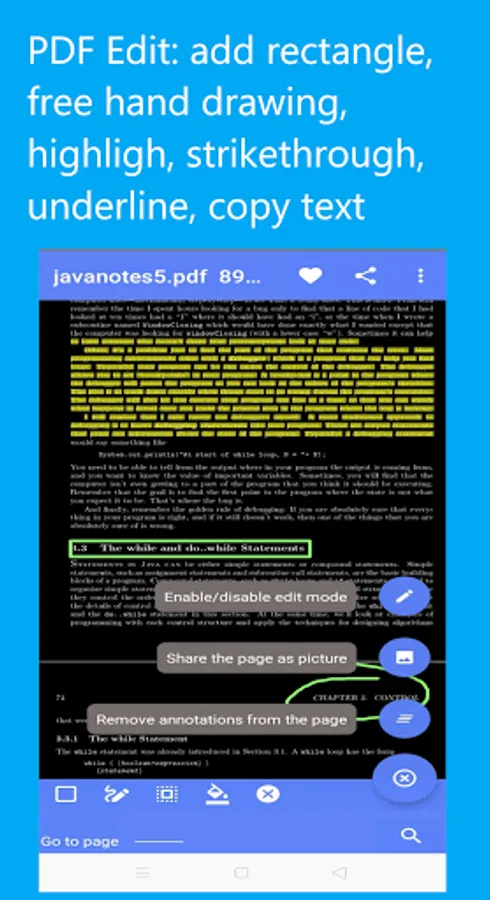
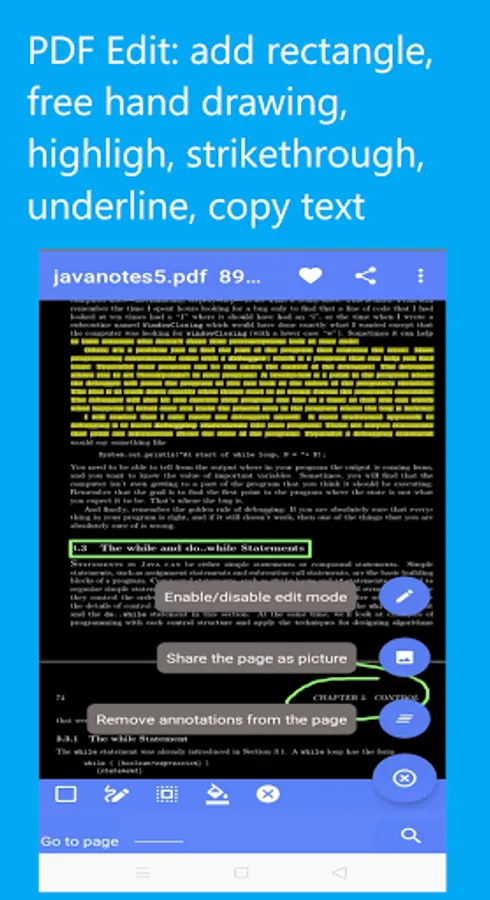
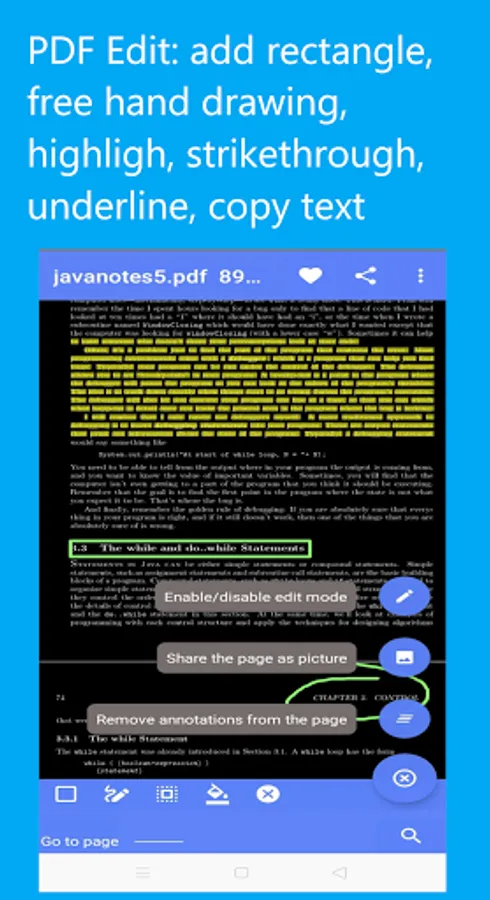
This best free pdf reader also provides commonly used tools to edit PDF document file or PDF book. It is easy to add rectangle, free hand drawing, select & copy text, highlight, strikethrough, and underline text.
- PDF Book Reader: read PDF book or document from the file manager or directly from other apps
+ Fast PDF read & view
+ Remember last read page of your PDF book or document
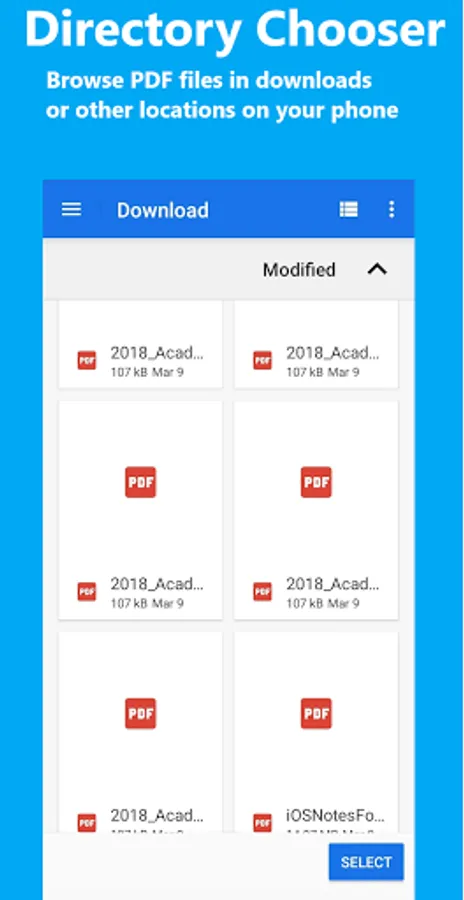
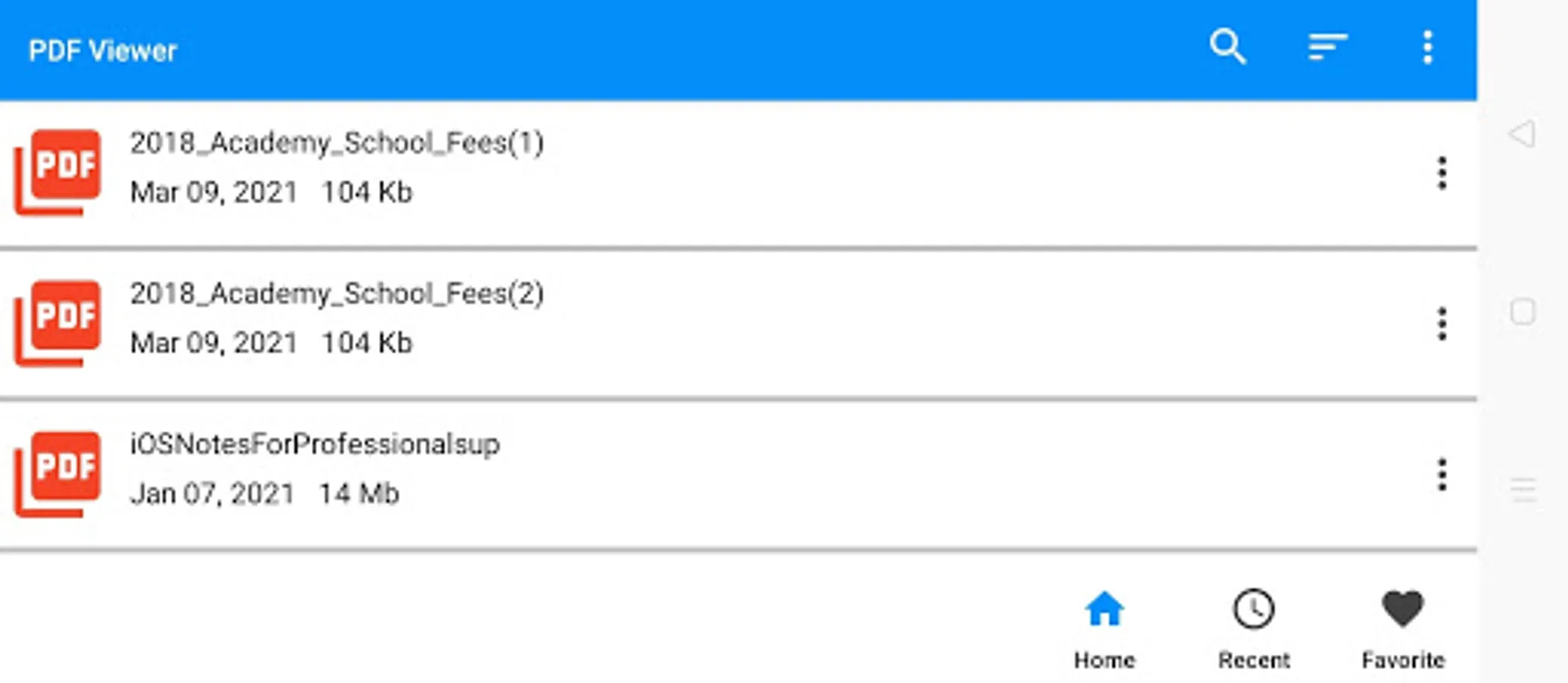
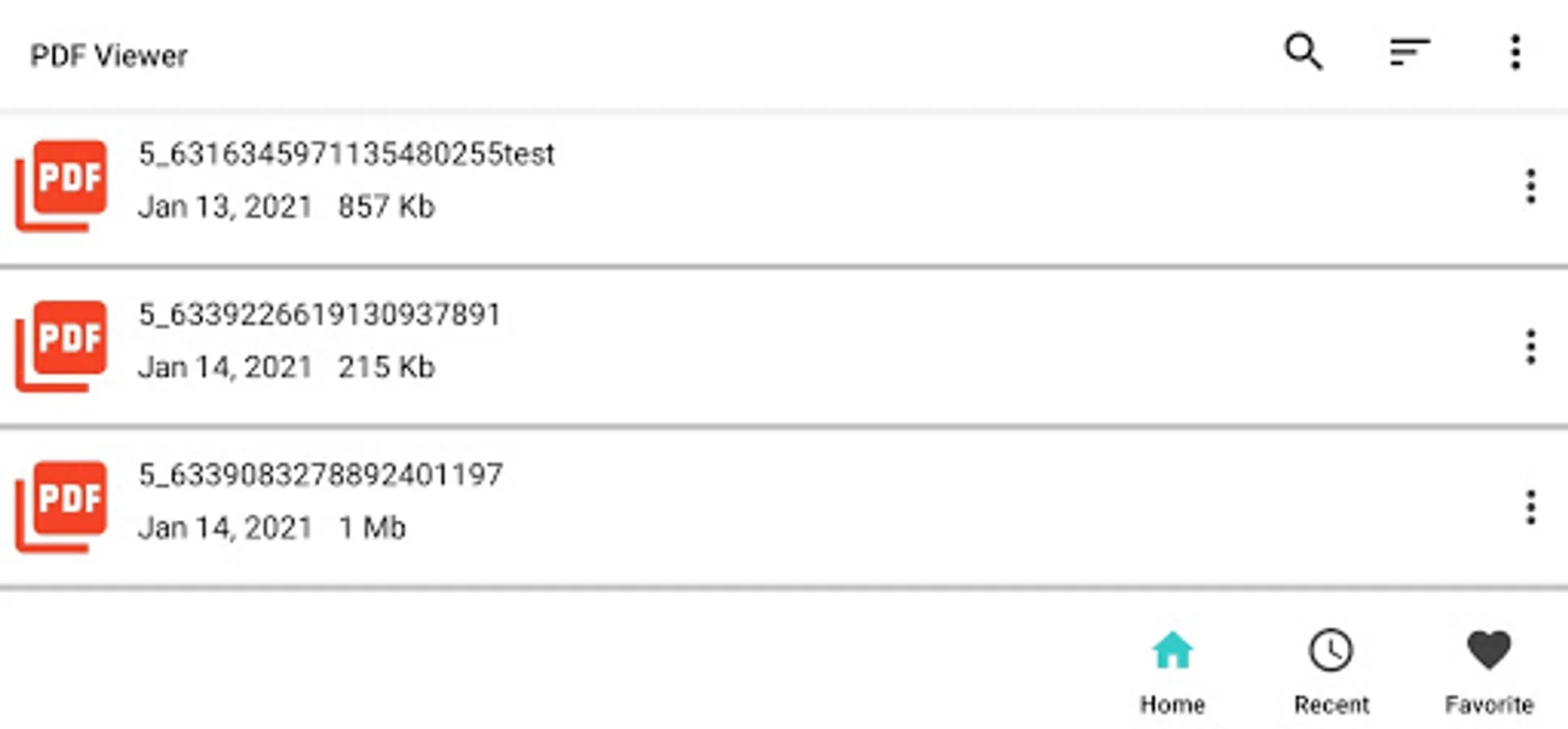
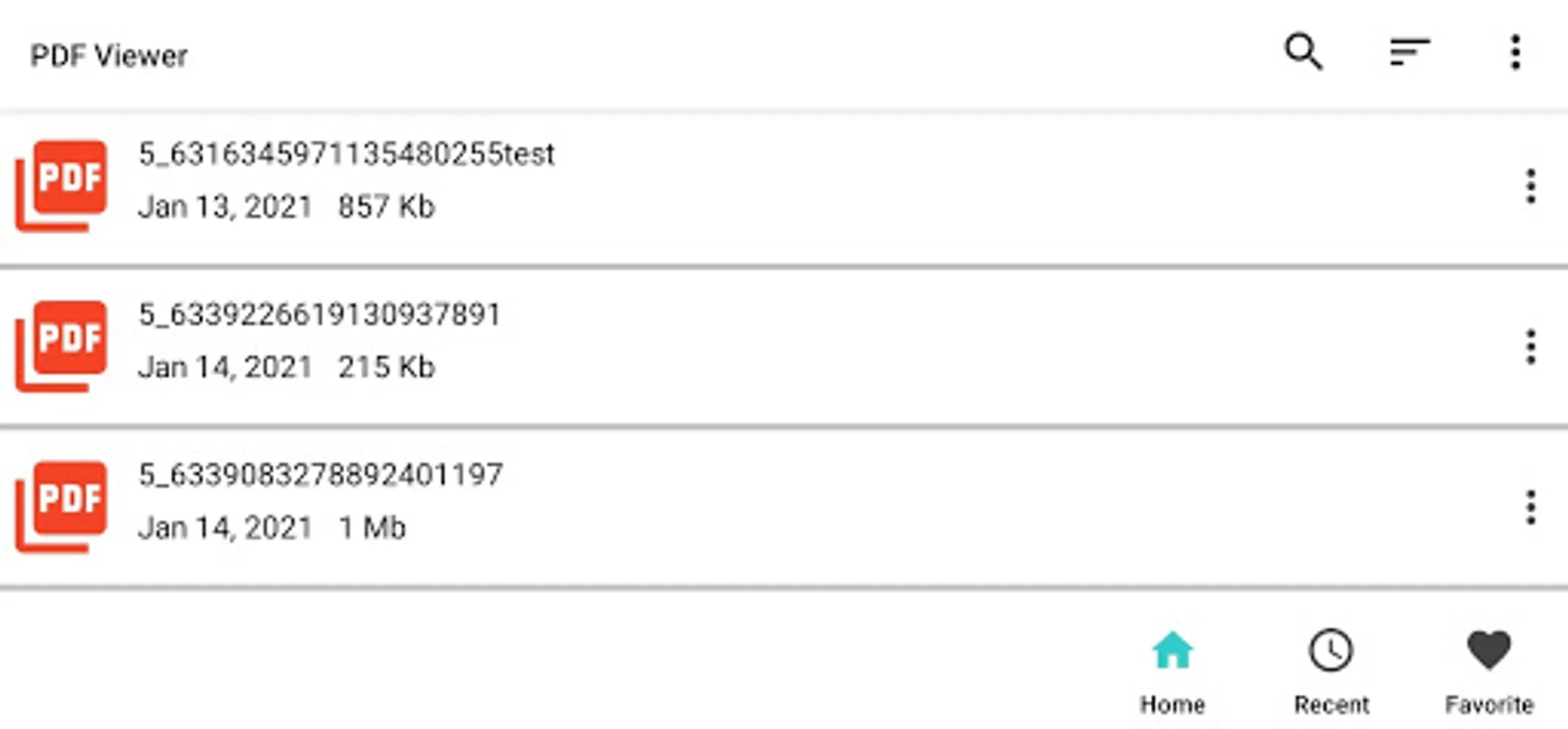
+ List PDF document files from your phone
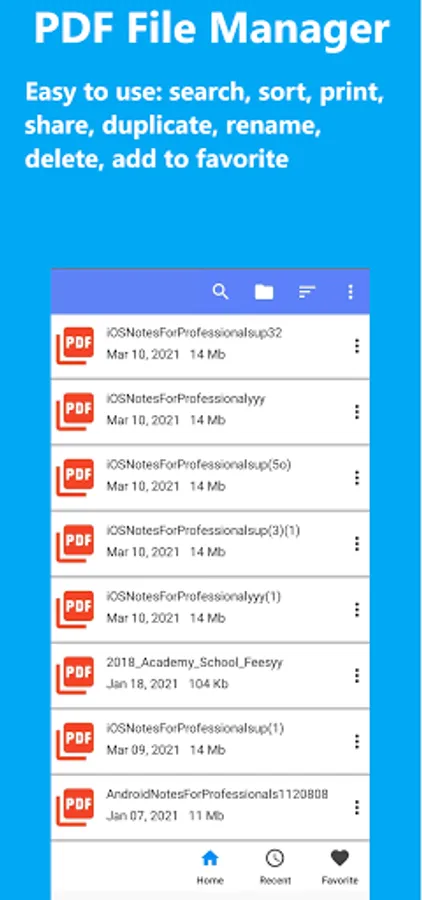
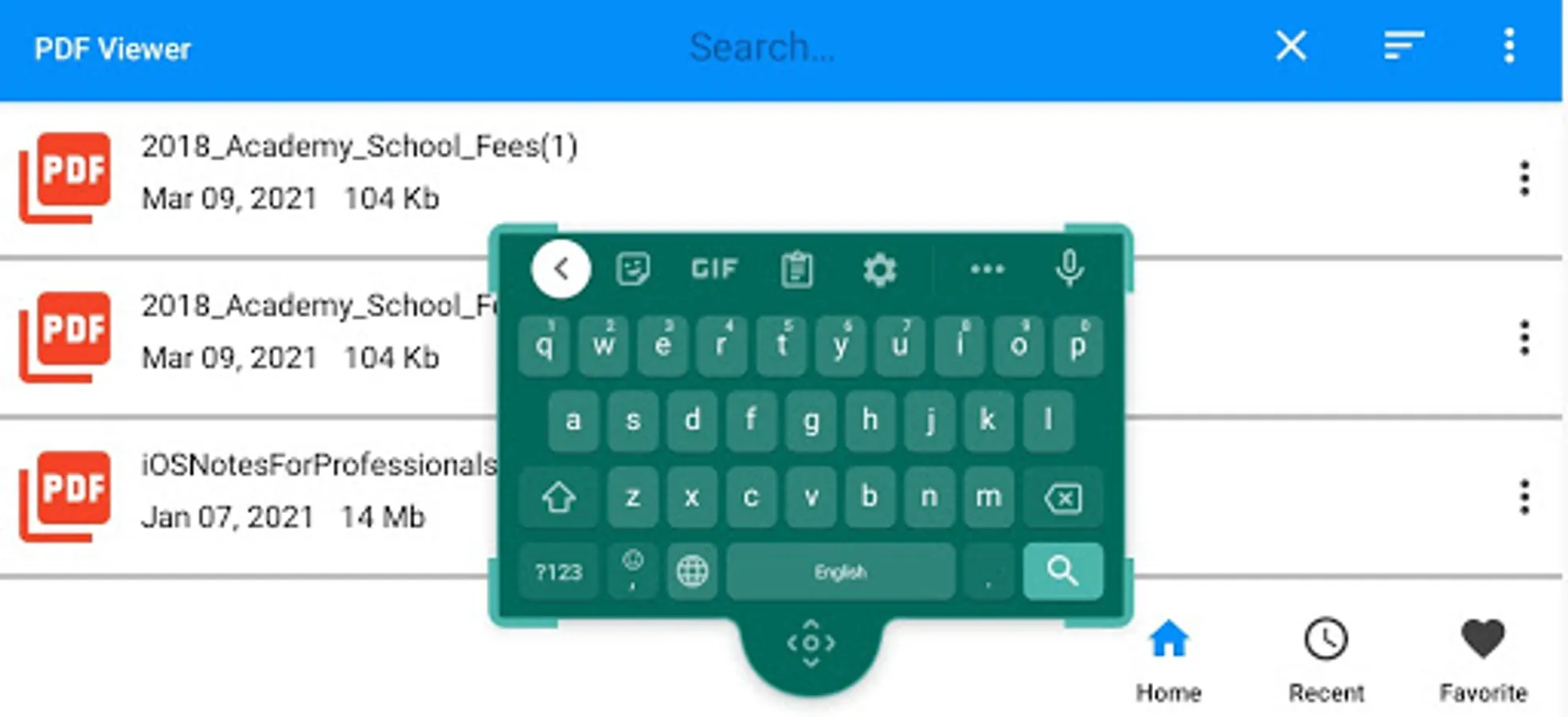
+ Search file in the list
+ Sort PDF document list by date and name in ASC & DESC
+ Share, print, duplicate, delete, and rename PDF file
+ Recent & favorite lists
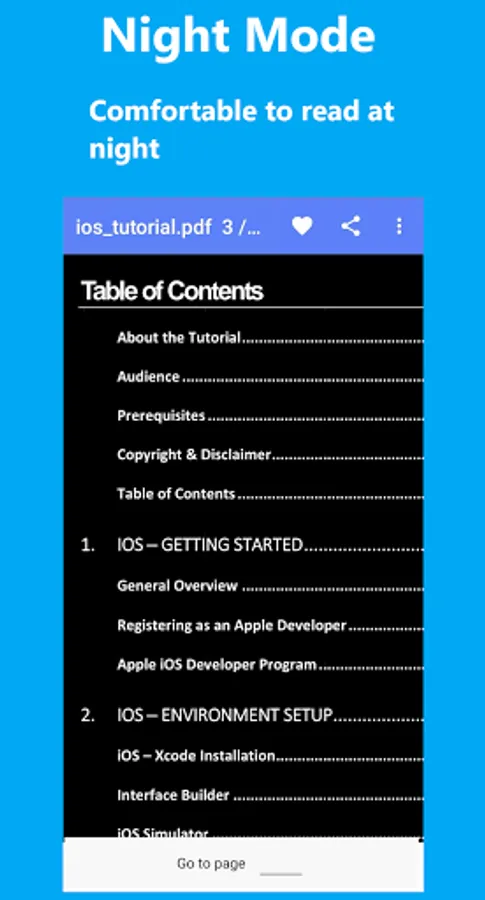
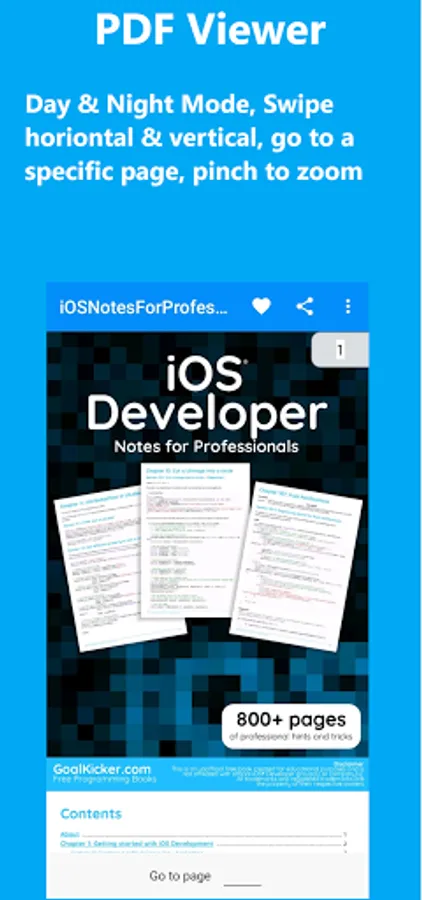
+ Day and night mode of PDF document views
+ Go to a page
+ Scroll PDF document pages and zoom in and out with pinch
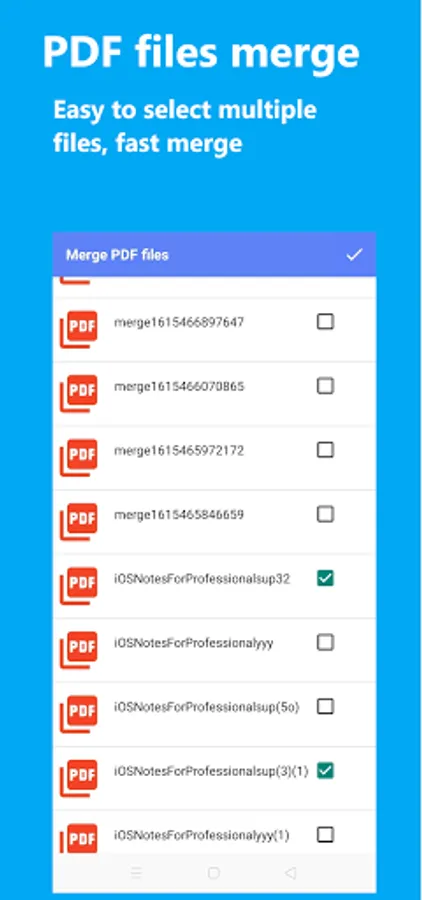
- Merge PDF: combine multiple PDF document files into a single PDF file.
- Split PDF: split a PDF file into multiple PDF files.
- Image to PDF converter: You can select images from gallery and camera to convert to PDF file. The app allows you to edit image (crop and rotate) and set page orientation.
- PDF to Images converter: convert every page of a PDF document to image, and extract images from PDF page.
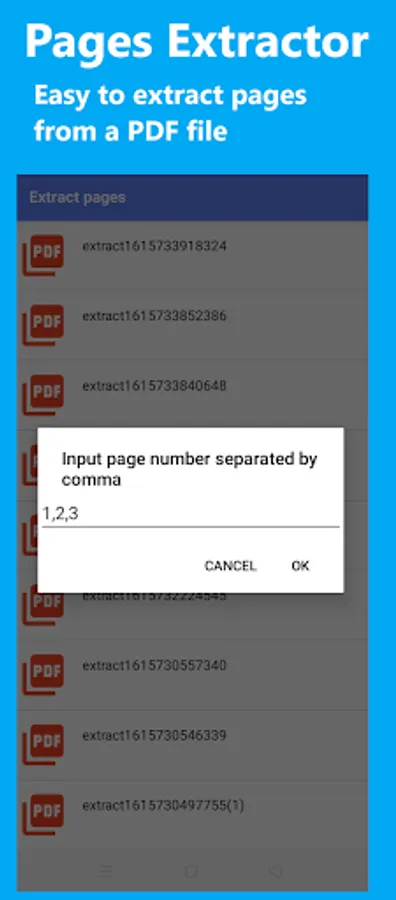
- Page Extractor: extract pages from PDF document by page number or range of page numbers.
- Text Extractor: extract text from a PDF page.
- PDF Editor or Annotator: add annotations to a PDF document: rectangle, free hand drawing, text markups.
- Password on PDF: protect PDF by two-level passwords.
If your love Cool PDF Reader, please show your love by taking your time to review it. We keep update the app to make it better for you.
This best free pdf reader also provides commonly used tools to edit PDF document file or PDF book. It is easy to add rectangle, free hand drawing, select & copy text, highlight, strikethrough, and underline text.
Included with best free pdf reader
- PDF Book Reader: read PDF book or document from the file manager or directly from other apps
+ Fast PDF read & view
+ Remember last read page of your PDF book or document
+ List PDF document files from your phone
+ Search file in the list
+ Sort PDF document list by date and name in ASC & DESC
+ Share, print, duplicate, delete, and rename PDF file
+ Recent & favorite lists
+ Day and night mode of PDF document views
+ Go to a page
+ Scroll PDF document pages and zoom in and out with pinch
- Merge PDF: combine multiple PDF document files into a single PDF file.
- Split PDF: split a PDF file into multiple PDF files.
- Image to PDF converter: You can select images from gallery and camera to convert to PDF file. The app allows you to edit image (crop and rotate) and set page orientation.
- PDF to Images converter: convert every page of a PDF document to image, and extract images from PDF page.
- Page Extractor: extract pages from PDF document by page number or range of page numbers.
- Text Extractor: extract text from a PDF page.
- PDF Editor or Annotator: add annotations to a PDF document: rectangle, free hand drawing, text markups.
- Password on PDF: protect PDF by two-level passwords.
If your love Cool PDF Reader, please show your love by taking your time to review it. We keep update the app to make it better for you.
Cool PDF Reader Screenshots
Tap to Rate:
Reviews for Cool PDF Reader
radmila Marjanovic Zivkovic
4/7/2025
awsome app
selena taylor
11/24/2024
Edit: 5minutes in and none of the files will open now. Says invalid pdf format, but they opened before. Excellent no frills app for displaying and printing pdf. Just what I was looking for. Thank you.