About Remote AIO
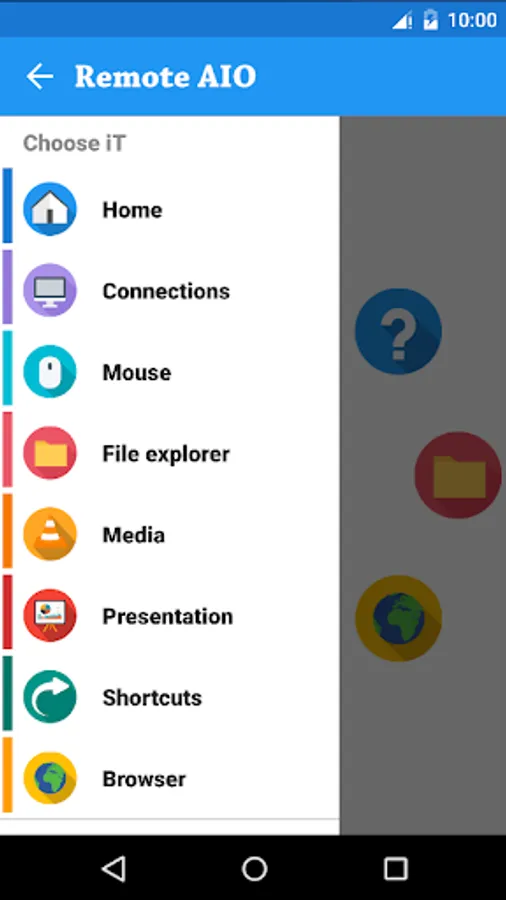
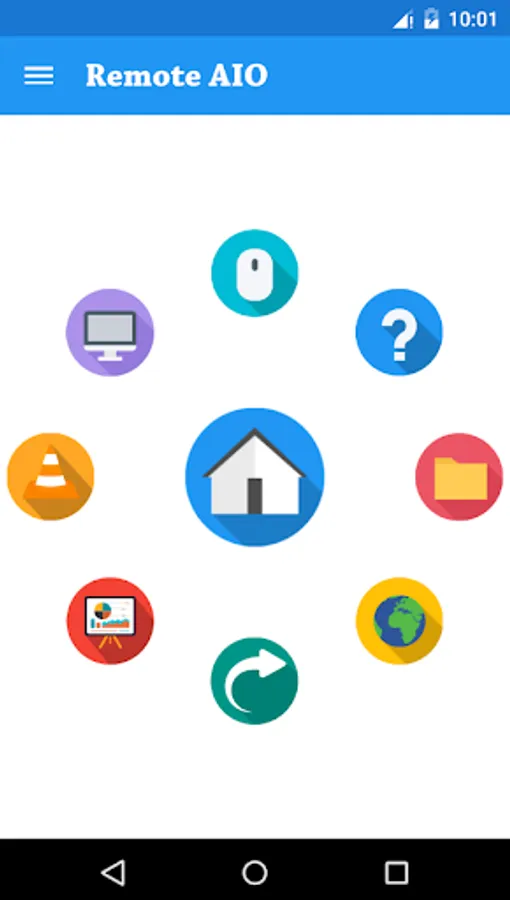
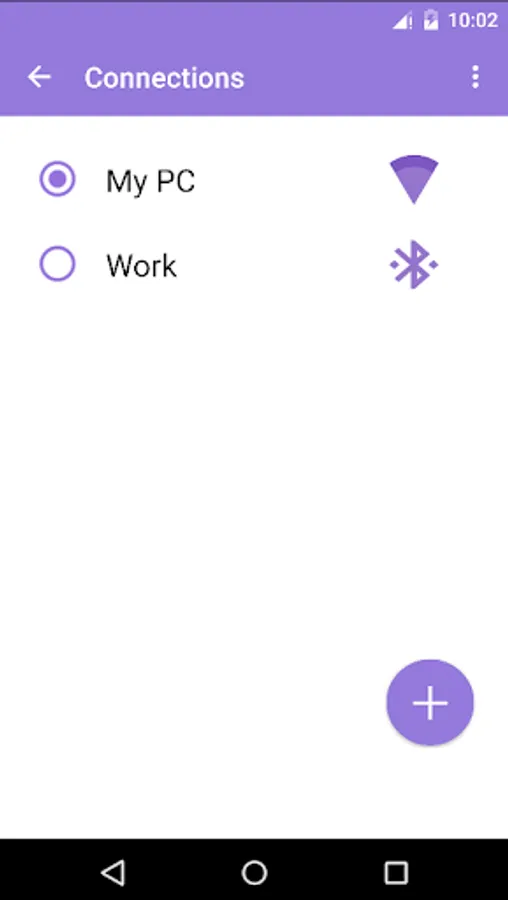
Remote iT is an application which allows you to remotely control your PC over Bluetooth or Wi-Fi. Remote iT Works on Multi-Platform like Windows, Linux & Mac.
Get access to any desktop and use your favourite programs from distance. You can control mouse, keyboard (with functional keys and keyboard shortcuts) multimedia, presentation or power system commands
This application allows your Android powered phone or tablet to act as a remote control for your media center PC. With the client software and Android App installed you will be able to do everything from surf the web, control your media and much, much more...
Controls Mouse
Controls Keyboard
Secure (password) connection
Live Screen
File explorer
Presentation
Media
Shortcuts
Browser
Features of Remote iT
Mouse
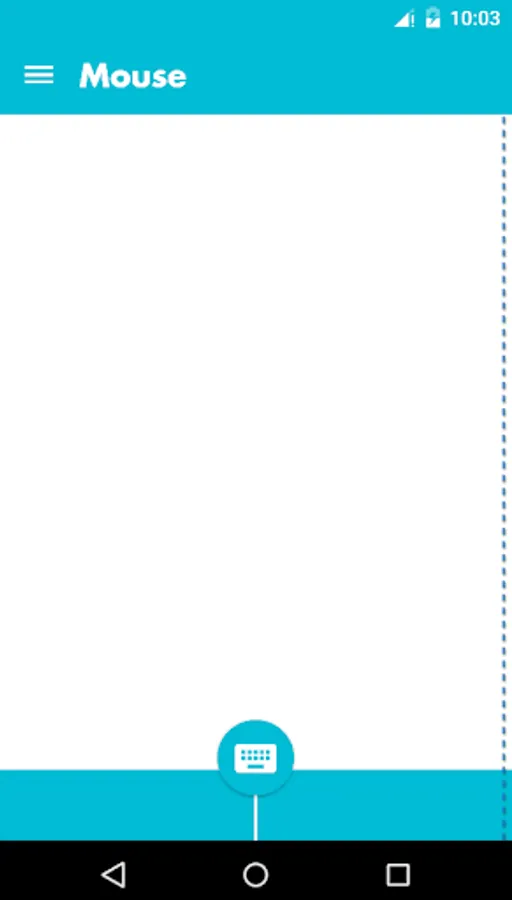
Imagine your PC’s touchpad right on your Android device. Multi-touch gestures like scrolling and zooming are supported. You can toggle the keyboard to send keys at the same time
Keyboard
Use the physical or virtual Android keyboard to type characters and they will appear on your PC.
Live Screen
See your PC's screen right on your Android device live and control iT
Browser
Control your browser directly from your smartphone! That works with Chrome, Mozilla and Internet explorer.
File Explorer
Easily navigate through your directories on your File System and launch your Files.
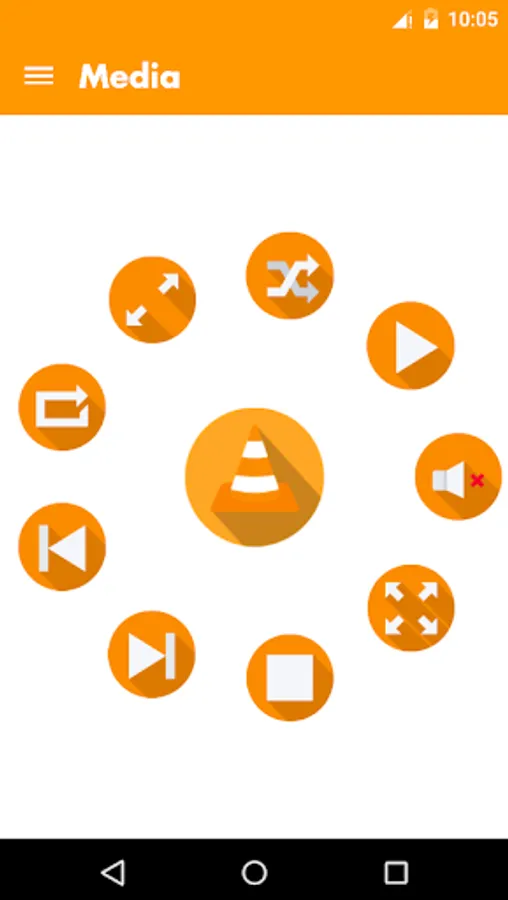
Media
Control the media player of your choice! Supported are Windows Media Player, iTunes, VLC, Media Monkey, Songbird and more.
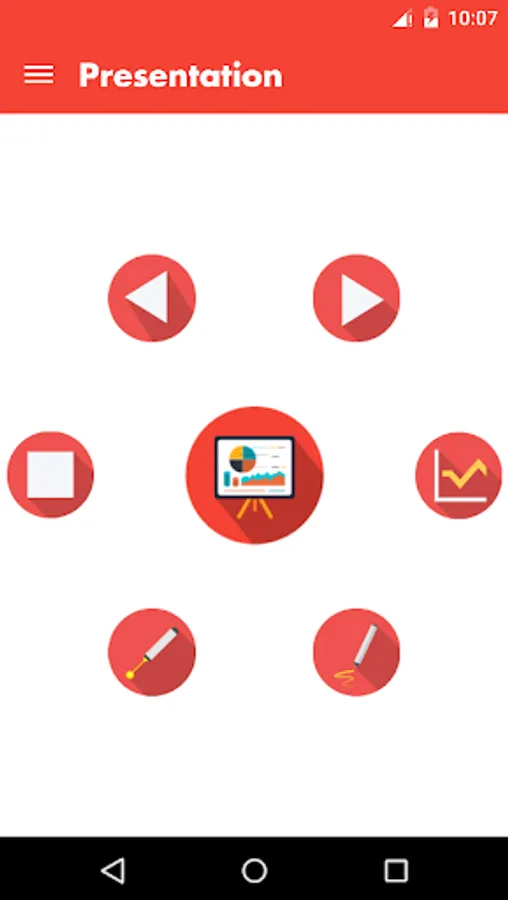
Presentation
Control your slideshows directly from your smartphone! That works with PowerPoint, Impress and Adobe Reader and Windows Media Center.
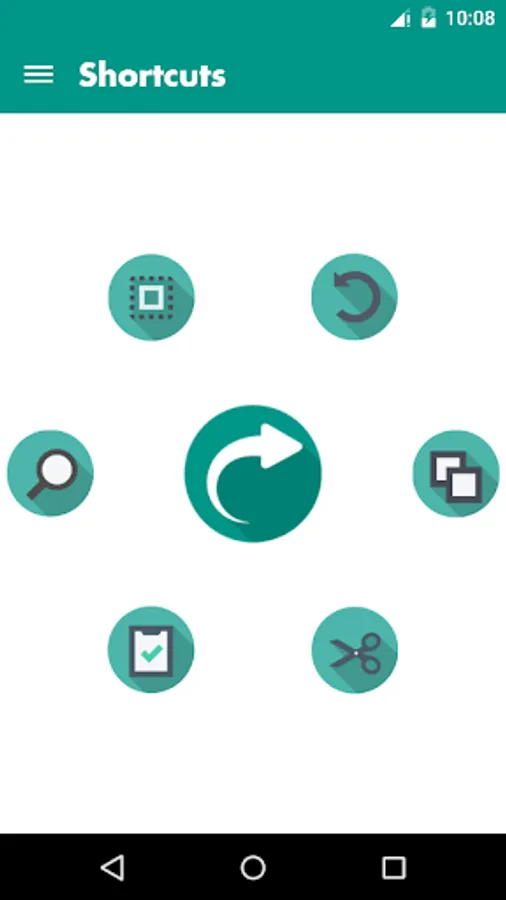
Shortcuts
You can edit documents on the go! With the help of these shortcuts like Cut, Copy, Paste, Find and Select All.
Get access to any desktop and use your favourite programs from distance. You can control mouse, keyboard (with functional keys and keyboard shortcuts) multimedia, presentation or power system commands
This application allows your Android powered phone or tablet to act as a remote control for your media center PC. With the client software and Android App installed you will be able to do everything from surf the web, control your media and much, much more...
Controls Mouse
Controls Keyboard
Secure (password) connection
Live Screen
File explorer
Presentation
Media
Shortcuts
Browser
Features of Remote iT
Mouse
Imagine your PC’s touchpad right on your Android device. Multi-touch gestures like scrolling and zooming are supported. You can toggle the keyboard to send keys at the same time
Keyboard
Use the physical or virtual Android keyboard to type characters and they will appear on your PC.
Live Screen
See your PC's screen right on your Android device live and control iT
Browser
Control your browser directly from your smartphone! That works with Chrome, Mozilla and Internet explorer.
File Explorer
Easily navigate through your directories on your File System and launch your Files.
Media
Control the media player of your choice! Supported are Windows Media Player, iTunes, VLC, Media Monkey, Songbird and more.
Presentation
Control your slideshows directly from your smartphone! That works with PowerPoint, Impress and Adobe Reader and Windows Media Center.
Shortcuts
You can edit documents on the go! With the help of these shortcuts like Cut, Copy, Paste, Find and Select All.