Vizio TV Remote Control
AYYAN
4.5 ★
store rating
50,000+
downloads
Free
AppRecs review analysis
AppRecs rating 3.8. Trustworthiness 82 out of 100. Review manipulation risk 28 out of 100. Based on a review sample analyzed.
★★★☆☆
3.8
AppRecs Rating
Ratings breakdown
5 star
76%
4 star
11%
3 star
5%
2 star
2%
1 star
7%
What to know
✓
Low review manipulation risk
28% review manipulation risk
⚠
Ad complaints
Many low ratings mention excessive ads
⚠
Review quality concerns
55% of sampled 5-star reviews are very short
About Vizio TV Remote Control
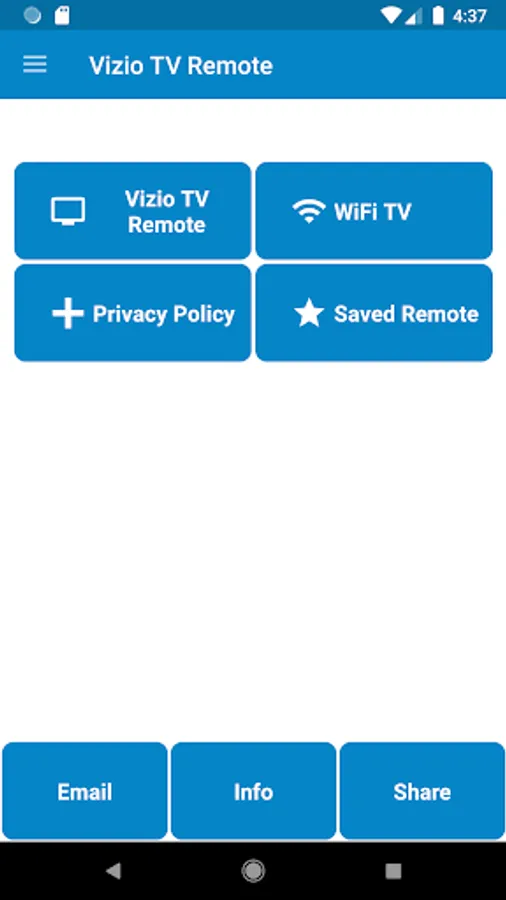
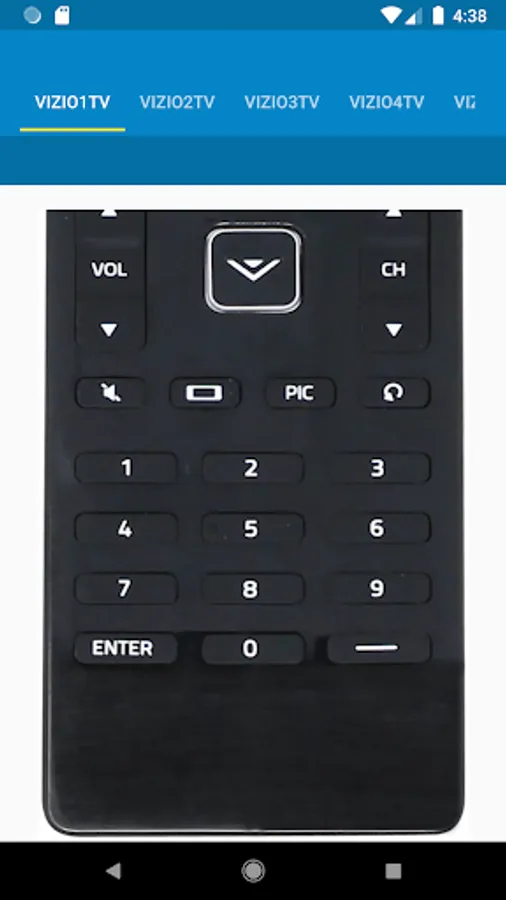
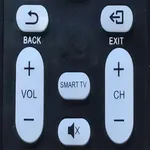
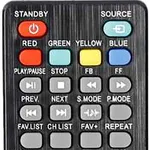
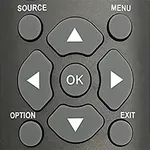
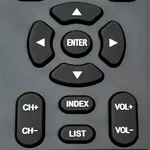
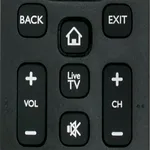
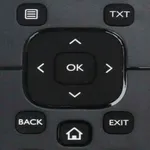
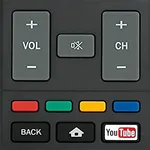
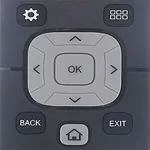
Vizio TV Remote Control build by AYYAN is used to control Vizio TV's LED's and Smart TV's
----Disclaimer----
This App does not belong to Offical Vizio Company, we have just gathered the data and presented in a better form for user convenience.
----Features----
-> Plug and Play Install
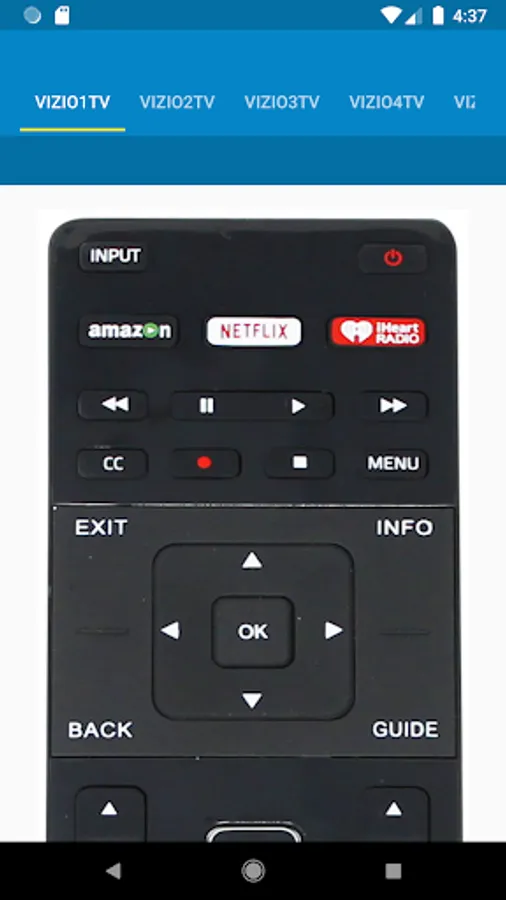
-> All Functionalities in Plastic Remote is available in this Vizio TV Remote
-> WiFi Functionality is available for Android Smart TV Casting
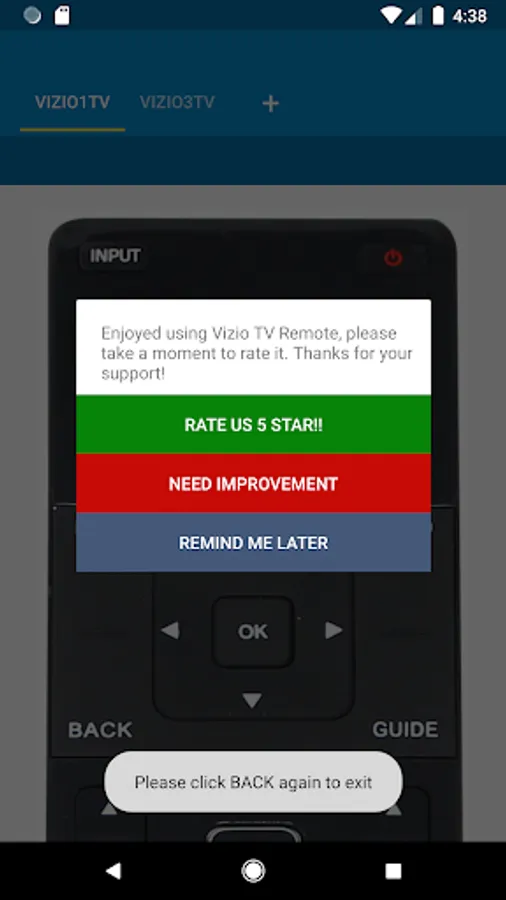
-> Any Last Used Vizio Remote is easily reached via Saved Option
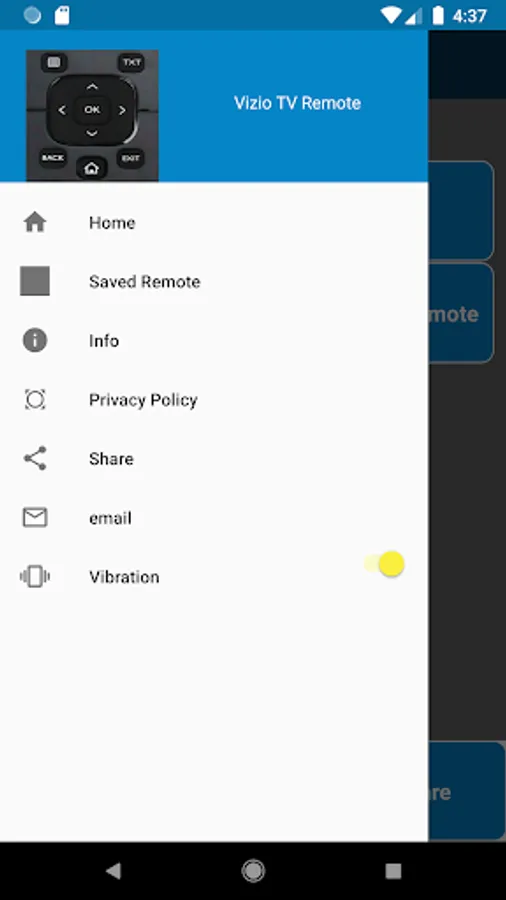
-> Vibration ON/OFF Options are available in Drawer Menu
----Usage----
-> IR Blaster is required to control your Vizio TV via this Vizio Remote, if you do not have knowledge of IR Blaster then
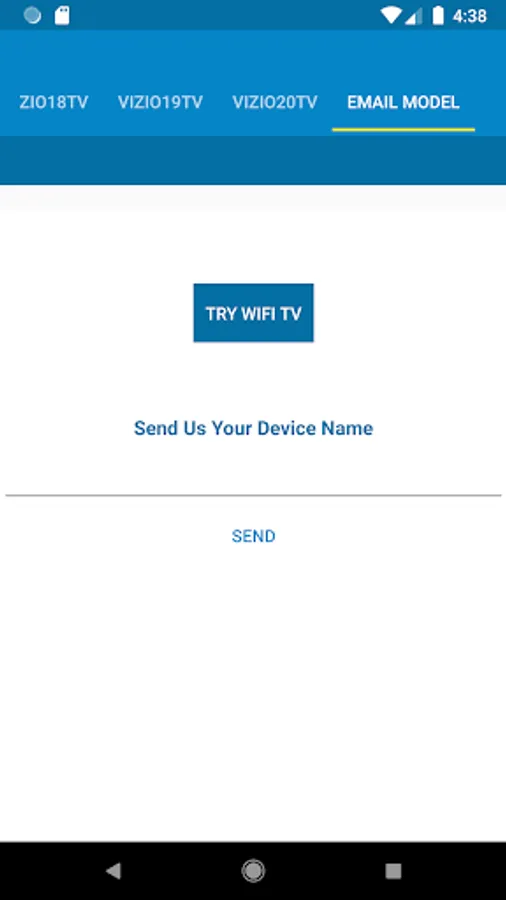
Install the App to check remotes in this Vizio TV App and let us know via email we will help you
-> For WiFi Connectivity with your Android TV your Smart Phone and Android TV must be on the same network
----How to Use----
-> For WiFi Connectivity simply connect your phone with the same WiFi Device with which your Smart TV is connected
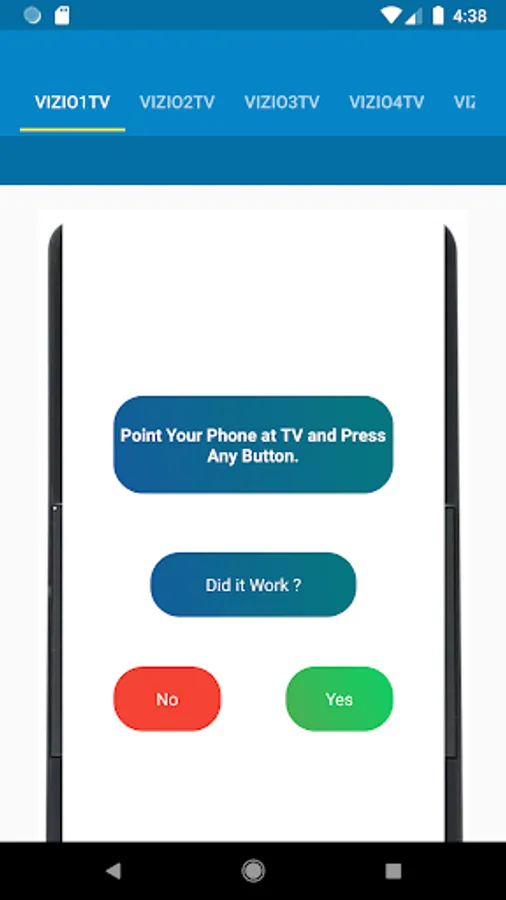
-> For Normal connectivity Press the Power Button and select YES or NO upon the response, try same process your Vizio TV responds
----Query----
-> If you have any query we will be happy to assist, reach us at airmk@gmail.com
----Disclaimer----
This App does not belong to Offical Vizio Company, we have just gathered the data and presented in a better form for user convenience.
----Features----
-> Plug and Play Install
-> All Functionalities in Plastic Remote is available in this Vizio TV Remote
-> WiFi Functionality is available for Android Smart TV Casting
-> Any Last Used Vizio Remote is easily reached via Saved Option
-> Vibration ON/OFF Options are available in Drawer Menu
----Usage----
-> IR Blaster is required to control your Vizio TV via this Vizio Remote, if you do not have knowledge of IR Blaster then
Install the App to check remotes in this Vizio TV App and let us know via email we will help you
-> For WiFi Connectivity with your Android TV your Smart Phone and Android TV must be on the same network
----How to Use----
-> For WiFi Connectivity simply connect your phone with the same WiFi Device with which your Smart TV is connected
-> For Normal connectivity Press the Power Button and select YES or NO upon the response, try same process your Vizio TV responds
----Query----
-> If you have any query we will be happy to assist, reach us at airmk@gmail.com