APN Settings - 2G 3G 4G LTE 5G
Azad Hossen
4.1 ★
158 ratings
10,000+
downloads
Free
With this app, you can select your country, find carrier names, and configure APN settings easily. Includes a comprehensive carrier database and step-by-step guidance.
AppRecs review analysis
AppRecs rating 4.0. Trustworthiness 73 out of 100. Review manipulation risk 37 out of 100. Based on a review sample analyzed.
★★★★☆
4.0
AppRecs Rating
Ratings breakdown
5 star
62%
4 star
17%
3 star
5%
2 star
0%
1 star
17%
What to know
✓
Credible reviews
73% trustworthiness score from analyzed reviews
✓
High user satisfaction
78% of sampled ratings are 4+ stars (4.1★ average)
✓
Authentic reviews
Natural distribution, no red flags
About APN Settings - 2G 3G 4G LTE 5G
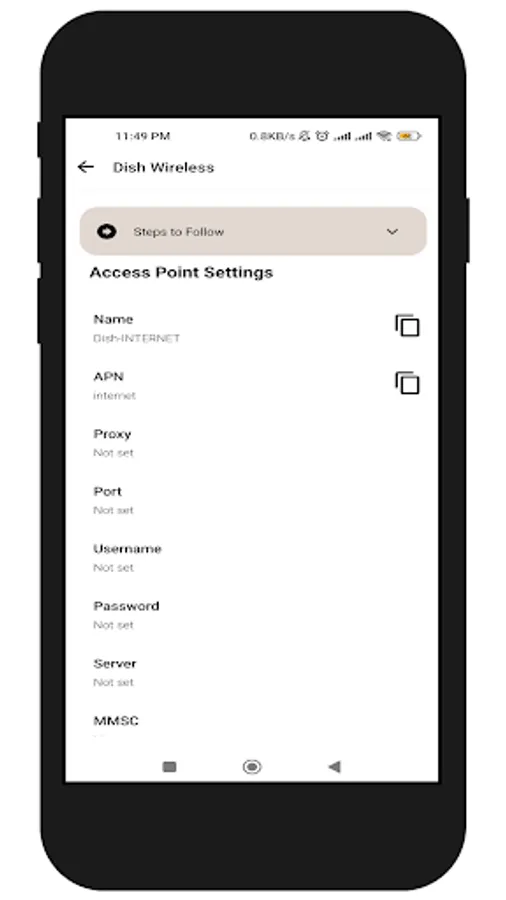
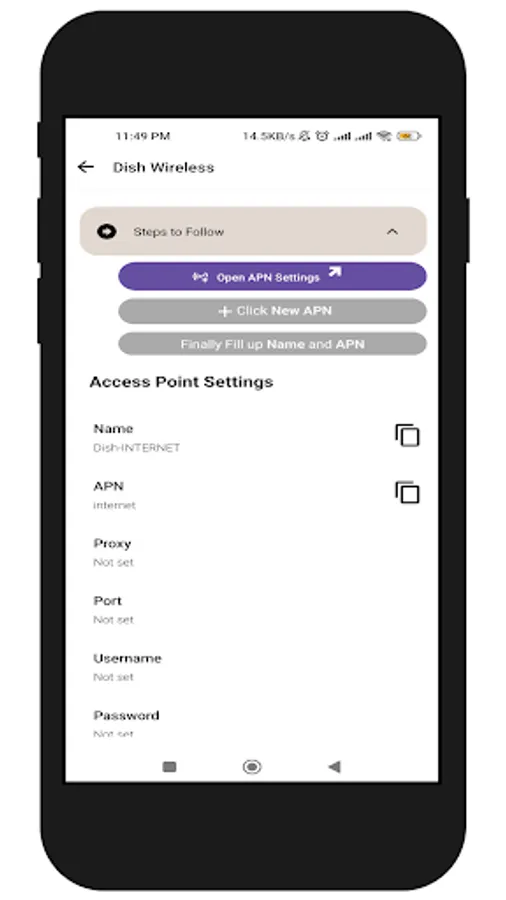
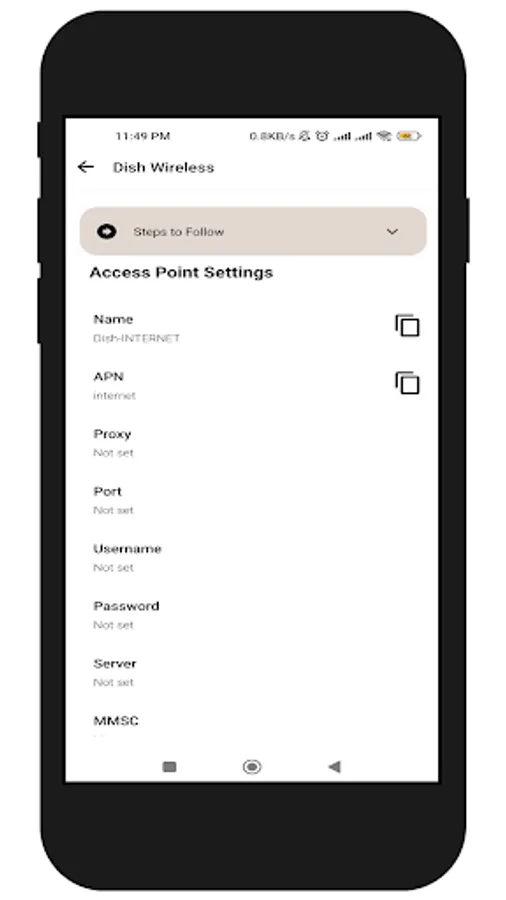
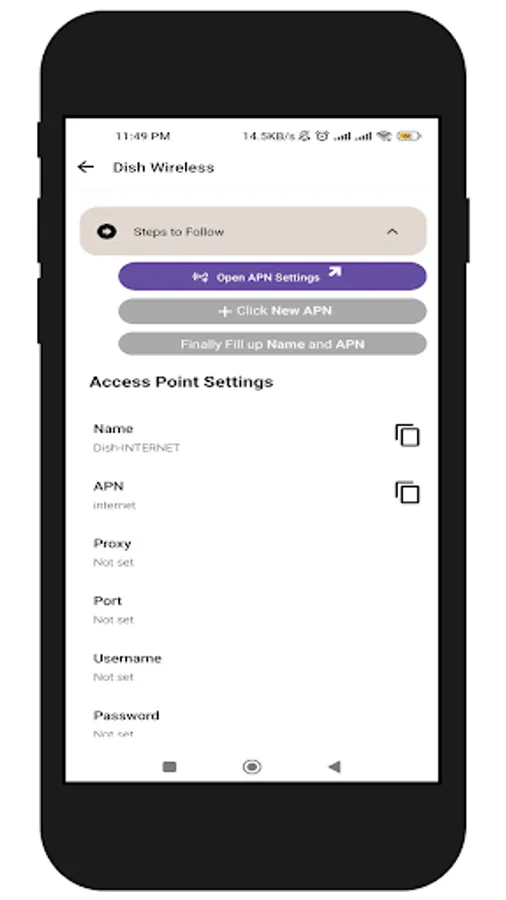
APN Settings is a user-friendly app designed to help you easily configure and manage Access Point Names (APN) for various mobile networks, including 2G, 3G, 4G, 5G, and LTE. This app provides step-by-step guidance to ensure seamless internet connectivity on your device. With a full database of APN settings for numerous carriers worldwide, you can quickly find and apply the correct settings for your network. Enjoy fast, reliable internet access with APN Settings.
Steps to use:
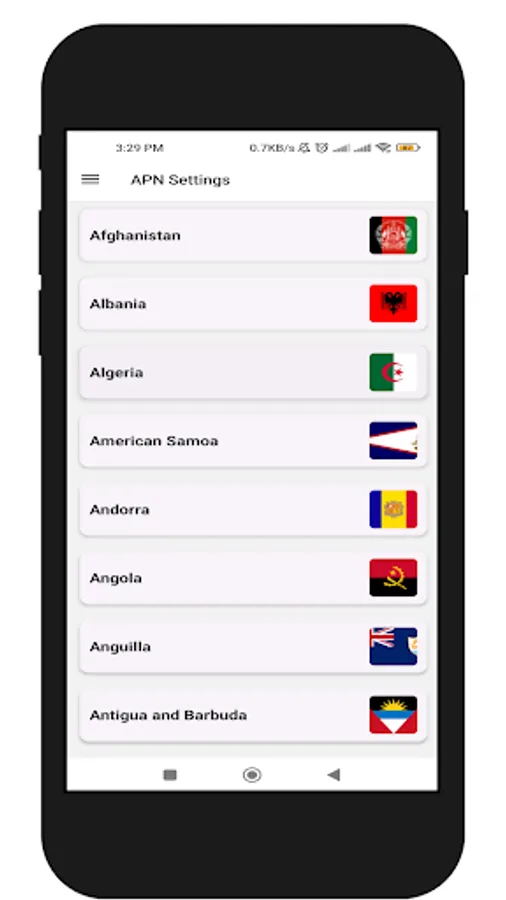
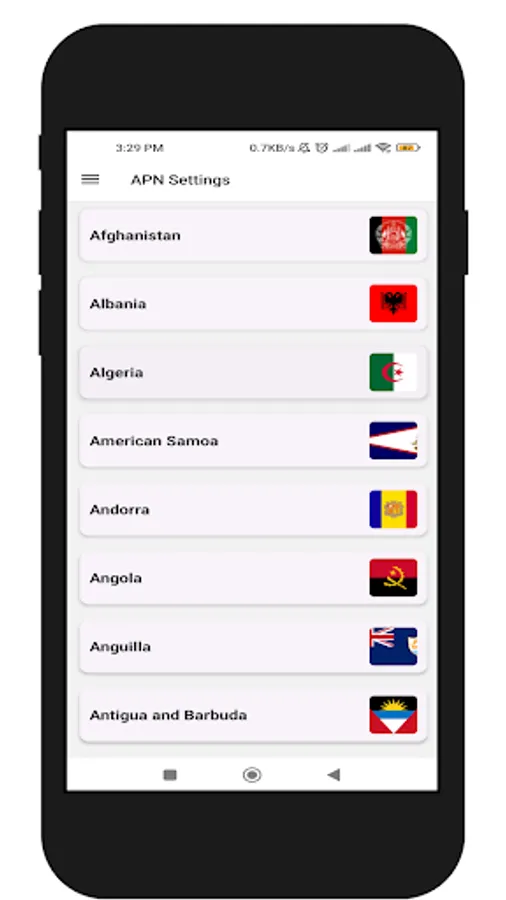
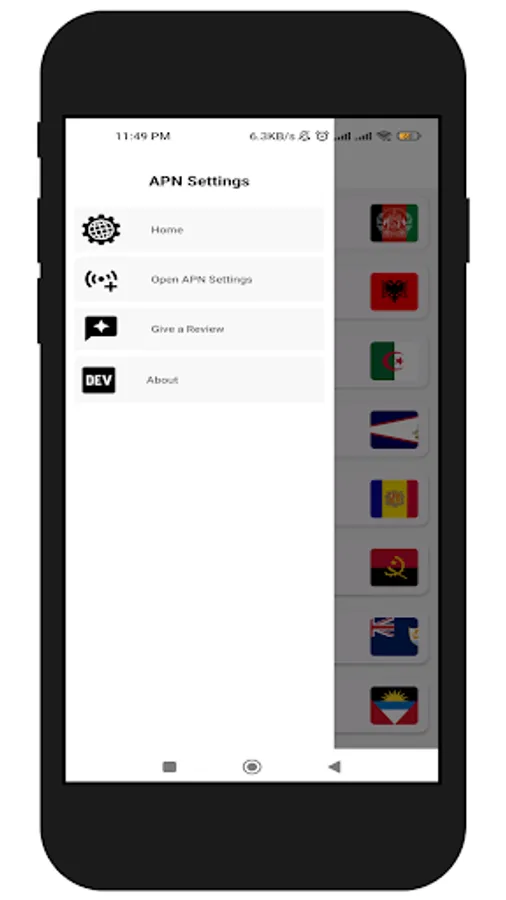
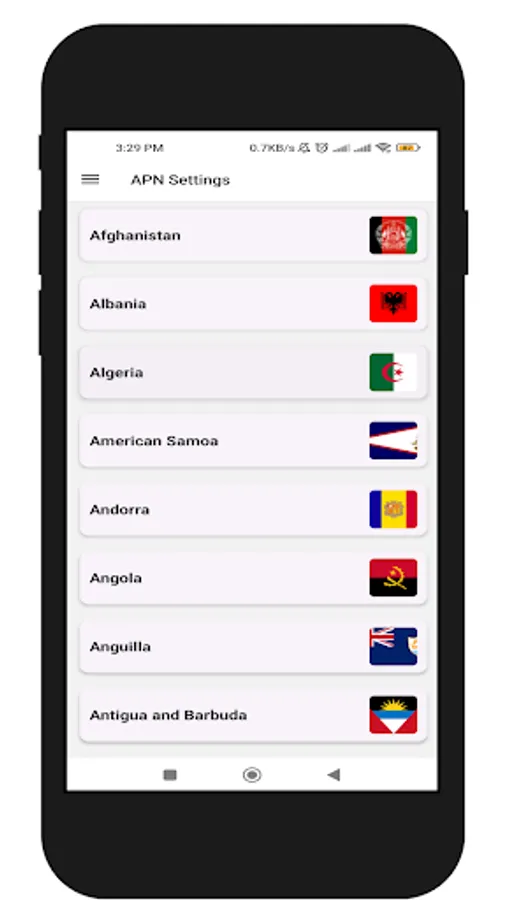
1. Select your country
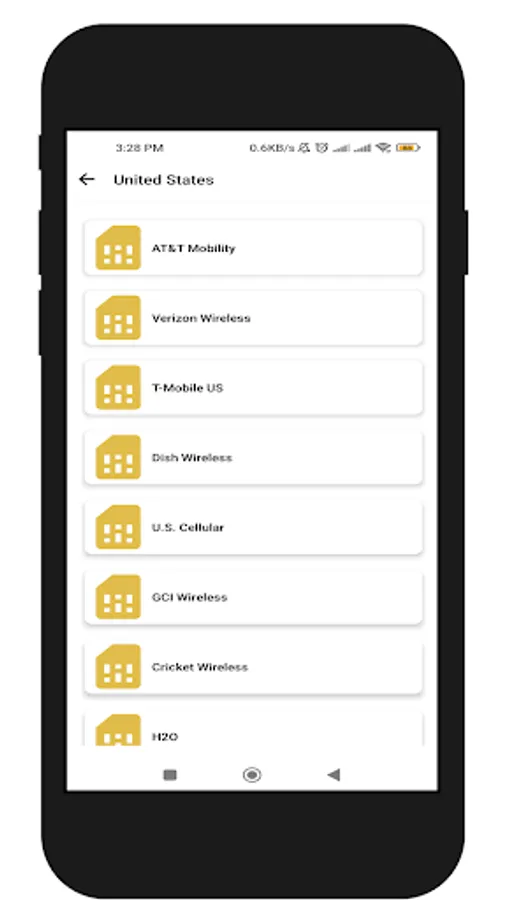
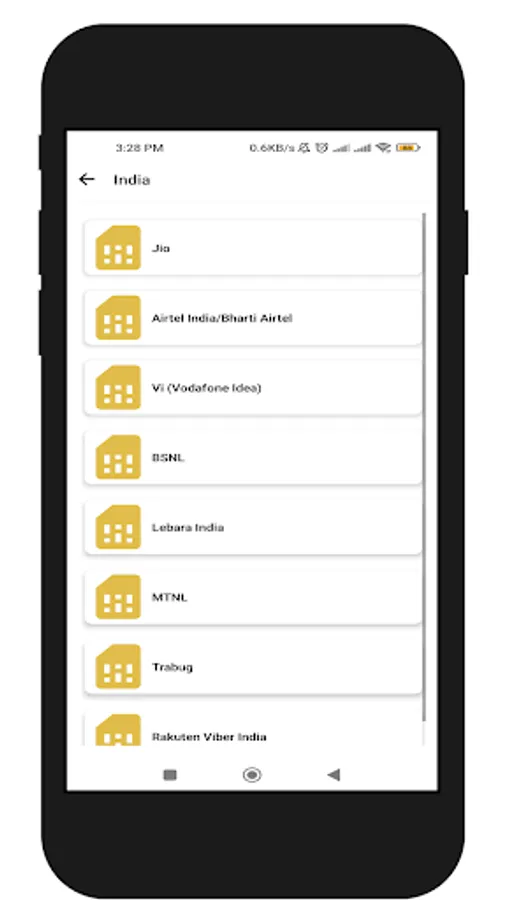
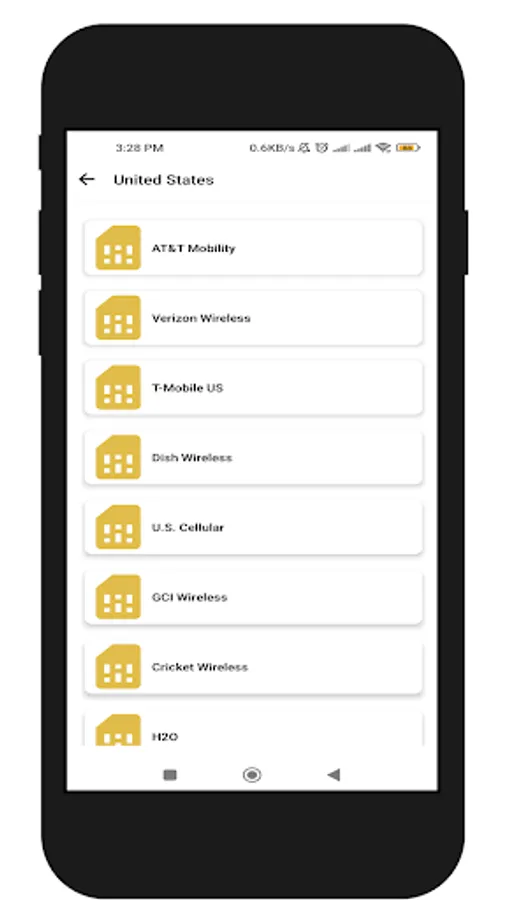
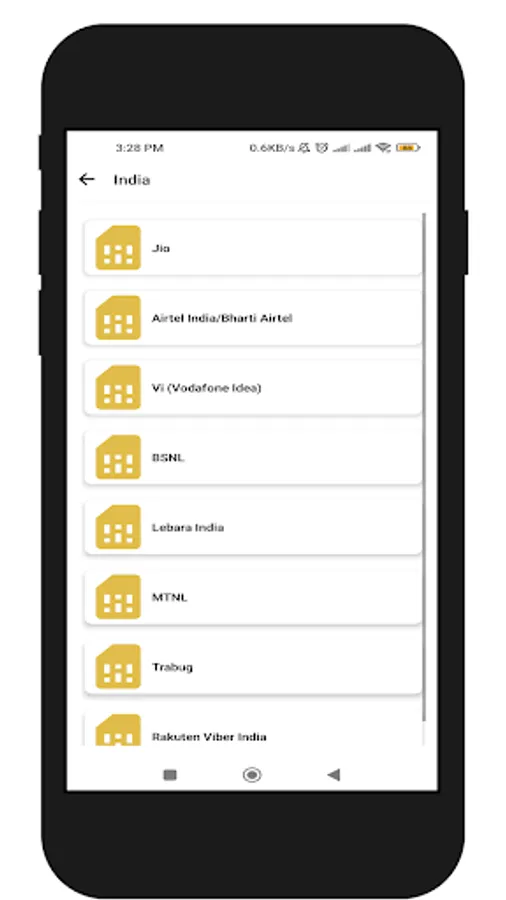
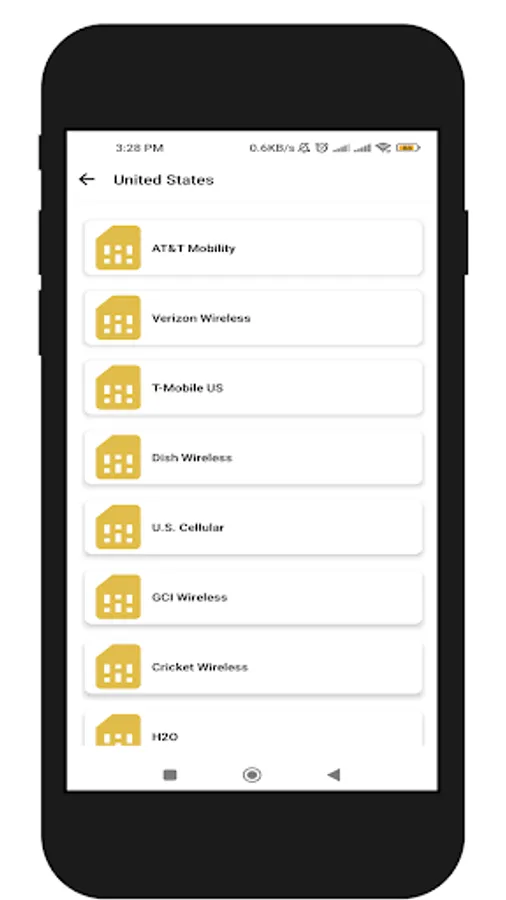
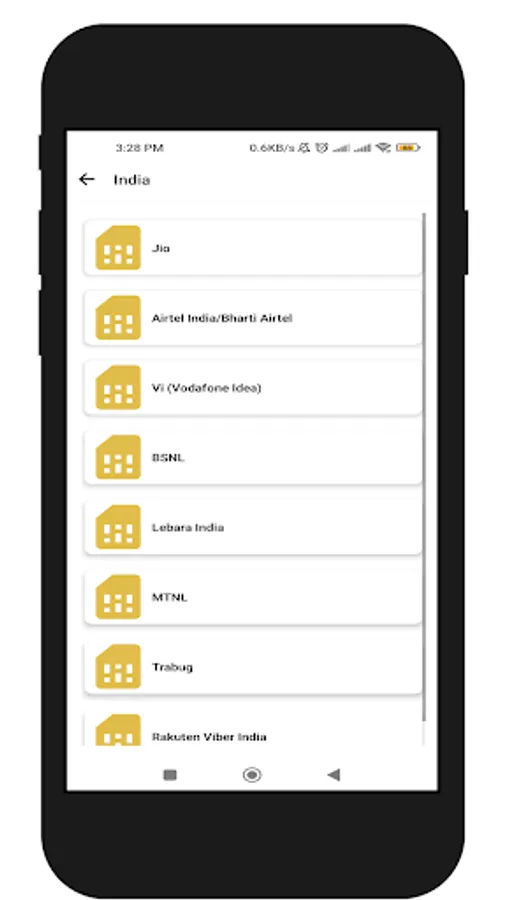
2. Get all carrier network (SIM) names for your country
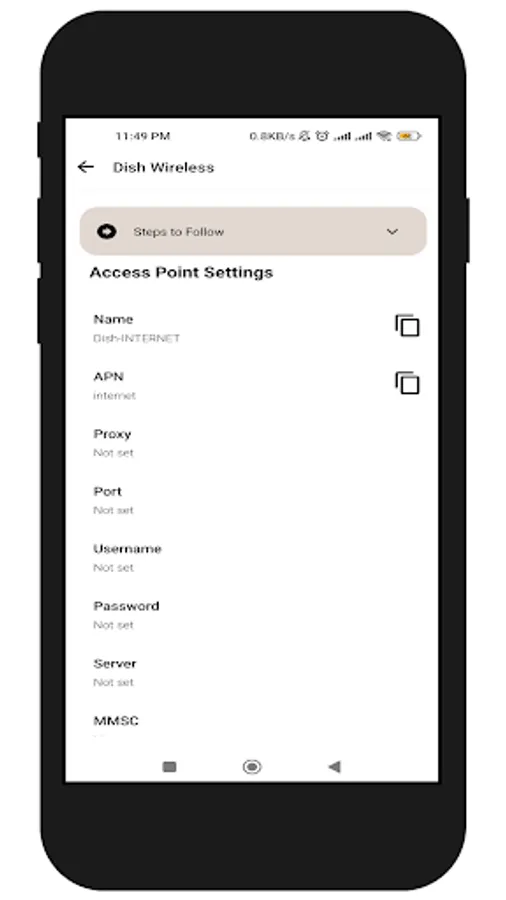
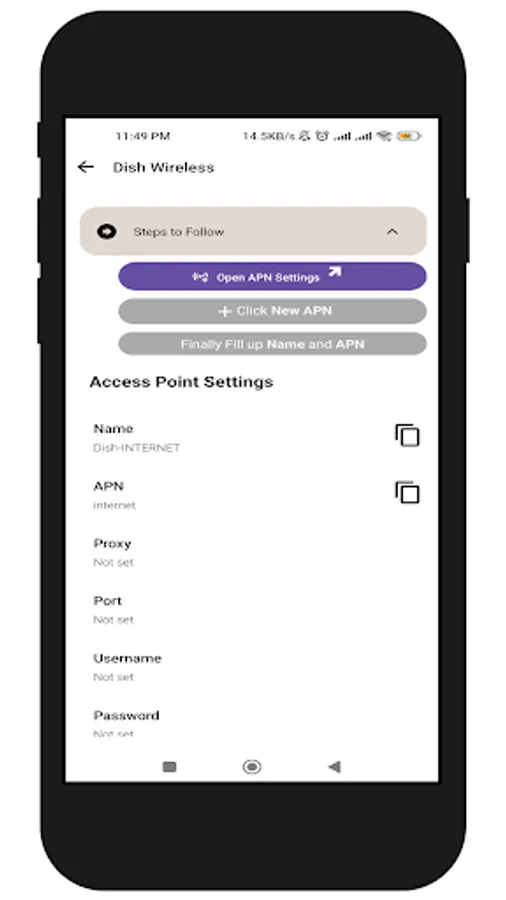
3. Get APN Settings for your carrier network (SIM).
You can copy Name and APN ans directly go-to APN Settings on your Android device.
Steps to use:
1. Select your country
2. Get all carrier network (SIM) names for your country
3. Get APN Settings for your carrier network (SIM).
You can copy Name and APN ans directly go-to APN Settings on your Android device.