Remote Control for TV - All TV
Maxlabs Remote Control Tools
4.1 ★
store rating
500,000+
downloads
Free
+ in-app
AppRecs review analysis
AppRecs rating 3.4. Trustworthiness 80 out of 100. Review manipulation risk 28 out of 100. Based on a review sample analyzed.
★★★☆☆
3.4
AppRecs Rating
Ratings breakdown
5 star
70%
4 star
6%
3 star
3%
2 star
2%
1 star
19%
What to know
⚠
Ad complaints
Many low ratings mention excessive ads
⚠
Pricing complaints
Many low ratings mention paywalls or pricing
⚠
Review quality concerns
59% of sampled 5-star reviews are very short
About Remote Control for TV - All TV
✌ Just pick your TV brand, and you're all set! Replace your old remote with this all-in-one Universal TV Remote Control app
😤 Are You Tired of These Situations?
• Find your lost remote again and again
• The battery is drained fast
• Numerous remotes in home are similar in size, shape, and color
• Your remote often doesn’t respond
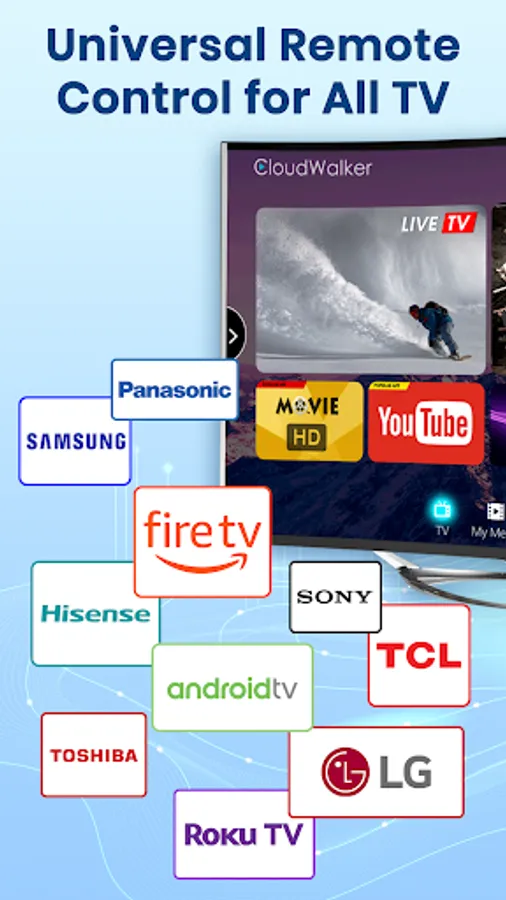
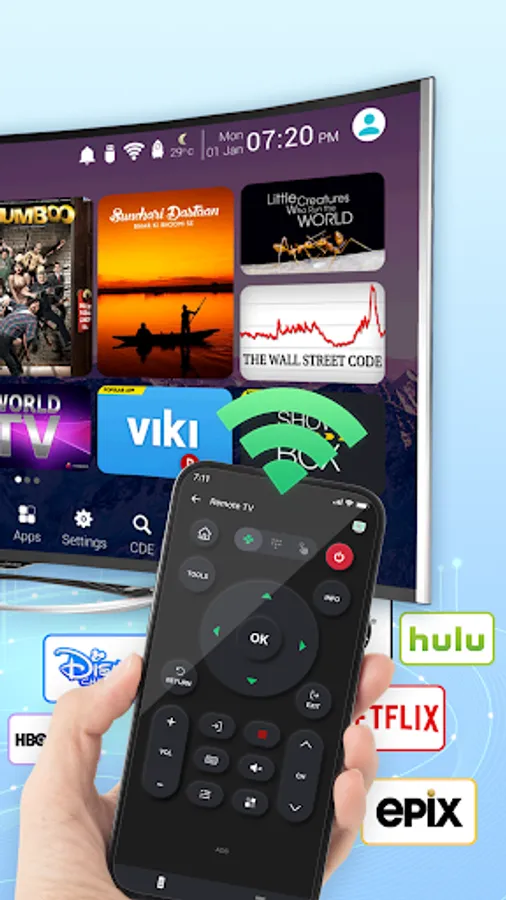
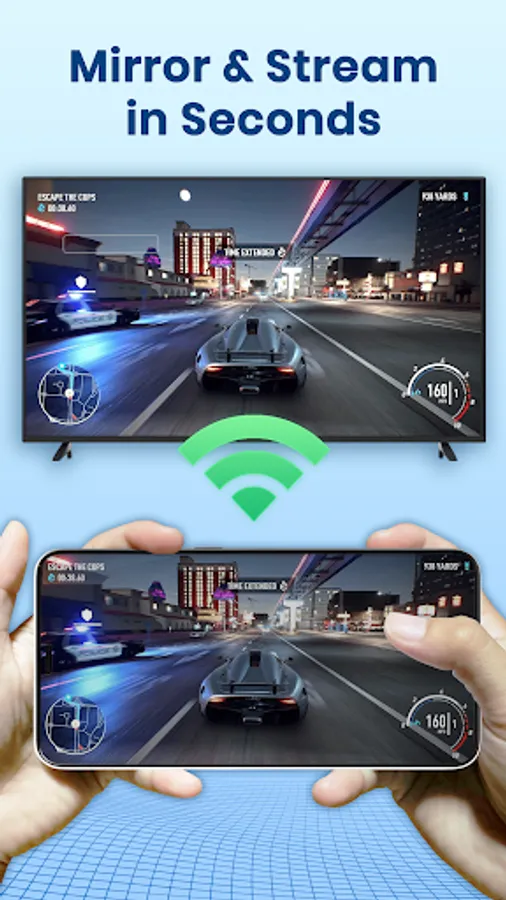
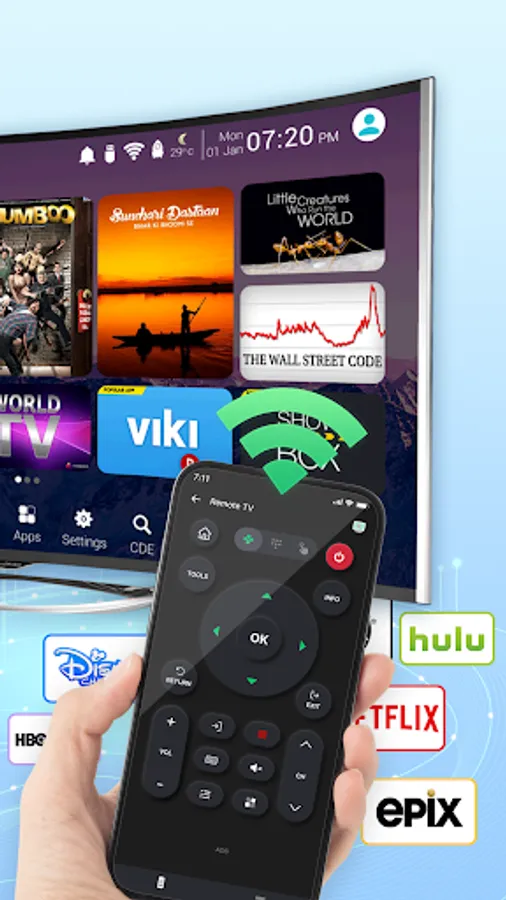
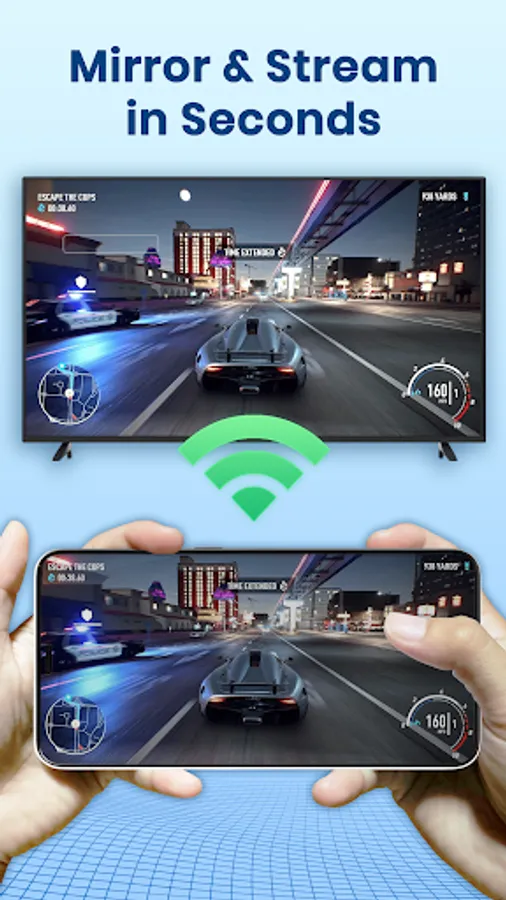
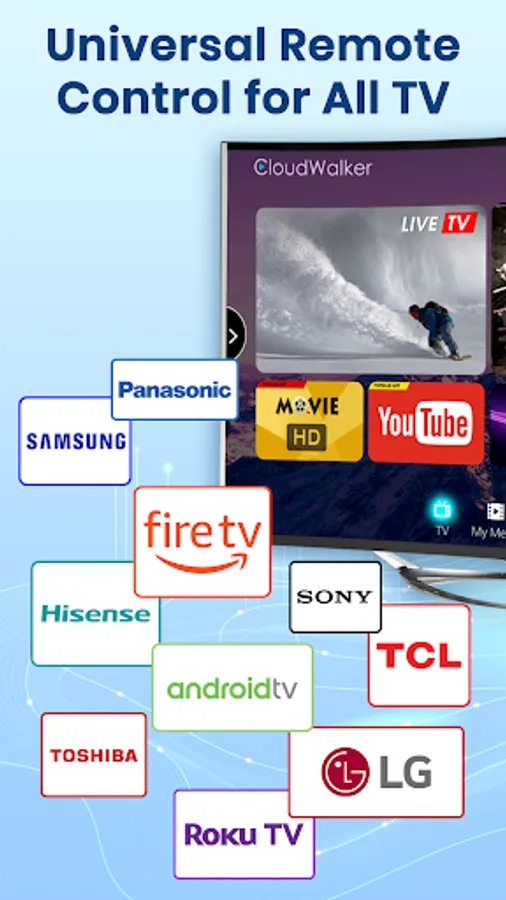
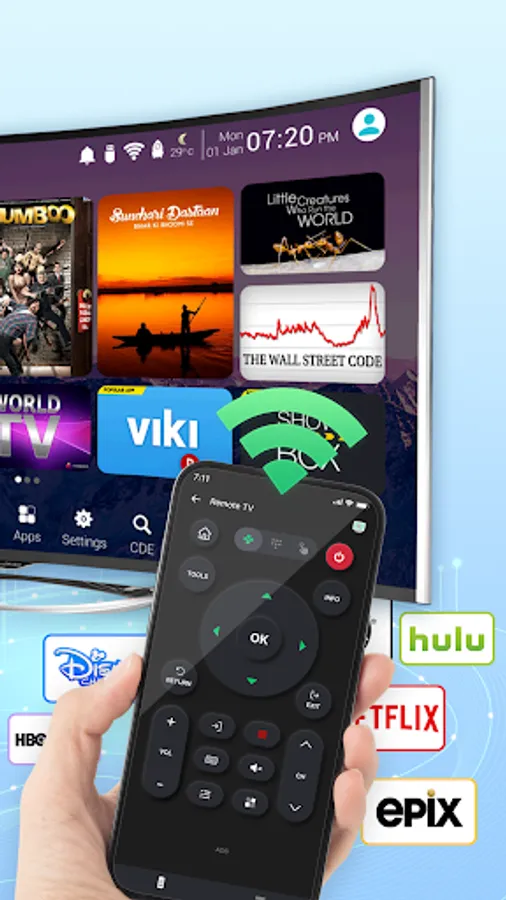
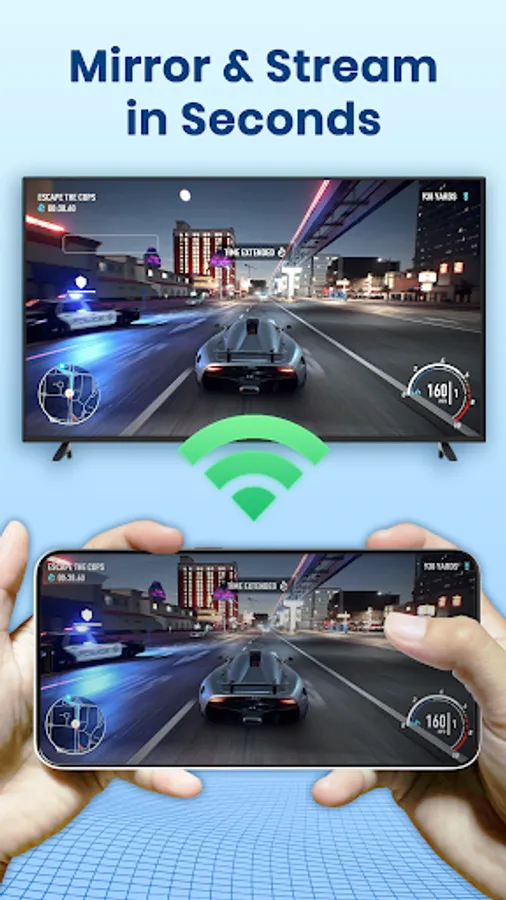
Universal TV Remote Control app offers an easy solution to control your Smart TV right from your phone. With a user-friendly design, it works with top TV brands like Samsung, Roku, LG, Sony, FireTV, AndroidTV, Vizio, and Hisense. Connect your phone to your TV via WIFI and control functions like volume, channels, and input sources easily. Whether watching movies, gaming, or relaxing, this app gives you convenient control wherever you are. Try it today and experience TV control like never before.
Key Features:
- Automatically finds Smart TVs on the same WIFI network
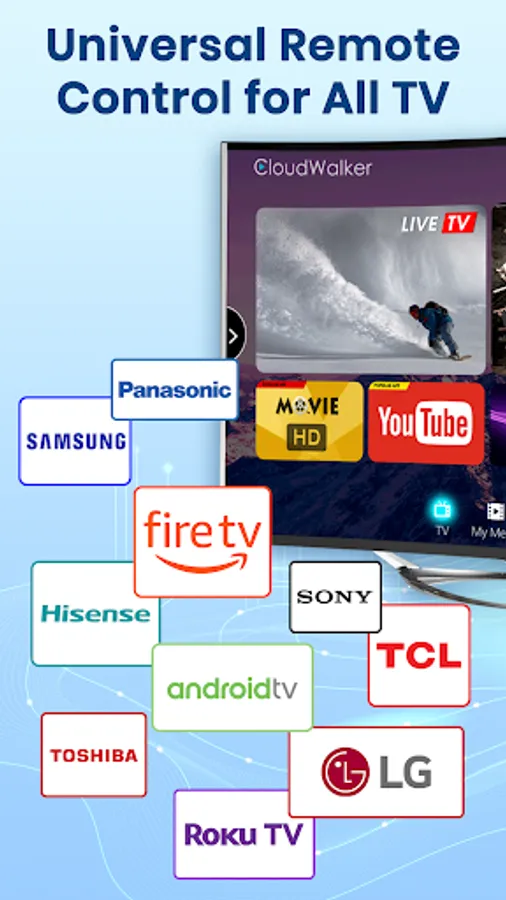
- Supports major TV brands
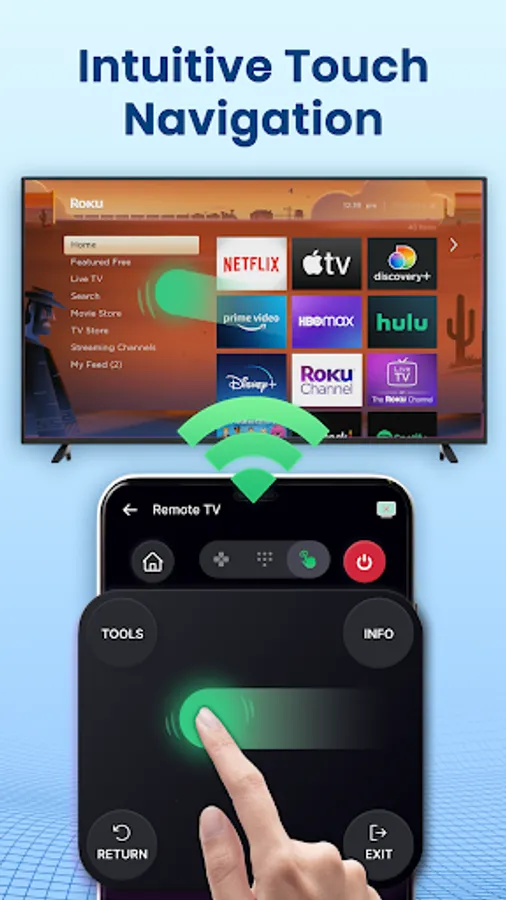
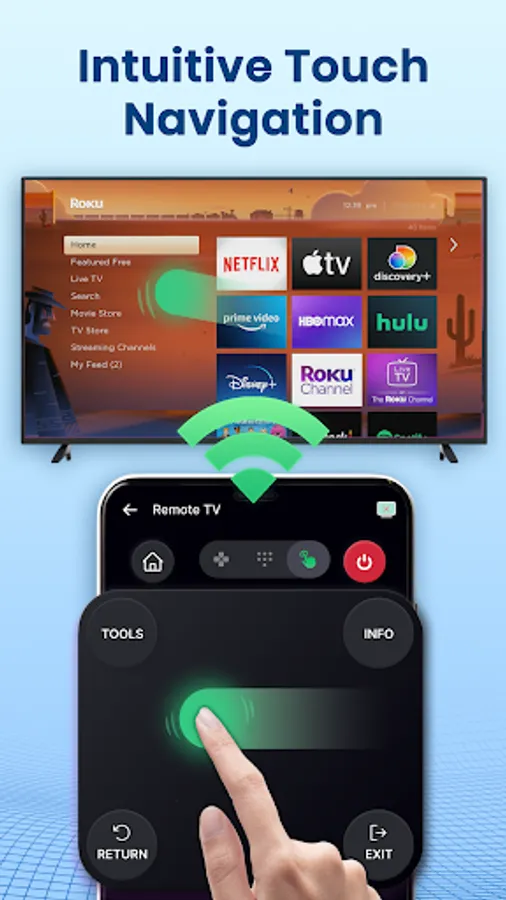
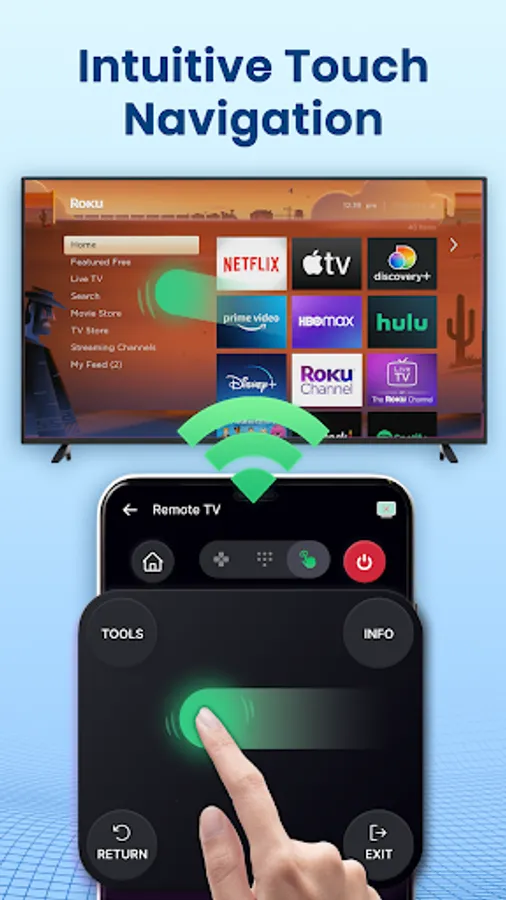
- Large touchpad for easy navigation
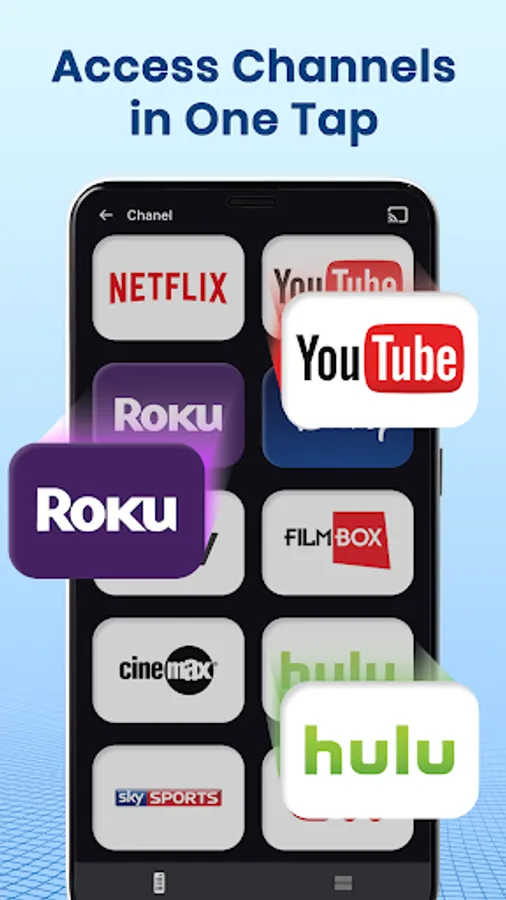
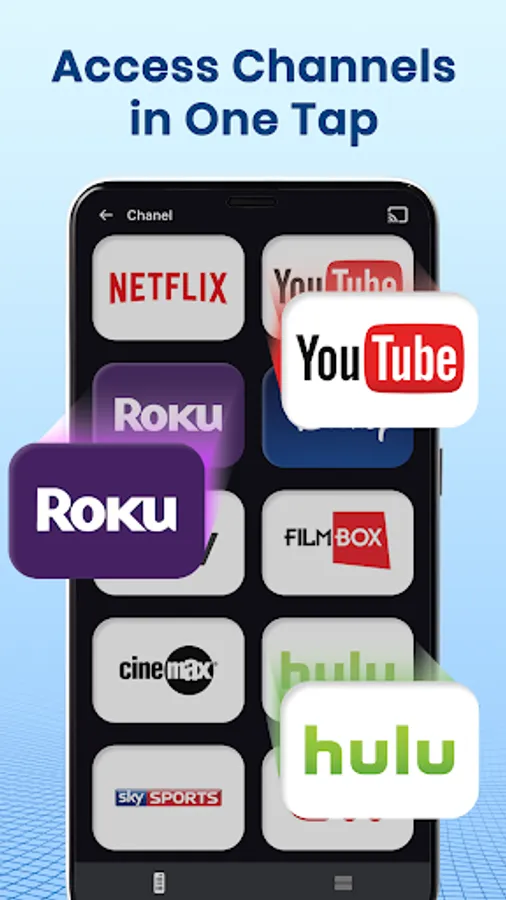
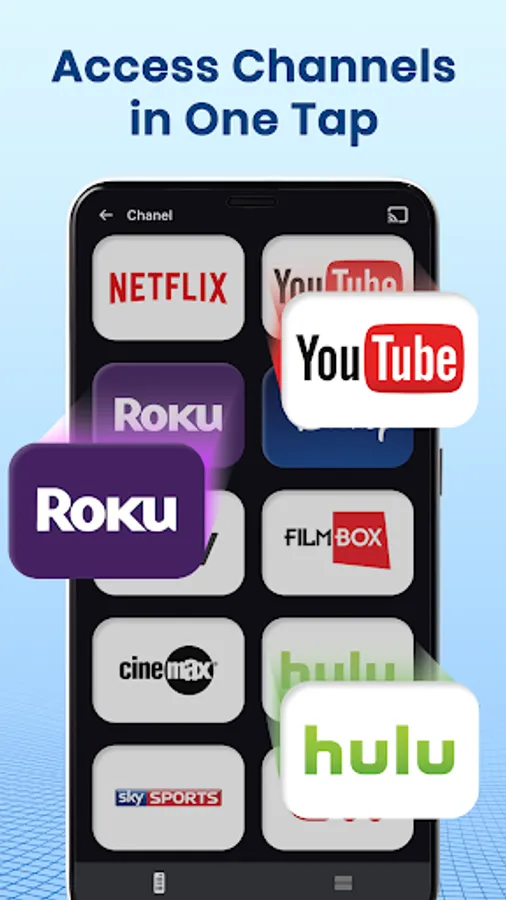
- Start channels directly from the app
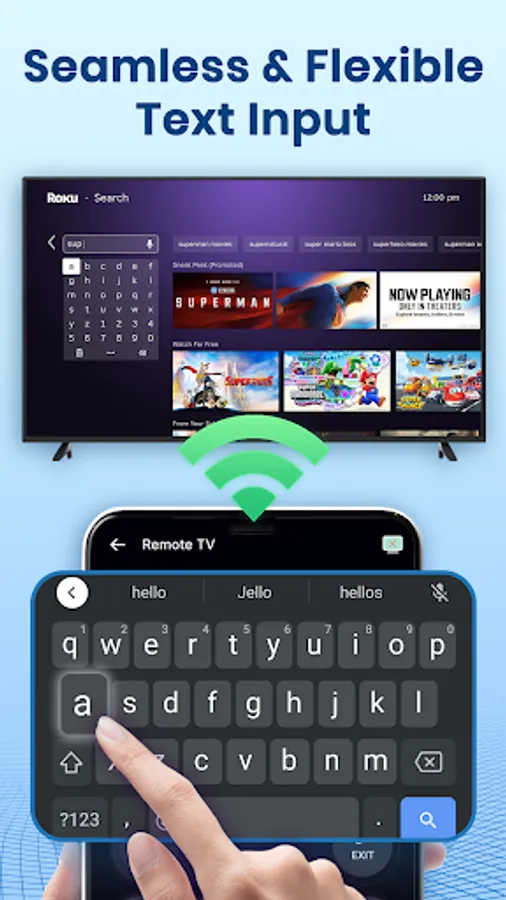
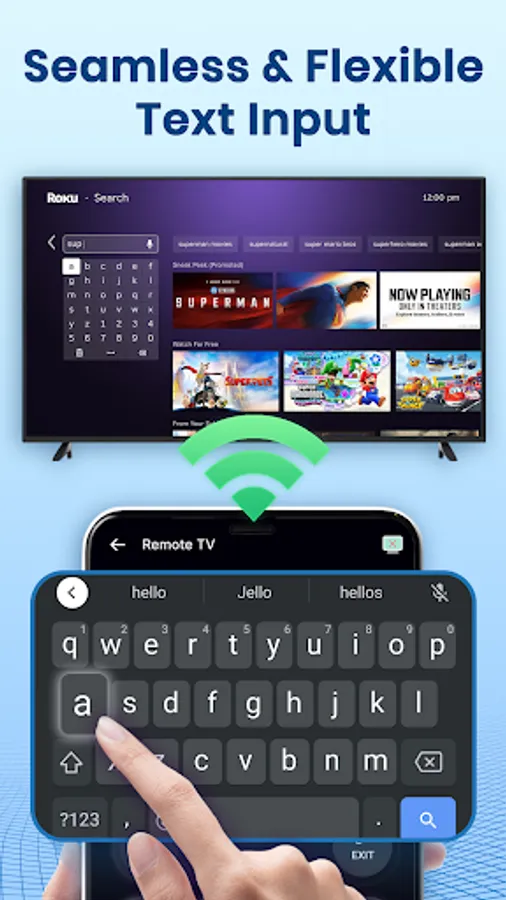
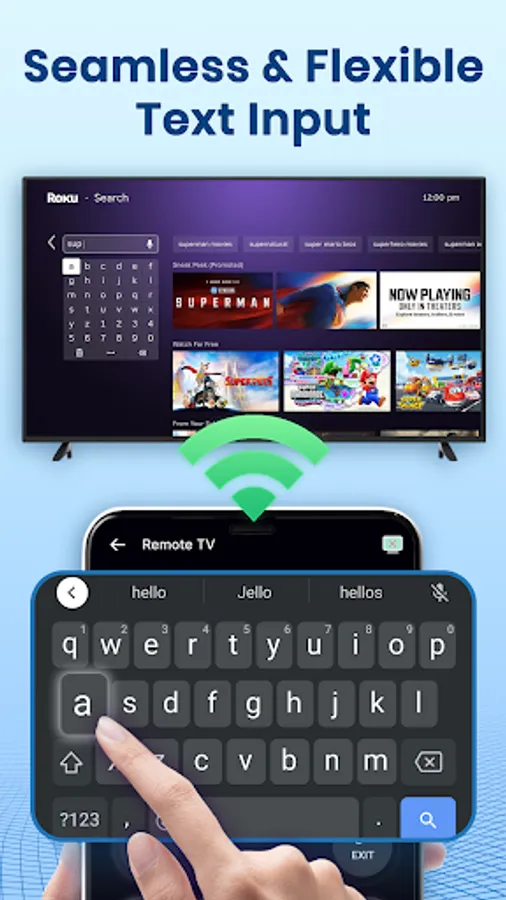
- Simple keyboard for fast typing
- Hands-free voice search
👉 Use Universal TV Remote Control app to Replace
✅ Smart TV remote for Samsung TV
✅ Control remote for Sony TV
✅ Smart TV remote for LG TV
✅ Smart TV remote for Roku TV
✅ TV Remote for TCL TV
✅ Smart TV remote for Fire TV
✅ Control TV remote for Chromecast
✅ Control TV remote for Panasonic
✅ Control TV remote for Philips
✅ Smart TV remote for Android Box TV
✅ TV remote for Xiaomi TV
✅ Remote control for EcoStar TV
✅ TV remote for Toshiba
✅ Smart TV remote for IR Blaster TV and many more
How to use the Universal TV Remote Control app:
1. Download and install the universal replacement remote app
2. Click and select a TV brand or Stick like Fire TV, Fire Stick, Samsung, Roku, LG webOS TV, etc.
3. Tap to connect the universal TV remote app to the Smart TV
4. Finish! TV Remote control is ready to use.
💡 Disclaimer
- This Universal TV Remote Control app is not affiliated with the TV brands available in this app.
- All copyrights are duly respected and reserved to their respective owners.
- If you observe any content in our app that violates copyrights, kindly notify us, and we will promptly rectify the issue.
Universal TV Remote Control app is an excellent device that provides convenience and simplicity to your TV-watching experience. With its all-in-one features, touchscreen interface, and programmable options, you can control your TV with ease. It is a must-have gadget for anyone who loves to watch TV and wants to make their life easier.
Download Universal TV Remote Control app now and enjoy hassle-free control of your TV!
☎ Connect with Us: maxlabs.ltd@gmail.com
😤 Are You Tired of These Situations?
• Find your lost remote again and again
• The battery is drained fast
• Numerous remotes in home are similar in size, shape, and color
• Your remote often doesn’t respond
Universal TV Remote Control app offers an easy solution to control your Smart TV right from your phone. With a user-friendly design, it works with top TV brands like Samsung, Roku, LG, Sony, FireTV, AndroidTV, Vizio, and Hisense. Connect your phone to your TV via WIFI and control functions like volume, channels, and input sources easily. Whether watching movies, gaming, or relaxing, this app gives you convenient control wherever you are. Try it today and experience TV control like never before.
Key Features:
- Automatically finds Smart TVs on the same WIFI network
- Supports major TV brands
- Large touchpad for easy navigation
- Start channels directly from the app
- Simple keyboard for fast typing
- Hands-free voice search
👉 Use Universal TV Remote Control app to Replace
✅ Smart TV remote for Samsung TV
✅ Control remote for Sony TV
✅ Smart TV remote for LG TV
✅ Smart TV remote for Roku TV
✅ TV Remote for TCL TV
✅ Smart TV remote for Fire TV
✅ Control TV remote for Chromecast
✅ Control TV remote for Panasonic
✅ Control TV remote for Philips
✅ Smart TV remote for Android Box TV
✅ TV remote for Xiaomi TV
✅ Remote control for EcoStar TV
✅ TV remote for Toshiba
✅ Smart TV remote for IR Blaster TV and many more
How to use the Universal TV Remote Control app:
1. Download and install the universal replacement remote app
2. Click and select a TV brand or Stick like Fire TV, Fire Stick, Samsung, Roku, LG webOS TV, etc.
3. Tap to connect the universal TV remote app to the Smart TV
4. Finish! TV Remote control is ready to use.
💡 Disclaimer
- This Universal TV Remote Control app is not affiliated with the TV brands available in this app.
- All copyrights are duly respected and reserved to their respective owners.
- If you observe any content in our app that violates copyrights, kindly notify us, and we will promptly rectify the issue.
Universal TV Remote Control app is an excellent device that provides convenience and simplicity to your TV-watching experience. With its all-in-one features, touchscreen interface, and programmable options, you can control your TV with ease. It is a must-have gadget for anyone who loves to watch TV and wants to make their life easier.
Download Universal TV Remote Control app now and enjoy hassle-free control of your TV!
☎ Connect with Us: maxlabs.ltd@gmail.com