
LUMI
Qoobit Productions Inc.
Free
rated 2.0 stars
1,000+
downloads
About LUMI
The app includes the following modes:
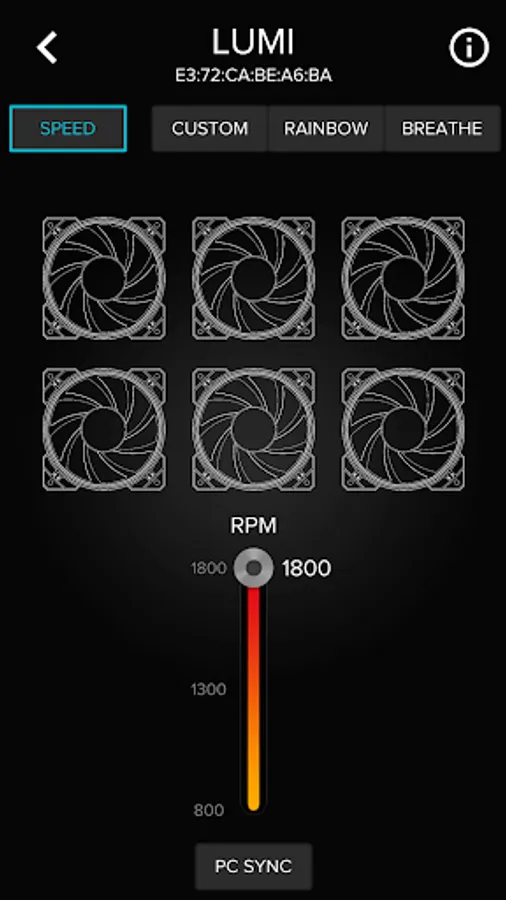
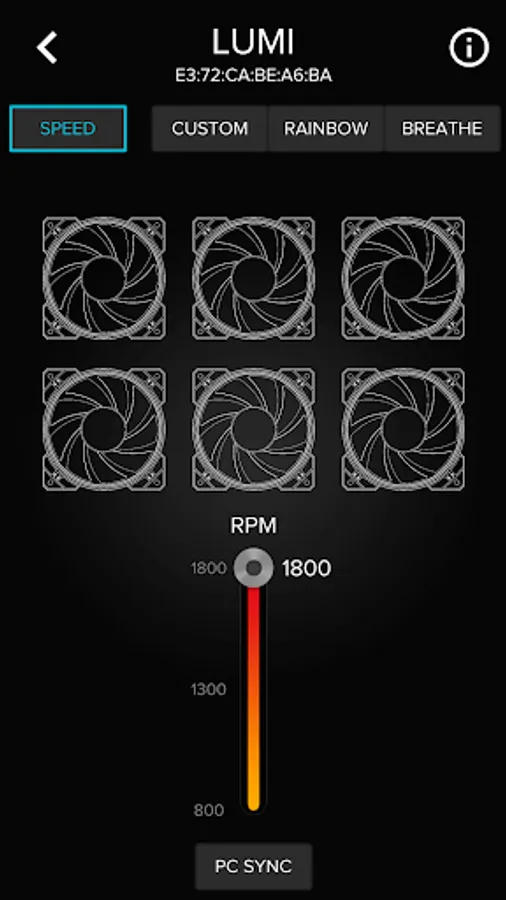
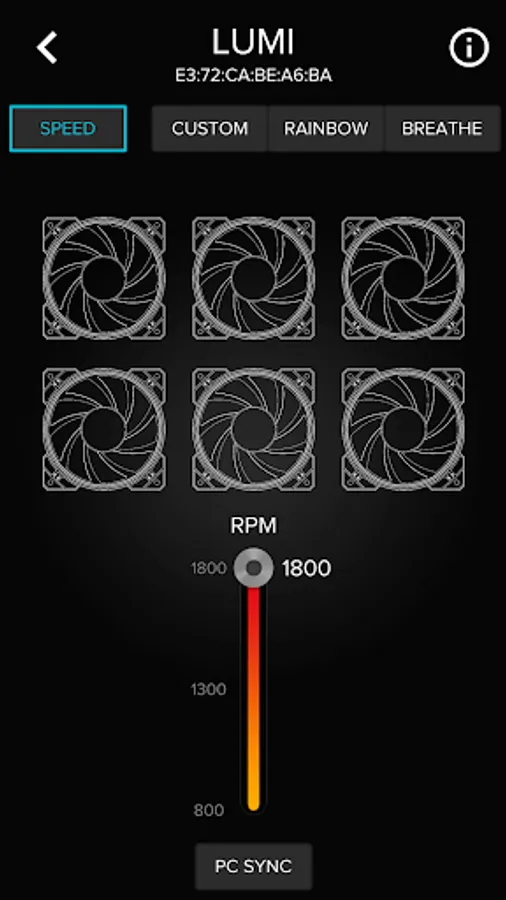
SPEED: Lets you control the fan speeds of the 6 connected fans. The “PC SYNC” button is for toggling control of the fan speed between the LUMI mobile app and you PC’s PWM.
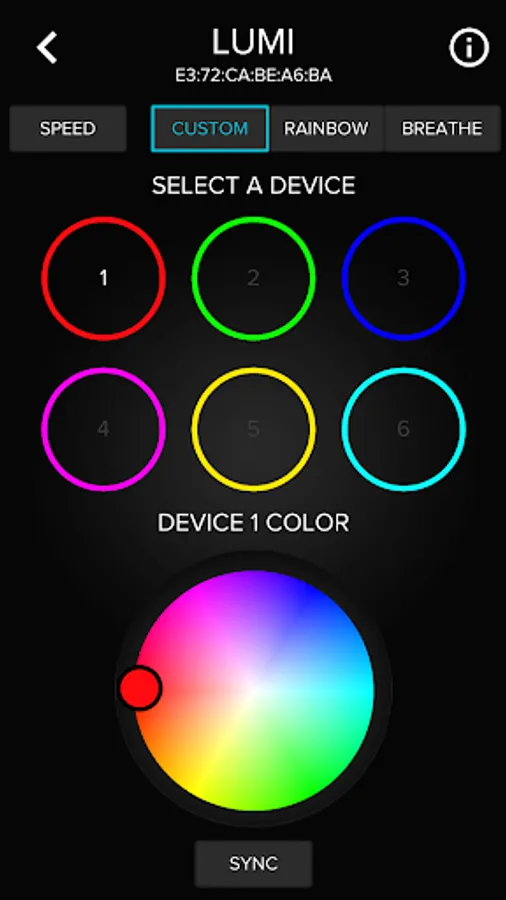
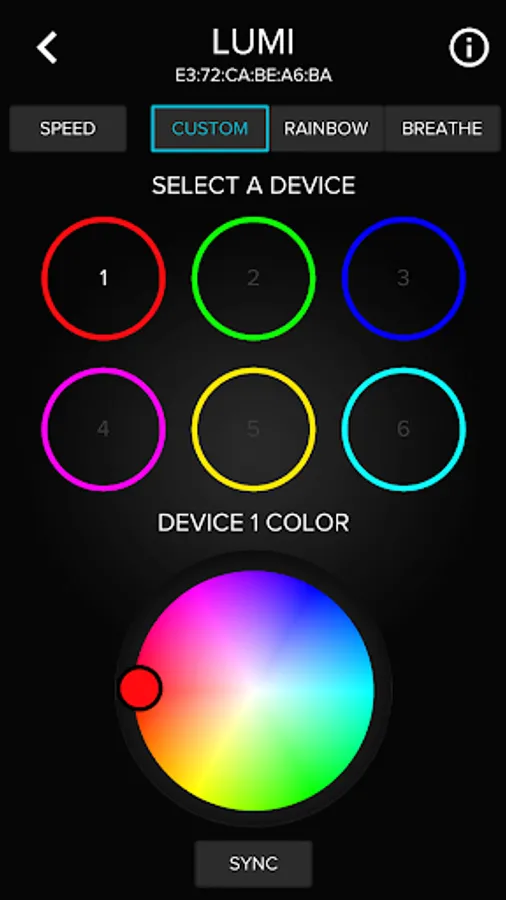
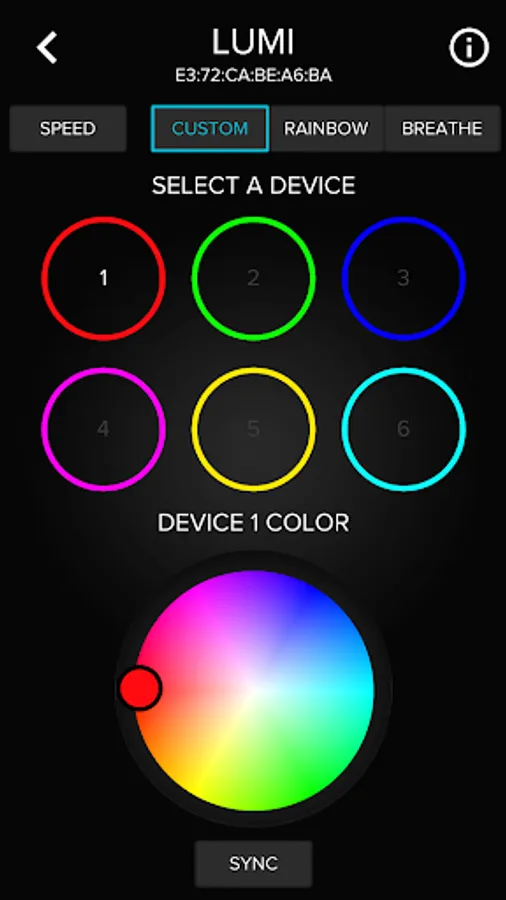
CUSTOM: Allows you to designate a single solid color for up to 6 individual devices. You can set 6 different colors for 6 different devices, or you can select a single color and apply it to all 6 devices by pressing the “SYNC” button.
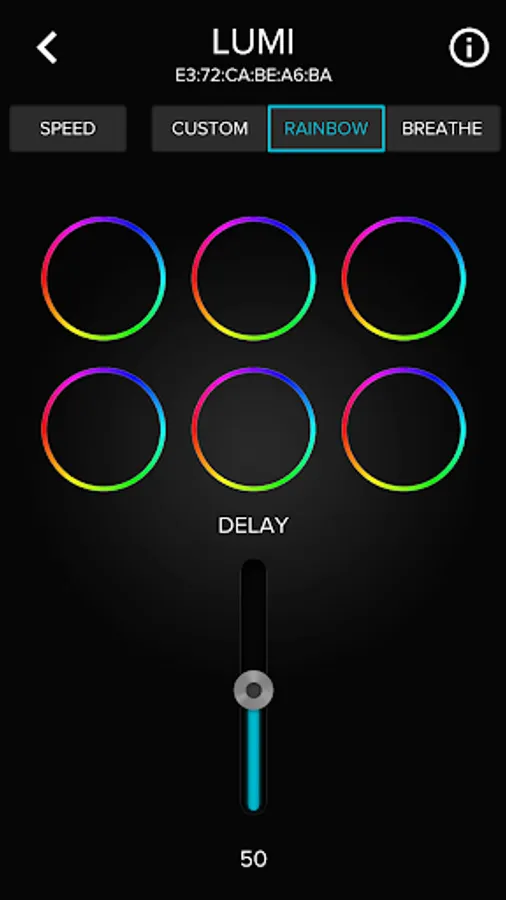
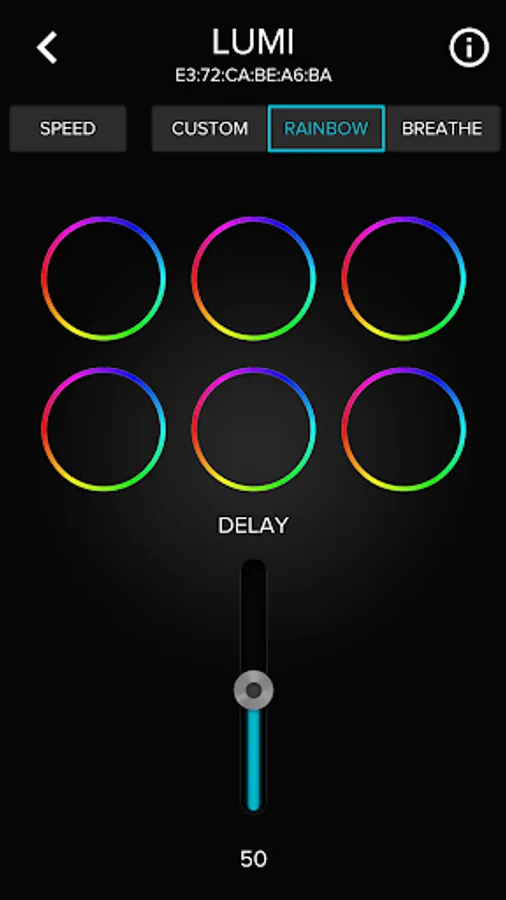
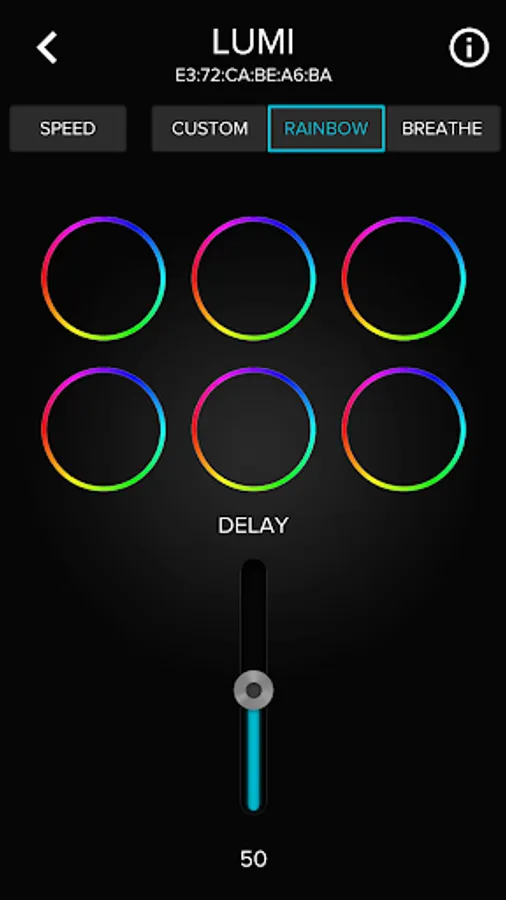
RAINBOW: Puts all connected devices into a rainbow color breathing mode, in which the lights cycle through all available colors. The delay between each color transition can be adjusted with the “Delay” slider.
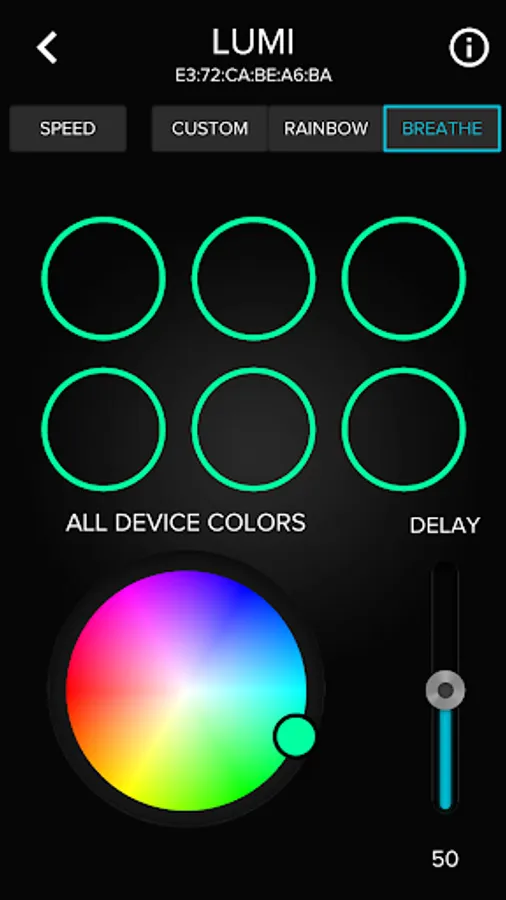
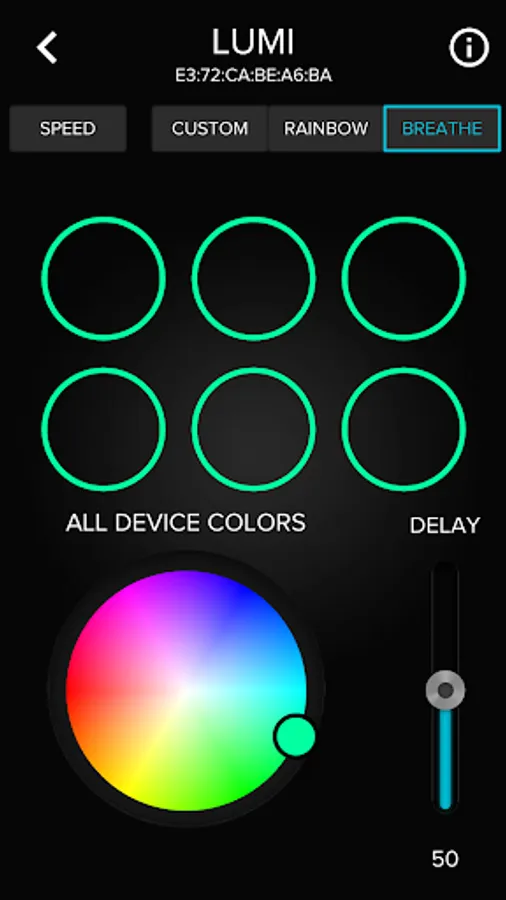
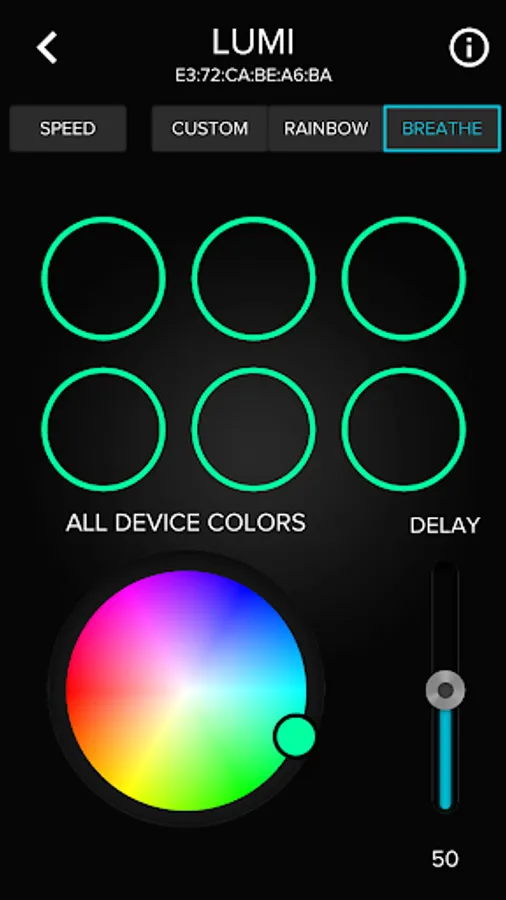
BREATHE: In this mode, you can apply a breathing light pattern to all connected devices. Select the color using the color wheel, and select the transition speed using the “Delay” slider.
More information please see AZZA website. http://www.azza-tek.com
SPEED: Lets you control the fan speeds of the 6 connected fans. The “PC SYNC” button is for toggling control of the fan speed between the LUMI mobile app and you PC’s PWM.
CUSTOM: Allows you to designate a single solid color for up to 6 individual devices. You can set 6 different colors for 6 different devices, or you can select a single color and apply it to all 6 devices by pressing the “SYNC” button.
RAINBOW: Puts all connected devices into a rainbow color breathing mode, in which the lights cycle through all available colors. The delay between each color transition can be adjusted with the “Delay” slider.
BREATHE: In this mode, you can apply a breathing light pattern to all connected devices. Select the color using the color wheel, and select the transition speed using the “Delay” slider.
More information please see AZZA website. http://www.azza-tek.com
LUMI Screenshots



Tap to Rate: