With this Tasker plugin, you can automate alarm management including setting, deleting, dismissing, and snoozing alarms. Includes support for Wear OS, next alarm retrieval, and customizable alarm screens.
AppRecs review analysis
AppRecs rating 4.2. Trustworthiness 0 out of 100. Review manipulation risk 0 out of 100. Based on a review sample analyzed.
★★★★☆
4.2
AppRecs Rating
Ratings breakdown
5 star
66%
4 star
17%
3 star
6%
2 star
0%
1 star
11%
What to know
✓
High user satisfaction
83% of sampled ratings are 4+ stars (4.2★ average)
✓
Authentic reviews
Natural distribution, no red flags
About ClockTask
***ClockTask is a Tasker plugin****
It supports Wear OS by Google
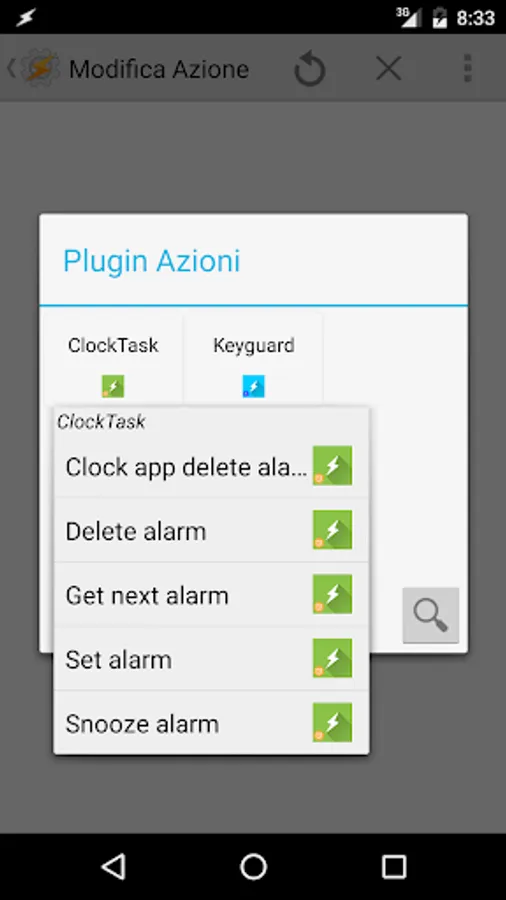
Actions:
-Set alarm (Jelly Bean and above)
-Delete alarm (Jelly Bean and above)
-Dismiss alarm set in default clock app (Marshmallow and above)
-Snooze alarm in default clock app (Marshmallow and above)
-Get next alarm (set by any app) (Lollipop and above)
-Change the look and feel of your alarm clock screen
Conditions:
-Next alarm change (of any app) (Lollipop and above)
-Dismissed or snoozed alarm (Jelly Bean and above)
-Show alarms (triggered when user clicks on alarm app in quick settings)
Note: it seems there's a bug in Samsung clock app and the plugin actions don't work with Samsung stock clock app.
It supports Wear OS by Google
Actions:
-Set alarm (Jelly Bean and above)
-Delete alarm (Jelly Bean and above)
-Dismiss alarm set in default clock app (Marshmallow and above)
-Snooze alarm in default clock app (Marshmallow and above)
-Get next alarm (set by any app) (Lollipop and above)
-Change the look and feel of your alarm clock screen
Conditions:
-Next alarm change (of any app) (Lollipop and above)
-Dismissed or snoozed alarm (Jelly Bean and above)
-Show alarms (triggered when user clicks on alarm app in quick settings)
Note: it seems there's a bug in Samsung clock app and the plugin actions don't work with Samsung stock clock app.
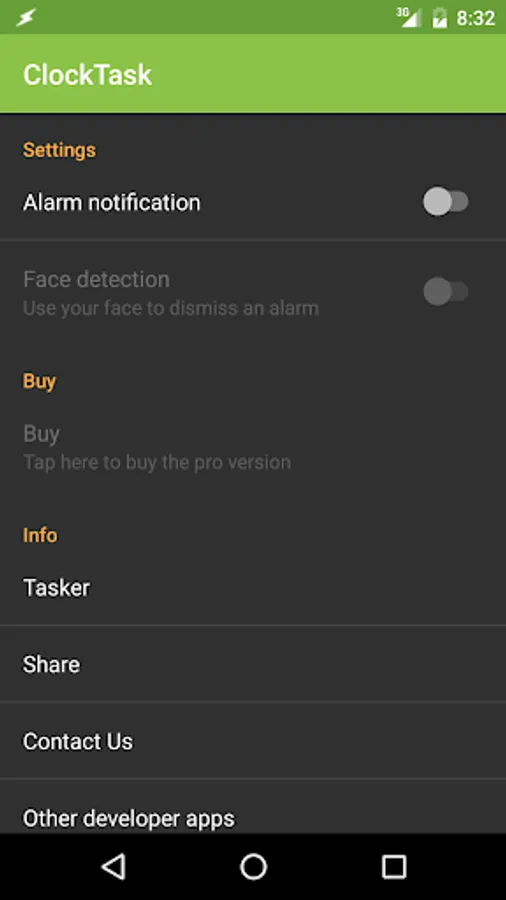
ClockTask Screenshots
Tap to Rate: