With this plugin, you can integrate Google Assistant input with Tasker to automate tasks on your phone or smartwatch. Includes support for multiple match rules and voice commands.
AppRecs review analysis
AppRecs rating 3.7. Trustworthiness 0 out of 100. Review manipulation risk 0 out of 100. Based on a review sample analyzed.
★★★☆☆
3.7
AppRecs Rating
Ratings breakdown
5 star
52%
4 star
13%
3 star
8%
2 star
5%
1 star
22%
What to know
✓
Good user ratings
65% positive sampled reviews
✓
Authentic reviews
Natural distribution, no red flags
About Tasker Now
******This is a Tasker plugin, it requires: Tasker 4.4+******
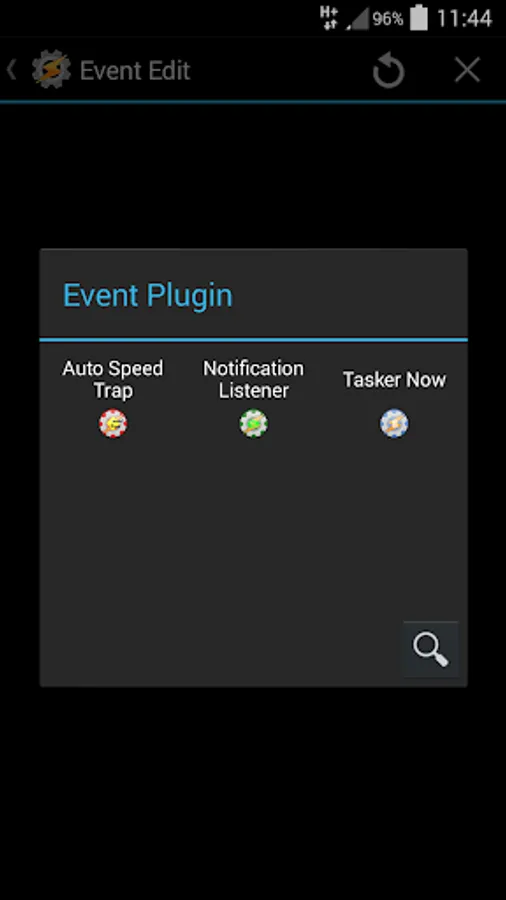
Use Google Assistant as input for Tasker from your phone or smartwatch! To setup a profile with Tasker Now open Tasker and select "Event" in the Profiles tab.
Tell about us:
TuttoAndroid - http://www.tuttoandroid.net/applicazioni/tasker-now-permette-di-usare-google-now-come-input-per-tasker-244141/
HdBlog - http://android.hdblog.it/2015/01/07/tasker-now-comandi-google-now/
AndroidWorld - http://www.androidworld.it/2015/01/07/tasker-google-now-insieme-per-lassistente-vocale-definitivo-267042/
How to activate on Android Wear:
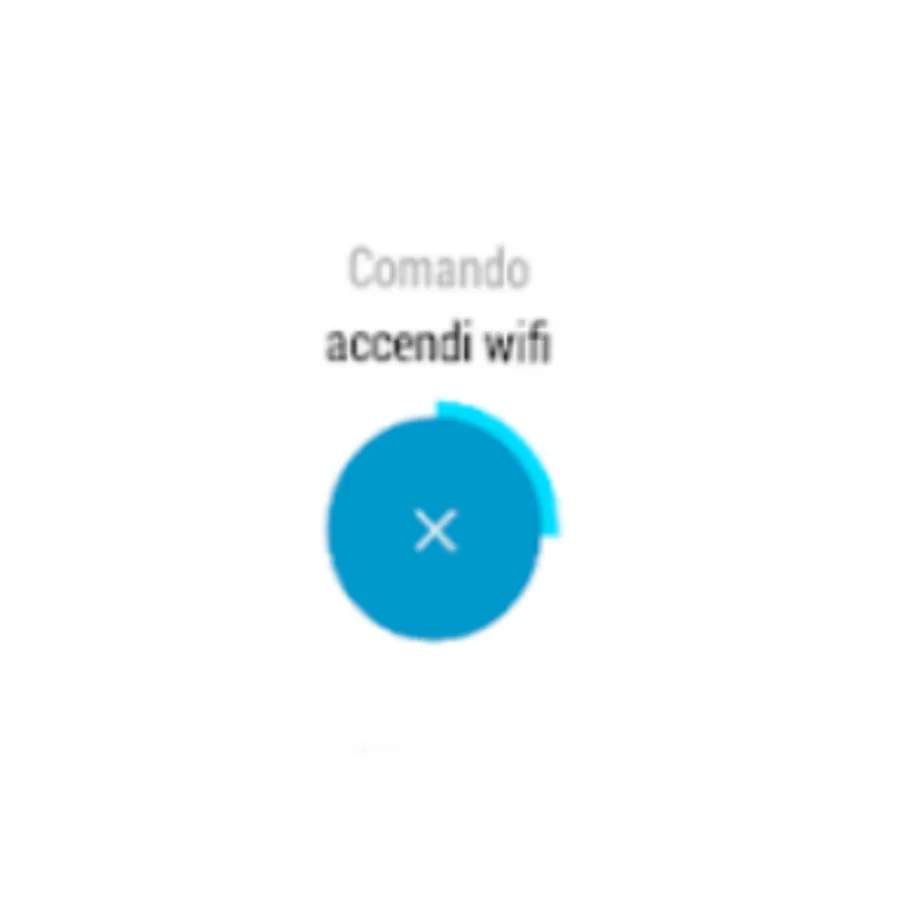
1) Say "take a note" and then the command
2) Say "start vocal command" and then say the command
3) Open the app and then say the command
4) Send a special notification from smartphone. The notification is sent via a Tasker Now action in Tasker.
5) Shaking
To access to the settings on Wear:
Open the app on wear and swipe to the right
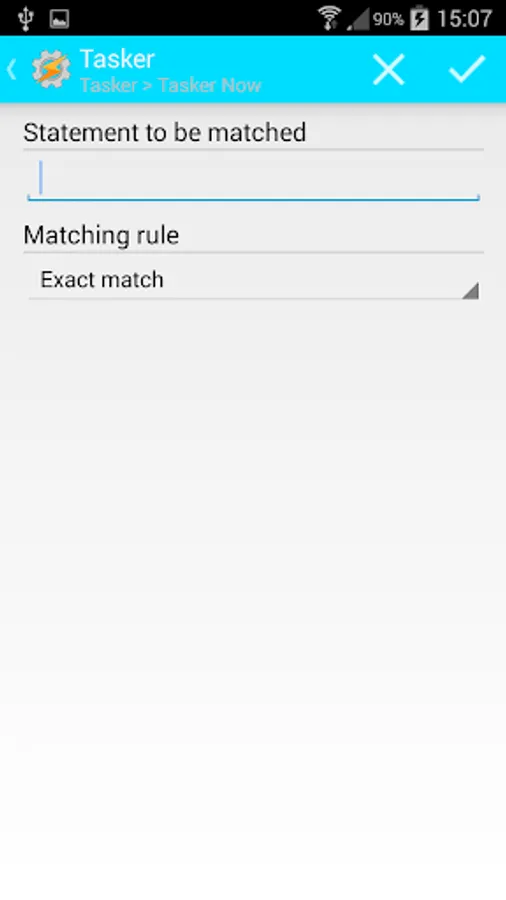
Several match rules:
- exact match
- at least one word
- all the word specified
- start with rule
- end with rule
- regular expression
- sub-string rule
- template rule (a template is for example "send <contact> message <msg>", the plug is going to create two custom variables called %contact and %msg filled with your words)
- ignore punctuation
you can use Tasker variables in the edit text and you can detect a language offline.
On a smartphone you can use the accessibility service or use a sentence of this kind:
"Ok Google, search in Tasker Now"
Some images from: http://www.wear-generator.com according to CC BY 3.0 http://creativecommons.org/licenses/by/3.0/
Use Google Assistant as input for Tasker from your phone or smartwatch! To setup a profile with Tasker Now open Tasker and select "Event" in the Profiles tab.
Tell about us:
TuttoAndroid - http://www.tuttoandroid.net/applicazioni/tasker-now-permette-di-usare-google-now-come-input-per-tasker-244141/
HdBlog - http://android.hdblog.it/2015/01/07/tasker-now-comandi-google-now/
AndroidWorld - http://www.androidworld.it/2015/01/07/tasker-google-now-insieme-per-lassistente-vocale-definitivo-267042/
How to activate on Android Wear:
1) Say "take a note" and then the command
2) Say "start vocal command" and then say the command
3) Open the app and then say the command
4) Send a special notification from smartphone. The notification is sent via a Tasker Now action in Tasker.
5) Shaking
To access to the settings on Wear:
Open the app on wear and swipe to the right
Several match rules:
- exact match
- at least one word
- all the word specified
- start with rule
- end with rule
- regular expression
- sub-string rule
- template rule (a template is for example "send <contact> message <msg>", the plug is going to create two custom variables called %contact and %msg filled with your words)
- ignore punctuation
you can use Tasker variables in the edit text and you can detect a language offline.
On a smartphone you can use the accessibility service or use a sentence of this kind:
"Ok Google, search in Tasker Now"
Some images from: http://www.wear-generator.com according to CC BY 3.0 http://creativecommons.org/licenses/by/3.0/
Tasker Now Screenshots

Tap to Rate: