AppRecs review analysis
AppRecs rating 4.4. Trustworthiness 0 out of 100. Review manipulation risk 0 out of 100. Based on a review sample analyzed.
★★★★☆
4.4
AppRecs Rating
Ratings breakdown
5 star
72%
4 star
13%
3 star
5%
2 star
1%
1 star
8%
What to know
✓
High user satisfaction
86% of sampled ratings are 4+ stars (4.4★ average)
✓
Authentic reviews
Natural distribution, no red flags
About Multi Window
Multi Window
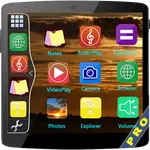
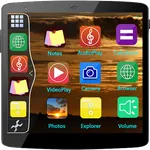
Multi Window is the app by which we can use floating apps in given apps multiple window tray. And by clicking on these apps, You can easily use another app in popup windows like float on screen.
Extra Features ::
# No root required
# Long press and Drag Drop Icons On Screen For Open App.
# You Can Increase And Decrease Speed Of Multi Window Tray.
# You Can Arrange Icons.
Types: Most used app, Recently used app and Alphabetical Order.
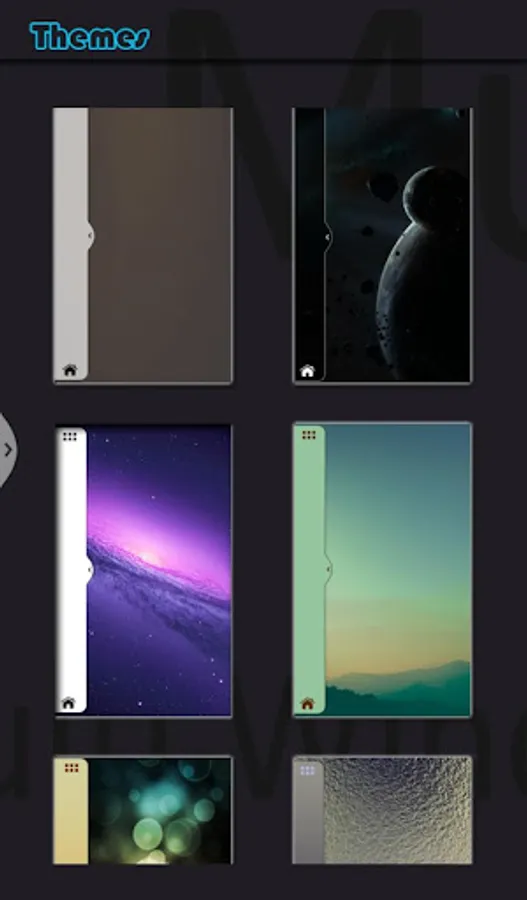
# You Can Select Many Different Default Themes.
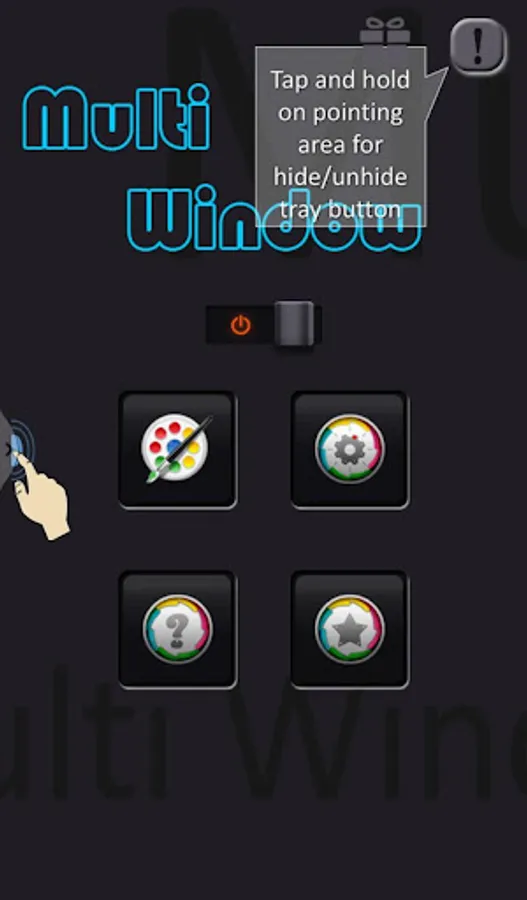
# You can hide and unhide On long pressing multi window Sidebar icon. (Follow Help )
# You can change transparency of slide bar.
# Customize color, animation speed,order and opacity.
# Service start automatically when phone restart Fix.
If You Have any Query Send Us : appsbanks@gmail.com
Note : This app is just like launcher of installed apps. We are not launching any app without installation.
If you really want to split your screen in two parts Download Pro version app :
Note : Download Ad Free Pro Version Of Multi Window : Split Screen On Link :
https://play.google.com/store/apps/details?id=com.bank.multiwindowpro
Multi Window is the app by which we can use floating apps in given apps multiple window tray. And by clicking on these apps, You can easily use another app in popup windows like float on screen.
Extra Features ::
# No root required
# Long press and Drag Drop Icons On Screen For Open App.
# You Can Increase And Decrease Speed Of Multi Window Tray.
# You Can Arrange Icons.
Types: Most used app, Recently used app and Alphabetical Order.
# You Can Select Many Different Default Themes.
# You can hide and unhide On long pressing multi window Sidebar icon. (Follow Help )
# You can change transparency of slide bar.
# Customize color, animation speed,order and opacity.
# Service start automatically when phone restart Fix.
If You Have any Query Send Us : appsbanks@gmail.com
Note : This app is just like launcher of installed apps. We are not launching any app without installation.
If you really want to split your screen in two parts Download Pro version app :
Note : Download Ad Free Pro Version Of Multi Window : Split Screen On Link :
https://play.google.com/store/apps/details?id=com.bank.multiwindowpro
Multi Window Screenshots
Tap to Rate: