
BoC Wallet
Bank of Cyprus Public Company Ltd
3.4 ★
889 ratings
50,000+
downloads
Free
With this mobile wallet app, you can add your VISA cards, unlock your device to make quick payments, and use NFC for contactless transactions. Includes card management, device security features, and customer support information.
AppRecs review analysis
AppRecs rating 3.4. Trustworthiness 0 out of 100. Review manipulation risk 0 out of 100. Based on a review sample analyzed.
★★★☆☆
3.4
AppRecs Rating
Ratings breakdown
5 star
40%
4 star
20%
3 star
10%
2 star
0%
1 star
30%
What to know
✓
Authentic reviews
Natural distribution, no red flags
⚠
High negative review ratio
30% of sampled ratings are 1–2 stars
About BoC Wallet
The BoC Wallet app is designed to make your everyday spending quicker and easier using your mobile device!
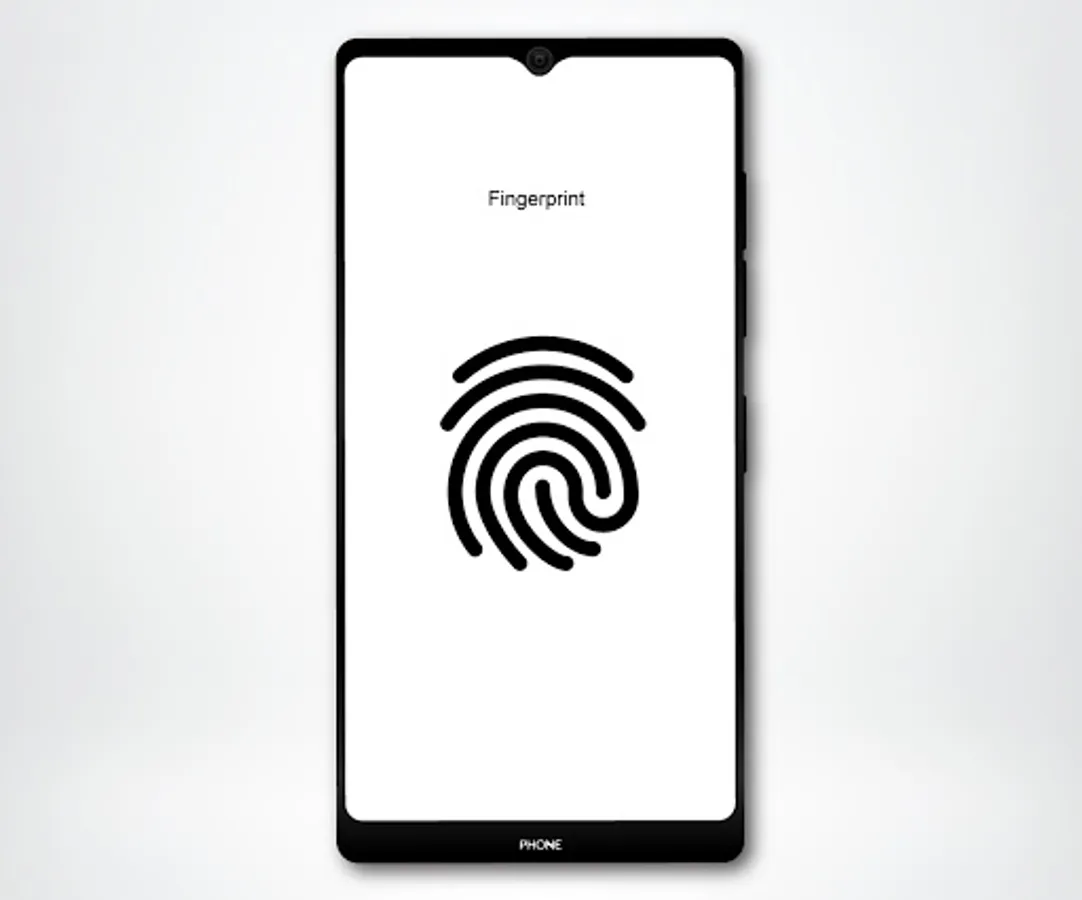
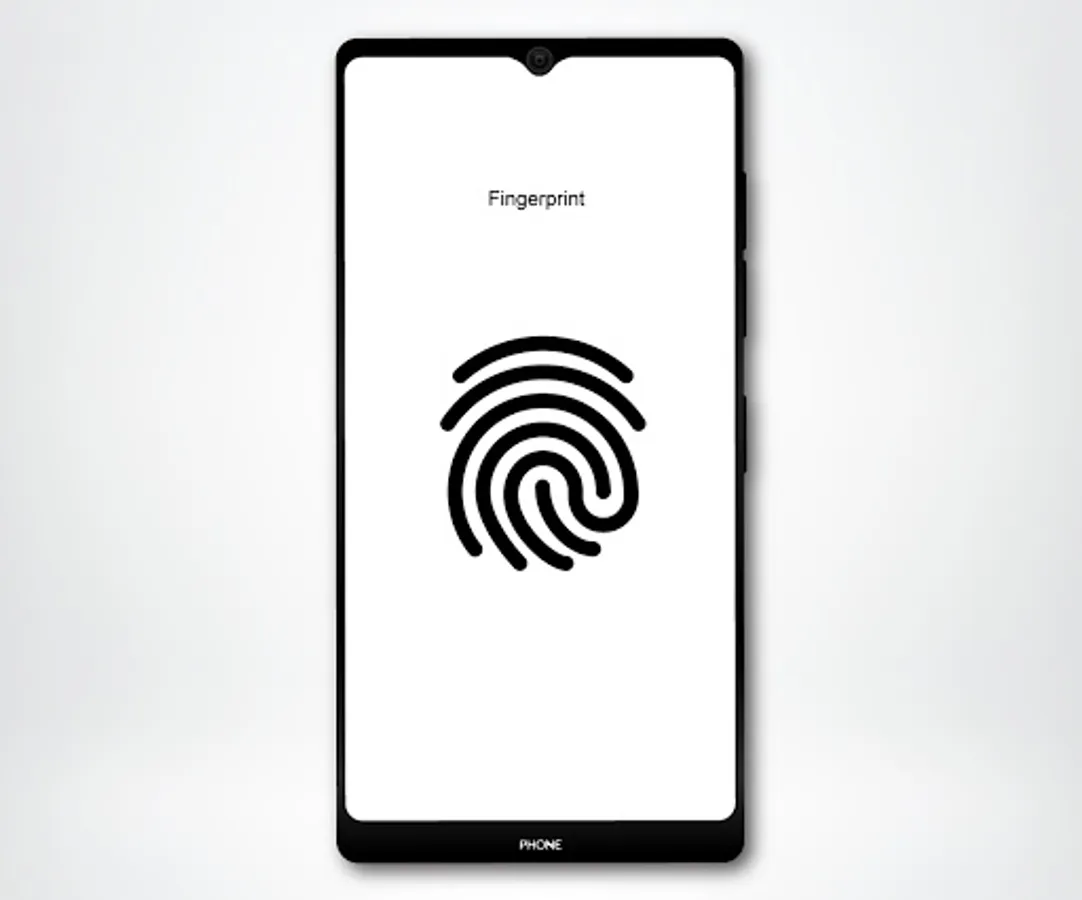
The device unlock mechanism allows you to pay with just one secure step, making the whole payment experience more enjoyable. The mechanism includes Fingerprint and PIN/Pattern/Password.
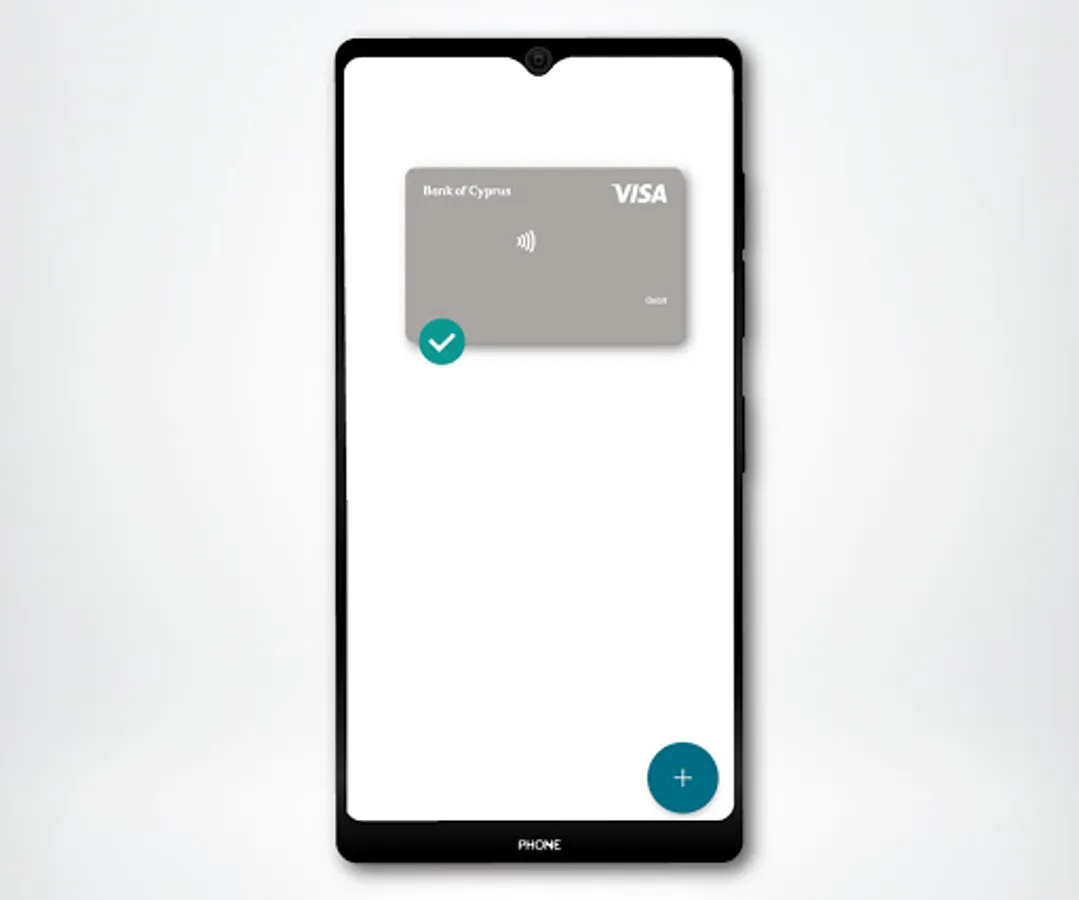
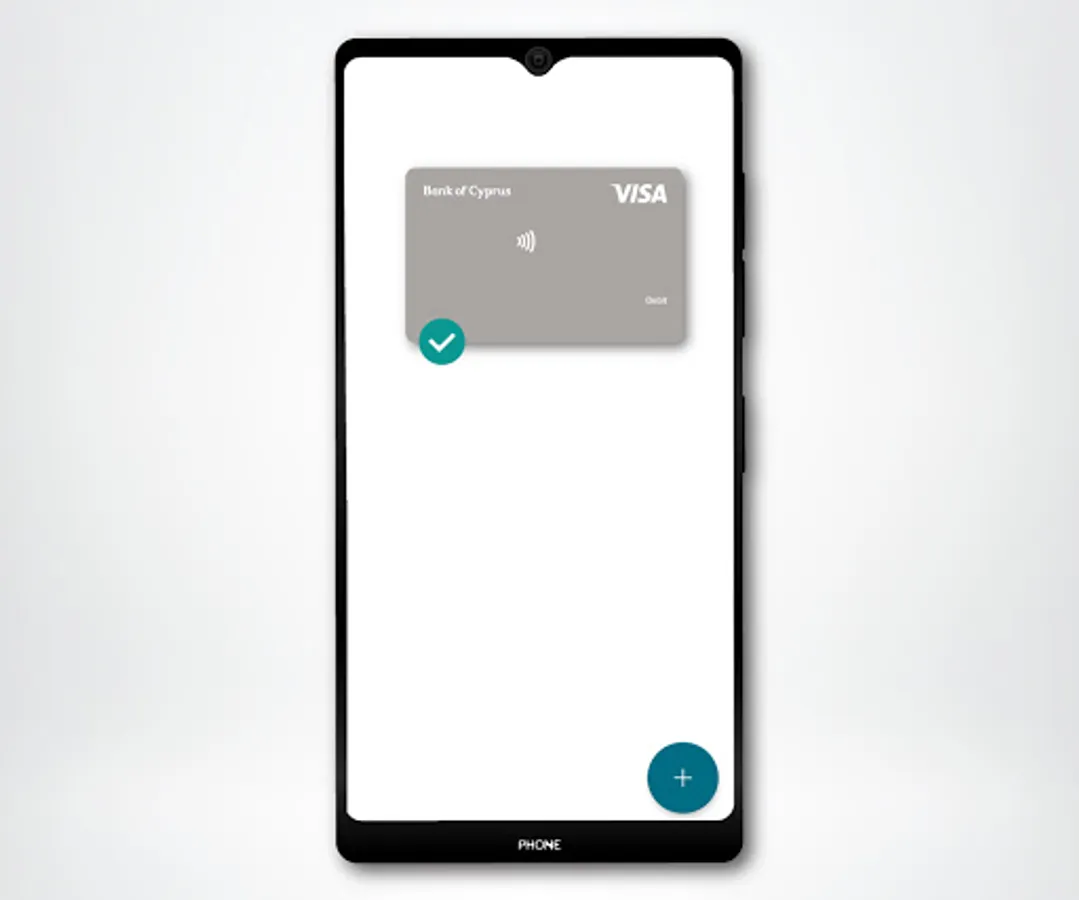
If you are a Bank of Cyprus cardholder then all you need to do is add your VISA cards to your BoC Wallet and you're set to go.
SIMPLE STEPS to add a VISA card to your wallet:
A. Through the BoC Mobile app
On the Cards page, select the VISA card you would like to add, swipe to the right, click on 'Add to Wallet' and follow the instructions on the screen
B. Directly through the BoC Wallet
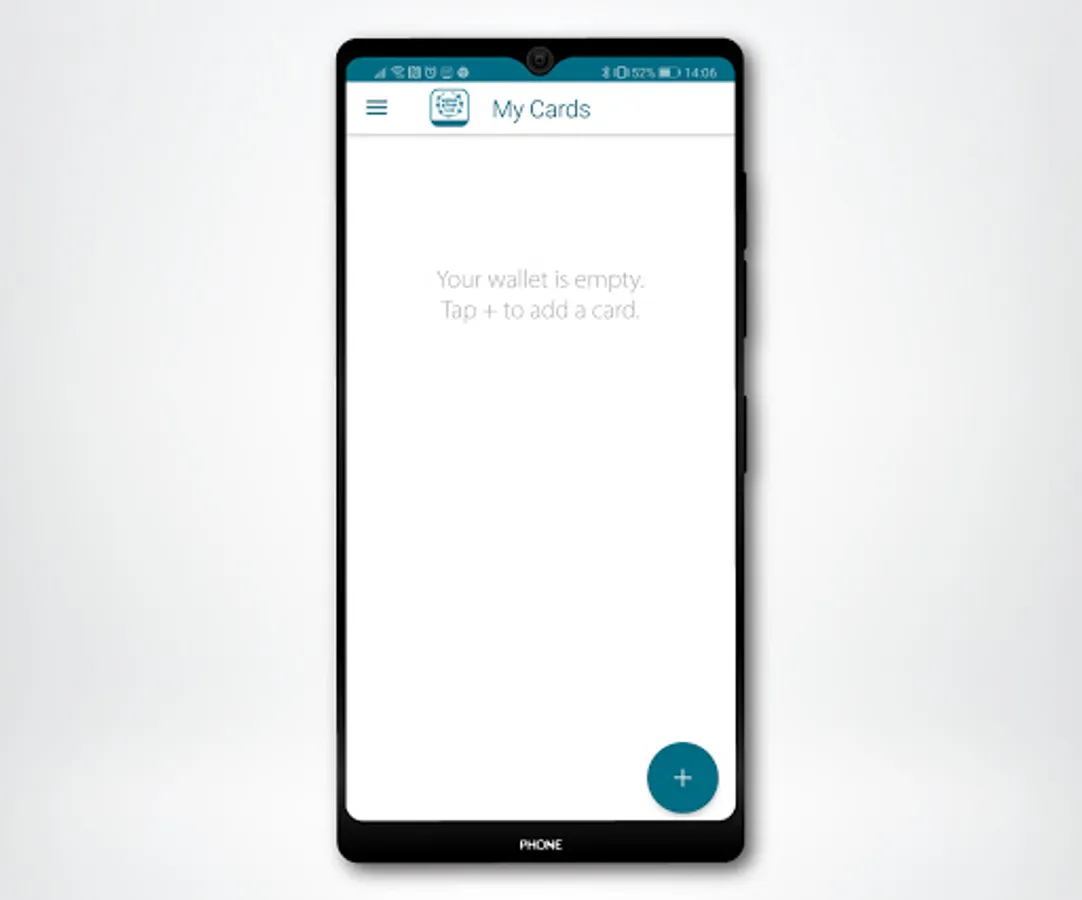
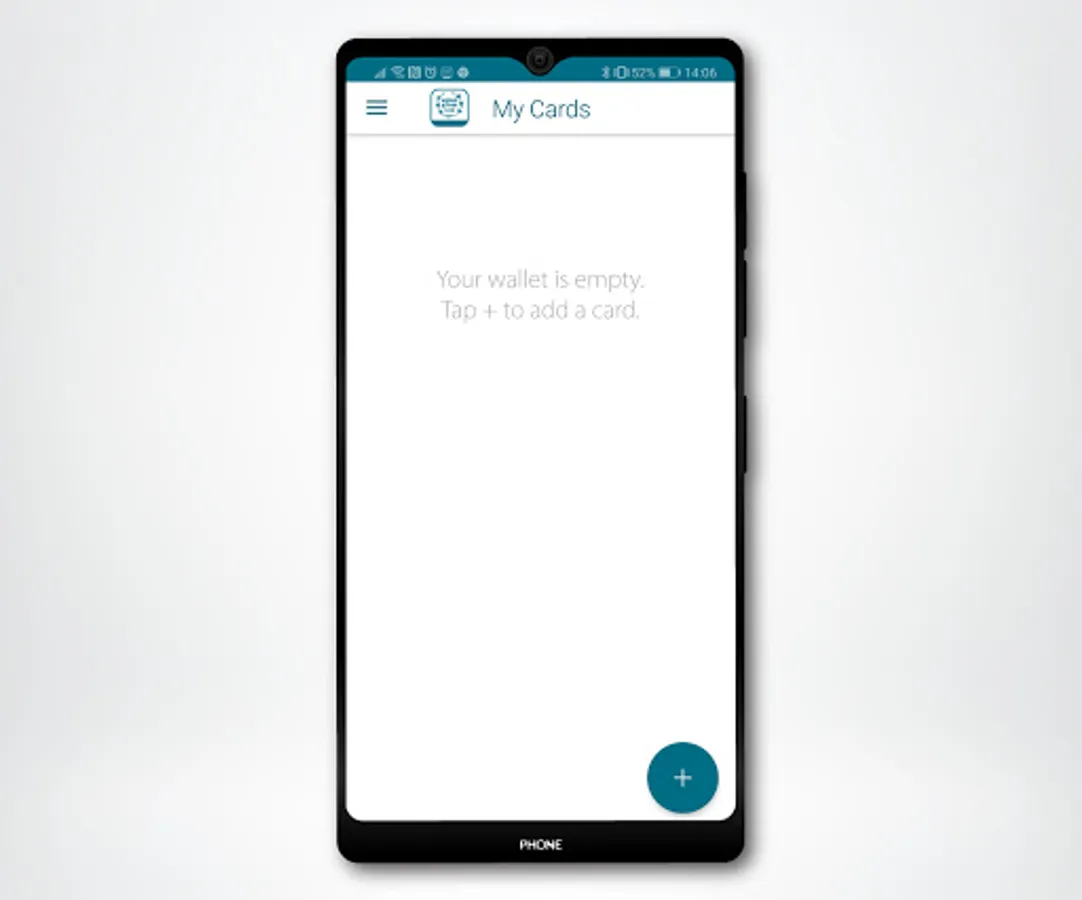
• Press + in the initial BoC Wallet app screen to enter your card details (or scan the card by pressing on the camera icon) and accept the Terms & Condition
• To authenticate your card, press Continue to receive and enter the OTP that will be sent by the Bank
• Activate the Device Unlock mechanism to compete the registration
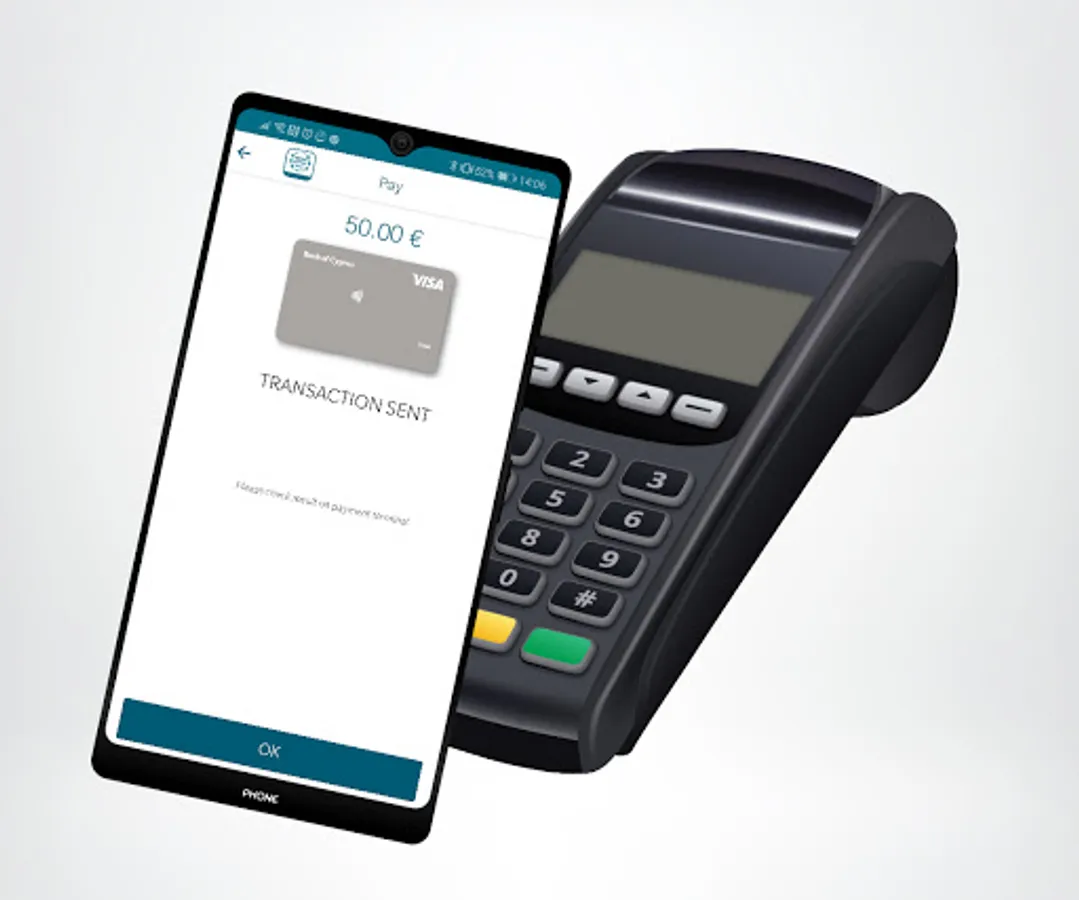
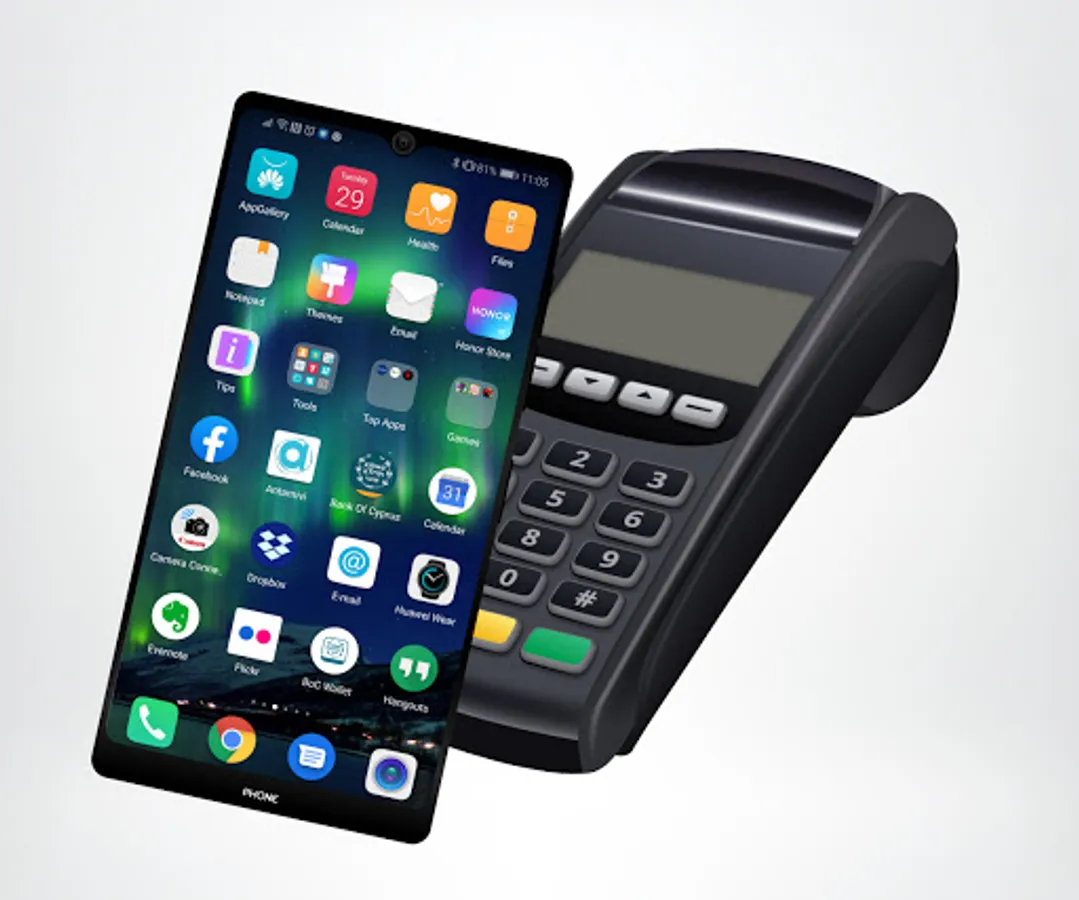
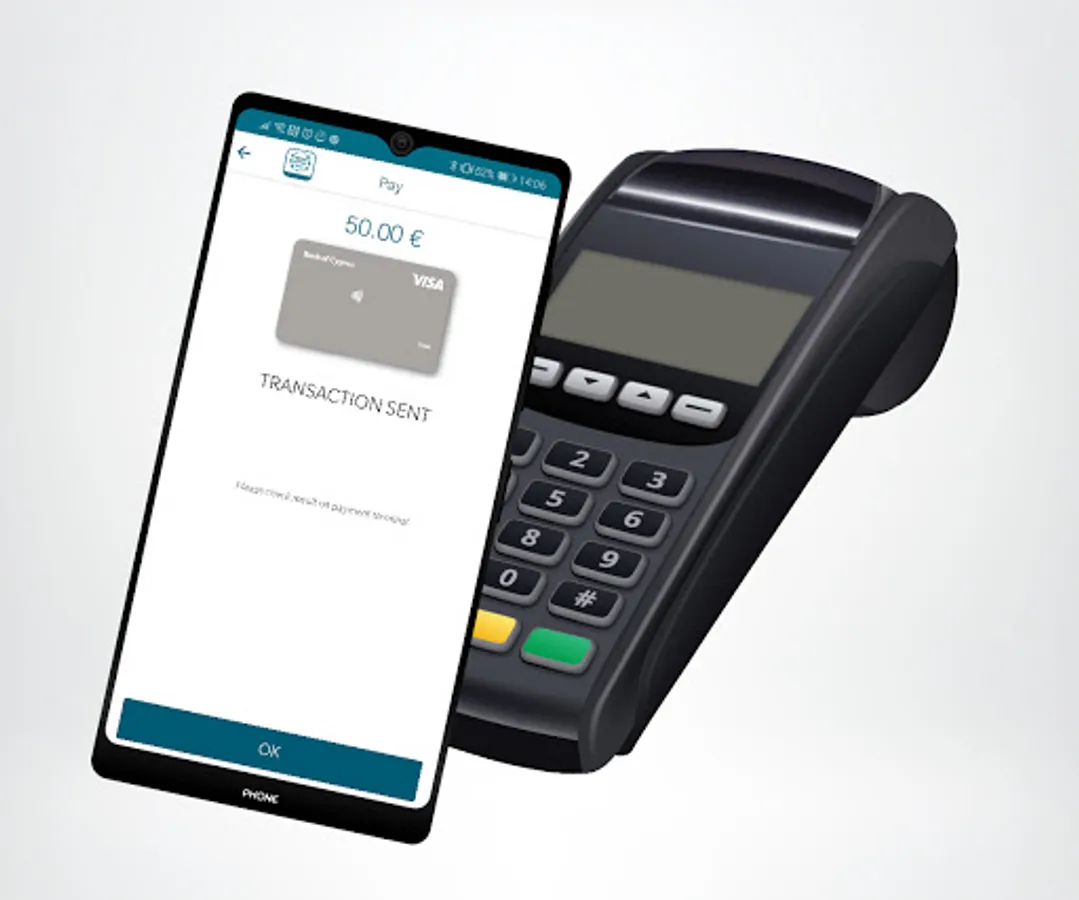
SIMPLE STEPS to make a payment with the BoC Wallet
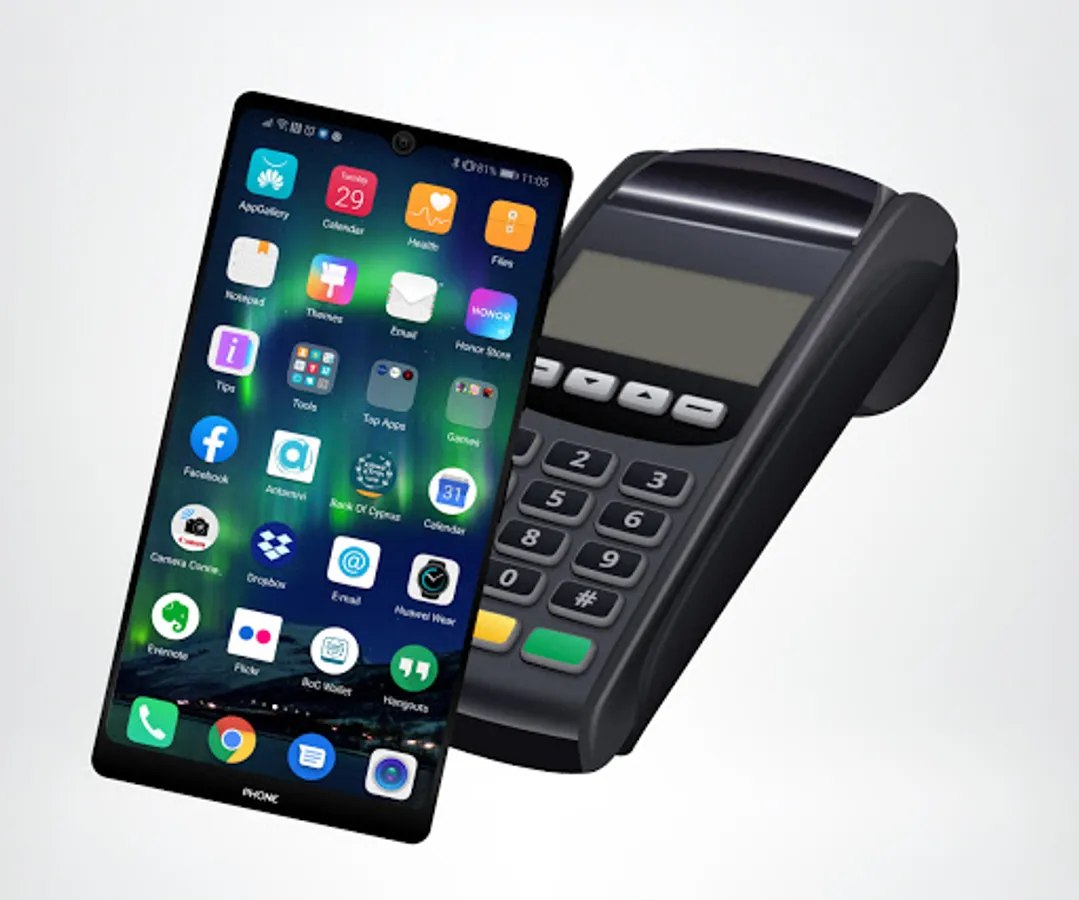
• Unlock your mobile device
• Tap on the POS terminal and you're set to go
During payments with the BoC wallet the NFC functionality must be on.
Important information for the BoC Wallet
• The service is offered FREE to all VISA cardholders
• The BoC Wallet is available only for Android devices with an operating system 6 and higher, NFC technology and device unlock mechanism
• Only VISA cards can be added to your BoC Wallet
For more information please contact us at:
• info@bankofcyprus.com
• 800 00 800 / (+357) 2212 8000 for international calls
The device unlock mechanism allows you to pay with just one secure step, making the whole payment experience more enjoyable. The mechanism includes Fingerprint and PIN/Pattern/Password.
If you are a Bank of Cyprus cardholder then all you need to do is add your VISA cards to your BoC Wallet and you're set to go.
SIMPLE STEPS to add a VISA card to your wallet:
A. Through the BoC Mobile app
On the Cards page, select the VISA card you would like to add, swipe to the right, click on 'Add to Wallet' and follow the instructions on the screen
B. Directly through the BoC Wallet
• Press + in the initial BoC Wallet app screen to enter your card details (or scan the card by pressing on the camera icon) and accept the Terms & Condition
• To authenticate your card, press Continue to receive and enter the OTP that will be sent by the Bank
• Activate the Device Unlock mechanism to compete the registration
SIMPLE STEPS to make a payment with the BoC Wallet
• Unlock your mobile device
• Tap on the POS terminal and you're set to go
During payments with the BoC wallet the NFC functionality must be on.
Important information for the BoC Wallet
• The service is offered FREE to all VISA cardholders
• The BoC Wallet is available only for Android devices with an operating system 6 and higher, NFC technology and device unlock mechanism
• Only VISA cards can be added to your BoC Wallet
For more information please contact us at:
• info@bankofcyprus.com
• 800 00 800 / (+357) 2212 8000 for international calls
BoC Wallet Screenshots
Tap to Rate: