AppRecs review analysis
AppRecs rating . Trustworthiness 75 out of 100. Review manipulation risk 22 out of 100. Based on a review sample analyzed.
★
AppRecs Rating
Ratings breakdown
5 star
100%
4 star
0%
3 star
0%
2 star
0%
1 star
0%
What to know
✓
Low review manipulation risk
22% review manipulation risk
✓
Credible reviews
75% trustworthiness score from analyzed reviews
✓
High user satisfaction
100% of sampled ratings are 5 stars
About BT Tennis Scoreboard
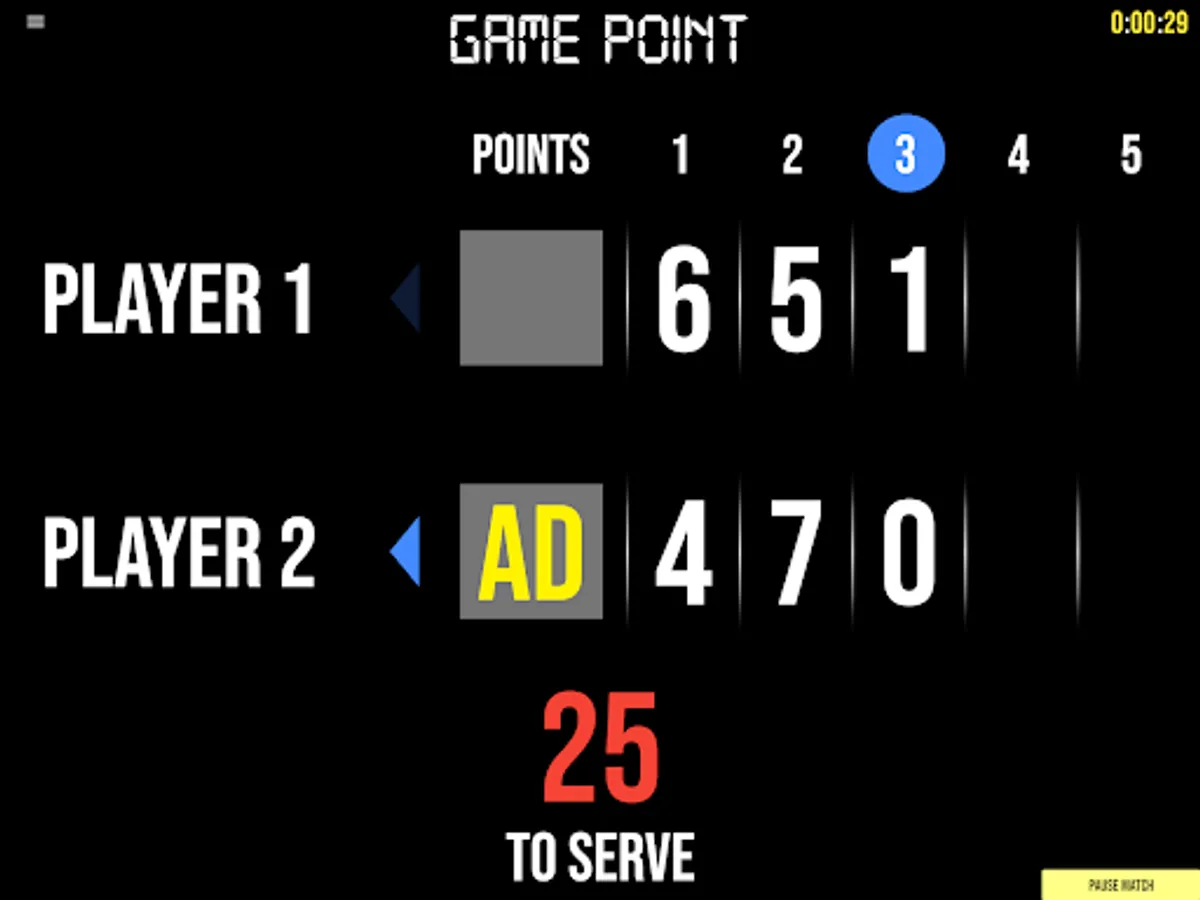
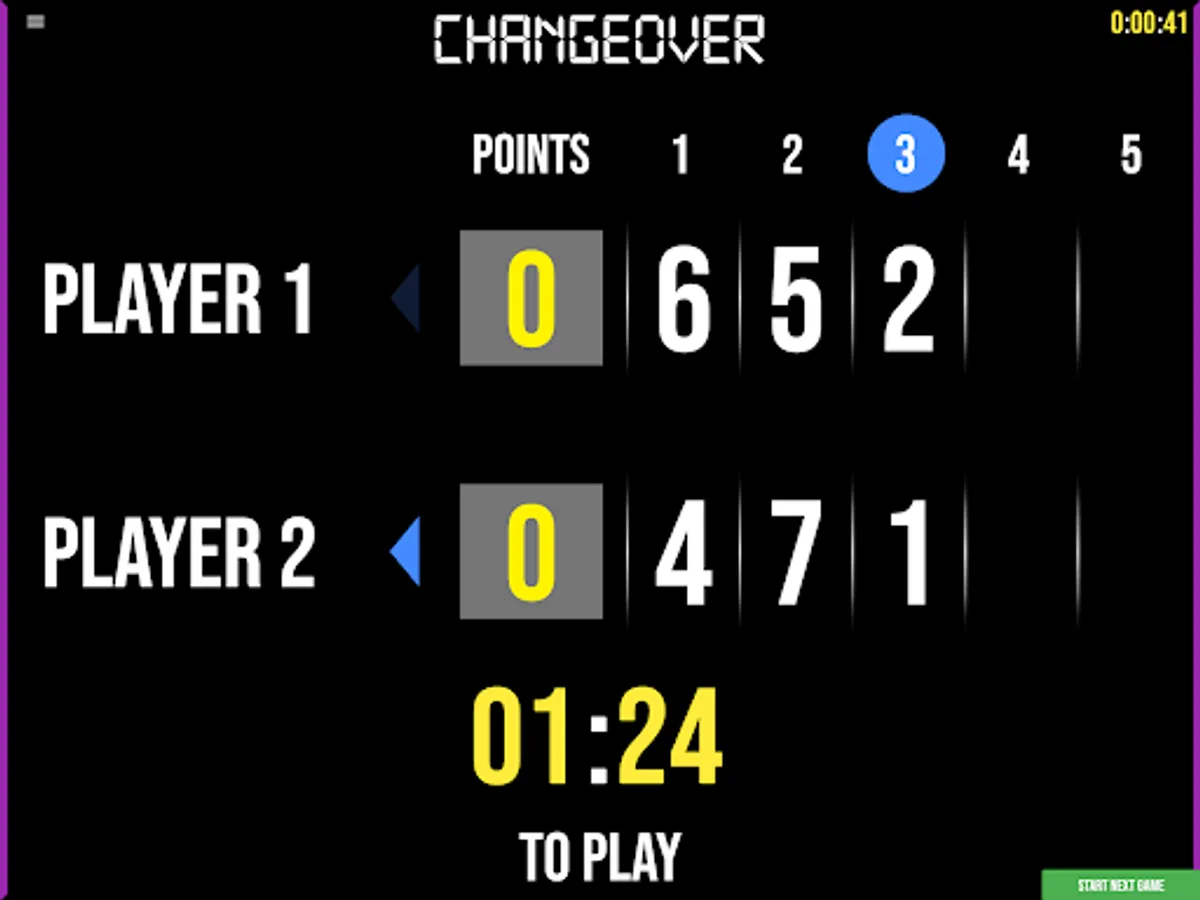
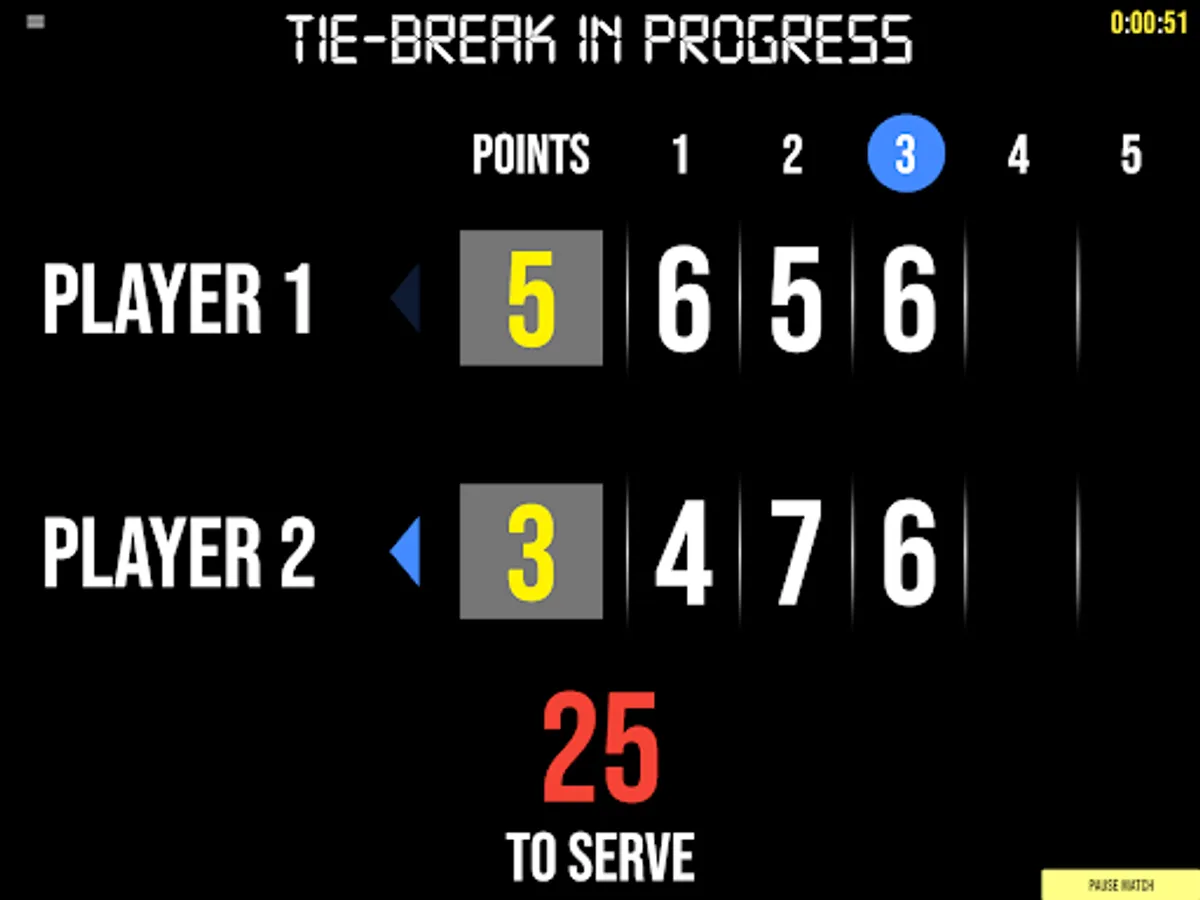
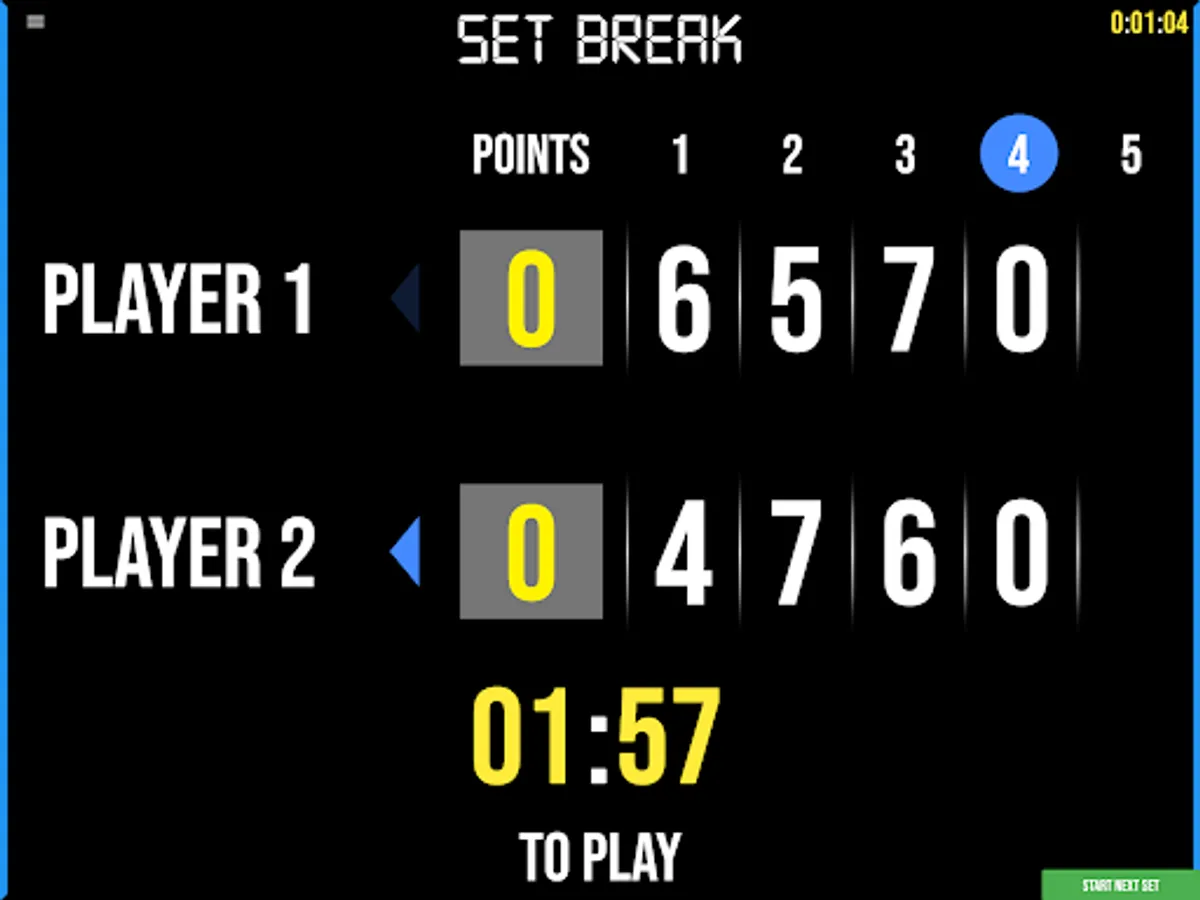
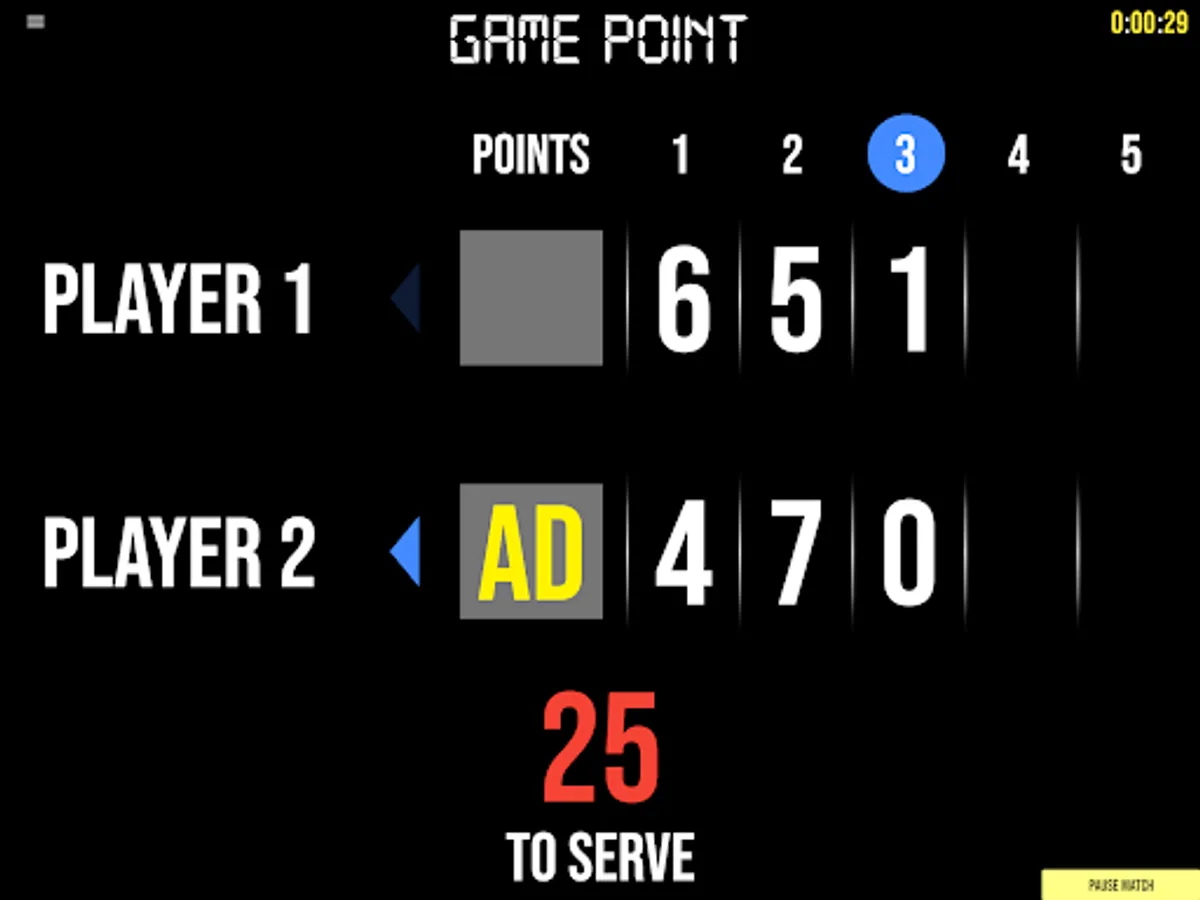
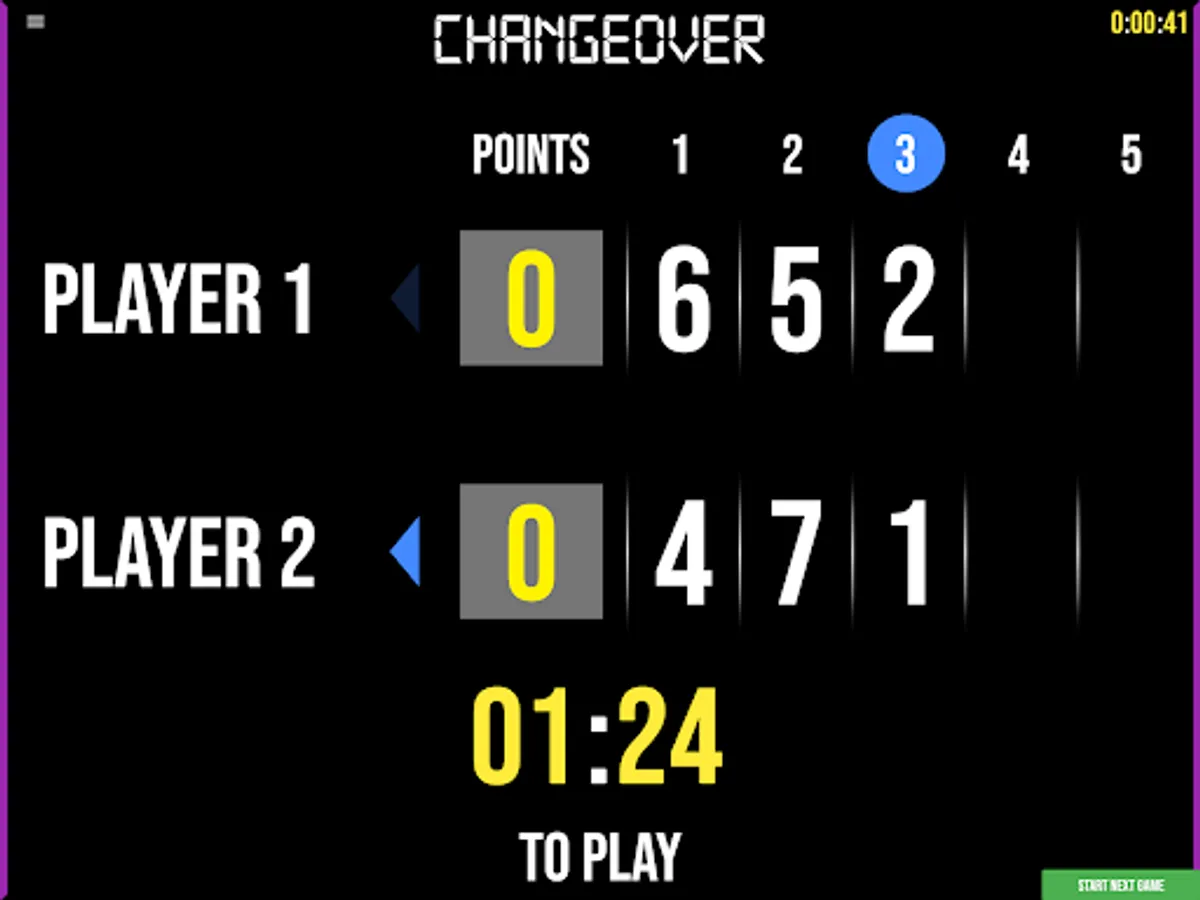
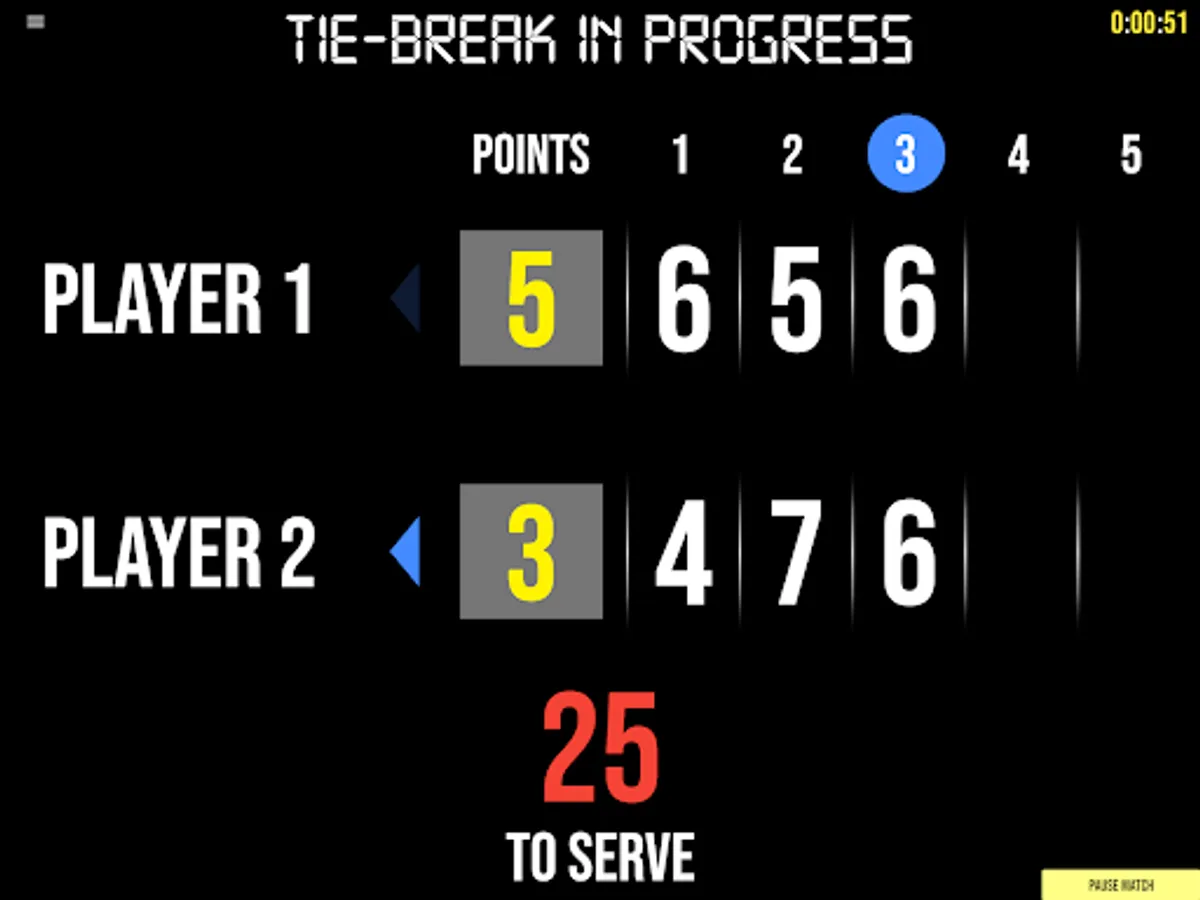
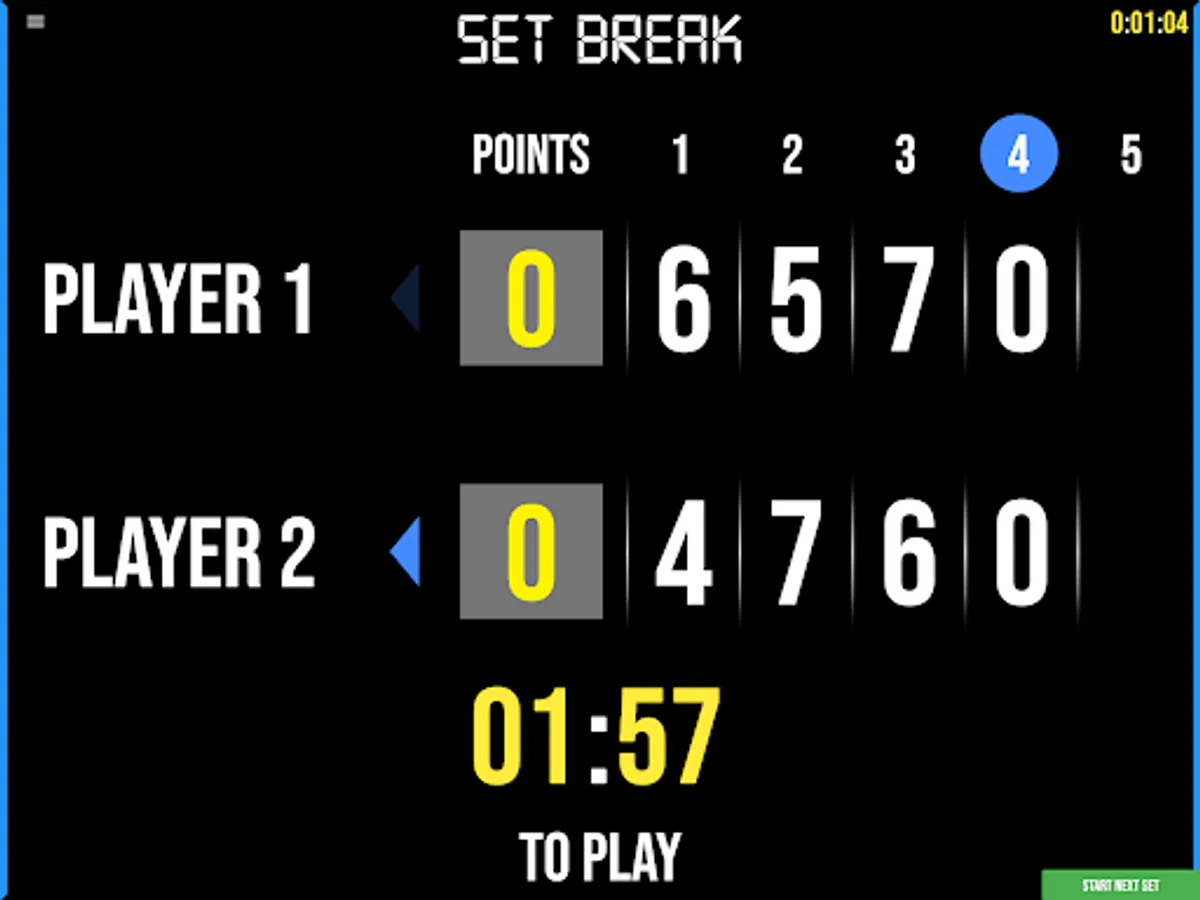
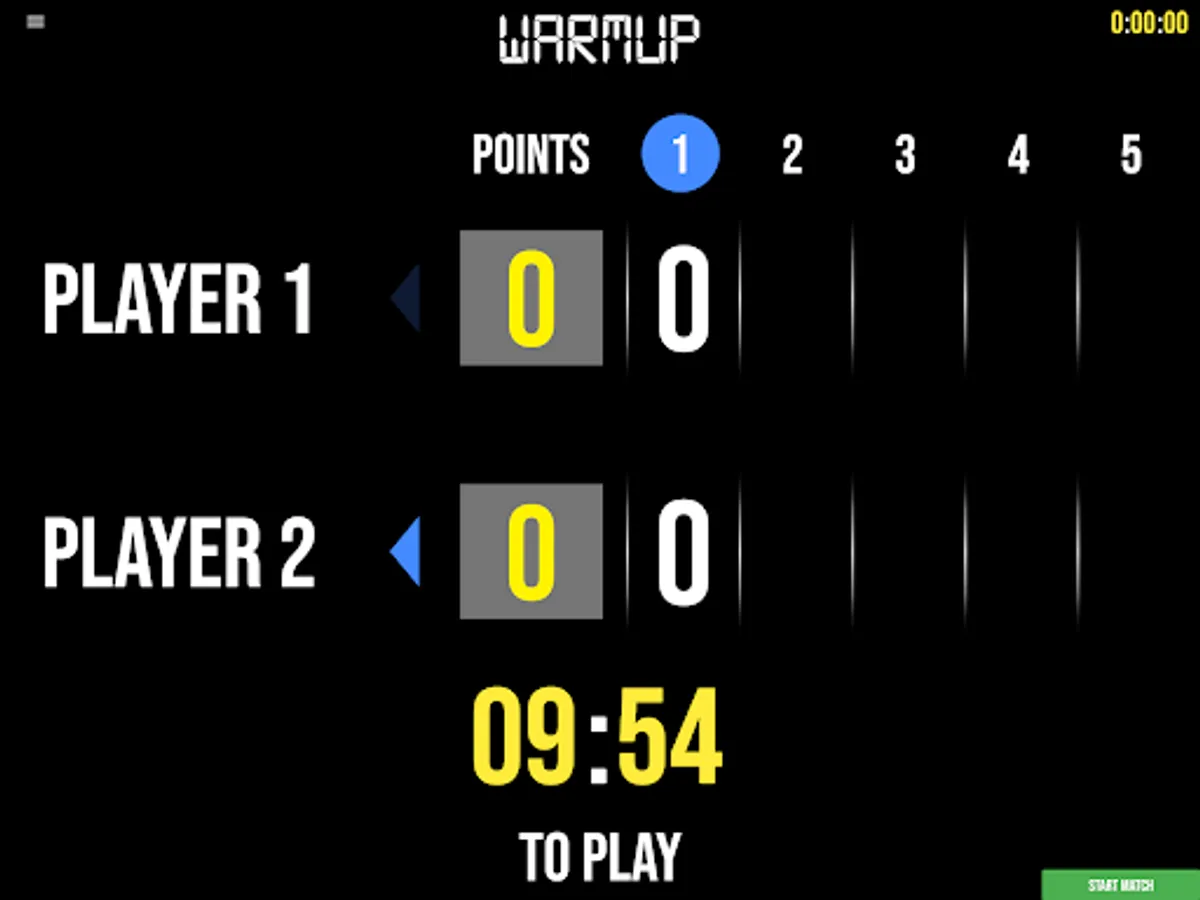
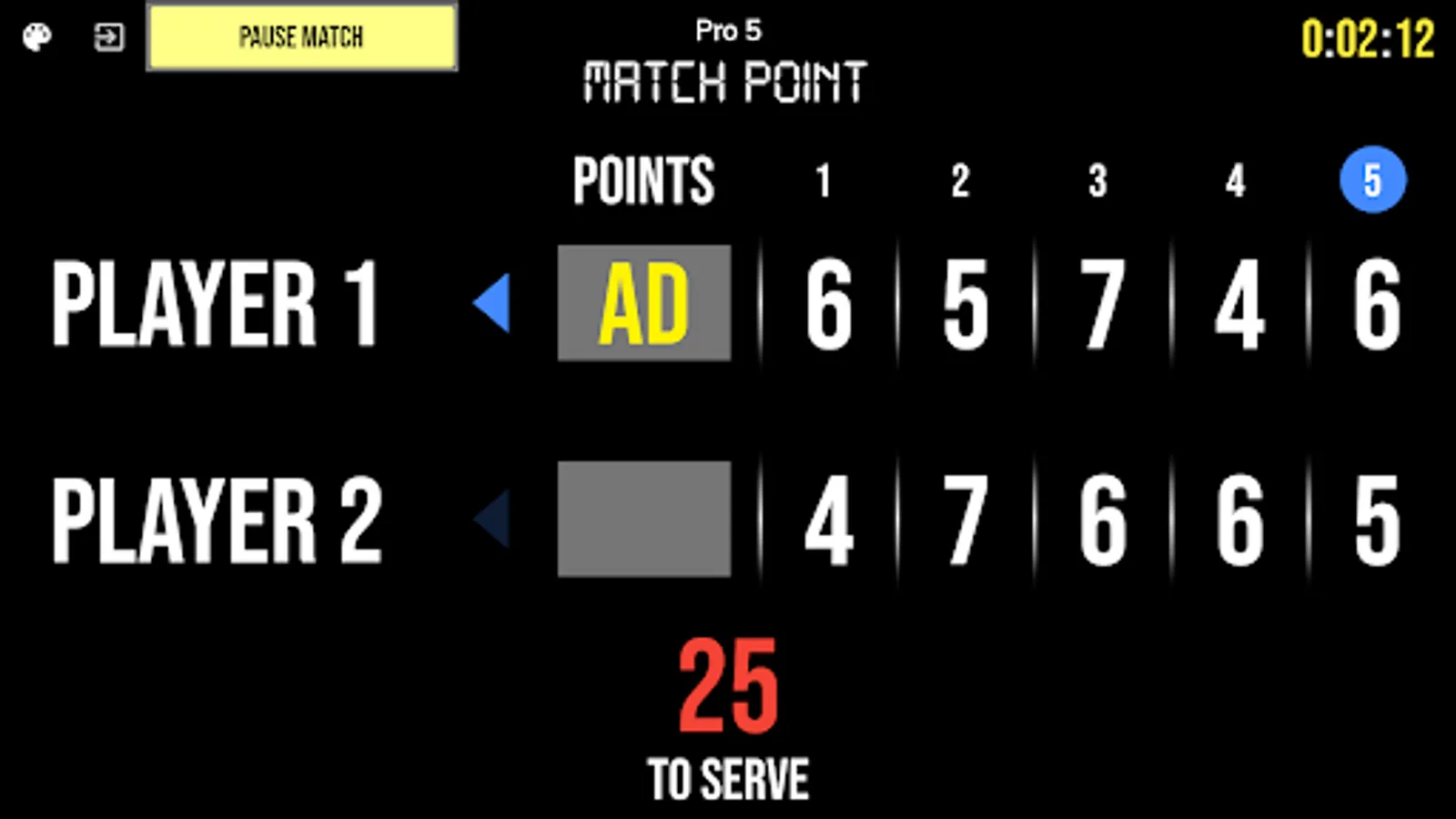
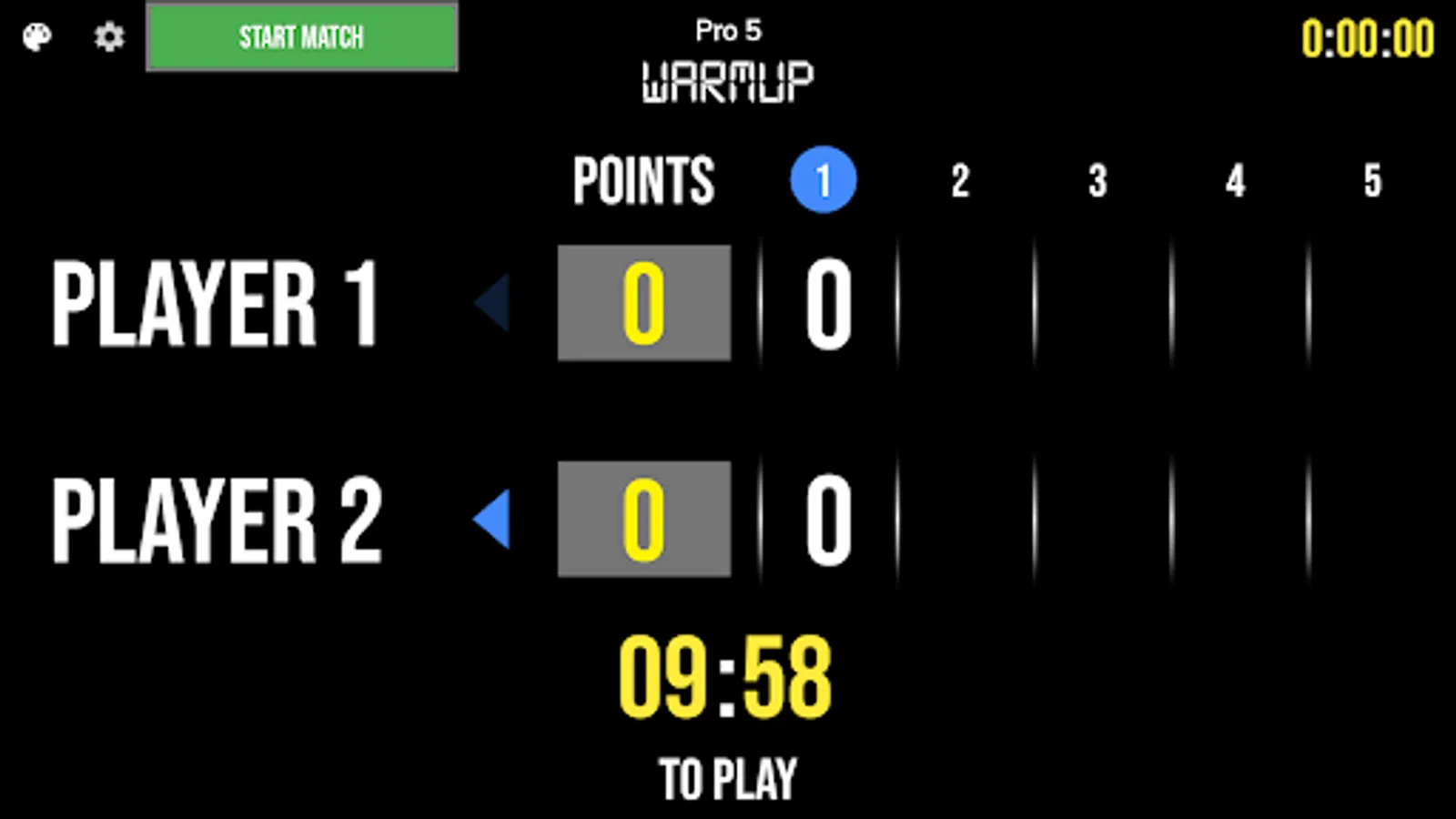
BT Tennis Scoreboard Features:
- Clean design, no ads
- Intuitive direct tap and swipe controls
- Optionally remote control scoreboard with WiFi or Bluetooth
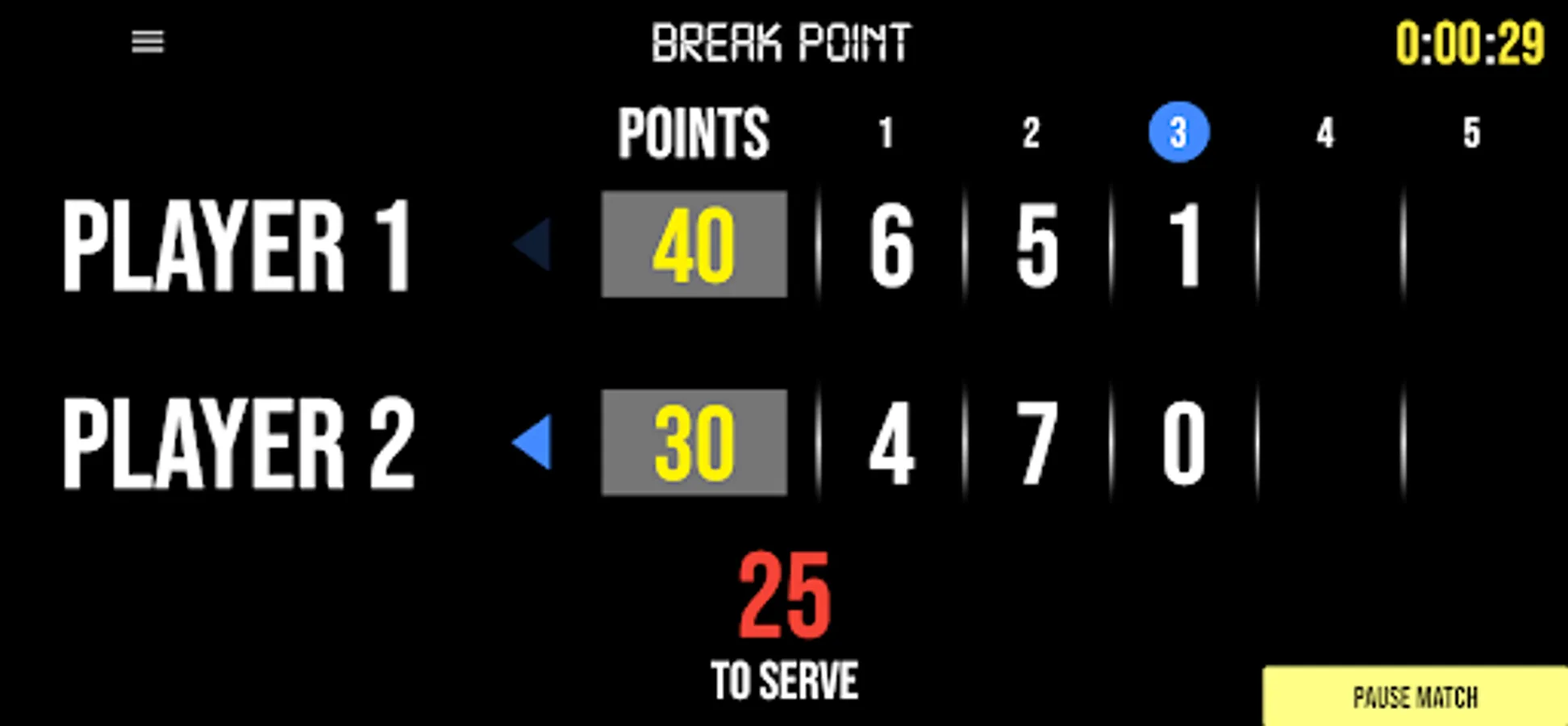
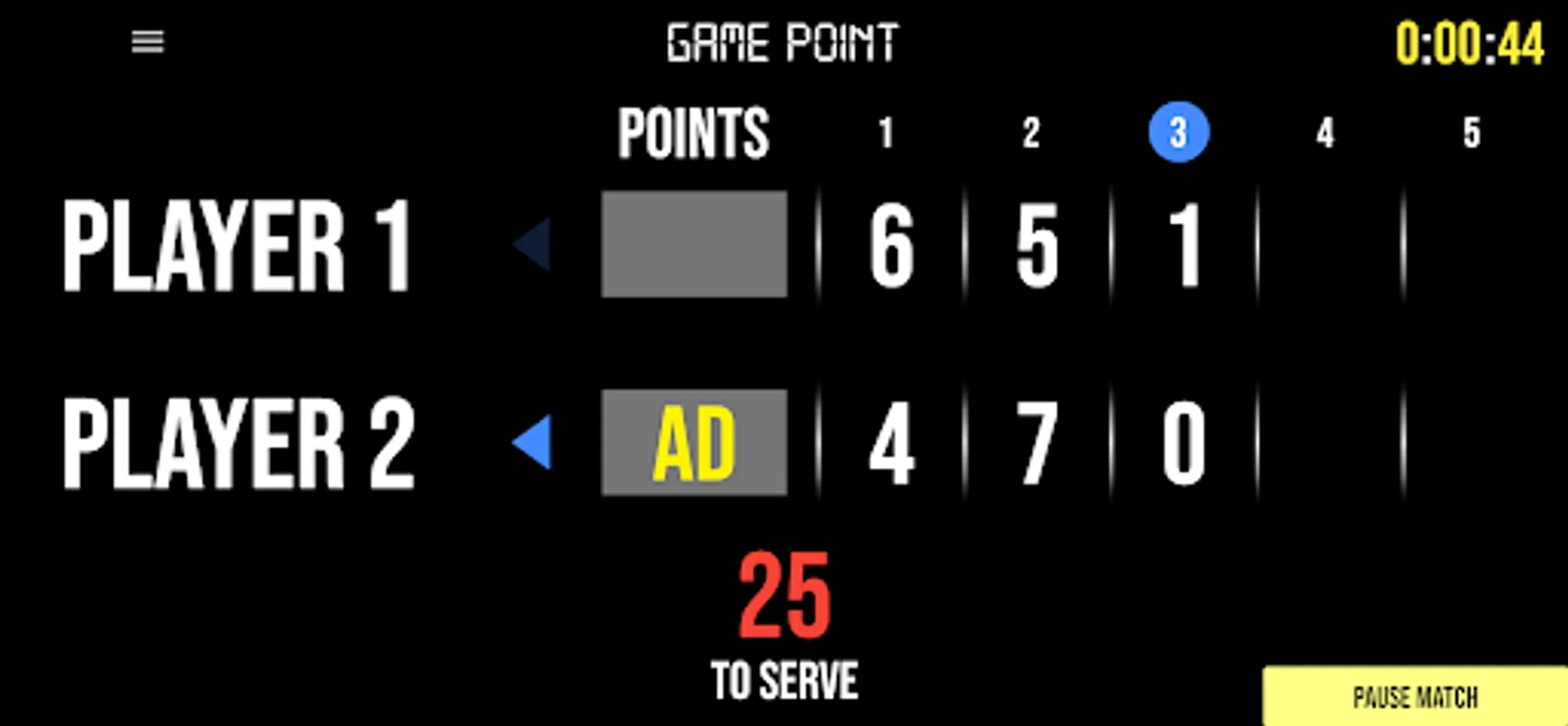
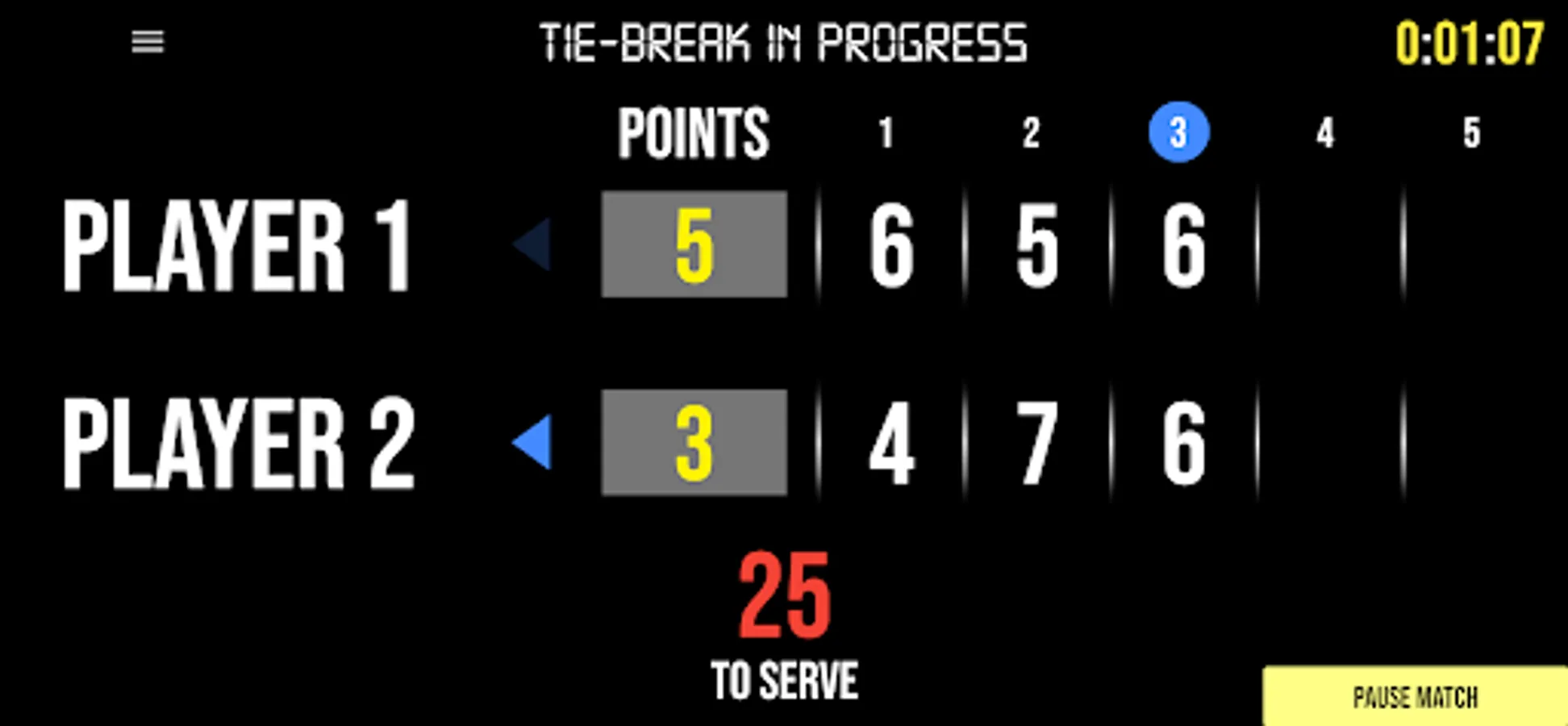
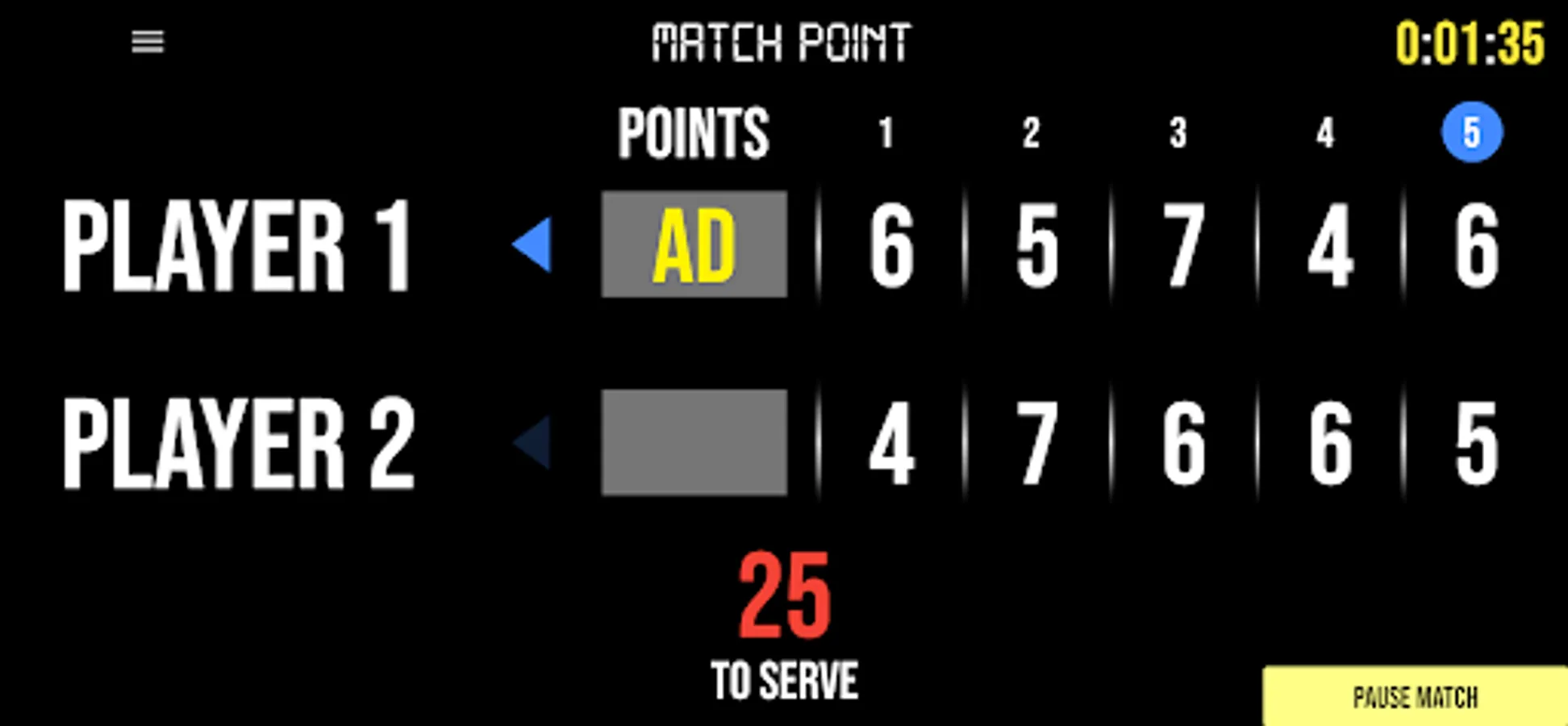
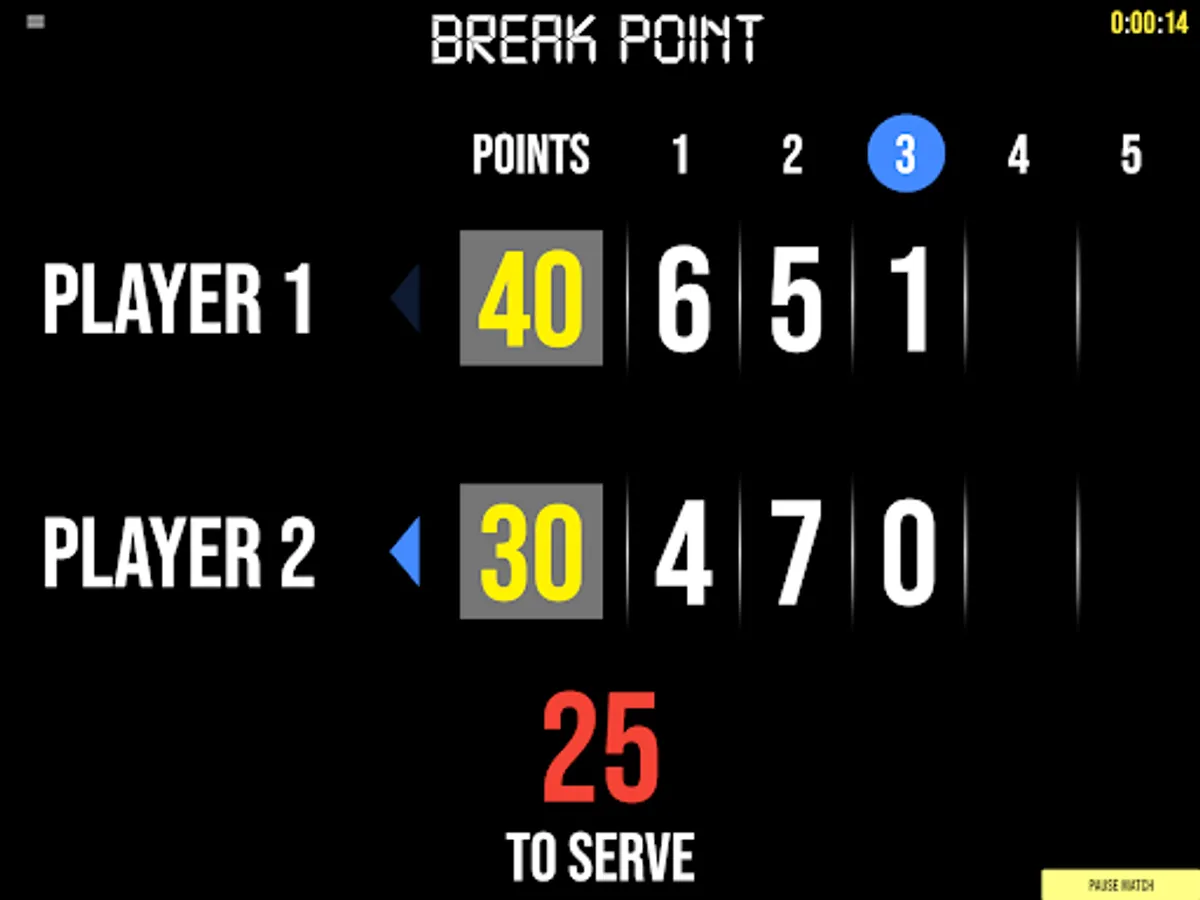
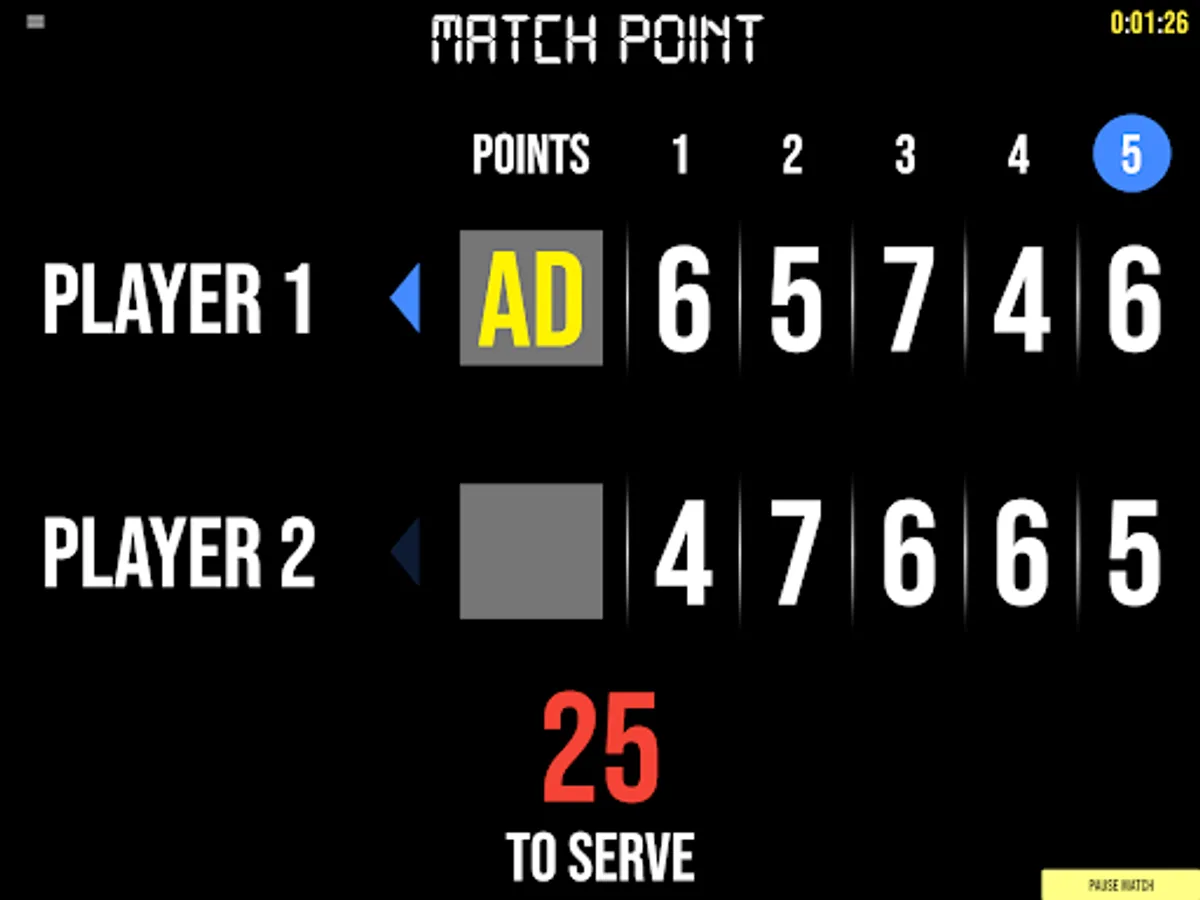
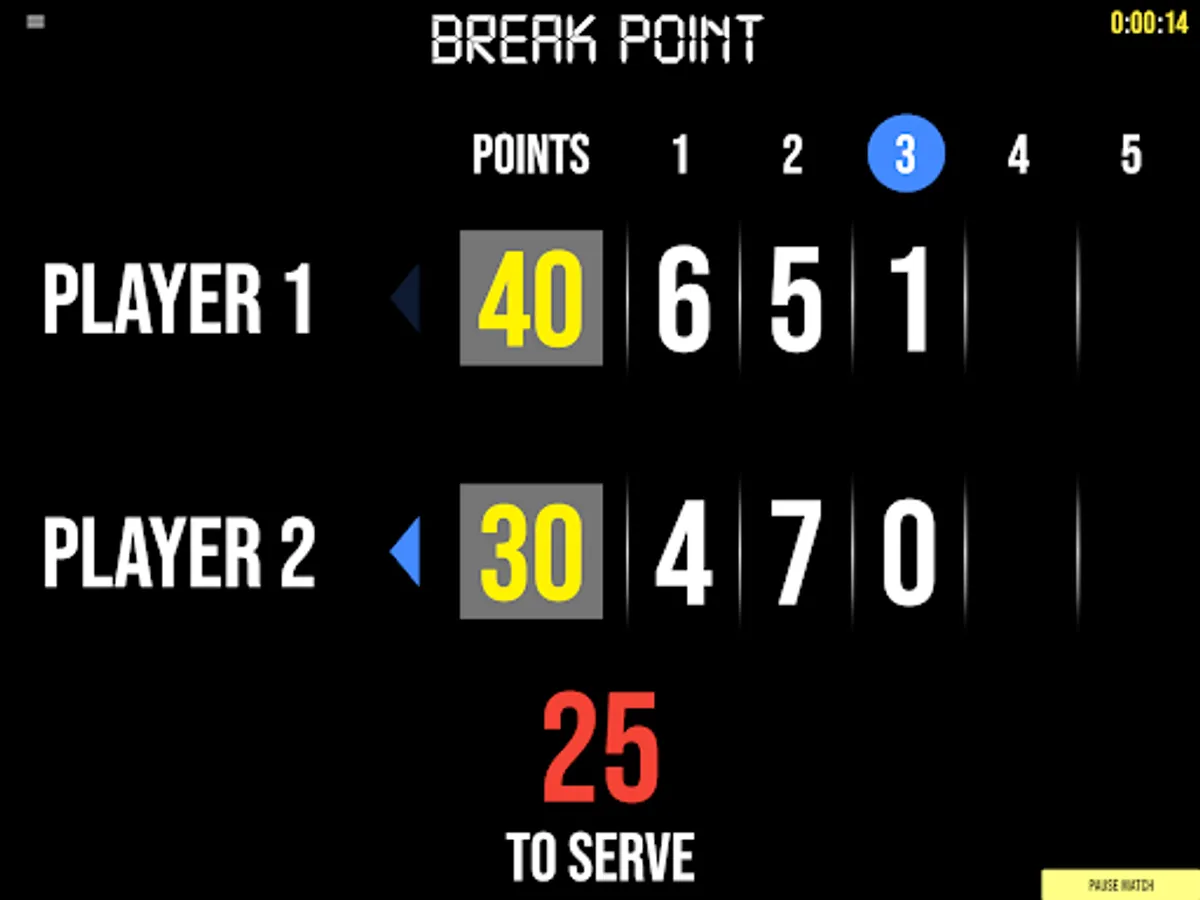
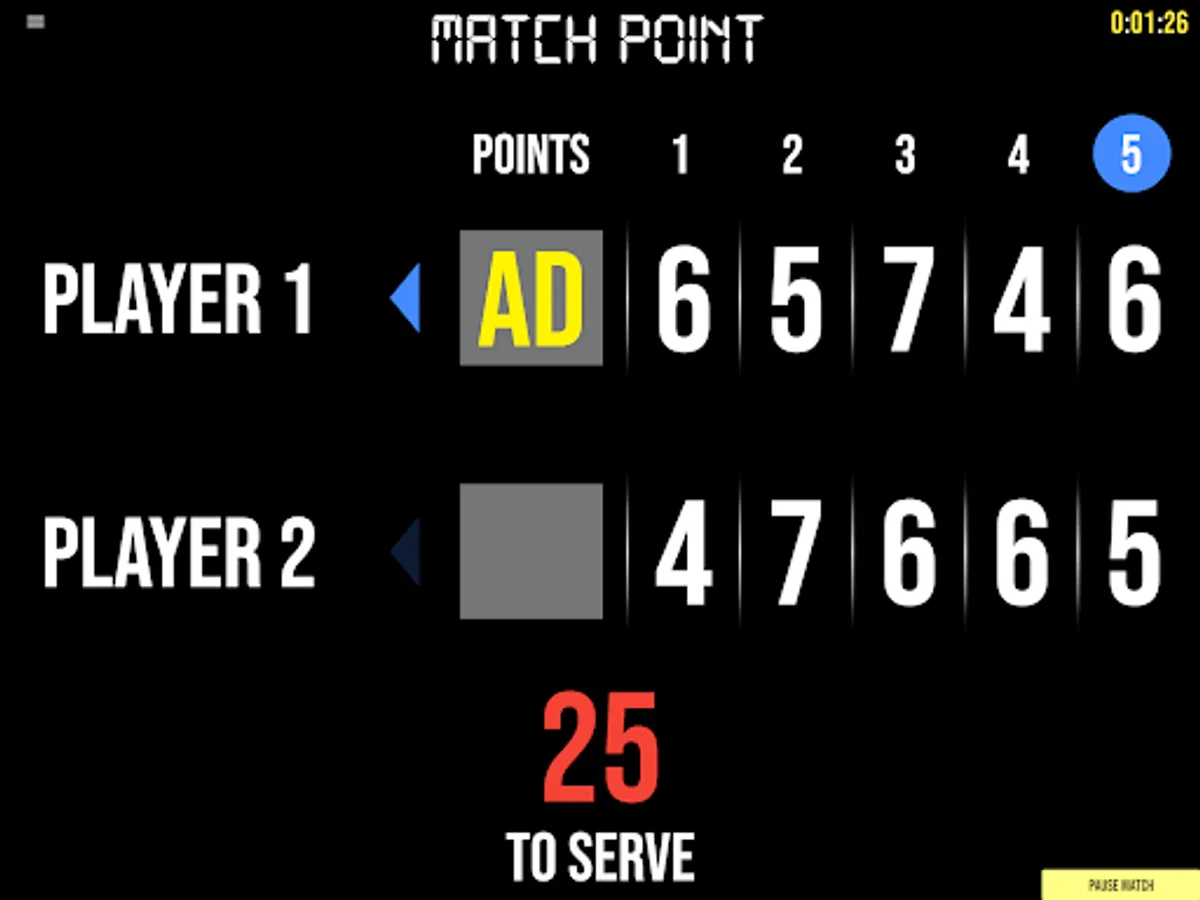
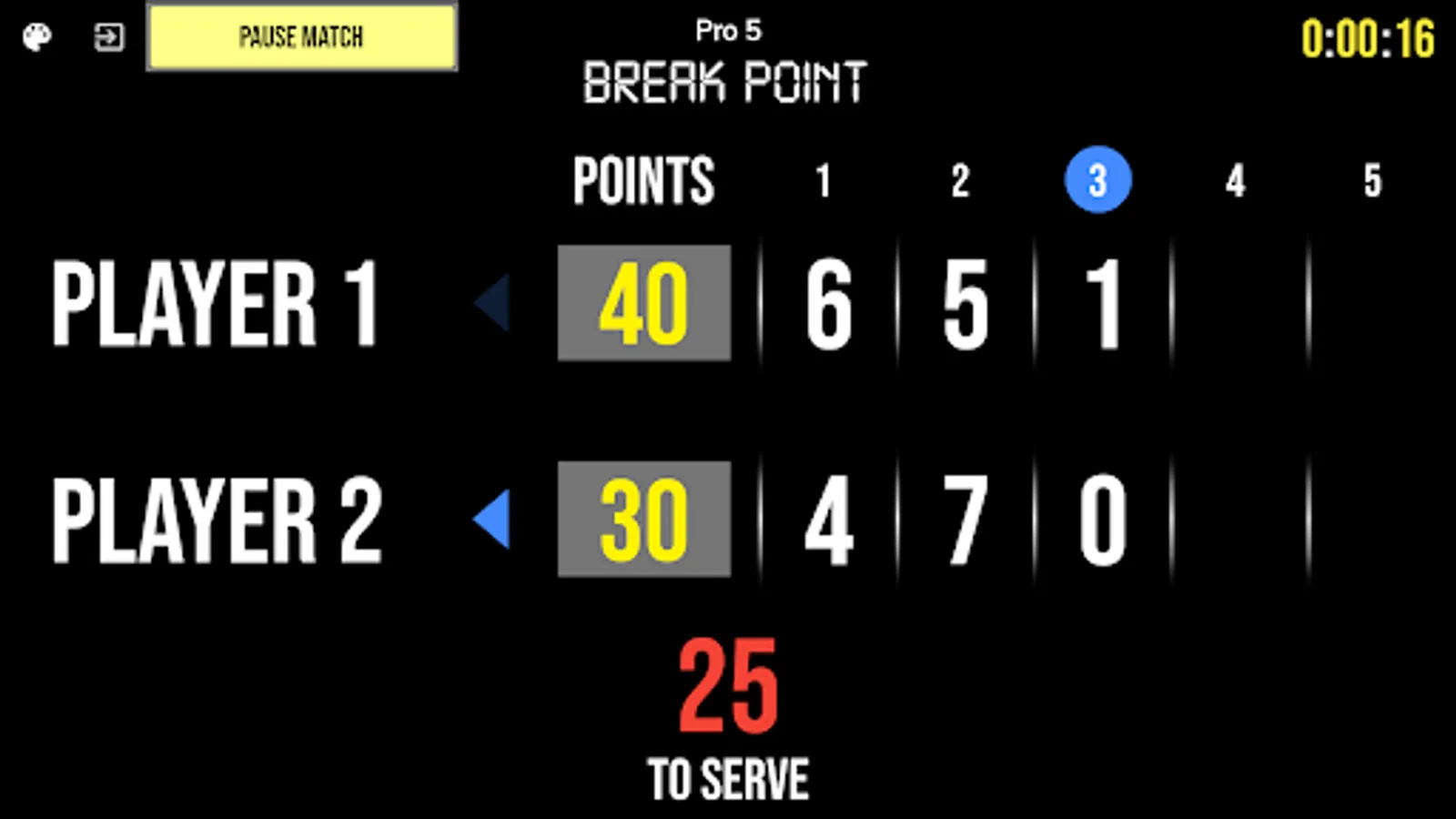
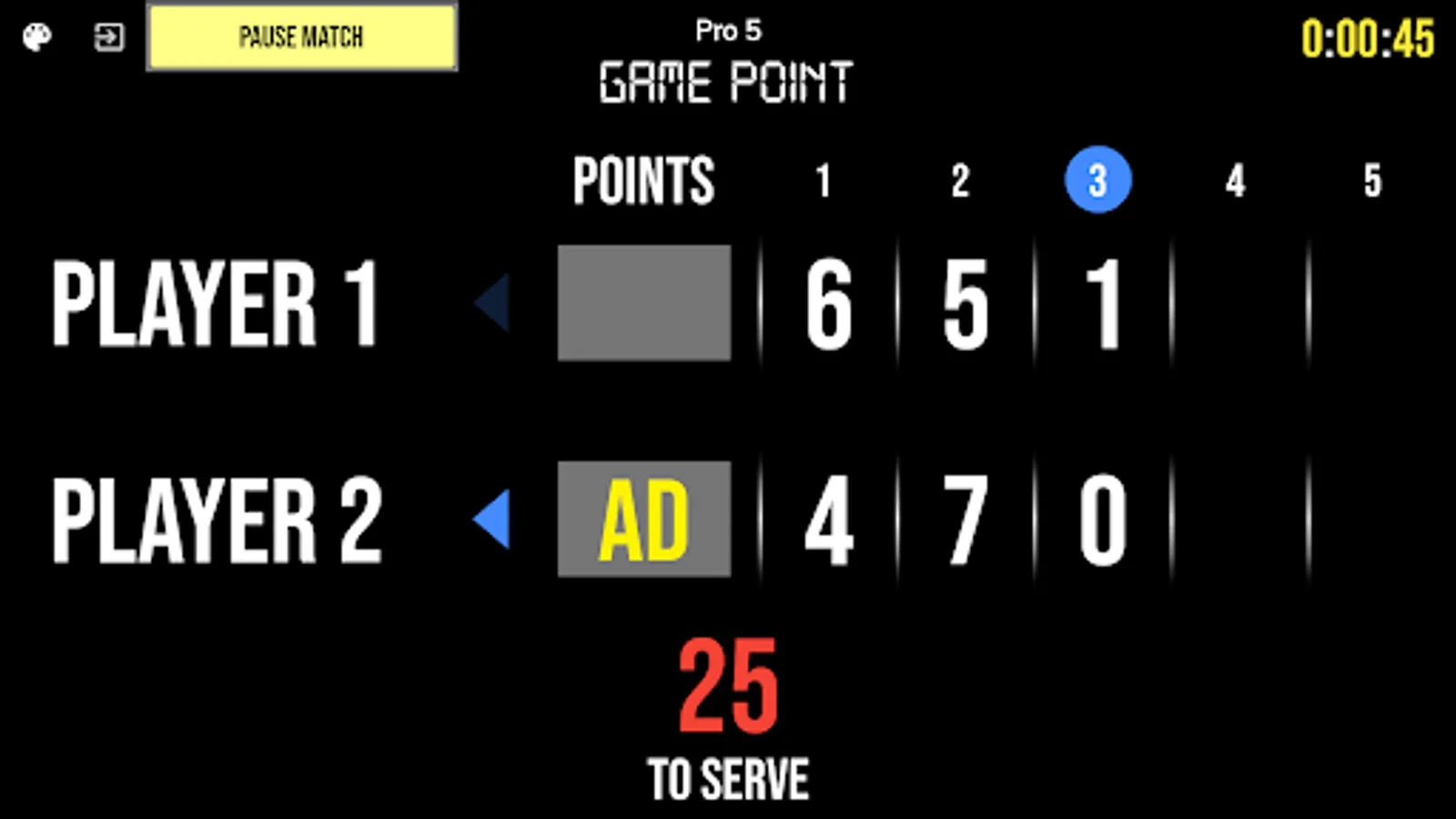
- Indicators for Break Point, Set Point, Match Point, etc.
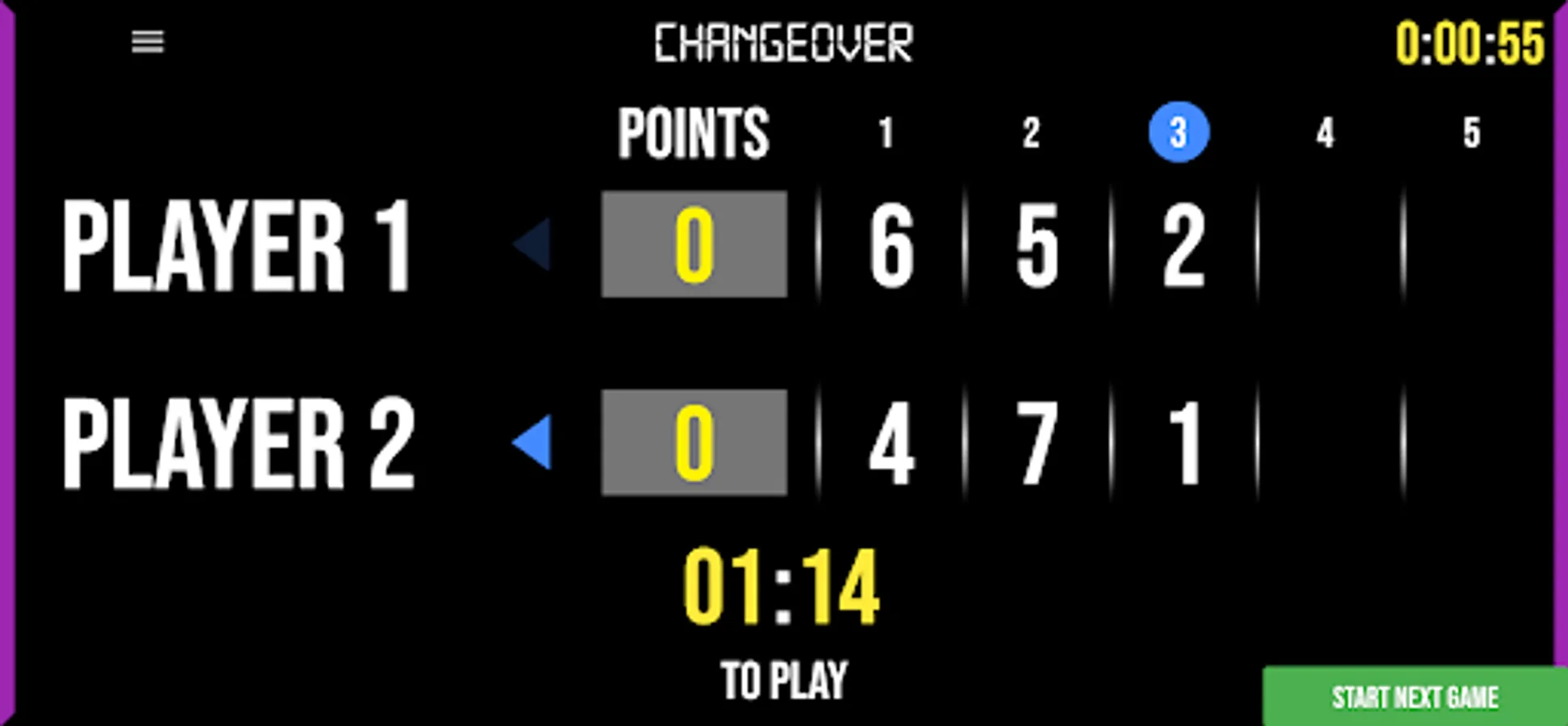
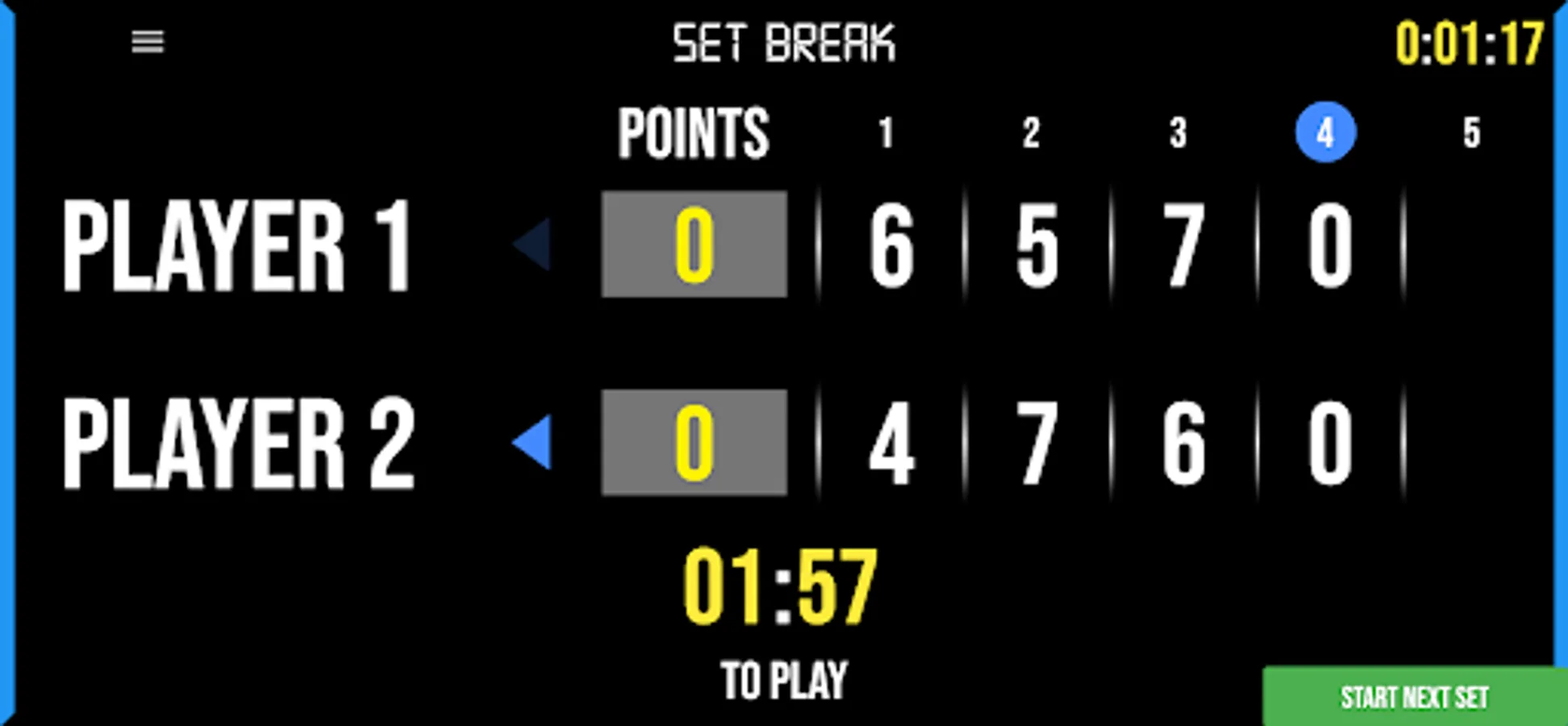
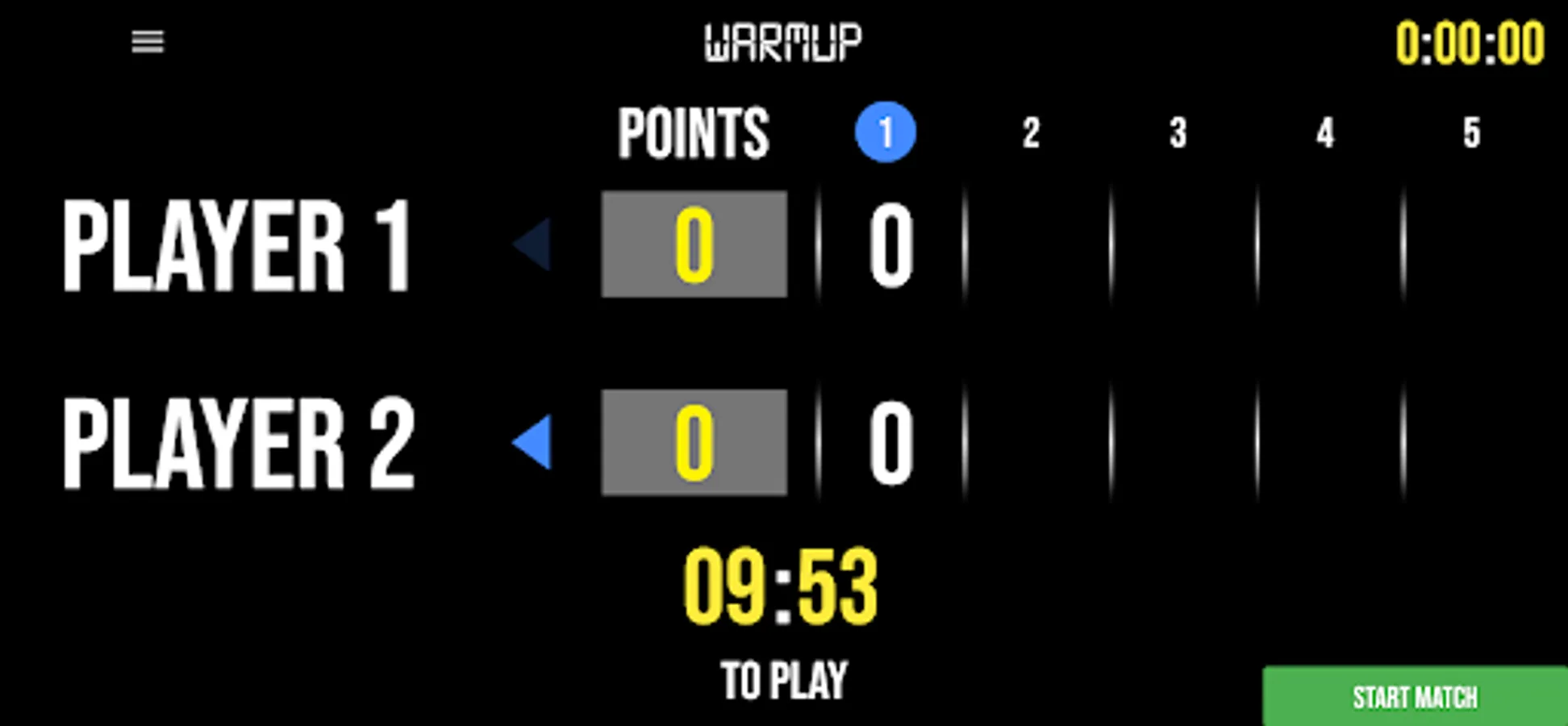
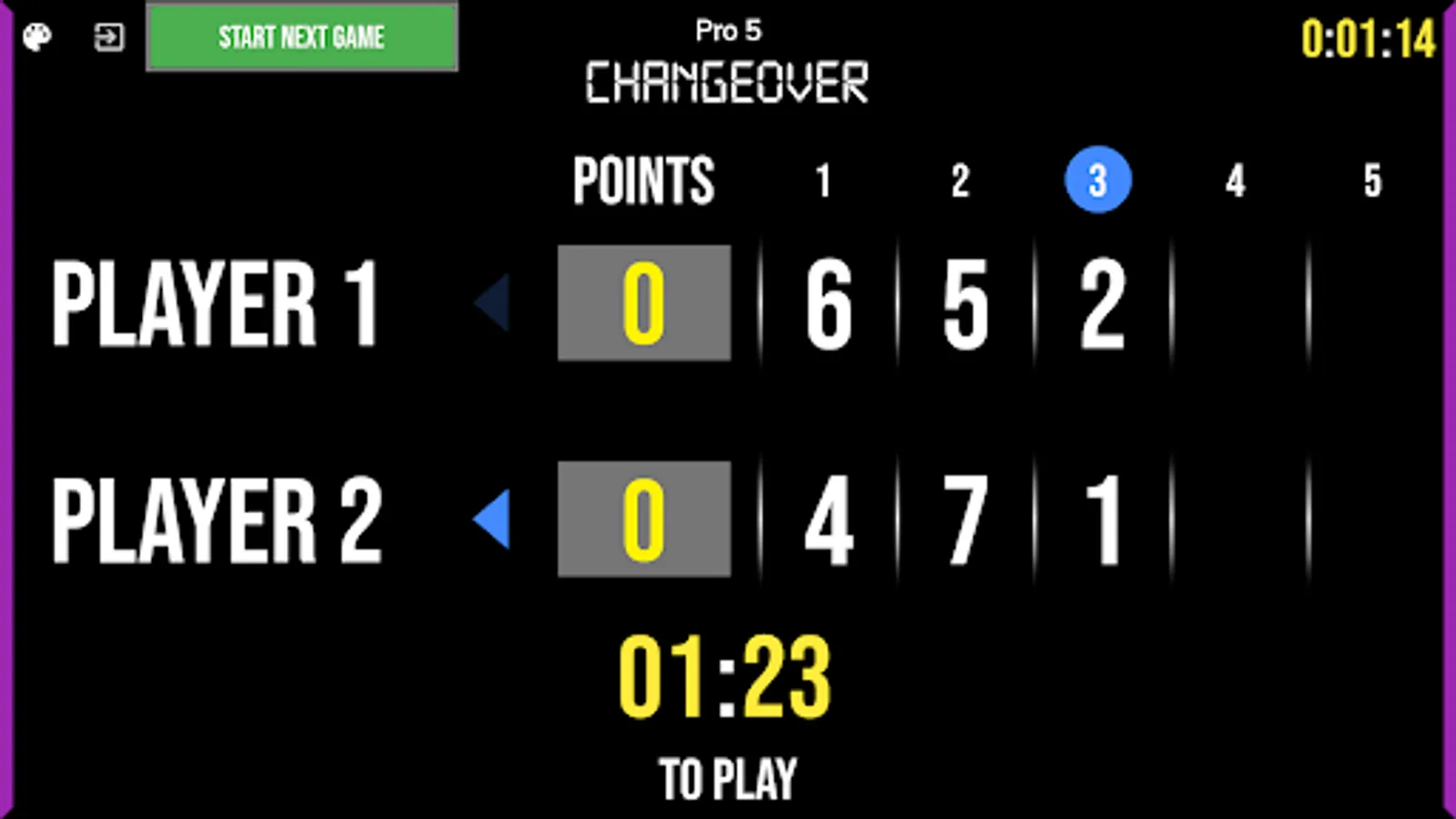
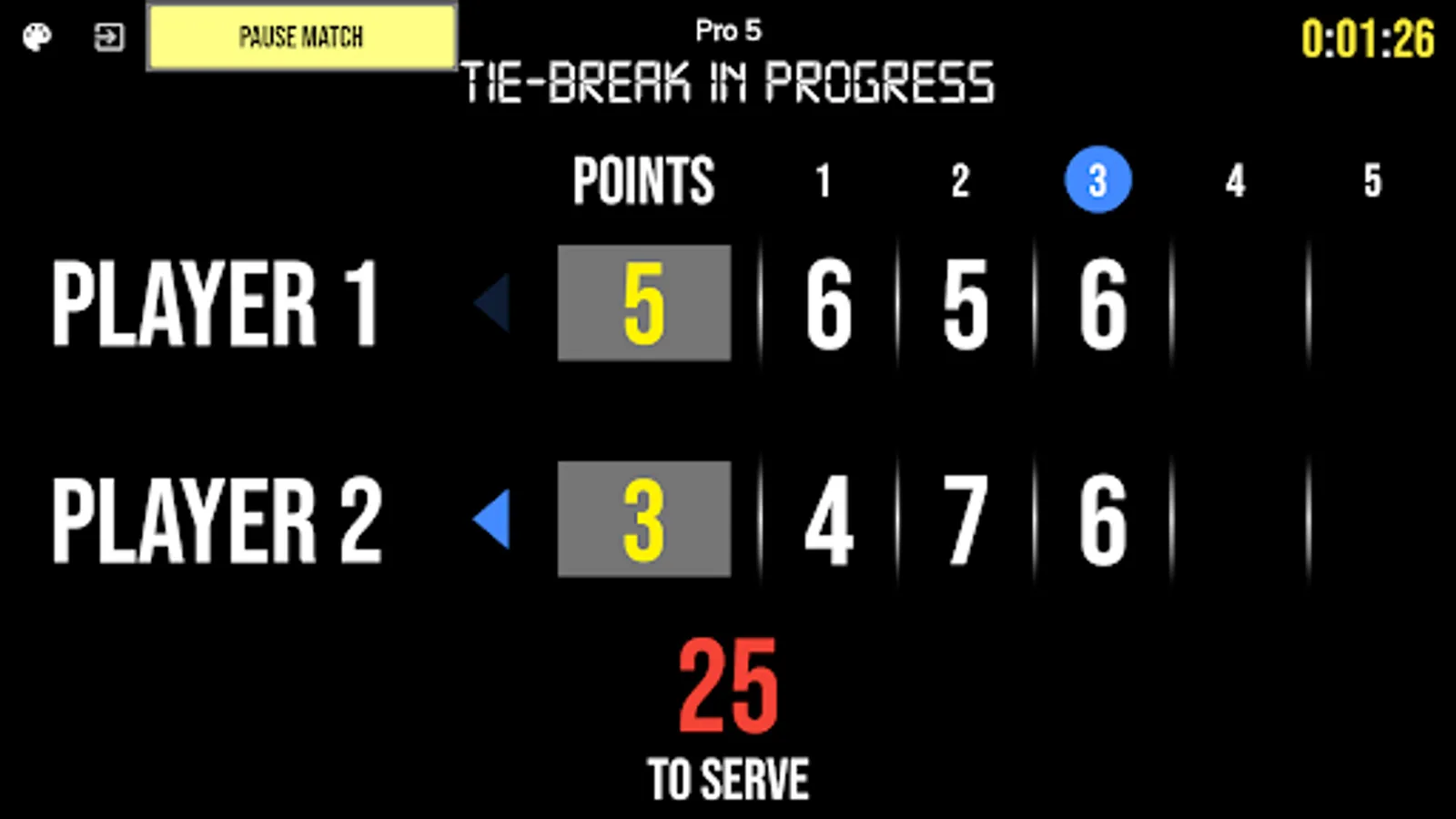
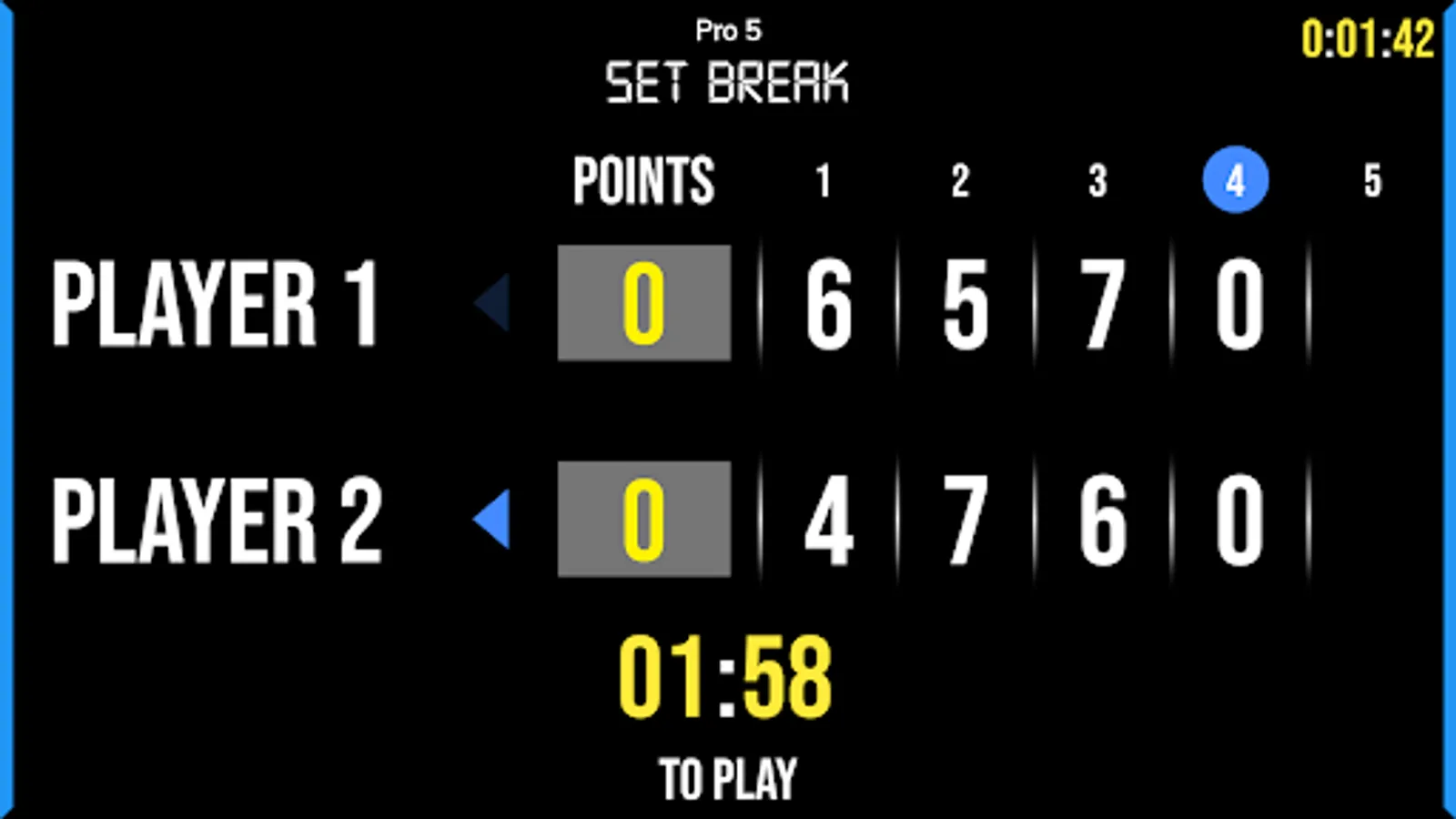
- Automated game flow with server changes, change over, and set breaks
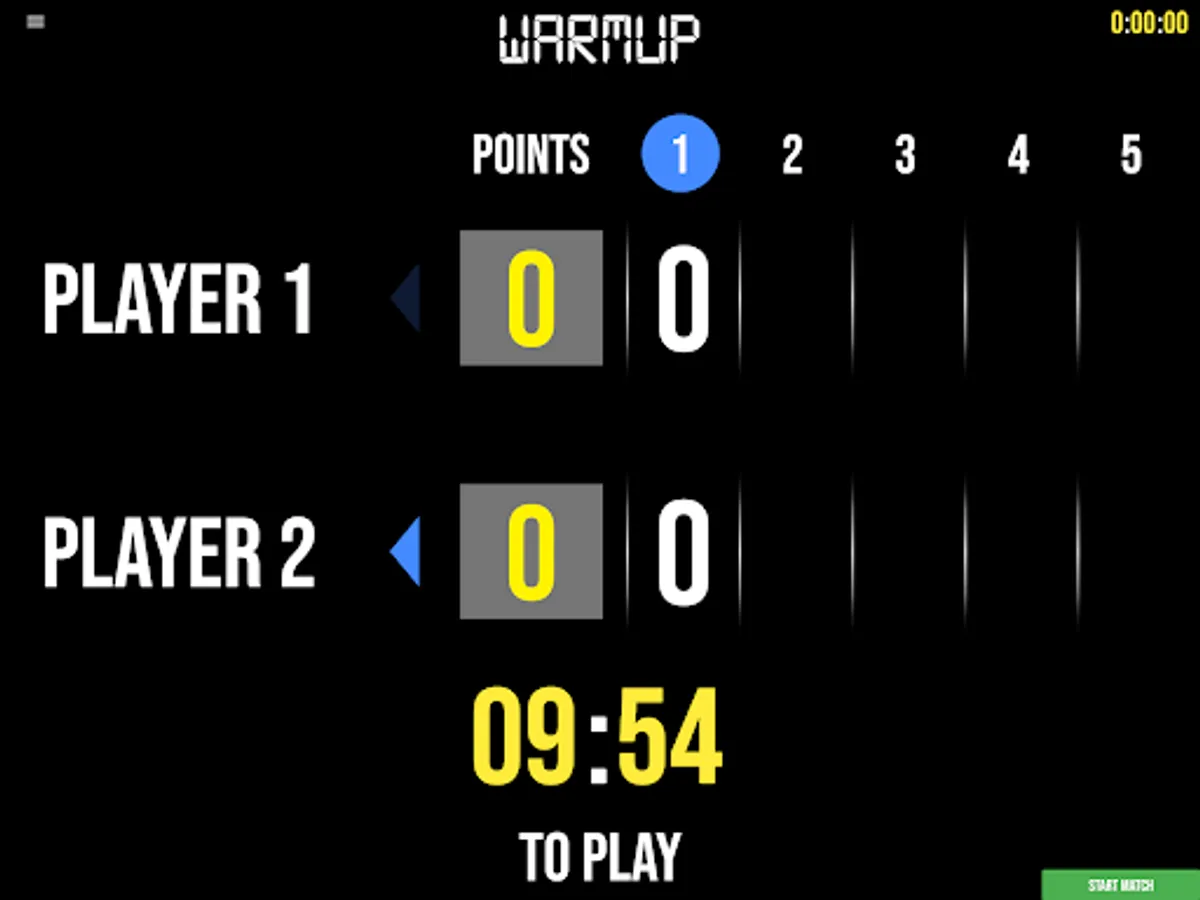
- "To Serve" clock, change over clock, and set break clock timers add convenience to game flow
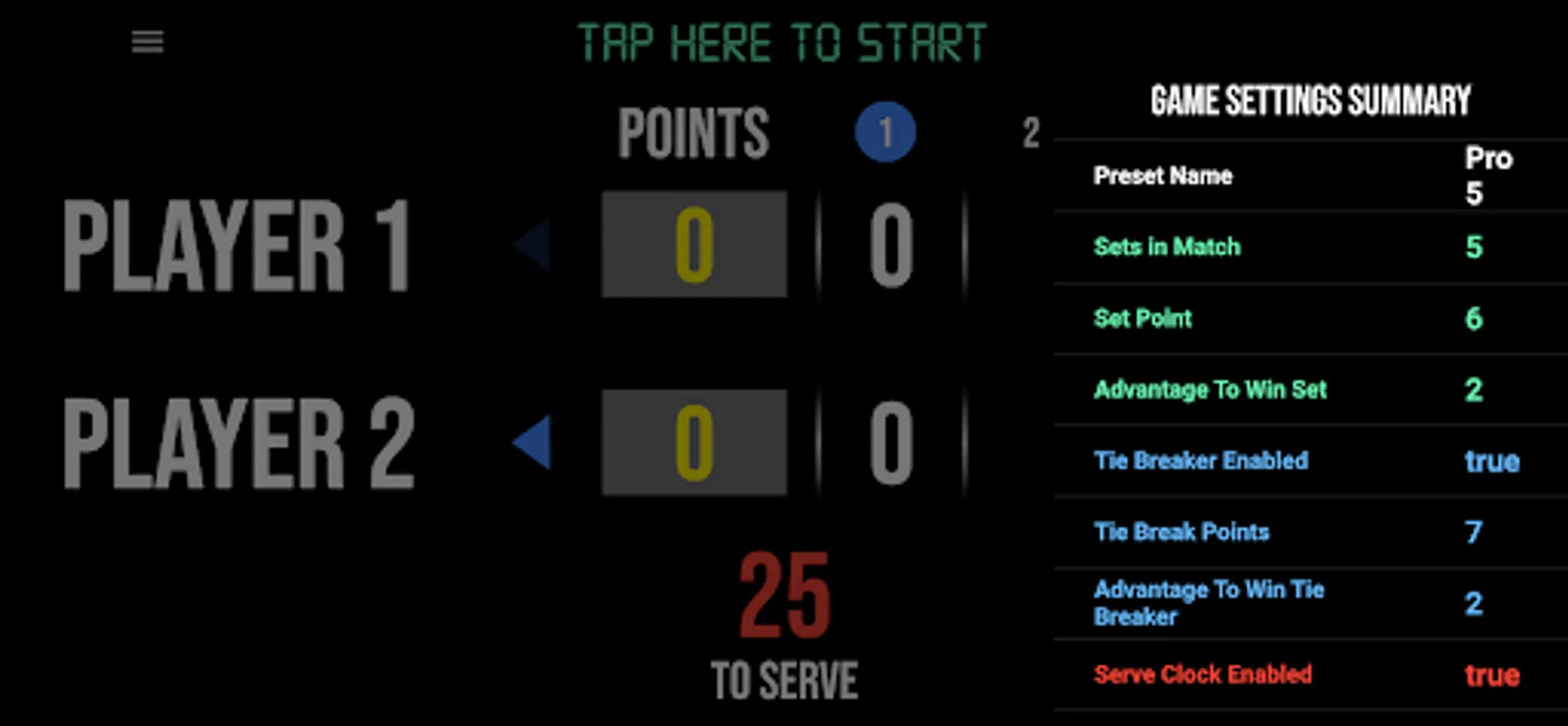
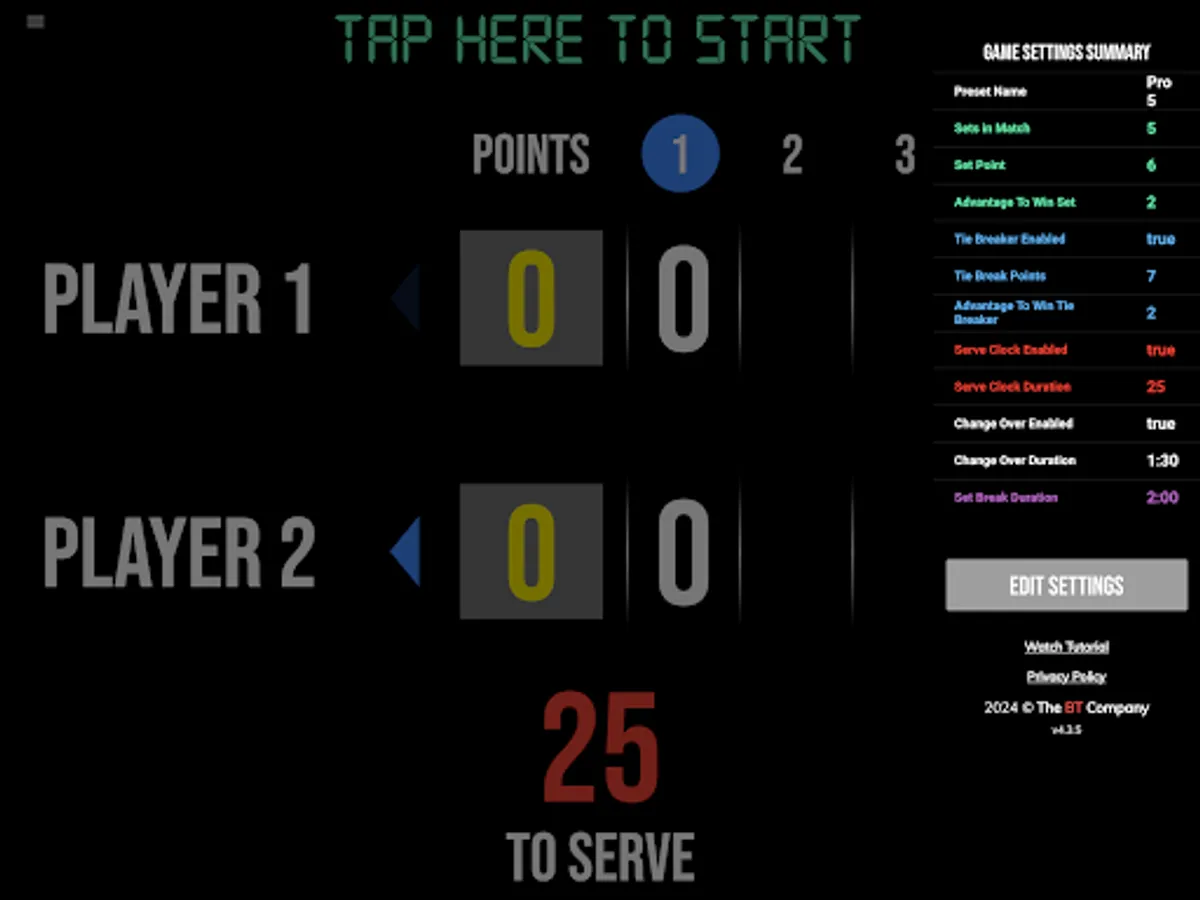
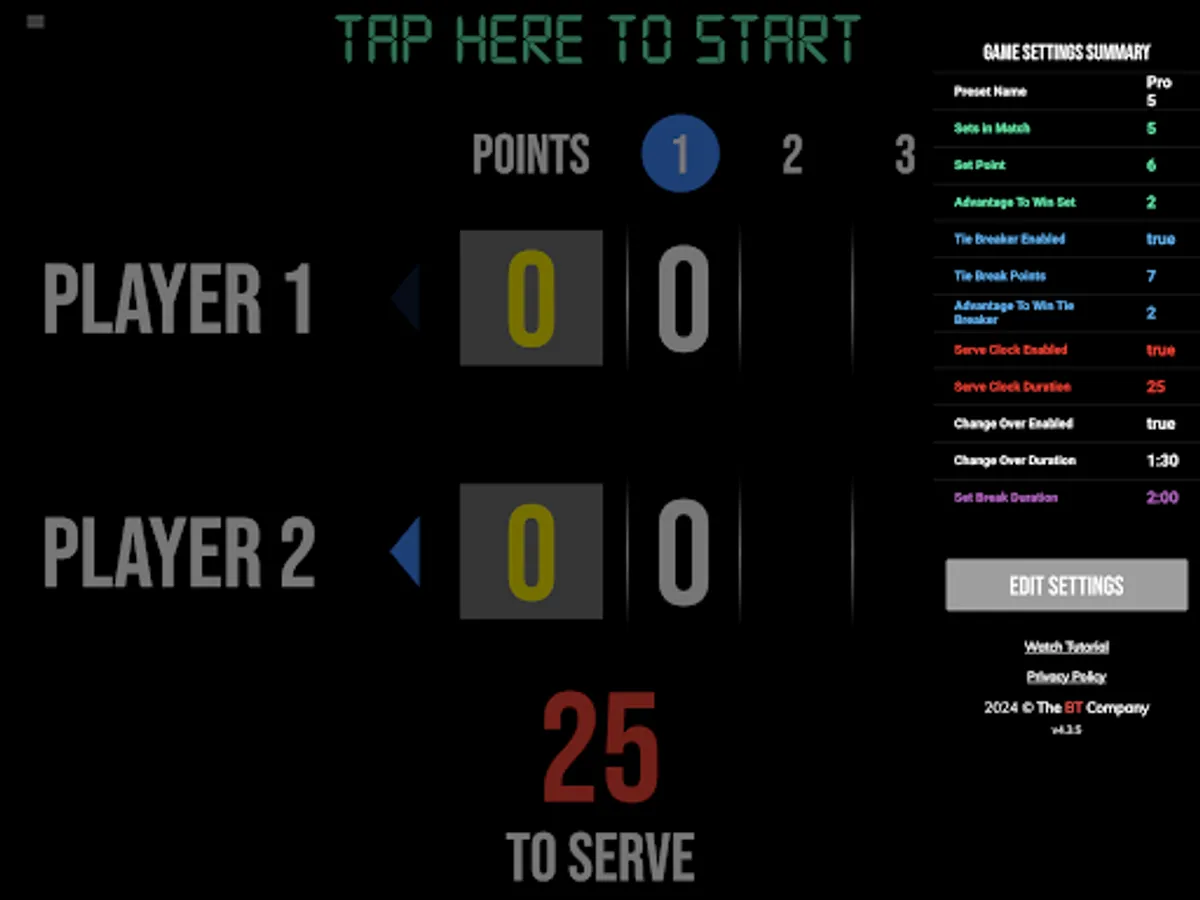
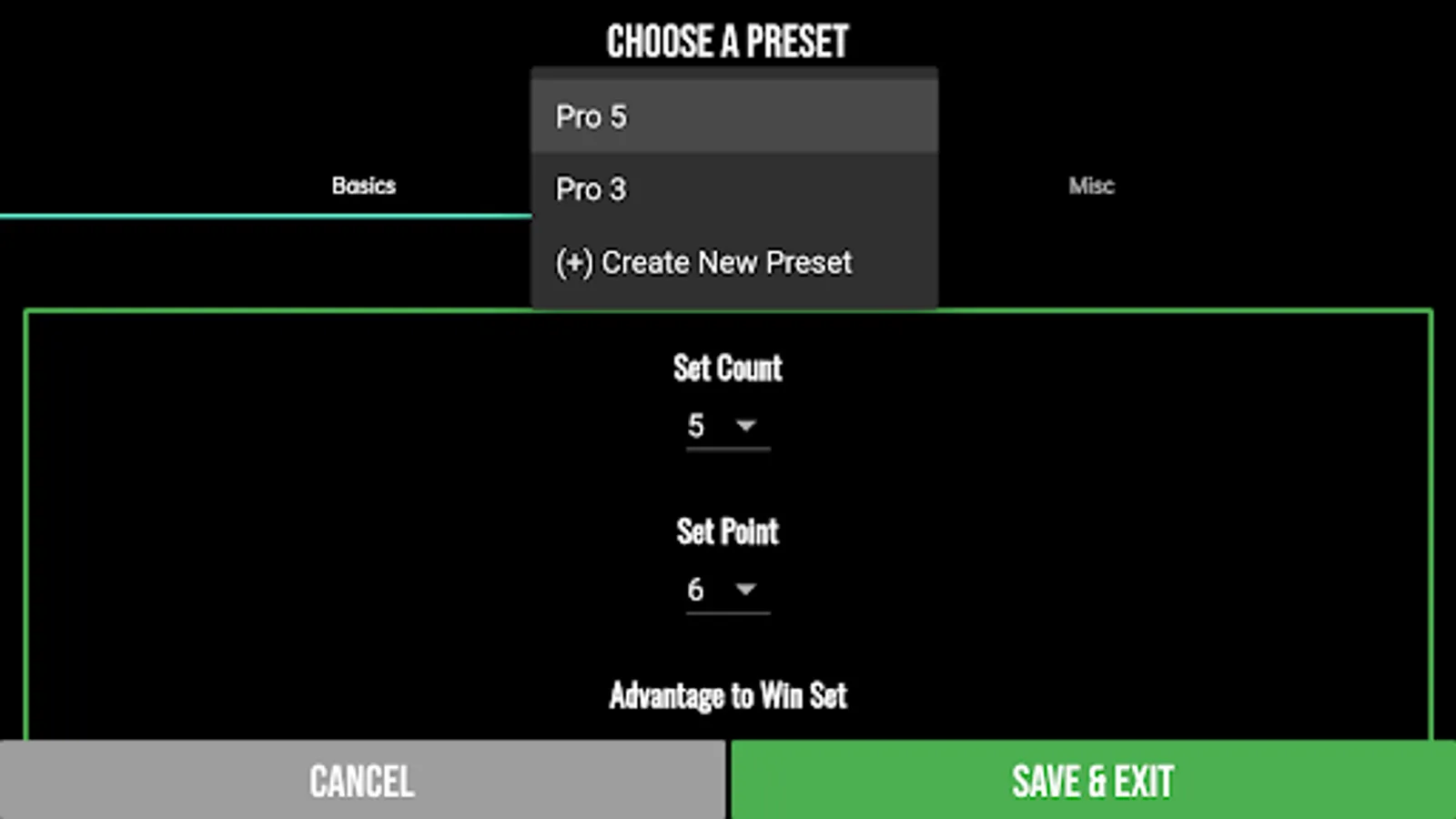
- Fully customizable game in the settings
Compatible Apps:
BT Tennis Controller (Remote): https://www.basketballtemple.com/technologies/bt-controller-tennis-app
BT Tennis Camera: https://www.basketballtemple.com/technologies/bt-camera-tennis-app
For the best experience use the application on a large tablet, or hook your phone/tablet up to a large display or video projector. You'll feel like you have just bought a professional scoreboard!
The BT Tennis Camera app was created by The Basketball Temple Company. After the success of our basketball products, we have expanded into other sports. The Basketball Temple Company focuses on high quality academies, leagues, and technologies that are used to support those academies and leagues. We open our technology to the public so everyone in the sports community can experience the same technologies that we use within our institutions.
# Quick Start Documentation:
Optionally Remote Control the Scoreboard
1. Start the BT Tennis Scoreboard app on the main phone or tablet
2. On another phone, start the free BT Tennis Controller app (https://www.basketballtemple.com/technologies/bt-controller-tennis-app)
3. Open the connect menu in the BT Tennis Controller and connect to the BT Tennis Scoreboard with WiFi or Bluetooth
4. Control the game with the BT Tennis Controller and all score and timers will synchronize to the Scoreboard
Score Controls:
- Tap score to increase quickly
- Swipe up/down score to increase/decrease
- Hold down on team names to adjust name and color of teams
- Select set to adjust previous set scores
Optionally use the Scoreboard itself as a Remote Controller for the BT Tennis Camera app
- Tap on top-left icon to open connect menu
- Hit "Refresh" to find devices
- Tap on WiFi or Bluetooth icon to connect, green icon indicates connected
- If unable to connect or having connection errors try one of the following:
1) please ensure all devices are on the same WiFi network
2) please ensure bluetooth is turned ON on all devices
3) lastly, try to restart the app on all devices
# Change Team Names within the scoreboard app
1. Hold down on the team name, after a couple seconds an edit name dialog will appear
2. Edit the name and press "Update"
Customize Game Settings
- Tap on top-right icon to open settings menu
- Edit and save the many settings available
BT Tennis Scoreboard Screenshots
Tap to Rate:
Reviews for BT Tennis Scoreboard
Tim Neumark
12/26/2024
This app is simply incredible. I have this, the controller, and the camera. They work well together, and you can put on an impressive scorekeeping system with nothing more than these apps and one or more TVs. Really outstanding. Also, the development team is quick to respond and obviously knowledgeable about the product and their audience. This app deserves more than five stars. You will find more functionality on this suite of apps than any single-use $4000+ scoreboard. Simply amazing!