
App Update & Phone Software
Harry Game Studio
4.1 ★
2K ratings
100,000+
downloads
Free
+ in-app
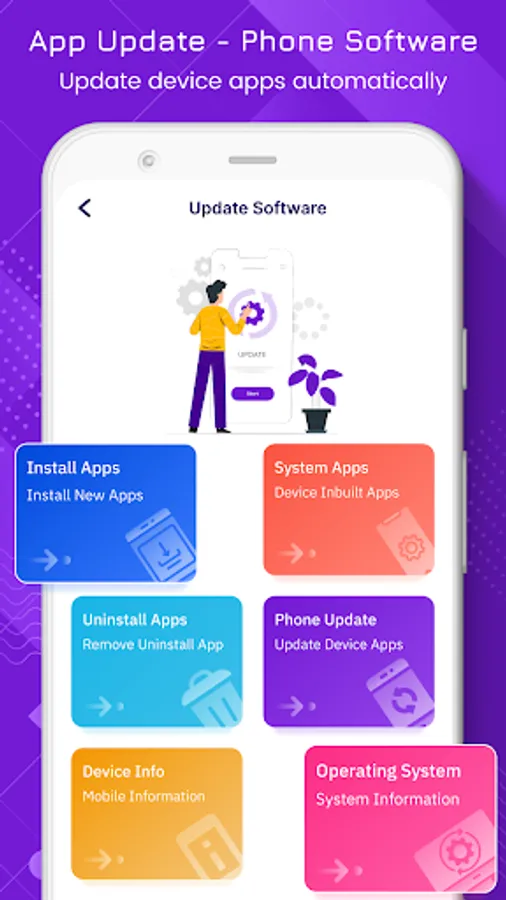
In this app, you can update mobile applications and system software easily. Includes device information, app details, and uninstall options.
AppRecs review analysis
AppRecs rating 4.1. Trustworthiness 75 out of 100. Review manipulation risk 36 out of 100. Based on a review sample analyzed.
★★★★☆
4.1
AppRecs Rating
Ratings breakdown
5 star
63%
4 star
10%
3 star
10%
2 star
4%
1 star
12%
What to know
✓
Credible reviews
75% trustworthiness score from analyzed reviews
✓
High user satisfaction
74% of sampled ratings are 4+ stars (4.1★ average)
✓
Authentic reviews
Natural distribution, no red flags
About App Update & Phone Software
App Update & Phone Software the app helps you to be updated with this technology world. It helps you to update all mobile apps that keep up-to-date with the android version over time.
This app is useful to update the system for android applications and update the software for new functions, features, and better performance.
In that App Update & Phone Software, you can easily uninstall any the app and check the device information and Operating system information.
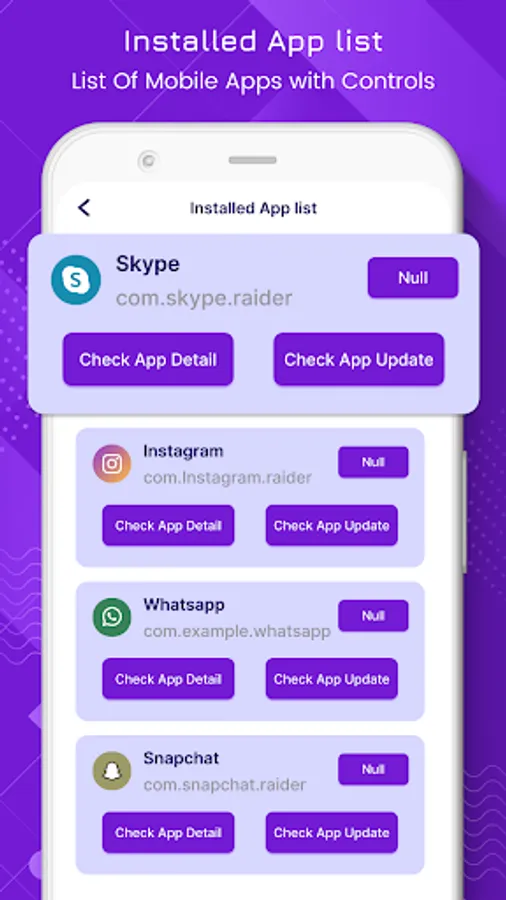
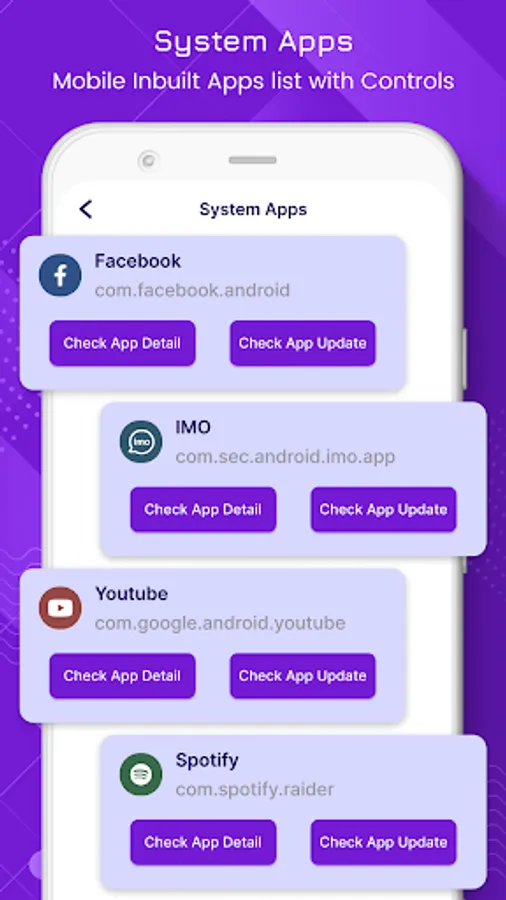
The application Update list is divided into Installed Apps, System Apps, and All Apps. In application update, you can easily check the app update by clicking on the Check App update button after that if the update is available you can update the app. In this, you can also check the app detail like version name, Version code, install date, last update date, package name, permissions, etc.
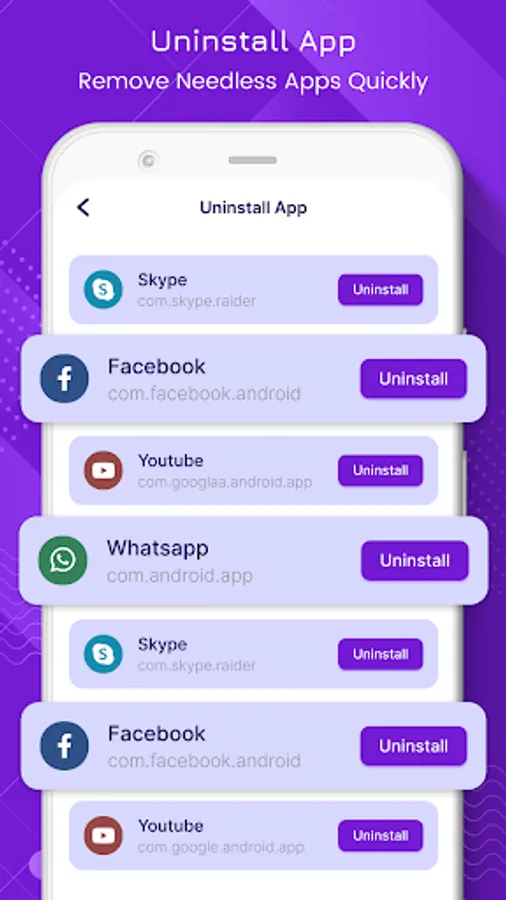
Uninstall Apps: In the Uninstall App you can remove the app which is not in use. You can remove the app with just one click on the Uninstall.
The main purpose of the Phone Update is to update the software of the device. The Phone update can scan your all apps on the phone and check for updates, if any new version of any application is available it updates it quickly. After checking the update you will get the date and time of the last update check.
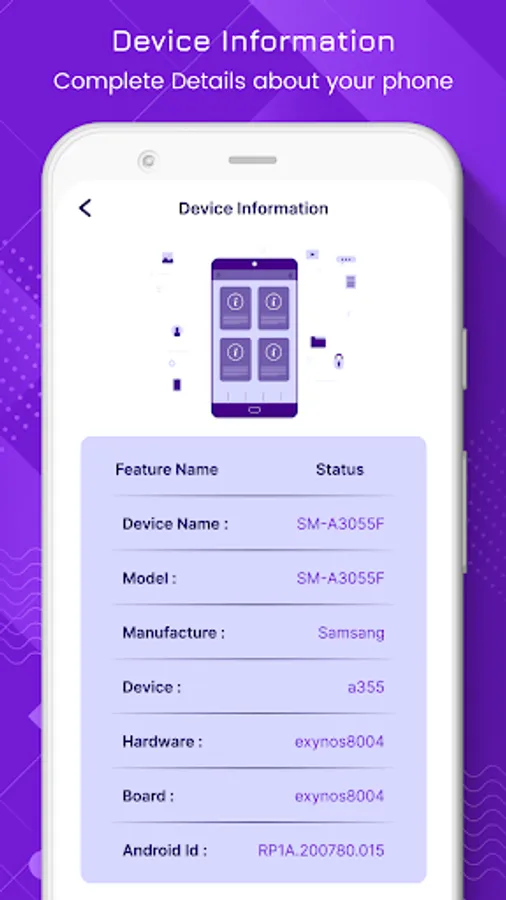
Device Information gives you information about your mobile device. It provides information like a Device name, Model, Manufacturer, hardware, Board, and Android Id.
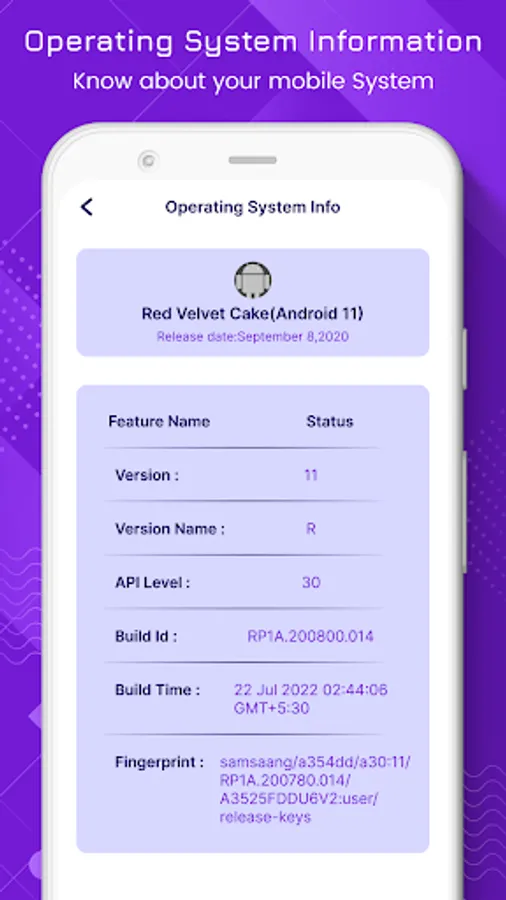
Operating System: In the operating System you get the information of the system. The information it provides is like a version, version name, API level, Build Id, and Build Time.
Main Features:
Easy to Use.
Get installed apps update.
Get system apps update.
Uninstall the app.
Update your phone software.
Check your device info with android id, device name, model, hardware and manufacturer.
Check phone operating system, version name API level, build id and device build time.
Check app detail package name, version code, version name, min SDK, target SDK and permissions.
This app is useful to update the system for android applications and update the software for new functions, features, and better performance.
In that App Update & Phone Software, you can easily uninstall any the app and check the device information and Operating system information.
The application Update list is divided into Installed Apps, System Apps, and All Apps. In application update, you can easily check the app update by clicking on the Check App update button after that if the update is available you can update the app. In this, you can also check the app detail like version name, Version code, install date, last update date, package name, permissions, etc.
Uninstall Apps: In the Uninstall App you can remove the app which is not in use. You can remove the app with just one click on the Uninstall.
The main purpose of the Phone Update is to update the software of the device. The Phone update can scan your all apps on the phone and check for updates, if any new version of any application is available it updates it quickly. After checking the update you will get the date and time of the last update check.
Device Information gives you information about your mobile device. It provides information like a Device name, Model, Manufacturer, hardware, Board, and Android Id.
Operating System: In the operating System you get the information of the system. The information it provides is like a version, version name, API level, Build Id, and Build Time.
Main Features:
Easy to Use.
Get installed apps update.
Get system apps update.
Uninstall the app.
Update your phone software.
Check your device info with android id, device name, model, hardware and manufacturer.
Check phone operating system, version name API level, build id and device build time.
Check app detail package name, version code, version name, min SDK, target SDK and permissions.
App Update & Phone Software Screenshots
Tap to Rate:
Reviews for App Update & Phone Software
Urimella Nagaraju
12/26/2025
phone pay not open
Pamela Muzondo
12/13/2025
good