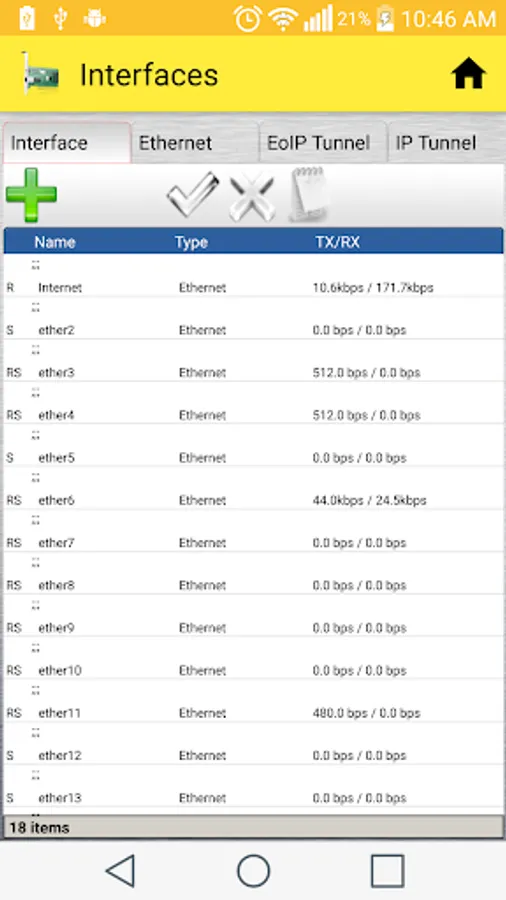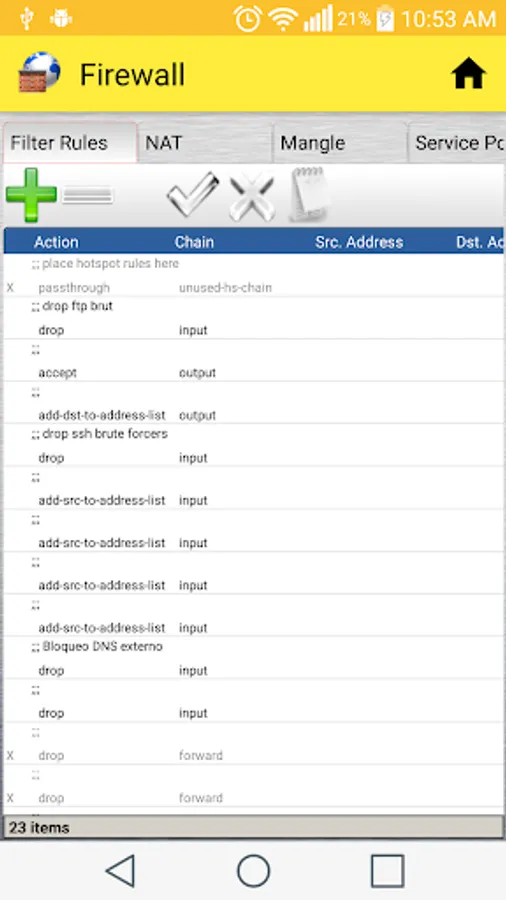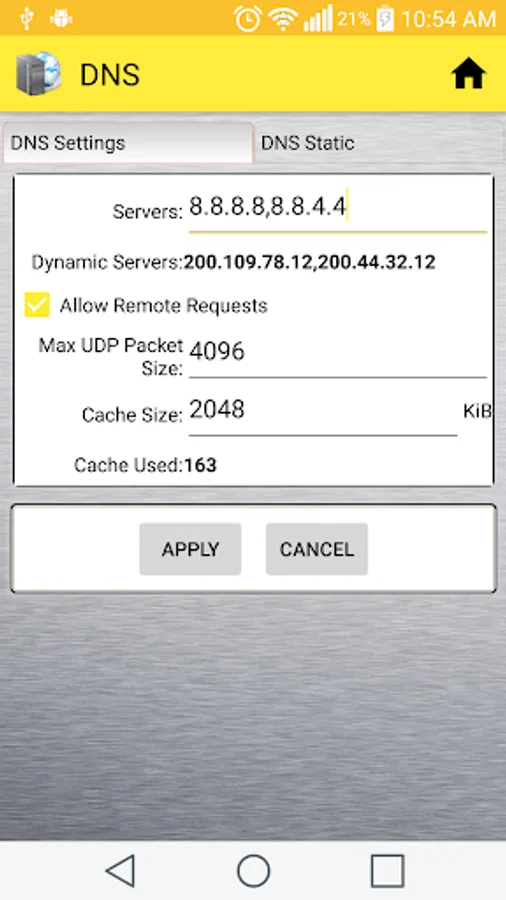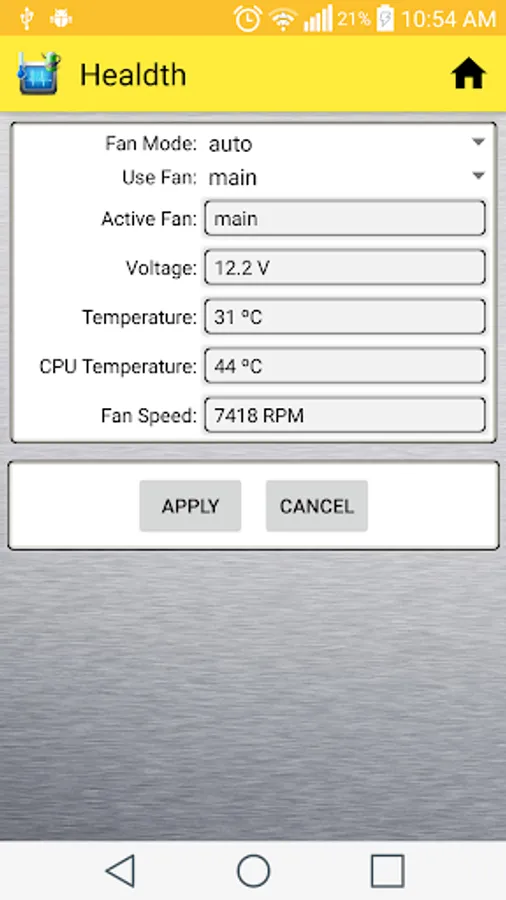
In this network configuration tool, you can monitor device status and modify rules easily. Includes device management features, rule editing, and module data handling.
AppRecs review analysis
AppRecs rating 4.0. Trustworthiness 0 out of 100. Review manipulation risk 0 out of 100. Based on a review sample analyzed.
★★★★☆
4.0
AppRecs Rating
Ratings breakdown
5 star
61%
4 star
12%
3 star
9%
2 star
4%
1 star
14%
What to know
✓
High user satisfaction
73% of sampled ratings are 4+ stars (4.0★ average)
✓
Authentic reviews
Natural distribution, no red flags
About Mikro Winbox
Configuration Tool Mikrotik OS, designed to be as similar to Winbox.
This application is on probation, so many functions are not available at the moment, yet they continue to include more functions.
Features currently available in this tool:
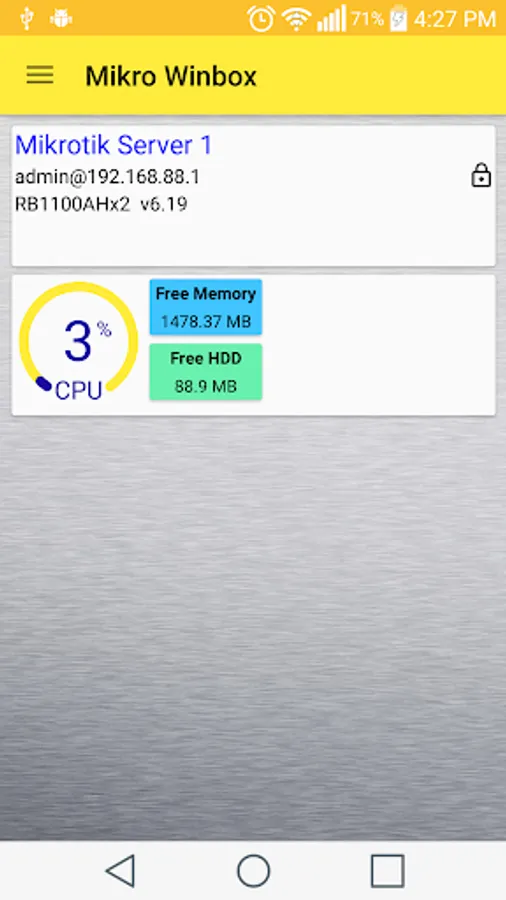
- Monitor the CPU and display Uptime.
- Modulo ARP available.
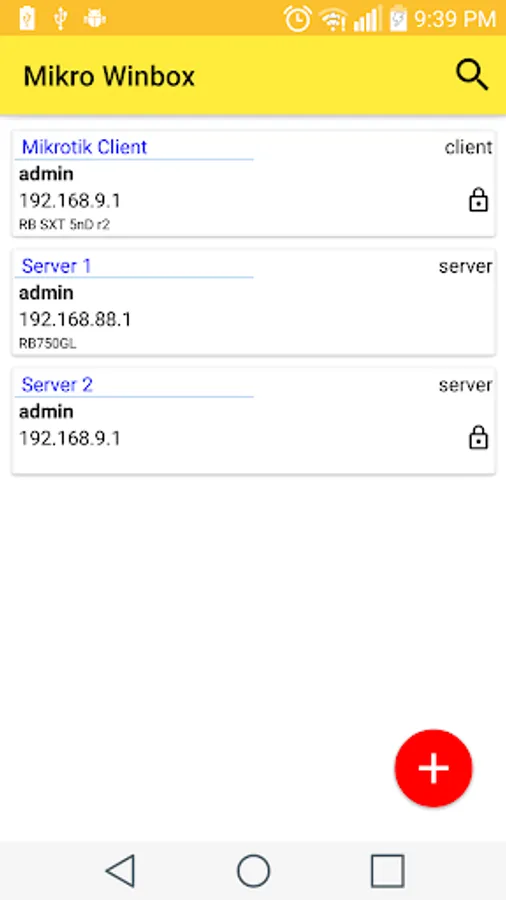
- Save unlimited devices for future connections.
- Restart computer.
- Shut Down.
- Modify comment in the rules.
- Add Records in Modules:
* PPP -> Secrets
* ARP
* Addresses
* DHCP Client
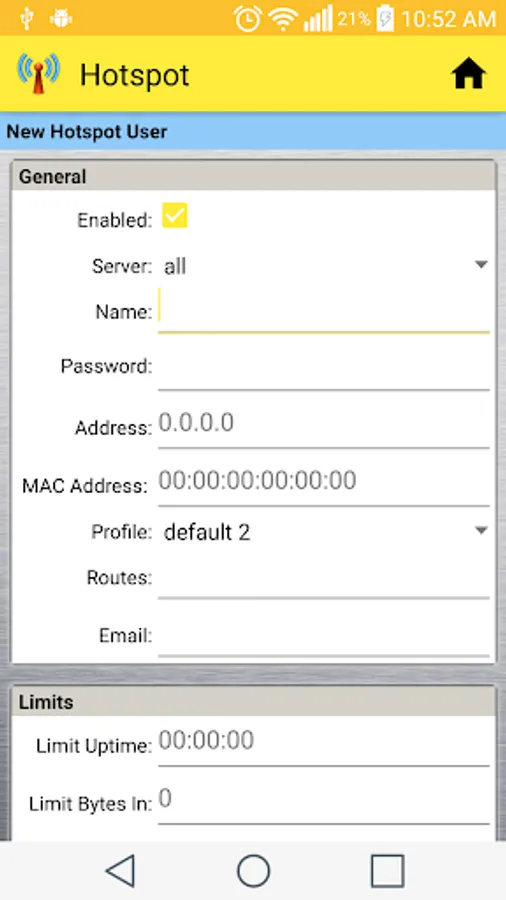
* Hotspot -> Users
* Hotspot -> IP Bindings
* Firewall -> Address Lists
- Edit Records in Modules:
* Hotspot -> Users
* Hotspot -> IP Bindings
- Alphabetical Order:
* Hotspot -> User -> Name
* Hotspot -> Active -> User
* Simple Queues -> Name
* ARP List -> IP Address
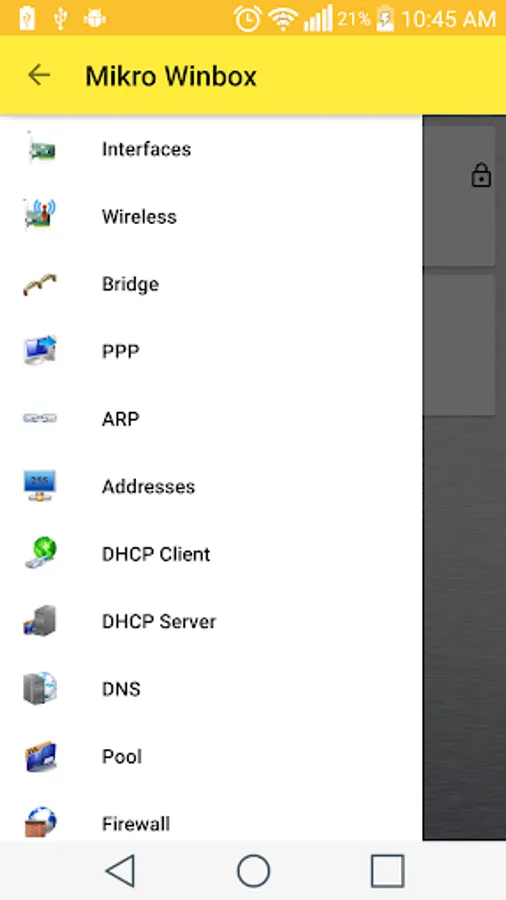
- Enable, Disable and Delete records in modules:
* PPP
* Hotspot
* Firewall
* Addresses
* Interfaces
* PPP
* Queues
* Routes
* Services
* Script
* DHCP Client
* DHCP Server
* Pool
* Neighbors
To use this tool you must have enabled connection via API in the Mikrotik computer, this option can be enabled through winbox in option: IP -> Service then locate Name: api Port: 8728 and through Console it can be enabled with the following command: / ip service enable api
This application is on probation, so many functions are not available at the moment, yet they continue to include more functions.
Features currently available in this tool:
- Monitor the CPU and display Uptime.
- Modulo ARP available.
- Save unlimited devices for future connections.
- Restart computer.
- Shut Down.
- Modify comment in the rules.
- Add Records in Modules:
* PPP -> Secrets
* ARP
* Addresses
* DHCP Client
* Hotspot -> Users
* Hotspot -> IP Bindings
* Firewall -> Address Lists
- Edit Records in Modules:
* Hotspot -> Users
* Hotspot -> IP Bindings
- Alphabetical Order:
* Hotspot -> User -> Name
* Hotspot -> Active -> User
* Simple Queues -> Name
* ARP List -> IP Address
- Enable, Disable and Delete records in modules:
* PPP
* Hotspot
* Firewall
* Addresses
* Interfaces
* PPP
* Queues
* Routes
* Services
* Script
* DHCP Client
* DHCP Server
* Pool
* Neighbors
To use this tool you must have enabled connection via API in the Mikrotik computer, this option can be enabled through winbox in option: IP -> Service then locate Name: api Port: 8728 and through Console it can be enabled with the following command: / ip service enable api