Squircle CE - Code Editor
blacksquircle.
3.7 ★
432 ratings
50,000+
downloads
Free
In this code editor, you can write, manage, and version source code across multiple programming languages with syntax highlighting and code completion. Includes support for remote file access via SFTP/FTP(S) and Git integration.
AppRecs review analysis
AppRecs rating 3.6. Trustworthiness 85 out of 100. Review manipulation risk 16 out of 100. Based on a review sample analyzed.
★★★☆☆
3.6
AppRecs Rating
Ratings breakdown
5 star
47%
4 star
22%
3 star
7%
2 star
4%
1 star
20%
What to know
✓
Low review manipulation risk
16% review manipulation risk
✓
Credible reviews
85% trustworthiness score from analyzed reviews
✓
Good user ratings
69% positive sampled reviews
About Squircle CE - Code Editor
Squircle CE is a fast, lightweight code editor and file manager with support for over 30 programming languages, remote file access via SFTP/FTP(S) and Git VCS integration. Whether you're a student, hobbyist, or professional developer, Squircle CE lets you write, manage, and version your source code anywhere, anytime — right on your phone or tablet.
Here are some of the features that help you code more efficiently:
• Multi-language Support
Code in 30+ languages: Java, Kotlin, Python, C/C++, HTML, JavaScript, TypeScript, PHP, Rust, Go, and more.
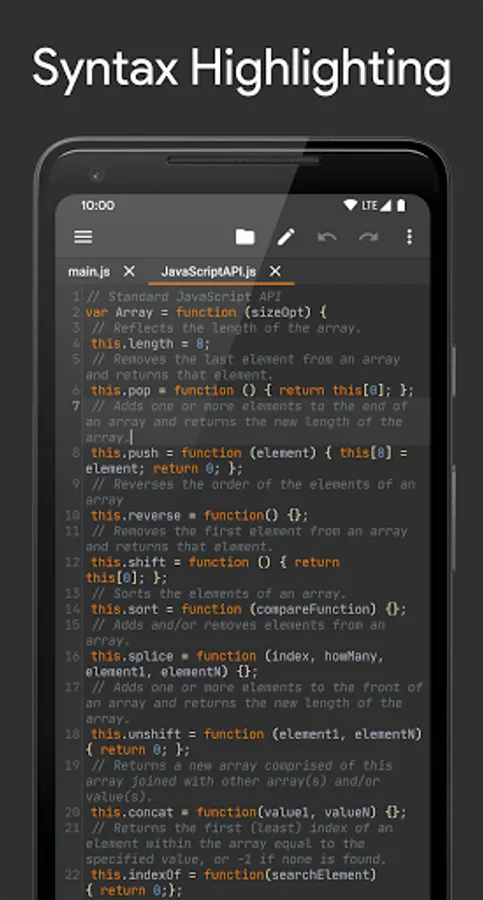
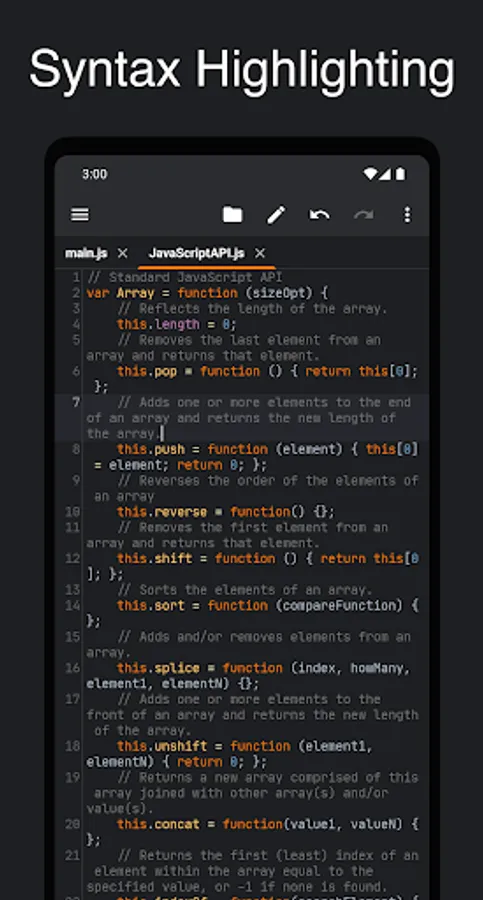
• Syntax Highlighting
Clean and colorful syntax highlighting helps you understand your code at a glance.
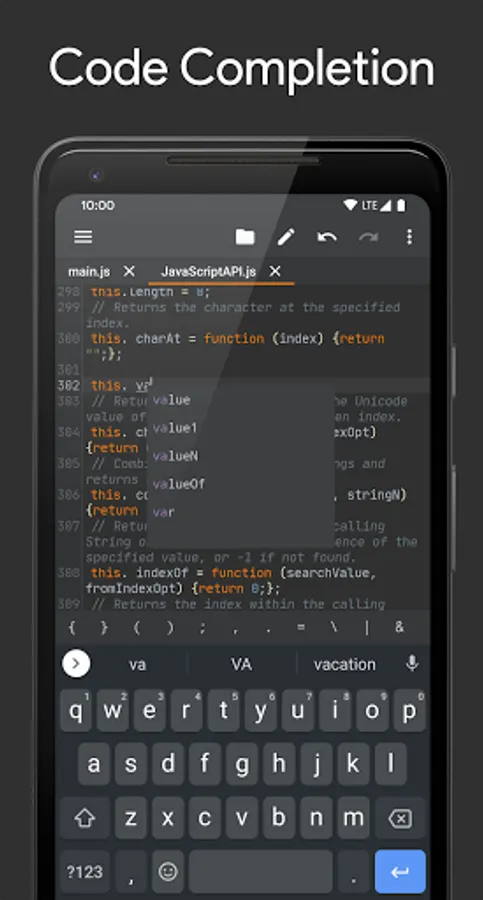
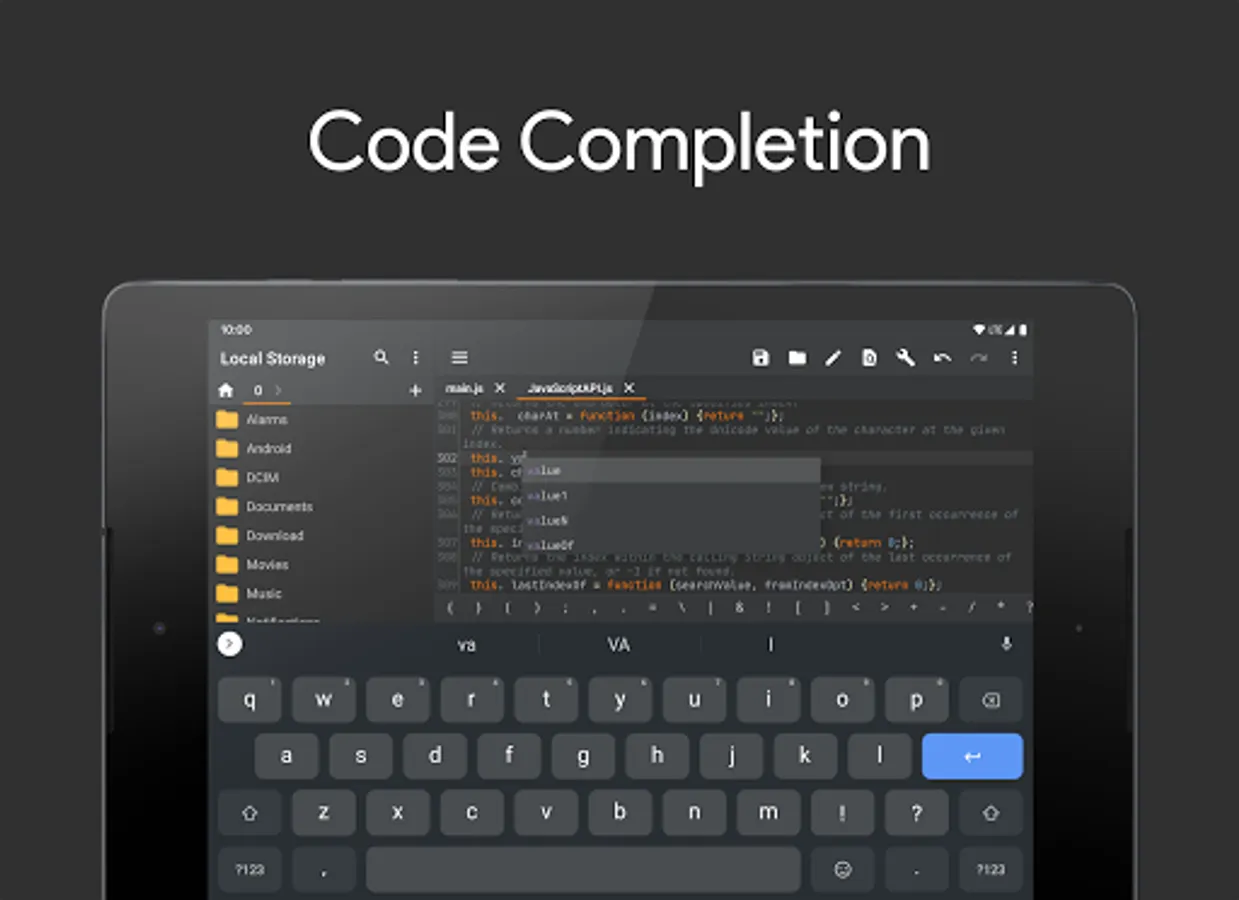
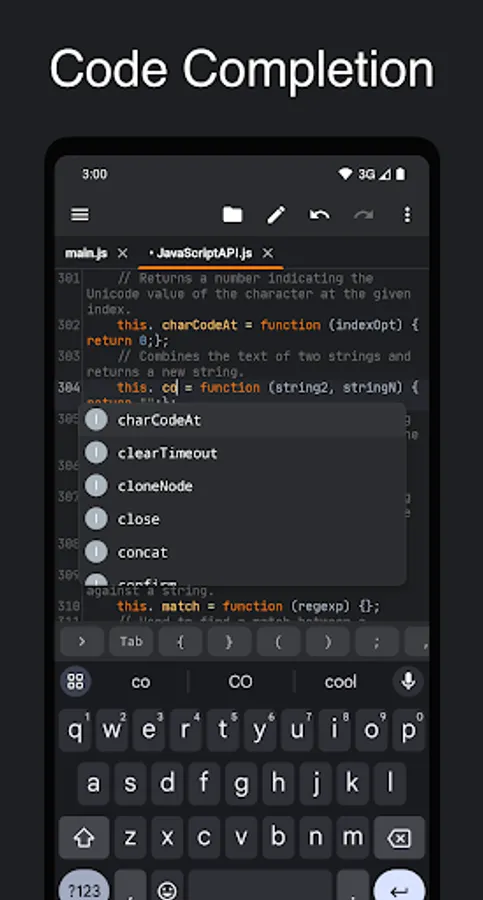
• Code Completion
Speed up coding with smart suggestions for variables, functions, and keywords based on your file content.
• Git Integration
Version control your code directly in the editor. Commit, push, pull, and manage branches with ease.
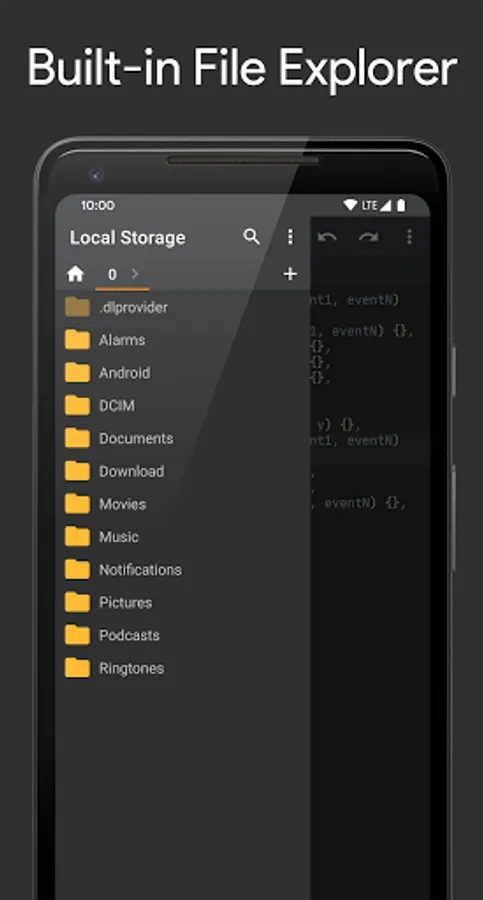
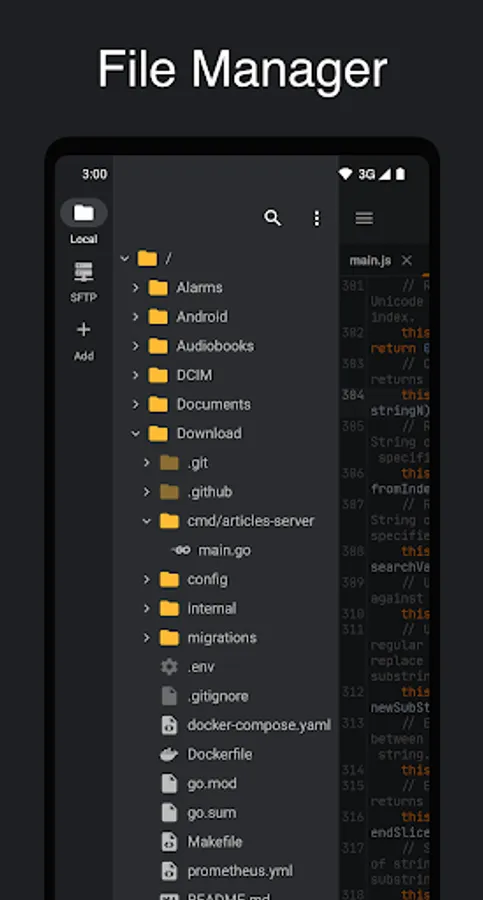
• File Manager
Manage files locally or remotely with SFTP/FTP(S) support - you don't need any other file managing app.
• Cross-session Editing
Never lose your work — all changes are saved automatically, so you can pick up right where you left off.
• Unlimited Undo/Redo
Correct mistakes easily with unlimited undo and redo, even after restarting the app.
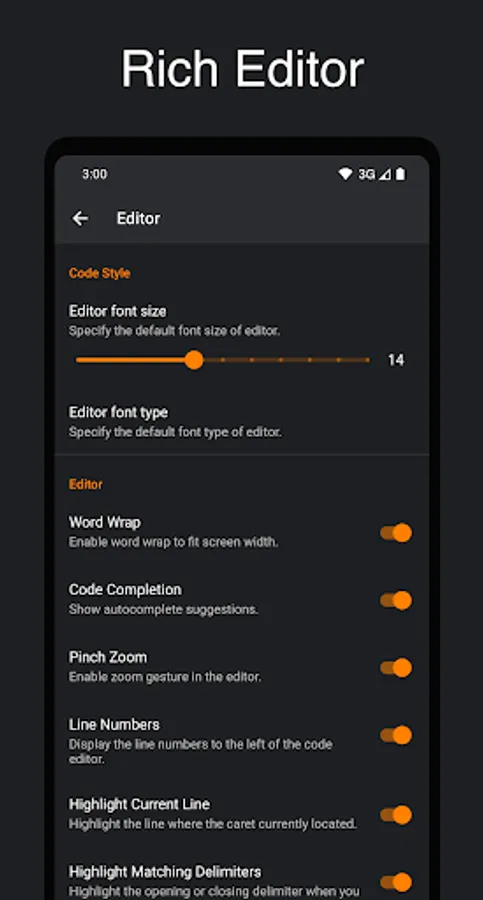
• Bracket Matching
Quickly understand code structure with automatic highlighting of matching brackets (), [], and {}.
• Code Style
Write cleaner code with automatic indentation and smart closing of brackets, braces, and quotes.
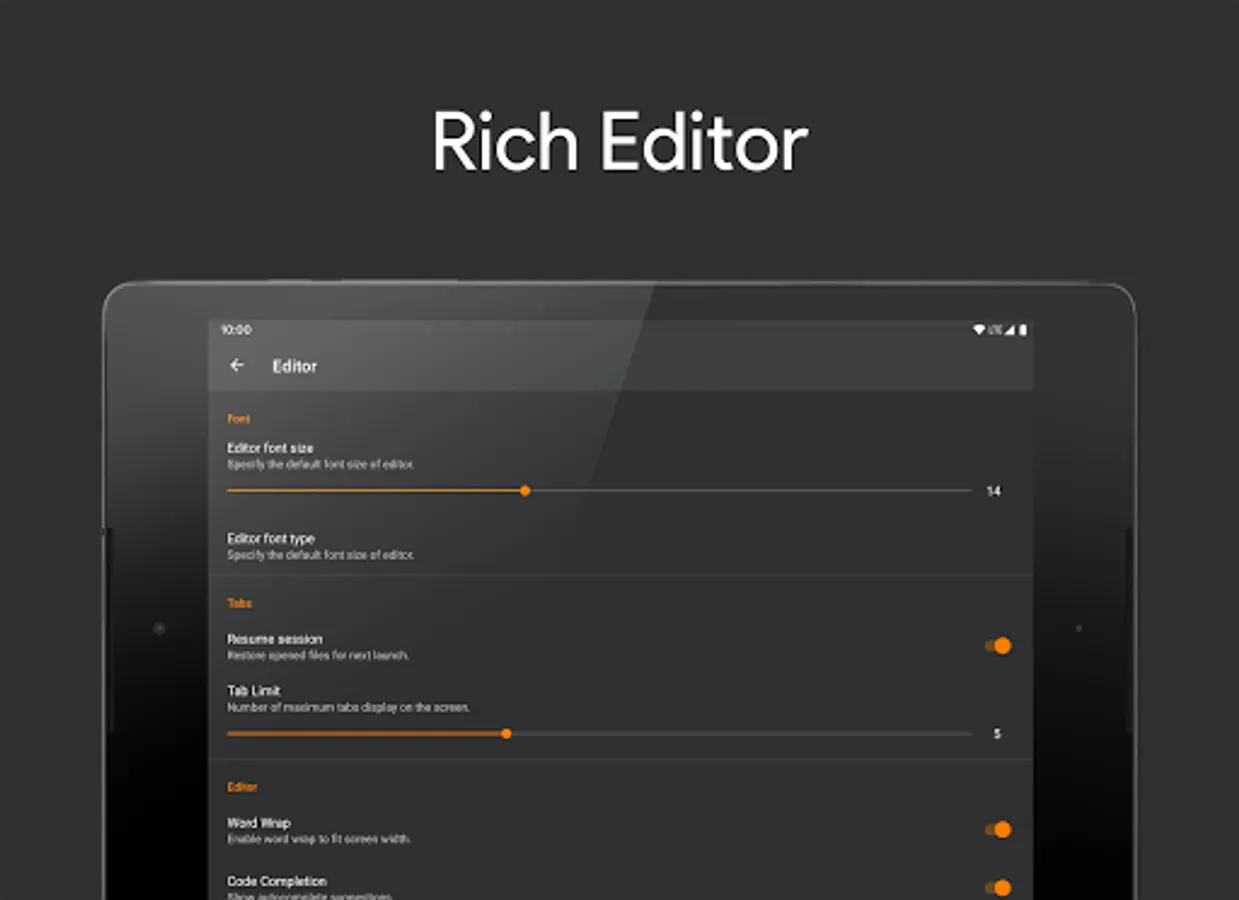
• Advanced Editing Tools
Easily select, delete, or duplicate lines with convenient editing options.
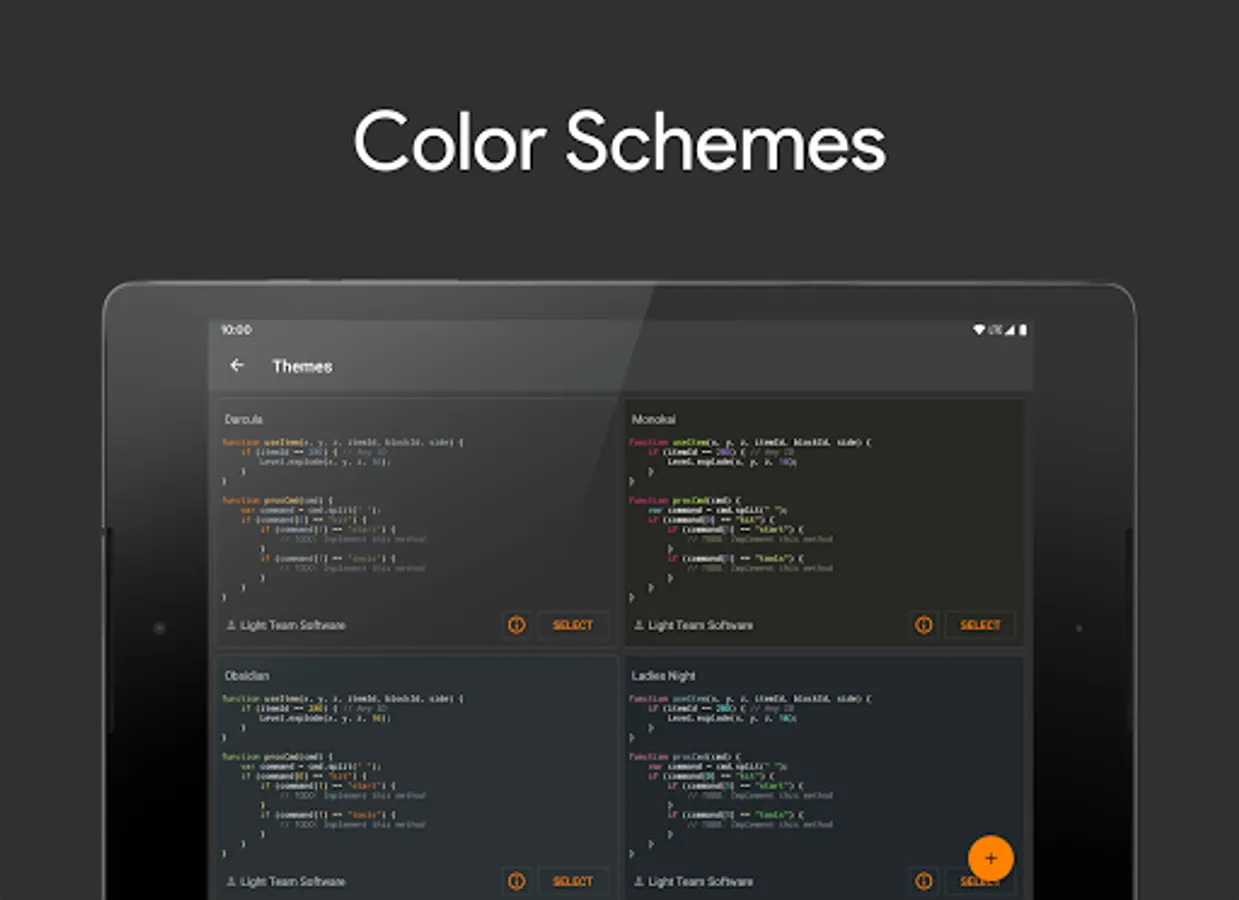
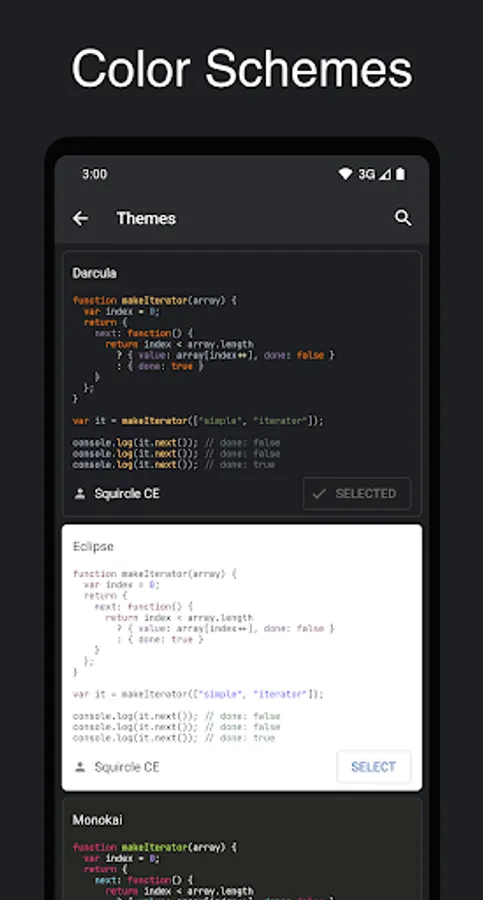
• Color Schemes
Choose from a variety of themes that match your preferred coding environment.
• Open Source
Explore and contribute: https://github.com/massivemadness/Squircle-CE
Here are some of the features that help you code more efficiently:
• Multi-language Support
Code in 30+ languages: Java, Kotlin, Python, C/C++, HTML, JavaScript, TypeScript, PHP, Rust, Go, and more.
• Syntax Highlighting
Clean and colorful syntax highlighting helps you understand your code at a glance.
• Code Completion
Speed up coding with smart suggestions for variables, functions, and keywords based on your file content.
• Git Integration
Version control your code directly in the editor. Commit, push, pull, and manage branches with ease.
• File Manager
Manage files locally or remotely with SFTP/FTP(S) support - you don't need any other file managing app.
• Cross-session Editing
Never lose your work — all changes are saved automatically, so you can pick up right where you left off.
• Unlimited Undo/Redo
Correct mistakes easily with unlimited undo and redo, even after restarting the app.
• Bracket Matching
Quickly understand code structure with automatic highlighting of matching brackets (), [], and {}.
• Code Style
Write cleaner code with automatic indentation and smart closing of brackets, braces, and quotes.
• Advanced Editing Tools
Easily select, delete, or duplicate lines with convenient editing options.
• Color Schemes
Choose from a variety of themes that match your preferred coding environment.
• Open Source
Explore and contribute: https://github.com/massivemadness/Squircle-CE
Squircle CE - Code Editor Screenshots
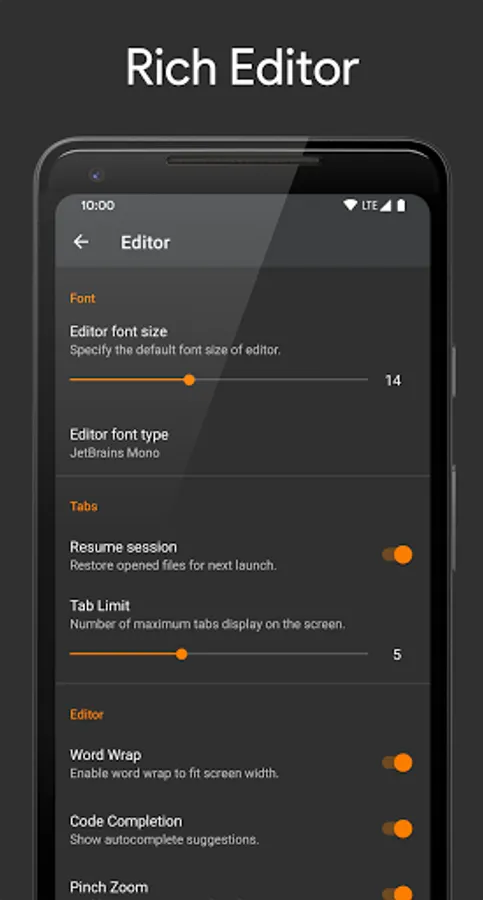
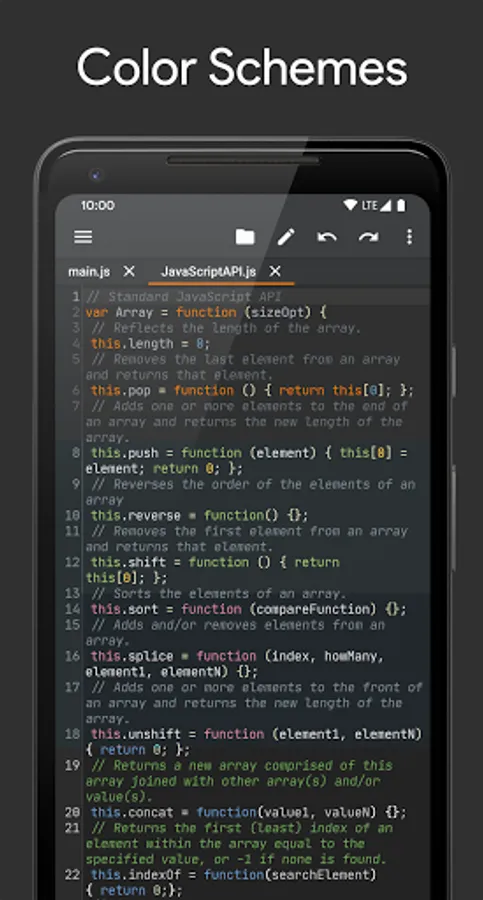
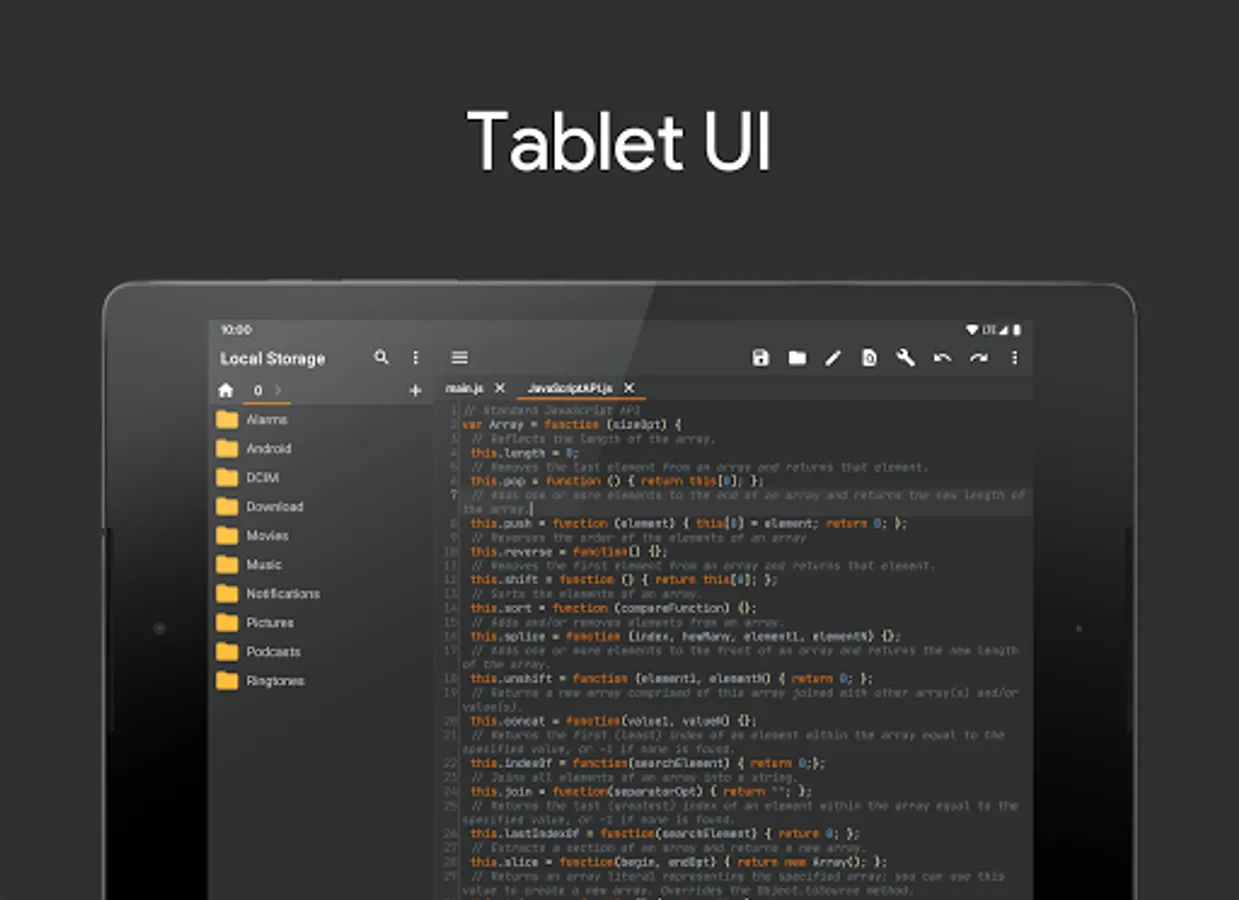
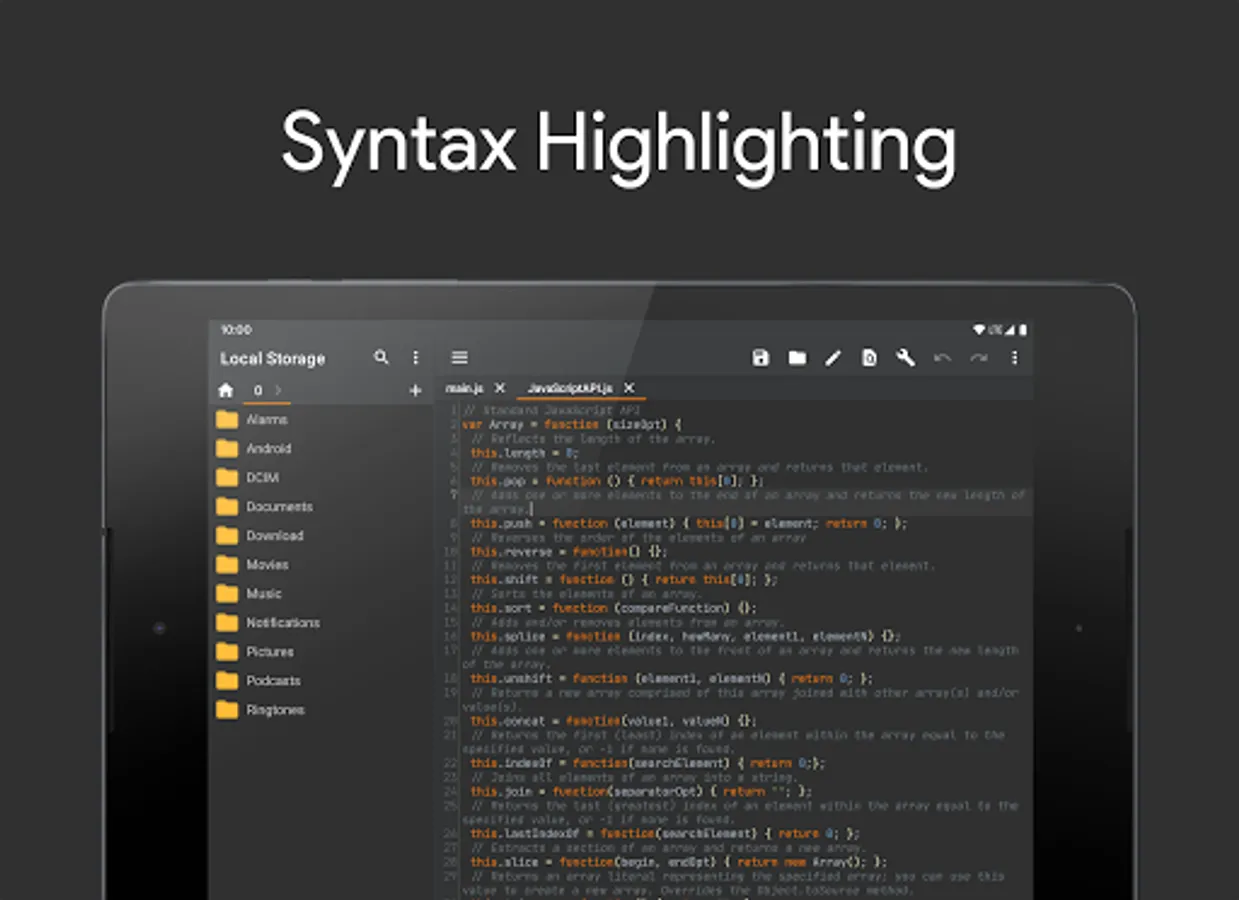
Tap to Rate:
Reviews for Squircle CE - Code Editor
Jean Fernand ツ
12/21/2025
this is a cool app with amazing UI but we can't compile code, or even preview html file... Hope in the next update, the developper will add these features
Peter
12/16/2025
Pointless app. What is the use of it when you can't run the program afterwards?