With this app, you can simulate incoming texts by customizing sender names and delays, and schedule texts via widget. Includes a widget for quick scheduling and options to cancel or modify scheduled messages.
AppRecs review analysis
AppRecs rating 2.7. Trustworthiness 0 out of 100. Review manipulation risk 0 out of 100. Based on a review sample analyzed.
★★☆☆☆
2.7
AppRecs Rating
Ratings breakdown
5 star
37%
4 star
5%
3 star
3%
2 star
2%
1 star
53%
What to know
⚠
Mixed user feedback
Average 2.7★ rating suggests room for improvement
⚠
High negative review ratio
55% of sampled ratings are 1–2 stars
About Fake Text Message
Want your friends to think you're getting a text from someone important? Wish you got a text to have an excuse to leave an awkward situation?
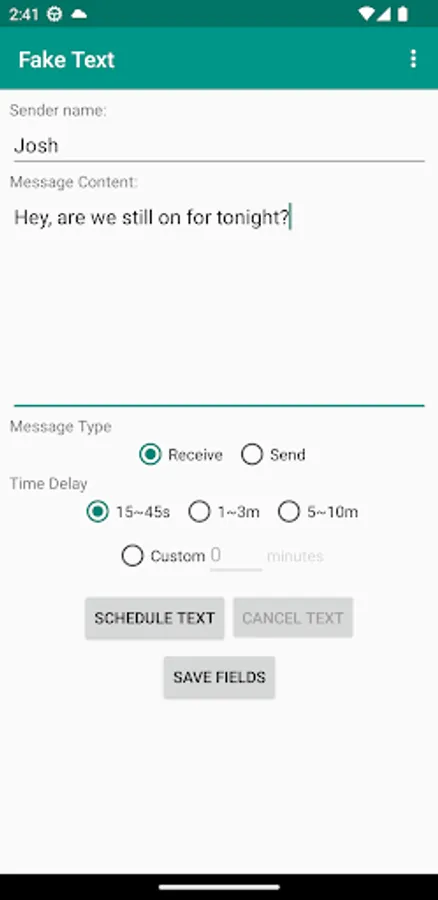
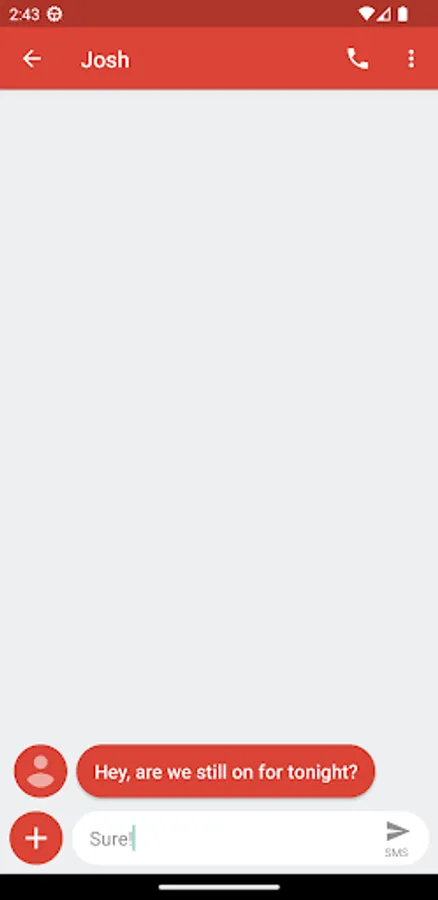
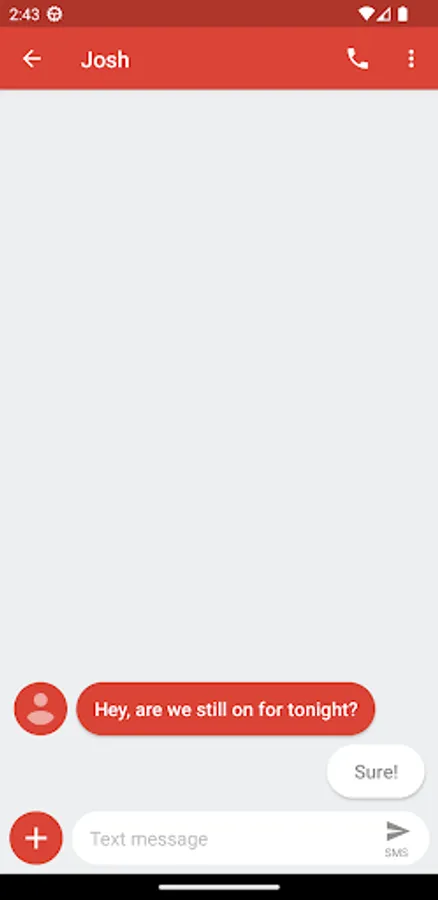
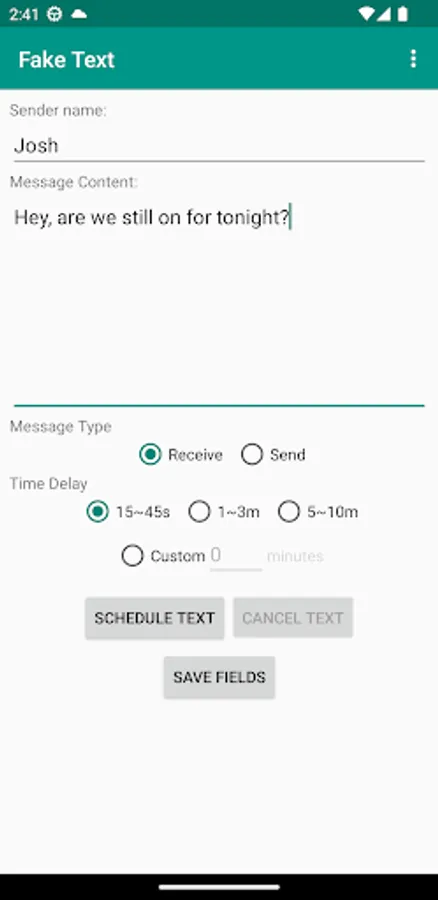
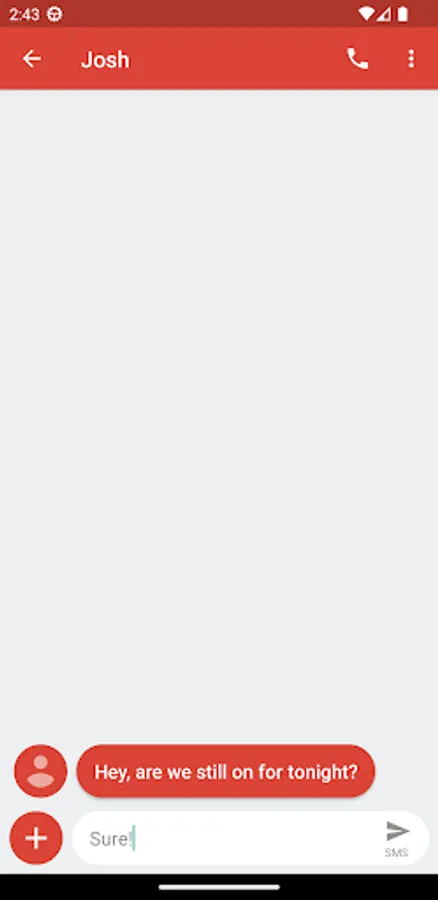
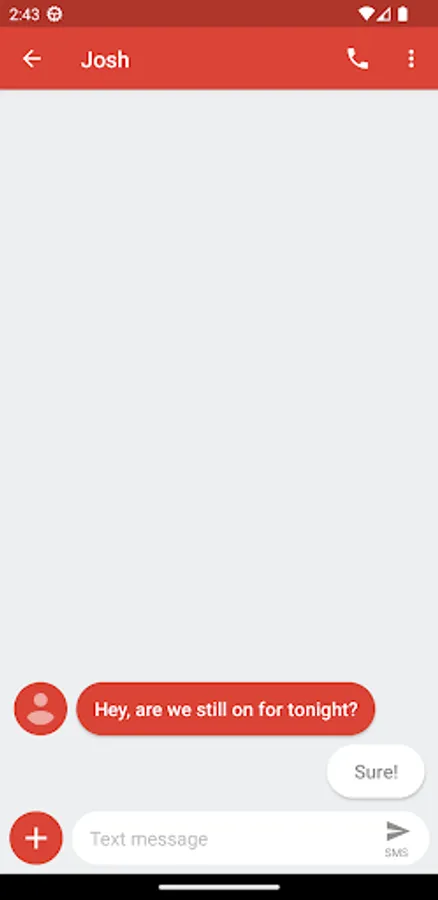
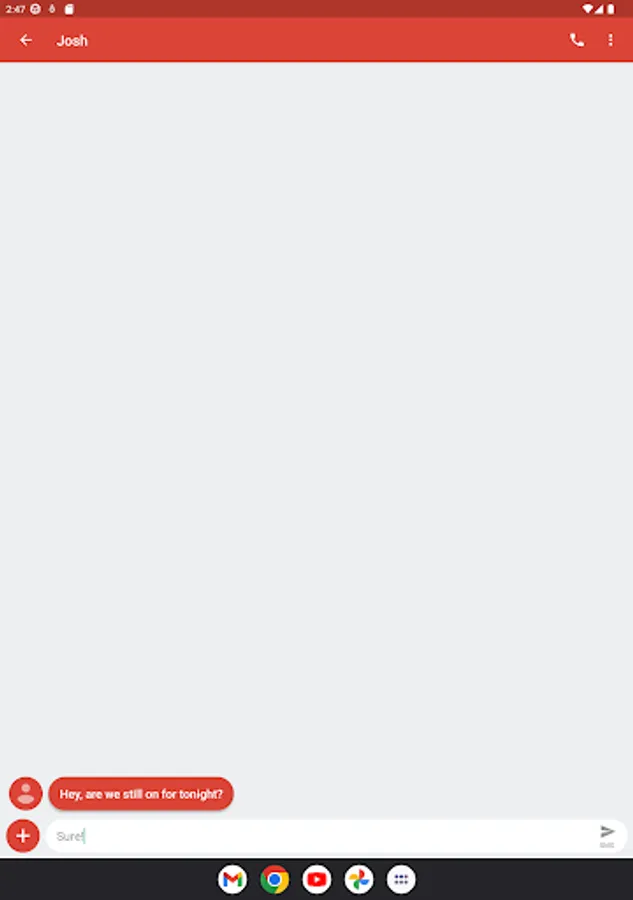
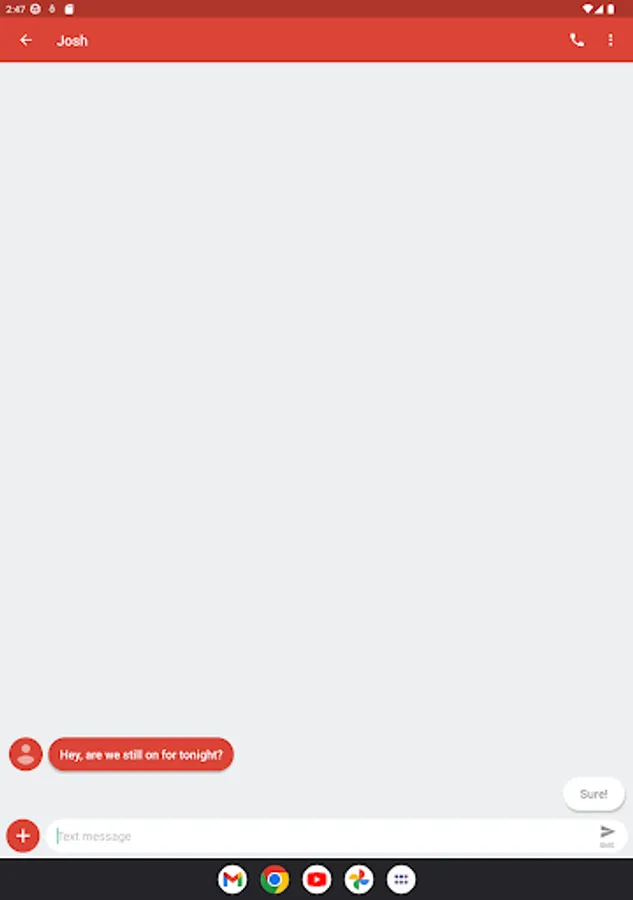
With Fake Text, you can do all that and more! Fake Text is an application that simulates an incoming text with customizable sender name and time delay.
Includes a widget that can be used to schedule a fake text directly from your Home screen.
How to use:
Regular Text:
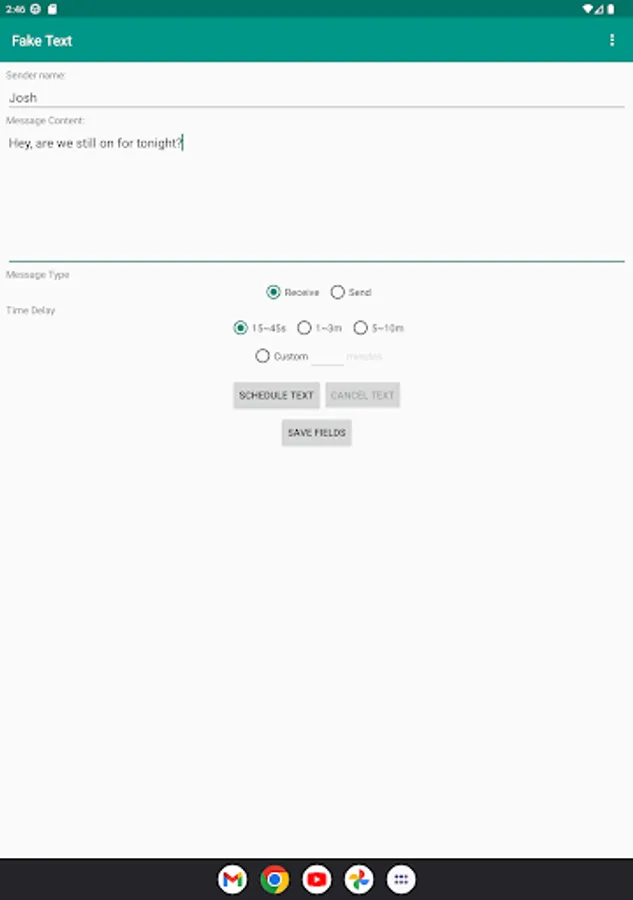
Start the application and fill in the sender name and the time delay you wish to have for the text, then press Schedule Text. If you change your mind, you can cancel the text with the Reset Text button at any time, even if you have closed the app since then.
Widget-triggered Text:
The Fake Text widget allows you to schedule a fake Text with a single press of a button. Simply add the widget to your Android device and click it to schedule a text. Blue icon means it's ready to schedule a text, while red icon means there's a scheduled text in progress.
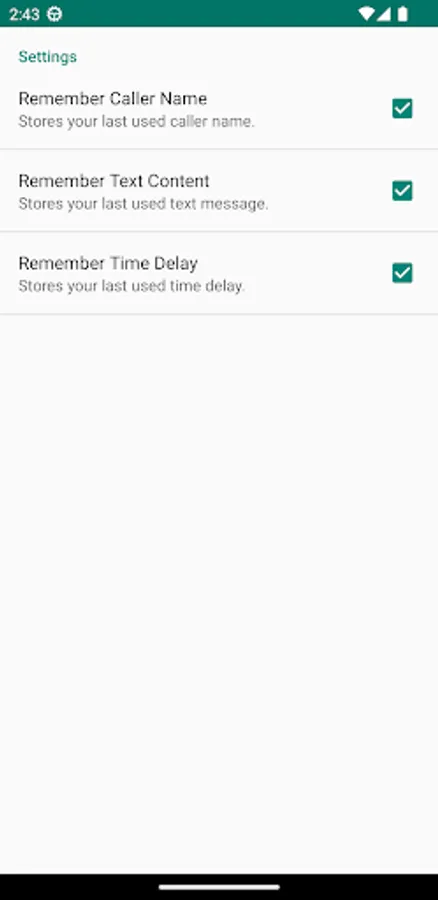
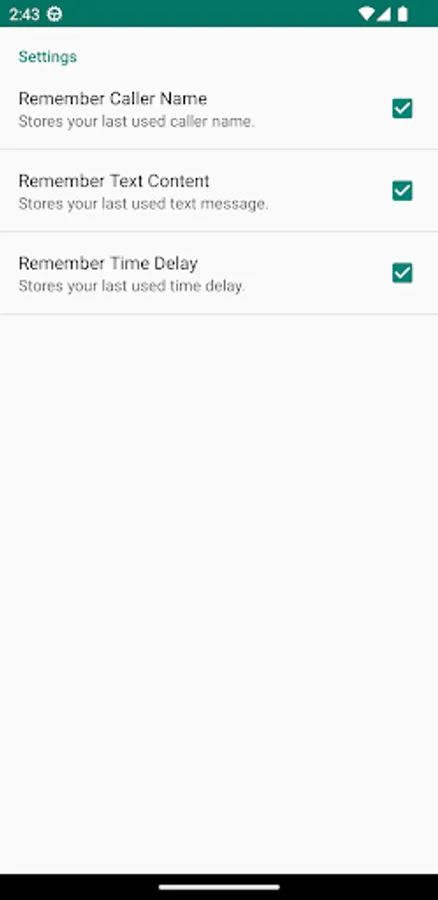
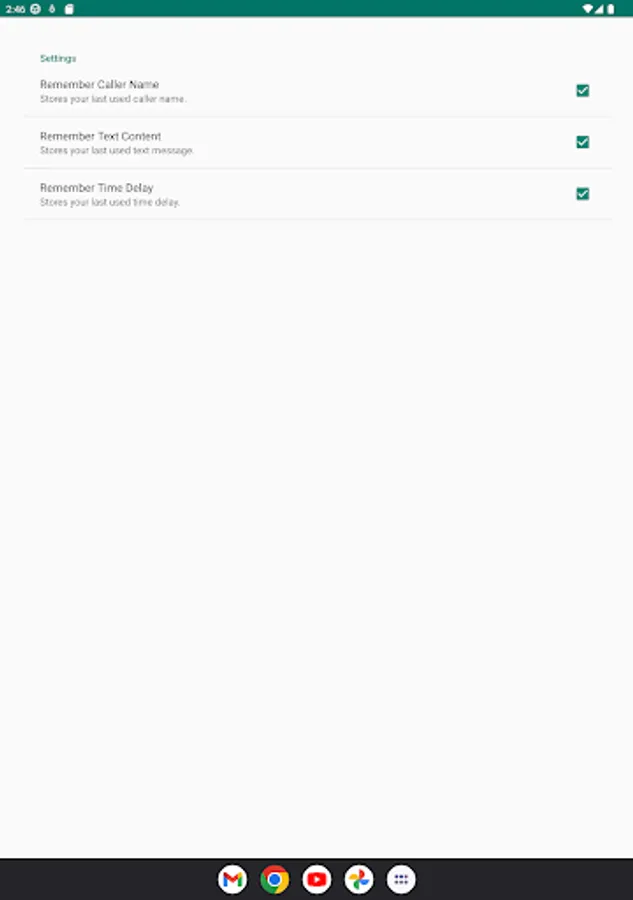
If you wish to have the widget generate a text with a custom sender name and delay, use the Save Fields button in the main application.
With Fake Text, you can do all that and more! Fake Text is an application that simulates an incoming text with customizable sender name and time delay.
Includes a widget that can be used to schedule a fake text directly from your Home screen.
How to use:
Regular Text:
Start the application and fill in the sender name and the time delay you wish to have for the text, then press Schedule Text. If you change your mind, you can cancel the text with the Reset Text button at any time, even if you have closed the app since then.
Widget-triggered Text:
The Fake Text widget allows you to schedule a fake Text with a single press of a button. Simply add the widget to your Android device and click it to schedule a text. Blue icon means it's ready to schedule a text, while red icon means there's a scheduled text in progress.
If you wish to have the widget generate a text with a custom sender name and delay, use the Save Fields button in the main application.