
Deck Wallet for Clash Royale
Bloodeye Games
4.0 ★
2K ratings
100,000+
downloads
Free
+ in-app
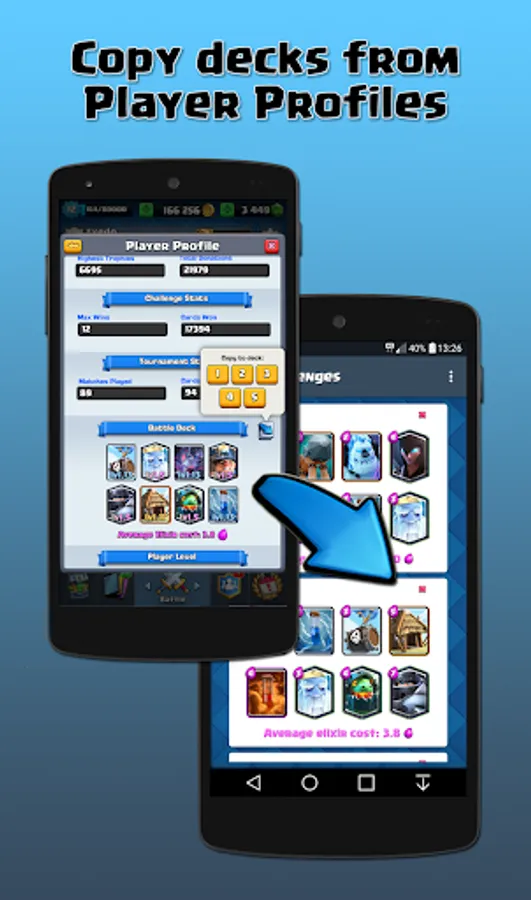
With this app, you can save, organize, and quickly switch between multiple Clash Royale decks and share them with a single tap. Includes deck collections for various game modes, synchronization across devices, and options to copy decks from TV Royale or player profiles.
AppRecs review analysis
AppRecs rating 3.8. Trustworthiness 0 out of 100. Review manipulation risk 0 out of 100. Based on a review sample analyzed.
★★★☆☆
3.8
AppRecs Rating
Ratings breakdown
5 star
64%
4 star
11%
3 star
4%
2 star
2%
1 star
20%
What to know
✓
Good user ratings
74% positive sampled reviews
✓
Authentic reviews
Natural distribution, no red flags
⚠
Ad complaints
Many low ratings mention excessive ads
About Deck Wallet for Clash Royale
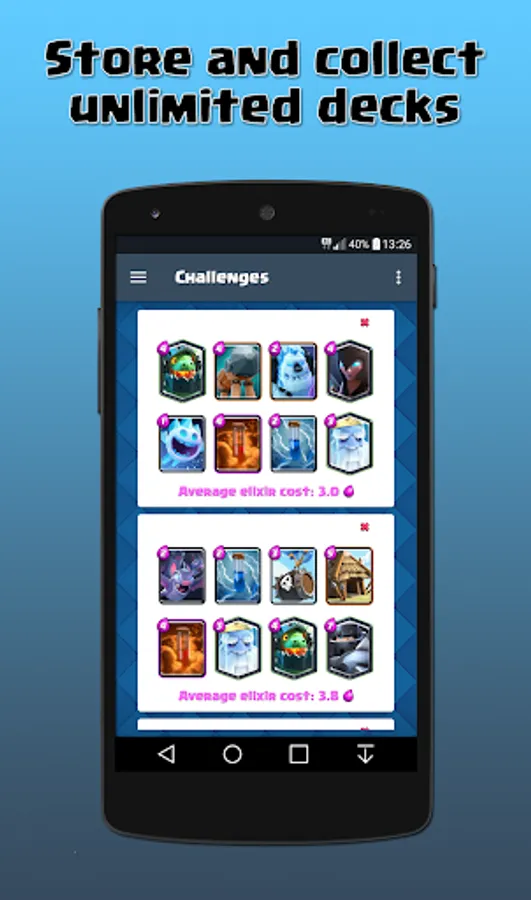
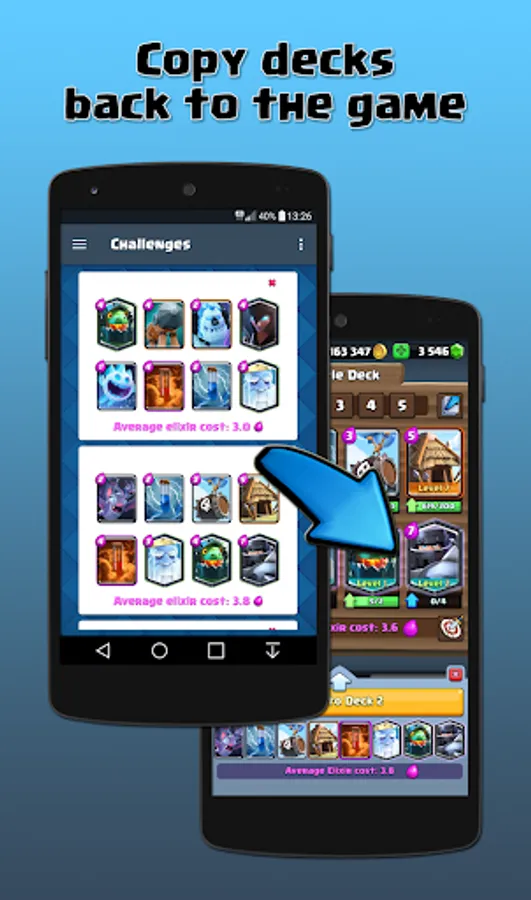
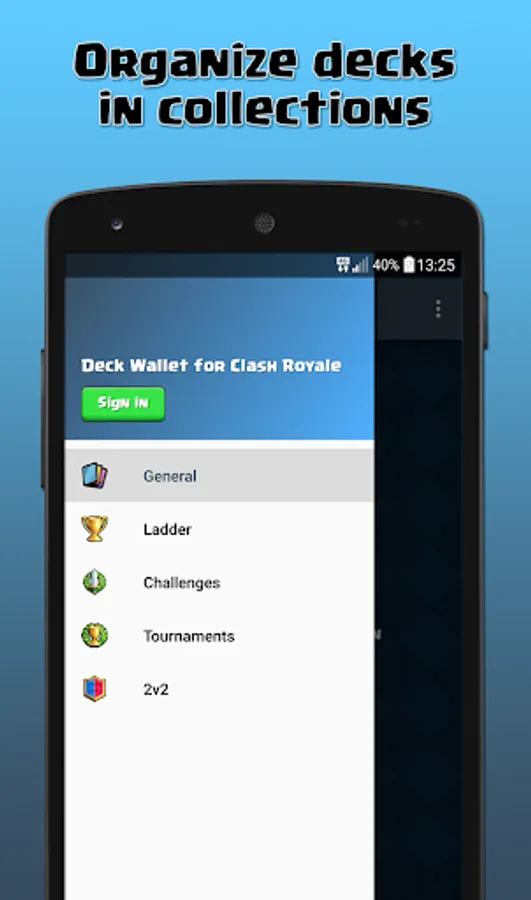
Save and collect unlimited decks in your Deck Wallet, and copy them back to the game with one touch. Organise your decks in collections for any game mode: ladder, challenges, tournaments or 2 versus 2!
Deck Wallet is used by competitive and professional players across the world to store their decks and switch deck quickly during tournaments, competitions and live events.
How does it work?
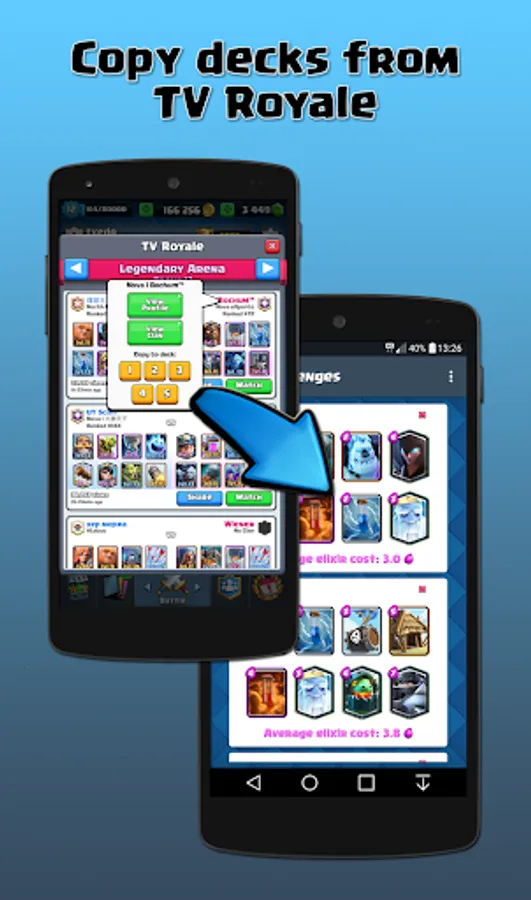
1. Build your own battle deck inside the game, or copy a deck from TV Royale or a player profile.
2. Share the deck and tap "Copy to Deck Wallet". The deck will be automatically saved in your Deck Wallet.
3. Repeat steps 1 and 2 to increase your deck collection!
To copy a deck from Deck Wallet to the game, open the app and tap on a saved deck. Clash Royale will be launched and ask you where do you want to copy the deck.
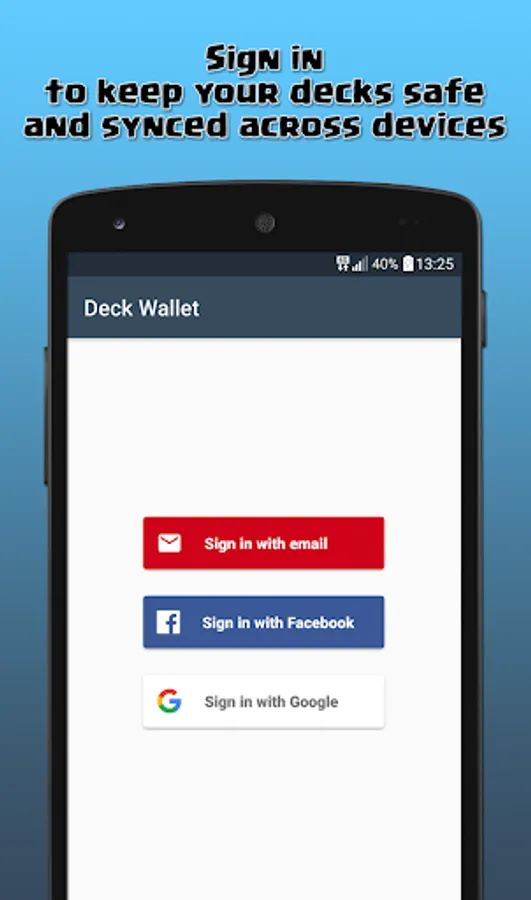
Create your user account and sign in to keep your decks safe and sync them across multiple devices.
Fan content policy:
This material is unofficial and is not endorsed by Supercell. For more information see Supercell's Fan Content Policy: www.supercell.com/fan-content-policy
Deck Wallet is used by competitive and professional players across the world to store their decks and switch deck quickly during tournaments, competitions and live events.
How does it work?
1. Build your own battle deck inside the game, or copy a deck from TV Royale or a player profile.
2. Share the deck and tap "Copy to Deck Wallet". The deck will be automatically saved in your Deck Wallet.
3. Repeat steps 1 and 2 to increase your deck collection!
To copy a deck from Deck Wallet to the game, open the app and tap on a saved deck. Clash Royale will be launched and ask you where do you want to copy the deck.
Create your user account and sign in to keep your decks safe and sync them across multiple devices.
Fan content policy:
This material is unofficial and is not endorsed by Supercell. For more information see Supercell's Fan Content Policy: www.supercell.com/fan-content-policy
Deck Wallet for Clash Royale Screenshots
Tap to Rate:
Reviews for Deck Wallet for Clash Royale
Faraz ahmad
6/5/2025
it's element full
precurious 1
5/9/2025
needs to be updated to support newer cards. this would be a very useful app if it did.