Stuck Pixel Tool
BlueBurnMobile
Free
rated 3.4 stars
100,000+
downloads
About Stuck Pixel Tool
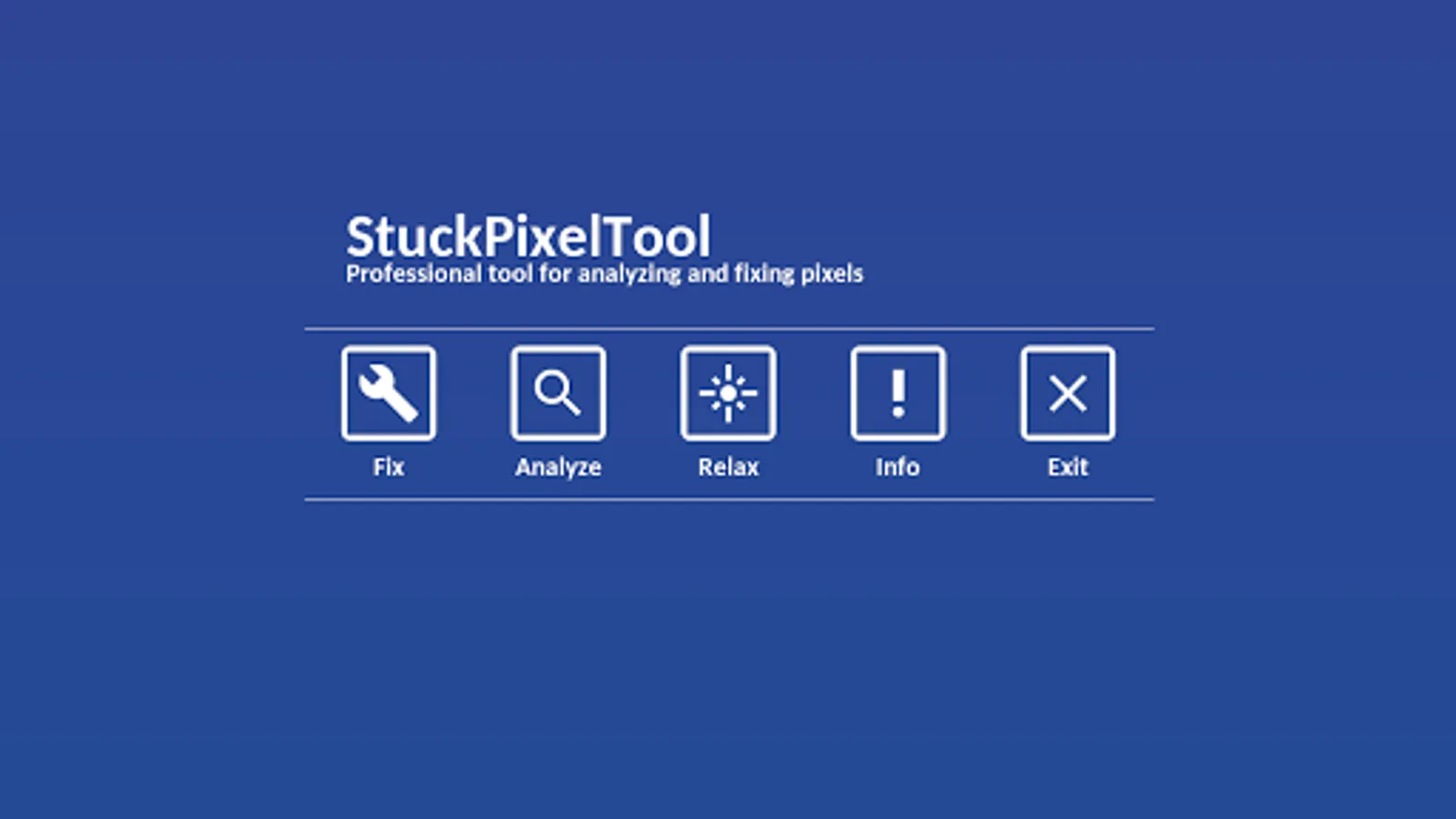
Stuck Pixel Tool - Analyze & Fix Broken Pixels
Do you need to analyze display of your device or you need to fix some kind of display issue?
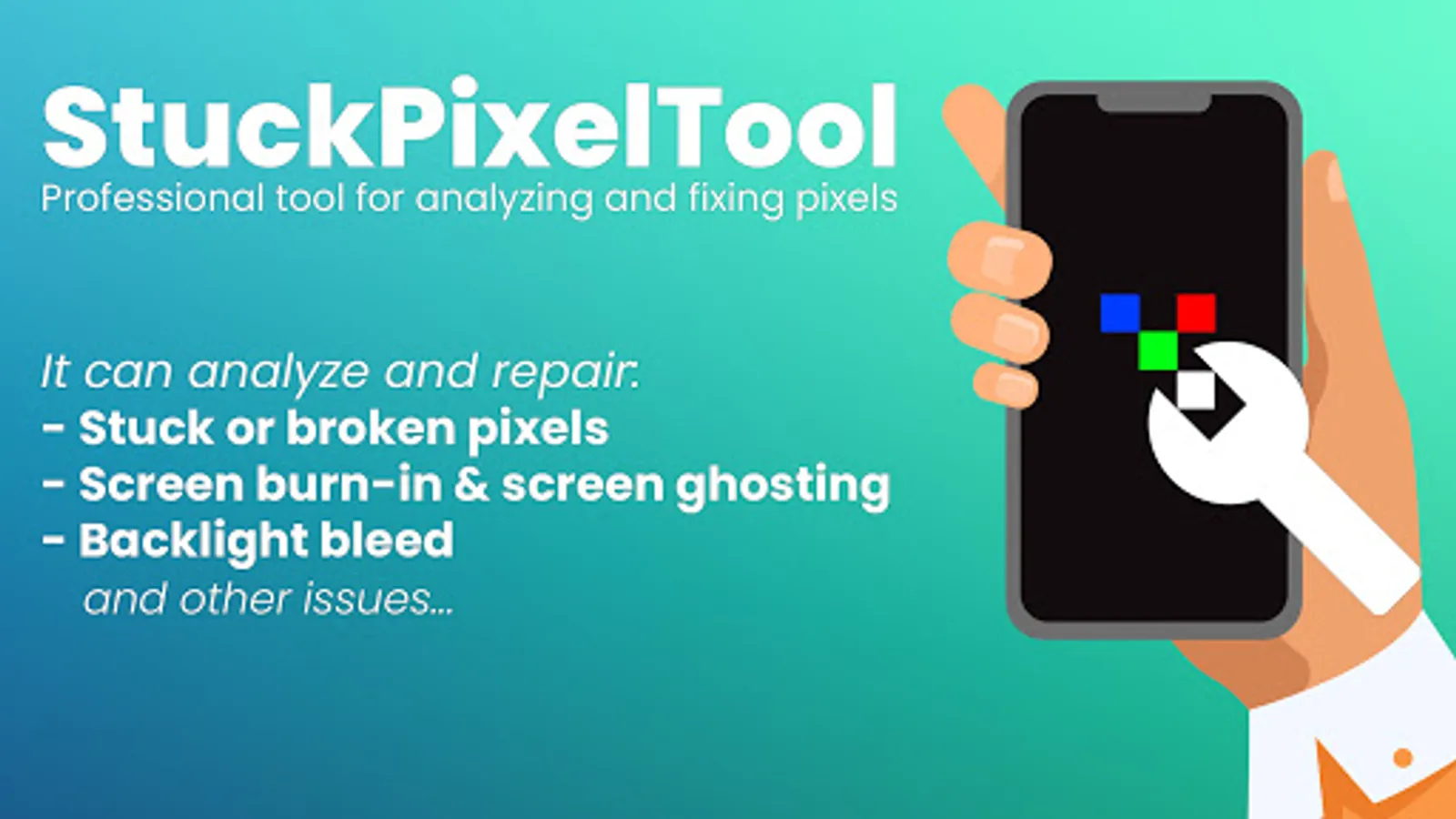
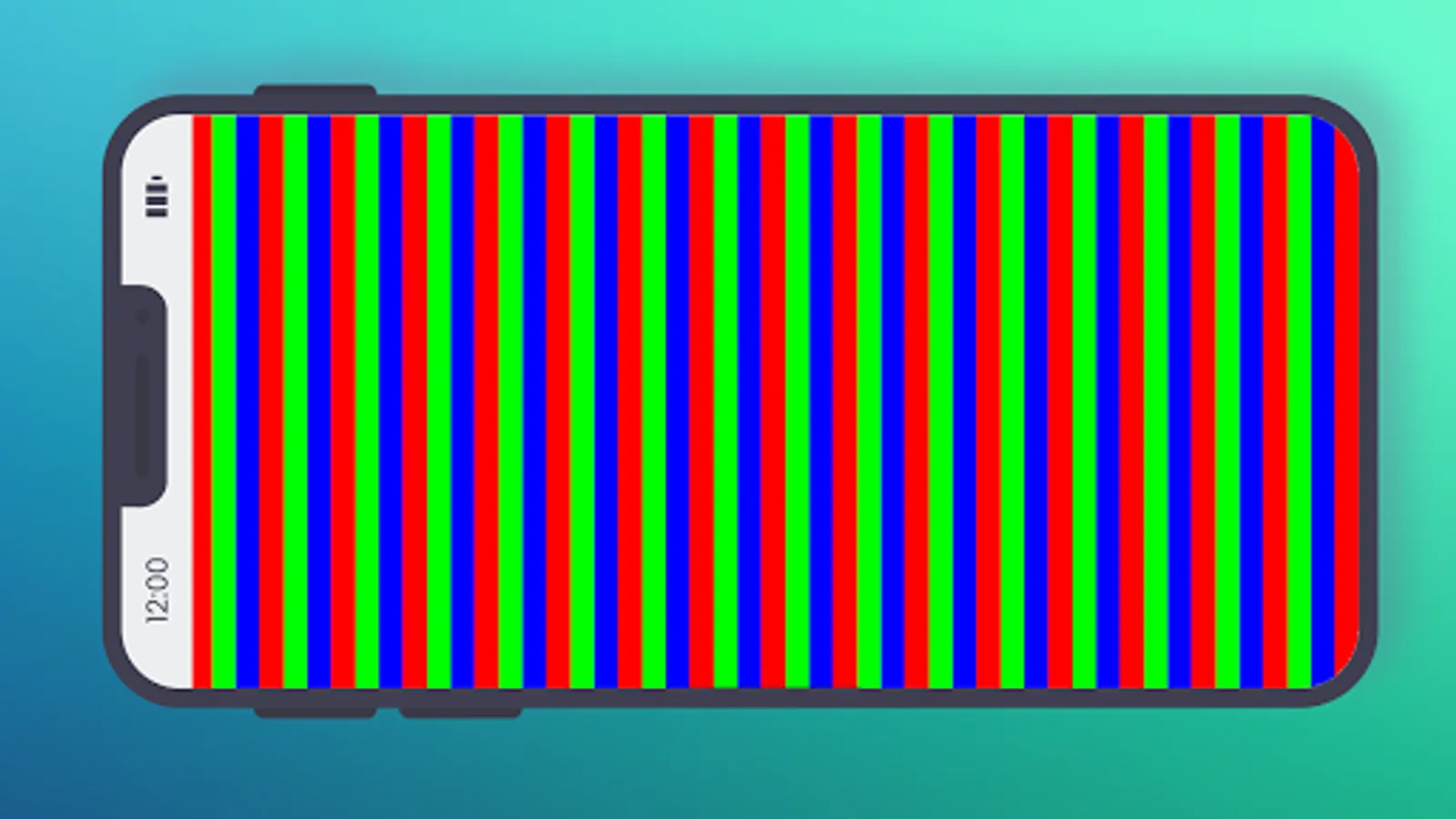
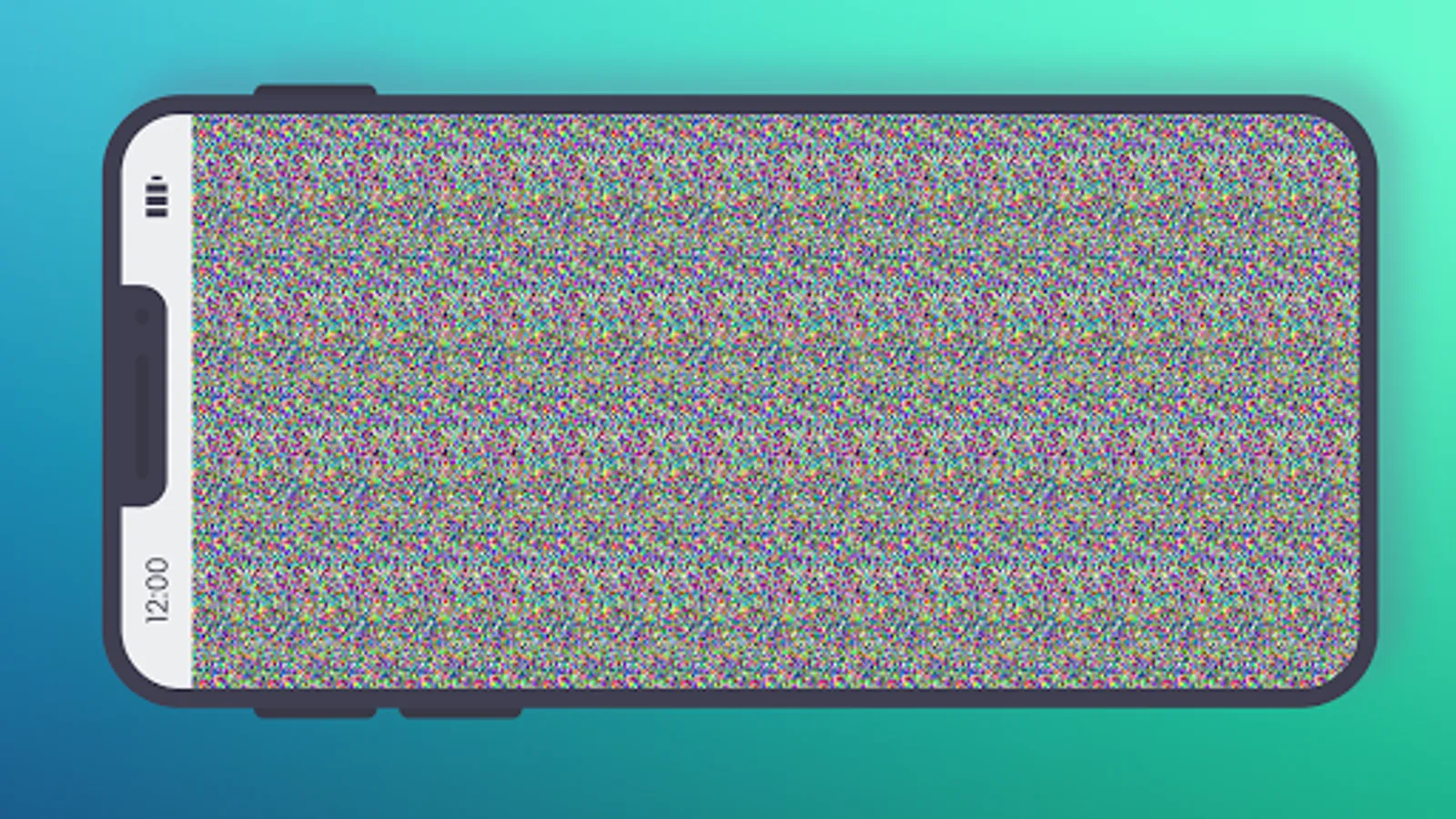
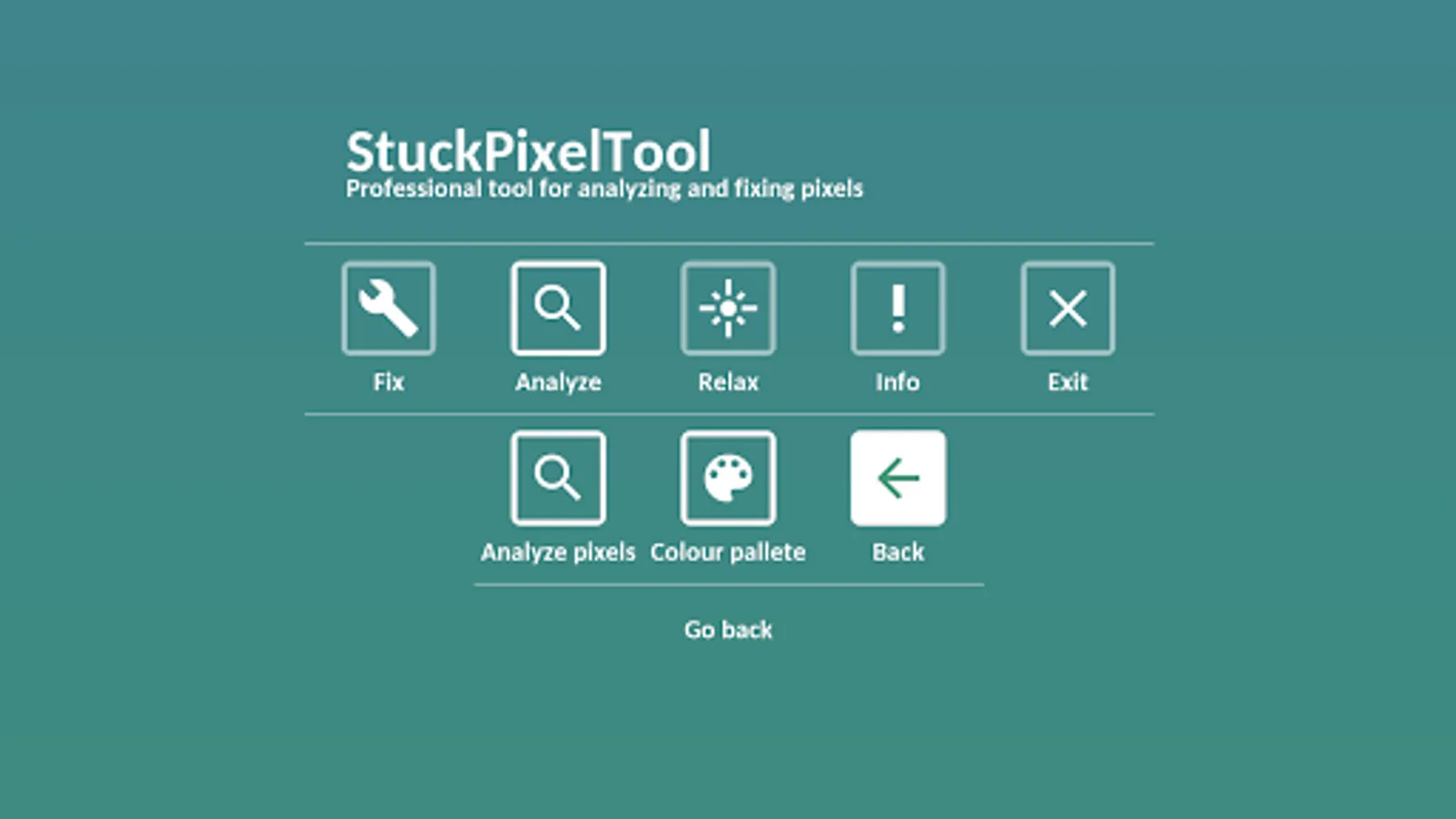
StuckPixelTool is easy to use app which is able to find and repair many kinds of display problems, such as stuck, defective or broken pixels (variations: stuck sub-pixels, dark dot defects, bright dot defects, partial sub-pixel defects, etc.), backlight bleed and screen burn-in (screen burnout, bad screen glow, image burnin or ghost image (screen ghosting), colloquially known as screen burn.
NOTE: Backlight bleed and screen burn in problem is quite common on AMOLED displays.
StuckPixelTool is optimized for any screen resolutions and is capable to run on most devices from phones, tables to Android TV or NVIDIA Shield.
A stuck, defective, broken or even "dead" pixel is a point that does not display its color correctly, most stuck pixels are visible when the rest of the screen is black StuckPixelTool is able to analyze and fix most of them in less than 10 minutes.
NOTE: If your problem is not resolved and your pixels are still not cured within a several hours please try to turn off your device for a few minutes, and after a while try to start the fixer again.
Supported displays: OLED, AMOLED, LED TFT, LCD IPS and more.
There is also available Full version of the application, that contains no ads, has new features and offers access to the desktop versions, more information can be found here: https://blueburn.itch.io/stuckpixeltool
For support or feedback you can contact us via e-mail: blueburnmobile@gmail.com
Do you need to analyze display of your device or you need to fix some kind of display issue?
StuckPixelTool is easy to use app which is able to find and repair many kinds of display problems, such as stuck, defective or broken pixels (variations: stuck sub-pixels, dark dot defects, bright dot defects, partial sub-pixel defects, etc.), backlight bleed and screen burn-in (screen burnout, bad screen glow, image burnin or ghost image (screen ghosting), colloquially known as screen burn.
NOTE: Backlight bleed and screen burn in problem is quite common on AMOLED displays.
StuckPixelTool is optimized for any screen resolutions and is capable to run on most devices from phones, tables to Android TV or NVIDIA Shield.
A stuck, defective, broken or even "dead" pixel is a point that does not display its color correctly, most stuck pixels are visible when the rest of the screen is black StuckPixelTool is able to analyze and fix most of them in less than 10 minutes.
NOTE: If your problem is not resolved and your pixels are still not cured within a several hours please try to turn off your device for a few minutes, and after a while try to start the fixer again.
Supported displays: OLED, AMOLED, LED TFT, LCD IPS and more.
There is also available Full version of the application, that contains no ads, has new features and offers access to the desktop versions, more information can be found here: https://blueburn.itch.io/stuckpixeltool
For support or feedback you can contact us via e-mail: blueburnmobile@gmail.com
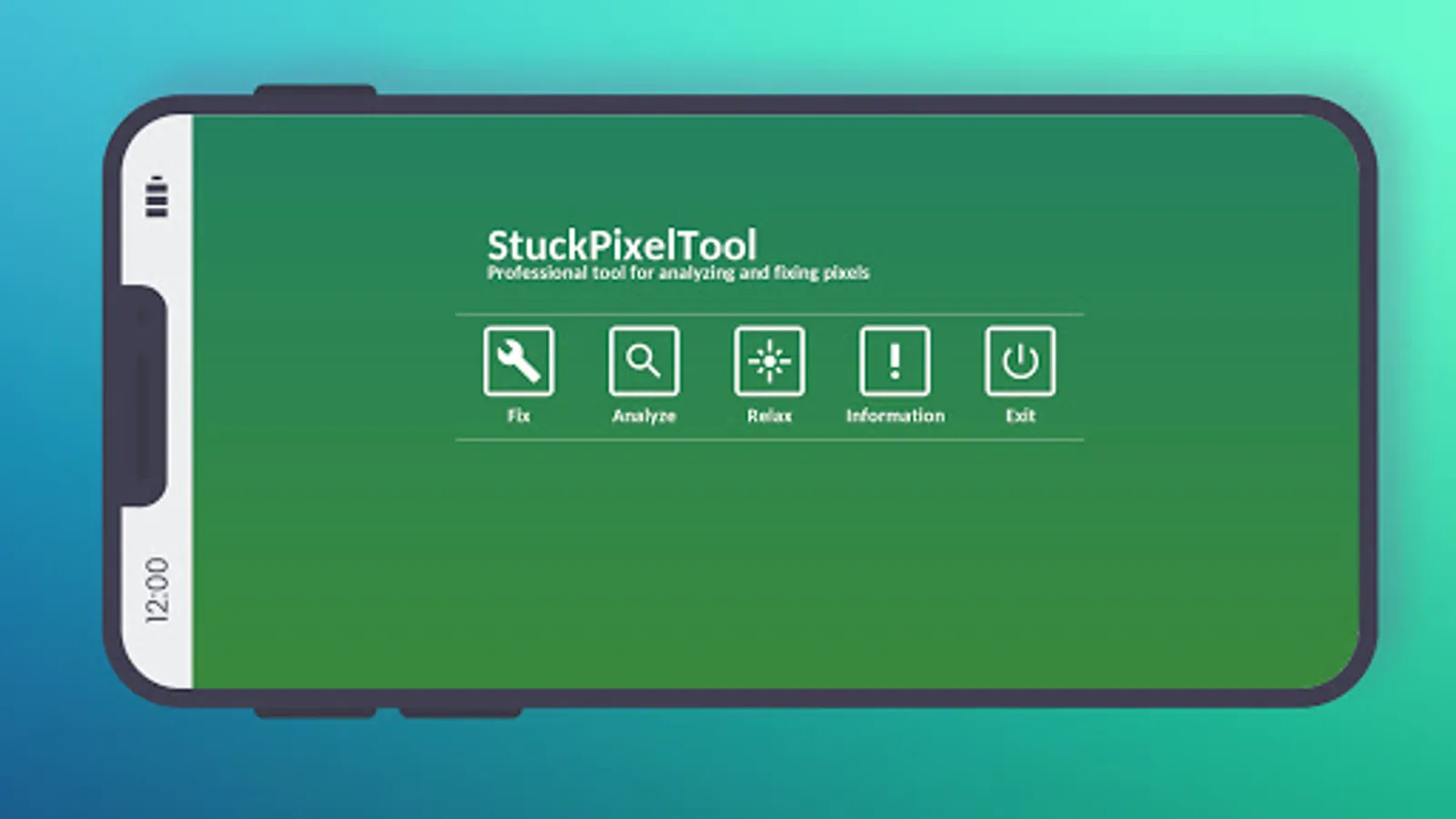
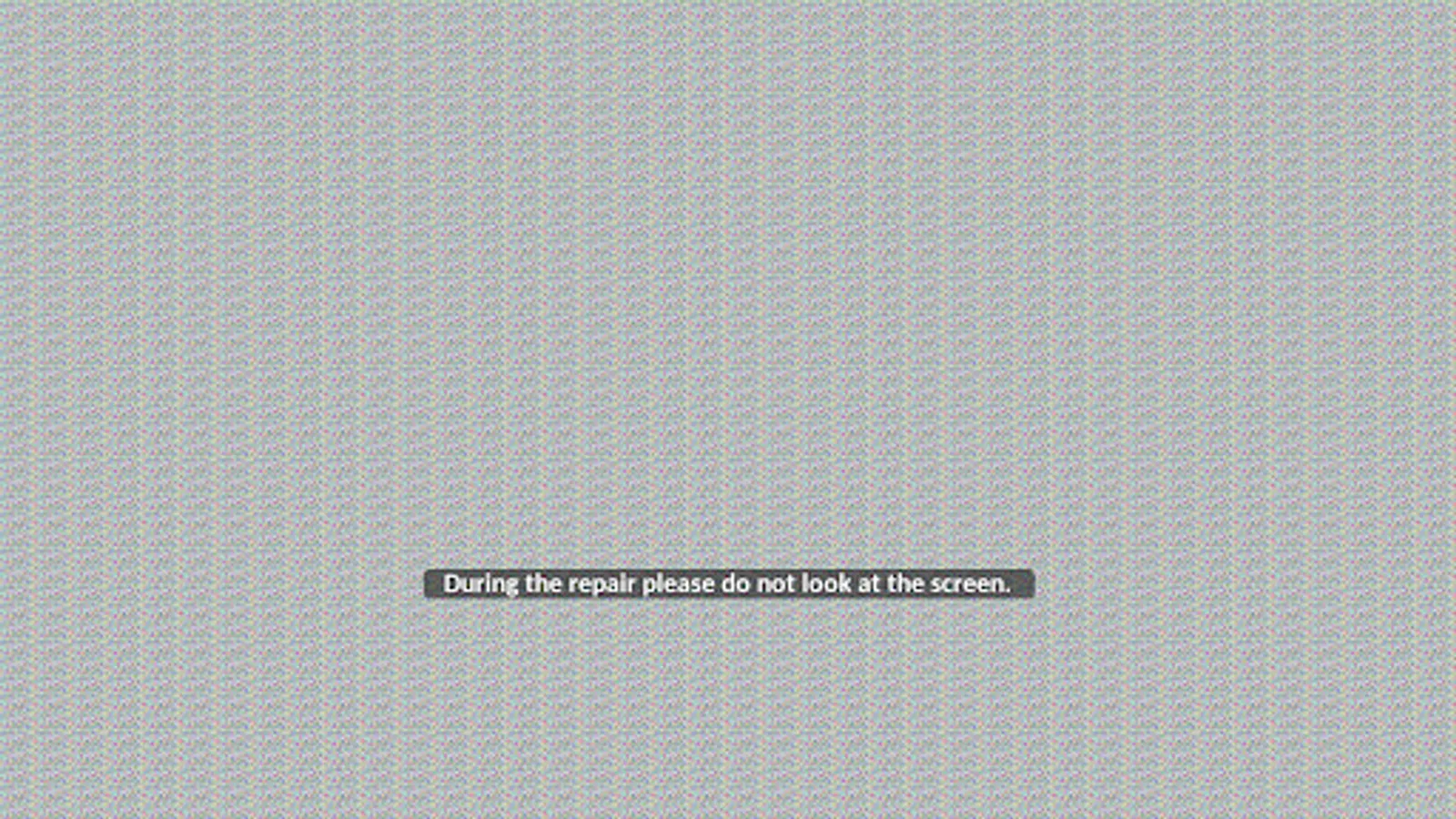
Stuck Pixel Tool Screenshots

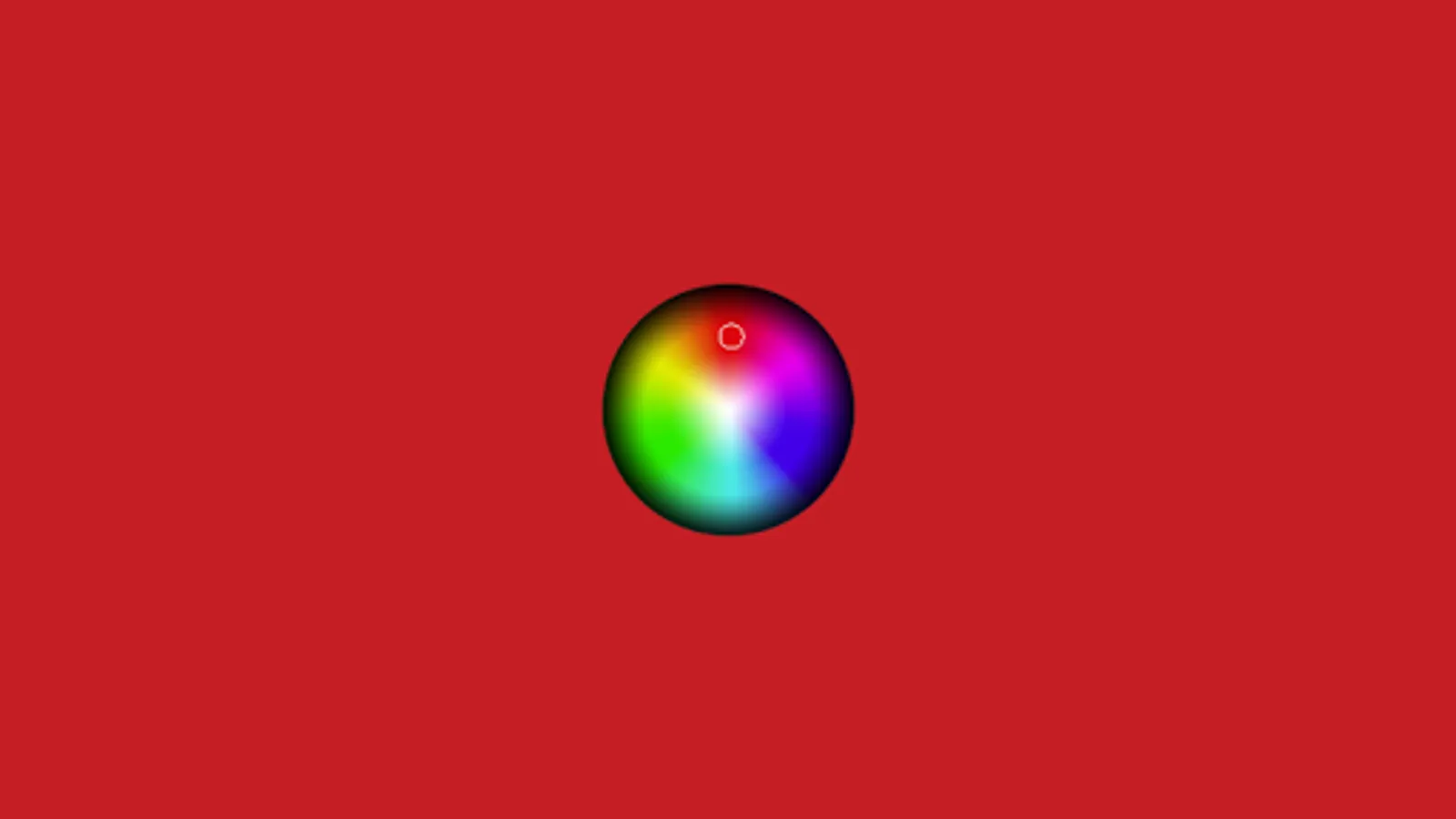
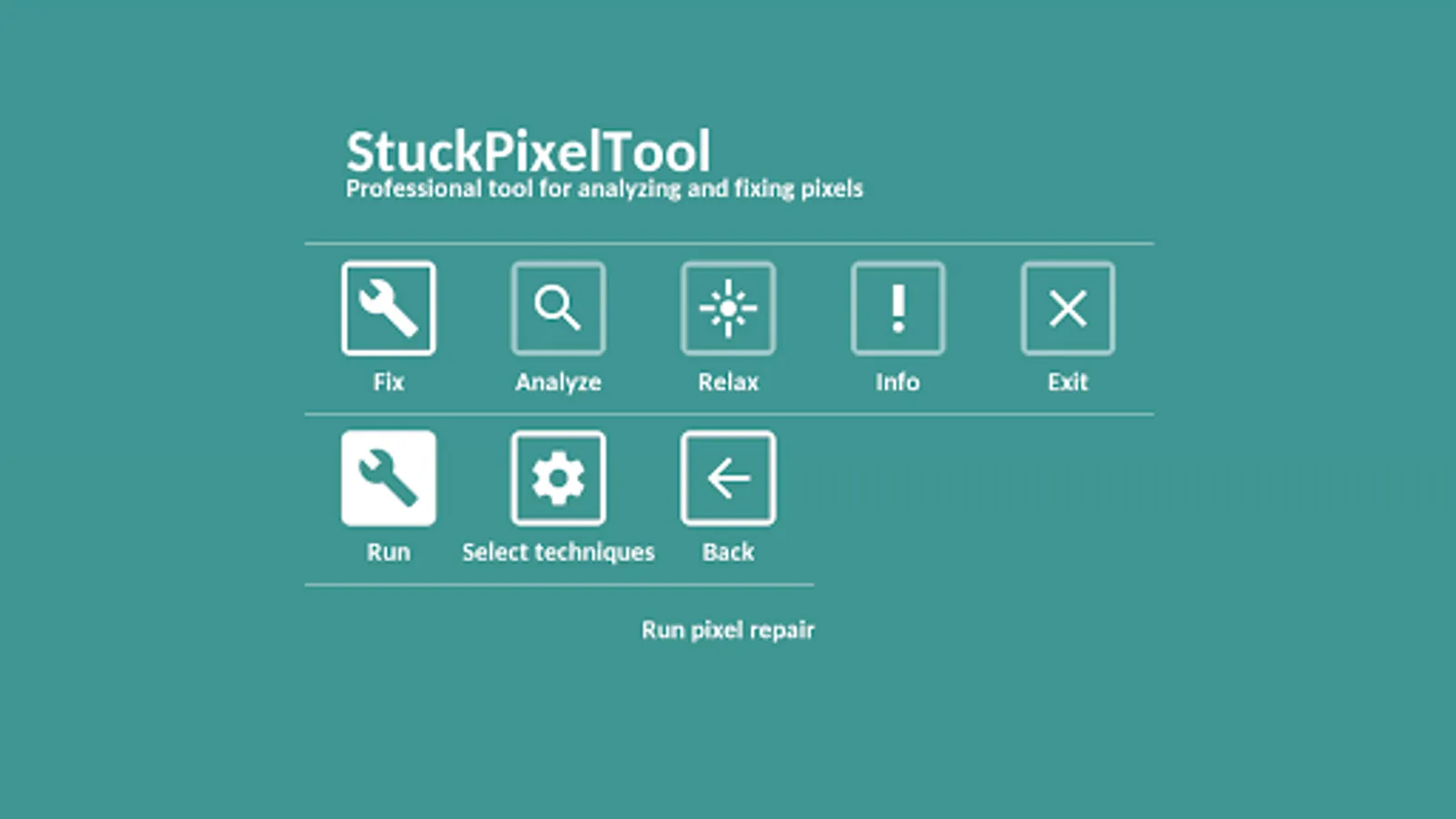
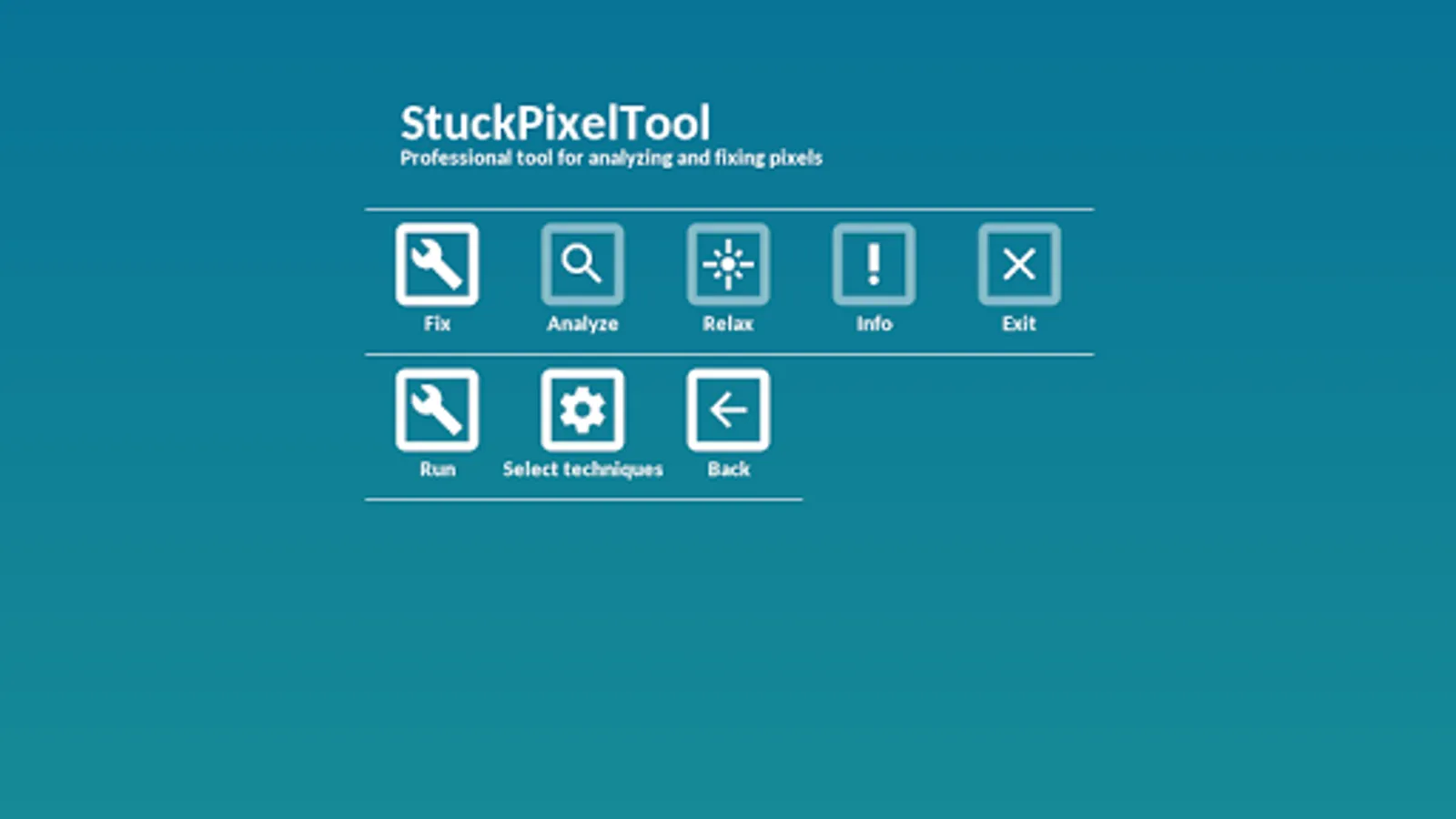
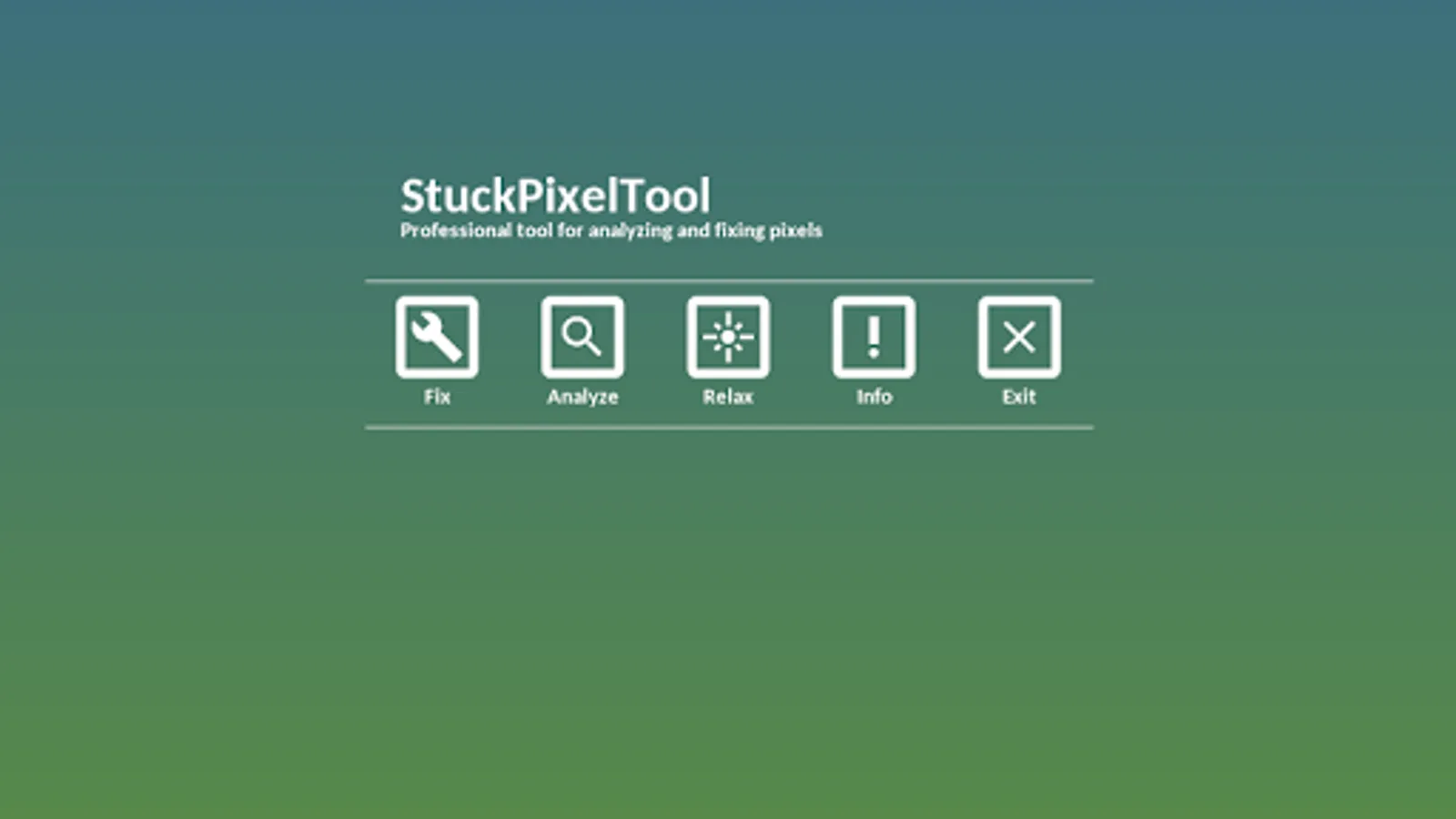

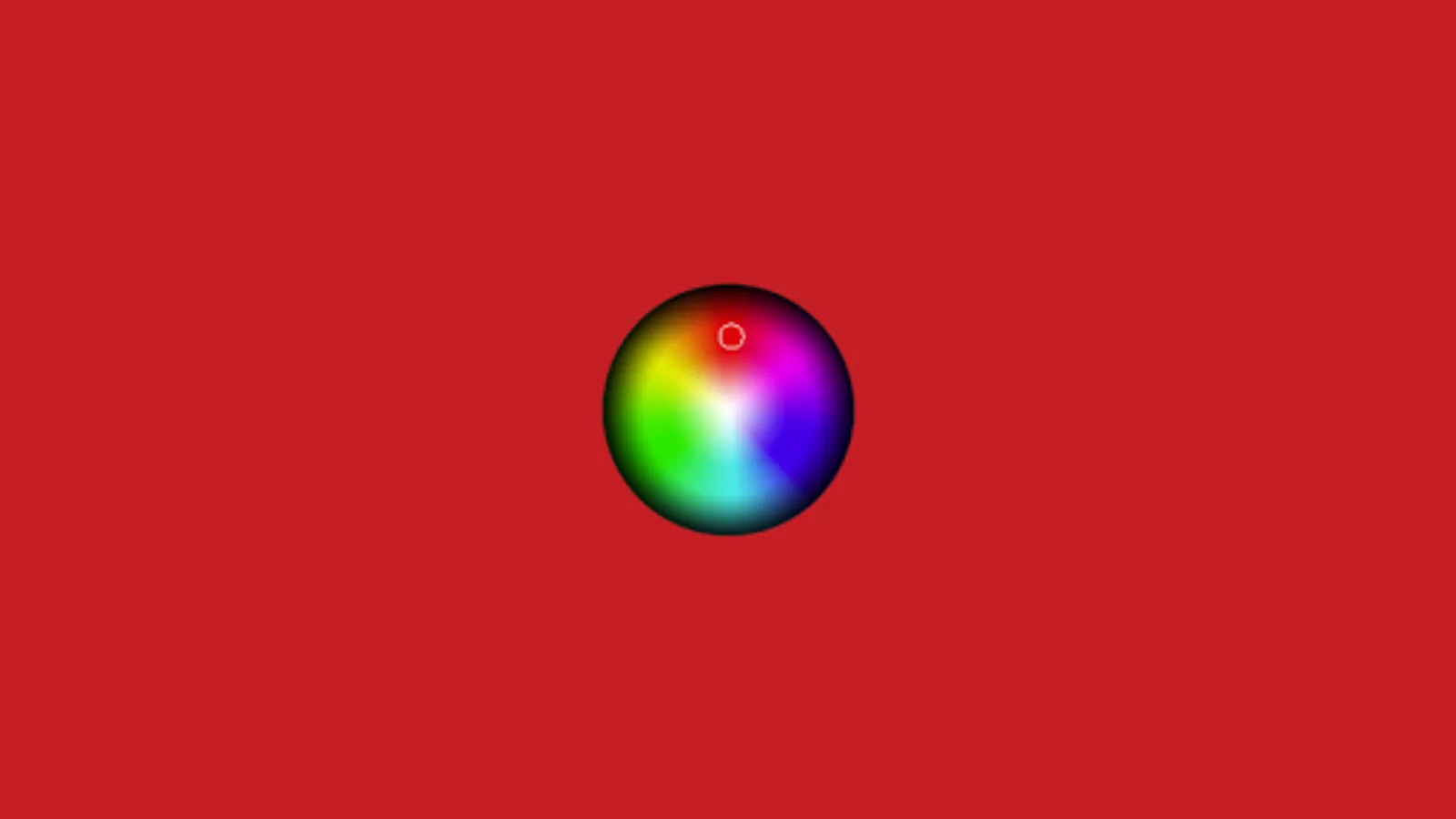
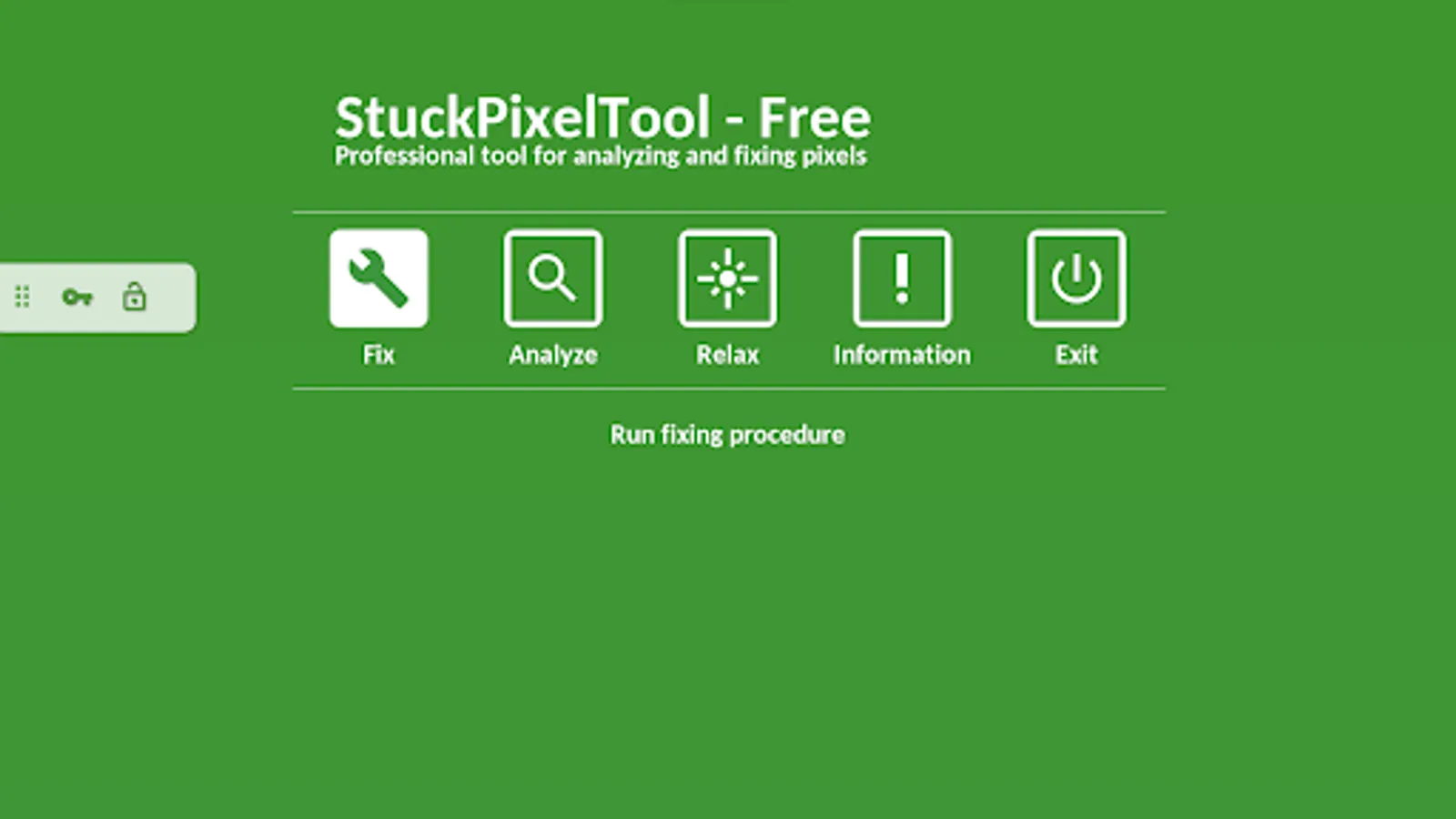
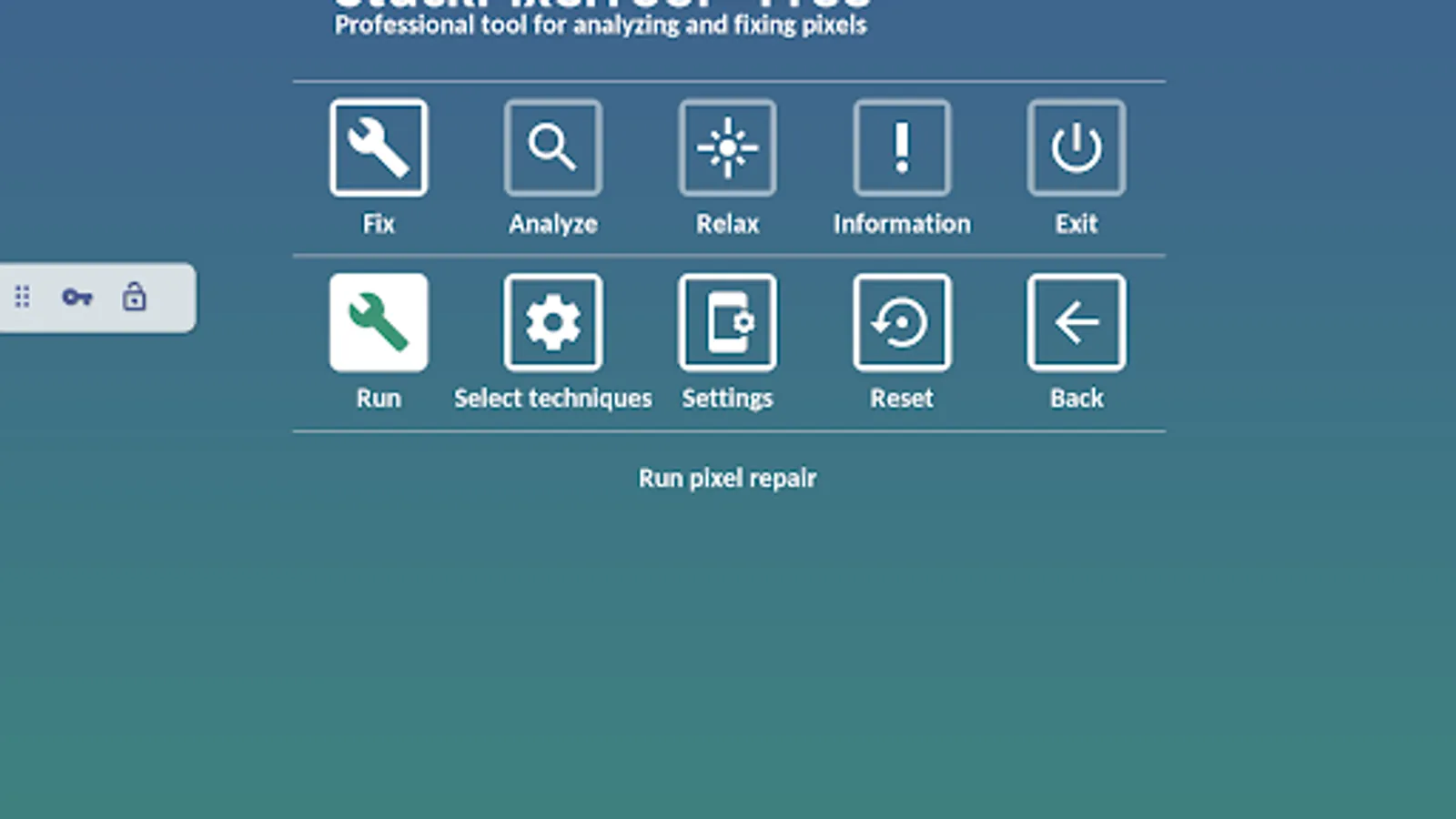
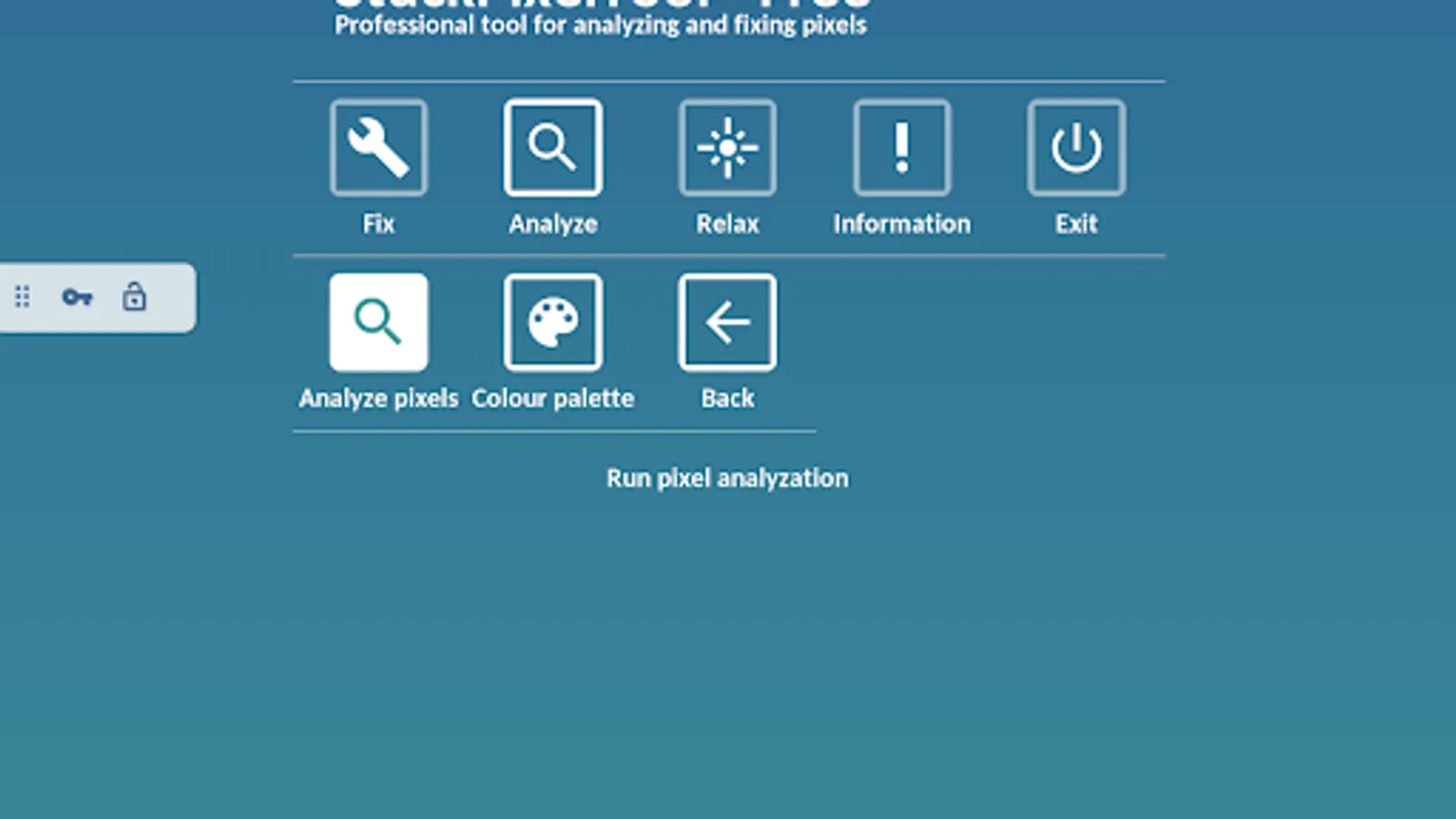

Reviews for Stuck Pixel Tool
Rehaman sileem
12/23/2025
very bad
Andrea Golden
12/18/2025
excellent . solved my green pixel issue in 6 mins
Lily Nuttall
12/17/2025
BEST APP TRIED IT THE GREEN PIXEL CLEARED ON MY PHONE AFTER 2 TRIES OF THE SPED UP SCREEN FLASHES! 10/10 WOULD RECOMMEND.. Warning: don't watch the effect if you have epilepsy and don't stare into it if you don't you could be messing up your eyes!
Ahmed Alaa
11/2/2025
application is not running in full screen after the last update, the top notch is black and this is where I got the dead pixel issues. also I couldn't find an option to a timer so this is not good.
Arhaam Muhammad
10/18/2025
ofc didint work
Tap to Rate: