Bluetooth finder: Auto connect
Amin Tech
Free
rated 3.8 stars
5,000+
downloads
About Bluetooth finder: Auto connect
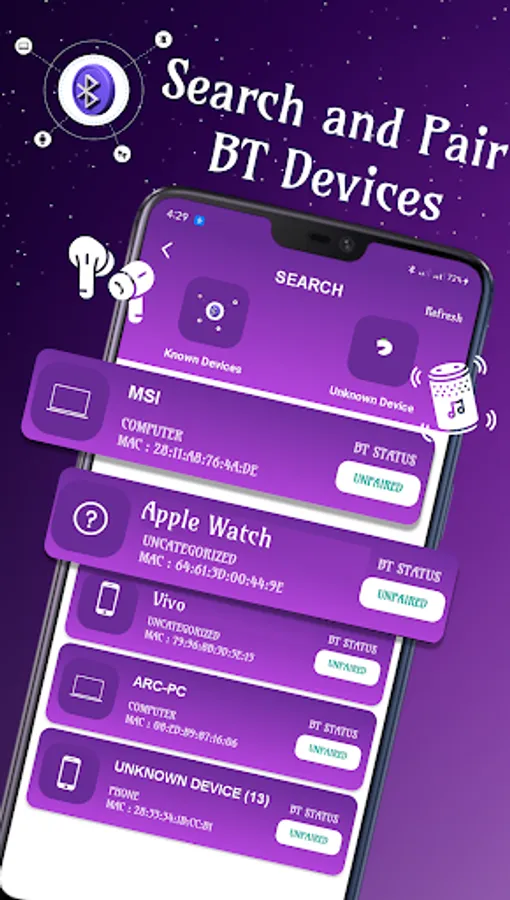
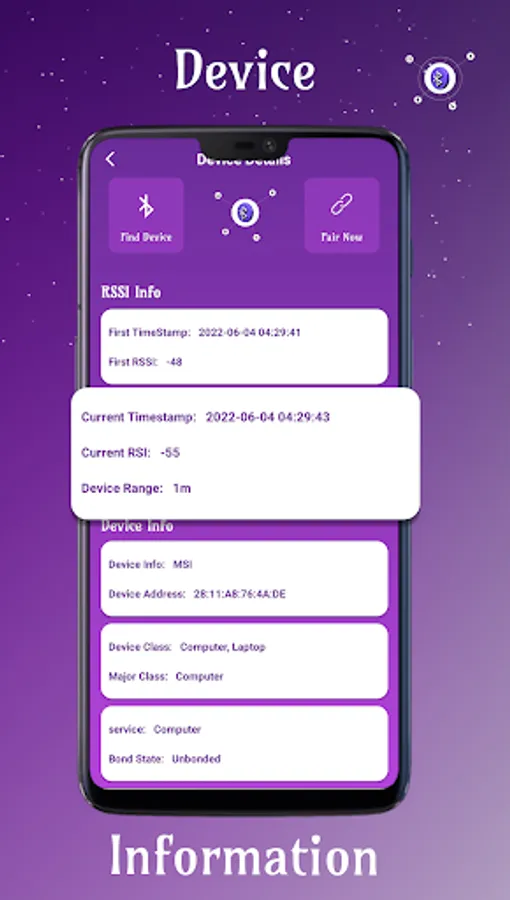
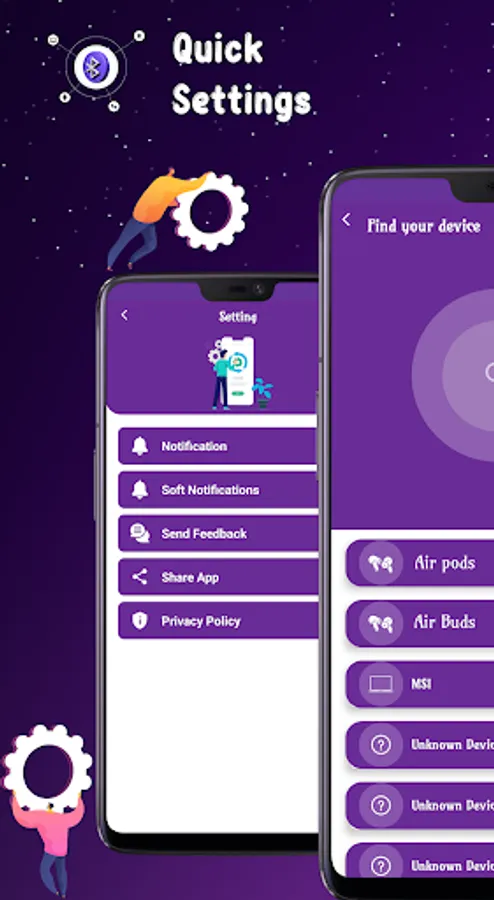
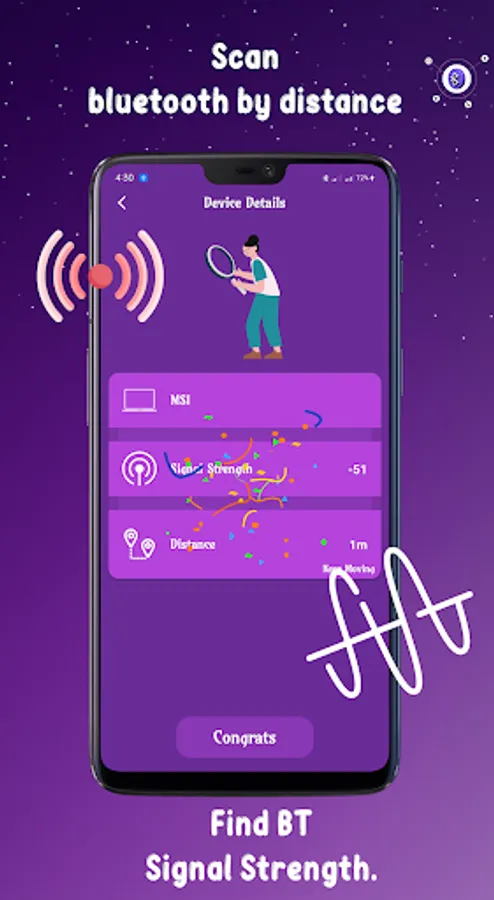
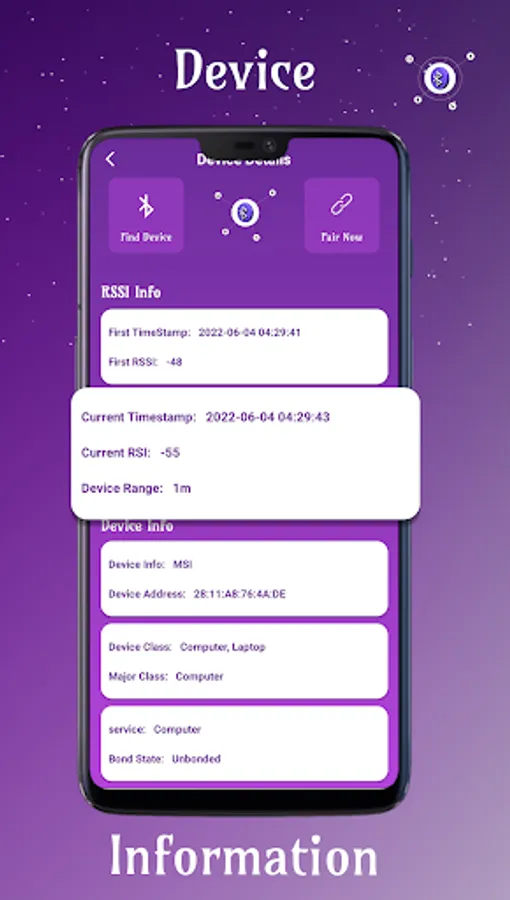
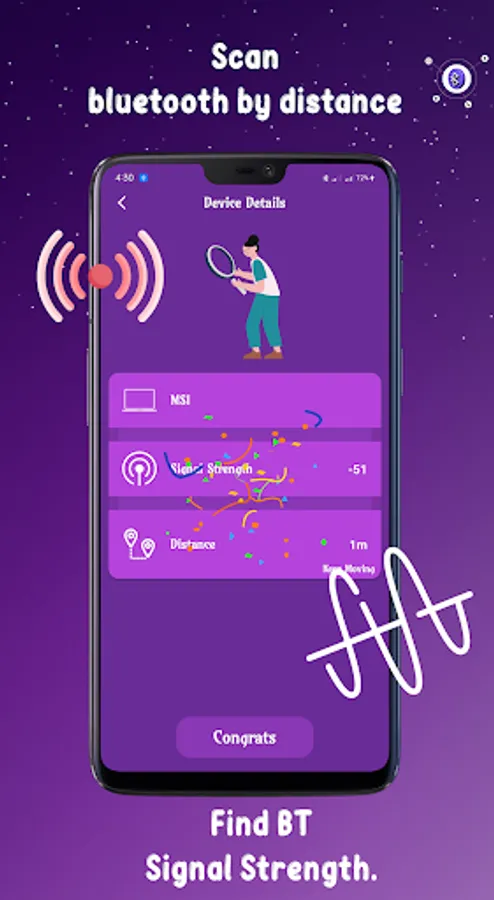
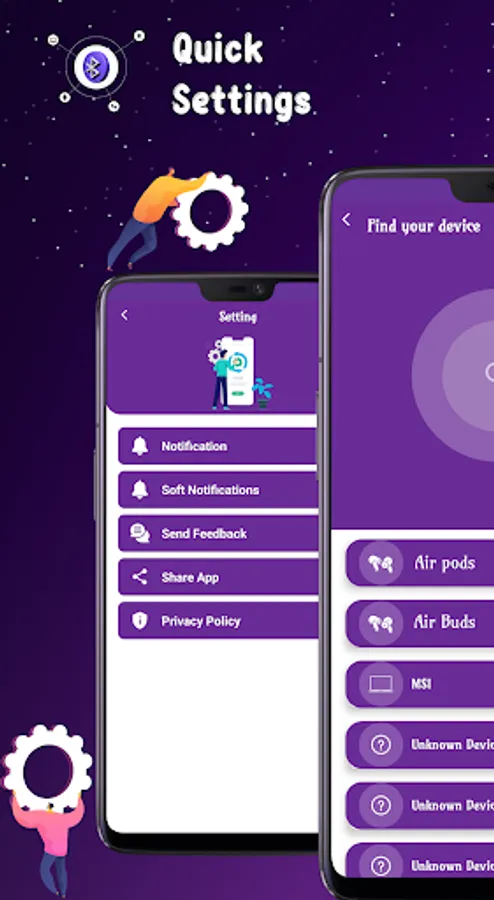
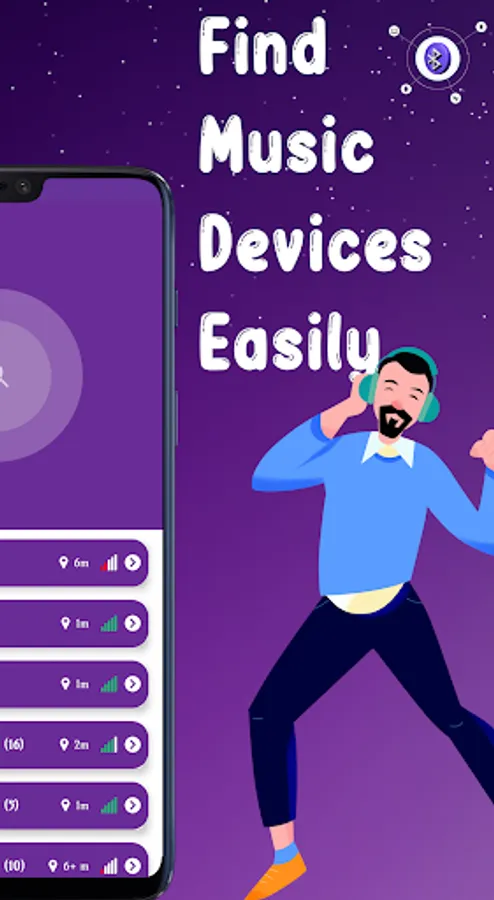
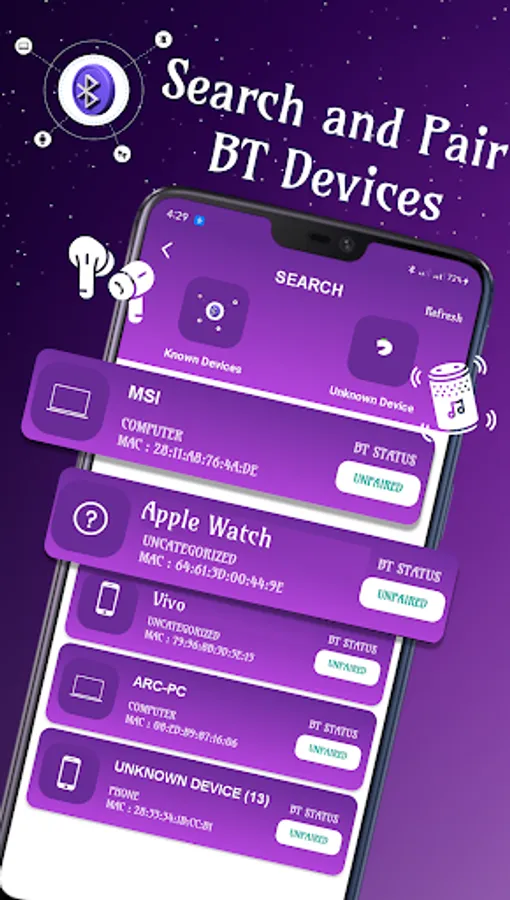
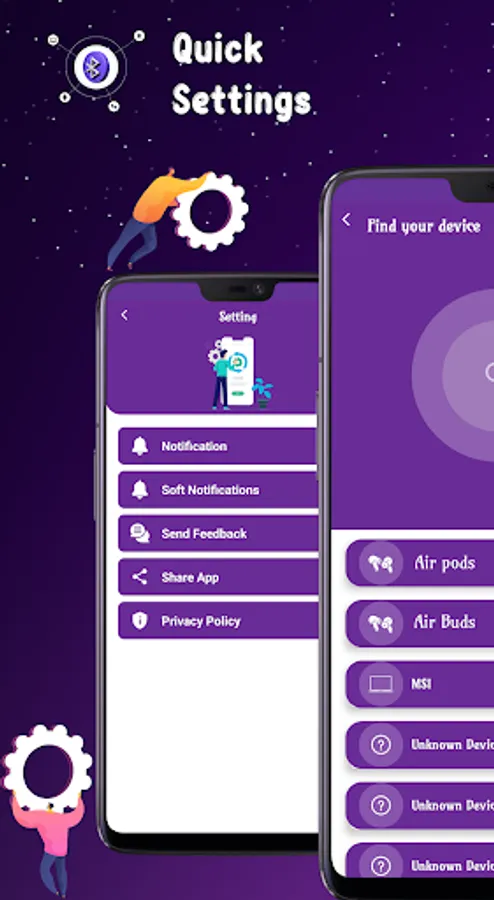
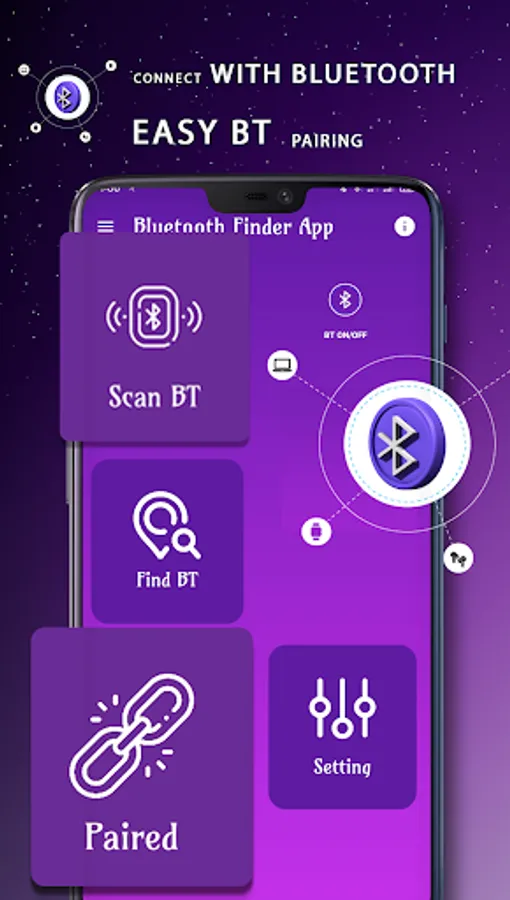
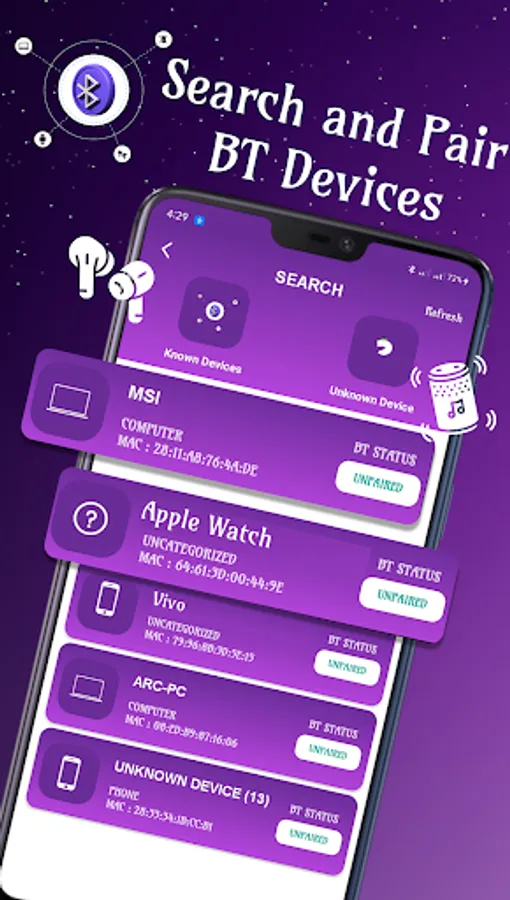
Bluetooth auto connect for android is a smart application that connects easily any Bluetooth device with your phone. Bluetooth finder makes it easy that it finds all Bluetooth devices near you. When the bluetooth scanner starts scanning it shows all Bluetooth pair device and then find your lost bluetooth device by showing its distance that how it for away.
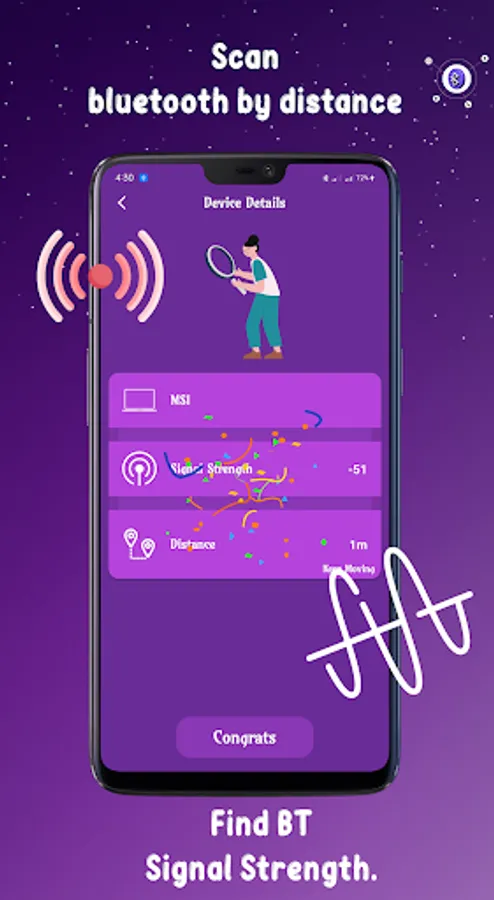
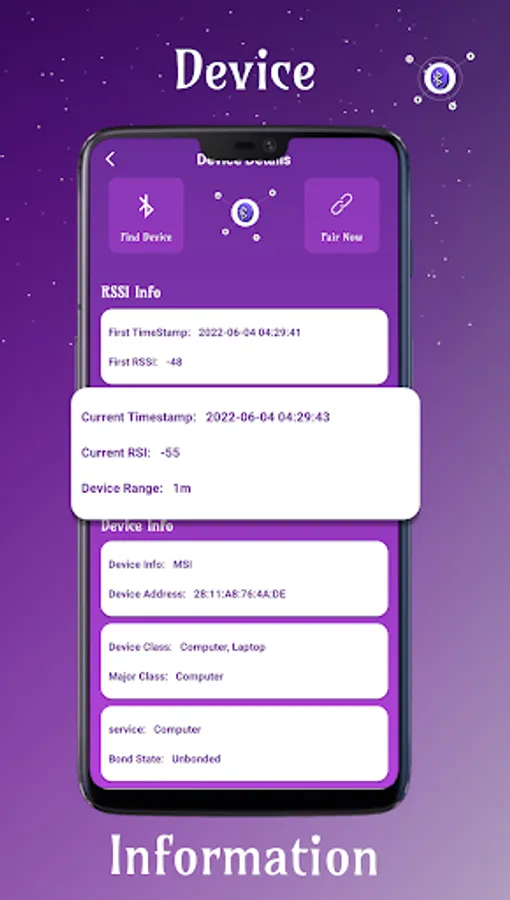
Bluetooth finder application locates the unseen bluetooth device, it detects the signal strength and shows that either its signal strength is strong or not. When the Bluetooth finder shows the green and full signals its means your bluetooth device is very near. The bluetooth auto connect application makes a strong bluetooth pair and once it makes a pair then next time
it connects your device automatically within a specific range of area.
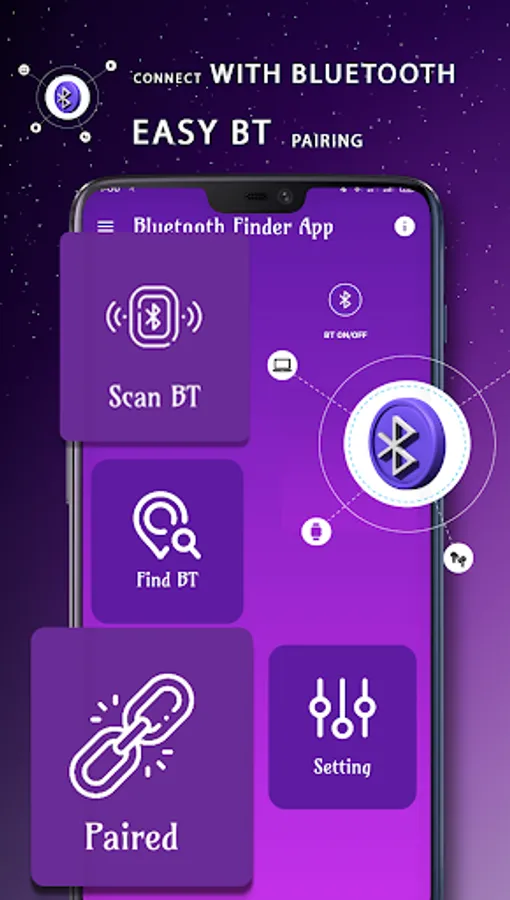
Bluetooth finder app for android finds all kind of lost bluetooth device i-e bluetooth speakers, headset earbuds and another bluetooth pair devices. Bluetooth scanner connect a Bluetooth device and make Bluetooth pair with strong signal strength as a bluetooth auto connect.
The main feature in Bluetooth Auto Connect: Bluetooth finder
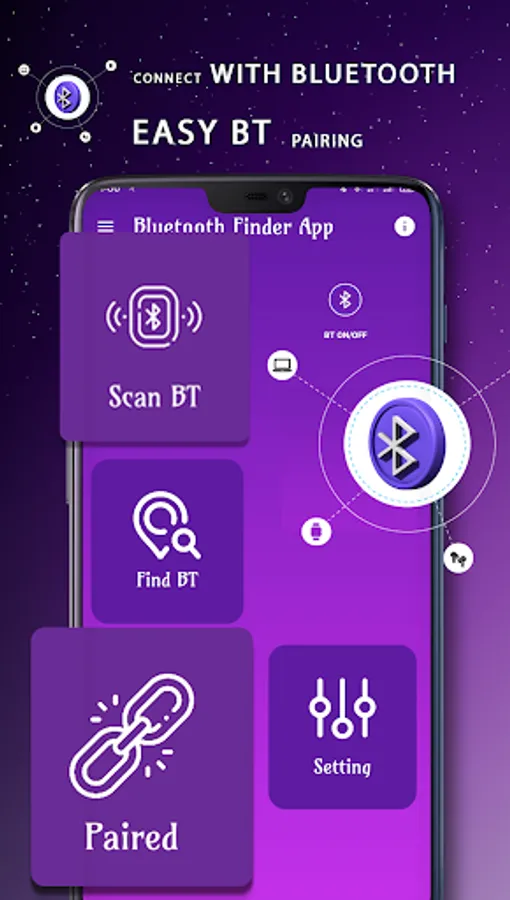
-> Find all kinds of Bluetooth device as a bluetooth finder
-> Bluetooth auto connect make pair device
-> Make strong Bluetooth pair
-> Easy interface in use
-> Bluetooth finder and auto connect any pair device
Bluetooth finder application locates the unseen bluetooth device, it detects the signal strength and shows that either its signal strength is strong or not. When the Bluetooth finder shows the green and full signals its means your bluetooth device is very near. The bluetooth auto connect application makes a strong bluetooth pair and once it makes a pair then next time
it connects your device automatically within a specific range of area.
Bluetooth finder app for android finds all kind of lost bluetooth device i-e bluetooth speakers, headset earbuds and another bluetooth pair devices. Bluetooth scanner connect a Bluetooth device and make Bluetooth pair with strong signal strength as a bluetooth auto connect.
The main feature in Bluetooth Auto Connect: Bluetooth finder
-> Find all kinds of Bluetooth device as a bluetooth finder
-> Bluetooth auto connect make pair device
-> Make strong Bluetooth pair
-> Easy interface in use
-> Bluetooth finder and auto connect any pair device
Bluetooth finder: Auto connect Screenshots
Tap to Rate: