Bluff View Bank Mobile
Bluff View Bank
4.5 ★
store rating
500+
downloads
Free
AppRecs review analysis
AppRecs rating 4.5. Trustworthiness 61 out of 100. Review manipulation risk 14 out of 100. Based on a review sample analyzed.
★★★★☆
4.5
AppRecs Rating
Ratings breakdown
5 star
64%
4 star
27%
3 star
9%
2 star
0%
1 star
0%
What to know
✓
Low review manipulation risk
14% review manipulation risk
✓
High user satisfaction
91% of sampled ratings are 4+ stars (4.5★ average)
About Bluff View Bank Mobile
Bluff View Bank’s Mobile App makes it easy for you to bank on the go. It provides the ability for you to view all of your financial accounts into a single, up-to-the minute view so you can stay organized and make smarter financial decisions. It is fast, secure and makes life easier by empowering you with all the tools you need to manage your personal finances on the go.
**FEATURES**
Enroll right from your phone/device!
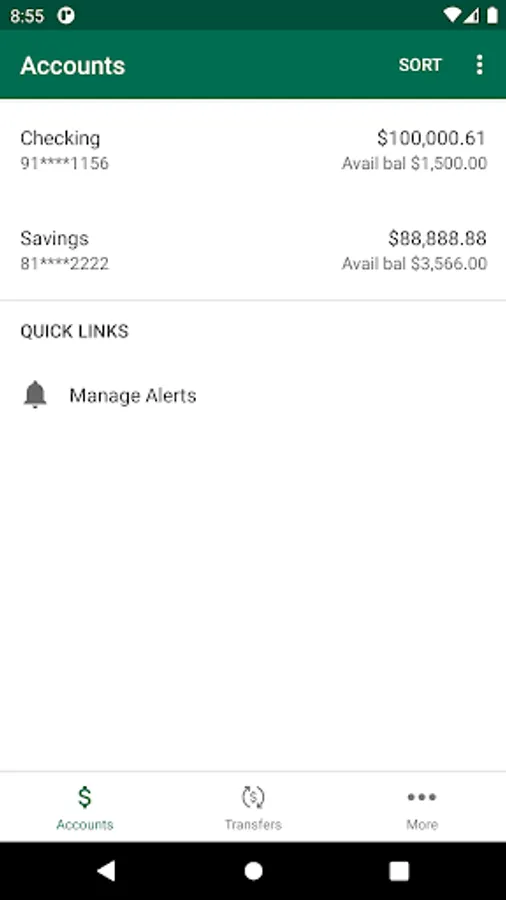
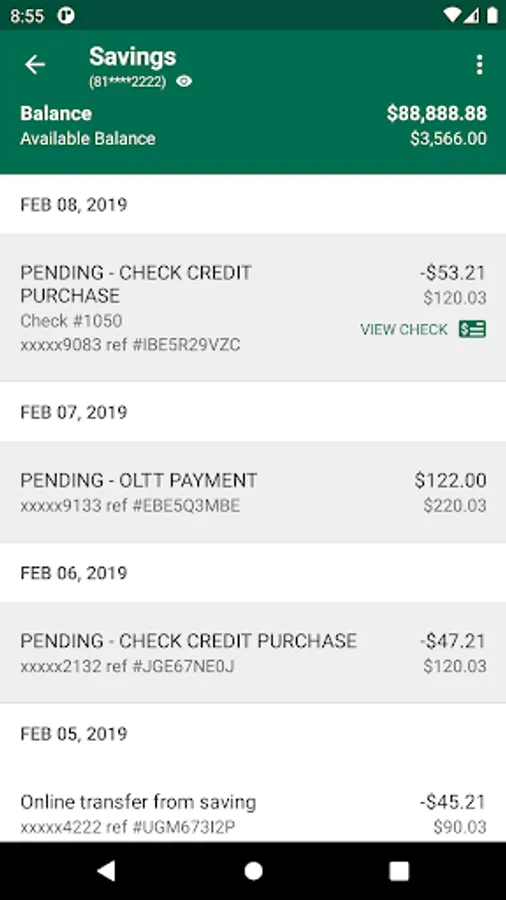
All Bank Accounts in One Place: View all of your financial information in one place.
Bill Pay: Quickly, easily and securely pay your bills using the integrated bill pay feature.
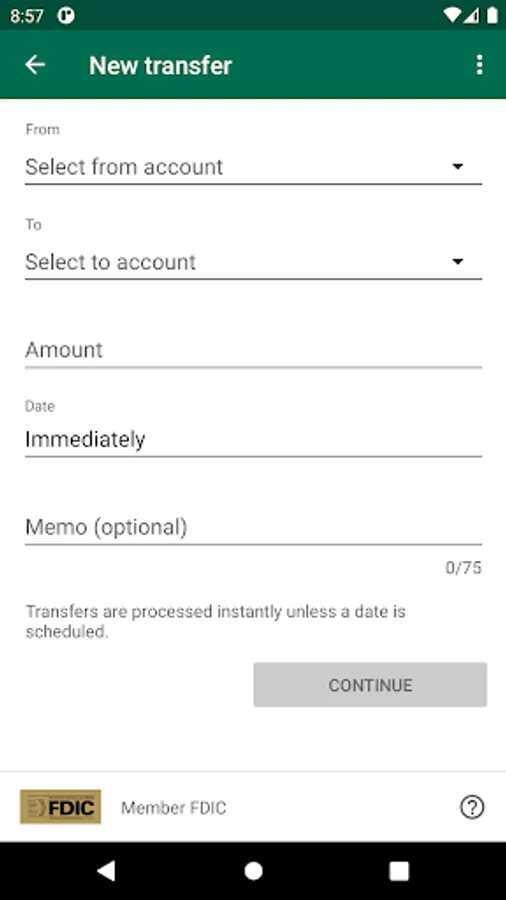
Account-to-Account Transfers: Move money between accounts while on the go.
Remote Deposit Capture: Deposit checks from your phone while at home or while on the go.
Alerts & Notifications: Set alerts for low funds, transaction amount and many others.
**SAFE AND SECURE**
The app utilizes the same bank-level security that protects you when you’re on our online banking web application. Log in using your online banking credentials or your phones biometrics. (Facial recognition allowed on iPhones only)
**GETTING STARTED**
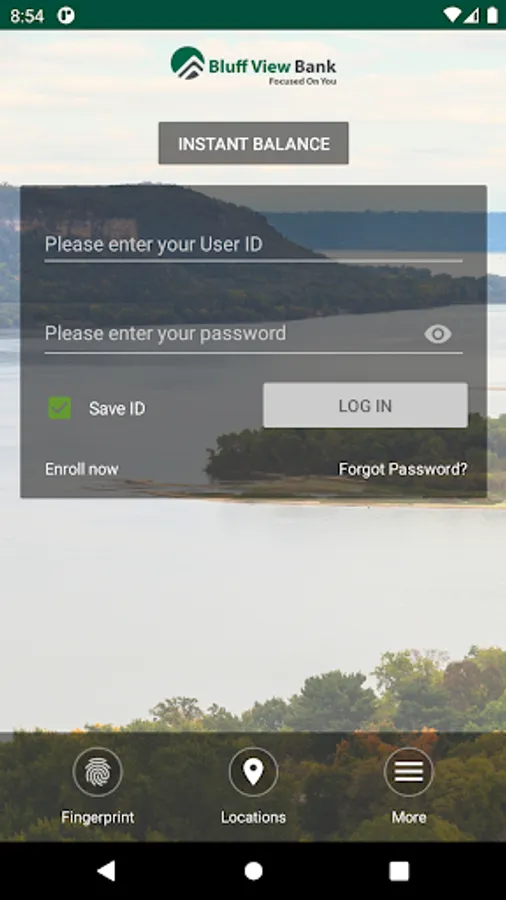
To use the Bluff View Bank Mobile app, you use the same credentials as you do for Bluff View Bank Online Banking. If you currently use our Online Banking, simply download the app, launch it and login with the same credentials. (username and password). After successfully logging into the app, your accounts and transactions will begin updating.
If you are not registered for online banking, you can still download the app, launch it and enroll right from your phone.
If you have forgotten your password, follow the prompts to reset. Or you can always call any of our Bluff View Bank locations for help.
**FEATURES**
Enroll right from your phone/device!
All Bank Accounts in One Place: View all of your financial information in one place.
Bill Pay: Quickly, easily and securely pay your bills using the integrated bill pay feature.
Account-to-Account Transfers: Move money between accounts while on the go.
Remote Deposit Capture: Deposit checks from your phone while at home or while on the go.
Alerts & Notifications: Set alerts for low funds, transaction amount and many others.
**SAFE AND SECURE**
The app utilizes the same bank-level security that protects you when you’re on our online banking web application. Log in using your online banking credentials or your phones biometrics. (Facial recognition allowed on iPhones only)
**GETTING STARTED**
To use the Bluff View Bank Mobile app, you use the same credentials as you do for Bluff View Bank Online Banking. If you currently use our Online Banking, simply download the app, launch it and login with the same credentials. (username and password). After successfully logging into the app, your accounts and transactions will begin updating.
If you are not registered for online banking, you can still download the app, launch it and enroll right from your phone.
If you have forgotten your password, follow the prompts to reset. Or you can always call any of our Bluff View Bank locations for help.