BoulderBot Climbing
BoulderBot
5.0 ★
66 ratings
5,000+
downloads
Free
+ in-app
In this climbing app, you can generate, edit, and organize bouldering problems using procedural algorithms. Includes customization options, progress tracking, and an interactive wall setup guide.
AppRecs review analysis
AppRecs rating 4.5. Trustworthiness 76 out of 100. Review manipulation risk 19 out of 100. Based on a review sample analyzed.
★★★★☆
4.5
AppRecs Rating
Ratings breakdown
5 star
100%
4 star
0%
3 star
0%
2 star
0%
1 star
0%
What to know
✓
Low review manipulation risk
19% review manipulation risk
✓
Credible reviews
76% trustworthiness score from analyzed reviews
✓
High user satisfaction
100% of sampled ratings are 5 stars
About BoulderBot Climbing
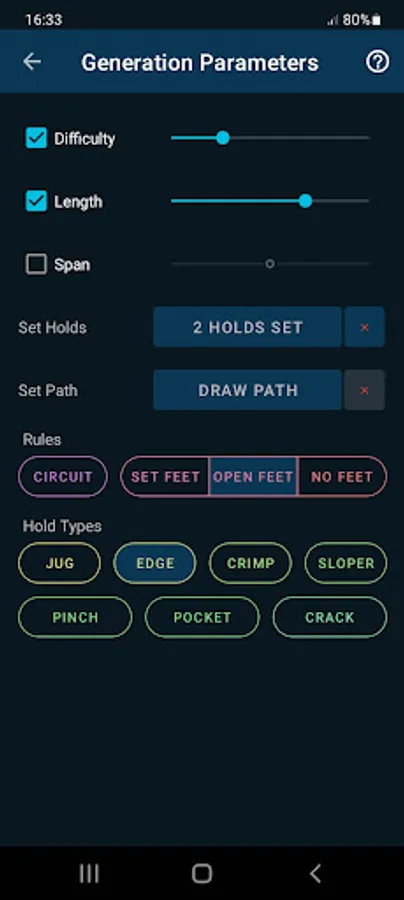
Challenge yourself and find new inspiration by using the experimental Procedural Generation algorithms, quickly creating an infinite number of new climbs on your wall!
You can customize parameters like Difficulty and Length to create problems suited to your needs.
The generation algorithms are experimental and under active development, but even if they don't produce perfect results, you can immediately edit the generated problems in a few seconds (which is also a great way to improve your setting skills).
You can also easily create your own custom problems from scratch.
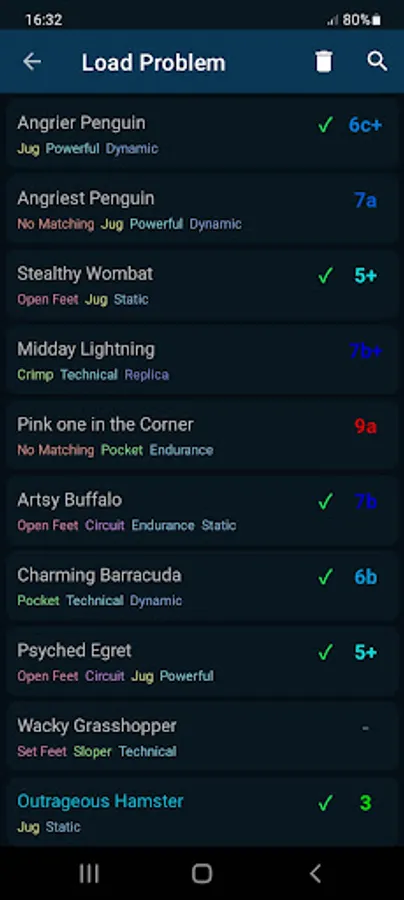
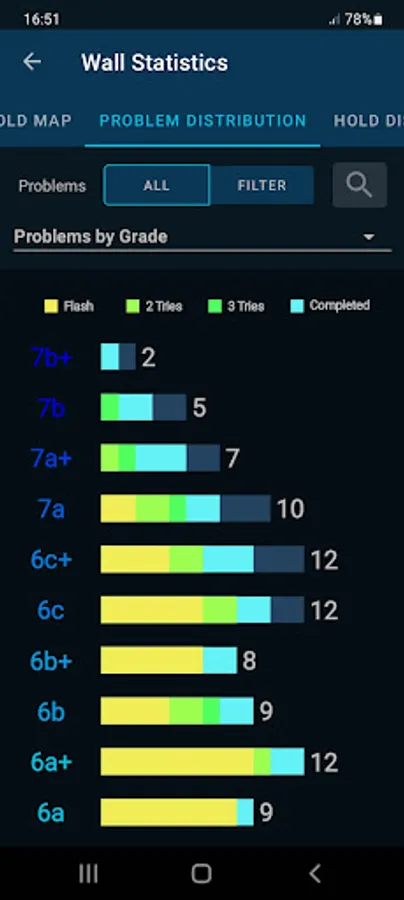
Problems can be saved for tracking your progress and logging ascents, and functionality like searching, filtering and sorting is available to find problems for your training sessions.
ADDING YOUR WALL
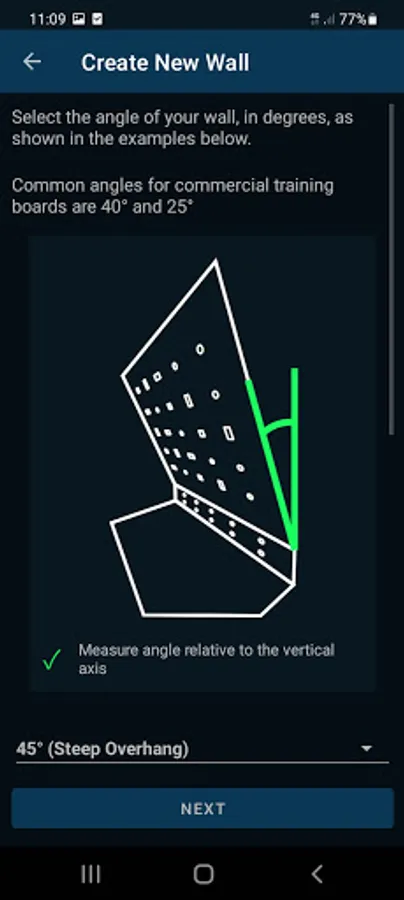
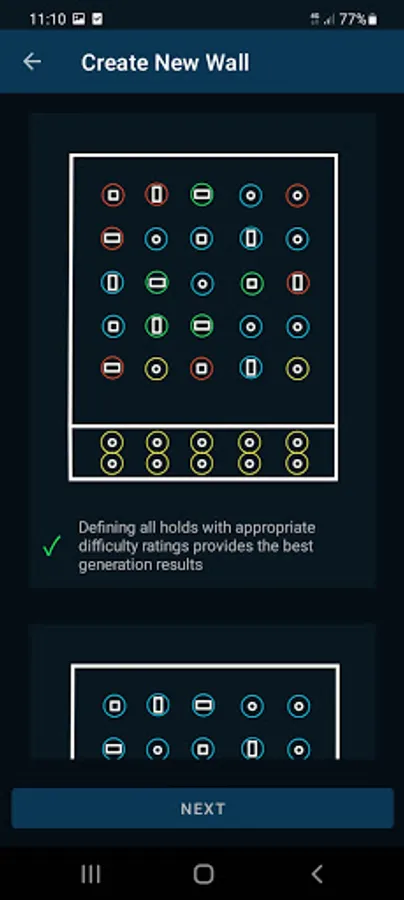
An interactive wizard procedure will allow you to add your wall in the application, guiding you in specifying all required information (this procedure will take around 5 to 10 minutes):
- An image of the wall (specific instructions are given to ensure the best generation results)
- Attributes like height and angle
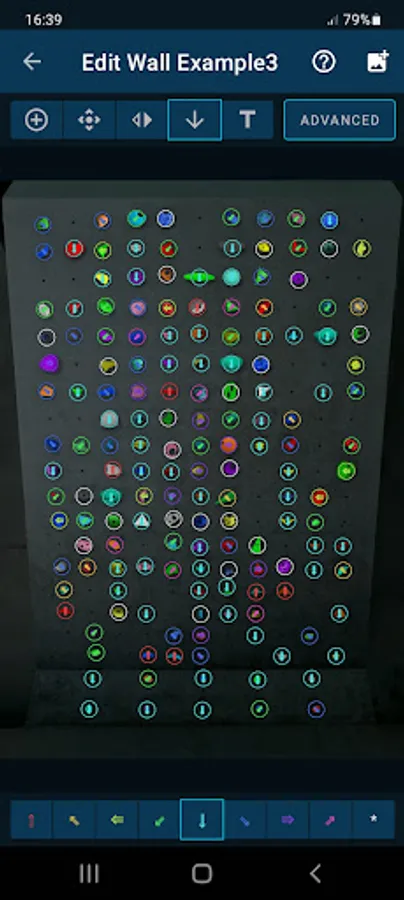
- The position of the holds on your wall, and their relative difficulty rating
This procedure needs to be performed only when you add a new wall or reset the current one. Once a wall is added, all other functionality (like generating problems, or creating them manually) is immediate and takes no extra set up time.
An in-app help system is also available if you have any doubt about the application.
The application supports Home Climbing Walls, Spray Walls, Woodys, and Training Boards.
The generation algorithms work only on generally flat walls which can be pictured in a single image; highly featured walls with many different angles, corners and roof sections are not supported at the moment.
PRO VERSION
For dedicated climbers, advanced functionality is available in the Pro mode (In-App purchase), including:
- Advanced generation functionality - select specific holds, draw paths and specify rules and hold types
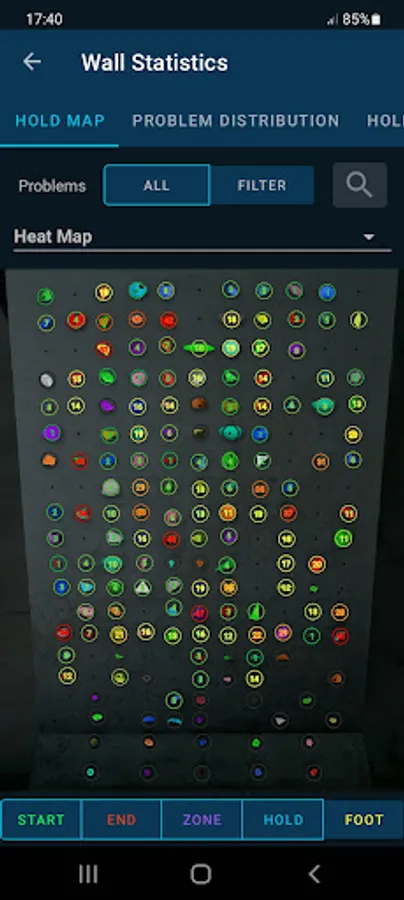
- Detailed statistics, including heat maps to maximize the usage of your wall
- Advanced Wall Editor for fine tuning the holds and generation
- Rules, Tags, advanced filters, and more!
NO MANDATORY INTERNET CONNECTIVITY
The Application can work completely offline: the image you select and the Boulder problems you create are all stored on your device's internal storage.
Online connectivity is used only for optional limited functionality, like sharing walls with other users or upgrading to the Pro version.
PROBLEM RULES
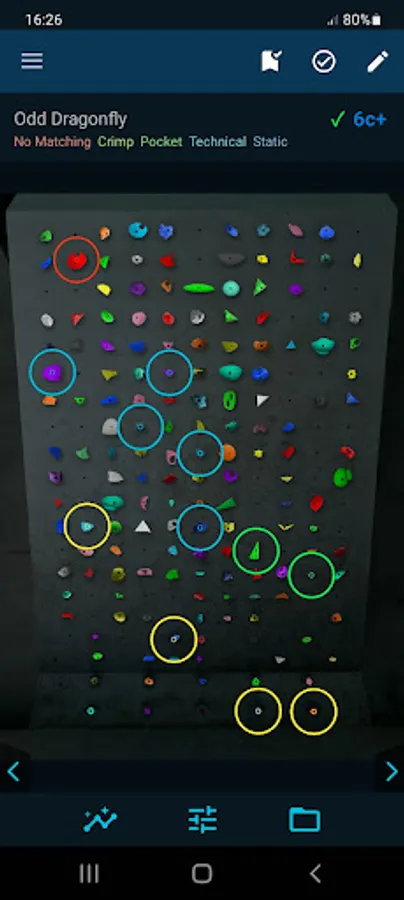
The boulder problems should be climbed by starting with both hands on green "Start" holds (either one hand per hold if there are two holds, or with both hands matching the single hold).
Blue "Hold" holds can be used with both hands and feet, while yellow "Foot" holds cannot be touched by hands.
The problem is considered complete once you hold for a couple of seconds onto the red "End" holds (either one hand per hold if there are two holds, or with both hands matching the single hold).
DISCLAIMER
Climbing is an inherently dangerous activity. Climbs shown in the App are random in nature, there is no guarantee about their safety, quality or correctness, please always judge the safety of the climbs before attempting them.
BoulderBot Climbing Screenshots
Tap to Rate:
Reviews for BoulderBot Climbing
Francisco Xavier Vasconcelos
10/29/2025
I have just tried premium and have a couple of things to point out. First you should add a slider to adjust the difficulty of each hold more easily. The current system does not work well, I do not understand how to increase or decrease the difficulty. With respect to the orientation of the holds it could also nice if you could also fine tune the orientation with a slider. The procedural algorithm is not great but it is enough to get you started and only need some adjustments.
nonojnet
11/28/2024
The idea behind this app is awesome for those of us who don't own a commercial wall and cannot borrow problems created by others. V2.0 added some lags but, at least for me (my wall is mostly traverse type), the generation functionality doesn't really work well and I need to tweak every boulder in order to reach some doable. Improving that I the future will make a 5 star tool for home climbing.