AppRecs review analysis
AppRecs rating . Trustworthiness 82 out of 100. Review manipulation risk 21 out of 100. Based on a review sample analyzed.
★
AppRecs Rating
Ratings breakdown
5 star
12%
4 star
2%
3 star
2%
2 star
2%
1 star
82%
What to know
✓
Low review manipulation risk
21% review manipulation risk
⚠
Mixed user feedback
Average 1.6★ rating suggests room for improvement
⚠
High negative review ratio
84% of sampled ratings are 1–2 stars
About BP Plus app
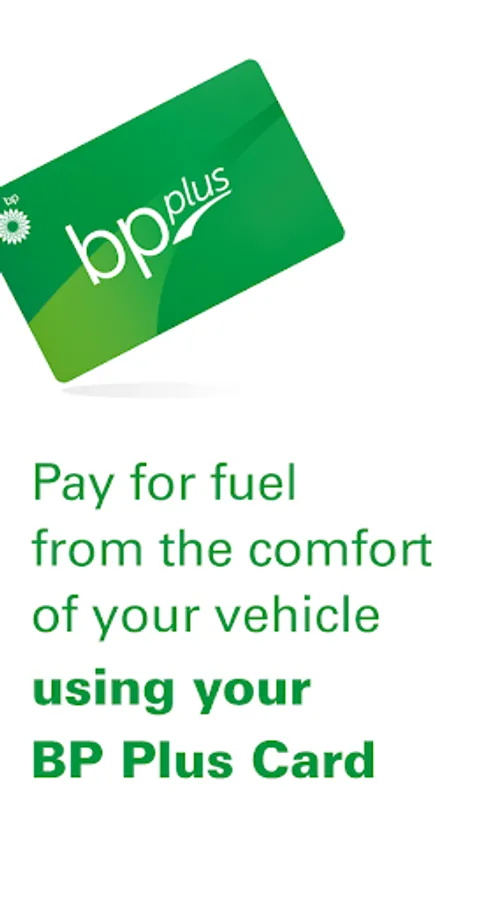
Simply purchase fuel with the BP Plus app.
Not just a fantastic fleet management tool, BP Plus is efficient and easy-to-use for drivers, offering an in-built fuel map of Australia which makes it simple to find your nearest BP Store.
Filling up your vehicle:
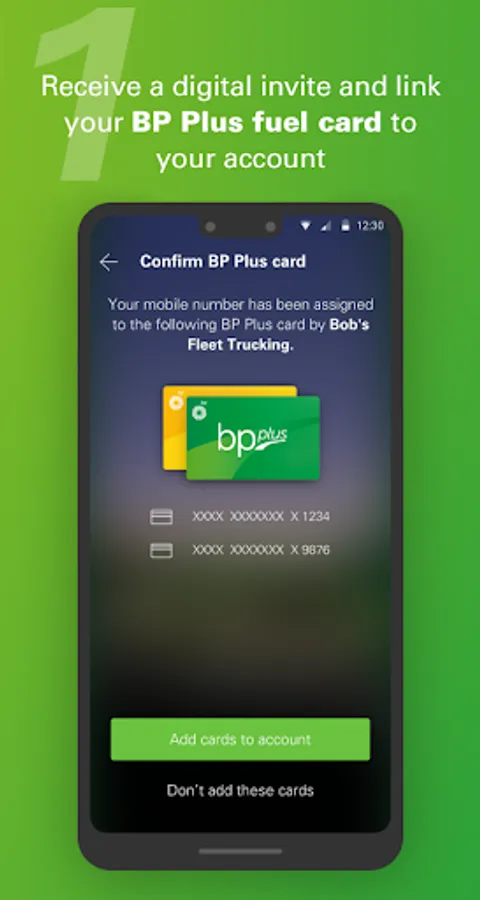
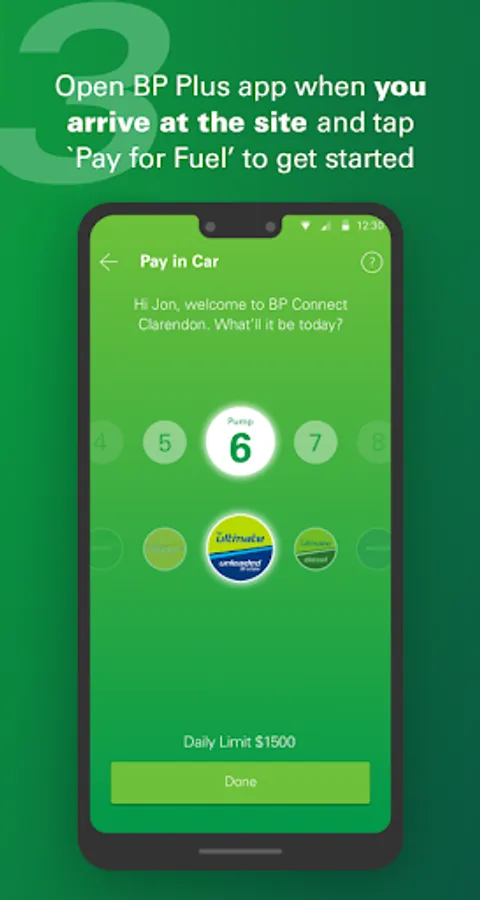
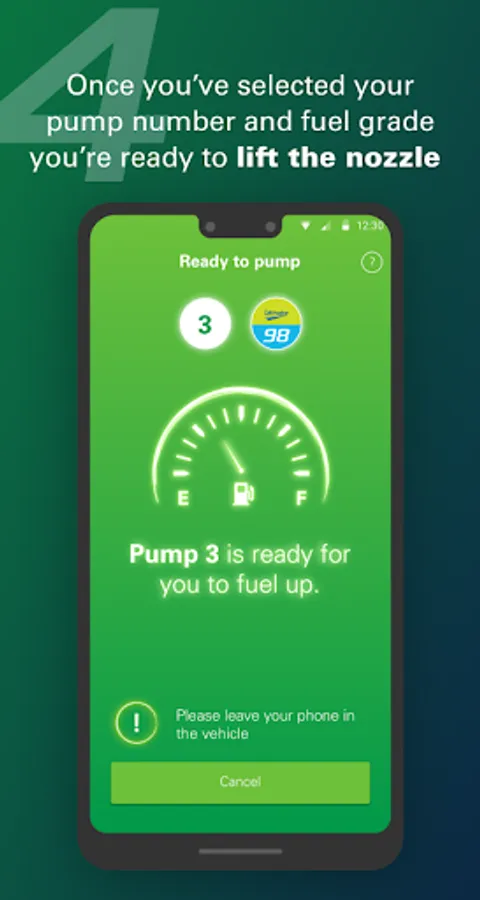
Simply pull up to a mobile payment enabled store, open the BP Plus app, link your BP Plus fuel card and create your passcode. Once you're ready to purchase fuel, tap ‘Pay for Fuel’. Select your pump, fuel type and enter your passcode. When the app indicates you are ready to start fueling up, all you need to do is step out of your vehicle and lift the hose. (For safety you must leave the phone in the car)
Once your tank is full, put the hose down and drive away - it’s that simple. The transaction will be automatically added to your BP Plus fuel card.
Where to use your BP Plus app with your BP Plus fuel card:
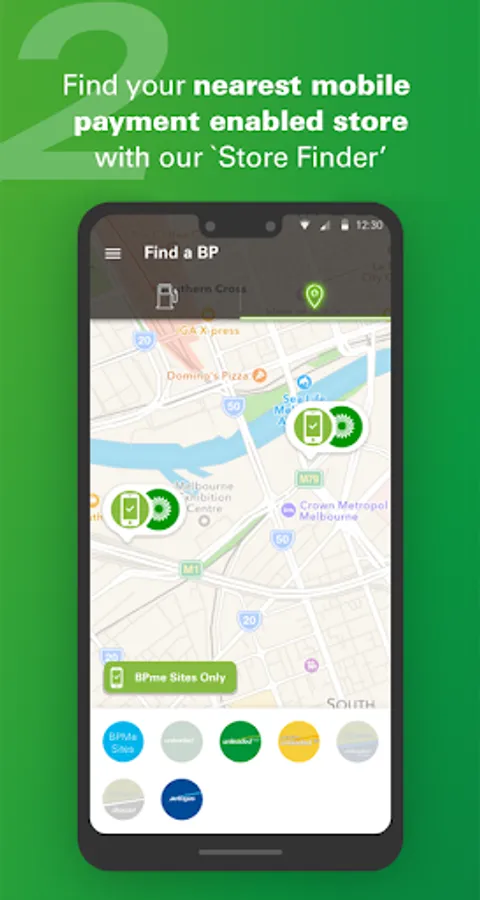
Use the in-app ‘Store Finder’ to help locate mobile payment enabled stores. Over 700 available nationwide, including truck stops, truck-friendly sites and our extended merchant network.
Our fuel card app has plenty of benefits, both for drivers and fleet management:
- Fill up and get back on the road faster by avoiding the queues.
- No need to remember the odometer reading, just enter the odometer direct from the dashboard.
- Send your transaction receipts to anyone, any time. Perfect for fleet management, giving you the opportunity to consolidate all your fuel and vehicle expenses.
- Easily locate the nearest BP store with the inbuilt ‘Store Finder’.
Phones must remain in your vehicle.
Terms and conditions apply, see bp.com.au. Only at participating stores
Not just a fantastic fleet management tool, BP Plus is efficient and easy-to-use for drivers, offering an in-built fuel map of Australia which makes it simple to find your nearest BP Store.
Filling up your vehicle:
Simply pull up to a mobile payment enabled store, open the BP Plus app, link your BP Plus fuel card and create your passcode. Once you're ready to purchase fuel, tap ‘Pay for Fuel’. Select your pump, fuel type and enter your passcode. When the app indicates you are ready to start fueling up, all you need to do is step out of your vehicle and lift the hose. (For safety you must leave the phone in the car)
Once your tank is full, put the hose down and drive away - it’s that simple. The transaction will be automatically added to your BP Plus fuel card.
Where to use your BP Plus app with your BP Plus fuel card:
Use the in-app ‘Store Finder’ to help locate mobile payment enabled stores. Over 700 available nationwide, including truck stops, truck-friendly sites and our extended merchant network.
Our fuel card app has plenty of benefits, both for drivers and fleet management:
- Fill up and get back on the road faster by avoiding the queues.
- No need to remember the odometer reading, just enter the odometer direct from the dashboard.
- Send your transaction receipts to anyone, any time. Perfect for fleet management, giving you the opportunity to consolidate all your fuel and vehicle expenses.
- Easily locate the nearest BP store with the inbuilt ‘Store Finder’.
Phones must remain in your vehicle.
Terms and conditions apply, see bp.com.au. Only at participating stores