Magnify Text:Enlarge Font Size
BRB Apps
4.0 ★
66 ratings
10,000+
downloads
Free
+ in-app
With this app, you can adjust system font size and create multiple font profiles easily. Includes font size history, magnifying glass with zoom, and options to save, share, or delete images.
AppRecs review analysis
AppRecs rating 4.0. Trustworthiness 83 out of 100. Review manipulation risk 28 out of 100. Based on a review sample analyzed.
★★★★☆
4.0
AppRecs Rating
Ratings breakdown
5 star
75%
4 star
0%
3 star
0%
2 star
0%
1 star
25%
What to know
✓
Low review manipulation risk
28% review manipulation risk
✓
Credible reviews
83% trustworthiness score from analyzed reviews
✓
High user satisfaction
75% of sampled ratings are 4+ stars (4.0★ average)
About Magnify Text:Enlarge Font Size
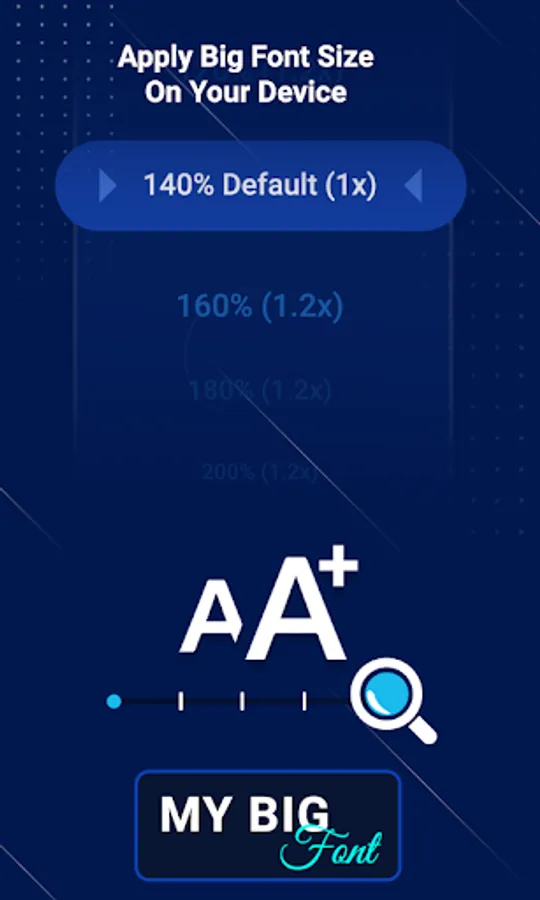
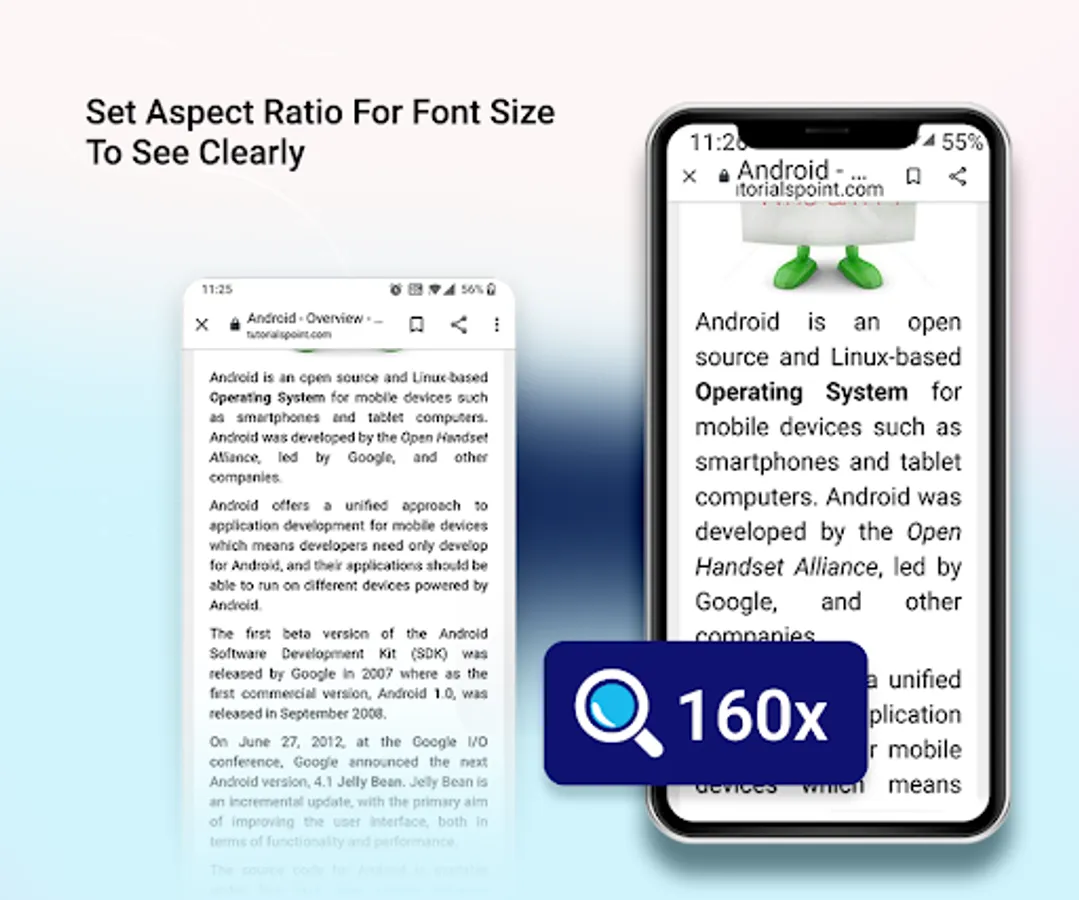
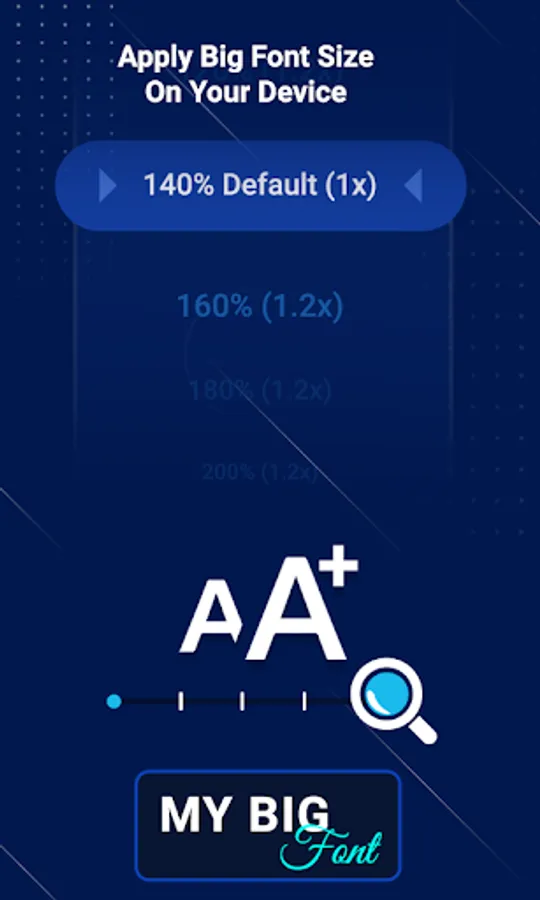
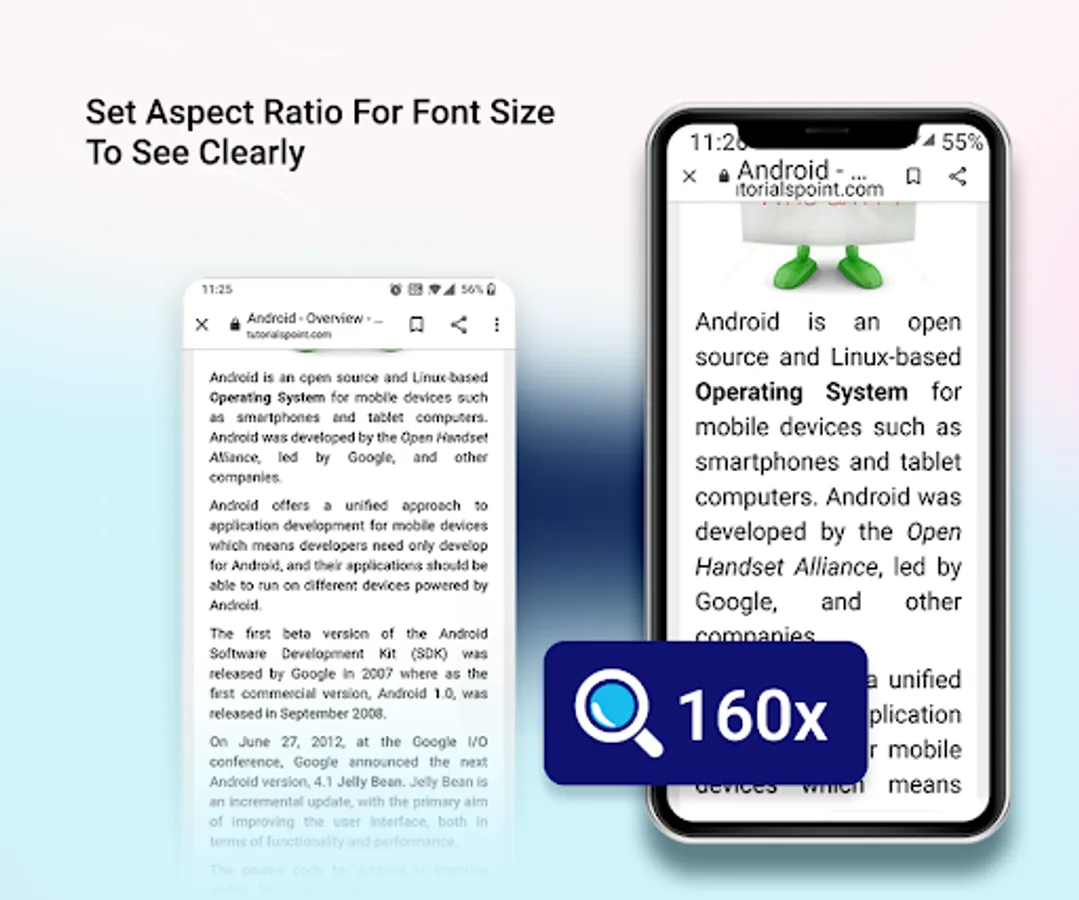
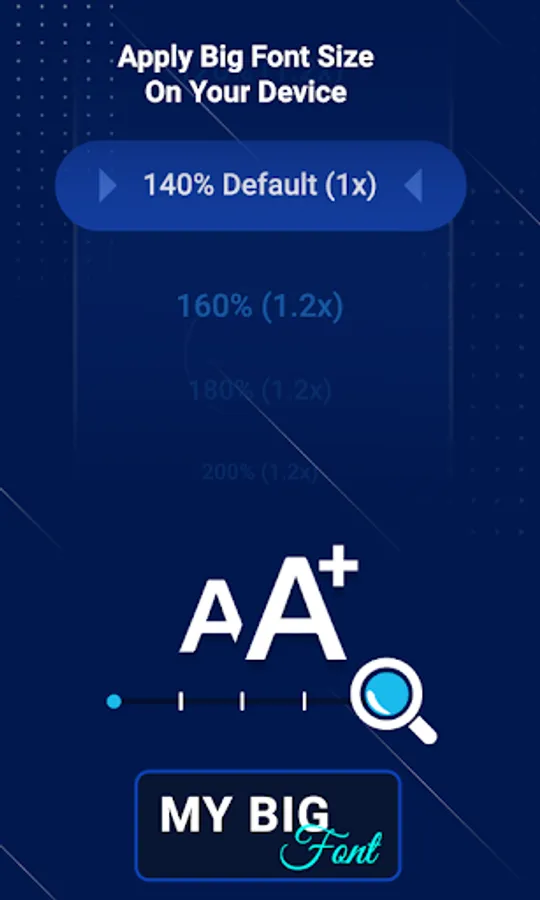
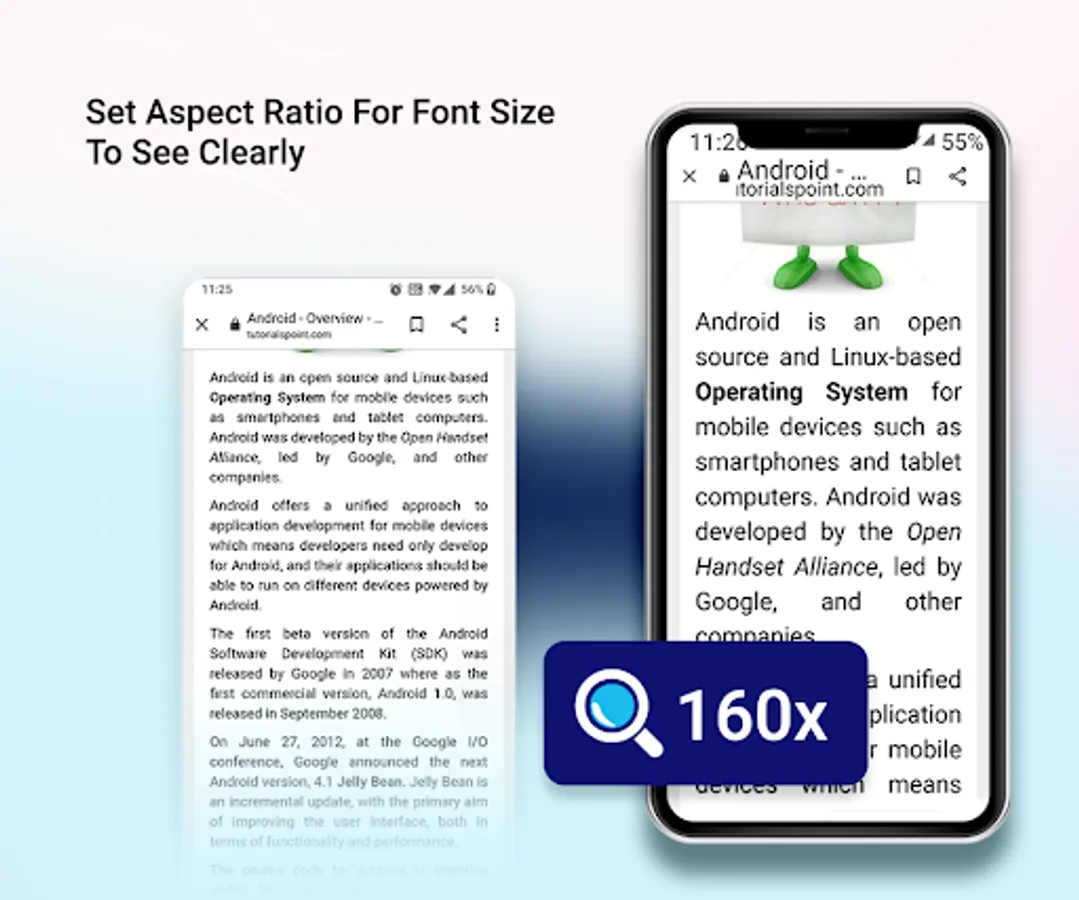
Scale system font size from smaller to bigger.
App Features :
Set Font To Device:
- Choose font size which you want to apply on your device within a second.
- Font history also maintained so you can easily apply same font size in future.
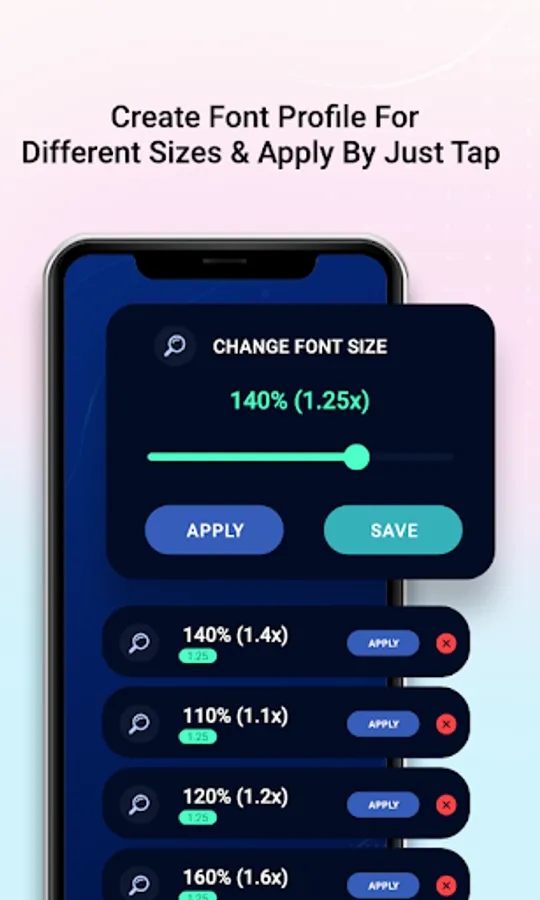
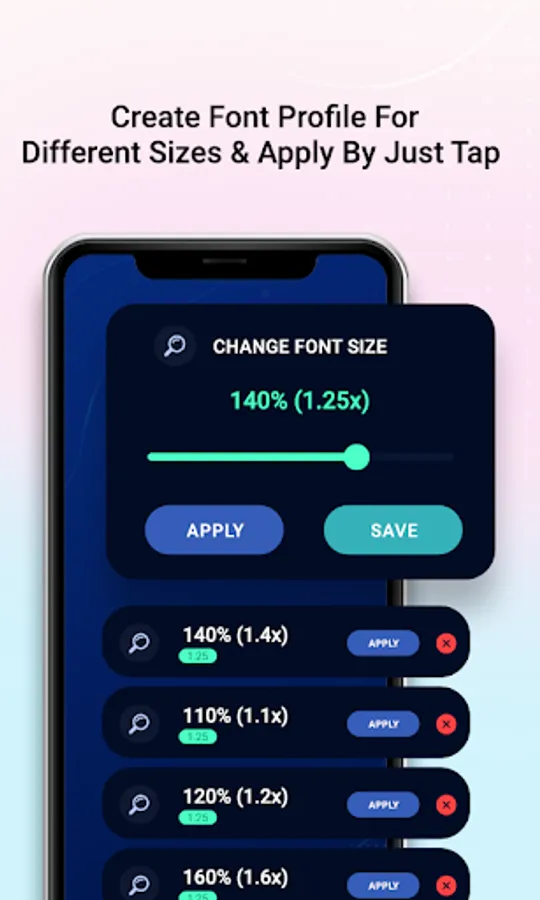
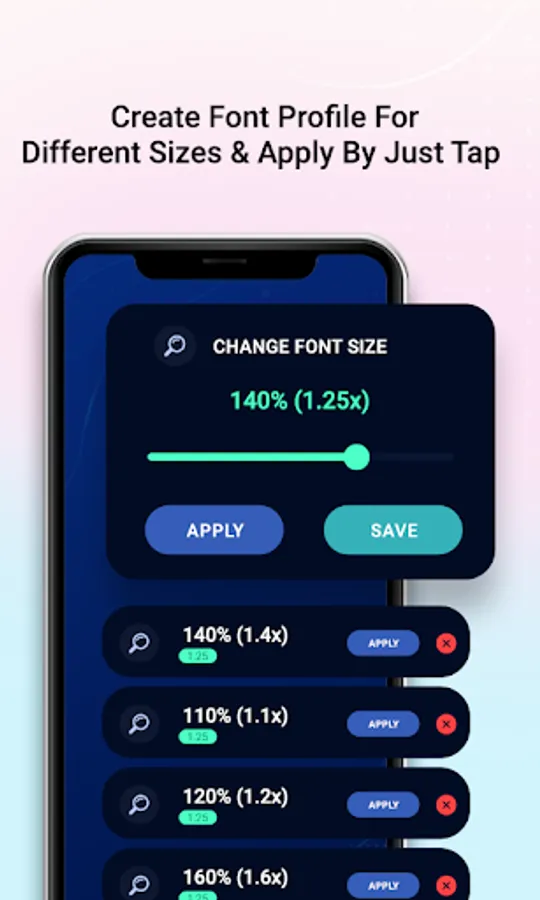
Font Profile:
- You can create multiple font profile.
- Whenever you want to apply font select your created profile and set font from it easily.
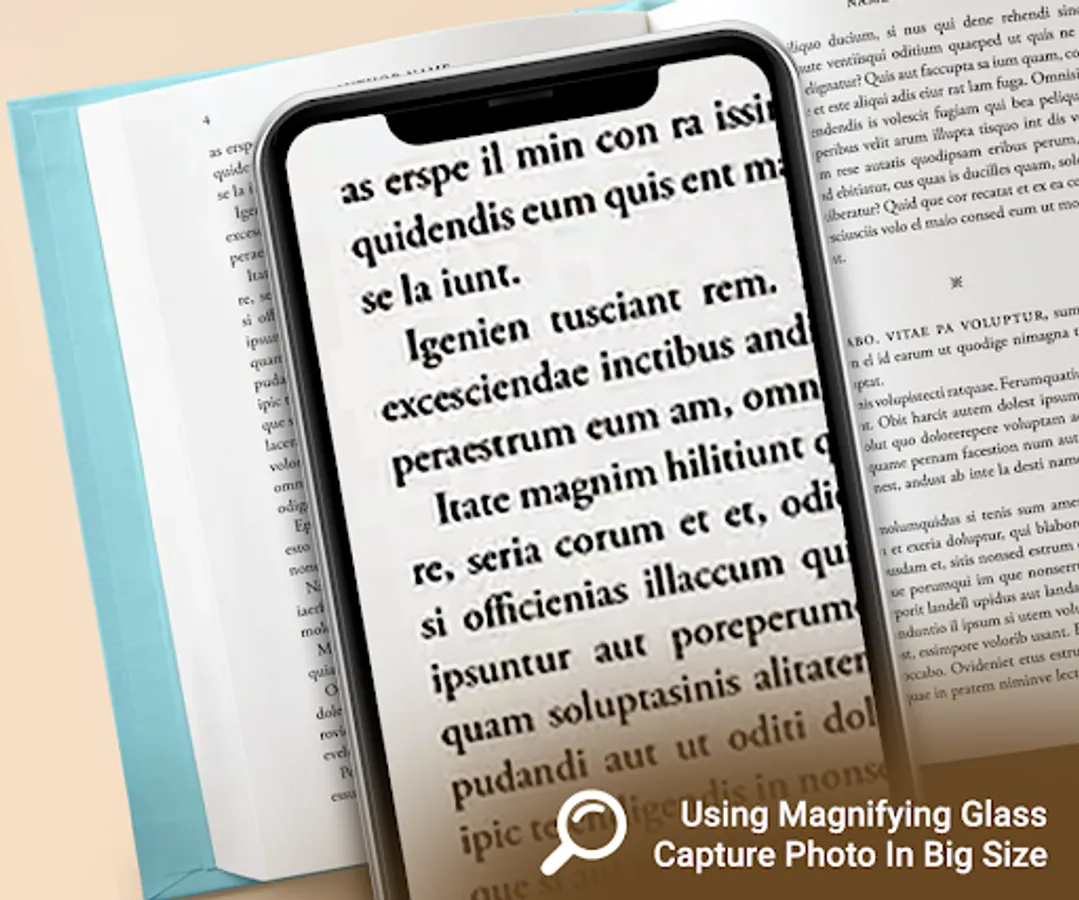
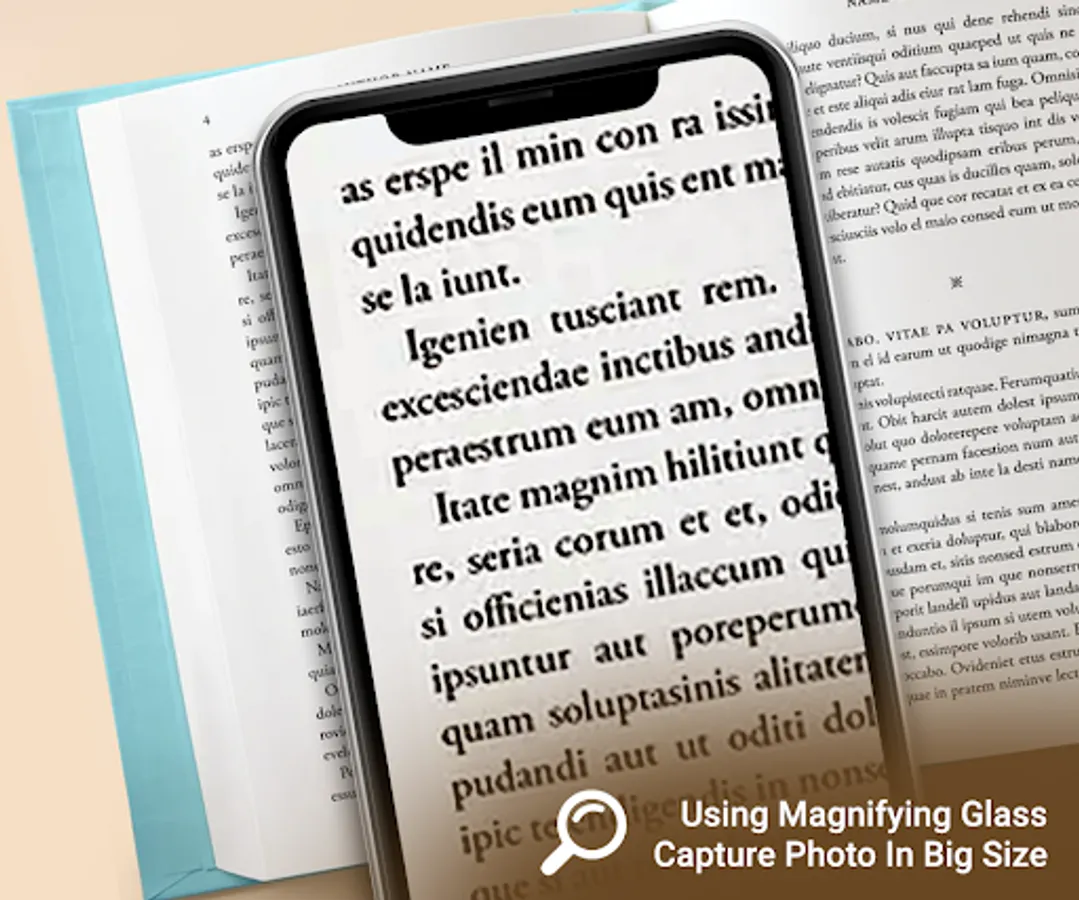
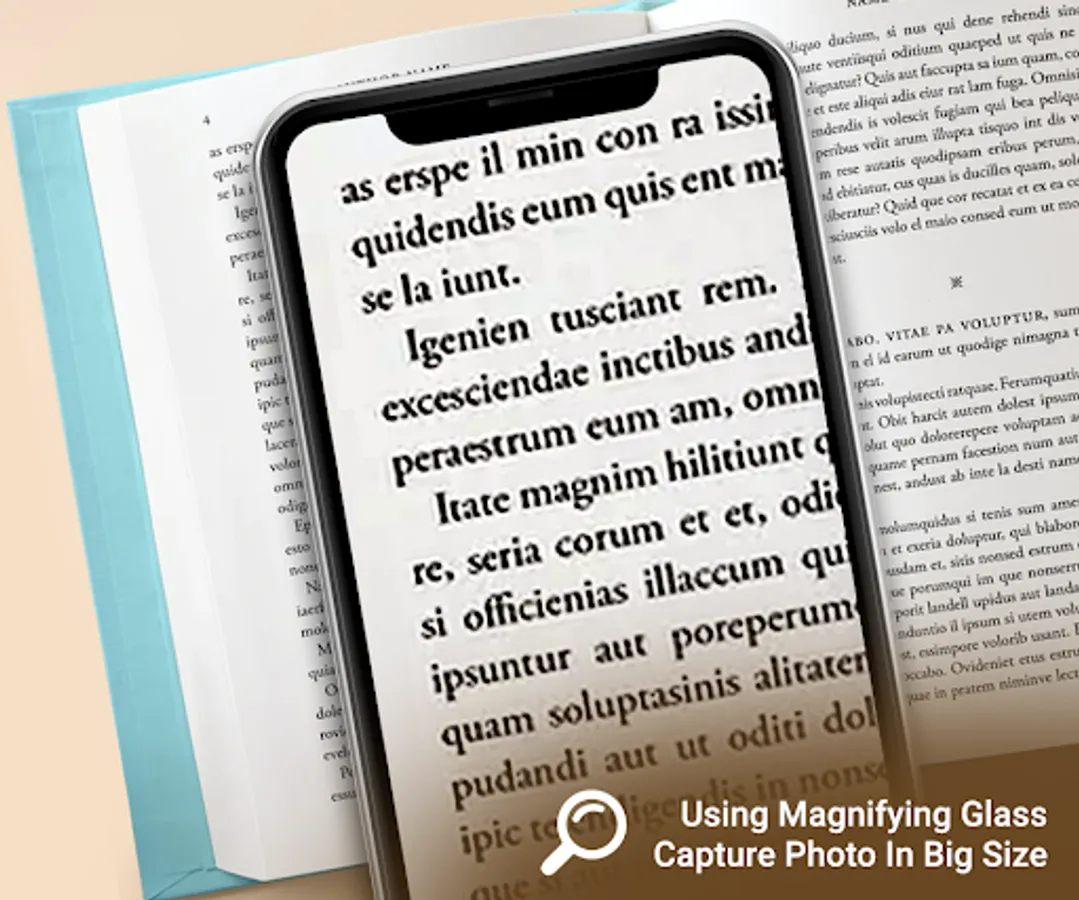
Magnify Glass:
- Capture image from camera and magnify that image with extra zooming functionality.
- you can save magnify image easily.|
- share and delete image easily
Settings :
- Display current font size in the notification bar.
Required Permission :
android.permission.WRITE_SETTINGS : apply font size to on your device
android.permission.CAMERA : capture image from camera and zoom using magnifying glass
App Features :
Set Font To Device:
- Choose font size which you want to apply on your device within a second.
- Font history also maintained so you can easily apply same font size in future.
Font Profile:
- You can create multiple font profile.
- Whenever you want to apply font select your created profile and set font from it easily.
Magnify Glass:
- Capture image from camera and magnify that image with extra zooming functionality.
- you can save magnify image easily.|
- share and delete image easily
Settings :
- Display current font size in the notification bar.
Required Permission :
android.permission.WRITE_SETTINGS : apply font size to on your device
android.permission.CAMERA : capture image from camera and zoom using magnifying glass