
Brightspeed Internet
Connect Holding II LLC, dba Brightspeed
3.8 ★
2K ratings
50,000+
downloads
Free
With this app, you can manage your Brightspeed internet account, view bills, and troubleshoot issues. Includes bill payment, service management, and WiFi controls.
AppRecs review analysis
AppRecs rating 3.8. Trustworthiness 0 out of 100. Review manipulation risk 0 out of 100. Based on a review sample analyzed.
★★★☆☆
3.8
AppRecs Rating
Ratings breakdown
5 star
51%
4 star
18%
3 star
7%
2 star
7%
1 star
17%
What to know
✓
Good user ratings
70% positive sampled reviews
✓
Authentic reviews
Natural distribution, no red flags
About Brightspeed Internet
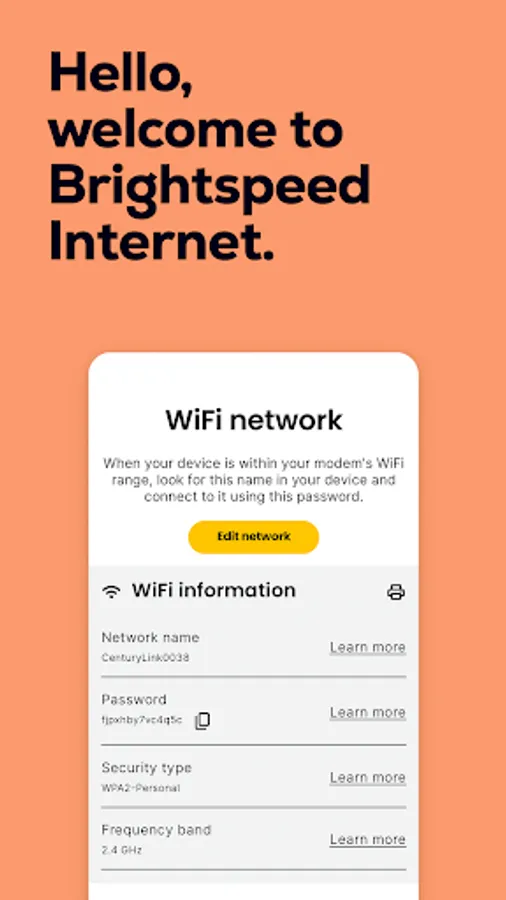
For former CenturyLink internet customers and new Brightspeed internet customers: Meet the Brightspeed Internet app—everything you need to manage your Brightspeed account from virtually anywhere. All you need is the username and password associated with your account to get started.
Check out these great features:
• Connect your new service quickly with modem self-install.
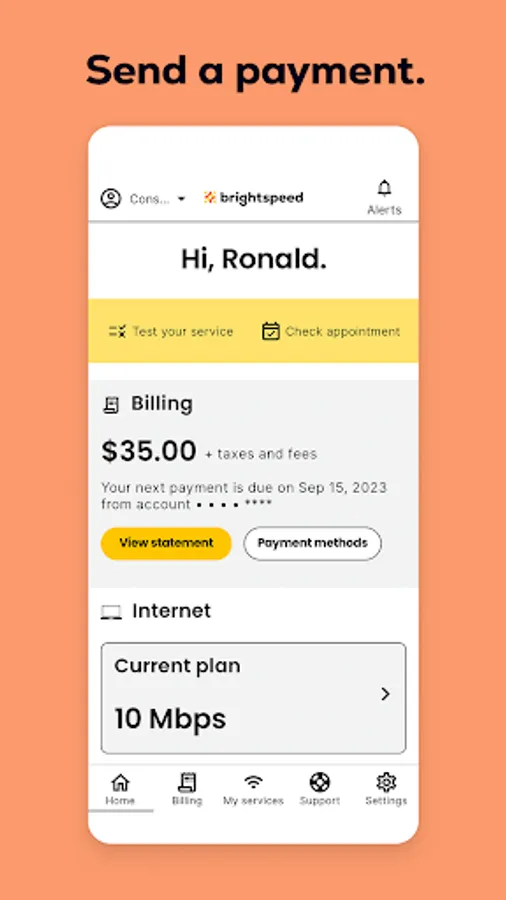
• View and manage your bill payment with convenience and ease.
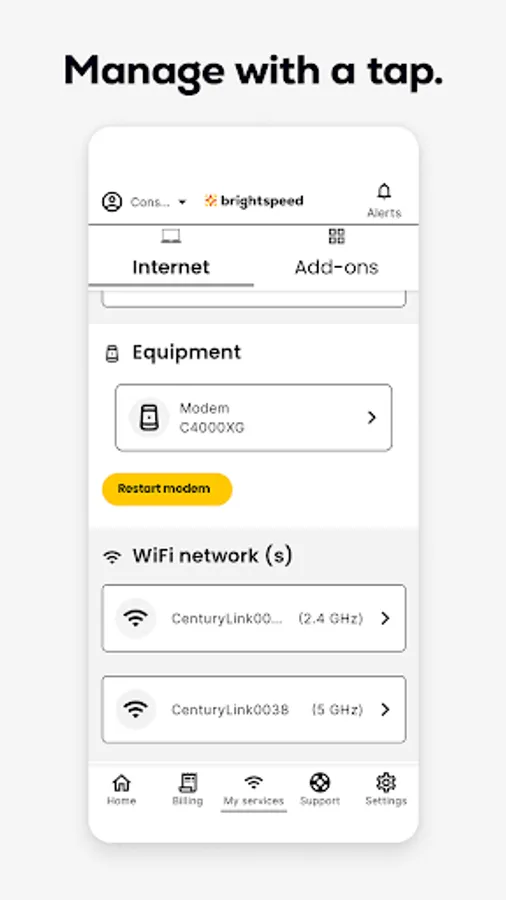
• Check your services and upgrade your Internet speed (where available).
• Manage your settings.
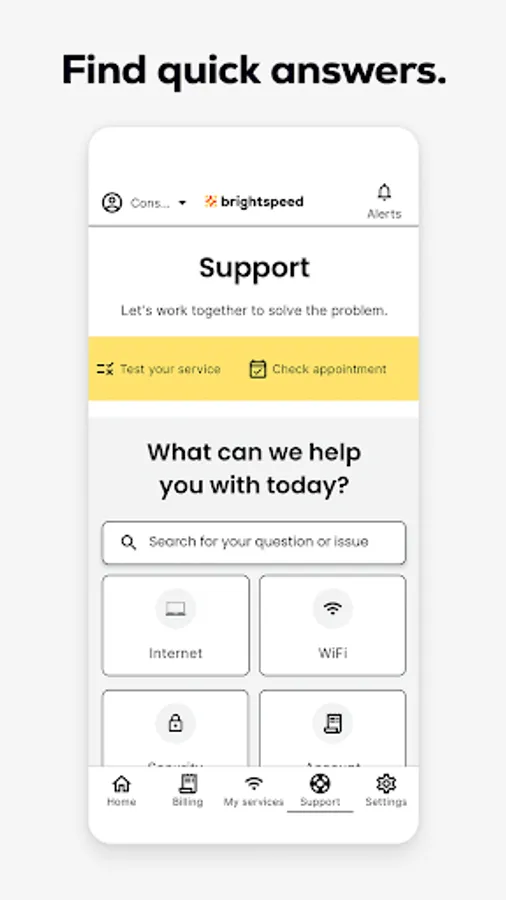
• Troubleshoot or optimize your service through self-help tools and videos.
• Get personalized alerts, see the status of your order, find out if there is an interruption to your internet service.
• Plus, so much more.
Do more with Secure WiFi features (available on compatible Brightspeed modems):
• Set parental controls to guard against inappropriate web content.
• Pause and resume internet access of devices on our WiFi.
• Schedule online and offline times for devices and users.
Check out these great features:
• Connect your new service quickly with modem self-install.
• View and manage your bill payment with convenience and ease.
• Check your services and upgrade your Internet speed (where available).
• Manage your settings.
• Troubleshoot or optimize your service through self-help tools and videos.
• Get personalized alerts, see the status of your order, find out if there is an interruption to your internet service.
• Plus, so much more.
Do more with Secure WiFi features (available on compatible Brightspeed modems):
• Set parental controls to guard against inappropriate web content.
• Pause and resume internet access of devices on our WiFi.
• Schedule online and offline times for devices and users.
Brightspeed Internet Screenshots
Tap to Rate: